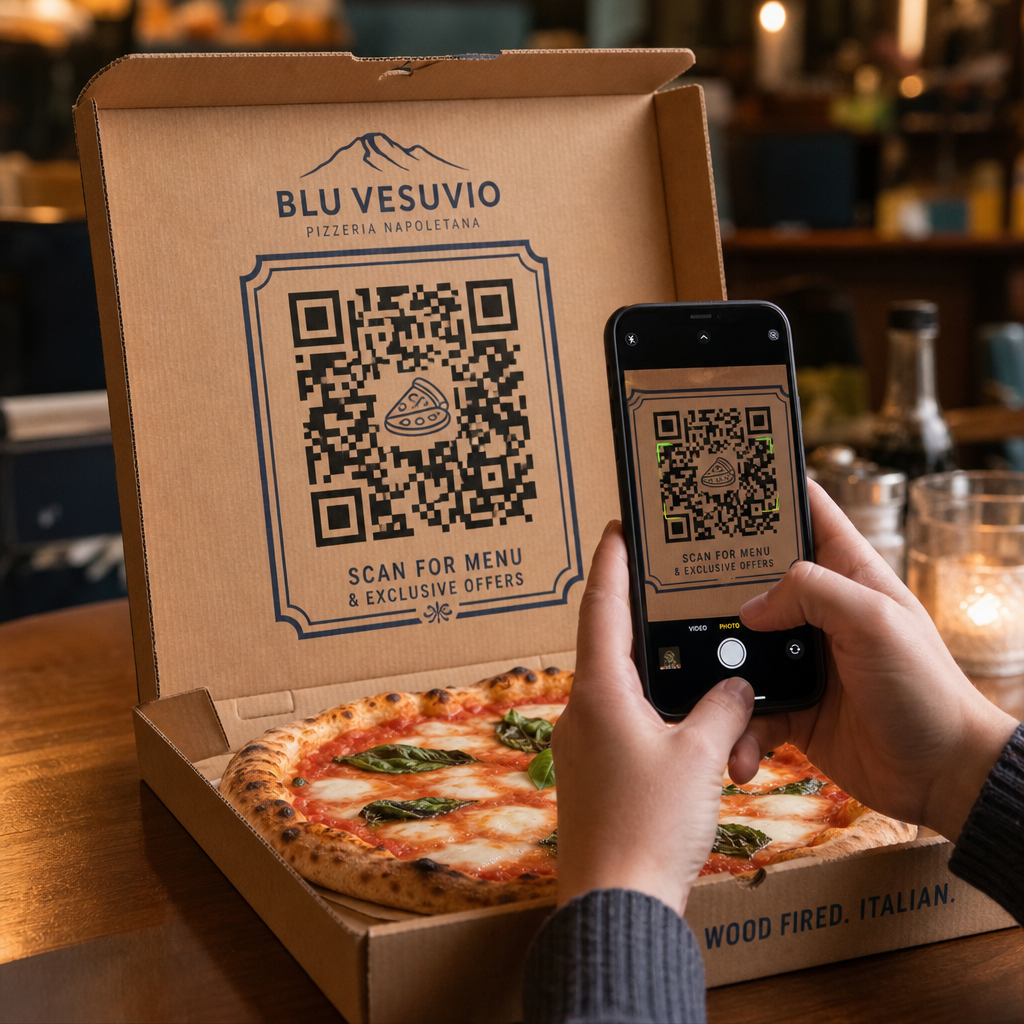

How do you turn a standard pizza box into a reliable source of repeat orders? Most takeout packaging gets thrown away without driving future sales or engaging customers beyond the meal. Printing strategic QR codes directly on your pizza packaging creates an interactive touchpoint that drives direct orders, feedback, and customer retention.
Why Pizza Packaging Is Prime Real Estate for QR Codes
When customers receive a fresh pizza, your box sits directly in front of them for 15 to 30 minutes. This provides a dedicated window of customer attention during an enjoyable experience. Traditional box printing relies on static phone numbers or plain logos, but adding a scannable barcode transforms passive cardboard into an active digital sales channel.
Using packaging to direct customers to digital channels addresses a critical industry challenge: high commission fees from third-party delivery services. Encouraging customers to scan a box code for their next order allows pizzerias to convert third-party buyers into direct, profitable customers. Implementing smart tools tailored to restaurant QR code marketing gives local pizzerias full control over customer relationships and order margins.
Strategic Ways to Use QR Codes on Pizza Boxes
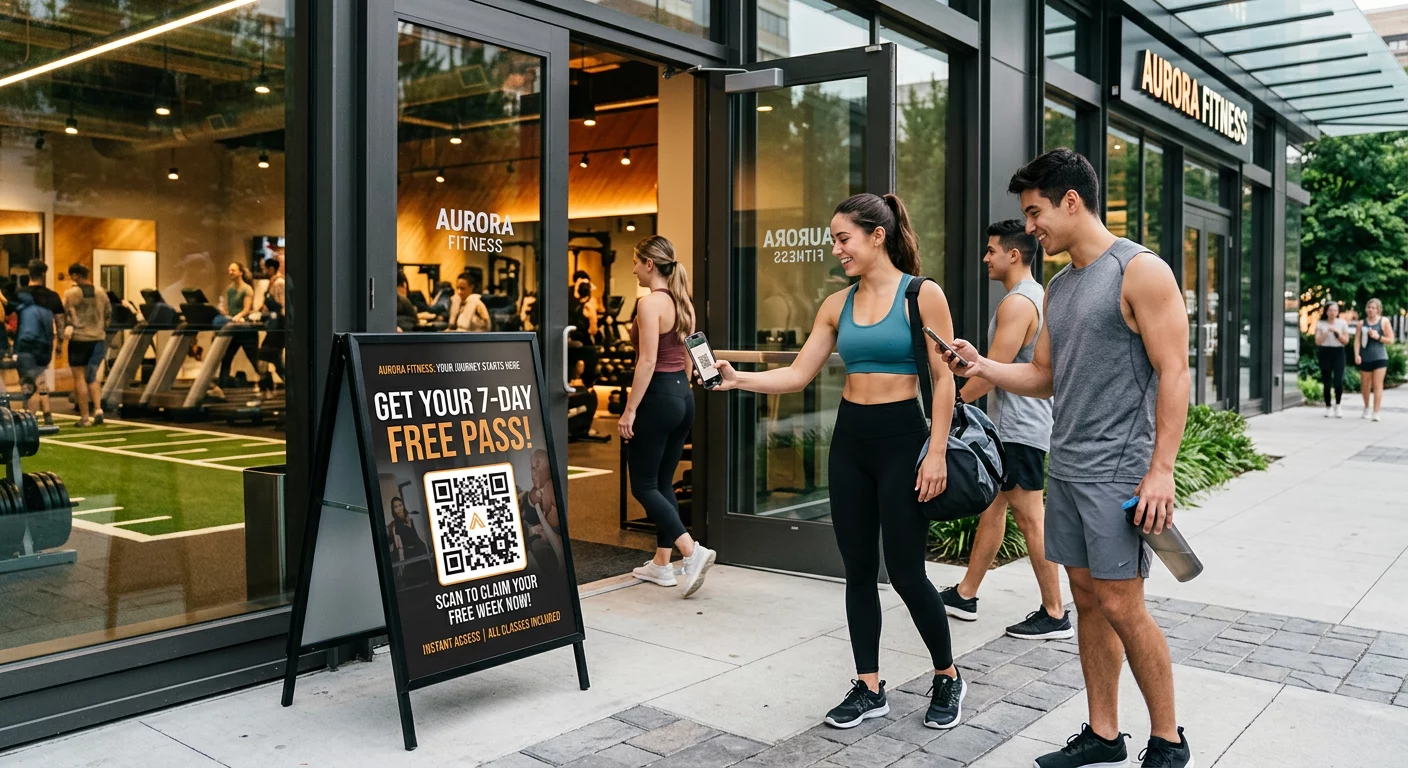
A QR code on a pizza box must offer clear value to convince a hungry customer to scan it. Deploying targeted promotional campaigns on your packaging helps achieve specific business goals:
- Drive direct online reorders: Direct customers away from third-party delivery apps by offering exclusive meal deals when they order through your primary website. Using a dedicated menu QR code generator allows you to link directly to a mobile-friendly online menu.
- Deliver targeted discounts and bounce-back offers: Include a call to action such as “Scan for $5 off your next order” to encourage repeat visits. Linking the code to a flexible coupon QR code generator presents clean discount vouchers that incentivize future purchases.
- Gather authentic Google reviews: Satisfied diners are most likely to leave positive feedback right after a great meal. Linking your code via a Google review QR code generator routes customers straight to your review page with a single scan.
- Promote social media contests and giveaways: Encourage guests to post photos of their meal with a custom hashtag for a chance to win a free pizza. A multi-link landing page built with a link QR code generator guides users to your social profiles, review forms, or loyalty program registration.
Boost Direct Pizza Orders Today Want to turn takeout packaging into repeatable online sales? Use the Menu QR Code Generator to build a fast, mobile-ready ordering experience for your pizzeria.
Technical Standards for Printing on Corrugated Packaging
Corrugated cardboard presents distinct print challenges, including high ink absorption, coarse texture, and surface variations. Following standard technical printing guidelines ensures your box codes remain easy to scan:
Contrast and Color Choices
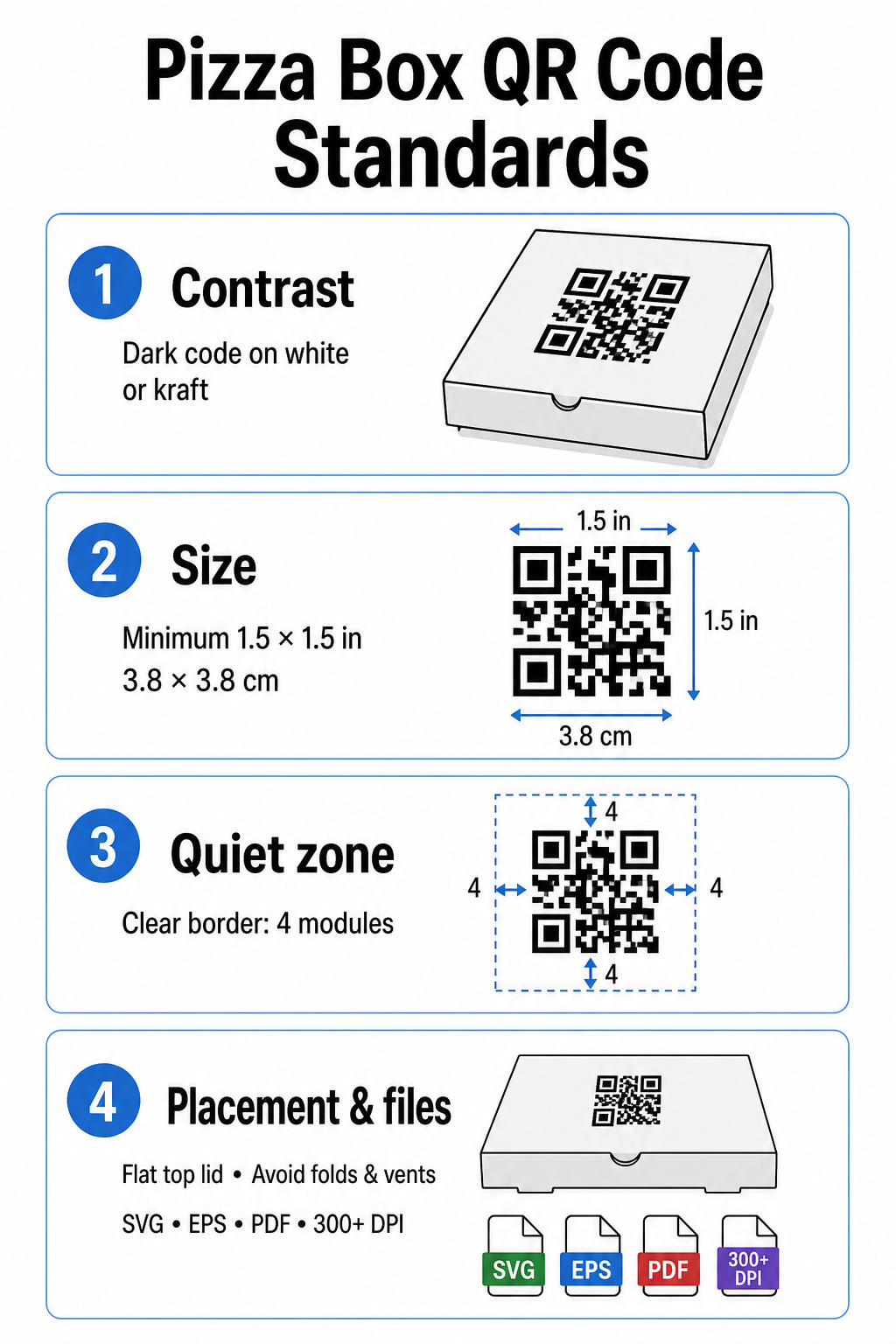
Scanners require high contrast to distinguish dark modules from light spaces. Always print dark modules on a light background, such as solid black ink on standard white or kraft cardboard. Avoid light-on-dark inversions, reflective metallic inks, or low-contrast combinations like red on brown kraft paper. Detailed requirements for ink and substrates can be reviewed in our analysis of how printing techniques impact scannability.
Code Sizing and Quiet Zone
Cardboard textures require larger codes than smooth paper surfaces. Print your pizza box QR code at a minimum size of 1.5 x 1.5 inches (3.8 x 3.8 cm). Maintain a clear border surrounding the code – known as the quiet zone – that is at least four modules wide on all sides. Keep all text, graphics, and box trim lines entirely outside this boundary.
Placement and Box Geometry
Position the code on a flat surface, ideally near the center of the top lid where eyes naturally look before opening the box. Avoid placing codes over box folds, scores, steam vents, or areas covered by tape or security stickers. Additional positioning ideas are outlined in our overview of QR code placement in marketing.
Resolution and Artwork File Types
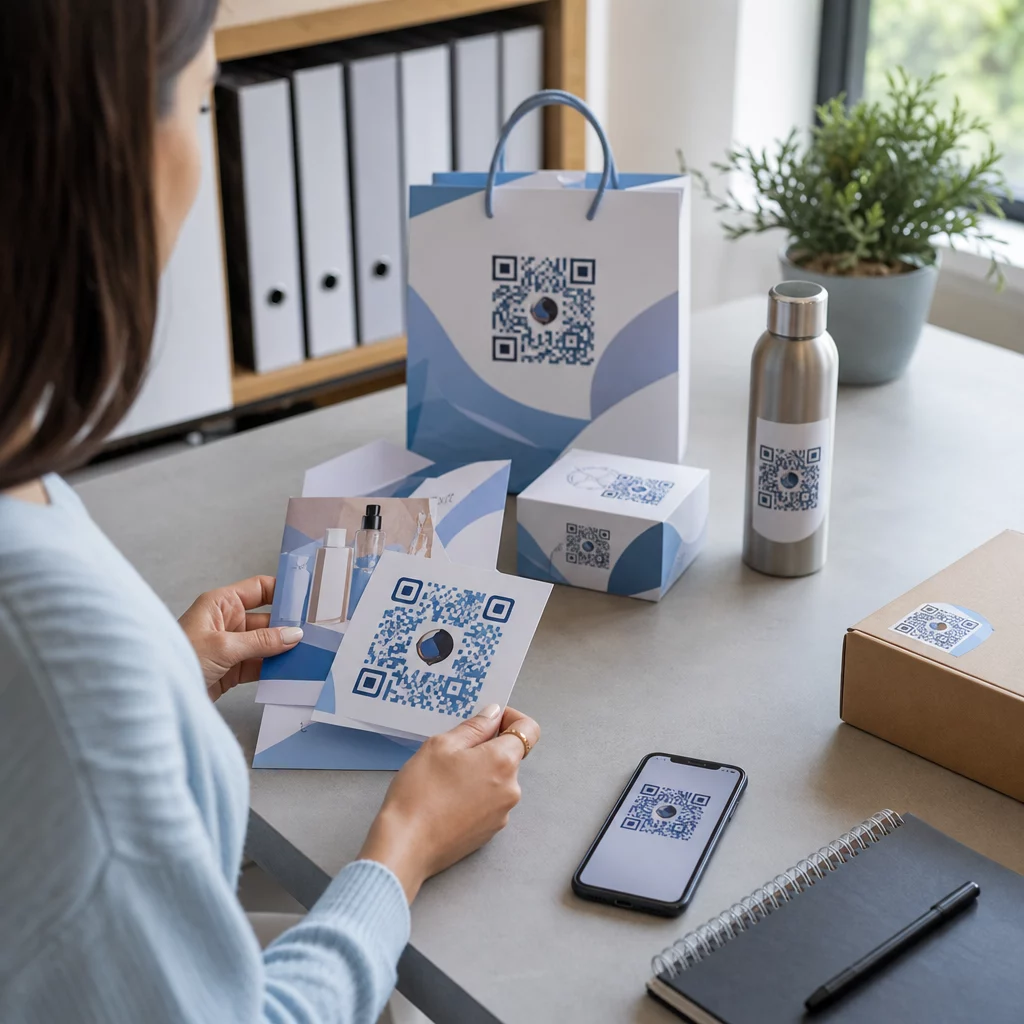
Export artwork as scalable vector files (.SVG, .EPS, or print-ready .PDF) rather than raster images (.JPG or .PNG). Printing artwork at a resolution of 300 DPI or higher prevents blurred edges when ink absorbs into un-coated corrugated fibers. For broader packaging best practices, explore our guides on QR codes on product packaging and QR codes on food packaging.
Maximizing Results with Dynamic QR Codes
Printing thousands of custom pizza boxes requires a significant financial investment. Using static QR codes creates operational risk if a destination link changes, an offer expires, or a menu updates.
Dynamic QR codes solve this issue by decoupling the printed pattern from the destination link. You can update the underlying target URL in your platform dashboard at any time without reprinting packaging inventory. This allows you to run seasonal specials, swap out campaign landing pages, or update online ordering links while using the exact same box inventory.
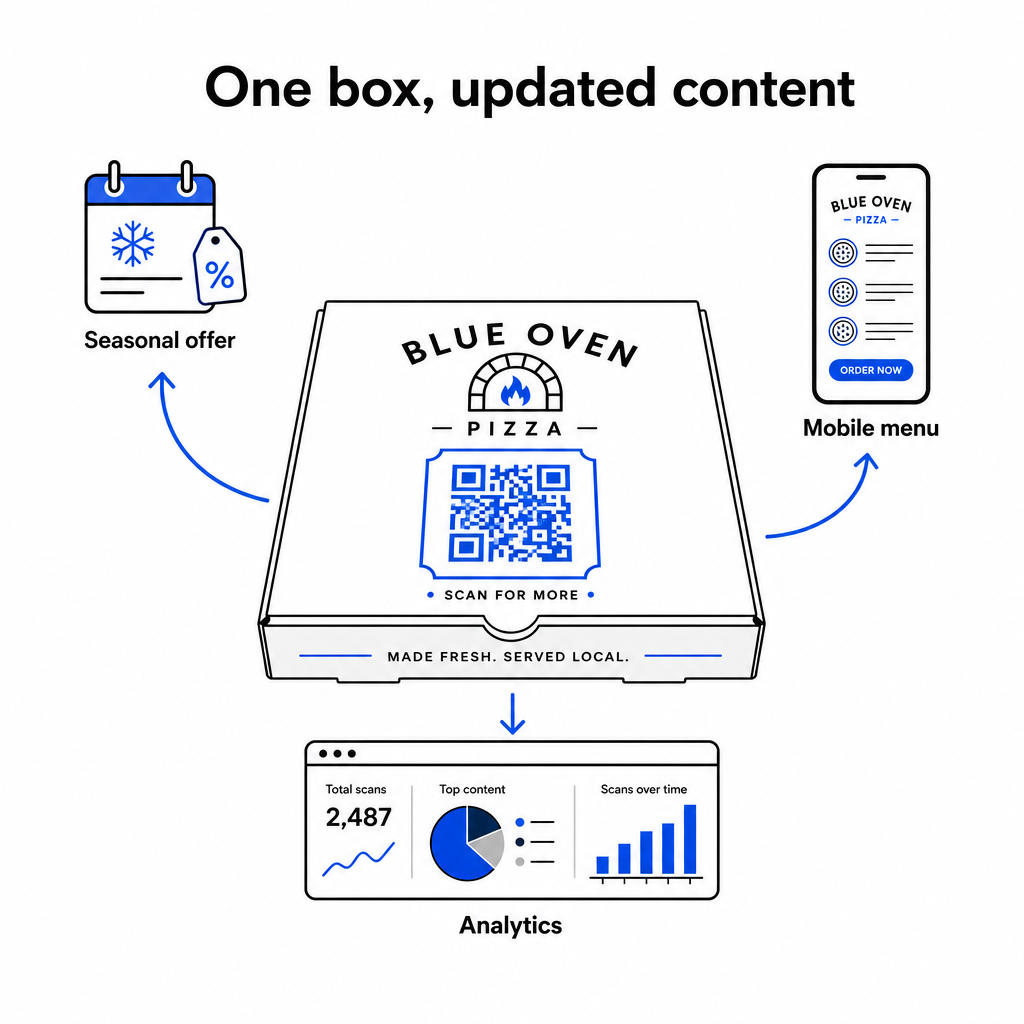
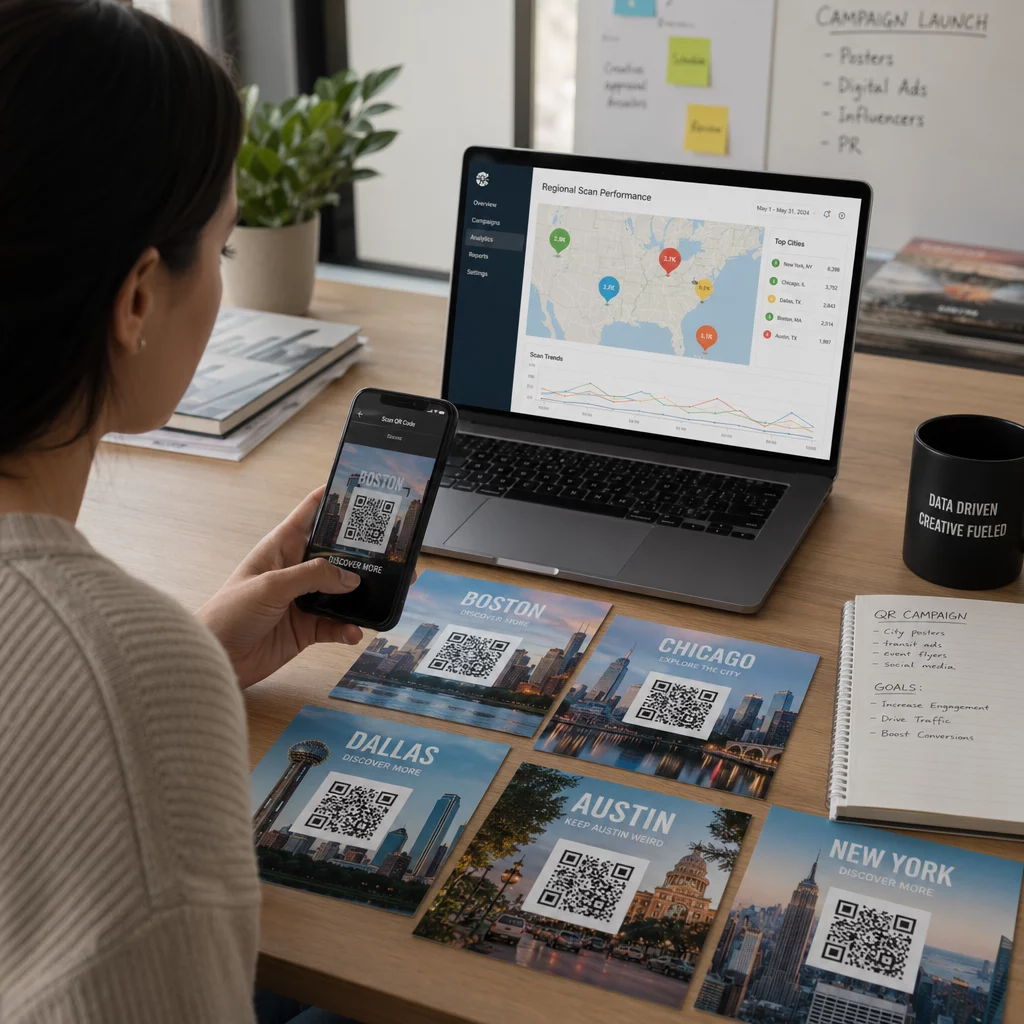
Dynamic codes also offer comprehensive performance measurement. By utilizing software for tracking QR codes, you can monitor total scan volume, scan timing, customer device types, and geographic scan locations to evaluate campaign performance over time.
When using QR codes to collect contact details, build email lists, or enroll customers in text message marketing programs, ensure your landing pages provide explicit consent disclosures that comply with relevant privacy regulations and telecommunications guidelines.
Practical Steps to Launch Your Pizza Box Campaign
Using pizza boxes as an active marketing channel connects offline dining with digital customer retention. Follow these practical steps to implement your campaign effectively:
- Define a clear campaign objective, such as increasing direct reorders or boosting online reviews.
- Generate a dynamic QR code paired with an explicit call to action (e.g., “Scan to Get $5 Off Your Next Direct Order”).
- Format the artwork to at least 1.5 inches square with high contrast and a four-module quiet zone.
- Test printed samples using multiple smartphone models under varied lighting conditions before starting mass box production.
Start creating branded, trackable codes today with Pageloot tools to transform your pizza packaging into a growth driver for your restaurant.
Frequently Asked Questions
The top lid panel is ideal because it remains fully visible to customers before and while opening the box.
Print the code at a minimum of 1.5 x 1.5 inches (3.8 x 3.8 cm) to compensate for the rough texture and ink absorption of corrugated cardboard.
Yes, using dynamic QR codes allows you to edit the destination link inside your management dashboard without reprinting your physical packaging.