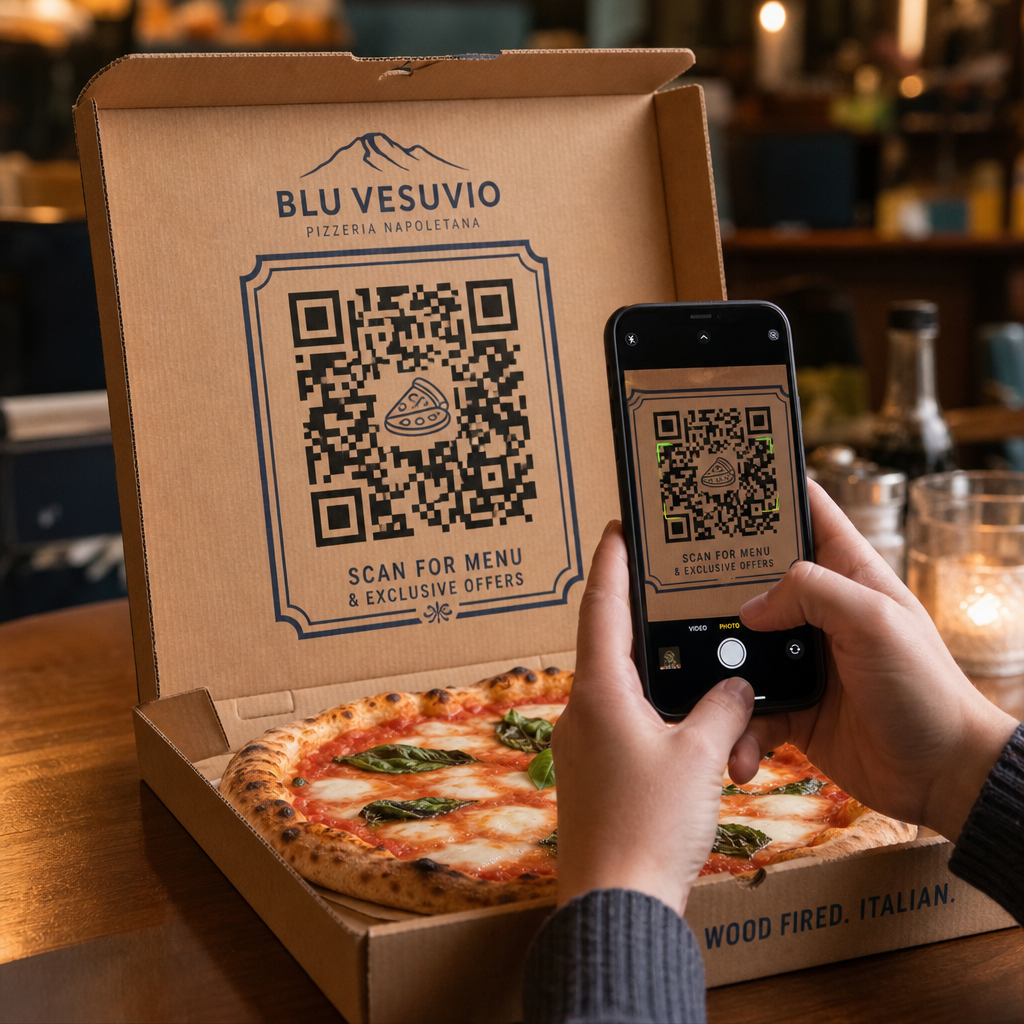

Hoe verander je een standaard pizzadoos in een betrouwbare bron van herhaalbestellingen? De meeste afhaalverpakkingen worden weggegooid zonder toekomstige verkopen te stimuleren of klanten na de maaltijd te betrekken. Door strategische QR-codes rechtstreeks op je pizzaverpakking te printen, creëer je een interactief contactpunt dat directe bestellingen, feedback en klantenbinding stimuleert.
Waarom pizzaverpakkingen uitstekend geschikt zijn voor QR-codes
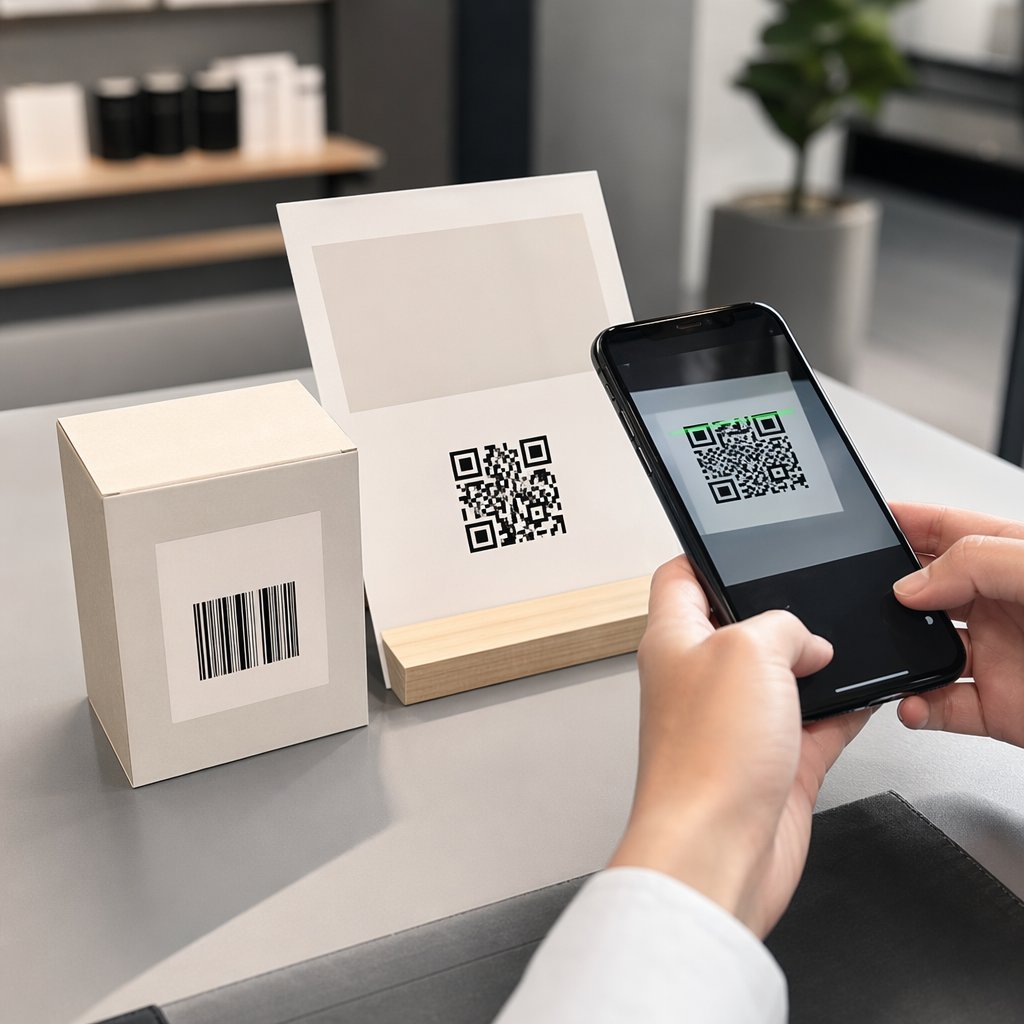
Wanneer klanten een verse pizza ontvangen, staat je doos 15 tot 30 minuten direct voor hen. Dit biedt een toegewijde periode van klantenaandacht tijdens een plezierige ervaring. Traditionele doosbedrukking is afhankelijk van statische telefoonnummers of eenvoudige logo's, maar het toevoegen van een scanbare streepjescode transformeert passief karton in een actief digitaal verkoopkanaal.
Het gebruik van verpakkingen om klanten naar digitale kanalen te leiden, pakt een cruciale uitdaging in de branche aan: hoge commissiekosten van externe bezorgdiensten. Door klanten aan te moedigen een code op de doos te scannen voor hun volgende bestelling, kunnen pizzeria's klanten die via derden bestellen omzetten in directe, winstgevende klanten. Het implementeren van slimme tools op maat gemaakt voor QR-code marketing voor restaurants geeft lokale pizzeria's volledige controle over klantrelaties en bestelmarges.
Strategische manieren om QR-codes op pizzadozen te gebruiken
Een QR-code op een pizzadoos moet duidelijke waarde bieden om een hongerige klant te overtuigen deze te scannen. Het inzetten van gerichte promotiecampagnes op je verpakking helpt specifieke bedrijfsdoelstellingen te bereiken:
- Stimuleer directe online herhaalbestellingen: Leid klanten weg van bezorgapps van derden door exclusieve maaltijdaanbiedingen te bieden wanneer ze bestellen via je primaire website. Door een speciale QR-code menukaart maken stelt je in staat om direct te linken naar een mobielvriendelijk online menu.
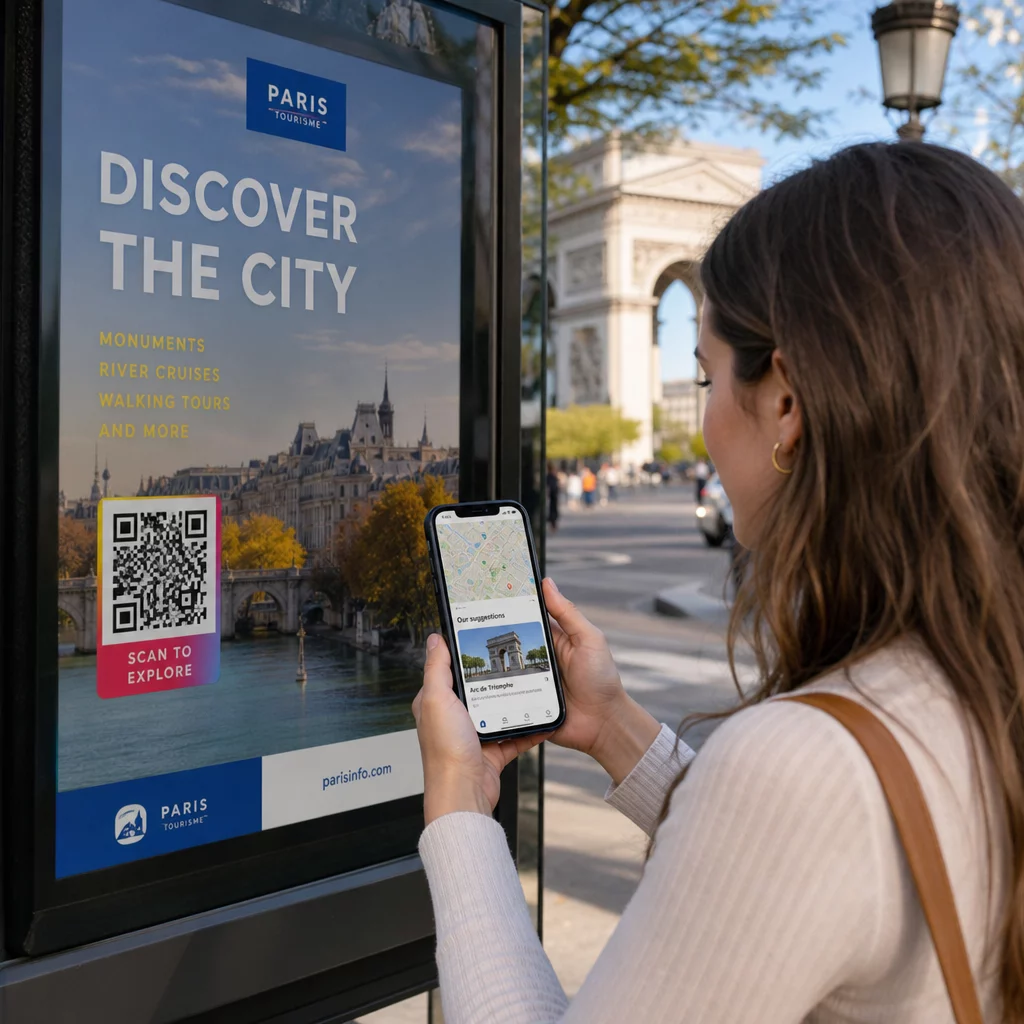
- Bied gerichte kortingen en terugkeeraanbiedingen: Voeg een call-to-action toe zoals “Scan voor €5 korting op je volgende bestelling” om herhaalbezoeken aan te moedigen. Het koppelen van de code aan een flexibele QR code maken voor coupons presenteert overzichtelijke kortingsvouchers die toekomstige aankopen stimuleren.
- Verzamel authentieke Google recensies: Tevreden gasten laten waarschijnlijk direct na een heerlijke maaltijd positieve feedback achter. Je code koppelen via een Google review QR code maken leidt klanten met één scan direct naar je beoordelingspagina.
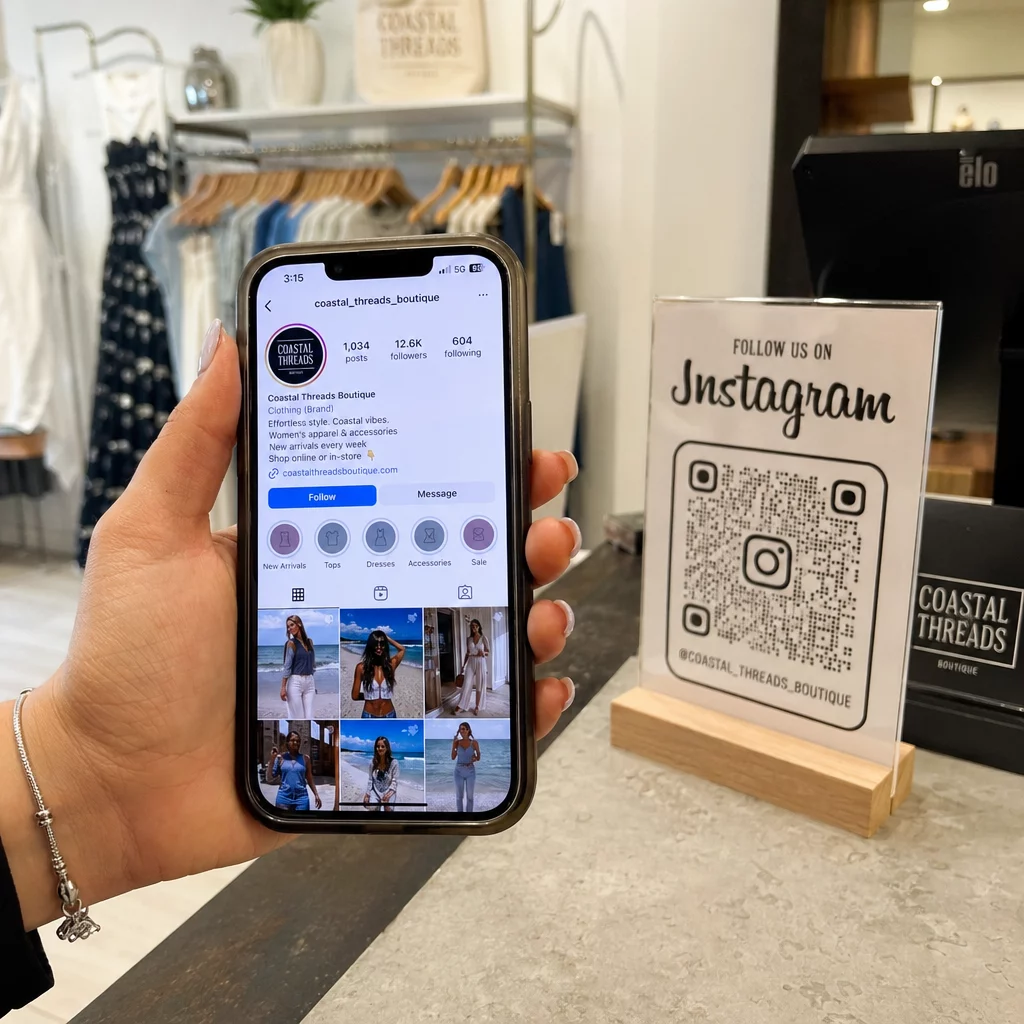
- Promoot social media wedstrijden en weggeefacties: Moedig gasten aan om foto's van hun maaltijd te plaatsen met een aangepaste hashtag voor een kans om een gratis pizza te winnen. Een multi-link landingspagina gebouwd met een link QR-codegenerator leidt gebruikers naar je social media profielen, beoordelingsformulieren of registratie voor het loyaliteitsprogramma.
Verhoog Directe Pizza Bestellingen Vandaag Nog Wil je afhaalverpakkingen omzetten in herhaalbare online verkopen? Gebruik de QR-code menukaart maken om een snelle, mobielvriendelijke bestelervaring voor je pizzeria te creëren.
Technische normen voor afdrukken op golfkartonverpakkingen
Golfkarton stelt specifieke printuitdagingen, waaronder hoge inktabsorptie, grove textuur en oppervlaktevariaties. Het volgen van standaard technische printrichtlijnen zorgt ervoor dat je dooscodes gemakkelijk scanbaar blijven:
Contrast- en kleurkeuzes
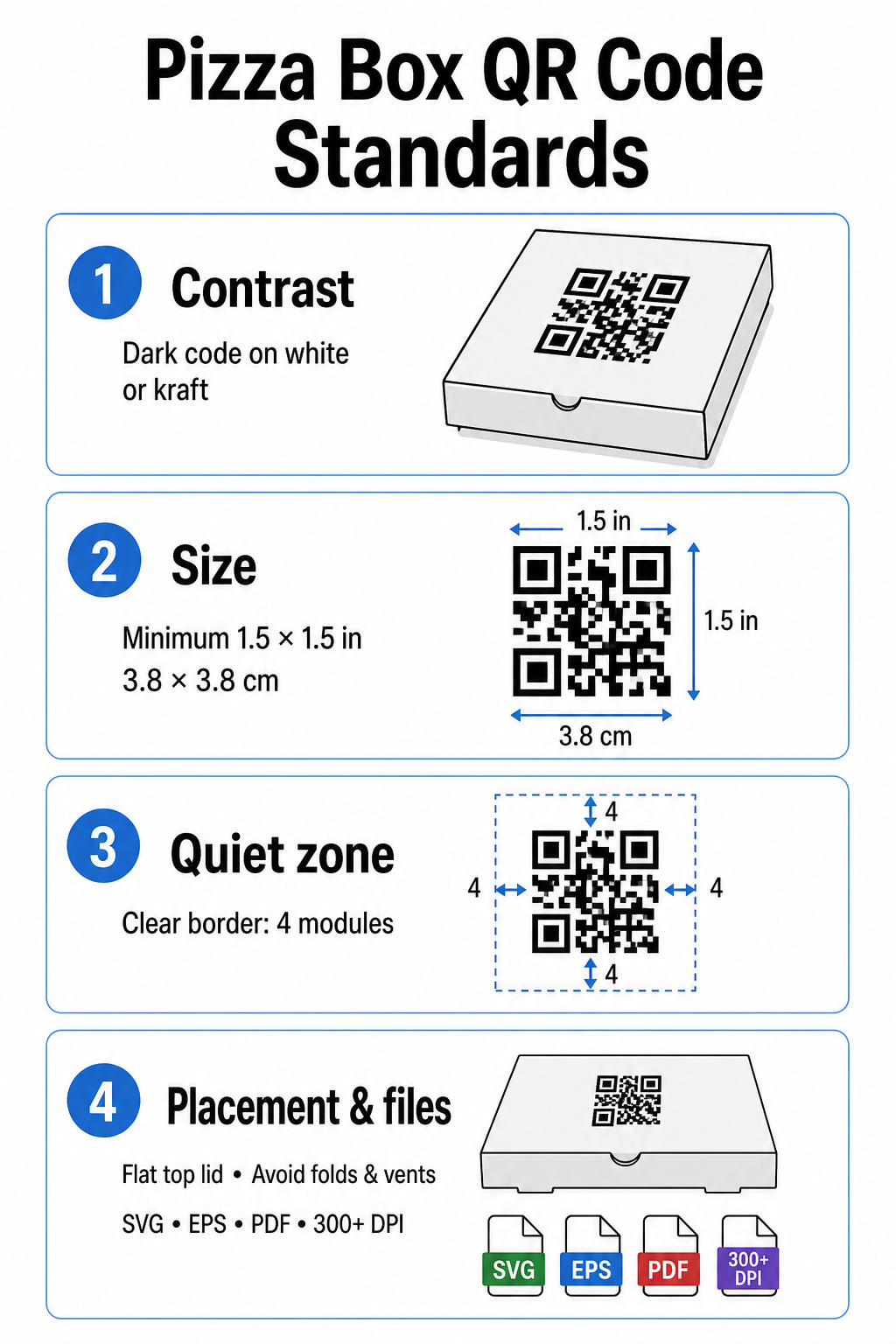
Scanners vereisen een hoog contrast om donkere modules van lichte ruimtes te onderscheiden. Print donkere modules altijd op een lichte achtergrond, zoals effen zwarte inkt op standaard wit of kraftkarton. Vermijd licht-op-donker inversies, reflecterende metallic inkten of laag-contrast combinaties zoals rood op bruin kraftpapier. Gedetailleerde vereisten voor inkt en substraten kunnen worden bekeken in onze analyse van hoe printtechnieken de scanbaarheid beïnvloeden.
Codeformaat en rustzone
Kartonnen texturen vereisen grotere codes dan gladde papieroppervlakken. Print je pizzadoos QR-code met een minimale grootte van 1,5 x 1,5 inch (3,8 x 3,8 cm). Houd een duidelijke rand rond de code – bekend als de rustzone – aan die aan alle zijden minstens vier modules breed is. Houd alle tekst, afbeeldingen en snijlijnen van de doos volledig buiten deze grens.
Plaatsing en doosgeometrie
Plaats de code op een vlakke ondergrond, idealiter dicht bij het midden van de bovenklep waar ogen van nature kijken voordat de doos wordt geopend. Vermijd het plaatsen van codes over vouwen van de doos, inkepingen, stoomopeningen of gebieden die zijn bedekt met tape of veiligheidsstickers. Aanvullende positioneringsideeën staan beschreven in ons overzicht van plaatsing van QR-codes in marketing.
Resolutie en bestandstypen voor artwork
Exporteer artwork als schaalbare vectorbestanden (.SVG, .EPS of printklaar .PDF) in plaats van rasterafbeeldingen (.JPG of .PNG). Het afdrukken van artwork met een resolutie van 300 DPI of hoger voorkomt vage randen wanneer inkt wordt geabsorbeerd door onbehandelde golfkartonvezels. Voor bredere best practices op het gebied van verpakkingen, raadpleeg onze handleidingen over QR-codes op productverpakkingen en QR-codes op voedselverpakkingen.
Maximale resultaten behalen met dynamische QR-codes
Het afdrukken van duizenden pizzadozen op maat vereist een aanzienlijke financiële investering. Het gebruik van statische QR-codes creëert operationele risico's als een bestemmingslink verandert, een aanbieding verloopt of een menu wordt bijgewerkt.
Dynamische QR-codes lossen dit probleem op door het afgedrukte patroon los te koppelen van de bestemmingslink. U kunt de onderliggende doel-URL op elk moment bijwerken in uw platformdashboard zonder de verpakkingsvoorraad opnieuw af te drukken. Hierdoor kunt u seizoensaanbiedingen uitvoeren, landingspagina's voor campagnes wisselen of online bestellinks bijwerken terwijl u exact dezelfde doosvoorraad gebruikt.
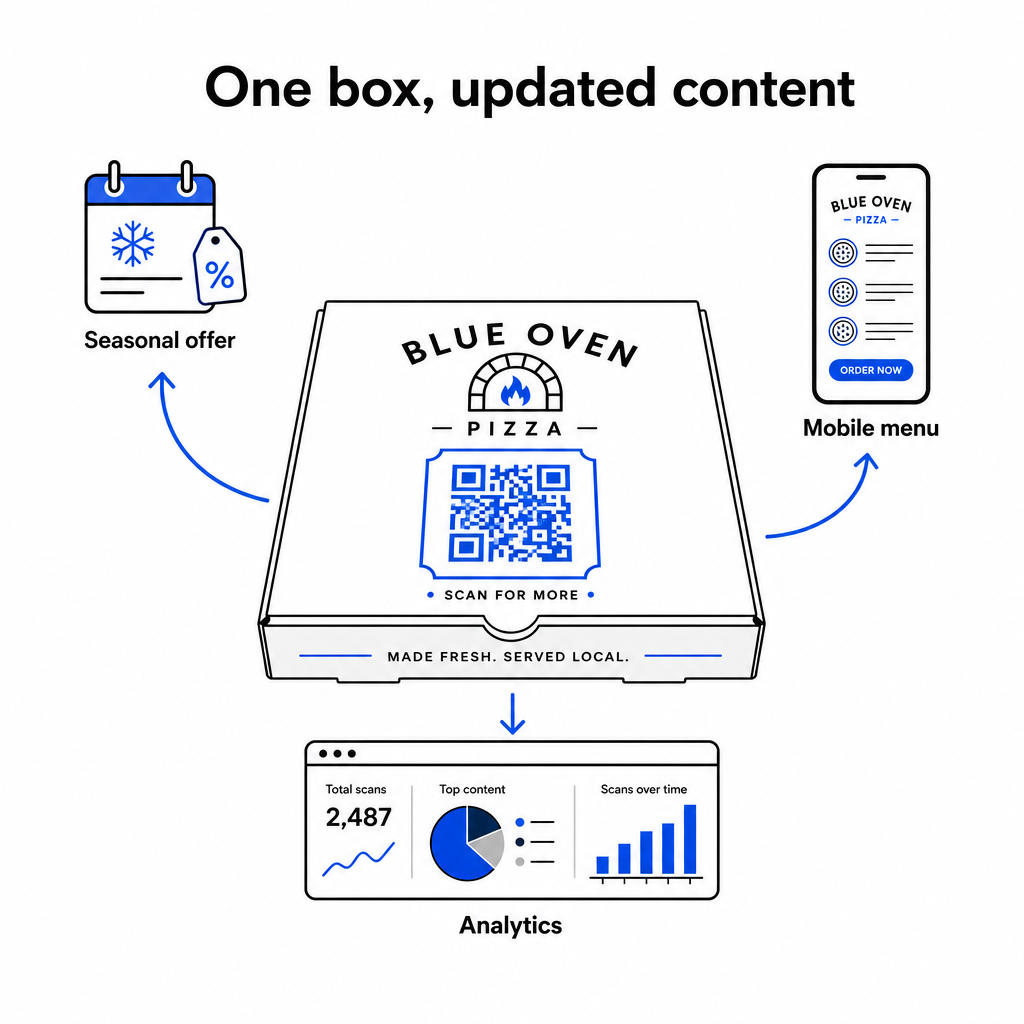
Dynamische codes bieden ook uitgebreide prestatiemetingen. Door software te gebruiken voor het bijhouden van QR-codes, kunt u het totale scanvolume, de scantijd, de soorten klantapparaten en geografische scanlocaties monitoren om de campagneprestaties in de loop van de tijd te evalueren.
Wanneer u QR-codes gebruikt om contactgegevens te verzamelen, e-maillijsten op te bouwen of klanten in te schrijven voor sms-marketingprogramma's, zorg er dan voor dat uw landingspagina's expliciete toestemmingsverklaringen bevatten die voldoen aan de relevante privacyregelgeving en telecommunicatierichtlijnen.
Praktische stappen om uw pizzadooscampagne te lanceren
Het gebruik van pizzadozen als actief marketingkanaal verbindt offline dineren met digitale klantbehoud. Volg deze praktische stappen om uw campagne effectief te implementeren:
- Definieer een duidelijke campagnedoelstelling, zoals het verhogen van directe herhaalbestellingen of het stimuleren van online recensies.
- Genereer een dynamische QR-code in combinatie met een duidelijke call-to-action (bijv. “Scan om $5 korting te krijgen op je volgende directe bestelling”).
- Formatteer het artwork tot minimaal 1,5 inch vierkant met hoog contrast en een stiltezone van vier modules.
- Test gedrukte samples met behulp van meerdere smartphonemodellen onder verschillende lichtomstandigheden voordat je begint met massaproductie van dozen.
Begin vandaag nog met het maken van gebrandmerkte, traceerbare codes met Pageloot-tools om je pizzadozen te transformeren in een groeimotor voor je restaurant.
Veelgestelde vragen
Het bovenste kleppaneel is ideaal omdat het volledig zichtbaar blijft voor klanten voor en tijdens het openen van de doos.
Print de code op een minimale grootte van 1,5 x 1,5 inch (3,8 x 3,8 cm) om te compenseren voor de ruwe textuur en inktabsorptie van golfkarton.
Ja, met dynamische QR-codes kunt u de bestemmingslink bewerken in uw managementdashboard zonder uw fysieke verpakking opnieuw te printen.