Coupon QR Code Generator
Style
Frame
Text above
Background color
Text above color
Body
Body color
Edges
Frame type
Edge frame color
Ball type
Edge ball color
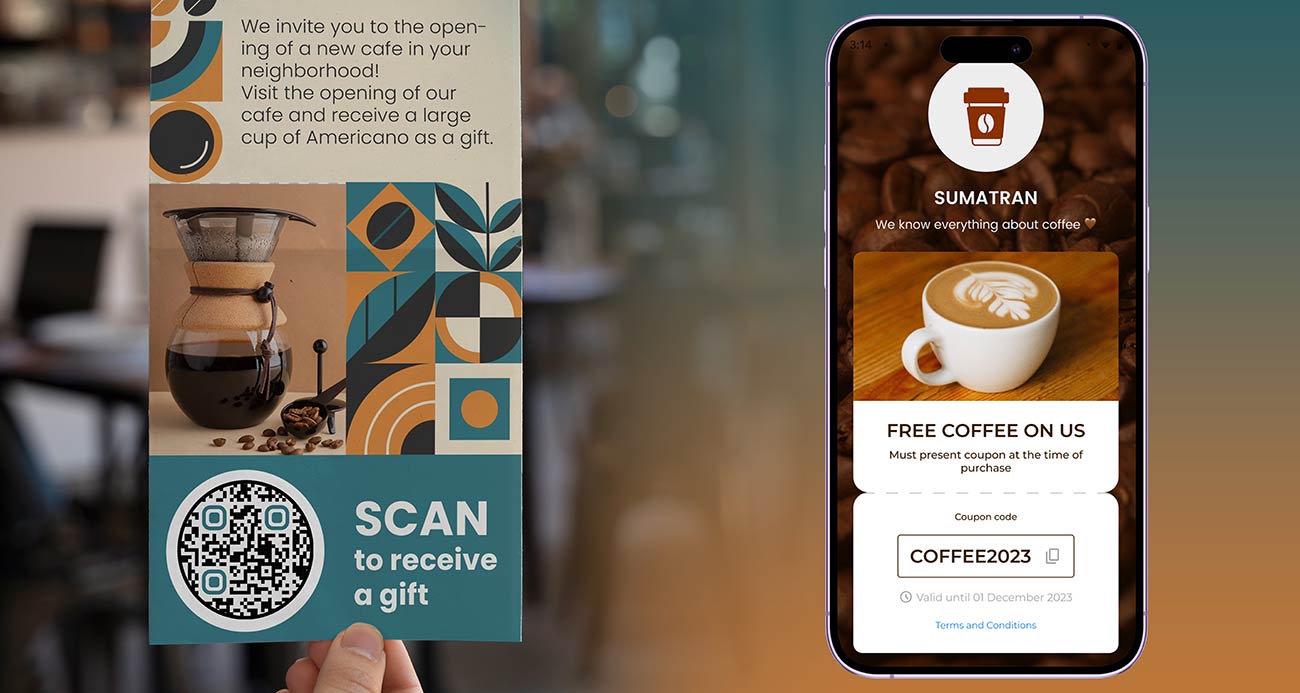
QR code coupon examples
Tap on the images to zoom in
What is a coupon QR code?
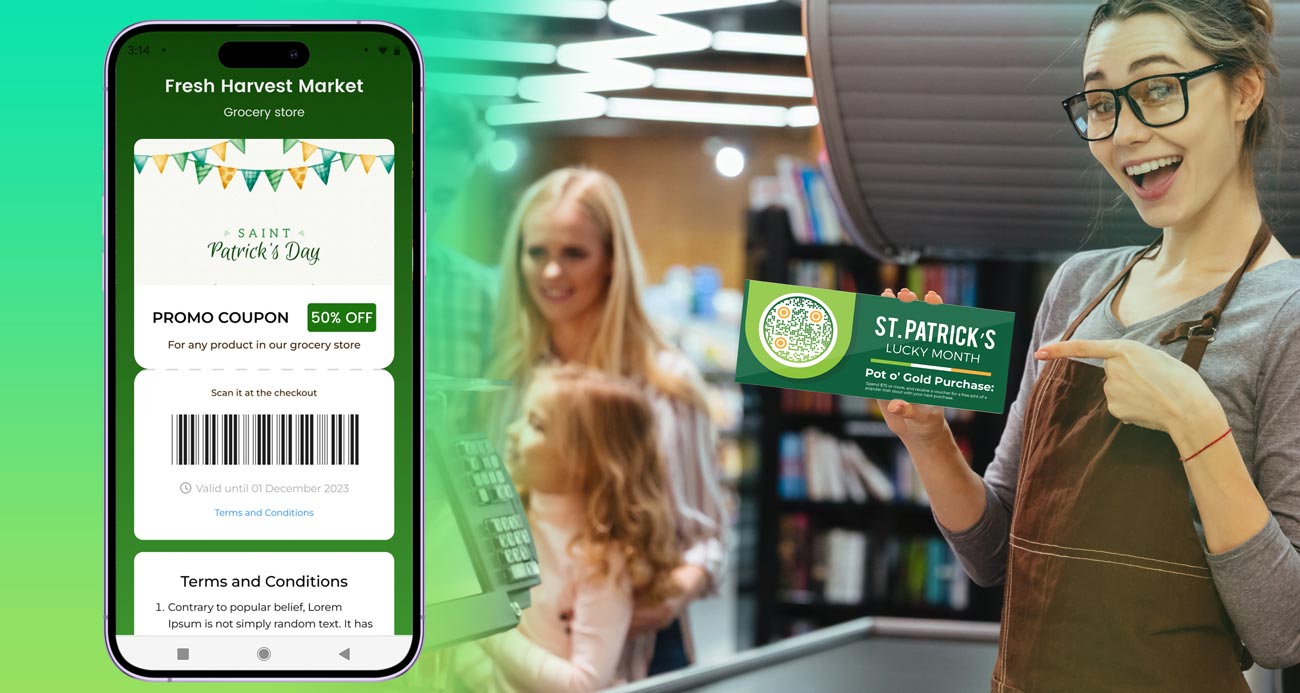
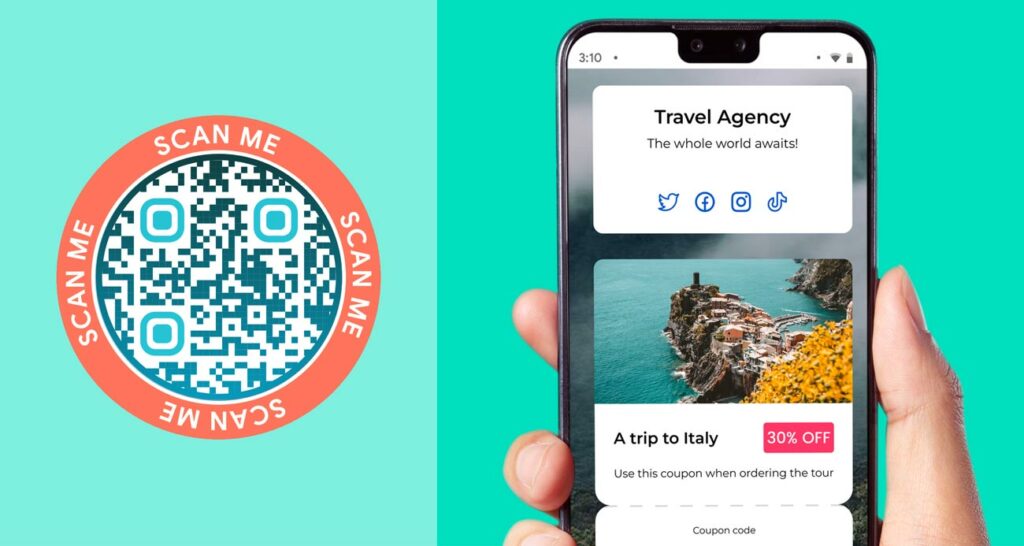
A coupon QR code is a QR code that opens an offer on the customer’s phone. It can open a landing page that lists your coupons, or the discount page of your online shop. The customer scans, sees the offer and uses the code at checkout. You may also hear it called a QR code coupon, QR coupon, QR code offer, discount QR code or voucher QR code.
The code does not carry the discount. It is the way in. The offer, its end date and its rules live on the page it opens, or in your shop or till system.
This QR code coupon generator makes the code. A static PNG is free to download, and a short popup about the 14-day free trial appears first. A coupon landing page that you can edit later, print-ready files and scan statistics come with the trial.
How does a QR code coupon work?
Decide what the QR code discount is: what the customer gets, for how long and where. Write the discount code, the end date and any rules, such as a minimum spend. Short and specific works best, for example “20% off until 31 March, one use per customer”.
Use a coupon landing page when you have several offers or want to edit them. Link straight to your shop’s discount page when you have one online offer. In a store, the cashier needs a code to type or a screen to look at, so show the discount code on the page. In an online shop, a discount link can apply the code for the customer.
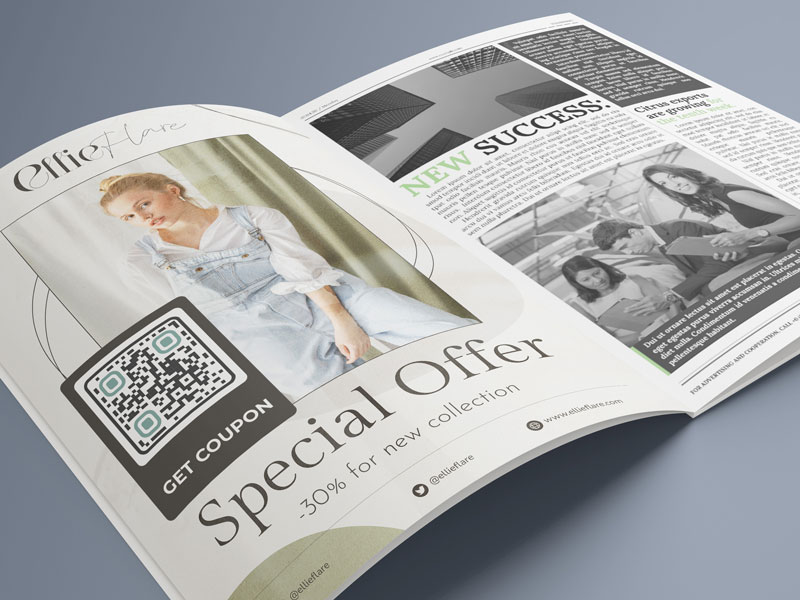
Add your colors and logo, and a frame with a call to action such as “Scan for 20% off”. Download the PNG. Print-ready SVG and PDF files come with the free 14-day trial.
Put the code where customers decide to buy. Scan statistics show when and where the code is scanned, with more detail on higher plans. Use a different discount code for each placement to count real redemptions.
How to create a coupon QR code?
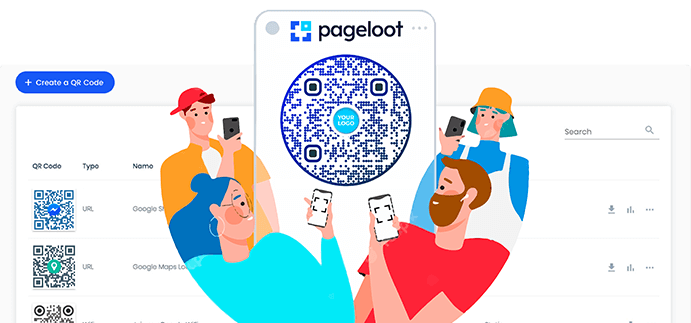
To start creating your QR coupon codes, sign into your QR code coupon generator account on Pageloot.
First you need to include all of your business QR codes coupons and add descriptions to each QR code. You can shortly explain its terms and conditions, validity, etc.
As you go on, don't stop at general descriptions. Add some catchphrases. You can also customize the coupon code landing page with various designs, colors, and images.
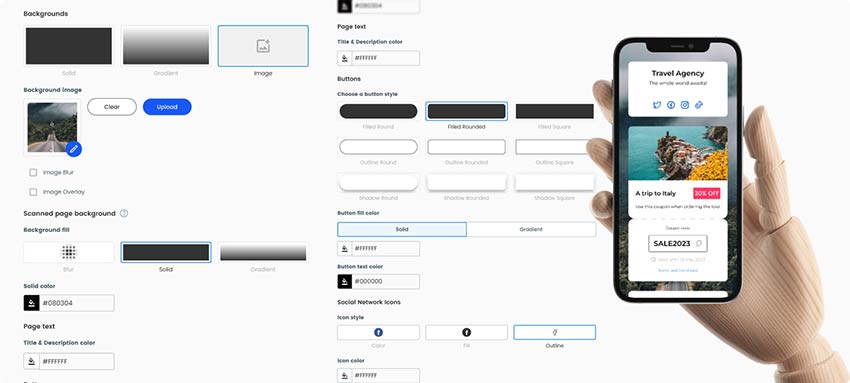
When you are done with the general part of the coupon landing page, make sure you don't leave the QR code simply black and white. Add some color or images to it, so customers could clearly associate it with you.
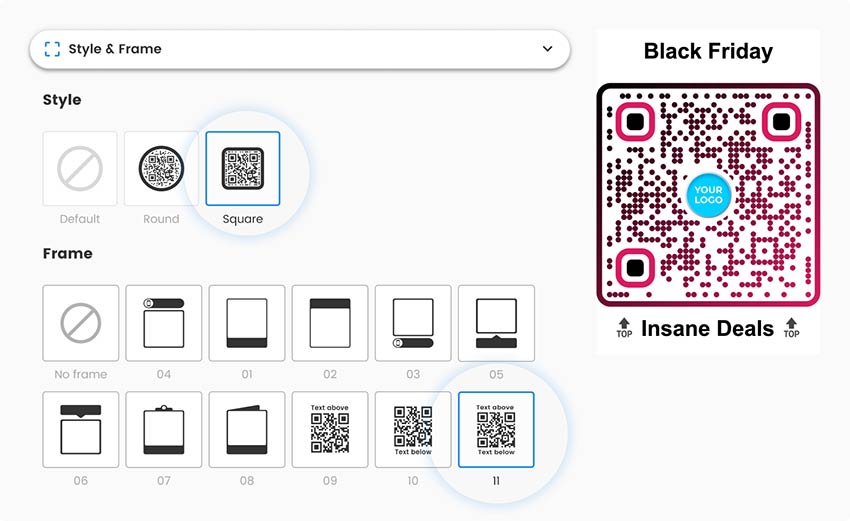
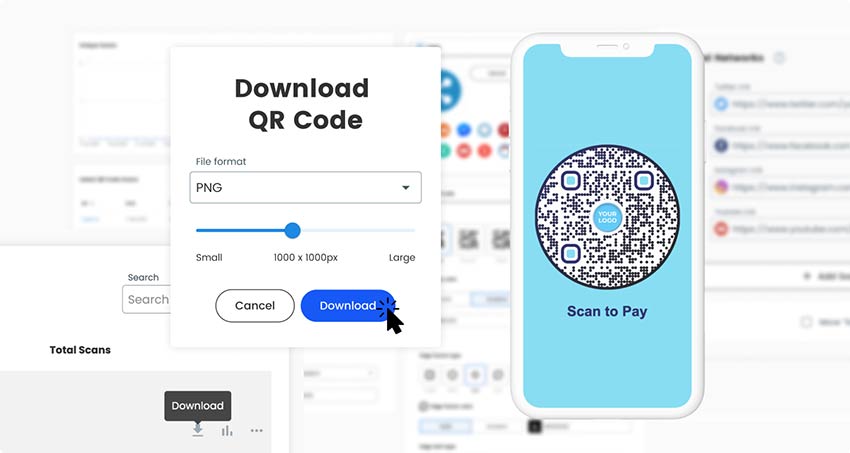
As you make your final edits make sure you save and download the QR discount codes. Check if the QR is scannable from all devices and start sharing it with customers.
Why do I need a coupon QR code?
A paper coupon gets lost, a code on a receipt is hard to type and an email offer gets buried. A QR code coupon sits on the shelf, the window or the receipt, and a scan takes seconds.
It also lets you change the offer. If the code opens a page that you control, you update the offer there and keep the printed code. That suits weekly deals, seasonal offers and coupons that run out.
QR code coupons suit offers such as a first-order discount, a next-visit voucher, a free sample, a bundle price and a weekend deal. Avoid offers that need a long explanation, because customers read on a small screen.
A QR code does not stop anyone from using an offer twice or after the end date. Set those limits in your shop or till system.
Frequently asked questions
A coupon landing page can list several coupons, or you can point the code at one offer. Keep the page short. Three or four offers are easier to read on a phone than ten, and each one needs a clear description and an end date.
Change the offer on the landing page or remove the expired one. With a dynamic code you do not need to reprint. A static code cannot be edited, so make a new code. Also end the discount in your shop or till, because the QR code does not end it.
A static PNG is free to download. The free 14-day trial gives you landing pages, editing after printing and scan statistics. After that you need a paid plan. See the pricing page. Code NEW30 gives 30% off your first purchase.
Any offer you can describe in a sentence: a percentage off, an amount off, a free gift, buy one get one, or free shipping. For an online shop, give the discount code or link to a discount URL. For a store, show a code that the cashier can enter.
Make a coupon QR code for the free item or sample. Say what is free and how to claim it, for example “Show this screen at the counter for a free coffee”. Add an end date and decide how you stop repeat claims, because the QR code cannot.
Open the camera app and point it at the code. Tap the banner that appears to open the offer. Then use the QR coupon code at checkout, online or in the store.
Pageloot scan statistics show how often the code is scanned and where. A scan is not a sale. To count redemptions, give each placement its own discount code, such as WINDOW10 and FLYER10, and read the totals in your shop or till report.
Use a landing page for several offers or offers that change often. Use your shop’s discount page for one online offer. If the link will never change, a static code is enough. If it might, use a dynamic code so you can edit it later.
Contact us and we’ll be happy to help!
4.86 / 5 stars rating
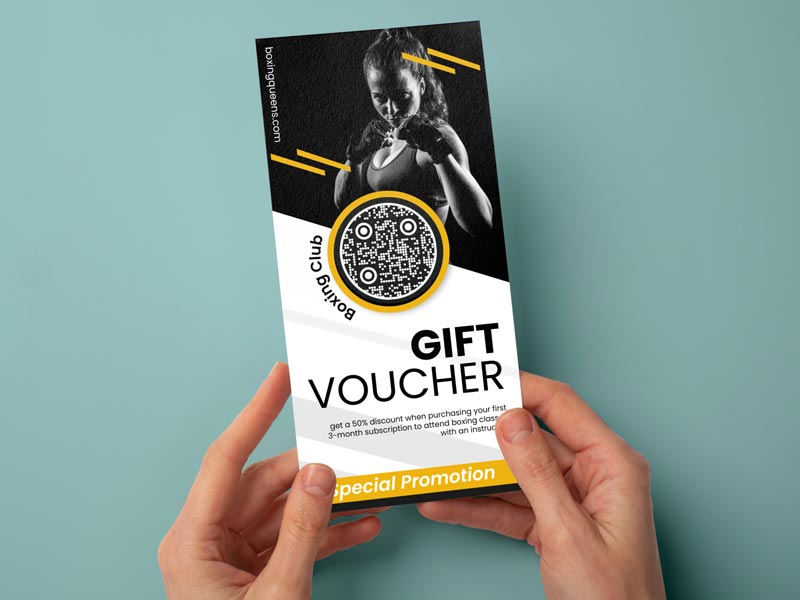
Where to use a QR code promo: print placements
Tap on the images to zoom in
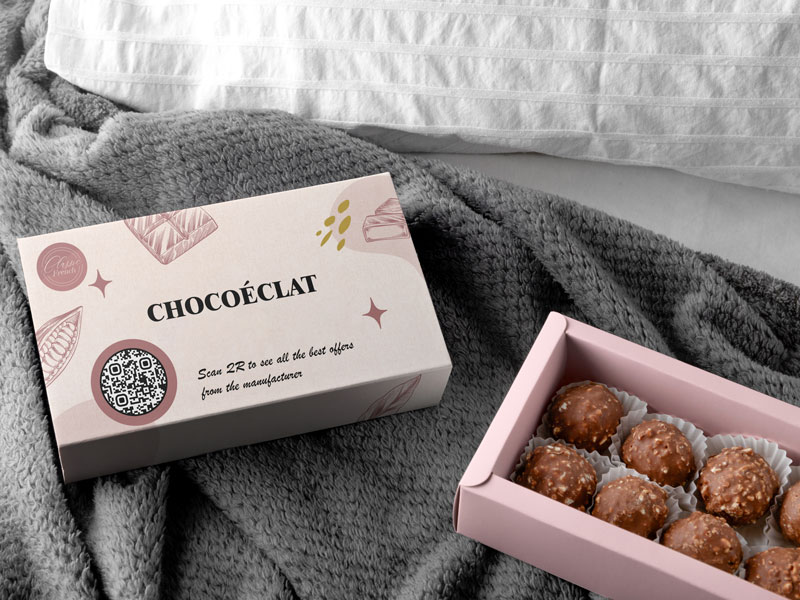
Print the code on the receipt or at the till with a next-visit offer. Customers scan at home and come back. Use a code such as NEXT10 so you can count the returns.
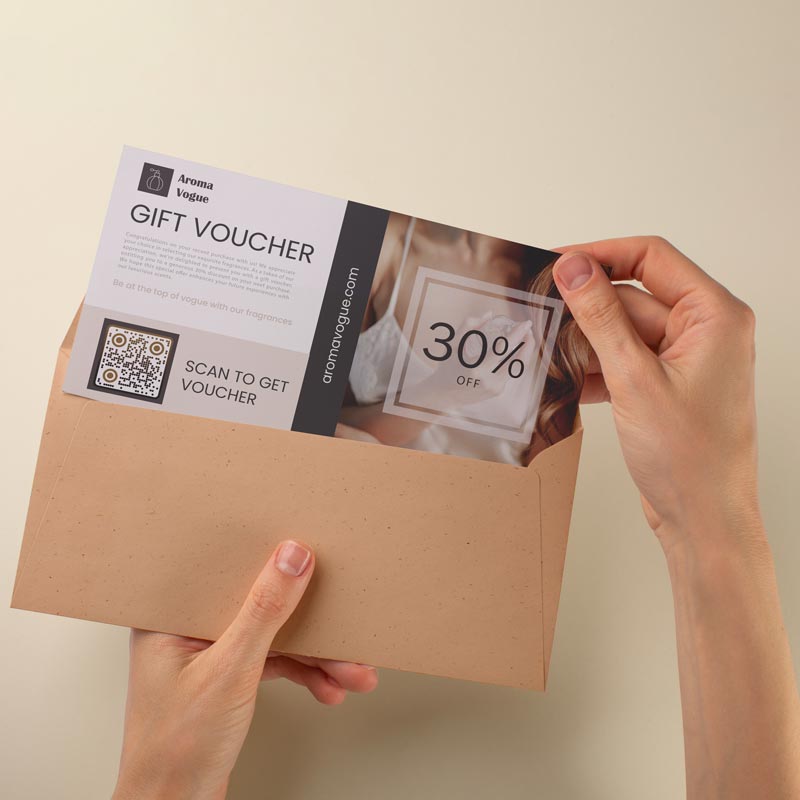
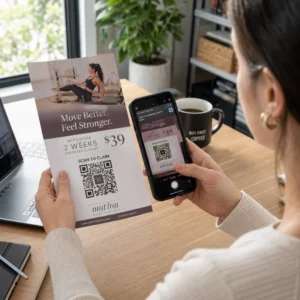
Hand out flyers or add the code to a mailer. Give each channel its own discount code, for example FLYER15 and MAIL15, and compare how many are redeemed.
Put a coupon card in the box. The customer scans at home, without rush, and gets a discount on the next order.
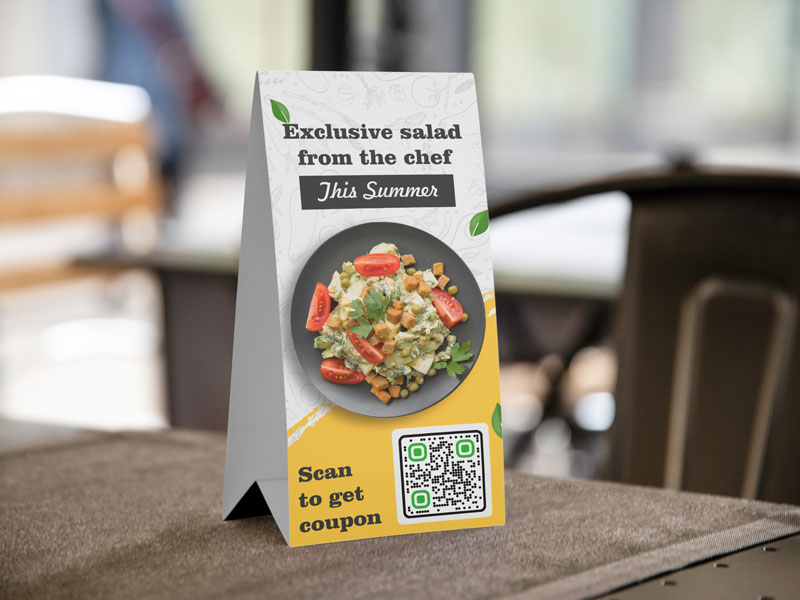
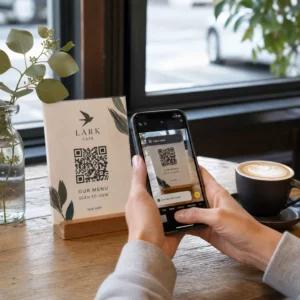
A code on a shop window or a cafe table reaches people who are already nearby. Put it at eye level with a line such as “Scan for today’s offer”.
Coupon landing page or a link to your shop's discount page
-
Landing page
Best when you have several offers, store-only offers or deals that change every week. Customers see the offers, the terms and a button. You edit the page and the printed code stays the same. -
Link to your shop's discount page
Best for one online offer. Many shop platforms, such as Shopify, can make a discount link that applies the code at checkout. Put that link in a link QR code.
-
Static or dynamic
A static code points to one fixed link, and you cannot edit it after printing. It is enough when that link never changes. A dynamic code points to a page you can edit, so you swap offers without reprinting. Editing after printing and scan statistics come with the free 14-day trial. -
Set the end date where the offer lives
A QR code has no end date of its own. Put the end date on the page, and set it in your shop or till. When the offer ends, update or remove it so nobody reads an expired coupon.
Coupon QR code not working? Check these first
Open the discount in your shop settings. Check the exact spelling and capital letters, the start and end date, the minimum spend and the usage limit. Then test the whole path on a phone: scan, open, add to cart, apply the code.
A hosted coupon page stops working when the free trial or a paid plan ends. The pricing page says QR codes expire after the trial. Subscribe before you print coupons that must run for months.
Print it at least 2 x 2 cm (0.8 in), bigger for windows and posters. Use a dark code on a light background, keep a white border, avoid glossy or curved surfaces and don’t stretch the image.

Look at the offer on a phone. Put the offer and the discount code at the top, keep the terms short and make clear where to enter the code. Fewer steps means more redemptions.
Why make a coupon QR code with Pageloot
Download a static coupon code as a PNG for free. A short popup about the 14-day free trial appears first.
With a dynamic code and a landing page you change the offer and keep the printed code. This comes with the free 14-day trial.
See when and where the code is scanned. City and device detail depend on your plan.
Add your colors, logo and a call to action frame so customers know the code is yours.

SVG and PDF files for sharp printing at any size come with the free 14-day trial.
iPhone and Android cameras read QR codes without an extra app, so every customer with a smartphone can scan.