
Are your customers still digging through their pockets for quarters? As cash use continues to decline – dropping from roughly 31% of all consumer payments in 2016 to just 14% in 2024 – coin-dependent laundromats risk frustrating the very customers they’re trying to serve. This guide walks you through how QR code payments work, what they offer laundromat operators, and how to implement them in a practical, customer-friendly way.
Why Laundromats Are Rethinking Payment Systems
The coin laundry model carries real operational costs: collecting, counting, and transporting coins takes time, change machines require maintenance, and jammed coin slots kill machine uptime. Beyond that, a growing share of your potential customers simply don’t carry cash.
According to the Federal Reserve’s 2025 Diary of Consumer Payment Choice, mobile phones now account for 23% of all consumer payments, up from just 4 mobile payments per month in 2018 to 11 per month in 2024. Among adults aged 18–24, mobile phones are used for 45% of all their payments.
That shift matters directly for laundromats. Customers who walk in without quarters and find no alternative will often just leave. Cashless systems solve that problem, but they also deliver broader operational advantages:
- Reduced theft risk: Less cash on the premises means less exposure to robbery and vandalism
- Flexible pricing: Digital systems support varied price points rather than fixed coin increments, making it easier to adjust rates
- Real-time reporting: Digital transaction records simplify accounting and give you visibility into peak usage times and machine performance
- Lower coin-handling overhead: Payments go directly to your bank account, eliminating the coin collection cycle
What Is a QR Code Payment and How Does It Work?
A QR code payment is a type of mobile payment where a customer scans a machine-readable code with their smartphone camera, which directs them to a secure payment page where they can authorize a transaction – no card terminal required.
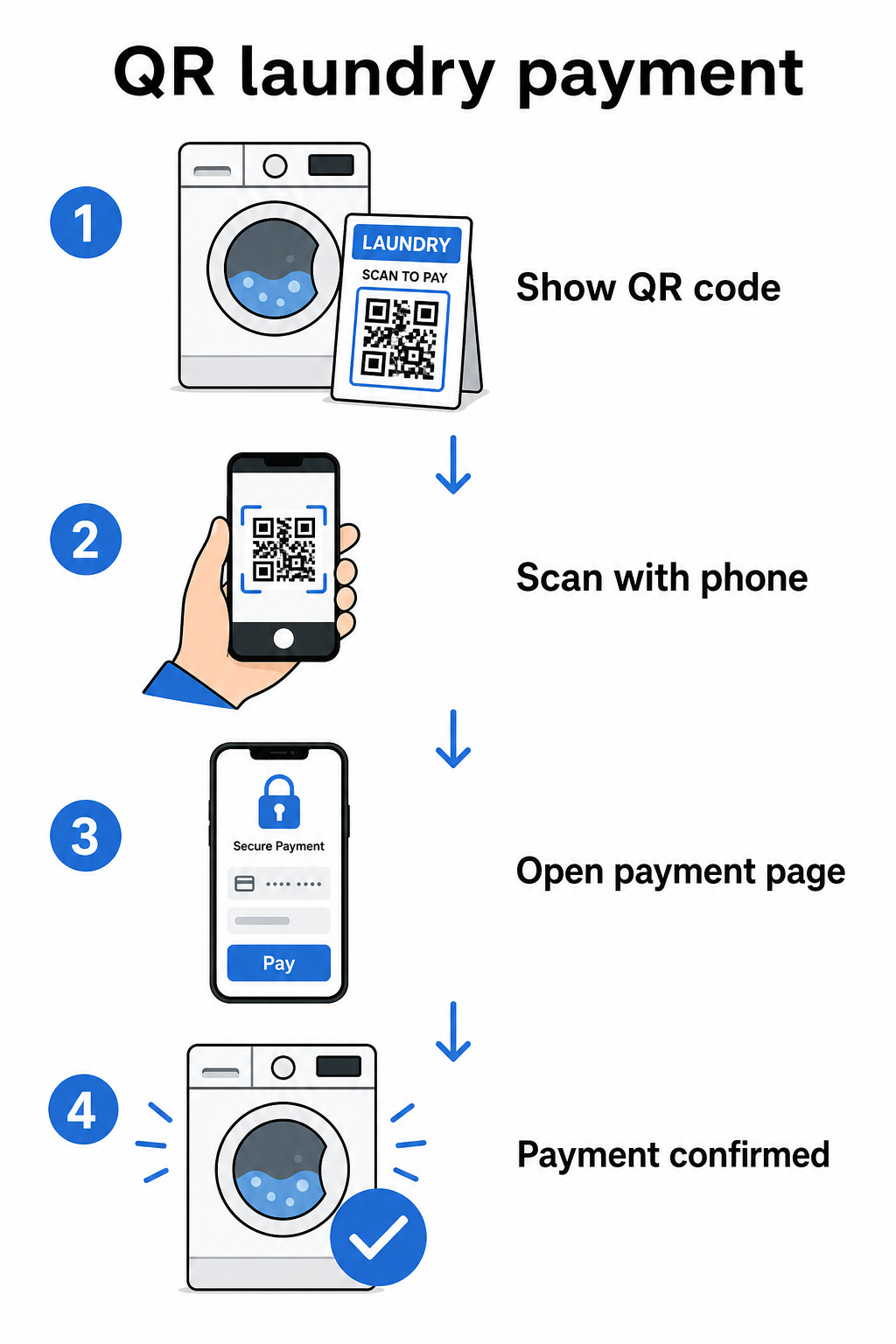
The basic flow works like this:
- You display a printed or screen-based QR code on or near the machine
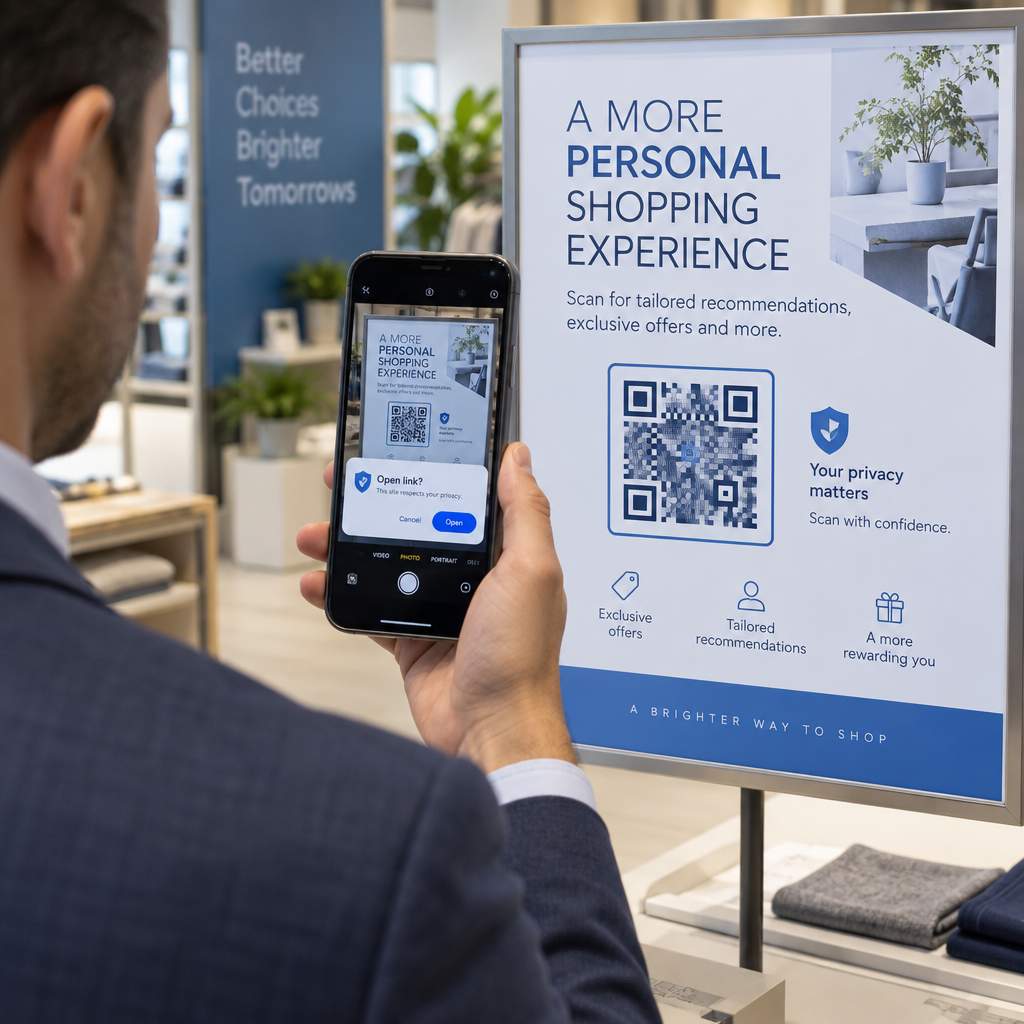
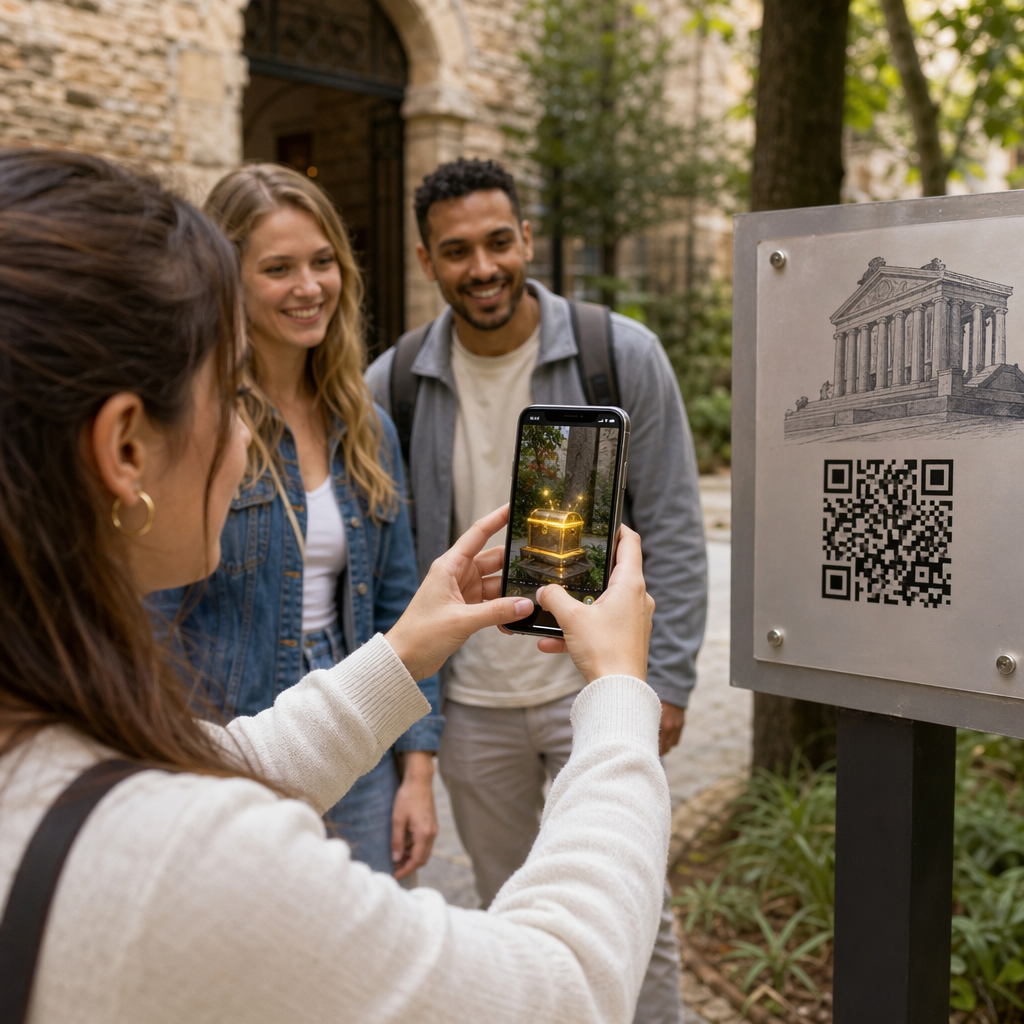
- The customer opens their phone camera – no app download needed on most modern smartphones – and scans the code
- They’re taken to a payment page, such as a PayPal checkout or a payment gateway, where they select an amount and confirm
- The payment processor handles the transaction and you receive the funds
There are two types of QR codes relevant to this setup, and understanding the difference helps you make the right choice for your operation.
| Type | How It Works | Best For |
|---|---|---|
| Static QR code | Fixed destination URL; customer may need to enter the amount manually | Simple, low-volume setups |
| Dynamic QR code | Points to a redirect URL that can be updated anytime without reprinting; supports scan tracking | Ongoing operations, analytics, flexibility |
For most laundromat operators, dynamic QR codes offer a clear advantage: if your payment link ever changes, you update the destination in your dashboard rather than reprinting codes across every machine.
Setting Up QR Code Payments: Step by Step
Getting a QR payment system running in your laundromat doesn’t require technical expertise. Here’s a practical path from setup to launch.
Choose a payment provider. Start with a provider that offers a shareable payment link. PayPal is one of the most accessible options – it generates a PayPal.me link that you can turn directly into a scannable QR code. Other options include Stripe, Square, and platforms that support mobile wallets. For operators serving international customers, wallets like Alipay and WeChat Pay also operate on QR-based payment flows and may be worth considering depending on your local customer base.
Generate your QR code. Once you have your payment link, paste it into a QR code generator. The PayPal QR code generator lets you create a branded code directly from your PayPal.me link. For other payment links, the link QR code generator or the general QR code generator work the same way: paste your checkout URL, customize the design, and download a print-ready file.
Customize for your environment. A laundromat is a high-noise, high-glare physical space. Your QR codes need to hold up under those conditions. Use a minimum size of 2 × 2 cm (0.8 × 0.8 inches) for close-range scanning, but for wall or machine mounting, aim for at least 2 × 2 inches. Maintain a contrast ratio of at least 4:1 between the code and its background – dark patterns on a light background scan most reliably. You can also add your laundromat’s logo and brand colors to the code, but keep any embedded logo to no more than 30% of the code’s total area and use high error correction levels (Q or H) to maintain scannability. Finally, include a clear call to action near the code, such as “Scan to pay with your phone” – this reduces customer hesitation significantly.
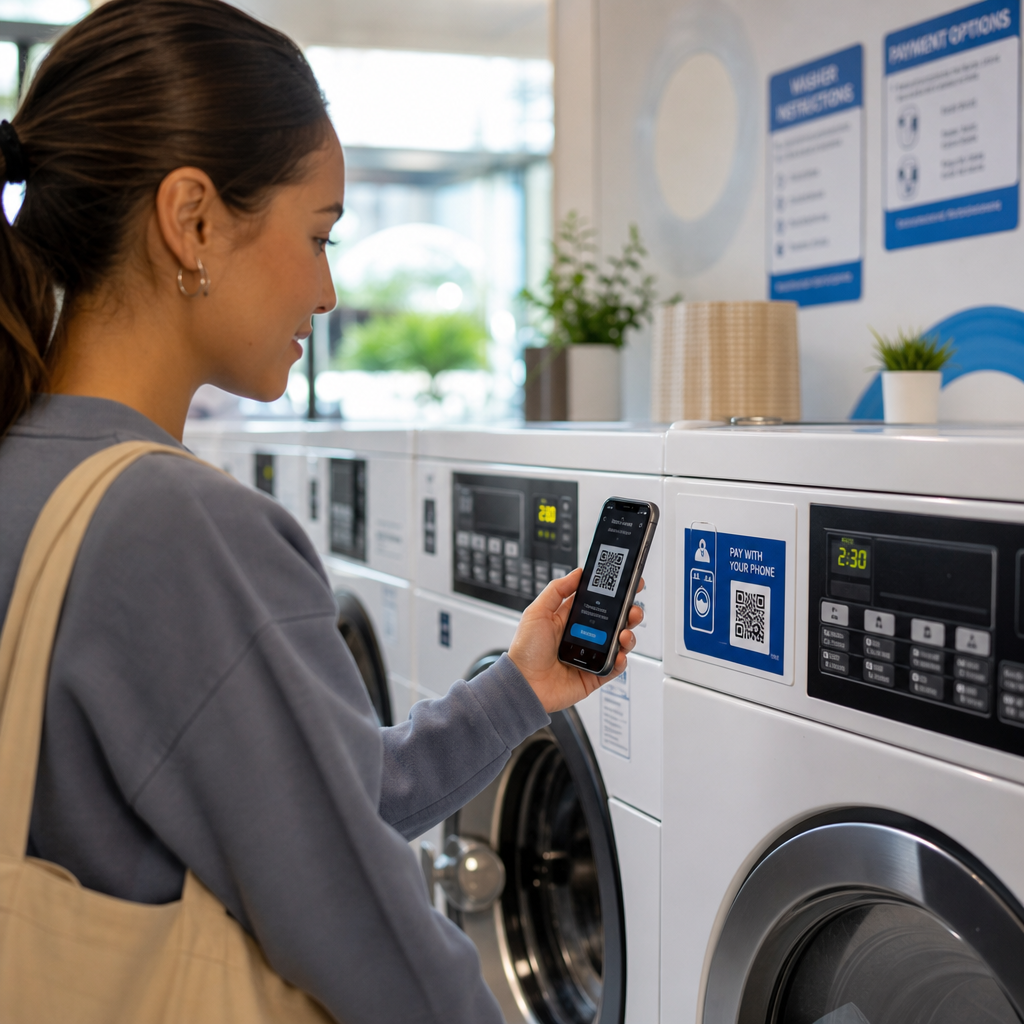
Print and place strategically. Post QR codes where customers naturally look when preparing to use a machine: directly on the machine panel, on a sign above a row of washers, or at a central payment station. Laminated prints hold up well in the humid laundromat environment and are also harder to tamper with.
Create Payment QR Codes with Your Branding Paste your payment link, add your logo and colors, and download a print-ready file. Use the QR Code Generator to get started – no technical skills needed.
Tracking Scans and Managing Codes Over Time
One of the most practical advantages of dynamic QR codes is the ability to monitor how customers interact with your payment codes without any guesswork. Pageloot’s platform tracks scan counts, timing, and location data through a centralized dashboard, giving you a clearer picture of peak usage periods and which machines or locations see the most payment activity.
For a laundromat, this data can inform staffing decisions, pricing changes, and whether a particular machine location is underperforming. It also creates an audit trail that simplifies reconciliation if a payment dispute ever arises.
Equally important: if your payment link ever changes – say you switch processors or update your account – a dynamic QR code lets you point the existing printed code to the new destination without touching a single sign.
Keep Your Payment Codes Up to Date With the Dynamic QR Code Generator, you can update the destination link of any printed code at any time and track every scan from a single dashboard.
Security Considerations for QR Payments
Physical locations like laundromats face a specific fraud risk: someone placing a sticker with a fake QR code over your legitimate one. This is a documented tactic – the FTC has issued consumer guidance on scammers hiding harmful links in QR codes placed in public locations.
Practical steps to reduce this risk:
- Use branded QR codes: Codes that include your laundromat’s logo and colors are harder to convincingly replicate, and customers can visually verify them before scanning
- Laminate and mount securely: Making it physically difficult to apply a sticker overlay is one of the simplest deterrents available
- Monitor scan analytics: Unexpected spikes or geographic anomalies in your scan data can signal tampering – dynamic codes give you the visibility to catch this early
- Deactivate compromised codes immediately: With dynamic codes, you can disable a code from your dashboard the moment you suspect it has been tampered with
For a thorough look at protecting your setup, the guides on QR code payment risks and how to mitigate them and how QR code payments improve security and speed cover the full picture, including encryption, PCI-DSS compliance, and tamper detection.
Accessibility and Customer Experience
Not every customer will be equally comfortable with mobile payments. Some may have visual impairments, limited smartphone experience, or simply prefer other methods. A few design principles help ensure your QR payment setup is welcoming to as many customers as possible.
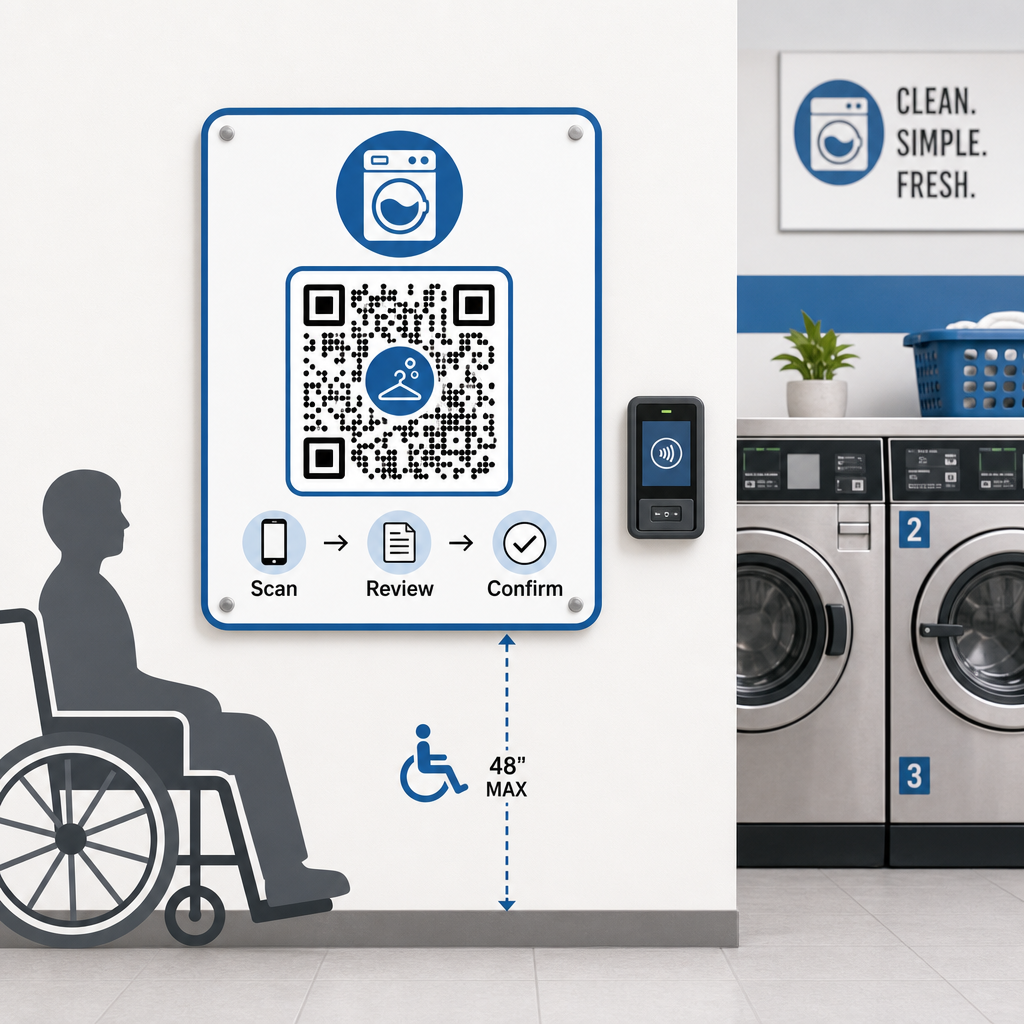
Print codes at a minimum size of 2 × 2 inches, and position wall-mounted codes between 15 and 48 inches from the floor to accommodate wheelchair users. Include step-by-step instructions near the code – something as simple as “Scan → Review → Confirm” helps first-time users complete the flow without frustration. If your customer base includes speakers of other languages, multilingual instructions can make the experience more inclusive. You should also keep at least one alternative payment method available – a card reader or cash acceptance – so customers without smartphones aren’t left without options.
For more on inclusive design, the QR code payment accessibility best practices guide covers sizing, placement, and instruction standards in detail.
What to Keep in Mind Before Going Cashless
QR-based mobile payments offer real advantages, but it’s worth weighing the full picture before committing to any single approach.
Most payment processors charge a small percentage per transaction. These fees are typically lower than traditional card terminal fees, but they should factor into your pricing calculations. Some regular customers – particularly older demographics – may also need time to adjust to scanning at the machine, so a brief transition period with visible instructions can smooth the adoption curve.
It’s also worth noting that QR payments depend on customers having smartphones and a working data connection. In areas with inconsistent coverage, this could create occasional friction. For this reason, many laundromat operators find that a combination of payment options – cards, mobile wallets, and QR codes – serves their full customer base better than a single-method approach. The goal is to reduce friction for the growing share of customers who prefer cashless payments, not to create new barriers for those who don’t.
QR code payments give laundromat operators a low-cost, flexible path toward modernizing the customer experience without overhauling your entire infrastructure. The key is choosing the right payment provider, generating well-designed codes, placing them strategically, and using dynamic codes so you can update and monitor them over time. Pageloot’s platform covers everything from generation to tracking across industries and use cases in one place.
Start Building Your Payment QR Codes Create, customize, and manage your laundromat payment codes in one dashboard. Try the Dynamic QR Code Generator free for 14 days – no credit card required.
Frequently Asked Questions
No. Most modern smartphones can scan QR codes directly through the built-in camera app, which then opens the payment page in a browser. Customers don’t need to download anything – they just scan, review the payment details, and confirm using whichever payment method they prefer.
If you use a dynamic QR code, you can simply update the destination URL in your dashboard and all existing printed codes will automatically point to the new link – no reprinting required. With a static QR code, you would need to reprint every code that contains the old link, which is why dynamic codes are the more practical choice for an ongoing operation.
Use branded QR codes that include your laundromat’s logo and colors, making counterfeits visually obvious to customers who know what to look for. Mount codes under laminate or behind protective covers to make sticker overlays physically difficult to apply. Dynamic QR codes also let you monitor scan activity – unusual patterns can indicate tampering, and you can deactivate a compromised code immediately from your dashboard.