QR codes for a service business
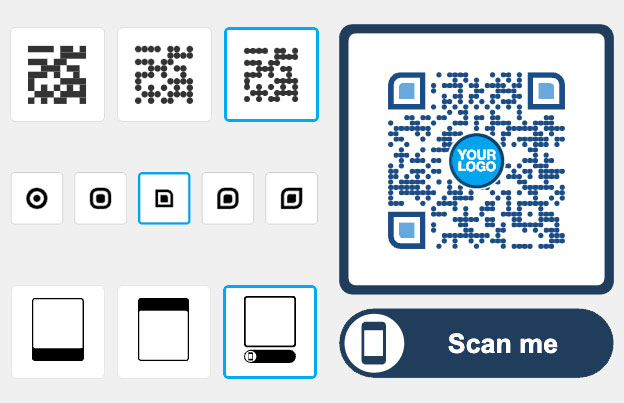
A QR code for a service business sends a customer from a business card, invoice, van, flyer or reception desk to a page you choose: your booking page, price list, reviews or contact details. Make it with Pageloot, print it, and use a dynamic code if you want to change the link later or see how many people scan it.
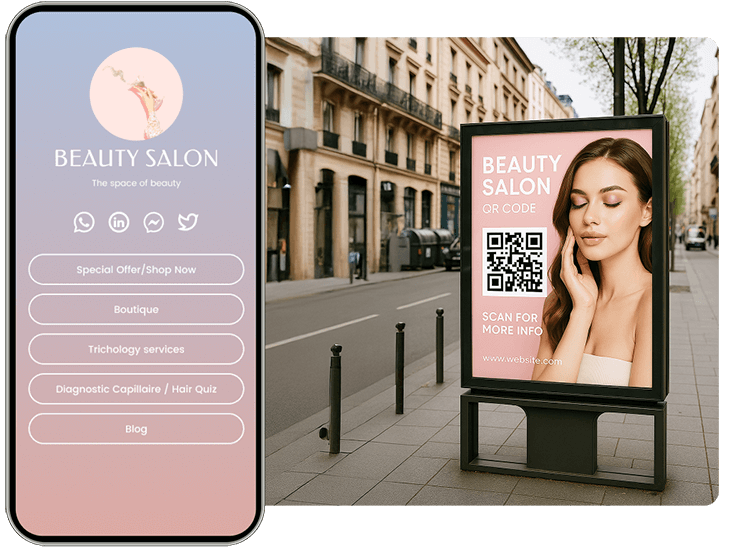
Trusted by 990+ service-based businesses in 72 countries


Where to use a QR code in a service business
Put the code where the customer already is and make it open one clear page. Test every code on two phones before you print.
Free PDF playbook
The QR code playbook for service businesses
20 pages. Bookings, payments, reviews and staying in touch with customers, with examples you can copy.
We will email you the playbook and a few tips on using QR codes. You can unsubscribe at any time.

Business cards and invoices
Add a code that opens your booking page or saves your contact details with a vCard QR code. On an invoice it can open the payment page or a review form. Print it at least 2 x 2 cm (0.8 in).

Posters and reception signs
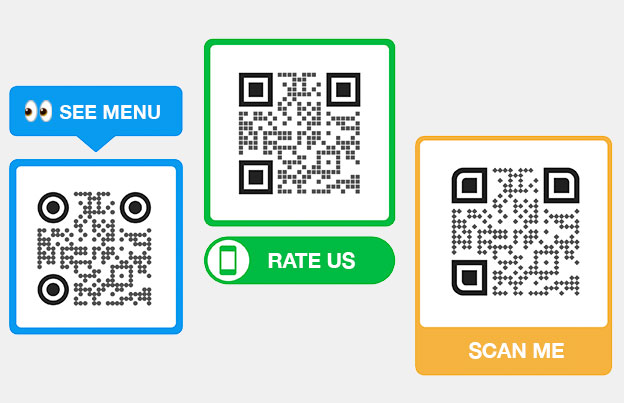
In a waiting room or shop, a poster with a large code can open your price list, service menu or opening hours. Make the code 10 cm (4 in) or wider and add a short line such as “Scan to book”.
Flyers and leave-behind cards
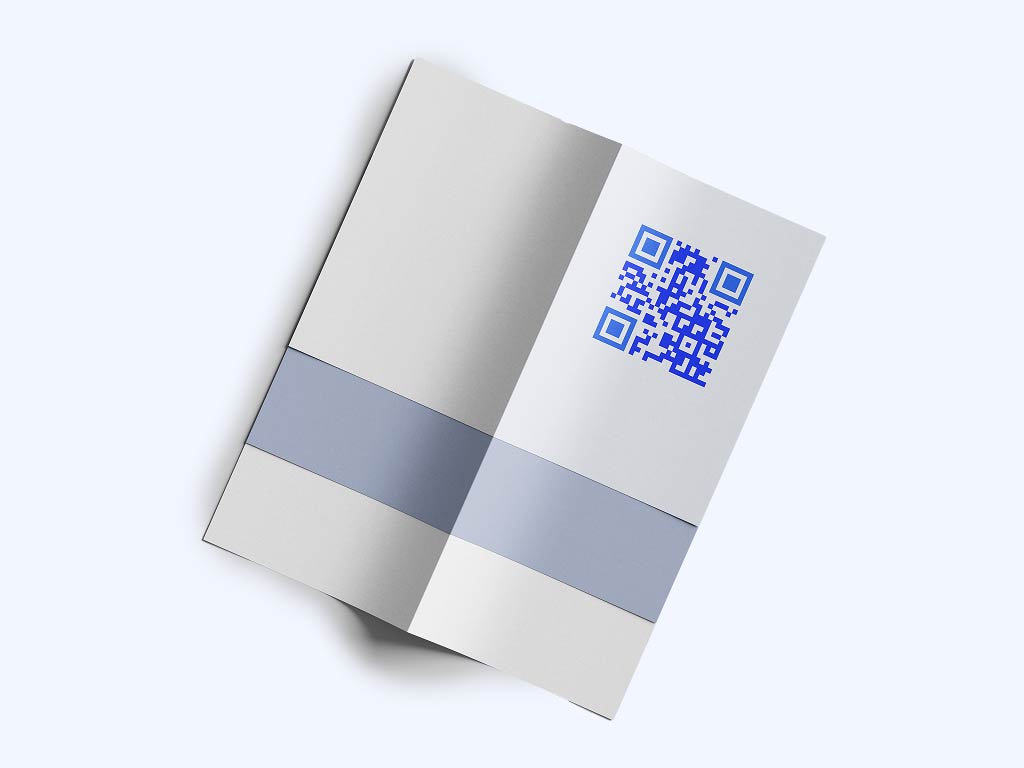
Leave a flyer or a thank-you card after the job. A Google review QR code asks for a review while the customer is still happy. A second code can open your booking page.

Vehicles, quotes and email footers
Put a code on a van, a quote or an email footer so customers can book, reschedule or ask a question with one scan. On a van, make the code large and keep a white border around it. Pageloot makes the code. Your booking tool handles the appointment itself.
Take a look
at a real case
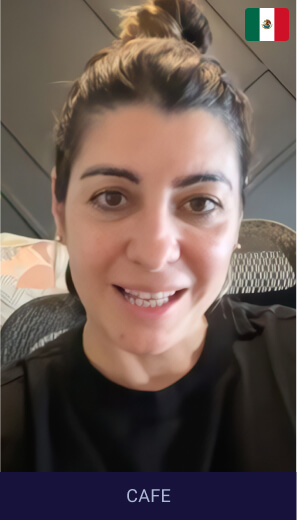
How Gigi connects with customers using QR codes
From boosting social engagement to gathering reviews and guiding customers to her store, QR codes help Gigi grow her business with ease and efficiency.
Link directly to Instagram with one scan
Collect Google reviews effortlessly
Provide instant directions to the store
Avoid typing errors with a user-friendly tool
Gigi
Owner, Gelato Isla Mujeres
What type of QR code to use in a service business
Most service businesses need three or four types. Start with the booking link and the review link.
- Multi link
One code opens one page with several buttons: booking page, price list, testimonials, current offer. Use it on business cards, vehicle wraps and printed ads when you have more than one link but room for only one code.
- vCard
The code saves your name, phone, email and website as a contact when the customer scans it. Good for consultants, freelancers and tradespeople. Put it on business cards, invoices and signs. Read more on the vCard QR code page.
Link to a PDF with a price list, quote, brochure or service overview. The customer opens it on the phone with no email and no printing. With a dynamic code you can replace the PDF later and keep the printed code.
- Image gallery
Link to a gallery of before-and-after photos or finished jobs. Good for salons, contractors, cleaners and designers. See the image QR code page.
- Google Review
Send satisfied clients straight to your Google review form. Use it on invoices, thank-you cards, the reception desk and follow-up emails. Use a separate dynamic code per place to see which one brings the most scans.
- App store
Send customers to your app in the App Store or Google Play. Useful when clients book, track or pay in your own app, for example in fitness, coaching or delivery. See the app QR code page.

For every kind of service business
"Pageloot made client interactions smoother. With a QR code for business cards, scheduling and follow-ups are now effortless for our team."
Rene Kim
Service coordinator, Fastly
How QR codes help a service business
A QR code connects the printed thing in front of the customer with a page you control. Use it for bookings, price lists, reviews and contact details.
Pageloot makes the code and shows scan stats. Bookings, payments and chat run on your own tools, and the code links to them.
 Price lists

 Social media
 Appointment booking
 More reviewsLocation sharingPrice lists
Benefits
Share PDF flies
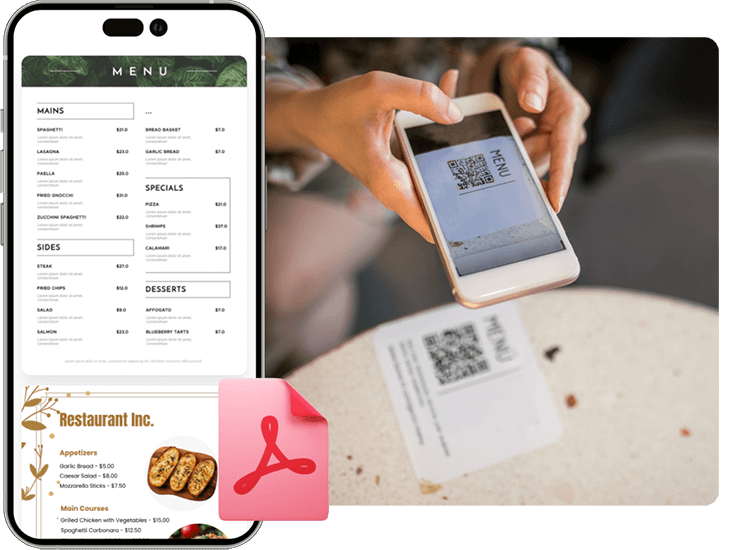
Create a QR code for easy access to digial menus or product manuals for restaurants, cafes, or any business. Visitors can scan to view items conveniently from their smartphone.
 Social media
Benefits
Social media growth
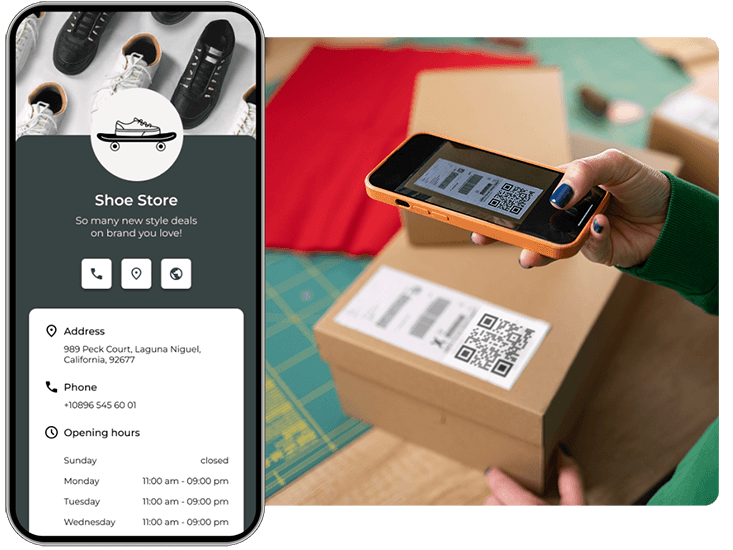
Grow your audience with QR codes and marketing for social media. Connect users to profiles with one scan.
 Appointment booking
Benefits
Appointment booking
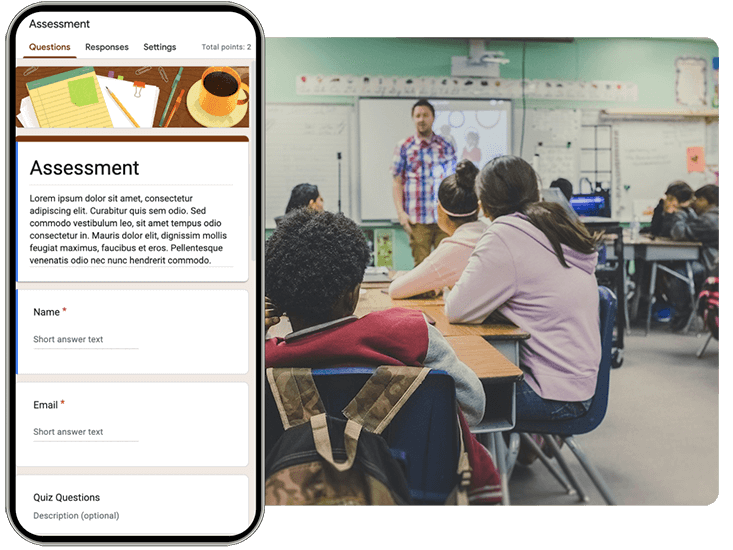
Simplify scheduling by letting customers instantly book appointments with a quick scan — no apps or sign-ins needed.
 More reviews
Benefits
Get more reviews
Boost your credibility with a marketing QR code for Google or Tripadvisor reviews. Encourage feedback to build trust.
 Location sharing
Benefits
Location & directions
Help customers find you faster — link directly to your exact address or map location with a single scan.

Hear from service business owners
See how they are using Pageloot to turn QR codes into real growth.







Frequently asked questions

Pick what the code should open: your booking page, price list, Google review form or contact details. Paste the link or upload the file in the Pageloot generator, add your logo and colors, then download the code. Test it on two phones before you print.
A static code is enough when the link never changes, for example your website. A static code never expires and has no scan stats. Choose a dynamic code if your price list or offer changes, or if you want to see how many customers scan. You edit a dynamic code in your Pageloot account and the printed code follows.
Yes, with a dynamic code. Open the code in your Pageloot account and point it to a new page or file. The printed code stays the same. A dynamic code on a monthly or yearly plan goes inactive when the plan ends, so renew it before the end date.
Use business cards, invoices, quotes, flyers, reception signs and vehicles. Each place should open one clear page, such as booking, reviews or the price list. Print the code at least 2 x 2 cm (0.8 in), and larger for signs and vans.
Yes. Link a QR code to your Google review form and print it on invoices, thank-you cards or the reception desk. Add a short line such as “Scan to review us”. Use one dynamic code per place to see which one works best.
With a dynamic code, yes. The stats show when, where and on which device people scanned. The level of detail depends on your plan. Use a different code for each card, flyer and vehicle to learn which one works best.
No. Pageloot makes the QR code and shows scan stats. If you use a booking or payment service, create a code that links to that service’s page and print it where customers need it.
The free generator lets you download a code for a link or PDF. Dynamic codes with edit and stats start with the Starter plan at EUR 7 per month, billed yearly, after a 14-day free trial. All plans have a 30-day money-back guarantee. See the plans page for details.
IP-05
Make your service business QR code
Make your booking or review QR code now. To edit it after printing and see scans, start the 14-day free trial.