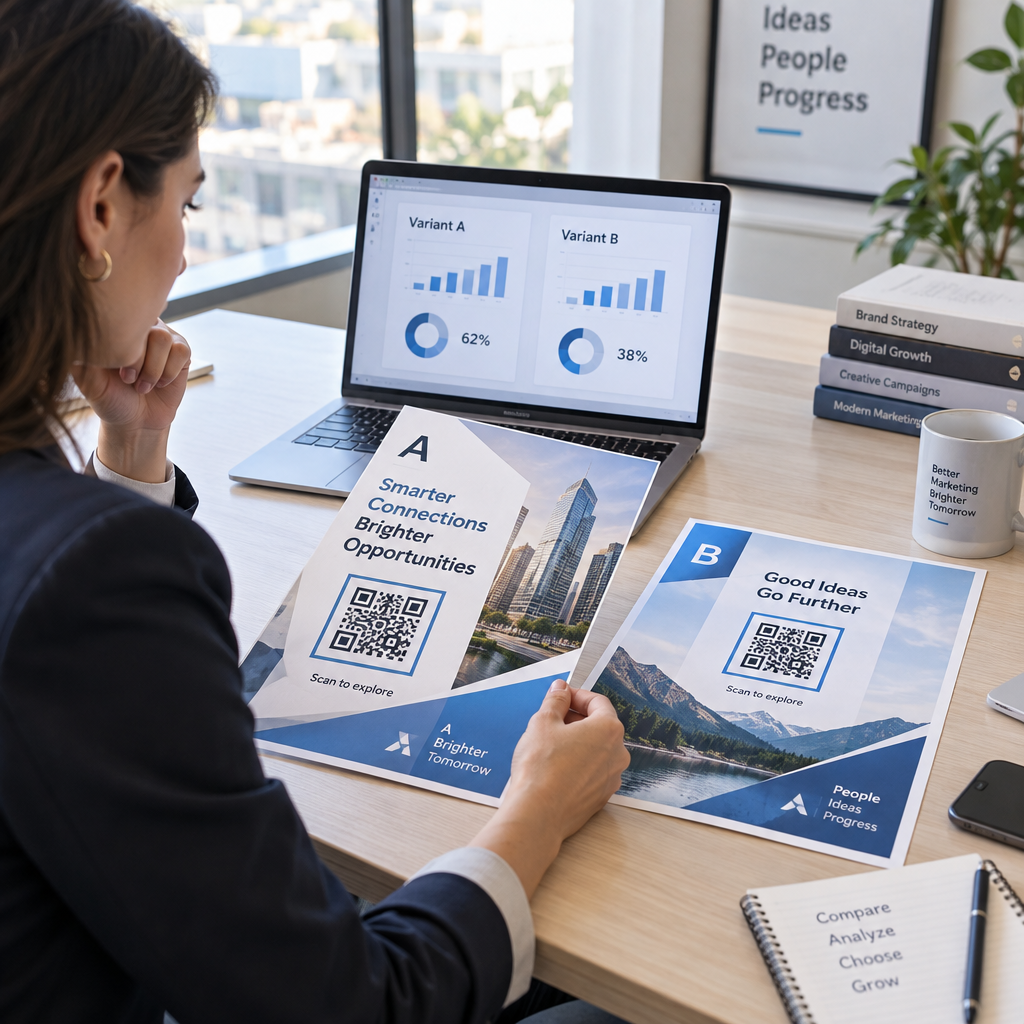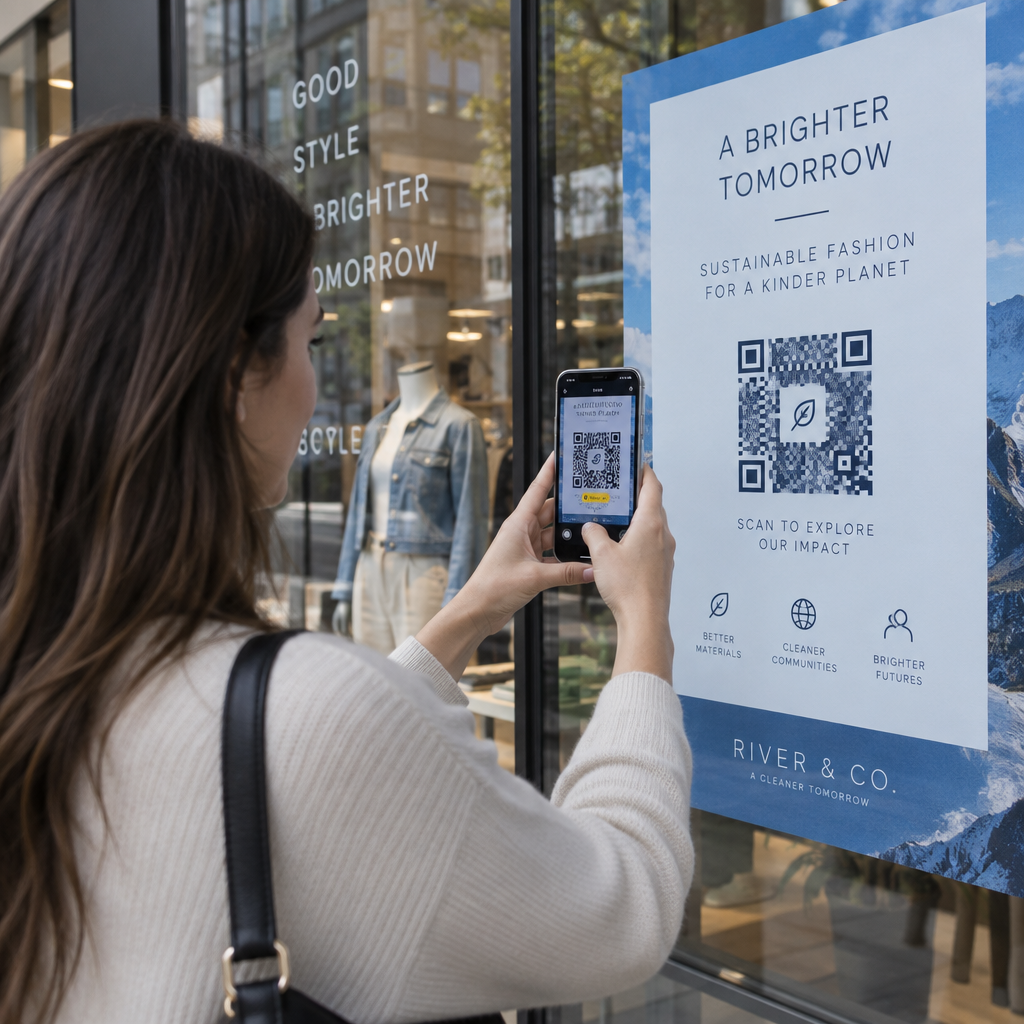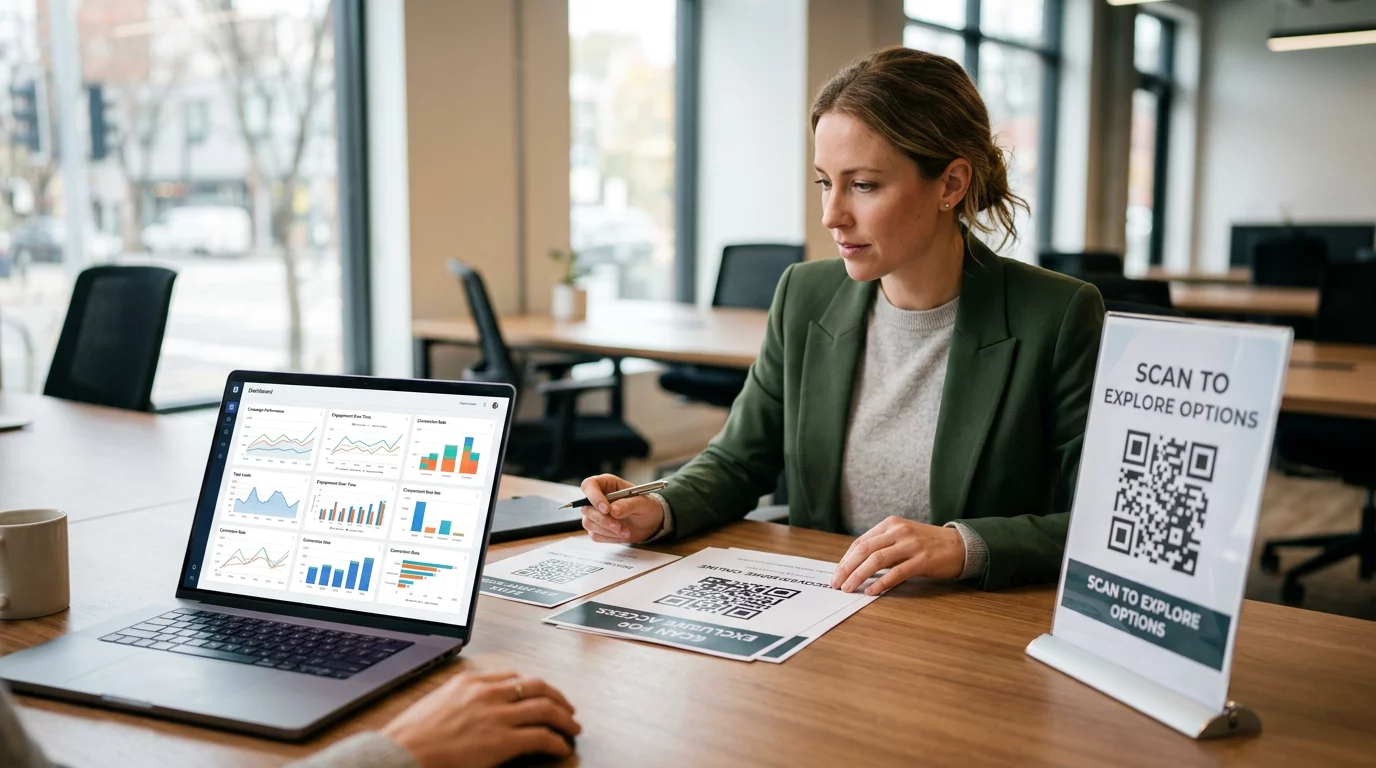

Kas teie kliendid kaevavad endiselt oma taskutes veerandite järele? Kuna sularaha kasutamine jätkab langust – langedes ligikaudu 31%-lt kõigist tarbijamaksetest 2016. aastal vaid 14%-le 2024. aastal – riskivad müntidest sõltuvad pesumajad frustreerida just neid kliente, keda nad püüavad teenindada. See juhend selgitab, kuidas QR-koodimaksed toimivad, mida need pesumaja operaatoritele pakuvad ja kuidas neid praktilisel, kliendisõbralikul viisil rakendada.
Miks pesumajad maksesüsteeme ümber mõtlevad
Müntidega pesumaja mudeliga kaasnevad reaalsed tegevuskulud: müntide kogumine, lugemine ja transportimine võtab aega, automaadid vajavad hooldust ja kinnikiilunud mündipesad tapavad masina tööaega. Lisaks sellele ei kanna üha suurem osa teie potentsiaalsetest klientidest lihtsalt sularaha.
Föderaalreservi 2025. aasta tarbijamaksete valiku päeviku kohaselt moodustavad mobiiltelefonid nüüd 23% kõigist tarbijamaksetest, kasvades vaid 4 mobiilimaksest kuus 2018. aastal 11-le kuus 2024. aastal. 18–24-aastaste täiskasvanute seas kasutatakse mobiiltelefone 45% kõigist nende maksetest.
See nihe on pesumajade jaoks otseselt oluline. Kliendid, kes tulevad sisse ilma veeranditeta ja ei leia alternatiivi, lahkuvad sageli lihtsalt. Sularahata süsteemid lahendavad selle probleemi, kuid pakuvad ka laiemat operatiivset eelist:
- Vähendatud varguse risk: Vähem sularaha ruumides tähendab väiksemat kokkupuudet röövimise ja vandalismiga
- Paindlik hinnakujundus: Digitaalsed süsteemid toetavad erinevaid hinnapunkte fikseeritud mündisammude asemel, muutes hindade kohandamise lihtsamaks
- Reaalajas aruandlus: Digitaalsed tehingukirjed lihtsustavad raamatupidamist ja annavad teile ülevaate tippkasutusaegadest ja masina jõudlusest
- Madalam müntide käitlemise üldkulu: Maksed lähevad otse teie pangakontole, kõrvaldades müntide kogumise tsükli
Mis on QR-koodimakse ja kuidas see töötab?
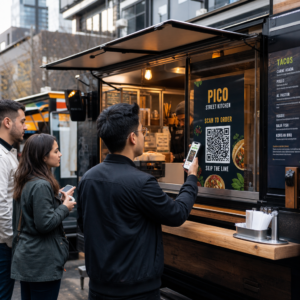
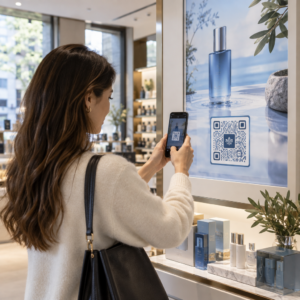
A QR-koodimakse on mobiilimakse tüüp, kus klient skaneerib masinloetavat koodi oma nutitelefoni kaameraga, mis suunab nad turvalisele makselehele, kus nad saavad tehingu autoriseerida – kaarditerminali pole vaja.
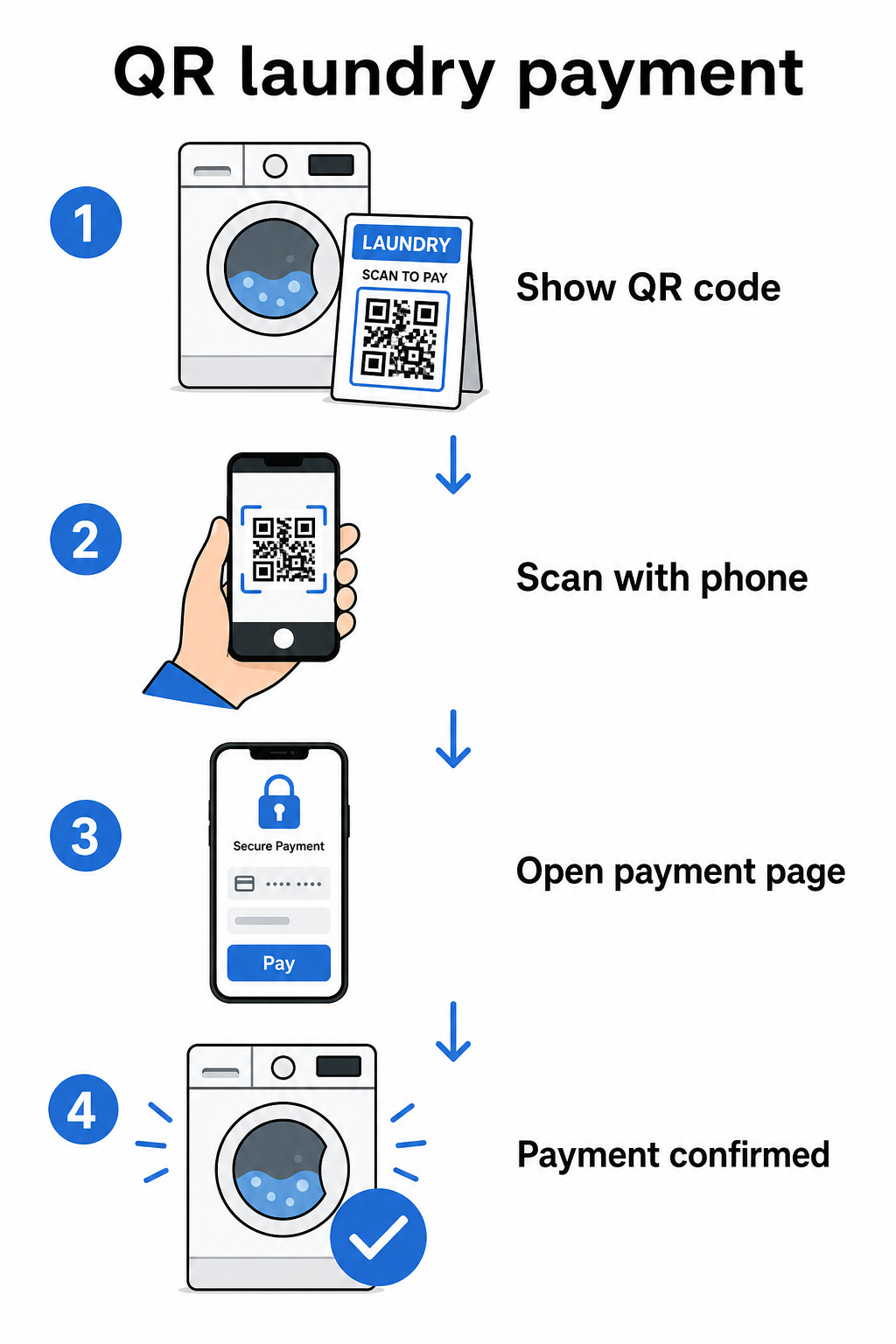
Põhiline voog töötab nii:
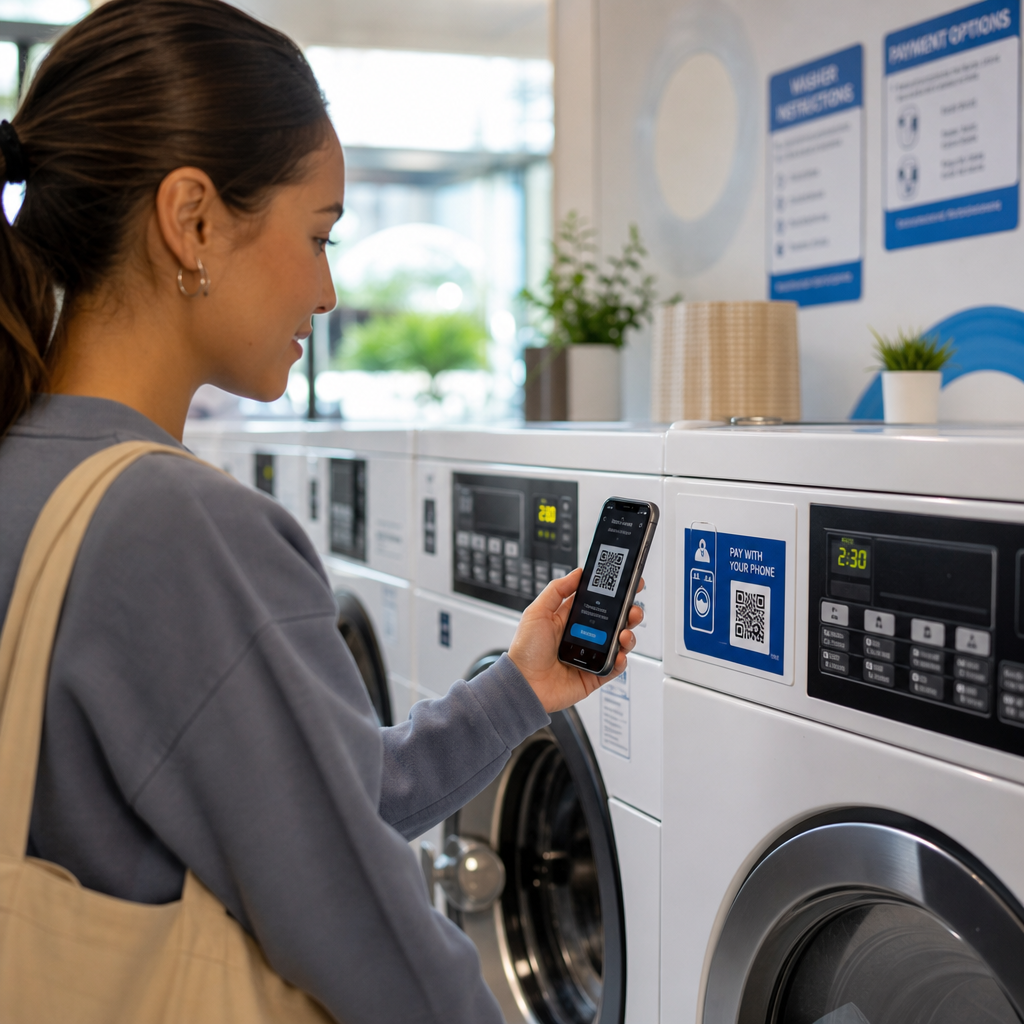
- Kuvate masinal või selle lähedal prinditud või ekraanipõhise QR-koodi
- Klient avab oma telefoni kaamera – enamikul kaasaegsetel nutitelefonidel pole rakenduse allalaadimist vaja – ja skaneerib koodi
- Nad suunatakse makselehele, näiteks PayPali kassasse või makseväravasse, kus nad valivad summa ja kinnitavad
- Makseprotsessor käsitleb tehingut ja teie saate raha
Selle seadistuse jaoks on olulised kahte tüüpi QR-koodid ja erinevuse mõistmine aitab teil oma tegevuse jaoks õige valiku teha.
| Tüüp | KUIDAS SEE TÖÖTAB | Parim |
|---|---|---|
| Staatiline QR-kood | Fikseeritud sihtkoha URL; klient peab võib-olla summa käsitsi sisestama | Lihtsad, madala mahuga seadistused |
| Dünaamiline QR-kood | Osutab ümbersuunamise URL-ile, mida saab igal ajal värskendada ilma uuesti printimata; toetab skaneerimise jälgimist | Pidevad toimingud, analüütika, paindlikkus |
Enamiku pesumaja operaatorite jaoks, dünaamilised QR-koodid pakuvad selget eelist: kui teie makselink kunagi muutub, värskendate sihtkohta oma armatuurlaual, selle asemel et koodid igal masinal uuesti printida.
QR-koodimaksete seadistamine: samm-sammult
QR-maksesüsteemi käivitamine teie pesumajas ei nõua tehnilisi teadmisi. Siin on praktiline tee seadistamisest käivitamiseni.
Valige makseteenuse pakkuja. Alustage teenusepakkujast, mis pakub jagatavat makselinki. PayPal on üks kõige kättesaadavamaid võimalusi – see genereerib PayPal.me lingi, mille saate otse skaneeritavaks QR-koodiks muuta. Muud võimalused hõlmavad Stripe'i, Square'i ja platvorme, mis toetavad mobiilseid rahakotte. Rahvusvahelisi kliente teenindavate operaatorite jaoks töötavad ka rahakotid nagu Alipay ja WeChat Pay QR-põhised maksevood ja võivad olla kaalumist väärt sõltuvalt teie kohalikust kliendibaasist.
Genereeri oma QR-kood. Kui teil on makselink, kleepige see QR-koodi generaatorisse. See PayPali QR koodi loomine võimaldab teil luua bränditud koodi otse oma PayPal.me lingist. Teiste makselinkide jaoks, lingi QR-koodi generaator või üldine QR-koodi generaator töötavad samamoodi: kleepige oma kassa URL, kohandage disaini ja laadige alla printimiseks valmis fail.
Kohandage oma keskkonna jaoks. Pesumaja on mürarikas, peegeldav füüsiline ruum. Teie QR-koodid peavad nendes tingimustes vastu pidama. Kasutage lähiskaneerimiseks minimaalset suurust 2 × 2 cm (0,8 × 0,8 tolli), kuid seinale või masinale paigaldamiseks püüdke vähemalt 2 × 2 tolli. Säilitage a kontrastisuhte vähemalt 4:1 koodi ja selle tausta vahel – tumedad mustrid heledal taustal skaneerivad kõige usaldusväärsemalt. Saate lisada ka oma pesumaja logo ja brändivärvid koodile, kuid hoidke sisestatud logo mitte rohkem kui 30% koodi kogu pindalast ja kasutage kõrgeid veaparandustasemeid (Q või H), et säilitada skaneeritavus. Lõpuks lisage koodi lähedale selge üleskutse tegevusele, näiteks “Skaneeri, et maksta oma telefoniga” – see vähendab oluliselt klientide kõhklusi.
Printige ja paigutage strateegiliselt. Postitage QR-koodid sinna, kuhu kliendid masina kasutamiseks valmistudes loomulikult vaatavad: otse masina paneelile, pesumasinate rea kohal olevale sildile või kesksesse maksepunkti. Laminaadiga kaetud prindid peavad niiskes pesumaja keskkonnas hästi vastu ja neid on ka raskem rikkuda.
Looge oma brändinguga makse-QR-koode Kleepige oma makselink, lisage oma logo ja värvid ning laadige alla printimiseks valmis fail. Kasutage QR-koodi generaator alustamiseks – tehnilisi oskusi pole vaja.
Skaneeringute jälgimine ja koodide haldamine aja jooksul
Üks dünaamiliste QR-koodide kõige praktilisemaid eeliseid on võimalus jälgida, kuidas kliendid teie maksekoodidega suhtlevad, ilma igasuguse oletamiseta. Pagelooti platvorm jälgib skaneeringute arvu, ajastust ja asukohaandmeid tsentraliseeritud armatuurlaua kaudu, andes teile selgema pildi tippkasutusperioodidest ja sellest, millised masinad või asukohad näevad kõige rohkem maksetegevust.
Pesumaja jaoks võib see teave anda alust personalivalikutele, hinnamuutustele ja sellele, kas konkreetne masina asukoht on alatoimiv. See loob ka auditi jälje, mis lihtsustab arvelduste kokkuviimist, kui peaks tekkima maksevaidlus.
Sama oluline: kui teie makselink kunagi muutub – näiteks vahetate teenusepakkujat või uuendate oma kontot – võimaldab dünaamiline QR-kood suunata olemasoleva prinditud koodi uude sihtkohta, puudutamata ühtegi silti.
Hoidke oma maksekoodid ajakohasena Koos Dünaamilise QR koodi generaator, saate igal ajal uuendada mis tahes prinditud koodi sihtlinki ja jälgida iga skaneeringut ühest armatuurlauast.
Turvalisuse kaalutlused QR-maksete puhul
Füüsilised asukohad, nagu pesumajad, seisavad silmitsi spetsiifilise pettuseohuga: keegi asetab võltsitud QR-koodiga kleebise teie legitiimse koodi peale. See on dokumenteeritud taktika – FTC on andnud tarbijatele juhiseid petturite kohta, kes peidavad kahjulikke linke avalikesse kohtadesse paigutatud QR-koodidesse.
Praktilised sammud selle riski vähendamiseks:
- Kasutage bränditud QR-koode: Koodid, mis sisaldavad teie pesumaja logo ja värve, on raskemini veenvalt kopeeritavad ning kliendid saavad neid enne skaneerimist visuaalselt kontrollida
- Laminaadiga katke ja paigaldage kindlalt: Füüsiliselt raskeks tegemine kleebise pealekandmiseks on üks lihtsamaid saadaolevaid heidutajaid
- Jälgige skaneerimisanalüütikat: Ootamatud hüpped või geograafilised anomaaliad teie skaneerimisandmetes võivad viidata rikkumisele – dünaamilised koodid annavad teile nähtavuse selle varajaseks tabamiseks
- Deaktiveerige kompromiteeritud koodid koheselt: Dünaamiliste koodidega saate koodi oma armatuurlaualt keelata kohe, kui kahtlustate, et seda on rikutud
Oma seadistuse kaitsmiseks põhjaliku ülevaate saamiseks on juhendid aadressil QR-koodi maksete riskidest ja nende leevendamisest ja kuidas QR-koodimaksed parandavad turvalisust ja kiirust hõlmavad täielikku pilti, sealhulgas krüpteerimist, PCI-DSS-i vastavust ja rikkumiste tuvastamist.
Ligipääsetavus ja kliendikogemus
Mitte iga klient ei tunne end mobiilimaksetega võrdselt mugavalt. Mõnel võib olla nägemispuudeid, piiratud nutitelefoni kasutamise kogemus või nad lihtsalt eelistavad muid meetodeid. Mõned disainipõhimõtted aitavad tagada, et teie QR-makse seadistus oleks võimalikult paljudele klientidele vastuvõetav.
Printige koodid minimaalsuurusega 2 × 2 tolli ja paigutage seinale kinnitatud koodid põrandast 15 kuni 48 tolli kõrgusele, et ratastoolikasutajatele vastu tulla. Lisage koodi lähedale samm-sammult juhised – midagi nii lihtsat nagu “Skaneeri → Vaata üle → Kinnita” aitab esmakasutajatel protsessi ilma frustratsioonita läbida. Kui teie kliendibaas hõlmab teiste keelte kõnelejaid, võivad mitmekeelsed juhised muuta kogemuse kaasavamaks. Samuti peaksite hoidma saadaval vähemalt ühe alternatiivse makseviisi – kaardilugeja või sularaha vastuvõtmise – et nutitelefonita kliendid ei jääks valikuteta.
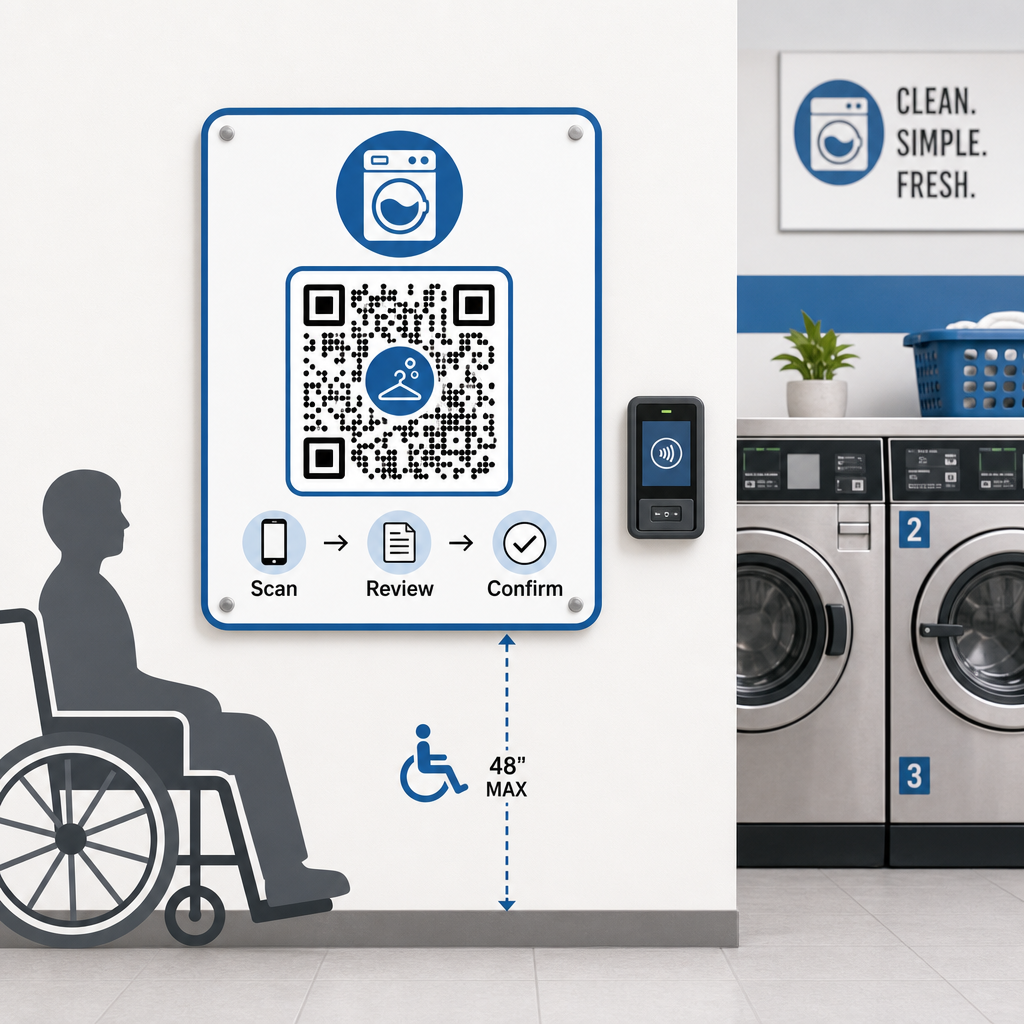
Kaasava disaini kohta lisateabe saamiseks on QR-koodiga maksete juurdepääsetavuse parimaid tavasid juhendis üksikasjalikult käsitletud suuruse, paigutuse ja juhiste standardeid.
Mida meeles pidada enne sularahata süsteemile üleminekut
QR-põhised mobiilimaksed pakuvad tõelisi eeliseid, kuid enne ühegi lähenemisviisi valimist tasub kaaluda kogu pilti.
Enamik maksetöötlejaid võtavad tehingu kohta väikese protsendi. Need tasud on tavaliselt madalamad kui traditsioonilised kaarditerminali tasud, kuid need tuleks arvestada teie hinnakujunduse arvutustesse. Mõned püsikliendid – eriti vanemad demograafilised rühmad – võivad samuti vajada aega masinas skaneerimisega harjumiseks, seega lühike üleminekuperiood nähtavate juhistega võib vastuvõtukõverat siluda.
Samuti tasub märkida, et QR-maksed sõltuvad sellest, kas klientidel on nutitelefonid ja toimiv andmesideühendus. Ebaühtlase levialaga piirkondades võib see tekitada aeg-ajalt hõõrdumist. Sel põhjusel leiavad paljud pesumaja operaatorid, et maksevõimaluste kombinatsioon – kaardid, mobiilsed rahakotid ja QR-koodid – teenindab nende kogu kliendibaasi paremini kui ühemeetodiline lähenemine. Eesmärk on vähendada hõõrdumist kasvava hulga klientide jaoks, kes eelistavad sularahata makseid, mitte luua uusi takistusi neile, kes seda ei tee.
QR-koodimaksed pakuvad pesumaja operaatoritele odavat ja paindlikku teed kliendikogemuse moderniseerimiseks ilma kogu infrastruktuuri ümber ehitamata. Võti on õige makseteenuse pakkuja valimine, hästi disainitud koodide genereerimine, nende strateegiline paigutamine ja dünaamiliste koodide kasutamine, et saaksite neid aja jooksul uuendada ja jälgida. Pagelooti platvorm hõlmab kõike alates genereerimisest kuni jälgimiseni erinevates tööstusharudes ja kasutusjuhtudes ühes kohas.
Alustage oma makse-QR-koodide loomist Looge, kohandage ja hallake oma pesumaja maksekoode ühes juhtpaneelis. Proovige Dünaamilise QR koodi generaator tasuta 14 päeva – krediitkaarti pole vaja.
Korduma kippuvad küsimused
Ei. Enamik kaasaegseid nutitelefone saab QR-koode skaneerida otse sisseehitatud kaamerarakenduse kaudu, mis seejärel avab makselehe brauseris. Kliendid ei pea midagi alla laadima – nad lihtsalt skaneerivad, vaatavad makseandmed üle ja kinnitavad, kasutades mis tahes makseviisi, mida nad eelistavad.
Kui kasutate dünaamilist QR-koodi, saate lihtsalt värskendada siht-URL-i oma juhtpaneelil ja kõik olemasolevad prinditud koodid suunavad automaatselt uuele lingile – uuesti printimist pole vaja. Staatilise QR-koodiga peaksite uuesti printima iga koodi, mis sisaldab vana linki, mistõttu on dünaamilised koodid pideva toimingu jaoks praktilisem valik.
Kasutage bränditud QR-koode, mis sisaldavad teie pesumaja logo ja värve, muutes võltsingud visuaalselt ilmseks klientidele, kes teavad, mida otsida. Paigaldage koodid laminaadi alla või kaitsekatete taha, et kleebiste pealekandmine oleks füüsiliselt keeruline. Dünaamilised QR-koodid võimaldavad teil ka skaneerimistegevust jälgida – ebatavalised mustrid võivad viidata rikkumisele ja saate kompromiteeritud koodi koheselt oma juhtpaneelilt deaktiveerida.