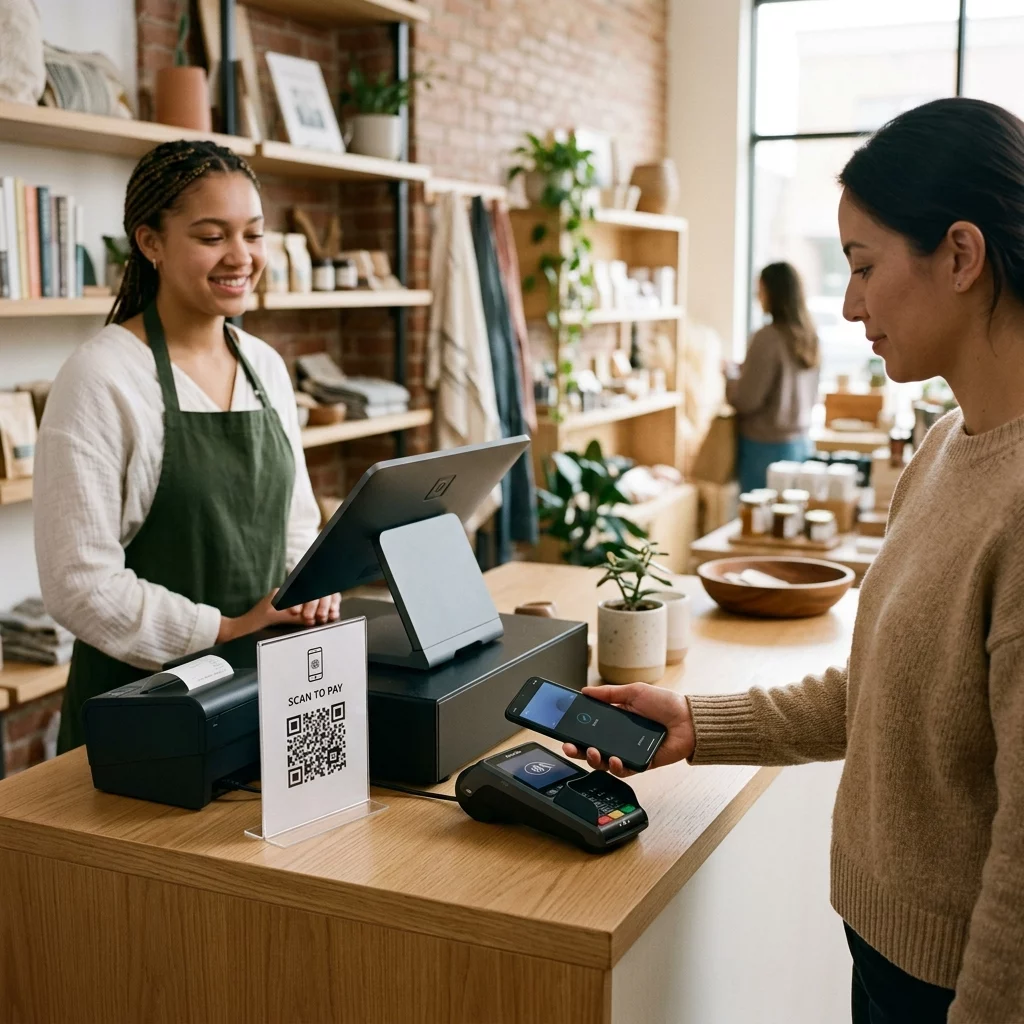
Are you unsure which contactless payment technology is right for your business? Picking a method that does not align with your infrastructure can lead to high setup costs or slow checkout lines. This guide compares QR codes and NFC to help you choose the best proximity payment solution for your needs.
Understanding Proximity Payment Technologies
Proximity payments allow you to accept transactions by bringing a customer’s device close to a payment point. While both QR codes and Near Field Communication (NFC) facilitate these contactless interactions, they operate on different technical principles. Think of a QR code as a digital bridge that connects a physical touchpoint to the internet via an optical scan, whereas NFC relies on short-range radio frequency to transfer data between two chips.
NFC technology is the engine behind “Tap to Pay” features found in physical credit cards and mobile services like Apple Pay. In contrast, how QR codes enable contactless payments involves the smartphone camera reading a specific pattern to initiate a transaction through a web browser or a dedicated app. This fundamental difference in how data is transmitted determines the hardware you need and the speed of the customer experience.
How QR Code Payments Work for Businesses
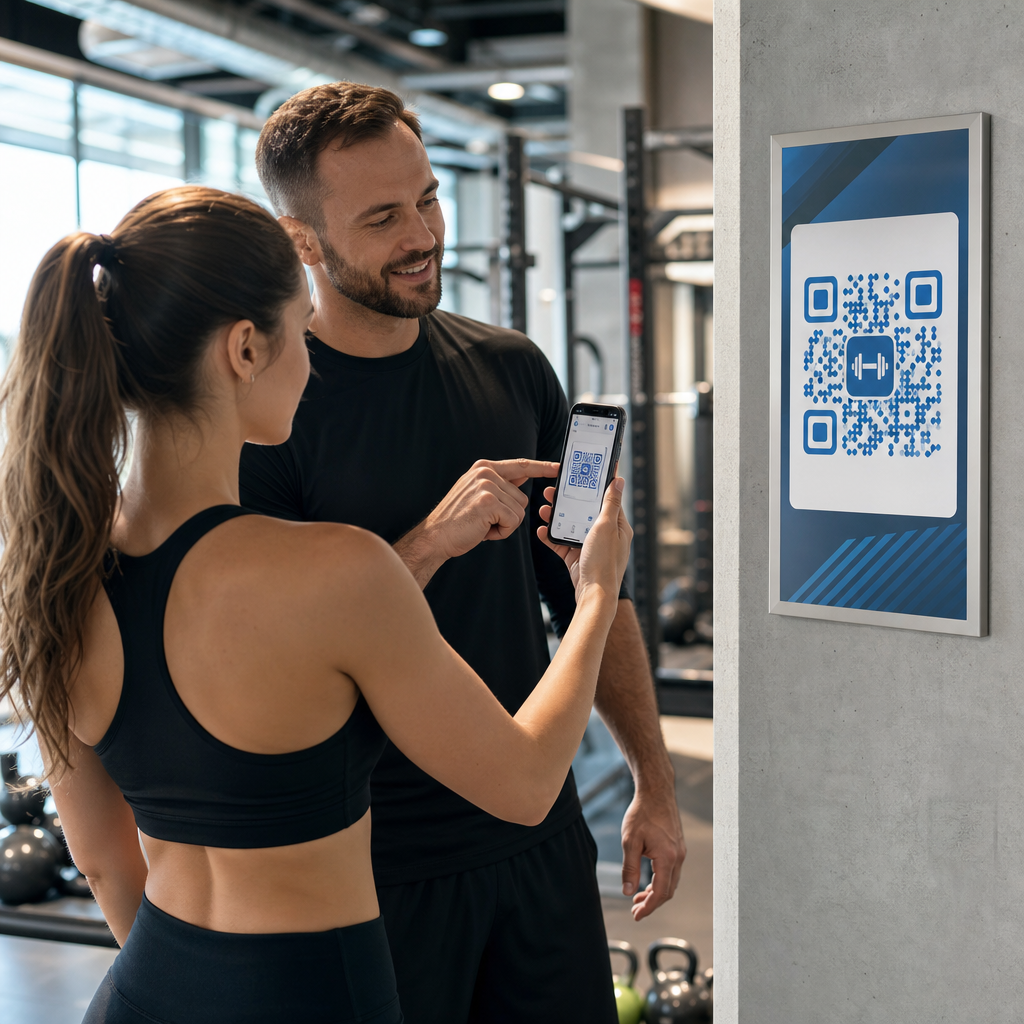
QR codes act as a versatile tool for any merchant looking to digitize their checkout process. The typical payment flow begins when you display a QR code on a printed sign, a digital screen, or a customer receipt. The customer then opens their camera or a payment app to scan the code, which directs them to a secure checkout page or prompts them to authorize the transaction within their mobile wallets.
- Accepting payments without specialized hardware by using printed stickers or tablet displays.
- Allowing customers to use their native camera apps without requiring them to download new software.
- Utilizing dynamic QR codes to update payment destinations or amounts without having to reprint materials.
- Reducing friction for remote or table-side payments where a fixed terminal is impractical.
Start Accepting Payments Today Ready to simplify your checkout process without investing in new hardware? Use the Payment QR Code Generator to create secure, scannable links for your customers in minutes.
Comparing NFC and QR Code Performance
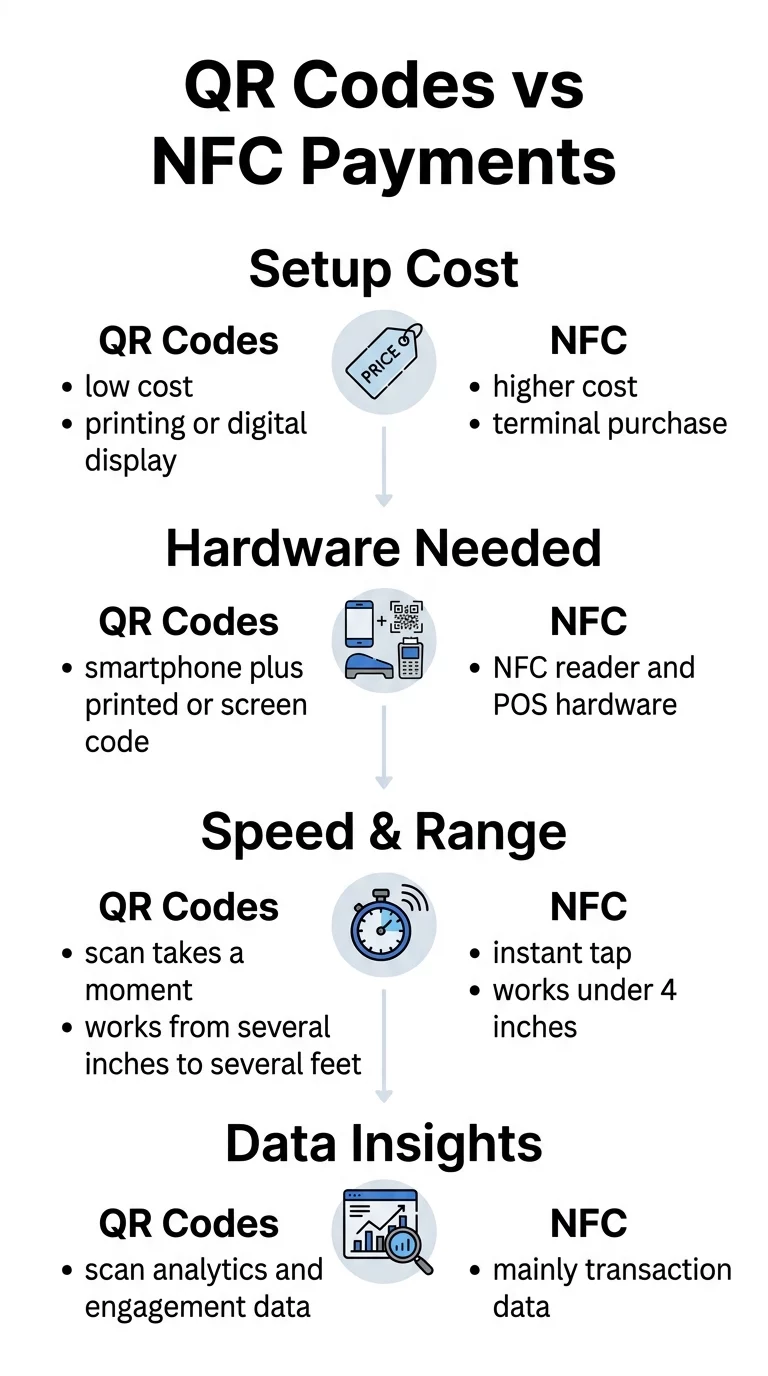
The primary advantage of NFC is transaction speed, as it requires only a quick tap to initiate the encrypted data exchange. However, this convenience comes with a dependency on NFC-enabled hardware, which can be expensive for small businesses or mobile vendors. NFC only functions within a very tight range – usually under four inches – whereas QR codes can be scanned from several feet away if they are sized correctly.
| Feature | QR Code Payments | NFC Payments |
|---|---|---|
| Setup Cost | Low (printing costs only) | Moderate to high (terminal costs) |
| Hardware Needed | Smartphone & printed/digital code | NFC reader & POS system |
| Scanning Range | Several inches to several feet | Under 4 inches |
| Data Insights | Detailed scan and location tracking | Primarily transaction-level data |
| Accessibility | Works on any smartphone with a camera | Requires NFC-capable device or card |
Security and Compliance Standards
Security is a critical factor when choosing between proximity technologies. NFC uses tokenization, a process that replaces sensitive card data with a unique identifier for every transaction, ensuring that intercepted data cannot be reused. This makes it a highly secure choice for high-volume retail environments where speed and data protection are equally vital.
QR code payments are also highly secure when you follow established standards. When a customer scans a code, they are redirected to an encrypted portal that handles the sensitive financial details. For your business, staying PCI-DSS compliant is essential to protect cardholder data. Using dynamic codes allows you to set expirations or geographical restrictions, adding layers of protection that static codes cannot provide.
Selecting the Right Solution for Your Business
The best choice depends on your specific business environment and your goals for customer engagement. If you manage a high-speed grocery store or a busy cafe, the “tap and go” nature of NFC may be the best fit to keep lines moving. However, QR codes offer a level of flexibility and marketing insight that NFC often lacks.
You should consider QR codes if:
- You operate a small business, pop-up shop, or service-based company where mobility is important.
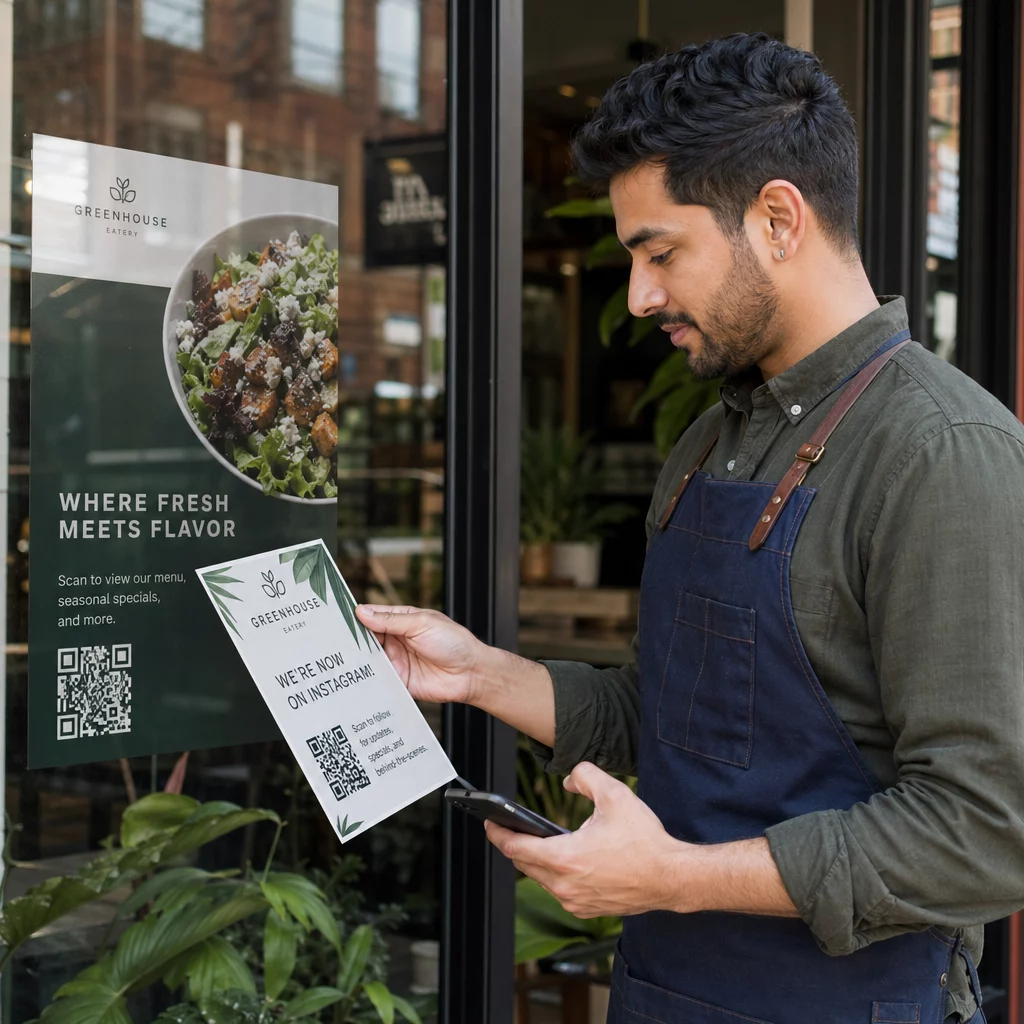
- You want to integrate payments directly into marketing materials like flyers, posters, or menus.
- You need to track scan analytics to understand where and when customers are interacting with your brand.
- You want to avoid the high cost of purchasing and maintaining traditional payment terminals.
Optimize Your Customer Experience Want to bridge the gap between physical touchpoints and digital payments? Use the Link QR Code Generator to create custom, trackable experiences for your brand.
By weighing the low entry barrier of optical scanning against the speed of radio-frequency communication, you can select a solution that balances cost and efficiency. For many modern businesses, a hybrid approach works best – using NFC for rapid checkout at the counter while placing QR codes on packaging or tables to facilitate flexible payments and deeper customer engagement.
Frequently Asked Questions
Both methods are highly secure when implemented correctly. NFC uses tokenization to protect data during the tap, while QR codes rely on encrypted web protocols and authentication via secure e-wallets.
Yes, many businesses use both. You can offer NFC for fast register transactions and use QR codes on receipts or tables to provide customers with more flexible payment and loyalty options.
Yes, the customer’s smartphone must have an active internet connection to process the transaction through a mobile browser or app, whereas some NFC-enabled cards can function offline depending on banking protocols.