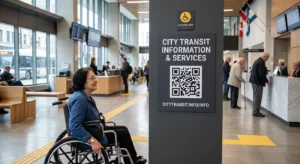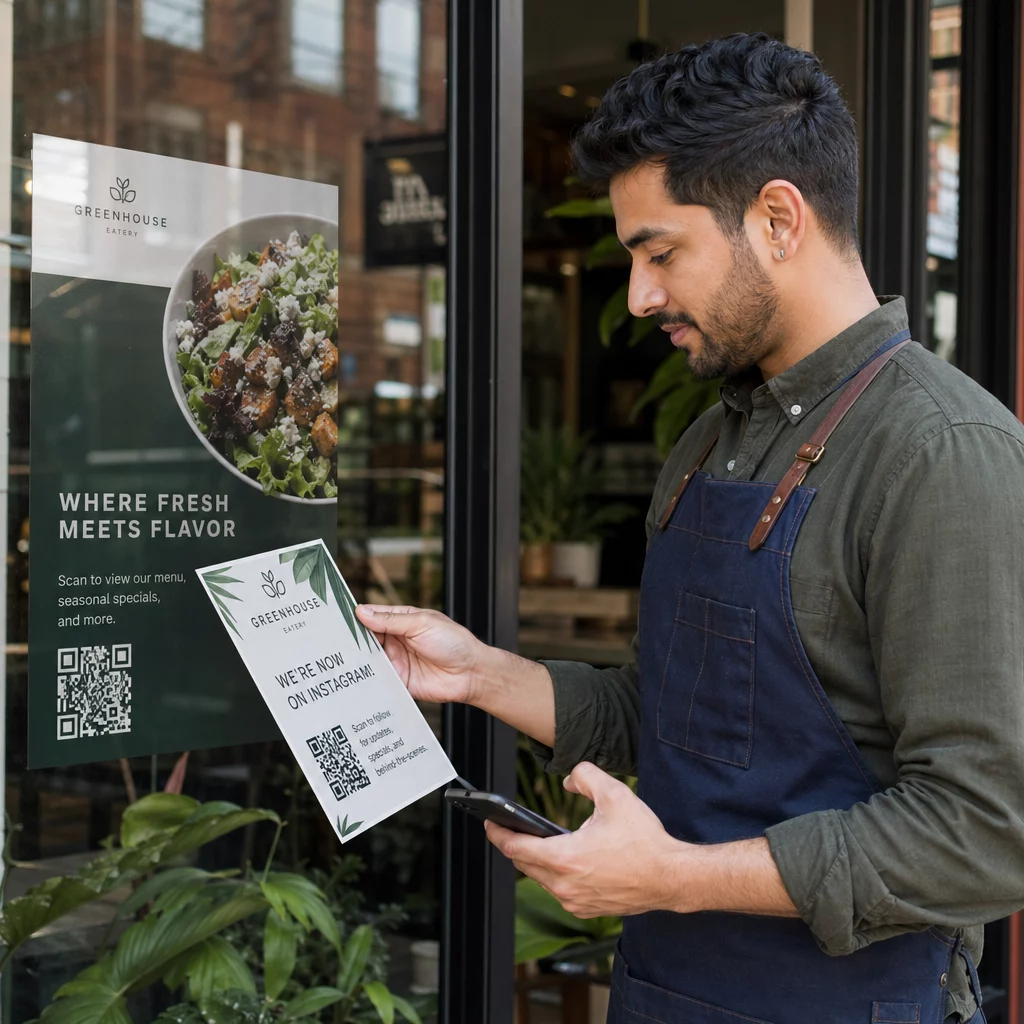
Are you struggling to connect your offline marketing materials with your digital sales funnel in a specific physical location? Without precise targeting, your physical advertisements often reach the wrong audience at the wrong time, leading to wasted marketing spend and missed conversion opportunities. This guide provides a practical playbook for using geofencing and QR codes to launch measurable, location-based campaigns that turn foot traffic into digital engagement.
Planning a Location-Based QR Strategy
Effective campaigns begin with a clear understanding of the geographic boundaries you want to target. Geofencing technology creates a virtual perimeter around a specific real-world location, such as a retail store, an event venue, or even a competitor’s site. When you combine this with QR codes, you create a bridge that triggers specific digital actions based on where a user is standing when they scan your material. You should focus on setting goals that are specific to the area, such as increasing shop visits or capturing local leads, rather than broad brand awareness.
To ensure your campaign remains efficient, you must identify target areas with precision. Research suggests focusing on a radius between 328 and 1,640 feet around high-value locations. This targeted approach prevents your budget from being diluted across entire zip codes where your audience might not be active. To monitor these efforts, you should establish a robust tracking system using UTM parameters for QR codes to see exactly which physical placements are driving the most traffic to your landing pages.
Selecting the Right QR Code Technology
The choice between static and dynamic technology is the most critical technical decision in your planning process. While static codes are permanent and cannot be changed, dynamic QR codes use a short redirect URL that allows you to edit the destination link even after the materials have been printed and distributed. This flexibility is essential for geofencing because it allows you to update seasonal offers or change the redirect logic if you notice a particular location is underperforming.
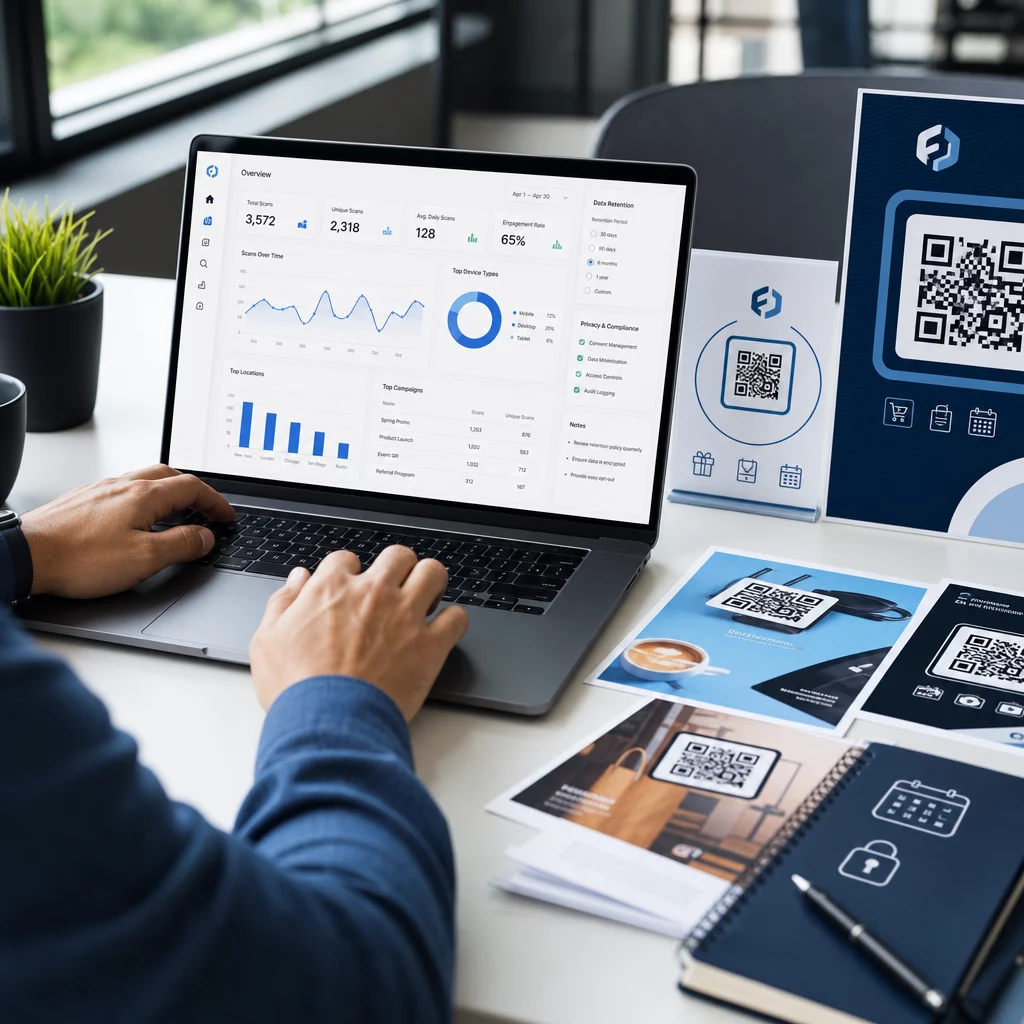
Dynamic codes also unlock the ability to track QR codes with high granularity. You can see total scans, unique visitors, and the specific device types being used. Because these codes are less dense visually, they are also easier for older smartphone cameras to read, which improves the overall user experience. Using a dynamic system ensures that if a user denies GPS access, you can still provide a “fallback” URL so they aren’t met with an error page.
Monitor Your Campaign in Real-Time Want to see exactly where and when your customers are scanning your materials? Use the Dynamic QR Code Generator to create trackable codes and access a full performance dashboard today.
Designing for Visibility and Scannability
A QR code is only effective if it is scanned, which makes visual design and physical placement paramount. You should follow the “10:1 rule” for sizing: the width of your QR code should be roughly one-tenth of the distance from which you expect users to scan. For a poster scanned from three feet away, the code should be at least 3.6 inches wide. To maintain a professional look, you should customize your QR code with your brand colors and logo, but ensure you maintain a high contrast ratio – ideally 3:1 or higher – to ensure the scanner can distinguish the pattern.
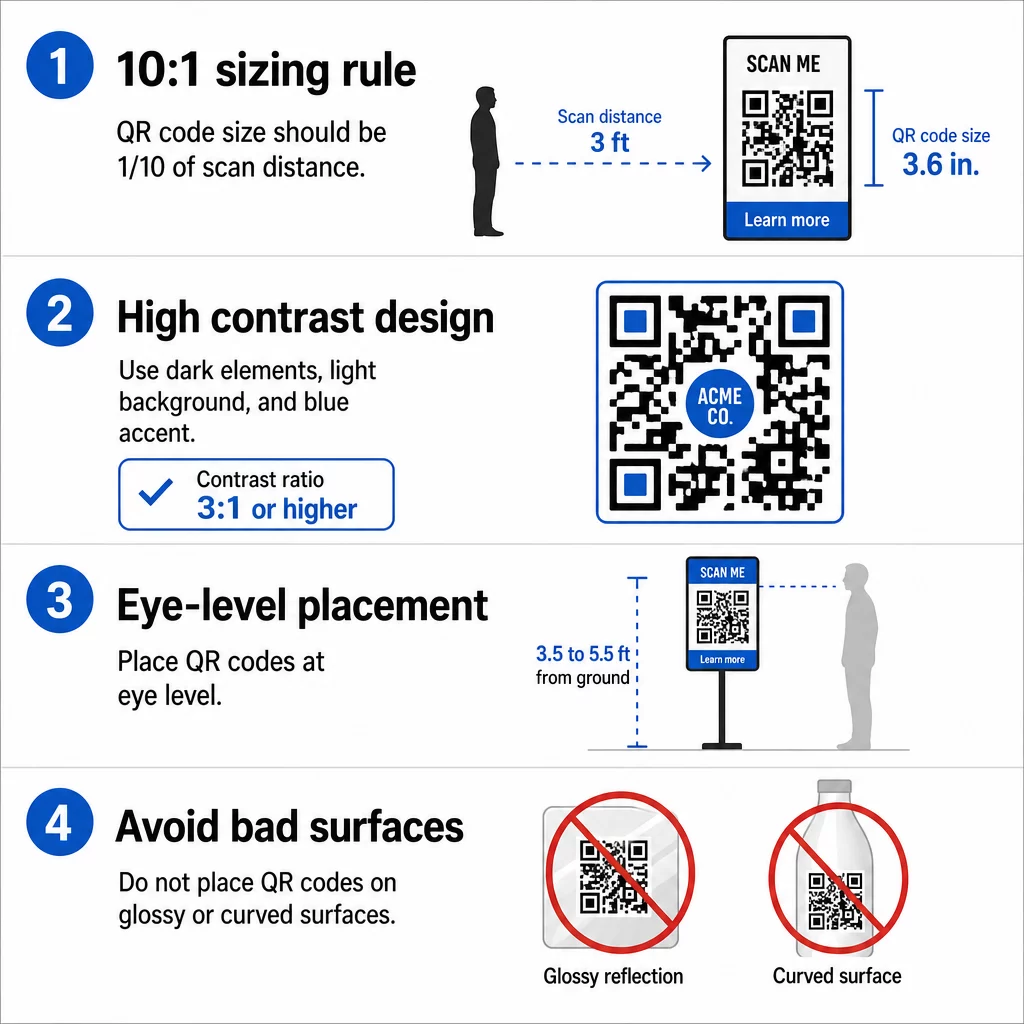
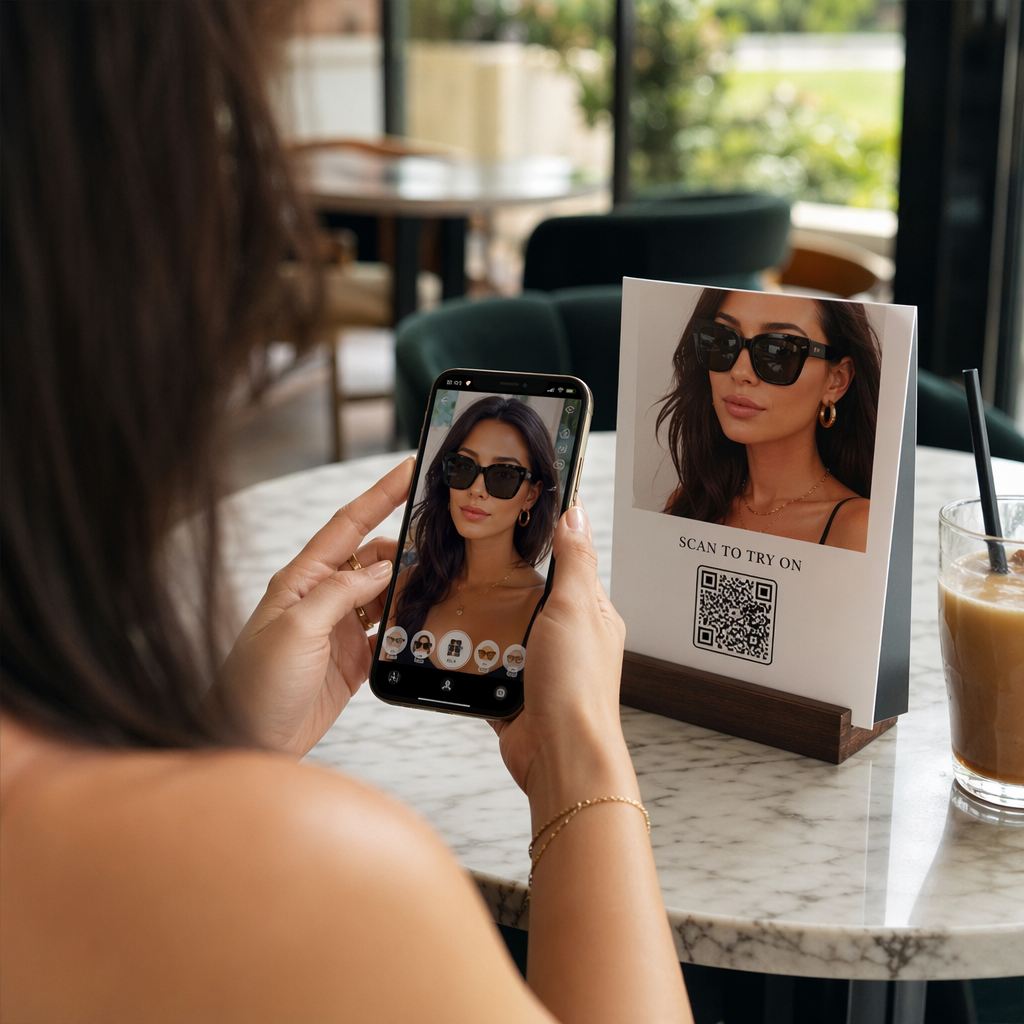
Strategic QR code placement also requires placing codes at eye level, typically between 3.5 and 5.5 feet from the ground. You should avoid placing codes on glossy surfaces that reflect light or on curved objects like bottles where the pattern might become distorted. By placing codes near checkout counters, entrance signs, or table tents, you catch users at natural “dwell points” where they have the time and inclination to interact with their mobile devices.
Optimizing the User Experience with Geolocation
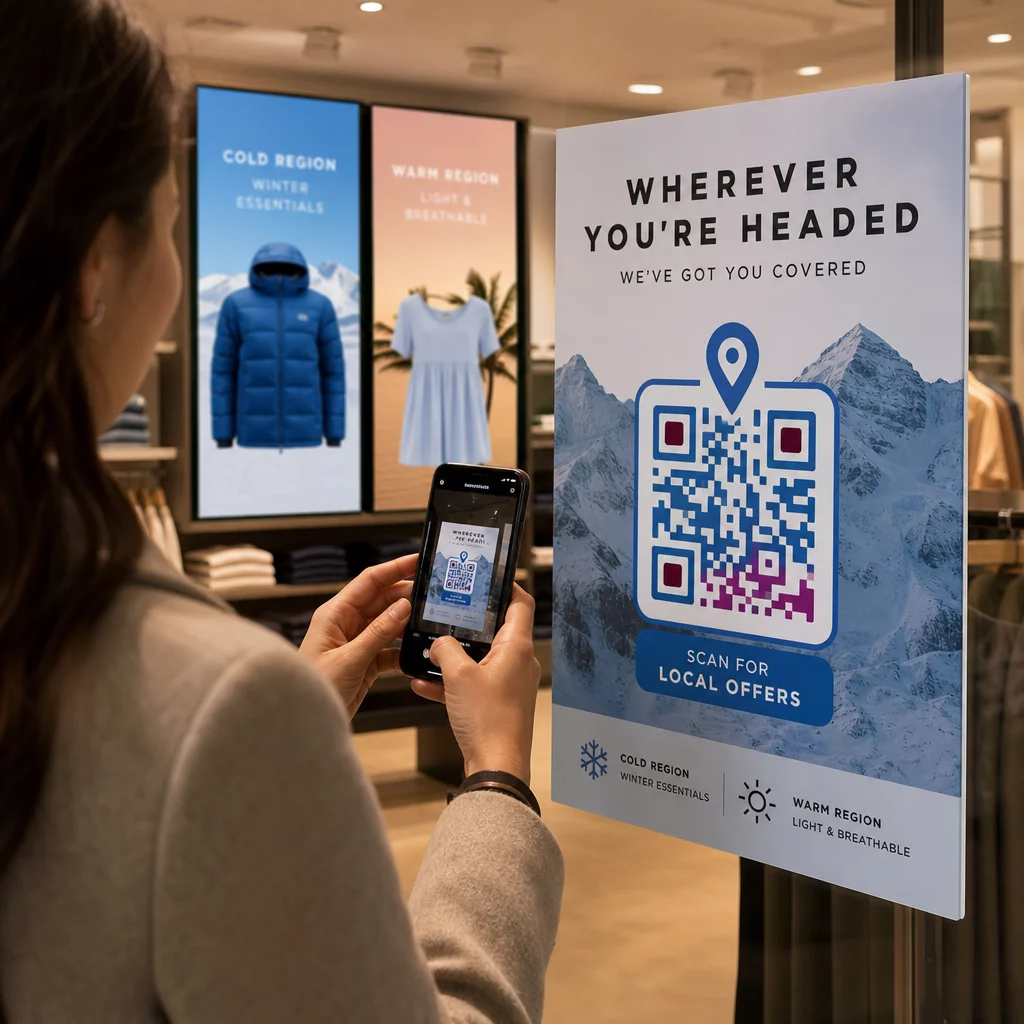
Once a user scans your code, the transition to the digital experience must be seamless. You can use location-based QR code redirection to send users to different landing pages based on their proximity to your business. For example, a restaurant chain might use one single QR code on a national flyer that automatically opens the menu for the specific branch closest to the user’s current GPS coordinates.
| Feature | IP-Based Tracking | GPS-Based Tracking |
|---|---|---|
| Precision | City-level (50–70% accuracy) | High (within meters) |
| User Consent | Not required | Explicitly required |
| Reliability | Works automatically | Depends on GPS signal |
| Best Use Case | Regional analysis | Geofencing and micro-targeting |
To maximize engagement, your landing pages must be mobile-optimized and load in under three seconds. Since 81% of consumers prefer personalized experiences, the content should feel relevant to the user’s current location. If you are promoting a local event, the landing page should prominently feature the local address and a Google Maps QR code to provide instant directions.
Measuring Performance and Ensuring Compliance
To understand if your geofencing campaign is successful, you need to look beyond raw scan counts. You should analyze top metrics for location-based QR campaigns, such as conversion rates and the “dwell time” on your landing page. If you find that one specific geofenced zone has high scans but low conversions, it may indicate that your offer isn’t relevant to that specific neighborhood or that the landing page isn’t loading correctly on certain mobile browsers.
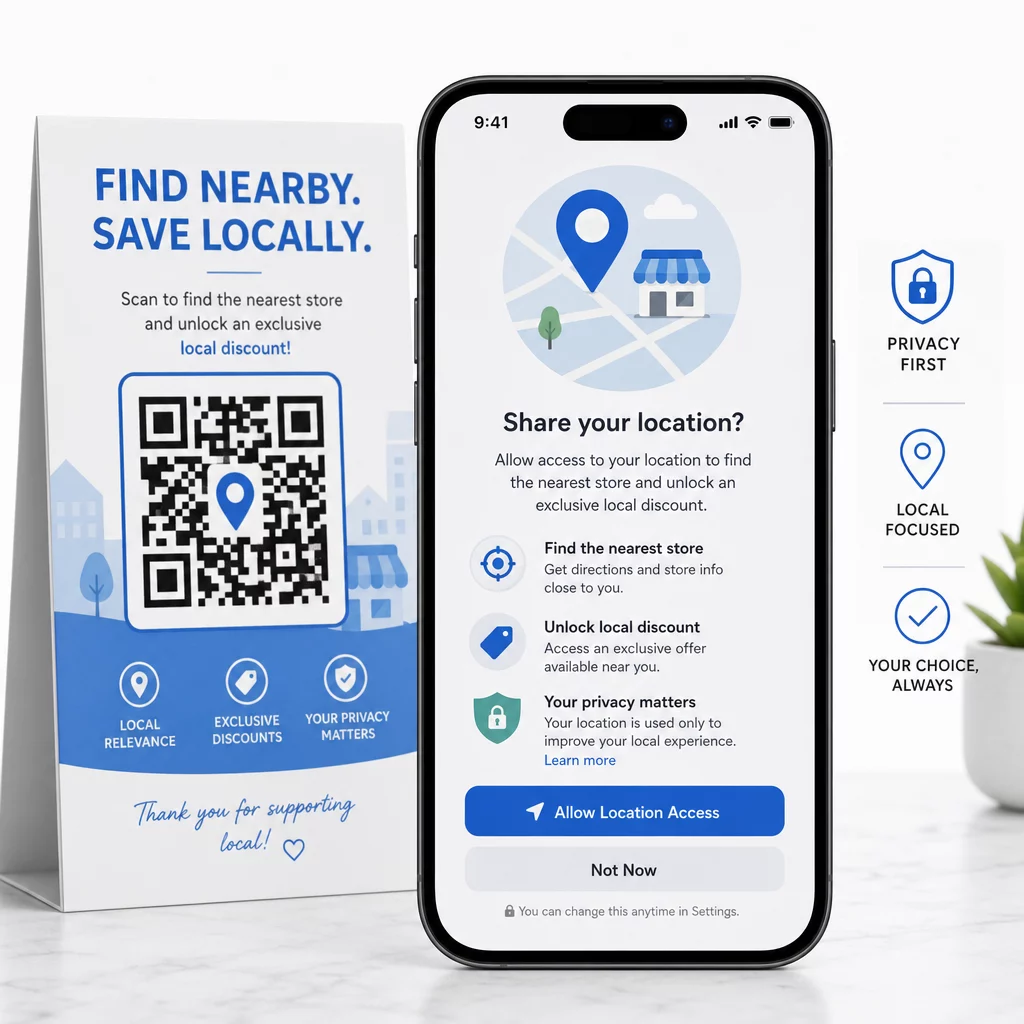
Privacy and regulatory compliance are non-negotiable components of any location-based campaign. You must obtain explicit consent before collecting sensitive geolocation data. When a user scans your code, provide a clear and transparent prompt explaining why you need their location – for example, “Share your location to find the nearest store and unlock a local discount.” Additionally, be aware of regional restrictions; for instance, some states prohibit geofencing near healthcare facilities. Following these standards builds trust and ensures your data-driven strategy remains ethical and effective.
Frequently Asked Questions
Yes, if you use a dynamic QR code. Dynamic codes allow you to update the destination URL or change the location-based redirection rules through an online dashboard without needing to reprint any physical materials.
Accuracy depends on the method used. IP-based tracking provides city-level accuracy and does not require consent, while GPS-based tracking is precise within a few meters but requires the user to explicitly grant permission on their mobile device.
No. Most modern smartphones have built-in QR code scanners in their native camera apps. The geofencing logic happens on the server side after the scan, directing the user to the correct page through their default mobile browser.
Integrating geofencing with QR codes transforms static physical advertisements into dynamic, data-rich touchpoints that respond to your customers’ real-world behavior. By focusing on precise targeting, utilizing dynamic technology for flexibility, and maintaining strict privacy standards, you can drive significant engagement and measurable ROI. To begin building your own location-aware campaign, use a professional QR code generator to create branded, trackable codes that bridge the gap between your physical and digital presence.