
Are you considering tattooing a QR code on a client or using one in your shop marketing, but worry it will stop scanning? A non-functional skin tattoo leads to permanent client frustration, while broken promotional codes waste your marketing budget. Here is what you need to know about skin physics, scannability risks, and studio marketing best practices.
The Technical Viability of QR Code Tattoos
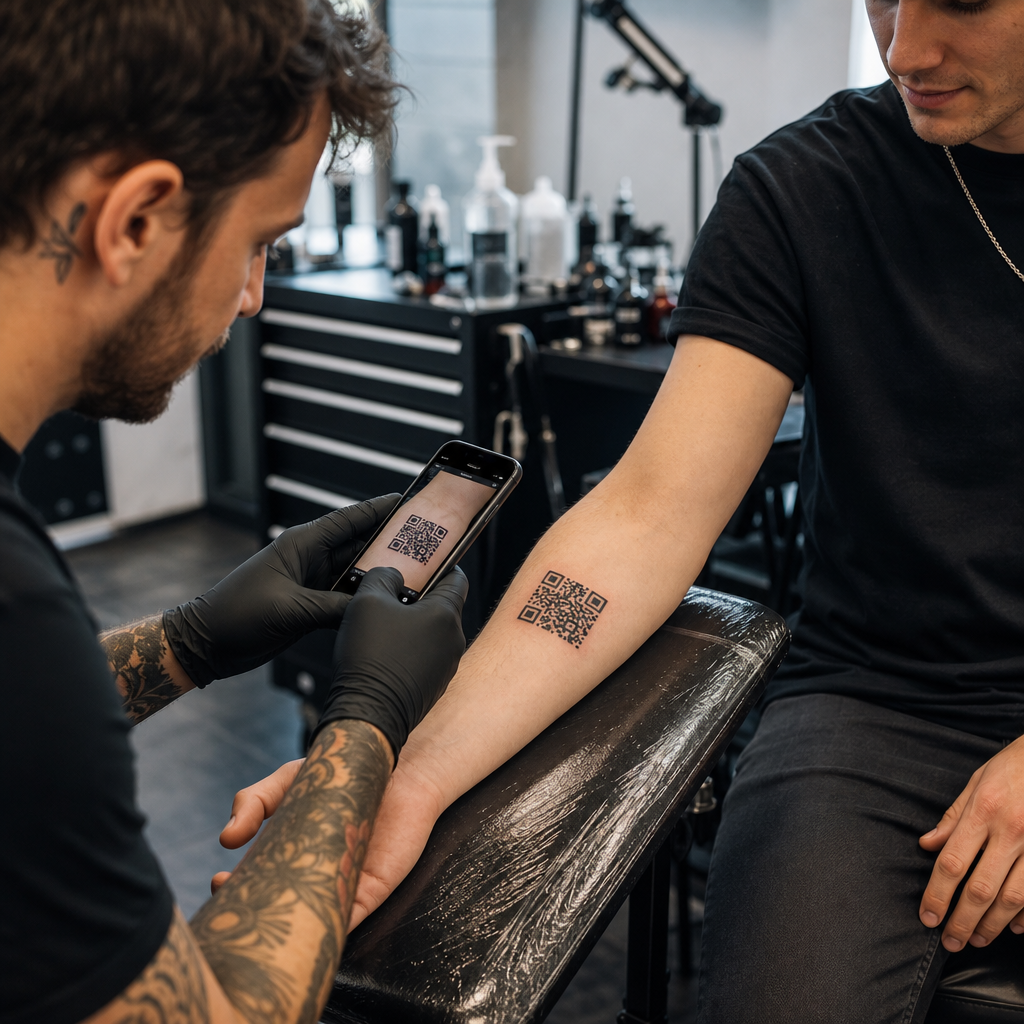
Tattooing a scannable QR code directly onto human skin is technically possible, but it comes with significant physical challenges. Unlike paper or flat signage, human skin stretches, flexes, and curves over underlying muscle groups. When a smartphone camera attempts to decode a QR code, it looks for clean geometry, distinct module edges, and precise square proportions. Body movement distorts these proportions, causing scanner software to misread the data pattern.
Over time, natural skin aging and pigment migration create further scannability risks. Ink particles spread microscopically under the skin as a tattoo heals and ages over years. This gradual softening of sharp black lines reduces the module distinction required by mobile device sensors.
To give a skin-based code any chance of long-term readability, you must understand how error correction works in editable QR codes. QR codes rely on Reed-Solomon error correction algorithms to recover missing or obscured data, divided into four standardized levels:
- Level L (7%): Recovers up to 7% of missing data, making it unsuitable for organic or moving surfaces.
- Level M (15%): Recovers up to 15% of missing data, serving as the standard for basic print media.
- Level Q (25%): Recovers up to 25% of missing data, protecting against moderate surface distortion.
- Level H (30%): Recovers up to 30% of missing data, providing the maximum resilience required for skin applications.
Even with Level H error correction, a hardcoded static link tattooed on skin will break permanently if the target URL changes or dies. Using dynamic codes ensures that even if your client wants to change their linked portfolio, social profile, or audio track years down the road, the destination link remains completely editable behind the same physical tattoo pattern.
Create Flexible Links Before Inking Never tattoo a hardcoded static link that might break in a year. Use the Dynamic QR Code Generator to ensure the destination link can be updated anytime.
Design and Placement Rules for Permanent Skin Codes
If a client insists on getting a QR code tattoo, you must treat body placement and stencil design with extreme discipline. Skin behaves similarly to flexible textiles, where movement creates natural gathering and stretching. For broader context on flexible surfaces, review our guide on scannable QR codes for apparel.
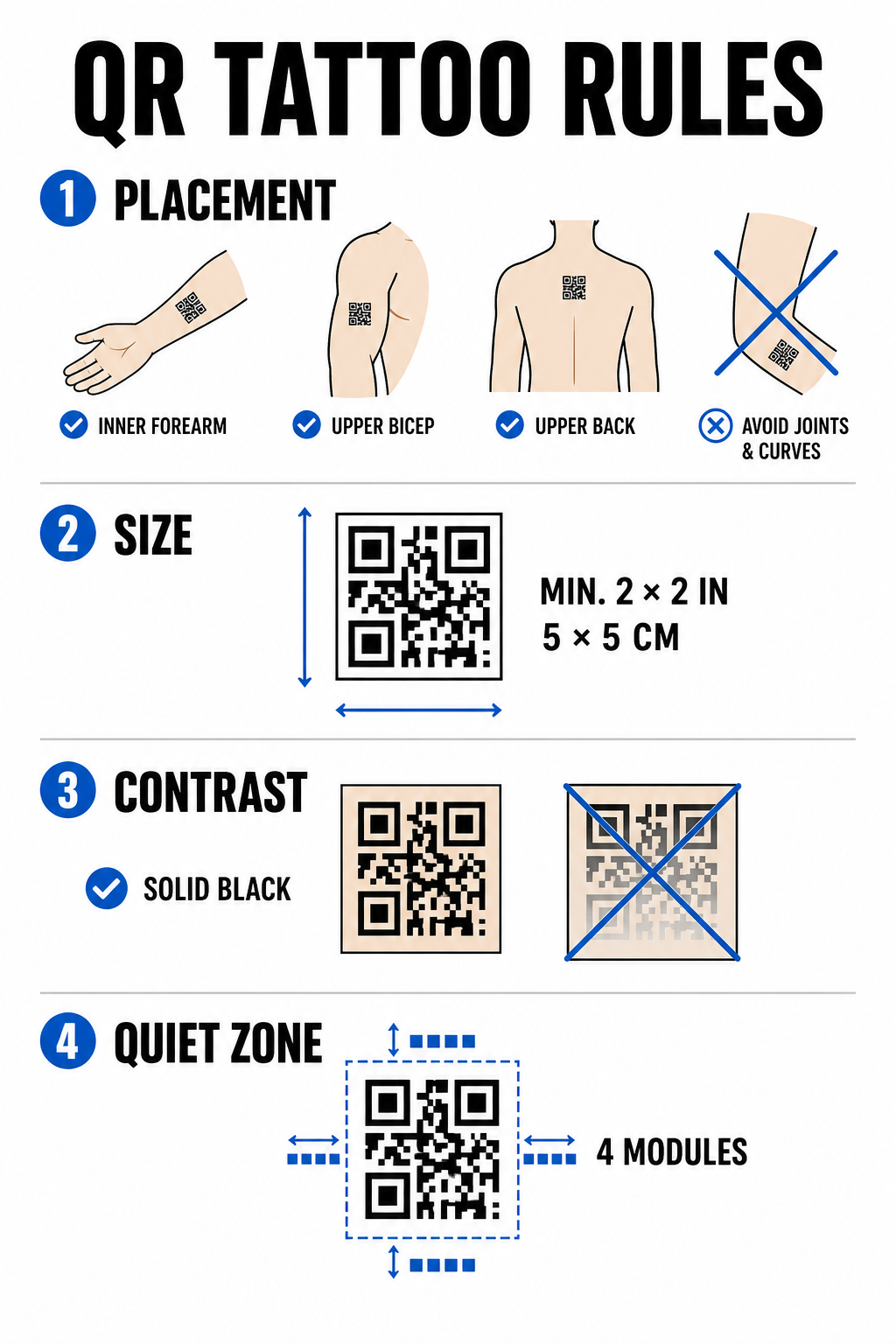
To minimize scanning failure over time, adhere to these structural design constraints.
Placement Selection
Select flat, stable anatomical sites with minimal muscle flex or fat distribution shifts. Ideal locations include the inner forearm, the flat region of the upper bicep, or the upper back below the neck. Avoid placement over joints, ribs, wrists, ankles, or areas prone to significant stretch marks.
Sizing Constraints
Never tattoo a QR code smaller than 2×2 inches (5×5 cm). Dense data structures require even larger dimensions to remain readable. Smaller modules will merge into a solid mass within a few years as ink migrates through the dermis, rendering the code unscanable.
Contrast Standards
Scanners rely on high contrast between light background skin and dark foreground ink. Solid black ink on fair-to-medium skin offers the highest contrast ratio. Avoid using colored inks, subtle gradients, or white ink highlights inside the data grid, as camera sensors read these mid-tones inconsistently. Refer to strict color contrast best practices when planning line work.
Quiet Zone Rules
Every code requires a clear, uninterrupted margin around its perimeter – known as the quiet zone – that measures at least four modules wide. Do not wrap surrounding artwork, shading, or background filler close to the outer edges of the tattoo grid.
| Factor | Tattooed QR Codes (Skin) | Studio Marketing QR Codes (Print/Digital) |
|---|---|---|
| Durability | High physical risk due to aging and ink spread | Long-lasting and easily replaceable |
| Size Limit | Restricted by available anatomical surface area | Flexible across posters, cards, and banners |
| Error Correction | Mandatory Level H (30%) | Standard Level M (15%) or Level H (30%) |
| Link Management | Requires dynamic codes to prevent broken URLs | Uses dynamic codes for easy campaign updates |
High-Impact QR Code Strategies for Studio Marketing
While tattooing codes onto clients carries biological risks, using QR codes to market your studio across physical items presents a reliable opportunity to drive bookings and manage client communication across various business applications.
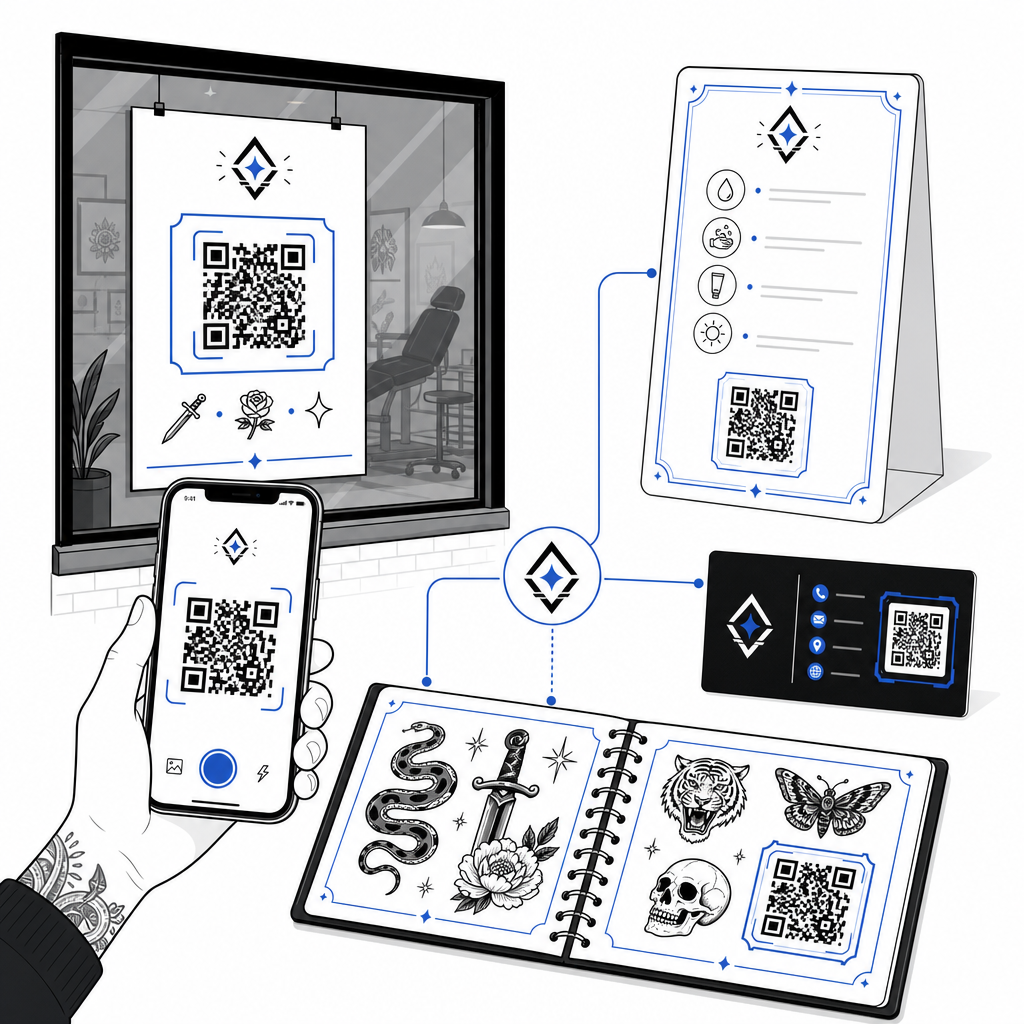
Digital Aftercare Instructions
Handing clients printed aftercare cards with a dynamic QR code lets them scan to access direct care guidelines, recommended product links, or instructional videos. If your shop updates its aftercare brand recommendations or product partners, you can update the digital file online without reprinting your physical cards.
Interactive Flash Sheets and Portfolios
Incorporate subtle QR codes next to flash designs in your physical shop books or window displays. Clients waiting for appointments can scan flash pieces to check pricing, preview healed photo galleries, or book that specific flash art directly through your scheduling platform.
Shop Window Signage and Business Cards
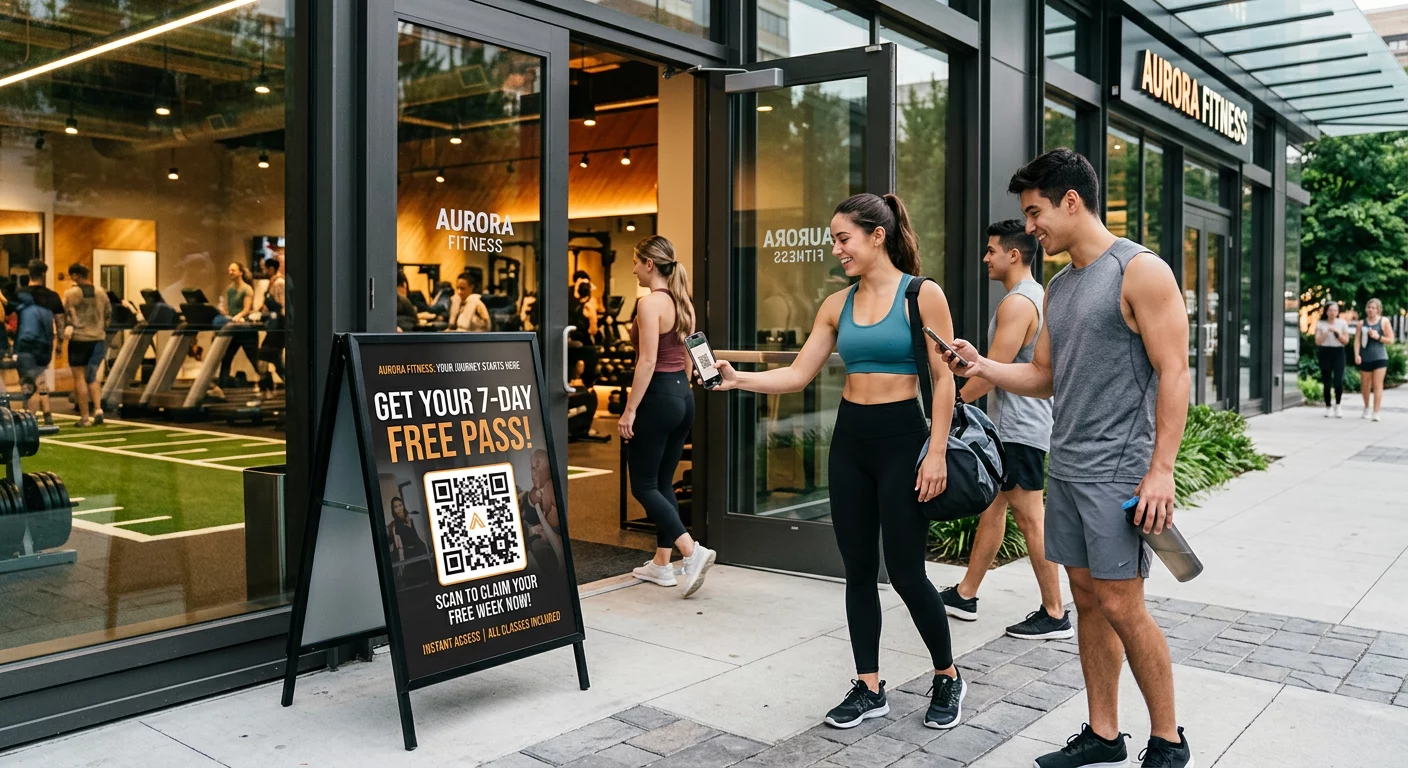
Passersby can scan window decals outside business hours to check studio availability, view artist rosters, or jump directly to Instagram feeds. Adding branded codes to artist business cards converts traditional networking into instant digital contact saving.
Build Custom Branded Codes for Your Studio Give your marketing materials a professional touch by adding your shop logo and custom frame styles. Build your branded design with the QR Code Generator with Logo today.
Best Practices for Scannability and Testing
Whether preparing a stencil for a skin application or designing promotional signage for your front reception area, following strict quality checks prevents failed scans in the field.
- Keep data simple: Use shortened dynamic links to reduce data density, resulting in larger, less cluttered module blocks.
- Verify color contrast: Apply deep black ink on light backgrounds, ensuring the contrast meets mobile camera readability requirements.
- Maintain the quiet zone: Preserve a clear border around all four sides of the code, free of background shading, surrounding tattoos, or graphic borders.
- Test under real conditions: Test your preliminary stencil on the skin using a smartphone camera or an online QR code scanner while the client moves or rotates their body.
- Follow general readability rules: Review device camera distance, ambient lighting, and line clarity before finalizing any print or tattoo project. Check our full list of QR code readability guidelines to audit your design.
Mastering QR Codes in Your Studio
Tattooing QR codes onto human skin requires setting realistic client expectations: biological aging, ink spread, and skin movement make skin codes far more unpredictable than standard print media. Using high error correction and dynamic links gives skin tattoos their best chance of survival. Meanwhile, deploying dynamic QR codes on your shop’s physical marketing materials provides a clean, flexible bridge between your offline flash wall and your online booking calendar.
To begin setting up trackable, customizable codes for your shop signage, aftercare sheets, and portfolios, start building with the Pageloot QR Code Generator today.
Frequently Asked Questions
Skin ages, stretches, and ink naturally migrates over time, which can blur sharp edges and reduce scannability. Using Level H error correction and dynamic URLs gives the tattoo the best operational lifespan, but long-term readability on skin cannot be guaranteed.
A QR code tattoo should be at least 2×2 inches (5×5 cm). Encoded data needs sufficient room so individual modules do not blur together during the healing process or over years of skin movement.
Dynamic QR codes let you change the destination link – such as updating your flash catalog, booking form, or aftercare guide – without having to reprint physical business cards, posters, or window decals.