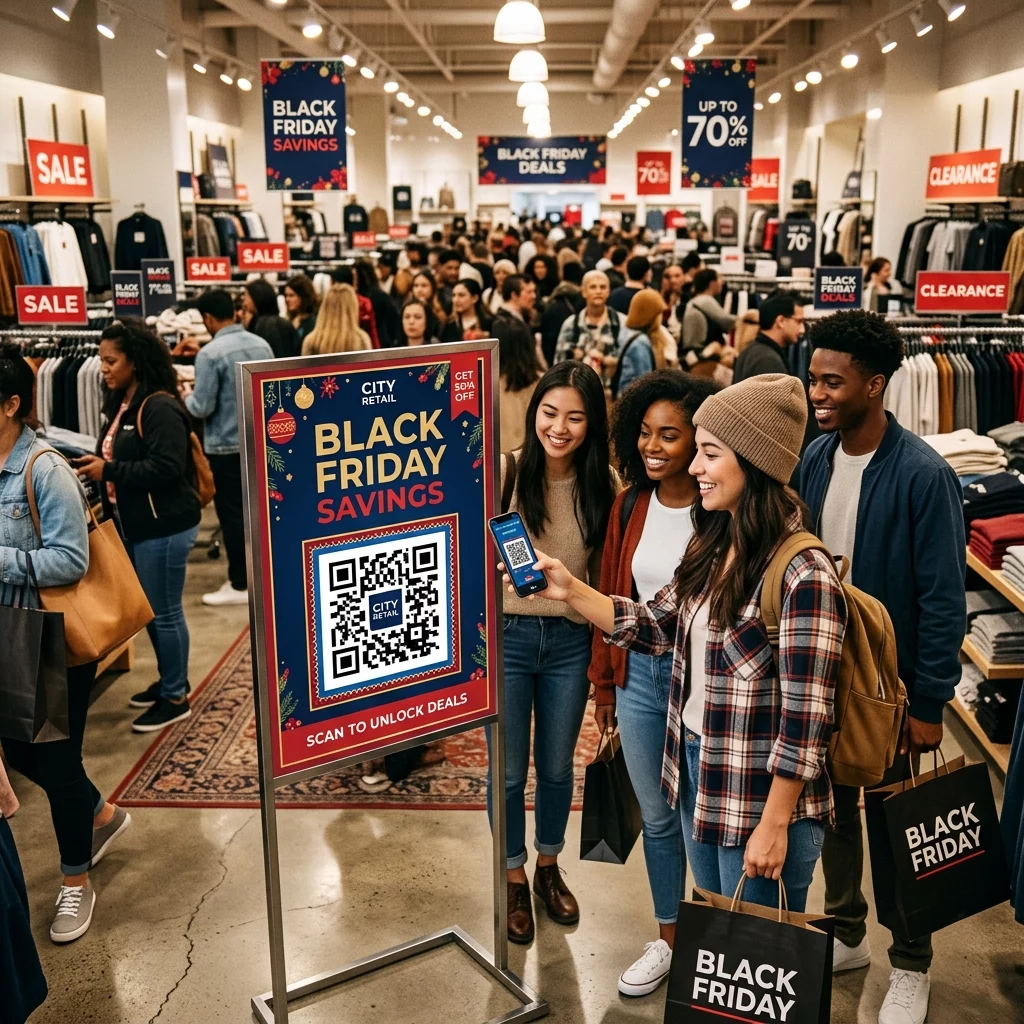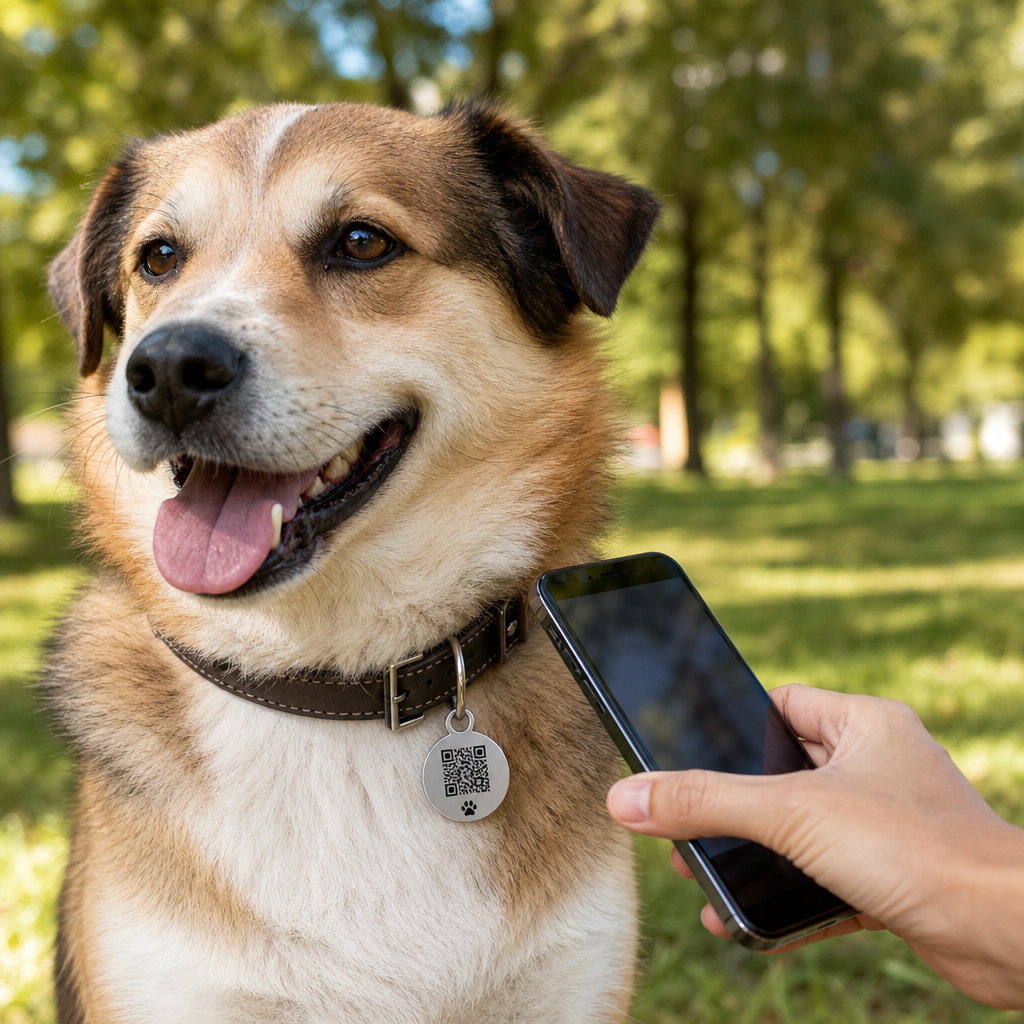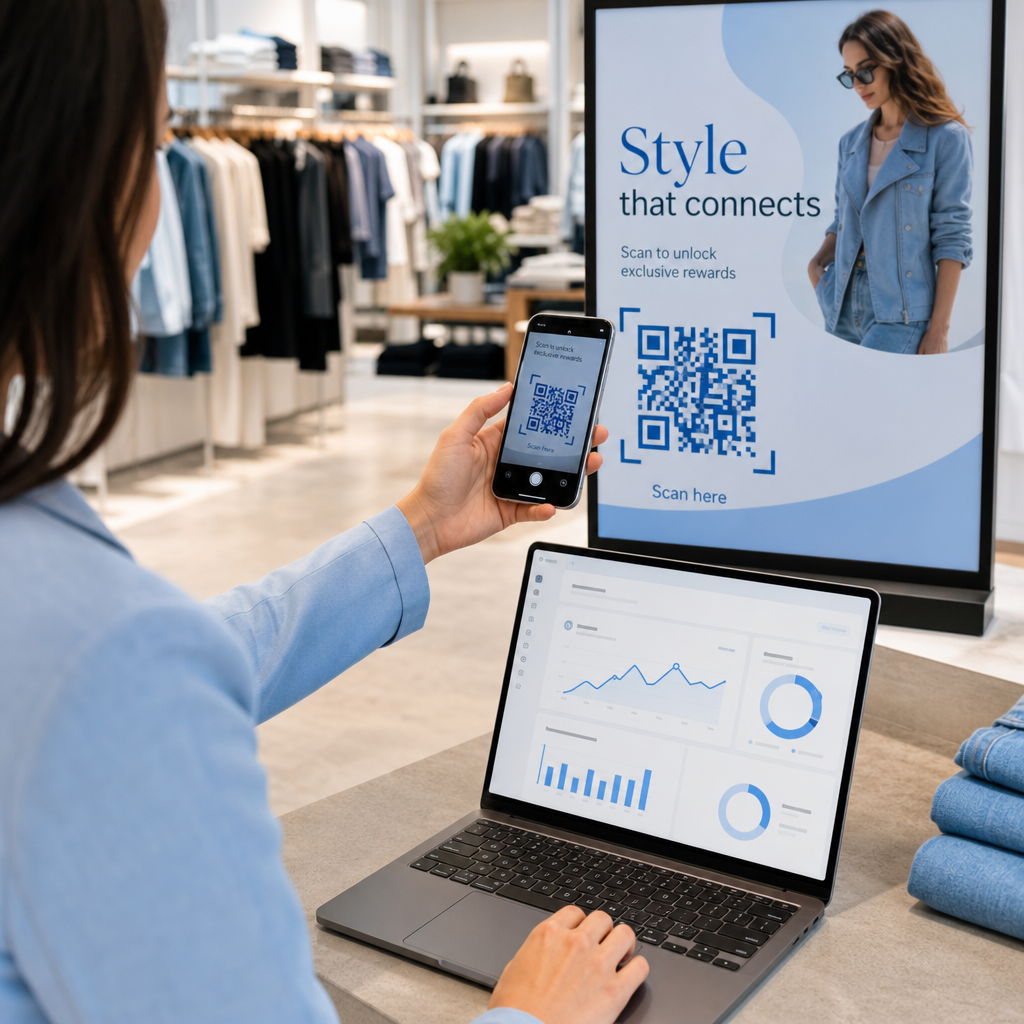
Are your residents struggling to access digital government services through your printed signs and documents? When QR codes are poorly placed or inaccessible, they create frustrating barriers to essential public information and reduce agency efficiency. This guide provides technical best practices for placement, sizing, and compliance to ensure your digital touchpoints are scannable for every citizen.
Why Contrast is the Foundation of Scannability
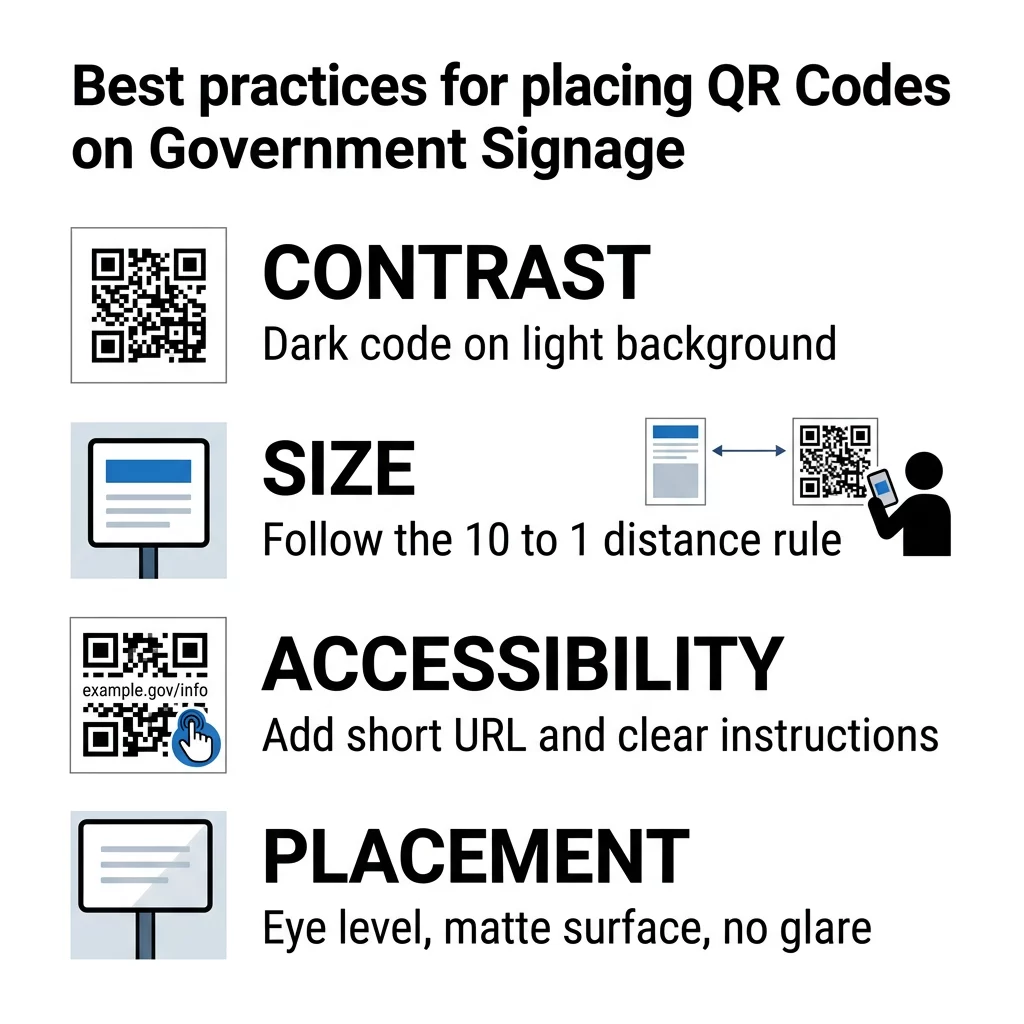
Scanners differentiate QR code patterns based on how light reflects off the surface. Think of the camera like a high-speed reader that needs a sharp edge to distinguish between data modules and the background. If the contrast is too low, the sensor cannot isolate the individual “dots,” leading to immediate scan failure. To follow QR code color contrast best practices, you should always prioritize a dark foreground on a light background.
While black-on-white is the gold standard for reliability, other high-contrast pairings like navy blue on beige or dark green on white can be effective. You should aim for at least a 4.5:1 contrast ratio to accommodate users with low vision and to ensure scannability in varied lighting conditions, such as outdoor park signage or dimly lit hallways. Avoid using inverted designs – light codes on dark backgrounds – because many older smartphone cameras struggle to process them.
Sizing Codes for Different Viewing Distances
A common mistake in public sector signage is printing codes that are too small for their environment. The size of your QR code must increase as the distance between the user and the sign increases. For instance, the Smithsonian Institution successfully utilizes larger codes in exhibit halls so visitors can scan from a comfortable distance without crowding the displays.
- Follow the 10:1 rule, where the code should be at least 1 inch wide for every 10 inches of scanning distance.
- Maintain a minimum physical size of 0.8 x 0.8 inches (2 x 2 cm) for close-range materials like forms, business cards, or brochures.
- Increase the size of the code if you are encoding complex data, as denser patterns require more surface area to remain readable and scannable.
- Ensure a quiet zone of at least four modules wide on all sides to provide a clear buffer that helps the scanner identify the code boundaries.
If you need to collect public feedback or event registrations, use a Google Form QR code generator to create a scannable gateway that works across all device types and distances.
Meeting Accessibility and Section 508 Standards
Government agencies must ensure that digital transitions are inclusive for all residents. While Section 508 applies to federal electronic content, the ADA requires equivalent facilitation for individuals with disabilities on public signage. This means that a QR code should never be the only method provided to access critical information. National Park Service (NPS) and CDC signage often include alternatives to ensure no citizen is left behind.
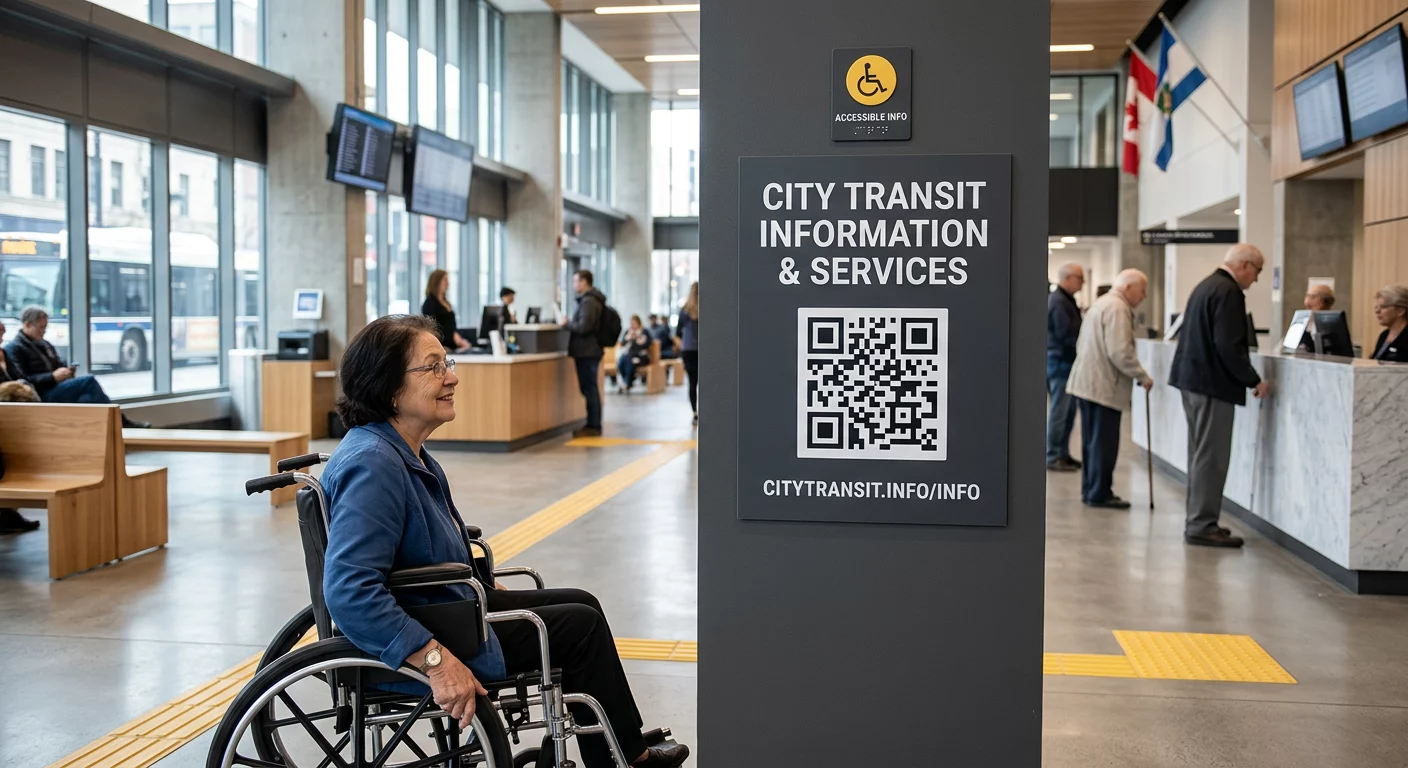
To maximize accessibility, you should provide clear, plain-language instructions nearby, such as “Scan to download the permit application.” Including a short, easy-to-type URL below the code serves as a vital backup for those who cannot use a camera. For blind or low-vision users, placing a Braille label or a tactile marker near the code indicates its purpose and location. You may also consider voice-activated QR codes for transit hubs or museums to provide narrated guides that assist with navigation and comprehension.
Choosing the Right Physical Placement
The physical environment significantly impacts how quickly a resident can scan your code. Poor lighting, glare, or curved surfaces are leading causes of user frustration. For example, transit agencies like the Madrid EMT bus system place codes on flat, matte surfaces at eye level to ensure riders can scan quickly while on the move.
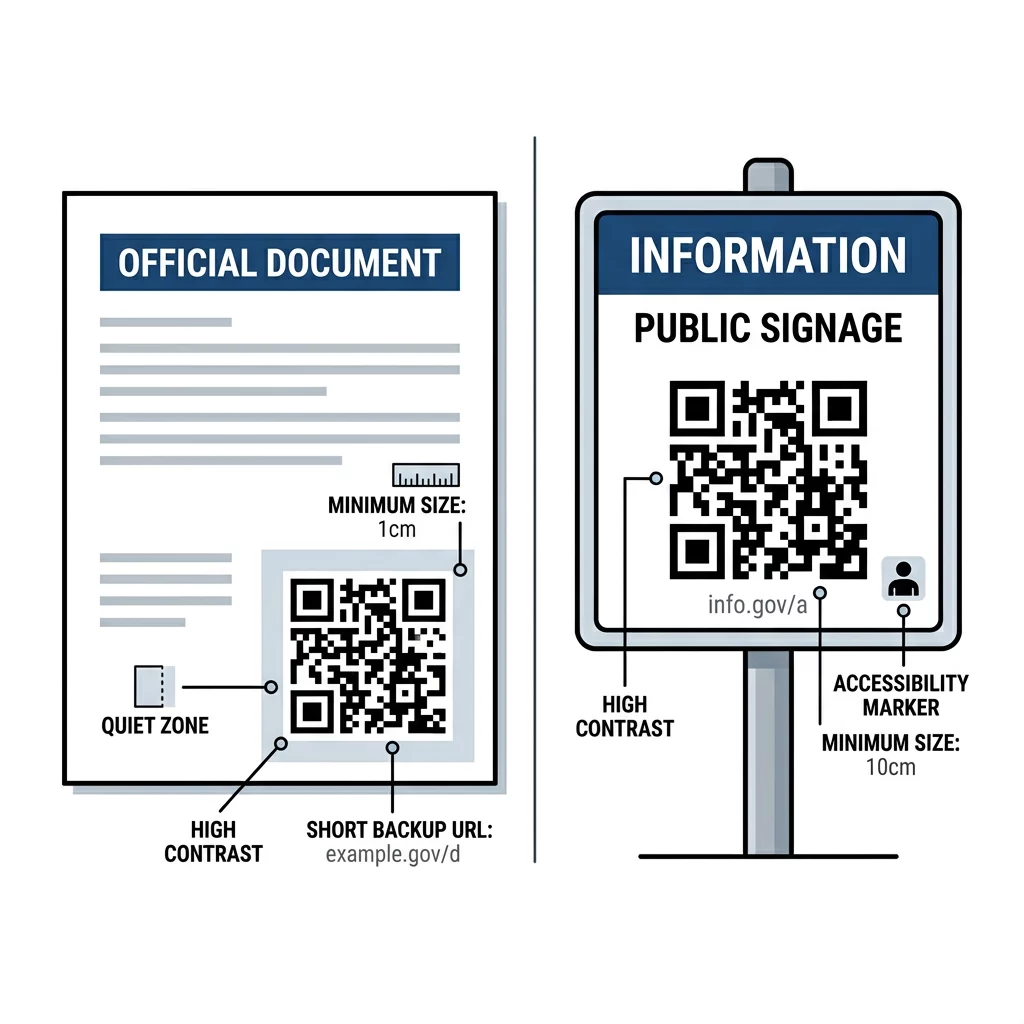
- Position codes at eye level, generally between 3.5 and 4.5 feet, to be accessible for both standing adults and wheelchair users.
- Use matte finishes and anti-glare laminates rather than glossy materials, which can create reflections that “blind” the camera sensor.
- Avoid placing codes on curved surfaces like pillars or small bottles, as the distortion makes the pattern difficult for software to decode.
- Ensure the code is placed on a stationary object rather than a moving door or a high-speed vehicle where a user cannot safely pause to scan.
- Provide a solid, opaque background behind codes placed on glass doors to prevent backlighting from washing out the pattern.
If you need to direct citizens to new field offices or vaccination sites, a Google Maps QR code generator provides instant navigation without requiring manual address entry. Following these guidelines to improve QR code readability ensures that your placement choices support, rather than hinder, the user experience.
Dynamic Codes for Agency Efficiency
Public information, such as office hours or policy documents, changes frequently. Printing a static QR code that links to a specific document means you must reprint the entire sign every time a URL or file is updated. Dynamic QR codes solve this by allowing you to update the destination link in the backend without changing the printed code on the wall.
Beyond flexibility, dynamic codes provide your agency with essential scan analytics. You can track which locations have the highest engagement and what times of day residents are accessing services. This data helps you decide where to allocate future signage budgets and how to improve public outreach. For agencies managing public documents that require frequent reading, using a Google Doc QR code generator allows residents to open the latest version of a guide directly in their mobile browser.
For managing public documents that require frequent updates, use a PDF QR code generator to host your files. This allows you to replace the document version at any time while keeping the same printed QR code on your flyers or office signage.
FAQ
The absolute minimum size is 0.8 x 0.8 inches (2 x 2 cm). However, for better reliability across various smartphone models and older cameras, 1 x 1 inch is the recommended standard for printed documents. Do government QR codes need to be black and white? They can be colored to match agency branding, but they must maintain a high contrast ratio of at least 4.5:1. Dark blue, dark green, or black on a white or very light background are the most reliable options for public use. How do I ensure a QR code on a window is scannable? Avoid printing the code directly on a transparent background, as light from behind the glass can interfere with the scan. Always use a solid white background “quiet zone” around the code to ensure the camera can clearly identify the modules. To ensure your agency’s QR codes are always accessible and professional, start by using high-resolution vector files for all your print materials. You can easily manage and update your public-facing links by using a link QR code generator to create dynamic, trackable touchpoints for your community.