Are your customers walking past your in-store promotions without a second glance? Overlooking physical marketing leaves shoppers disconnected from your catalog and damages your conversion rates. Learning where to place QR codes throughout your store connects offline foot traffic directly to interactive digital sales.
Driving Foot Traffic with Storefront Window Displays
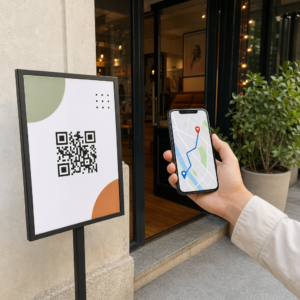
Storefront windows serve as your brand’s first impression, but they often fail to capture the interest of hurried passersby. Positioning QR codes on windows turns glass into an always-on marketing touchpoint, offering store hours, current promotions, and catalog browsing even when your doors are locked.
Window decals and window clings capture foot traffic at any hour by offering immediate incentives:
- Direct passersby to limited-time promotions using a coupon QR code generator before they enter.
- Help shoppers find nearby branches when your location is closed or out of stock with a Google Maps QR code generator.
- Display upcoming event schedules and product drops on promotional sidewalk signs.
Improving Store Navigation via Entrance Signage
Large retail environments can easily overwhelm visitors, leading to shopper fatigue and abandoned visits. When customers step across the threshold, entrance signage provides a natural pause point to orient them before they reach crowded aisles.
According to the guide to QR codes for retail navigation, digital wayfinding tools improve the customer experience by simplifying complex store layouts. Entrance touchpoints help organize the shopper journey:
- Direct visitors to interactive store maps at major intersections.
- Highlight departmental directories right before shoppers enter new product zones.
- Provide quick onboarding for in-store guest networks so customers can browse digital inventories smoothly.
Bridging Information Gaps with Shelf Tags and Displays
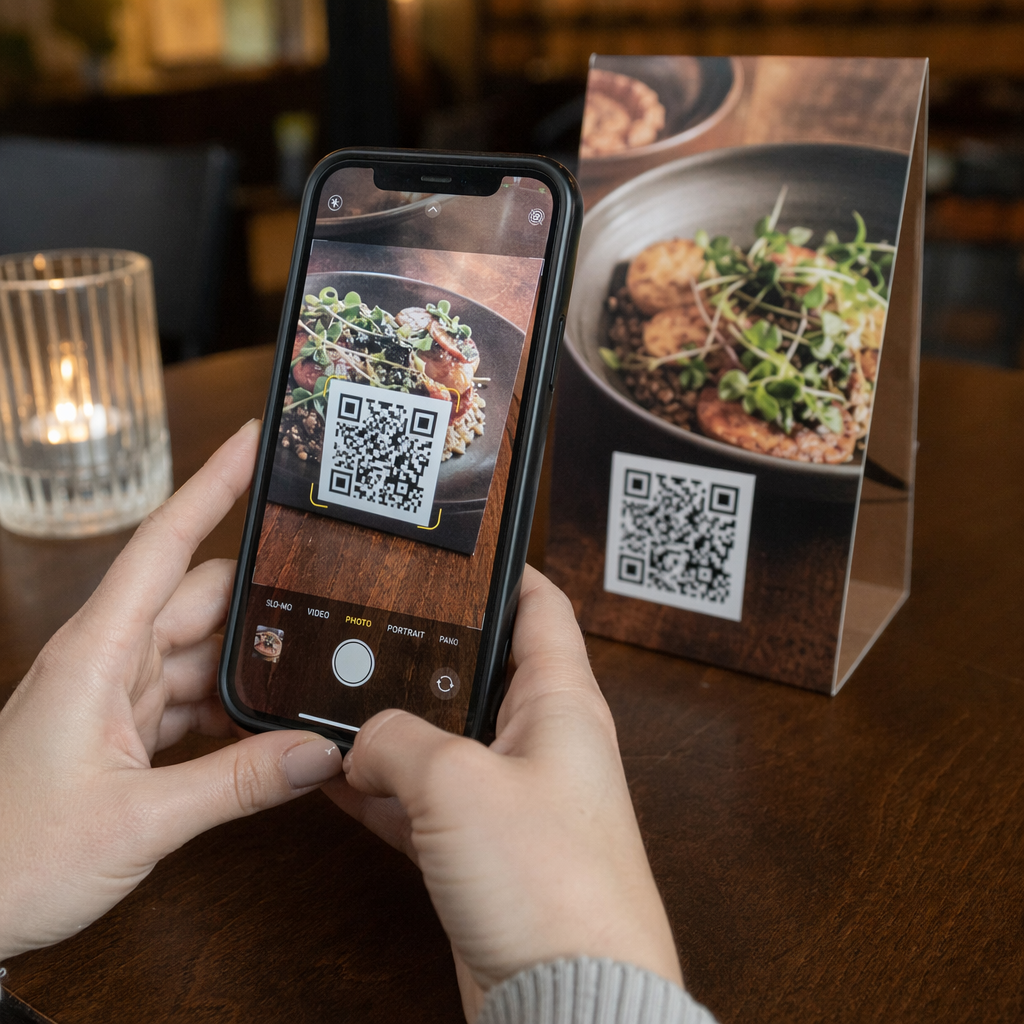
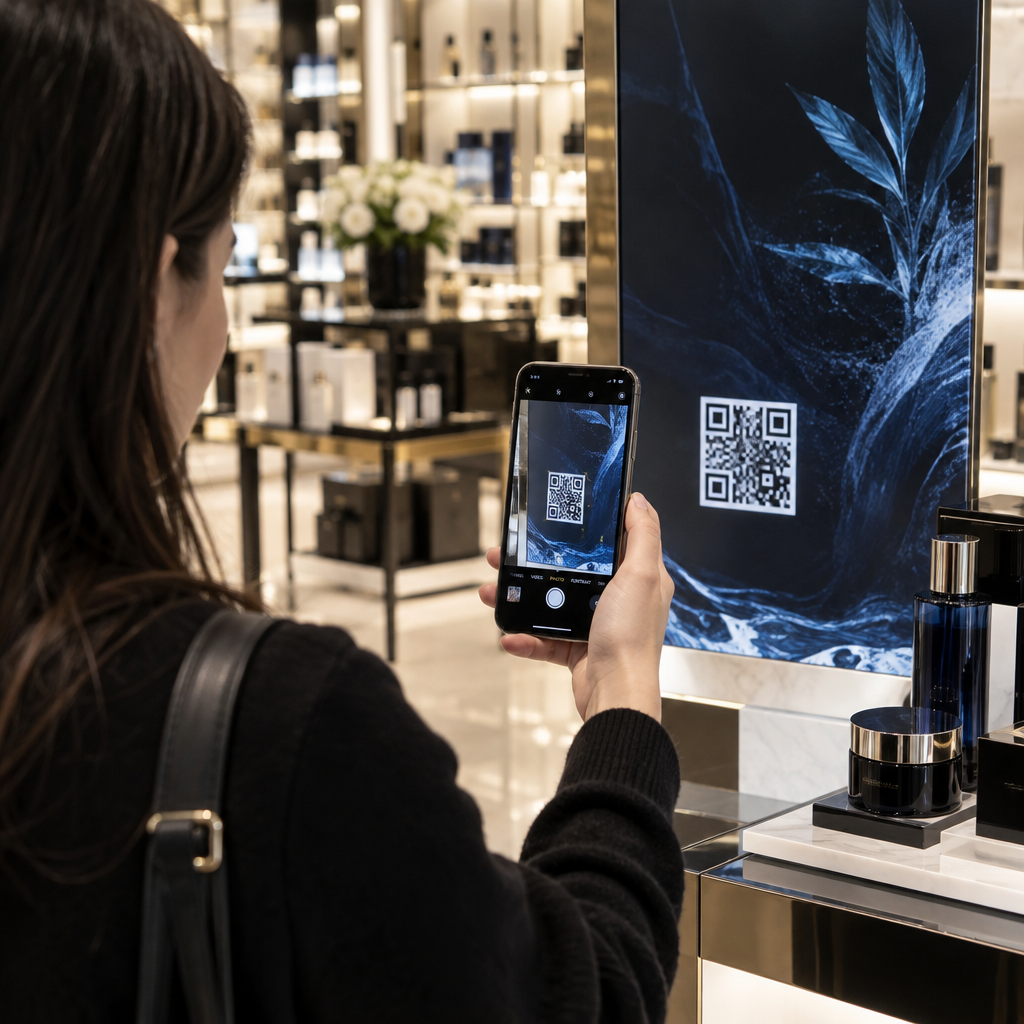
Shoppers frequently reach for their smartphones to compare prices or look up reviews while standing in the aisle. Placing scannable tags on shelf talkers, end caps, and shelf edges keeps customers engaged with your verified product data rather than competitor listings.
Modern QR codes for retailers expand limited shelf space into comprehensive digital showrooms:
- Display customer ratings and video demonstrations right at the shelf edge.
- Share product compatibility charts and ingredient sourcing details.
- Provide downloadable setup instructions or user manuals for complex merchandise.
Design Scannable Retail Codes in Seconds Create branded, high-contrast codes for your retail shelves and display fixtures with Pageloot’s QR code generator to track customer engagement across every department.
Enhancing the Apparel Experience in Fitting Rooms
The fitting room is a high-intent area where purchase decisions are finalized based on sizing, fit, and styling. Placing codes directly on mirrors or door plaques transforms private stalls into interactive dressing suites where shoppers find immediate support without leaving the room.
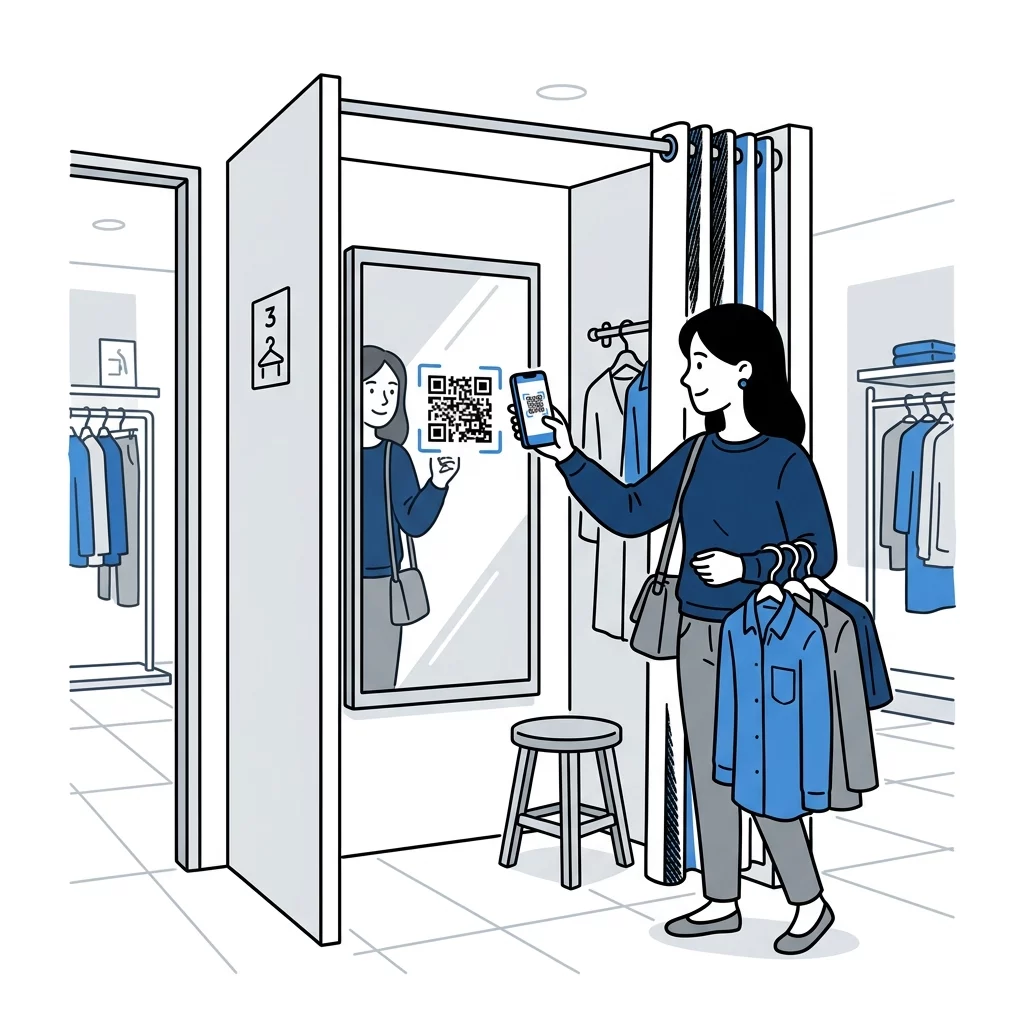
Fitting room codes streamline customer assistance during critical buying moments:
- Allow shoppers to request alternative sizes or colors directly to their stall.
- Suggest matching accessories and shoes to encourage outfit building.
- Enable shoppers to scan price tags to save items to an online wishlist.
Streamlining Checkout and Post-Purchase Engagement
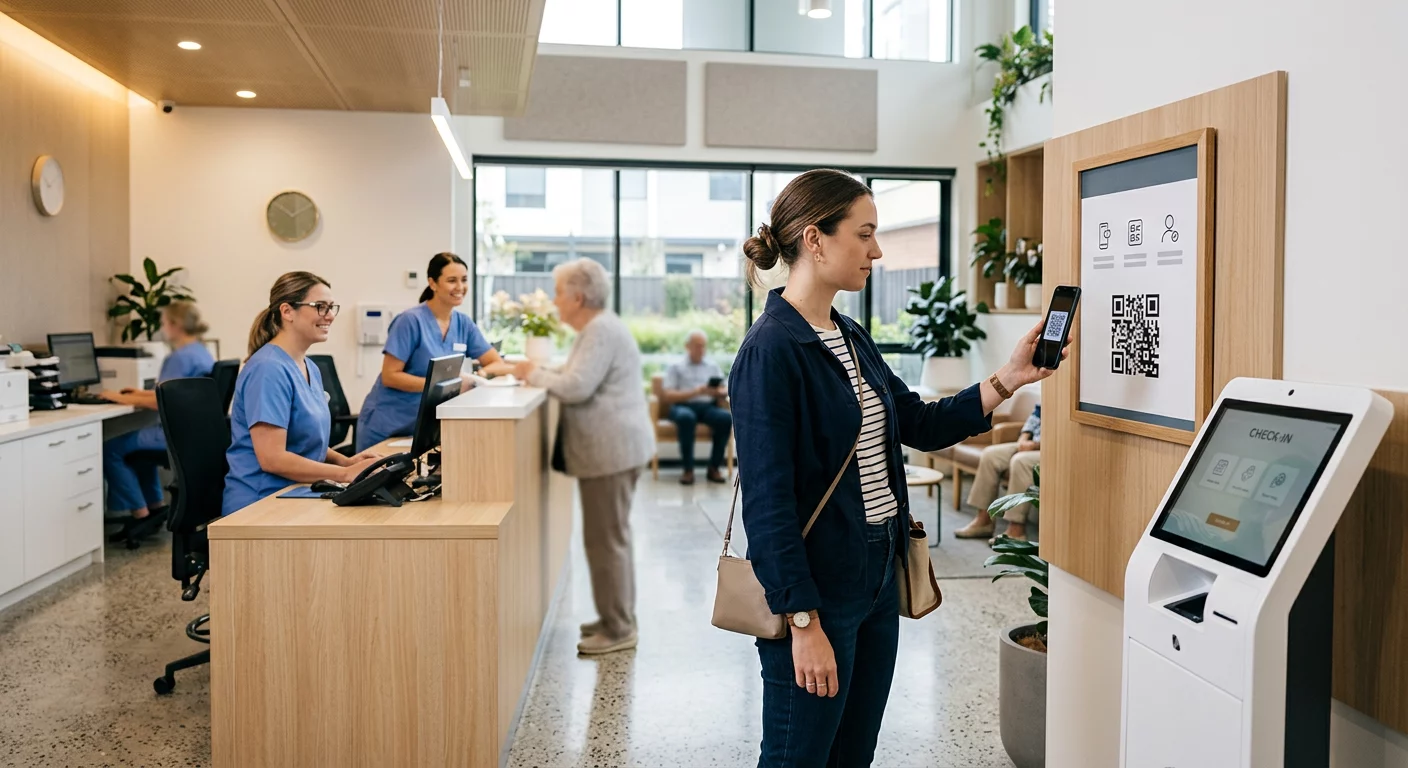
The checkout counter is your final opportunity to connect with a customer, making it an ideal location for administrative and loyalty-driven actions. Because customers wait in queue with their devices in hand, they are primed to interact with transactional displays.
Countertop displays and payment terminals help remove friction at the register. Adopting codes to simplify retail payments reduces checkout lines through touch-free billing. Beyond payment processing, register codes invite shoppers to sign up for loyalty rewards or receive digital receipts via email.
Post-purchase engagement continues on receipts and shopping bags. Directing shoppers to a Google review QR code generator captures feedback while the store visit remains fresh. Comparing QR codes on packaging vs store displays shows that printed packaging drives long-term relationship building, while displays trigger immediate in-store actions.
Essential Technical Guidelines for Retail Placement
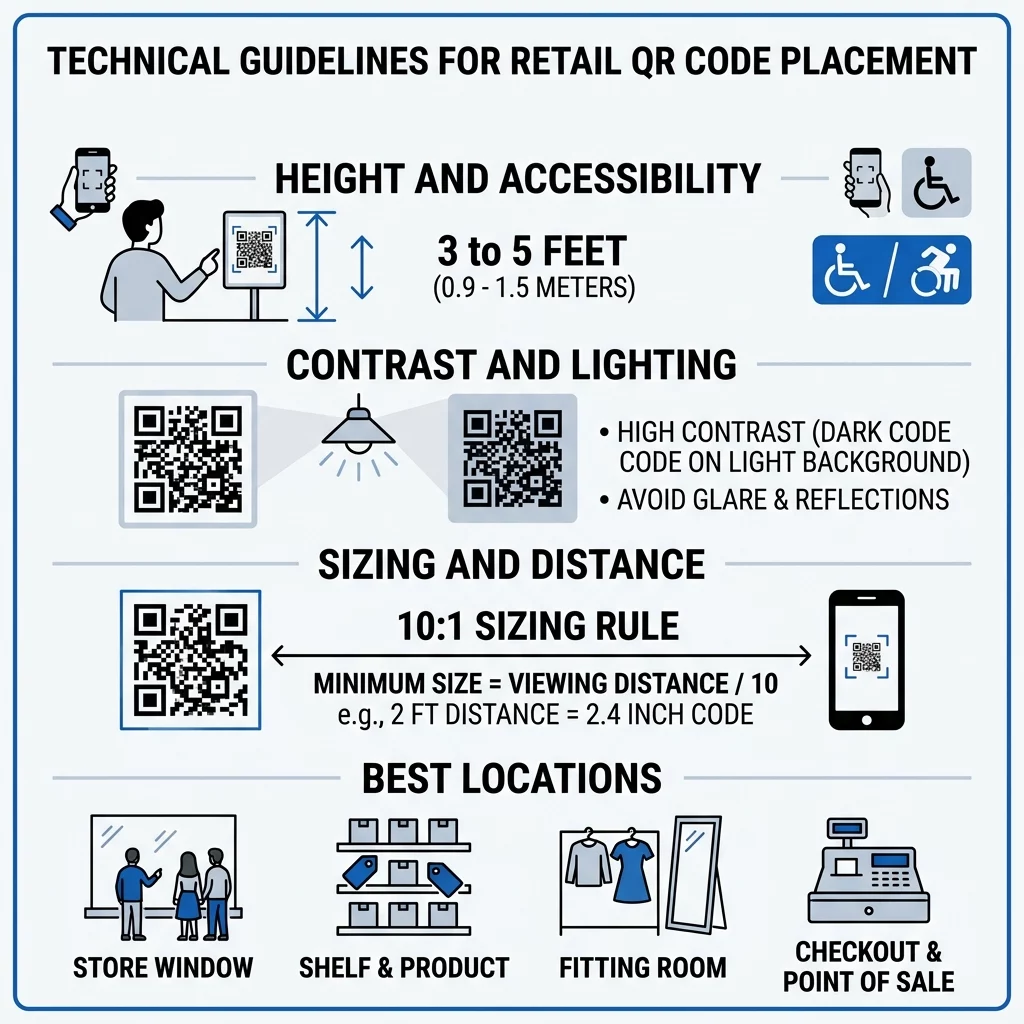
Even the most strategic placement fails if your code cannot scan quickly. To ensure reliable performance, follow core technical recommendations from the guide to QR code placement in marketing.
Height and Accessibility
Position wall and window signage between 3.5 and 5.5 feet from the floor. This eye-level positioning ensures the code remains within natural sightlines for standing adults and remains reachable for shoppers in wheelchairs. Avoid low baseboard placements that force customers to stoop, as well as overhead placements that cause awkward camera angles.
Sizing and Distance Ratios
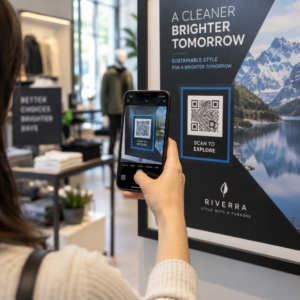
Calculate code sizing using a standard 10:1 distance-to-size ratio. If customers scan a display from 10 feet away, the code module needs to measure at least 1 foot wide. For close-up scanning on shelf edges, keep the minimum printed dimensions at 0.8 x 0.8 inches. For promotional QR codes on posters viewed from 3 to 8 feet away, size the graphic between 4 and 10 inches wide.
Contrast, Quiet Zones, and Lighting
Reliable camera recognition requires clear visual separation between the code pattern and its surroundings:
- Maintain at least a 55% contrast ratio between the foreground and background, using dark patterns on light backgrounds.
- Preserve a quiet zone border equal to at least four module widths on all four sides to prevent visual interference from nearby text.
- Select matte print finishes over glossy laminates to eliminate glare caused by direct store lighting.
- Test printed codes on multiple smartphone cameras across varying lighting conditions before broad rollout.
Combining thoughtful positioning at windows, shelves, and registers with dynamic QR codes gives retail teams the flexibility to adjust promotional campaigns instantly without replacing physical signage.
Frequently Asked Questions
The most effective height is between 3.5 and 5.5 feet from the floor. This eye-level placement keeps codes accessible for standing shoppers as well as customers using wheelchairs without requiring awkward bending.
Print codes using a matte finish rather than glossy paper or reflective plastic. Position displays away from harsh spotlight reflections, and avoid placing codes directly behind reflective exterior glass whenever possible.
Yes, dynamic QR codes allow you to modify destination URLs, swap promotional coupons, or update digital menus anytime through an online dashboard without reprinting your in-store displays.