
Startseite > Der Blog > Wie man QR-Codes in Einzelhandelsgeschäften platziert
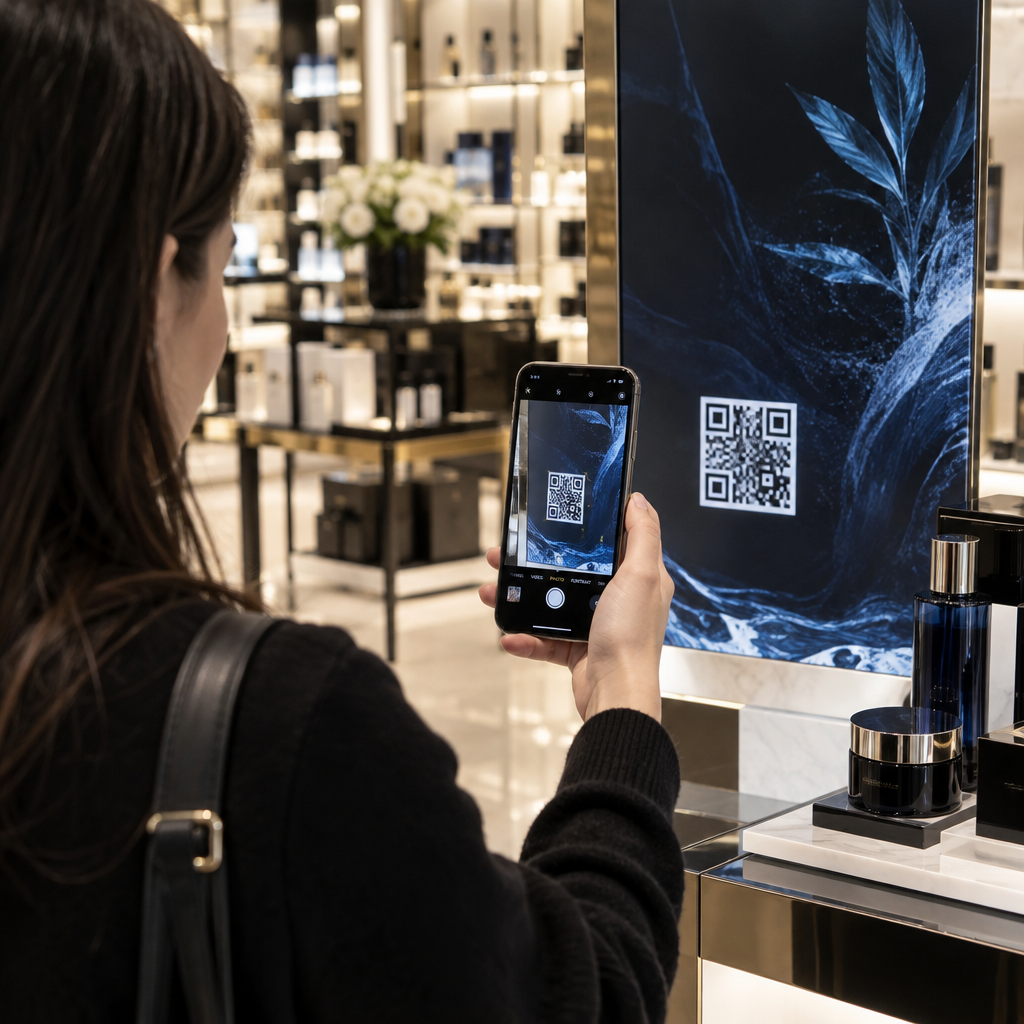
Shopper scanning retail QR

Wie man QR-Codes in Einzelhandelsgeschäften platziert

Discover the best places to put QR codes in retail stores, from storefront windows to shelf tags and checkout counters, to boost engagement and sales.
Updated on September 29, 2026
Inhaltsverzeichnis

Are your customers walking past your in-store promotions without a second glance? Overlooking physical marketing leaves shoppers disconnected from your catalog and damages your conversion rates. Learning where to place QR codes throughout your store connects offline foot traffic directly to interactive digital sales.

Kundenfrequenz steigern mit Schaufensterauslagen

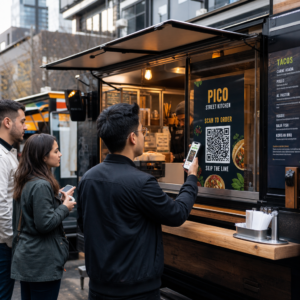
Storefront windows serve as your brand’s first impression, but they often fail to capture the interest of hurried passersby. Positioning QR codes on windows turns glass into an always-on marketing touchpoint, offering store hours, current promotions, and catalog browsing even when your doors are locked.

Window decals and window clings capture foot traffic at any hour by offering immediate incentives:

  • Direct passersby to limited-time promotions using a Coupon-QR-Code-Generator before they enter.
  • Help shoppers find nearby branches when your location is closed or out of stock with a Google Maps QR-Code-Generator.
  • Display upcoming event schedules and product drops on promotional sidewalk signs.

Verbesserung der Ladennavigation durch Eingangsbeschilderung

Large retail environments can easily overwhelm visitors, leading to shopper fatigue and abandoned visits. When customers step across the threshold, entrance signage provides a natural pause point to orient them before they reach crowded aisles.

Laut dem guide to QR codes for retail navigation, digital wayfinding tools improve the customer experience by simplifying complex store layouts. Entrance touchpoints help organize the shopper journey:

  • Direct visitors to interactive store maps at major intersections.
  • Highlight departmental directories right before shoppers enter new product zones.
  • Provide quick onboarding for in-store guest networks so customers can browse digital inventories smoothly.

Bridging Information Gaps with Shelf Tags and Displays

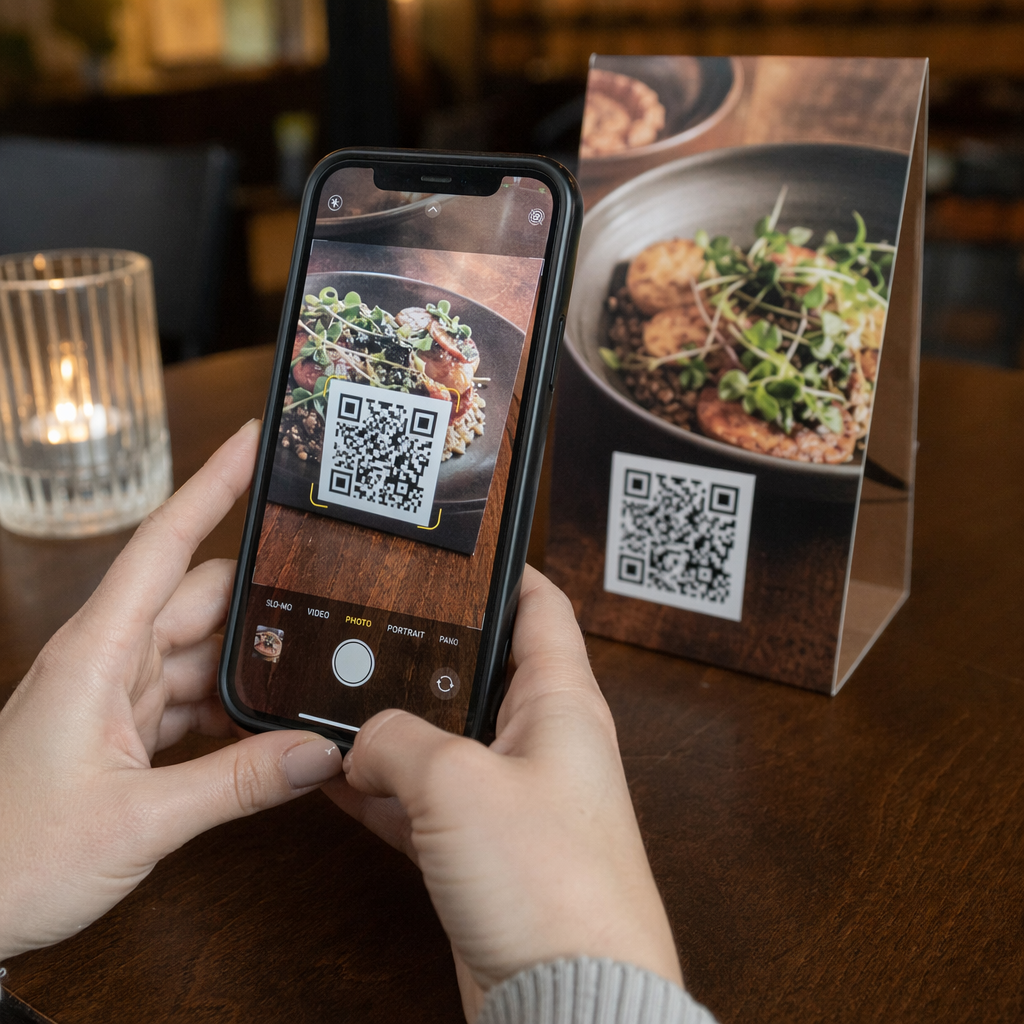
Shoppers frequently reach for their smartphones to compare prices or look up reviews while standing in the aisle. Placing scannable tags on shelf talkers, end caps, and shelf edges keeps customers engaged with your verified product data rather than competitor listings.

Moderne QR codes for retailers expand limited shelf space into comprehensive digital showrooms:

  • Display customer ratings and video demonstrations right at the shelf edge.
  • Share product compatibility charts and ingredient sourcing details.
  • Provide downloadable setup instructions or user manuals for complex merchandise.

Design Scannable Retail Codes in Seconds Create branded, high-contrast codes for your retail shelves and display fixtures with Pageloot’s QR-Code-Generator to track customer engagement across every department.

Verbesserung des Bekleidungserlebnisses in Umkleidekabinen

The fitting room is a high-intent area where purchase decisions are finalized based on sizing, fit, and styling. Placing codes directly on mirrors or door plaques transforms private stalls into interactive dressing suites where shoppers find immediate support without leaving the room.
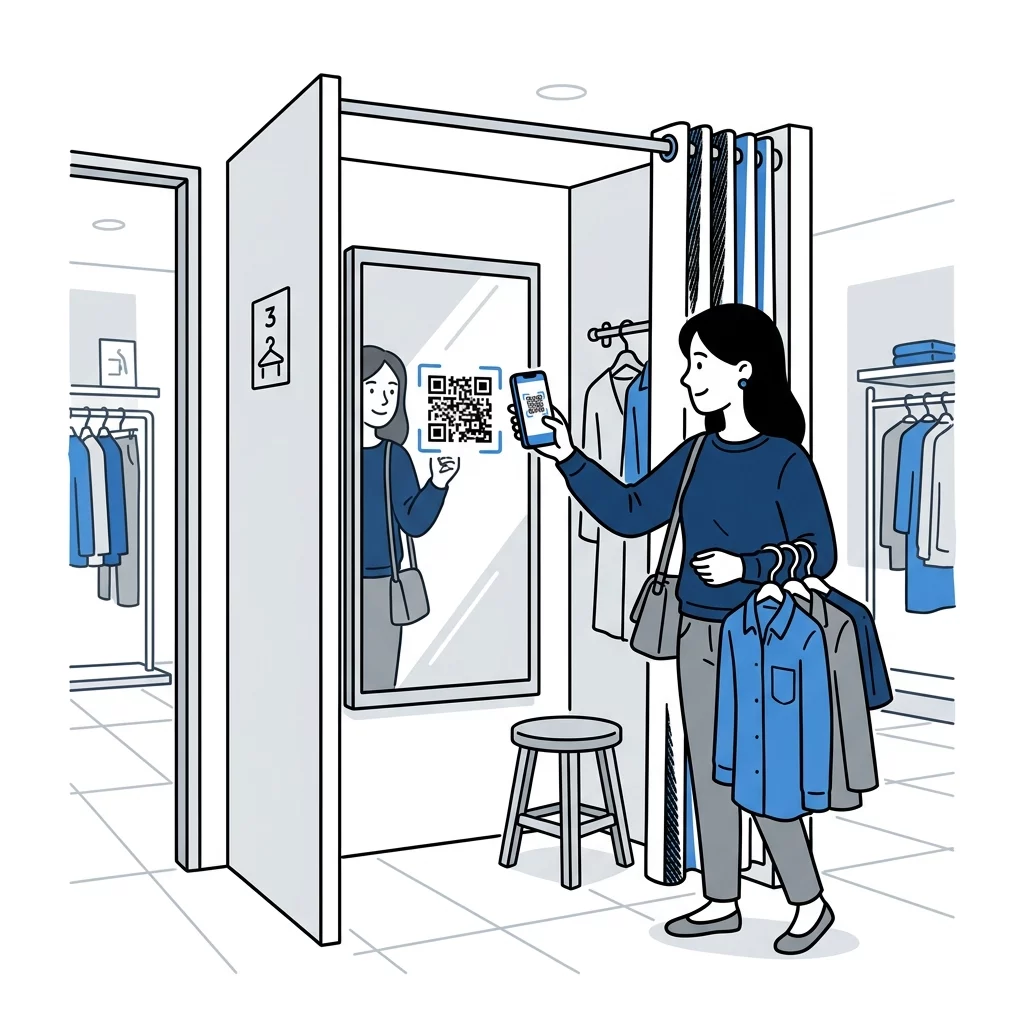
QR-Code für Umkleidekabine

Fitting room codes streamline customer assistance during critical buying moments:

  • Allow shoppers to request alternative sizes or colors directly to their stall.
  • Suggest matching accessories and shoes to encourage outfit building.
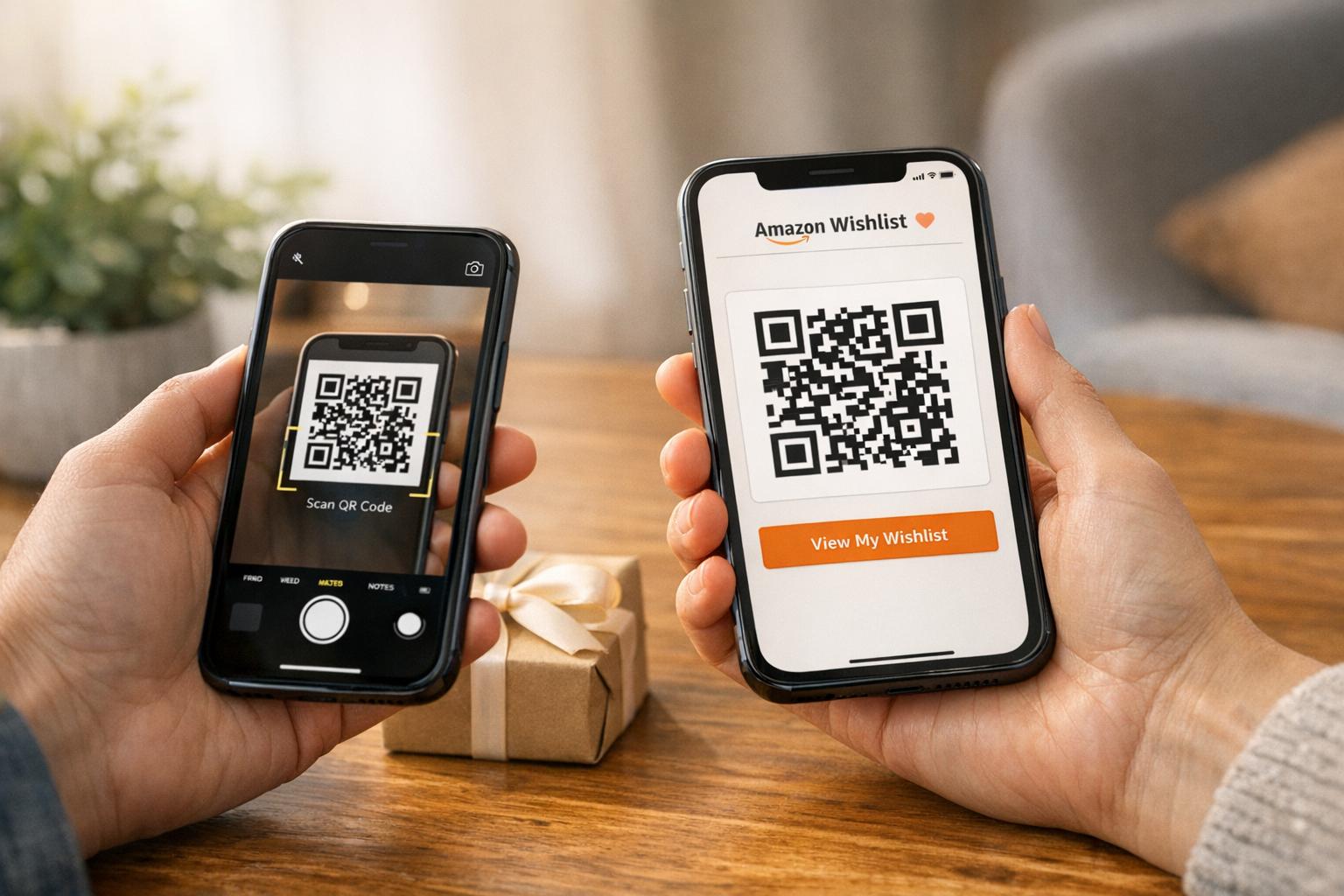
  • Enable shoppers to scan price tags to save items to an online wishlist.

Optimierung des Kassiervorgangs und der Kundenbindung nach dem Kauf

The checkout counter is your final opportunity to connect with a customer, making it an ideal location for administrative and loyalty-driven actions. Because customers wait in queue with their devices in hand, they are primed to interact with transactional displays.

Countertop displays and payment terminals help remove friction at the register. Adopting codes to Einzelhandelszahlungen vereinfachen reduces checkout lines through touch-free billing. Beyond payment processing, register codes invite shoppers to sign up for loyalty rewards or receive digital receipts via email.

Post-purchase engagement continues on receipts and shopping bags. Directing shoppers to a Google-Bewertungs-QR-Code-Generator captures feedback while the store visit remains fresh. Comparing QR-Codes auf Verpackungen vs. Ladenanzeigen shows that printed packaging drives long-term relationship building, while displays trigger immediate in-store actions.

Wesentliche technische Richtlinien für die Platzierung im Einzelhandel

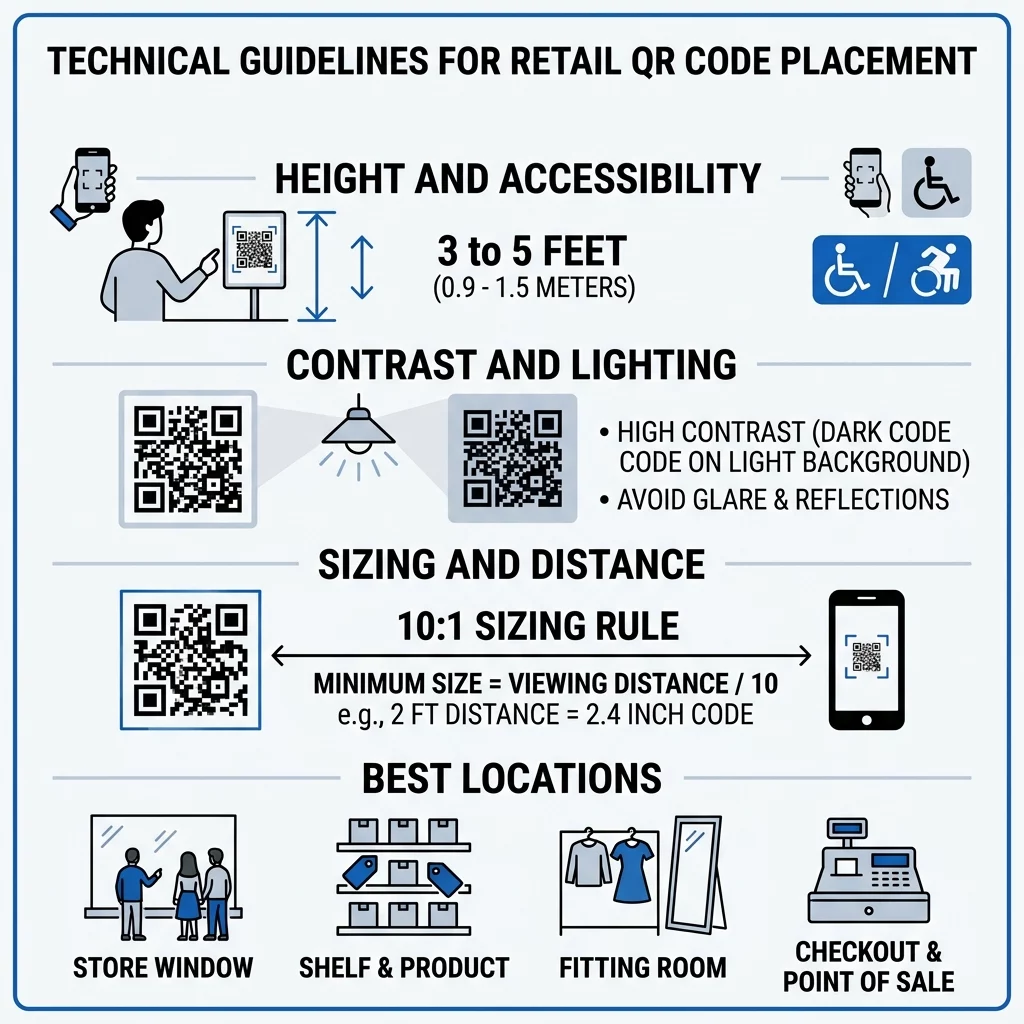
Even the most strategic placement fails if your code cannot scan quickly. To ensure reliable performance, follow core technical recommendations from the guide to QR code placement in marketing.

Tipps zur QR-Platzierung

Höhe und Zugänglichkeit

Position wall and window signage between 3.5 and 5.5 feet from the floor. This eye-level positioning ensures the code remains within natural sightlines for standing adults and remains reachable for shoppers in wheelchairs. Avoid low baseboard placements that force customers to stoop, as well as overhead placements that cause awkward camera angles.

Sizing and Distance Ratios

Calculate code sizing using a standard 10:1 distance-to-size ratio. If customers scan a display from 10 feet away, the code module needs to measure at least 1 foot wide. For close-up scanning on shelf edges, keep the minimum printed dimensions at 0.8 x 0.8 inches. For promotional QR-Codes auf Plakaten viewed from 3 to 8 feet away, size the graphic between 4 and 10 inches wide.

Contrast, Quiet Zones, and Lighting

Reliable camera recognition requires clear visual separation between the code pattern and its surroundings:

  • Maintain at least a 55% contrast ratio between the foreground and background, using dark patterns on light backgrounds.
  • Preserve a quiet zone border equal to at least four module widths on all four sides to prevent visual interference from nearby text.
  • Select matte print finishes over glossy laminates to eliminate glare caused by direct store lighting.
  • Test printed codes on multiple smartphone cameras across varying lighting conditions before broad rollout.

Combining thoughtful positioning at windows, shelves, and registers with dynamic QR codes gives retail teams the flexibility to adjust promotional campaigns instantly without replacing physical signage.

Häufig gestellte Fragen

What is the ideal height for placing a QR code in a retail store?

The most effective height is between 3.5 and 5.5 feet from the floor. This eye-level placement keeps codes accessible for standing shoppers as well as customers using wheelchairs without requiring awkward bending.

How do store owners prevent glare from interfering with QR code scans?

Print codes using a matte finish rather than glossy paper or reflective plastic. Position displays away from harsh spotlight reflections, and avoid placing codes directly behind reflective exterior glass whenever possible.

Can in-store QR code destinations be updated after signs are printed?

Yes, dynamic QR codes allow you to modify destination URLs, swap promotional coupons, or update digital menus anytime through an online dashboard without reprinting your in-store displays.


Über den Autor

Sam Kostabi is the Content Lead at Pageloot. He writes about our innovative QR code generator services. With a profound expertise spanning over half a decade on QR codes, Sam is a subject matter expert in the field. He makes significant strides in leveraging QR technology to simplify and augment digital interactions.

Kategorie
Erfahren Sie mehr über
Gäste scannen Event-QR
Wie man Fotos teilen und hochladen

Wenn Sie QR-Codes online erstellen müssen, können Sie QR Code Erstellen gleich hier kostenlos!
Pageloot ist die #1 Go-To-Lösung zum Erstellen und Scannen von QR-Codes.

BL-0028

blog-gen

Mehr als 20.000 Marken vertrauen uns, um mehr Verkäufe, Bewertungen und Follower zu erzielen.

Kundenlogos
Vertrauen von Top-Marken
Bewertet mit 4.8 von 5

4.86 / 5 Sterne Bewertung

Luka Wolf
Luka Wolf
★★★★★
Restaurantbesitzer
Dies ist der beste QR-Code-Generierungsdienst, den ich gefunden habe. Es ist schnell, einfach, Ihren Code herunterzuladen, und kostenlos, was ist das Beste! Definitiv mein GO-an-QR-Code-Site.
Ben Müller
Ben Müller
★★★★★
Immobilienentwickler
Wir verwenden die QR-Codes für unsere Immobilienentwicklungen. Der QR-Code von Google Maps ist sehr nützlich.
Hannah Mayer
Hannah Mayer
★★★★★
Einzelhandelsprodukte
Fast volle Zugänglichkeit ohne Kosten. Nützliche Funktionen können mit geringer Gebühr gebucht werden. PDF-QR-Codes und VCard-Digital-Visitenkarten.
Luka Wolf
Luka Wolf
★★★★★
Restaurantbesitzer
Dies ist der beste QR-Code-Generierungsdienst, den ich gefunden habe. Es ist schnell, einfach, Ihren Code herunterzuladen, und kostenlos, was ist das Beste! Definitiv mein GO-an-QR-Code-Site.
Ben Müller
Ben Müller
★★★★★
Immobilienentwickler
Wir verwenden die QR-Codes für unsere Immobilienentwicklungen. Der QR-Code von Google Maps ist sehr nützlich.
Hannah Mayer
Hannah Mayer
★★★★★
Einzelhandelsprodukte
Fast volle Zugänglichkeit ohne Kosten. Nützliche Funktionen können mit geringer Gebühr gebucht werden. PDF-QR-Codes und VCard-Digital-Visitenkarten.
Weitere QR-Codes anzeigen
Customer scanning signup QR
Wie man Emails sammeln
Scanning print QR code
QR-Codes auf Zeitungen und Zeitschriften
Machen Sie alles zu einem digitalen Erlebnis in weniger als 3 Minuten.

Kostenlose 14-tägige Testversion.

Keine Kreditkarte erforderlich.

Erhalten Sie 30% Rabatt auf Ihren ersten Einkauf

Verwenden Sie den Code:

Teilen Sie Ihre MP3-Dateien

Melden Sie sich an, um PDF-QR-Codes zu erstellen

Laden Sie alles, was Sie brauchen, hoch und zeigen Sie es an:

  • Audio-Dateien
  • Podcasts
  • Musik

14-tägige kostenlose Testphase mit Registrierung.
QR-Codes verfallen nach der Testphase.

melden Sie sich an, um einen Audio-MP3-QR-Code zu erstellen

Mehr Scans mit Rahmen erhalten

Melden Sie sich an, um Ihren QR-Codes weitere Frames hinzuzufügen

Call-to-Action-Rahmen erleichtern Ihren Kunden die Interaktion mit dem QR-Code. Probieren Sie sie aus!

14-tägige kostenlose Testphase mit Registrierung.
QR-Codes verfallen nach der Testphase.

Melden Sie sich an, um Ihren QR-Codes weitere Frames hinzuzufügen

Mehr Stil mit Formen hinzufügen

Melden Sie sich an, um weitere Formen zu erstellen

QR-Codes müssen nicht quadratisch sein. Versuchen Sie, sie an das Image Ihrer Marke anzupassen.

14-tägige kostenlose Testphase mit Registrierung.
QR-Codes verfallen nach der Testphase.

Melden Sie sich an, um weitere Formen zu erstellen

Ein Logo zu Ihrem QR-Code hinzufügen

Melden Sie sich an, um Ihr Logo zu QR-Codes hinzuzufügen

Verleihen Sie Ihrem QR-Code eine besondere Note, indem Sie ihn mit Ihrem Logo und Ihrer Marke versehen.

14-tägige kostenlose Testphase mit Registrierung.
QR-Codes verfallen nach der Testphase.

Melden Sie sich an, um Ihr Logo zu QR-Codes hinzuzufügen

Intelligente App Store Weiterleitungen

Melden Sie sich an, um einen App Store-QR-Code zu erstellen

Fügen Sie Ihre App-Links zu unserem intelligenten App Store QR-Code hinzu. Die Nutzer werden je nach Gerät weitergeleitet.

14-tägige kostenlose Testphase mit Registrierung.
QR-Codes verfallen nach der Testphase.

Melden Sie sich an, um einen App Store-QR-Code zu erstellen

Ein Bild in einen QR-Code hochladen

Melden Sie sich an, um Bild-QR-Codes zu erstellen

Geben Sie Ihre Bilder einfach weiter. Ändern Sie jedes Bild dynamisch innerhalb von Sekunden.

14-tägige kostenlose Testphase mit Registrierung.
QR-Codes verfallen nach der Testphase.

Melden Sie sich an, um Bild-QR-Codes zu erstellen

Teilen Sie Ihre PDF-Dateien

Melden Sie sich an, um PDF-QR-Codes zu erstellen

Laden Sie alles, was Sie brauchen, hoch und zeigen Sie es an:

  • Menüs und Preislisten
  • Anleitungen
  • Beliebige Dokumente

14-tägige kostenlose Testphase mit Registrierung.
QR-Codes verfallen nach der Testphase.

Melden Sie sich an, um PDF-QR-Codes zu erstellen

Später bearbeiten ohne Drucken

Melden Sie sich an, um Ihre QR-Codes zu bearbeiten, ohne sie erneut auszudrucken

Mit dynamischen QR-Codes können Sie den Inhalt Ihres QR-Codes ändern, ohne dass Sie neue Codes drucken müssen.

14-tägige kostenlose Testphase mit Registrierung.
QR-Codes verfallen nach der Testphase.

Melden Sie sich an, um Ihre QR-Codes zu bearbeiten, ohne sie erneut auszudrucken

Wann? Wo? Verfolgen Sie Ihre QR-Code-Scans

Melden Sie sich an, um Ihre QR-Codes zu verfolgen

Entdecken Sie, welche Ihrer QR-Codes die meisten Scans erhalten und was Ihre Kunden am meisten begeistert.

14-tägige kostenlose Testphase mit Registrierung.
QR-Codes verfallen nach der Testphase.

Melden Sie sich an, um Ihre QR-Codes zu verfolgen

Druckfertige Dateien verfügbar

Melden Sie sich an, um Vektor-QR-Codes wie PDF und SVG zu erstellen

.EPS, .PDF, .SVG

Möchten Sie Ihre QR-Codes in HD-Auflösung herunterladen? Holen Sie sich Vektor- oder Pixelformate, die sofort gedruckt werden können.

14-tägige kostenlose Testphase mit Registrierung.
QR-Codes verfallen nach der Testphase.

Melden Sie sich an, um Vektor-QR-Codes wie PDF und SVG zu erstellen

Bitte warten Sie. Ihr QR-Code ist Laden... Laden...

Mach es zu deinem eigenen

Melden Sie sich an, um Ihren QR-Code für später zu speichern

Erzielen Sie mehr Scans, indem Sie auffällige QR-Codes mit verschiedenen Farben, Logos und Call-to-Action-Rahmen erstellen.

14-tägige kostenlose Testphase mit Registrierung.
QR-Codes verfallen nach der Testphase.

Melden Sie sich an, um Ihren QR-Code für später zu speichern