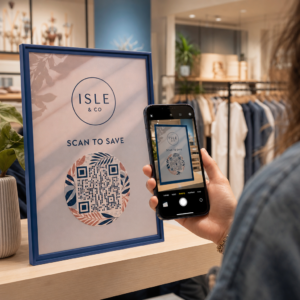
Are you still wasting resources reprinting brochures and manuals every time a minor detail changes? When static documents become outdated instantly, you lose both revenue and customer trust. Using PDF QR codes provides a bridge to digital accuracy, ensuring your customers always have the most current information at their fingertips.
How Industries Streamline Operations with Digital Documents
PDF QR codes function as digital portals, allowing businesses to provide extensive information without cluttering physical spaces or print designs. By effectively connecting print and digital marketing, companies can track engagement while providing immediate value to the user.
Retail and Manufacturing Efficiency
In the retail sector, PDF QR codes on product packaging frequently link to digital user manuals, warranty documents, or assembly guides. This digital-first approach helps companies significantly reduce overhead; some organizations report reducing printing costs by up to 98% for manuals. In manufacturing environments, placing codes on heavy machinery gives operators instant access to safety protocols and audit records. This ensures compliance and can reduce workplace accidents by making critical safety information available at the point of need.
Hospitality and Restaurant Innovations
Digital menus have moved beyond a pandemic-era necessity to become a standard for operational efficiency. Restaurants use a QR code menu for your restaurant to provide detailed allergen information and nutritional facts that would not fit on a standard paper card. Large hospitality brands, such as Marriott Aruba, have saved over $150,000 in printing costs by transitioning to these dynamic digital solutions, which also allow for real-time updates to daily specials.
Healthcare and Education Accessibility
Healthcare providers leverage QR codes to facilitate patient onboarding and share multilingual aftercare instructions, which is vital for addressing language barriers. Currently, 72% of healthcare organizations use or plan to use QR codes to improve patient outcomes. Similarly, in the education sector, approximately 45% of U.S. institutions use QR codes to distribute digital textbooks and course materials, making resources more accessible for students using mobile devices.
Start your digital transformation today. Use the PDF QR code generator to upload your files and create a branded, trackable code in minutes.
Best Practices for Document Accessibility and Engagement
Providing a document via QR code is only the first step; you must ensure the content is usable for everyone. With nearly 100 million U.S. smartphone users expected to scan QR codes by 2025, optimizing the mobile experience is critical for modern business success.
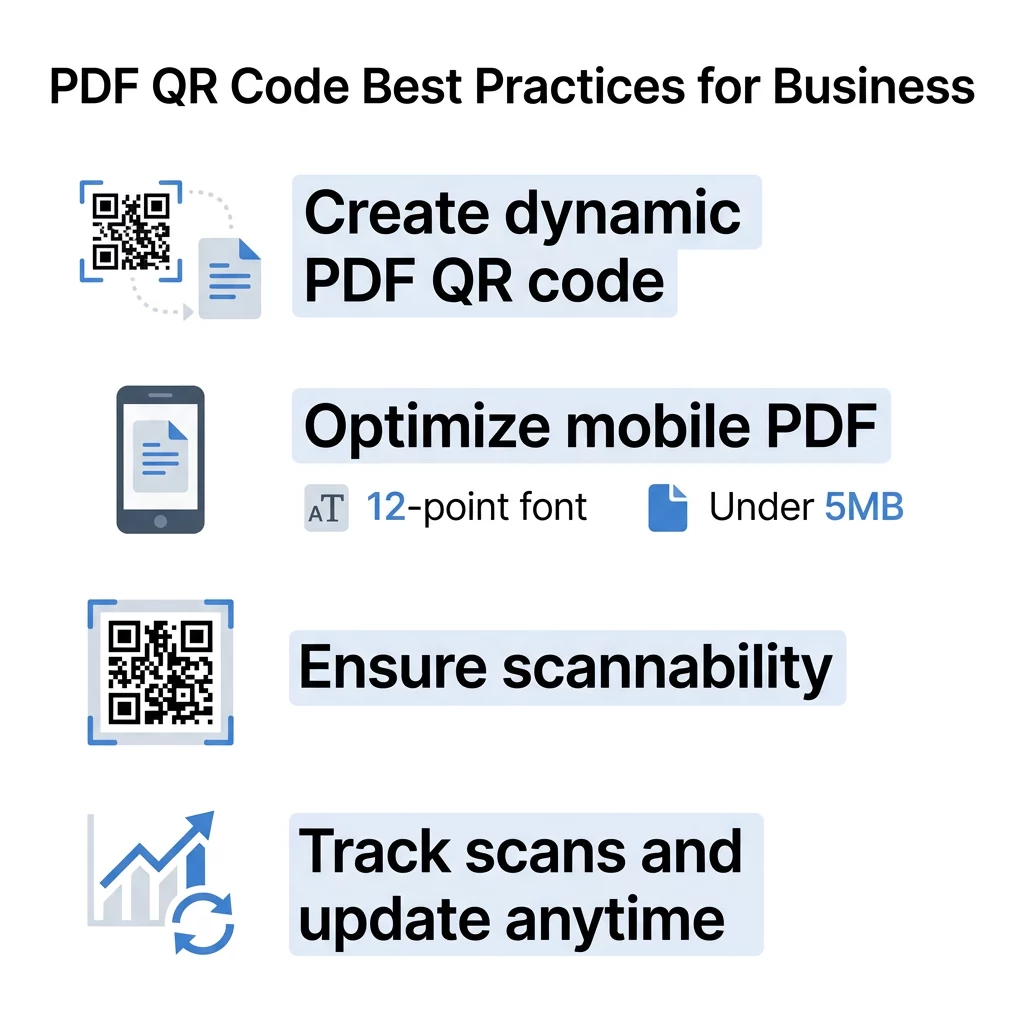
- Ensure your PDFs use at least 12-point fonts and a single-column layout so mobile users do not have to pinch and zoom excessively.
- Keep your PDF files under 5MB to ensure fast loading times on cellular networks, which prevents user frustration and high bounce rates.
- Include a short, actionable description or call-to-action near the code, such as “Scan for Safety Protocol,” to provide context before the scan.
- Incorporate accessibility features like high contrast and clear placement to help scanners register the code quickly in various lighting conditions.
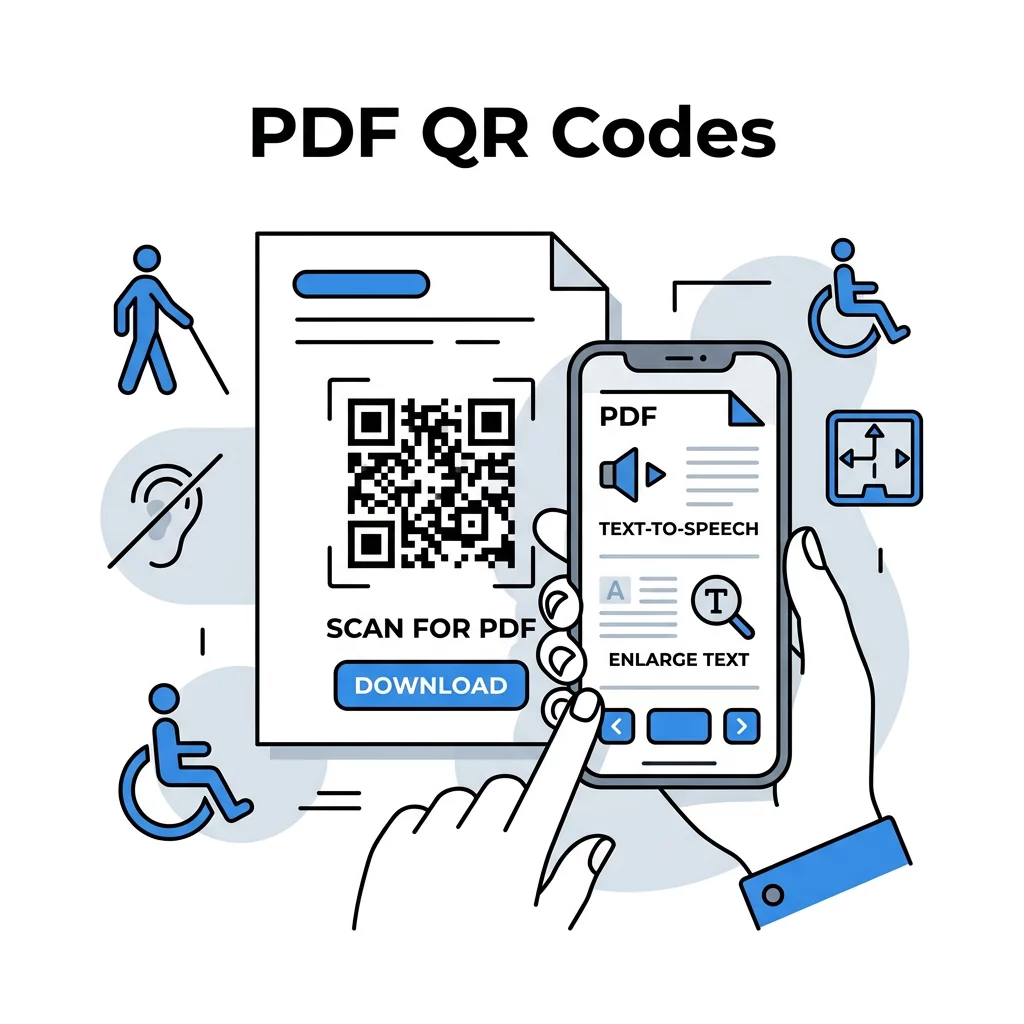
- Consider using Braille labels near physical QR codes to help visually impaired users identify the location of digital information.
Following QR code usability best practices ensures that your digital content is as professional and accessible as your physical brand presence.
Why Dynamic QR Codes are the Professional Choice
When implementing QR codes for business documents, the choice between static and dynamic formats is critical. While static codes are permanent and cannot be changed, dynamic codes allow you to update the linked PDF file without ever reprinting the physical code. This flexibility is a smart way for businesses to use QR codes to maintain accuracy while saving on logistics and reprinting costs.
Beyond editability, dynamic codes provide essential real-time analytics. Business owners can track the total and unique scans, the geographic location of the scan, and the device operating system used. This data allows marketers to refine their campaigns based on when and where engagement is highest. For example, if a manual is being scanned frequently at a specific warehouse location, management can prioritize localized training materials for that team.
Technical Standards for Scannability and Trust
A QR code that fails to scan represents a missed opportunity and a frustrated customer. To maintain high readability and performance, you should adhere to established technical guidelines during the design phase.
- Maintain a minimum size of 0.8 x 0.8 inches (2 x 2 cm) for close-range materials like business cards or product labels.
- Follow the 1:10 ratio rule for larger displays, meaning a code scanned from 10 feet away should be at least 1 foot wide.
- Apply a high color contrast ratio of at least 4.5:1, preferably using a dark foreground on a light background.
- Leave a “quiet zone” or clear border around the code to prevent surrounding text or graphics from interfering with the scanner.
- Use vector formats like SVG or EPS for printing to ensure the code remains sharp and scannable at any size.
For businesses handling sensitive information, such as internal reports or patient data, implementing secure QR code generation practices is mandatory. This includes using HTTPS links and adding password protection to the PDF files to ensure that only authorized users can access the content.
Integrating PDF QR codes into your workflow effectively bridges the gap between your physical touchpoints and digital resources. Whether you are sharing a Google Drive QR code generator link for a collaborative project or a single instructional brochure, prioritizing accessibility and dynamic tracking will help you gain valuable insights into customer behavior. You can now transition your traditional print materials into interactive tools that grow with your business.
FAQ
You can change the destination file only if you use a dynamic QR code. Dynamic codes allow you to replace the underlying PDF in your management dashboard at any time without needing to reprint the physical QR code image.
It is best practice to keep PDF files under 5MB. Large files can take too long to download on mobile data plans, which may cause users to give up before the document opens.
Most modern smartphones running iOS or Android have native QR code scanning built directly into the camera app. Users simply point their camera at the code, and a notification appears to open the digital document. To begin creating your own digital documents, visit the Pageloot PDF QR code generator and upload your first file to see how easily you can connect with your audience.