Not sure how to get real value from QR codes beyond a basic website link? Businesses that treat QR codes as a strategic tool – rather than a novelty – see measurably higher engagement, lower printing costs, and stronger customer connections. This article covers three practical ways to put QR codes to work across marketing, customer communication, and team training.
1. Elevate Your Marketing with QR Codes
QR codes have become a cornerstone of modern marketing strategies. Their ability to instantly connect users to online content, forms, and profiles makes them indispensable for businesses looking to engage their audience without friction. Here are three practical applications to consider.
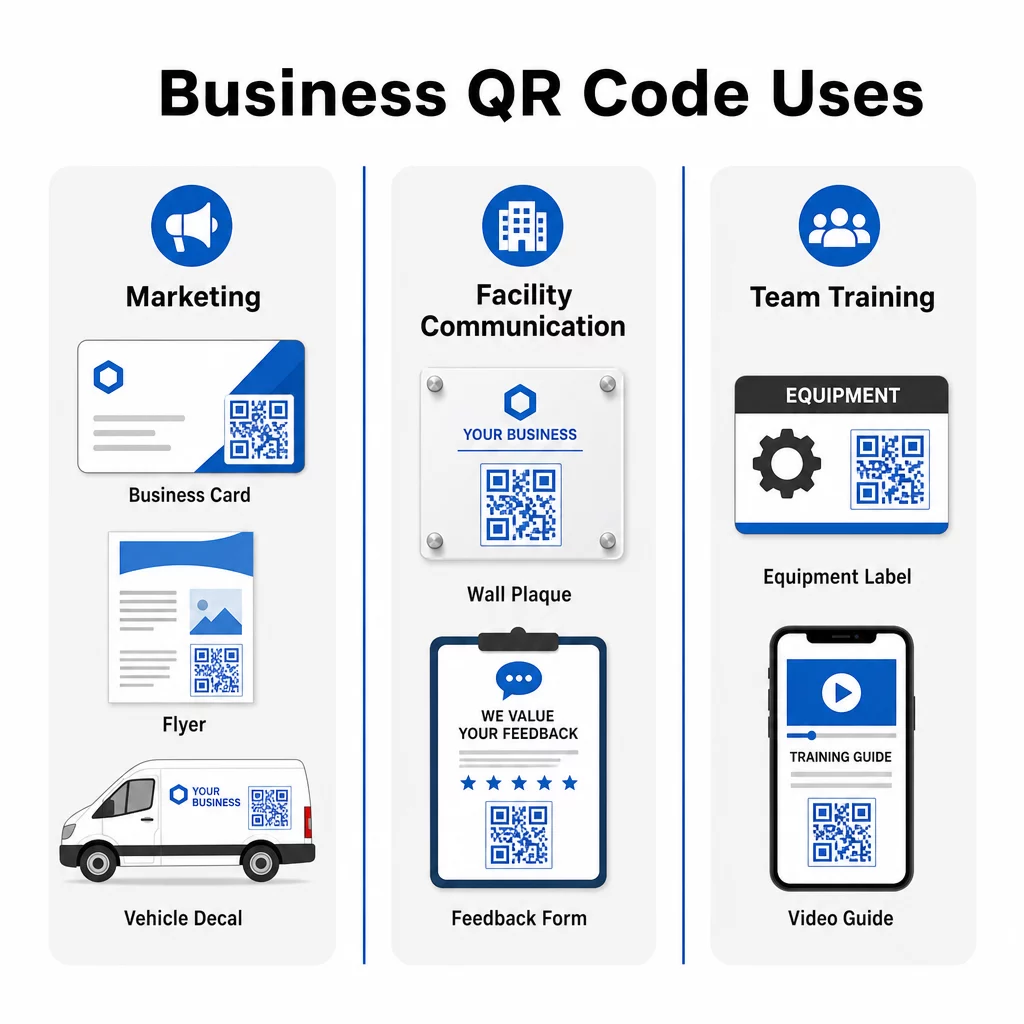
Business Cards with a Digital Twist
Incorporating QR codes into your business cards modernizes a traditional networking tool. On the front, include your name and contact details. On the back, add a QR code that links to your website, LinkedIn profile, or a special offer – giving recipients an instant path to learn more or get in touch.
This approach works particularly well with a link QR code that directs recipients to a mobile-optimized landing page. If your website URL or offer changes, a dynamic QR code lets you update the destination without reprinting a single card.
Transforming Print Materials
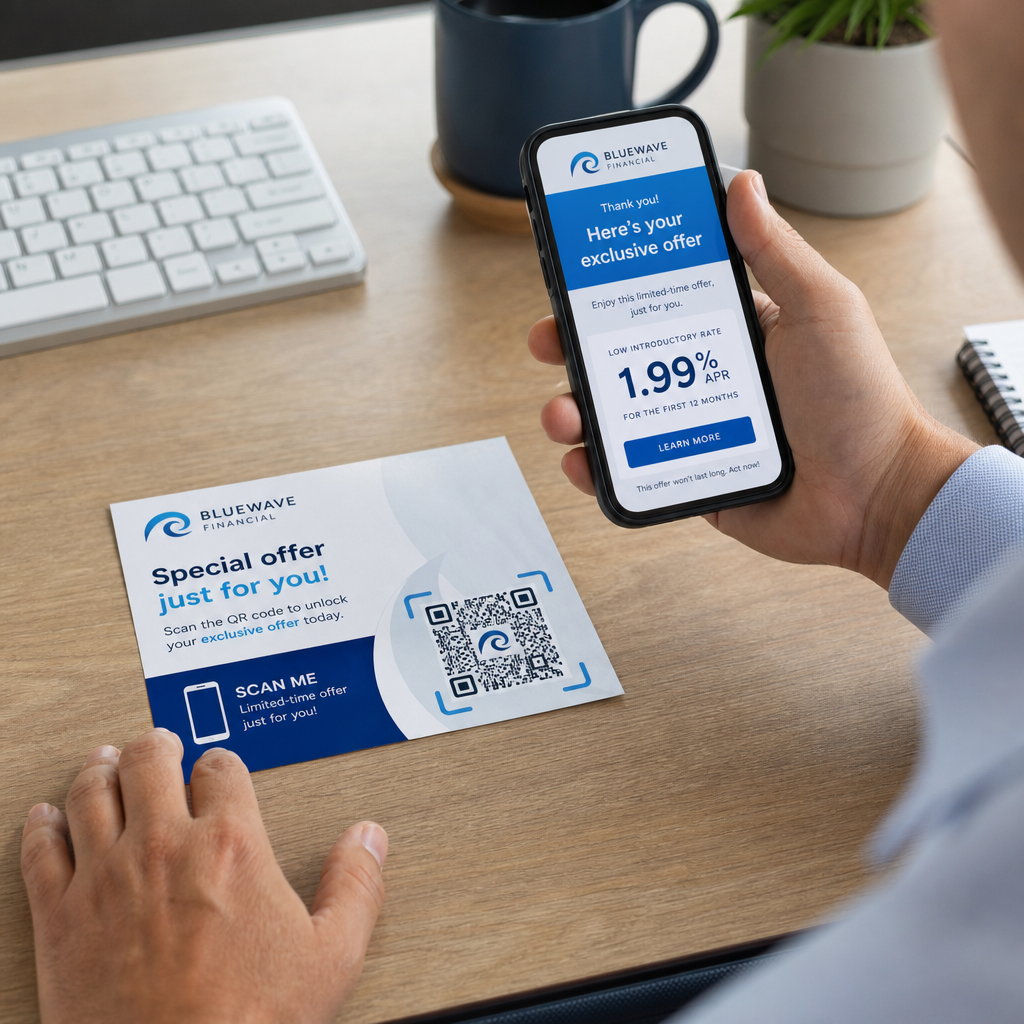
Flyers, brochures, and posters can achieve new levels of engagement when paired with QR codes. A scannable code gives prospects an immediate next step, directing them to:
- Case studies or testimonials that build trust
- A service page or pricing details
- A Google Business Profile to encourage reviews or direct inquiries
- A coupon or promotional offer tied to the campaign
For example, a cleaning business might use one QR code to showcase a customer success story and another to direct users to a “Request a Quote” page. By offering multiple pathways, you cater to different interests while keeping each call to action simple and specific – “Scan for a Quote” or “See What Customers Say.”
Vehicle Advertising with Impact
QR codes on vehicle wraps, magnets, or decals can turn passive advertising into an interactive experience. If your business vehicles park in busy areas like malls, schools, or event venues, a QR code linking to your website or job application page adds measurable value to what is otherwise a one-way impression.
For instance, instead of promoting services directly, one business used a QR code on their vehicle to drive traffic to their “Now Hiring” page. By tailoring the QR destination to current priorities – whether customer acquisition or recruitment – you maximize relevance and make every parking spot count.
Track Which Marketing Materials Drive the Most Scans Want to know whether your flyers or vehicle wrap is generating more interest? Use the Dynamic QR Code Generator to create trackable, editable codes and access a full performance dashboard in real time.
2. Seamless Communication Within Customer Facilities
One of the most overlooked applications of QR codes is improving communication inside client or customer facilities. This is particularly effective for service-oriented businesses like janitorial companies, property managers, and facility teams, where real-time problem reporting and fast resolution matter.
Placing QR Codes for Feedback and Requests
Installing small plaques with QR codes in break rooms, restrooms, or other high-traffic areas simplifies how staff communicate issues to your team. These QR codes can link to:
- Forms for submitting feedback or reporting maintenance issues
- Supply request pages for ordering essentials like soap or paper towels
- A pre-populated email with fields for name, department, and issue description already filled in
For example, a cleaning company might use a dynamic QR code linked to a pre-written email template. Scanning creates a message addressed to the support team, with the relevant fields ready to complete. This ensures fast, consistent communication while keeping everyone in the loop.
You can learn more about structuring this approach in our guide on creating QR codes for feedback collection.
Advanced tip: Build QR codes specific to each customer location so messages are automatically directed to the right personnel. Dynamic QR codes allow you to update the destination without replacing physical plaques, saving both time and reprinting costs.
3. Empowering Team Training with QR Codes
Training employees is often time-consuming and resource-heavy, especially in industries with high turnover rates or multiple service locations. QR codes simplify this process by giving employees instant access to training materials, operating manuals, and troubleshooting guides – right where they need them.
Training On the Go
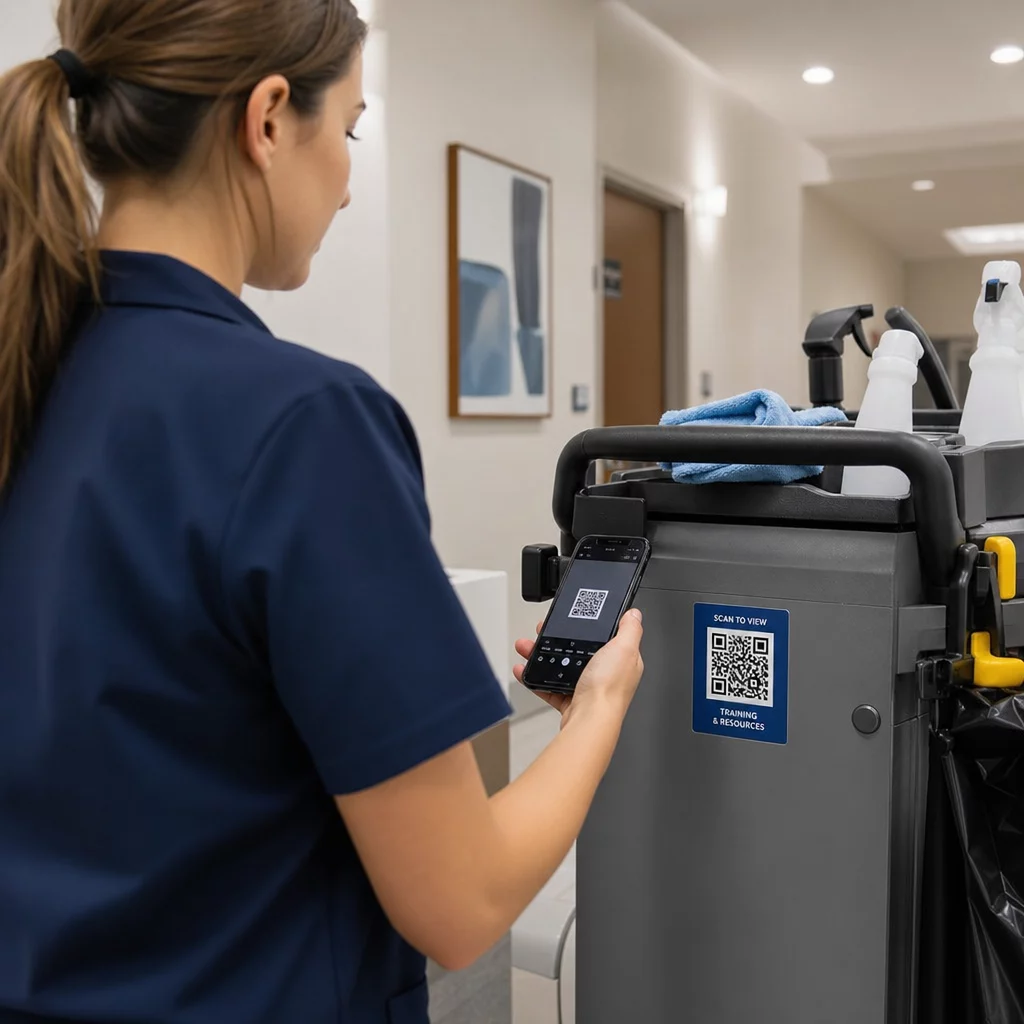
Add QR codes directly to equipment, janitorial carts, or storage areas. These codes can link to:
- Training videos for new hires to quickly learn techniques and procedures
- Safety Data Sheets (SDS) for understanding proper chemical use
- Troubleshooting guides for equipment like vacuums or floor scrubbers
This ensures employees have the information they need at their fingertips, reducing downtime and improving consistency across teams. A QR code on a backpack vacuum, for instance, could link to a tutorial on assembly and maintenance – helping team members resolve minor issues without waiting for supervision.
Task-Specific Guidance
Create task cards with embedded QR codes for detailed instructions on recurring responsibilities. A starter card might contain a QR code linking to a video demonstration of nightly cleaning tasks. This is especially useful during onboarding or for temporary workers who need to quickly adapt to a new environment.
Dynamic QR codes are particularly valuable here because they allow you to update training materials or procedures over time without needing to replace physical signage or cards. You can explore how dynamic QR codes work and when to use them in more depth.
Advanced QR Code Features: Customization and Analytics
While basic QR codes are effective, dynamic QR codes provide the flexibility and insight most businesses need for long-term use. Here is why they are worth the investment:
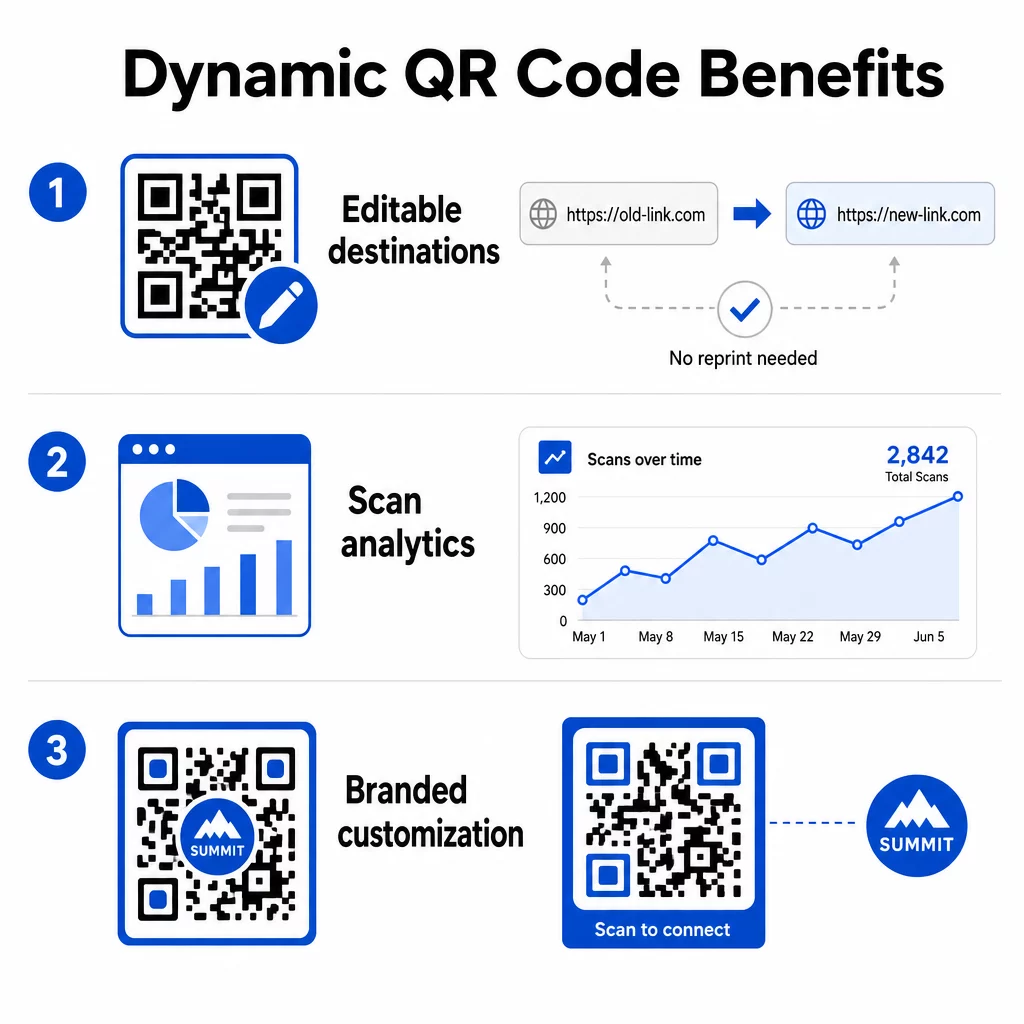
- Editable destinations: Update the linked URL at any time without reprinting materials – ideal for training cards, facility plaques, or marketing campaigns that evolve over time
- Analytics tracking: Monitor scan counts, times, geographic locations, and device types to understand how users interact with your content and where your efforts are paying off
- Customization: Design codes with branded colors, logos, or unique shapes for a professional and cohesive appearance across all materials
By combining these features, businesses can keep their QR code strategy both functional and visually aligned with their brand. For guidance on QR code placement in marketing materials, including size, contrast, and positioning best practices, there is a detailed guide worth reviewing before you print.
Key Takeaways
- Use QR codes on business cards, flyers, and vehicle advertising to drive traffic to targeted pages – whether that is your website, testimonials, or a job application
- Place QR codes in customer facilities to simplify feedback submission, supply requests, and issue reporting
- Add QR codes to equipment and task cards so employees can access training videos, safety sheets, and troubleshooting guides instantly
- Use dynamic QR codes to update destinations and track engagement metrics without reprinting materials
- Customize QR code designs with branded colors and logos for a professional appearance
- Ensure all linked pages are mobile-friendly and load quickly
- Always test codes on multiple devices before printing or deploying at scale
- Review scan analytics regularly to measure engagement and refine your approach
QR codes are a versatile tool that can help your business modernize operations, improve customer engagement, and strengthen team collaboration. Start with one or two of the strategies above, measure the results, and expand from there. With their low cost and ease of use, QR codes offer a straightforward path to turning physical touchpoints into measurable digital interactions.
Get Started with a Free QR Code Create your first QR code in seconds with the Pageloot QR Code Generator – no credit card required for the 14-day free trial.
Frequently Asked Questions
A static QR code encodes a fixed destination that cannot be changed after the code is created. A dynamic QR code uses a short redirect link that you can update at any time, even after the code has been printed. Dynamic codes also support analytics – so you can track scan counts, locations, and device types – making them the better choice for ongoing marketing campaigns, training materials, or facility communication plaques.
Use high-contrast colors with a dark code on a light background, print at a minimum size of around 2 × 2 cm for close-range scanning, leave adequate white space around the code, and test on multiple devices before finalizing. Avoid placing codes on curved surfaces, in poor lighting, or in areas where people cannot safely stop to scan. Always confirm the linked page is mobile-friendly and loads quickly.
Yes, with a dynamic QR code and a tracking-enabled platform. QR code tracking can provide metrics such as total scan count, time and date of scans, geographic location of scanners, and device type. Static QR codes do not support tracking, so if measuring campaign performance matters to your business, dynamic codes are the right choice.