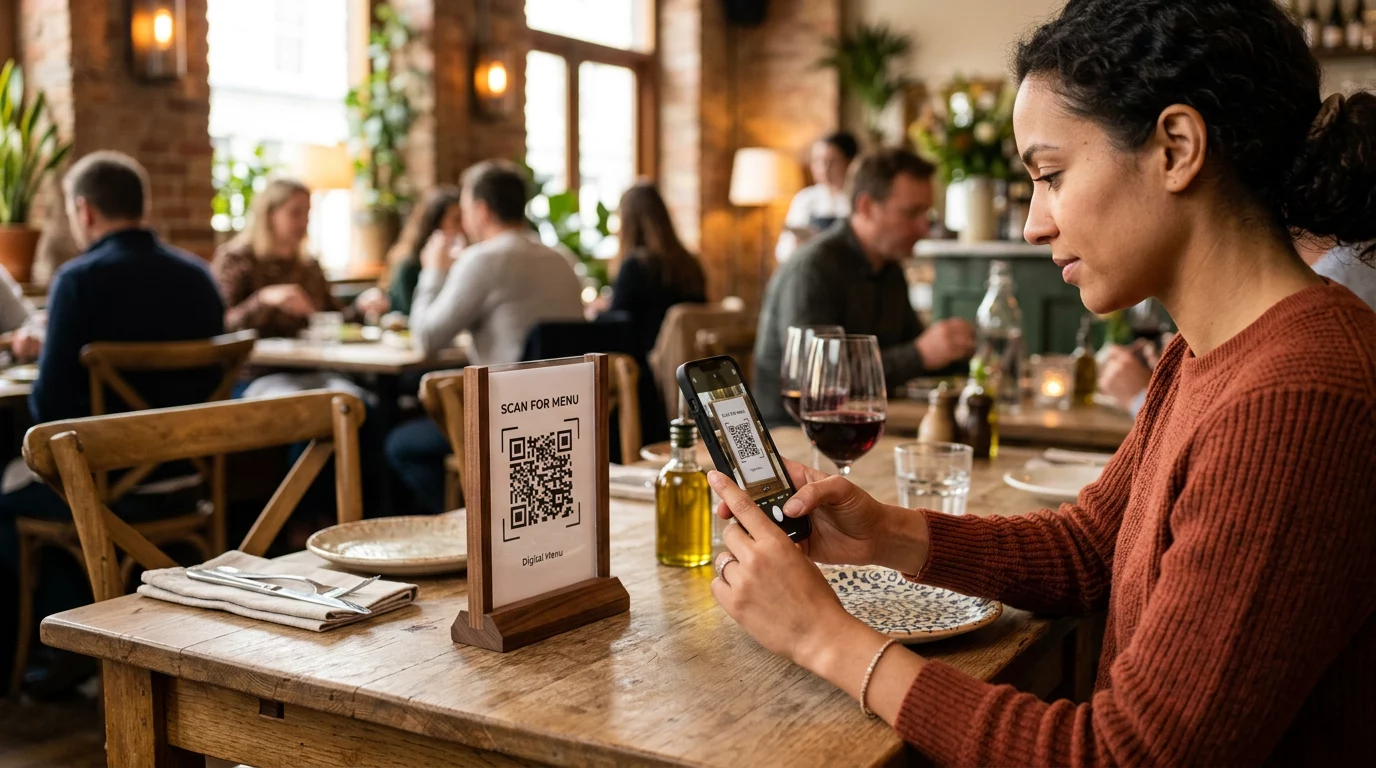
Are you tired of the high costs and logistical headaches of reprinting paper menus every time a price changes? Outdated physical menus frustrate guests and drain your budget through constant maintenance and replacement. Converting your menu into a scannable QR code allows for instant updates and a more efficient, modern dining experience.
Selecting the Best Format for Your Digital Menu
Before you generate a code, you must decide how to host your menu content. The choice between a PDF and a mobile-optimized landing page significantly affects how quickly your guests can browse your offerings. If you already have a professionally designed print menu, you can simply upload the file to a PDF QR code generator to give guests a digital replica of your physical layout. This is often the fastest way to digitize, though it may require guests to zoom in on smaller screens.
For those seeking the best user experience, mobile-optimized landing pages are the superior choice. Choosing a reliable hosting platform can also help ensure that your digital menu loads quickly and remains accessible during busy service hours. These pages load faster than heavy PDF files and allow for vertical scrolling instead of the frustrating “pinch-and-zoom” method. They also support interactive features like dietary filters or language switching. If you do not have a dedicated website, you can host your menu file in the cloud and use a Google Drive QR code generator to create a direct link to your document. This provides a professional bridge between your physical tables and your digital content without the need for complex web hosting.
Static vs. Dynamic: Choosing the Right Functionality
The technical foundation of your QR code determines how much flexibility you have in the future. Static QR codes store data directly in the pixel pattern, meaning the information is permanent. If you change your menu’s web address or file location, the printed code will stop working, forcing you to reprint all your table materials. This can be a costly mistake for a busy establishment that frequently adjusts its offerings.
Dynamic QR codes, however, use a redirection URL that allows you to swap out the linked content at any time through a central dashboard. You can update prices or replace an entire seasonal menu without ever touching the physical codes on your tables. This flexibility is a major operational advantage; for example, the Marriott Aruba saved approximately $150,000 in printing costs by implementing 7 best QR code types for restaurant menus that allowed for real-time updates.
Ready to modernize your service? Use our professional QR code generator to create a dynamic code that allows for instant menu updates and detailed scan analytics.
Technical Specifications for Reliable Scanning
To ensure every guest can access your menu regardless of their device or the lighting in your dining room, you must follow strict design standards. Think of the smartphone scanner like a high-speed reader that requires a clear, high-contrast image to work efficiently. If the code is too small or the colors are too similar, the camera will struggle to decode the information, leading to guest frustration.
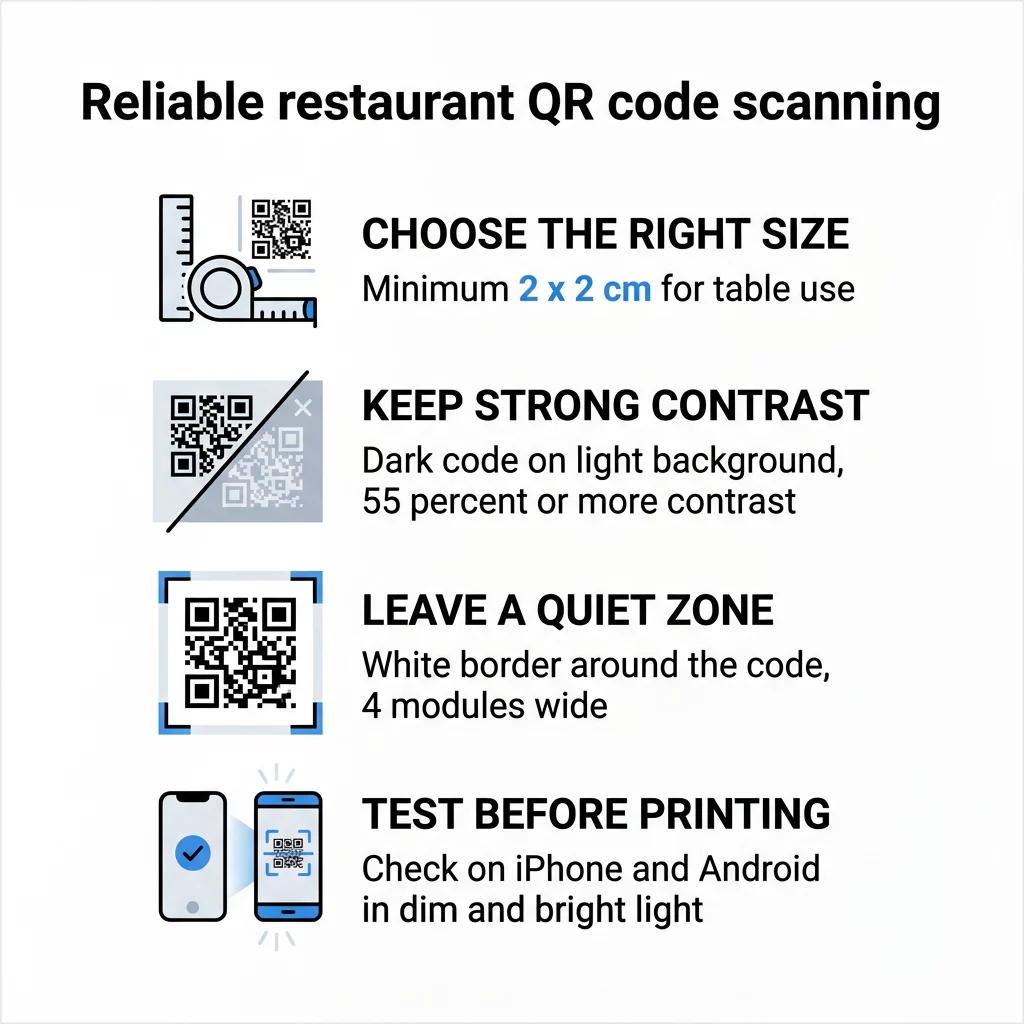
- Maintain a minimum size of 2 x 2 cm (0.8 x 0.8 inches) for table-side use.
- Ensure a contrast ratio of at least 55% between the dark modules and the light background.
- Keep a “quiet zone” or white border around the code that is at least four times the width of a single QR module.
- Use high-resolution vector formats like SVG or PDF for printing to prevent blurring or pixelation.
Comparing PDF Menus and Mobile-Optimized Pages
| Factor | PDF Menu | Mobile-Optimized Web Page |
|---|---|---|
| Load Speed | Slower due to file size | Fast and responsive |
| User Experience | Requires pinching and zooming | Easy vertical scrolling |
| Update Ease | Requires re-uploading files | Instant dashboard updates |
| Accessibility | Limited for screen readers | Highly accessible and ADA-friendly |
| Data Tracking | Basic scan counts | Detailed engagement analytics |
Step-by-Step Implementation for Your Restaurant
The process begins with finalizing your menu content and ensuring your PDF file is compressed or your web page is fully responsive. Once your content is ready, navigate to a link QR code generator if you are pointing guests to a URL, or use a file-specific tool for PDFs. After you input your destination link, you can begin the customization process by adding your restaurant’s logo and selecting colors that align with your brand identity.
After the design is set, it is crucial to add a clear call-to-action frame, such as “Scan to View Menu,” to guide your guests. Before sending the designs to a professional printer, you must test the codes using both iPhone and Android devices. Testing should occur in various environments, including the dim lighting of a dinner service or the bright glare of an outdoor patio, to verify that the creative QR code menu designs remain functional under real-world conditions.
Optimizing Placement for Maximum Scan Rates
Strategically placing your QR codes is just as important as the design itself. Research indicates that 60% of all restaurant scans occur when codes are placed directly on the table, such as on stickers or table tents. This placement makes the menu immediately accessible the moment a guest sits down. You can also place codes at the entryway or host stand to allow waiting guests to browse the menu before they are seated, which often speeds up the ordering process once they reach their table.
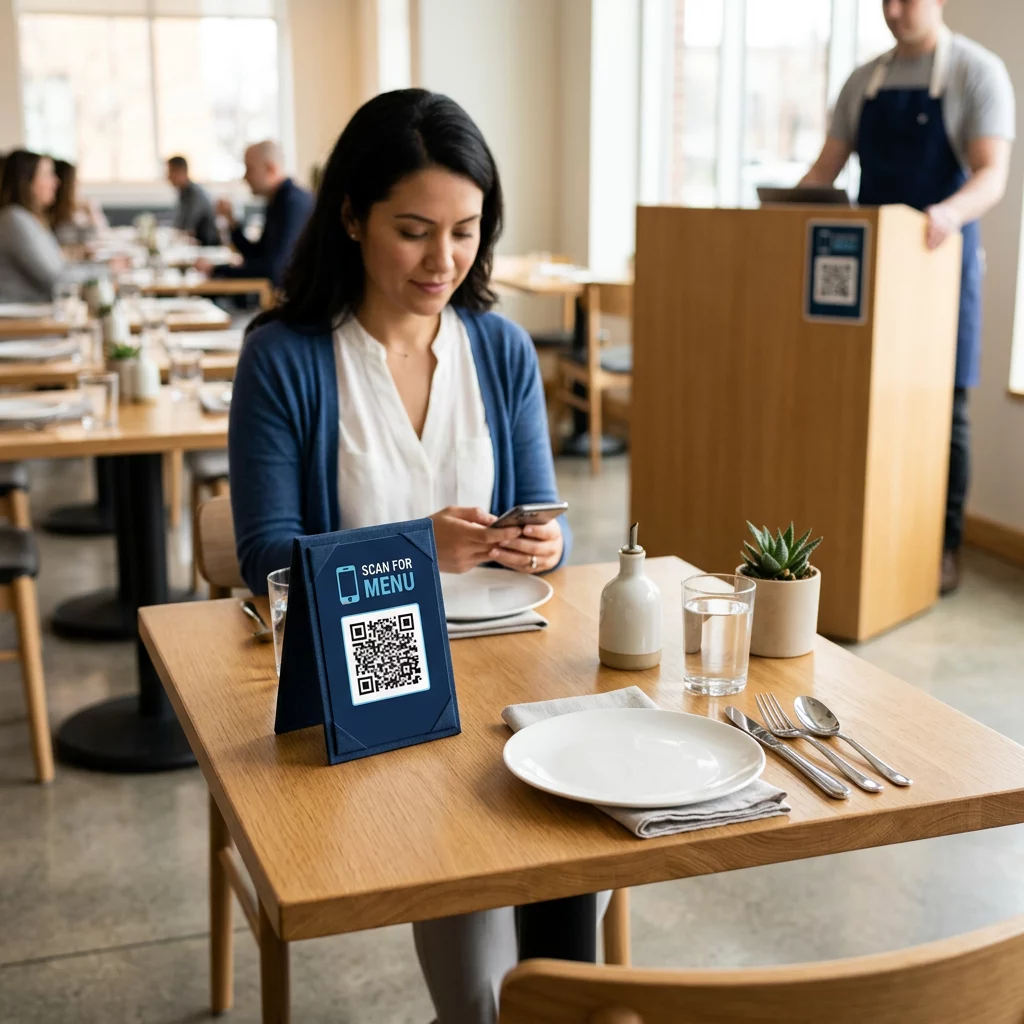
Beyond the menu itself, QR codes can serve other operational needs. You might include them on receipts to collect feedback or on takeout packaging to link to your loyalty program, each one another of the doors to increasing revenue beyond the table. Understanding different PDF QR code use cases for businesses allows you to expand the utility of these codes across your entire customer journey.
Simplify your menu management today. Convert your static files into a dynamic digital experience with our specialized PDF QR code generator.
FAQ
If you use a dynamic QR code, you do not need to reprint anything. You can simply update the linked file or URL in your management dashboard, and the printed codes on your tables will instantly point to the updated information.
For standard table-side scanning, the code should be at least 2 x 2 cm (0.8 x 0.8 inches). If your restaurant has very dim lighting, it is safer to increase the size to 3 x 3 cm to help smartphone cameras focus more easily.
Yes, by using a dynamic QR code platform, you gain access to an analytics dashboard. This allows you to track total scans, see which days are the busiest, and identify which menu versions are performing best among your guests.