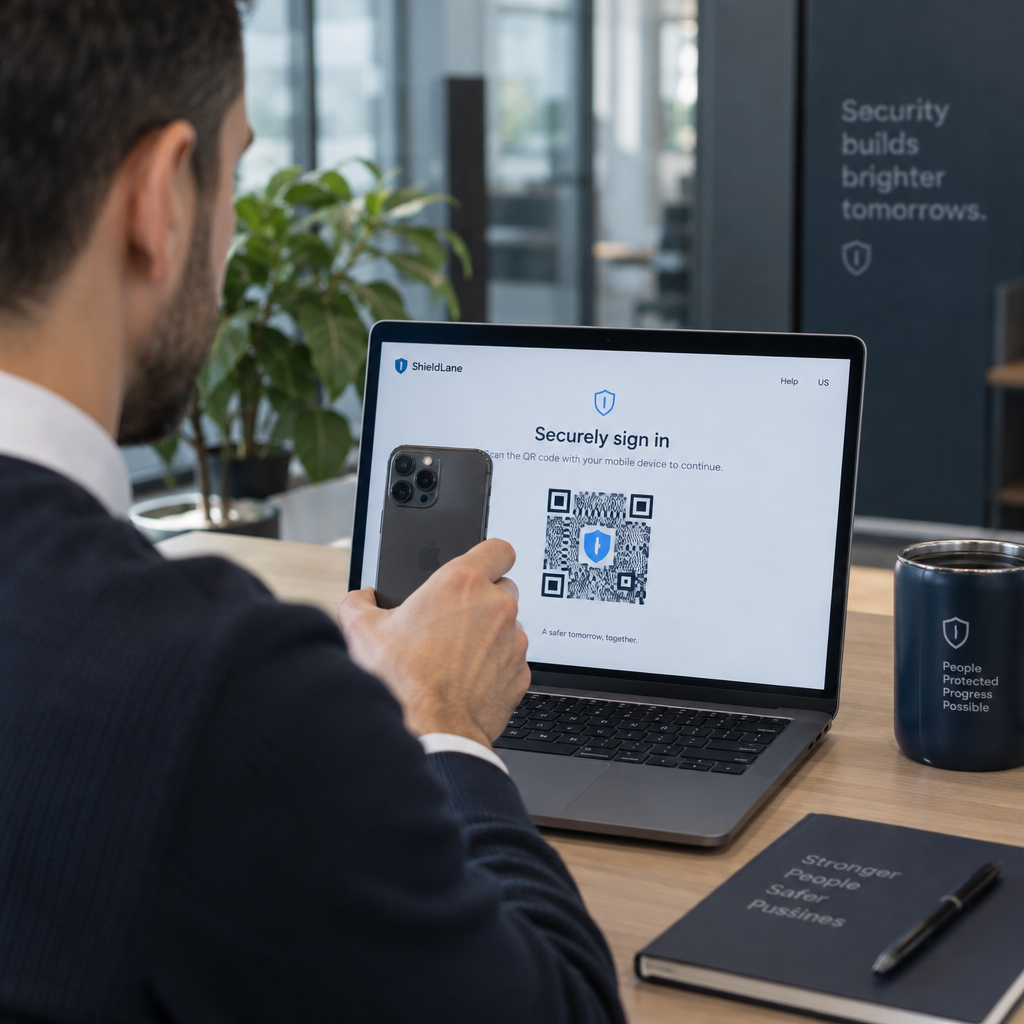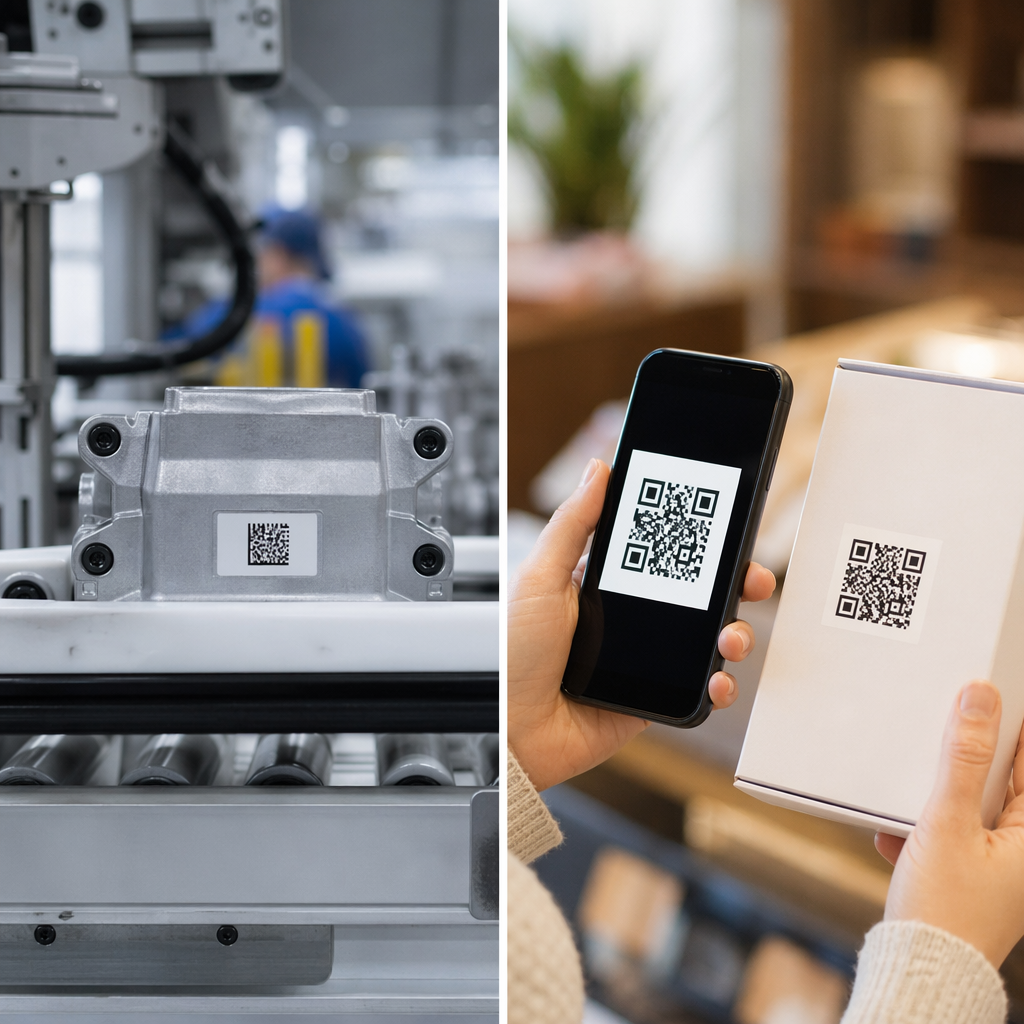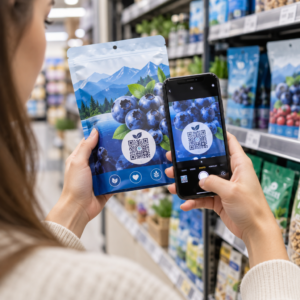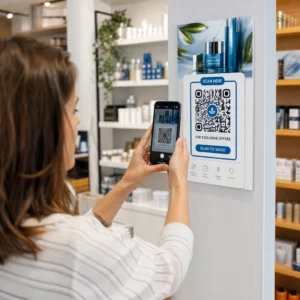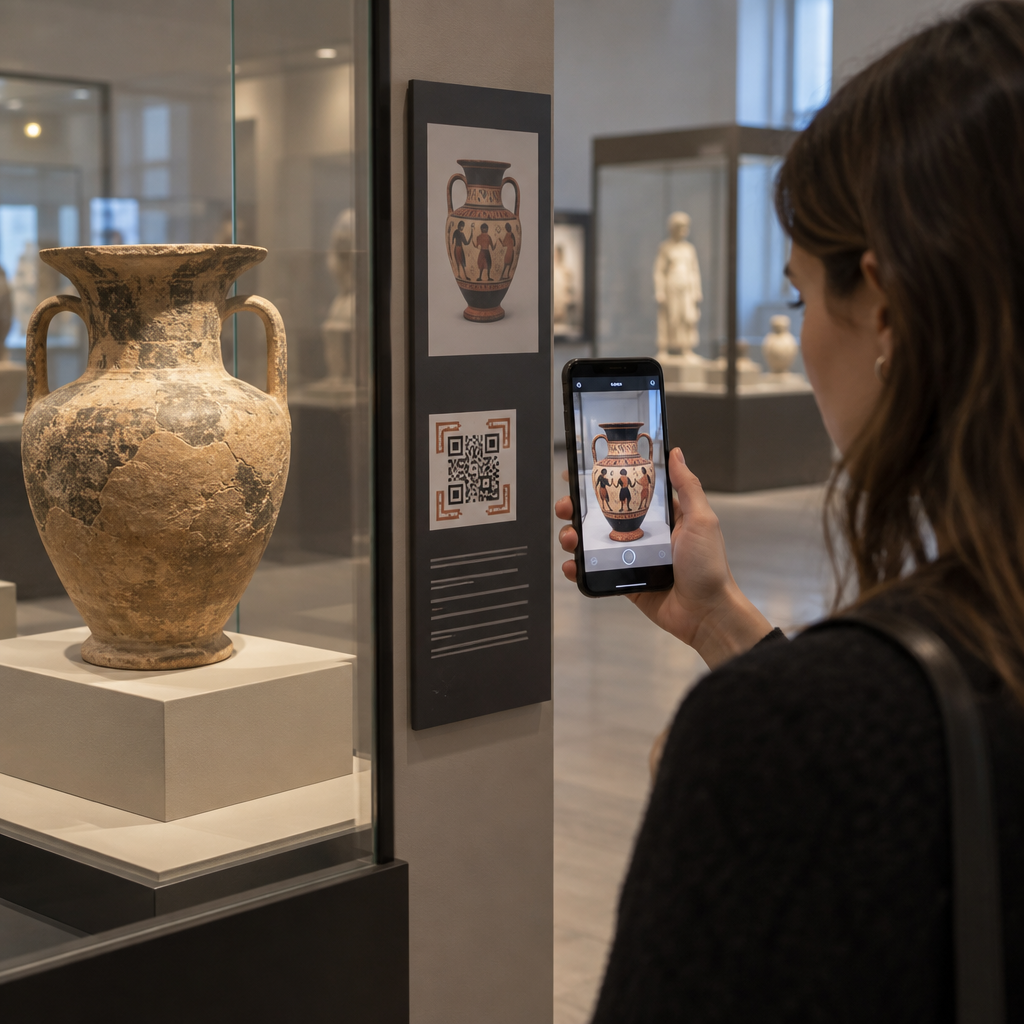
Do your physical exhibits struggle to hold visitor attention with traditional wall text alone? Static museum placards limit storytelling depth and leave curious guests feeling disconnected from the collection. Deploying augmented reality QR codes directly on exhibit signage bridges this gap, delivering dynamic 3D models, audio narratives, and interactive layers that deepen engagement.
How Augmented Reality Transforms Exhibit Storytelling
Physical exhibits often face physical constraints. Glass display cases and spatial restrictions prevent visitors from seeing every angle of a delicate sculpture or understanding the complex mechanics of historical machinery. Augmented reality (AR) solves this challenge by superimposing contextual digital assets over physical artifacts in real time.
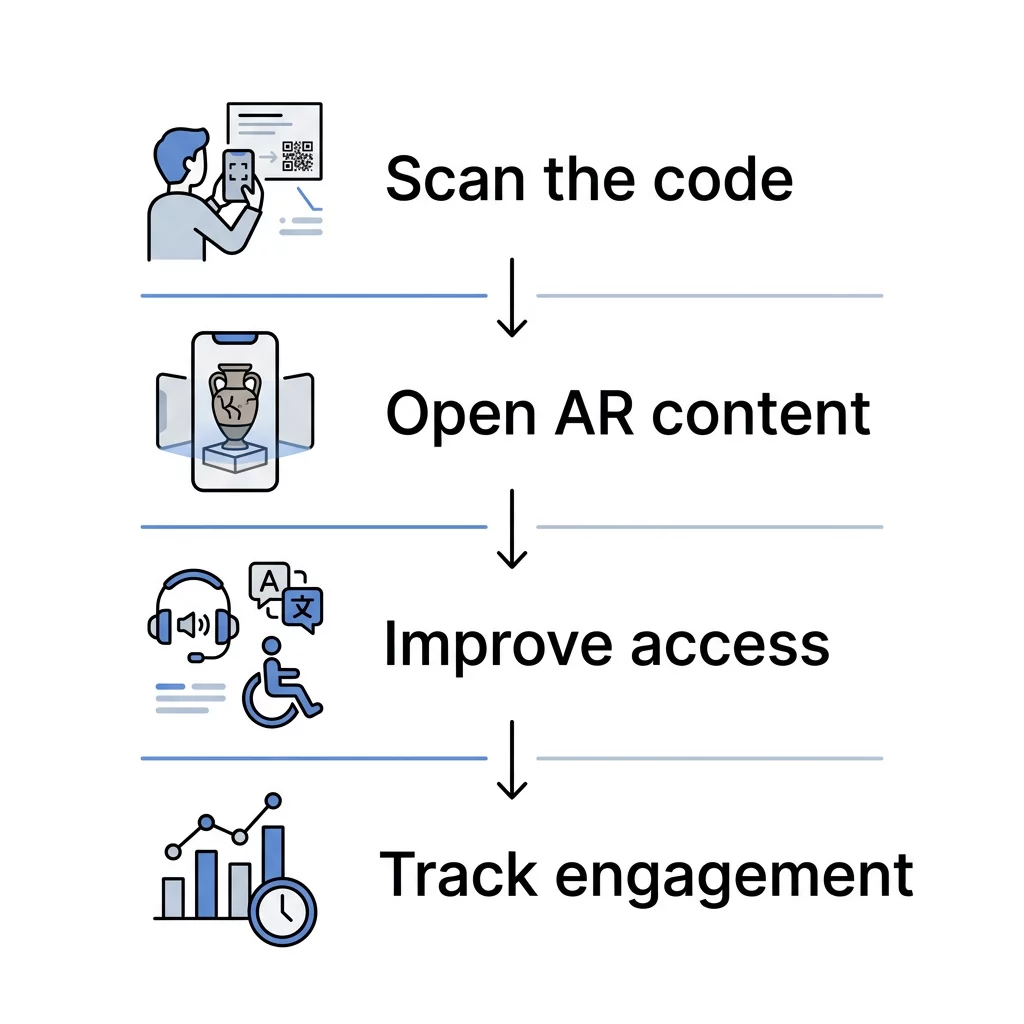
When visitors scan a code beside an exhibit, their smartphone screen can display a full three-dimensional reconstruction of a fragmented antiquity, run an animation showing an extinct animal in motion, or reveal original painted pigment on ancient marble. Research shows that augmented displays significantly improve immediate knowledge acquisition and help visitors form deeper emotional connections with cultural objects. Institutions exploring modern installations frequently use QR codes for museums to turn passive observation into self-directed discovery.
Design Interactive Displays with Dynamic Codes Want to update your digital exhibit content without replacing printed labels? Use Pageloot’s dynamic QR code generator to manage destination links and track visitor scans in real time.
Selecting the Right Media Format for Exhibit Labels
Effective digital storytelling depends on matching the right format to the narrative you want to convey. Rather than overwhelming visitors with sprawling text portals, tailor your signage codes to deliver focused, bite-sized multimedia.
- 3D Models and Virtual Restorations: Direct visitors to browser-based WebAR assets or high-resolution photo archives through an image QR code generator so they can examine artifacts from every angle.
- Spoken Curatorial Tours: Provide narrated context, ambient soundscapes, or artist interviews by embedding audio files using an MP3 QR code generator.
- Behind-the-Scenes Video: Show conservation work, excavation footage, or documentary clips directly from video platforms using a YouTube QR code generator.
- Interactive Portals: Route users to deep-dive research archives, related collection databases, or interactive maps using a standard link QR code generator.
Curators examining case studies of QR codes in modern art installations highlight that the strongest visitor response occurs when digital assets directly complement the physical object rather than repeating what is already printed on the label.
Technical Standards for Scannability and Placement
An augmented reality experience fails if the physical code does not trigger quickly and reliably. Museum environments present unique optical challenges, such as dim accent lighting, spotlight glare, and varied gallery traffic patterns. Applying established rules for best practices in designing AR QR codes ensures smooth operation for every visitor.
- Code Dimensions: Follow the 10:1 viewing distance rule by ensuring the width of the code is at least one-tenth the scanning distance. For close-up label scanning, maintain a minimum size of 1.2 x 1.2 inches (3 x 3 cm) to account for data complexity.
- Quiet Zone Margin: Preserve an unobstructed border around the code equal to at least four times the module width, expanding to six or eight modules in busy visual environments to separate the code from background textures.
- Contrast and Materials: Print dark patterns on light backgrounds with at least 55% contrast to ensure camera sensors can interpret data. Select matte, non-reflective substrates to eliminate glare from museum track lighting.
- Signage Positioning: Mount codes between 3.5 and 5.5 feet from the floor to keep them at comfortable eye level for walking visitors and wheelchair users alike.
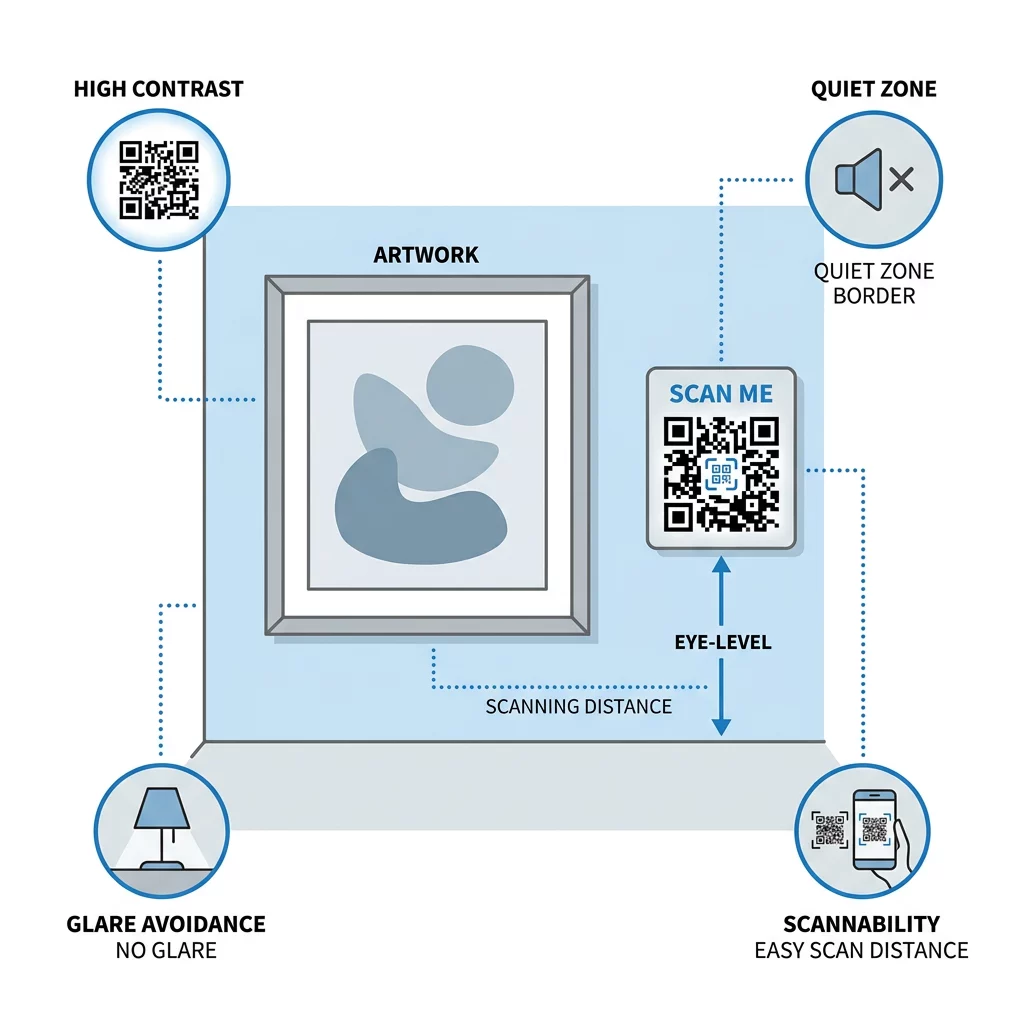
For detailed installation specifications across different gallery layouts, review the ultimate guide to QR code placement in marketing and check your designs against our best practices for QR code readability.
Maintaining Inclusive Access and ADA Compliance
Digital storytelling must remain accessible to all guests. While AR brings dynamic visual engagement, public institutions must adhere to Americans with Disabilities Act (ADA) requirements by providing equivalent auxiliary aids and alternative formats.
- Provide synced open or closed captions and downloadable transcripts whenever your AR experience contains spoken audio or narrative video.
- Offer audio descriptions, tactile reproductions, or large-print labels so visitors who are blind or have low vision can experience the same educational substance.
- Account for poor indoor cellular coverage by offering free guest Wi-Fi or hosting lightweight WebAR assets that load rapidly on mobile browsers.
- Clearly indicate on entry signage, museum websites, and visitor maps where assistive options and AR-enabled stops are located.
When you want to deliver video-based interpretations with accessibility features, you can follow this guide on how to make a QR code for a video to ensure your media player supports captions and alternative tracks.
Measuring Visitor Engagement with Scan Analytics
Curatorial teams need accurate insight into how audiences move through an exhibition space. Dynamic codes allow you to track performance metrics across galleries without conducting manual visitor surveys.
Because dynamic QR codes route through editable URLs, you can track scan frequency by hour, identify peak visitation windows, and examine visitor device operating systems. If analytics reveal that visitors bypass a particular artifact, you can adjust signage positioning or change the digital content without reprinting labels. Furthermore, if an exhibition rotates or a digital asset URL changes, you can update the destination link instantly in your dashboard to prevent broken links.
Frequently Asked Questions
No. Most modern smartphone cameras scan standard QR codes natively and open WebAR experiences directly in the mobile browser, eliminating the need to download third-party software.
For typical gallery viewing distances of one to two feet, print AR codes at a minimum size of 1.2 x 1.2 inches (3 x 3 cm) to preserve scannability across various smartphone cameras.
Yes. Dynamic QR codes allow you to change the underlying URL, audio track, video, or 3D asset anytime through your management dashboard without replacing the physical gallery signs.
Launching Interactive AR Signage in Your Gallery
Modernizing museum exhibits with augmented reality QR codes transforms traditional galleries into participatory learning spaces. By adhering to scannability standards, ensuring universal accessibility, and connecting artifacts to rich digital contexts, you invite visitors to explore history and art on a much deeper level. Begin enhancing your gallery spaces today by generating customizable, trackable codes with Pageloot to bring your physical collections to life.