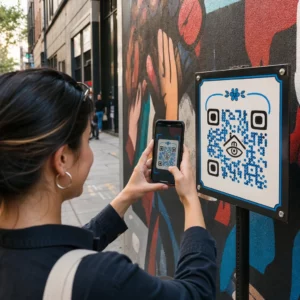
Are you looking for a way to accept payments without investing in expensive hardware? Modern customers increasingly expect touch-free, mobile-first options that work directly from their smartphones. This guide explains how to implement a secure QR code system that simplifies transactions for both you and your customers.
How QR Code Payments Work for Businesses
A QR code payment system allows you to accept funds by displaying a scannable code that directs customers to a secure checkout page. When a user scans the code with their mobile device, they are typically prompted to open a payment app or a browser window where they can enter the transaction amount and confirm the payment. This process removes the need for traditional credit card terminals and allows you to how to create a payment QR code that works across various physical and digital touchpoints.
These systems are particularly effective for businesses that operate in fast-paced environments or remote locations. Because the technology relies on the customer’s smartphone to process the transaction, you can facilitate sales at pop-up shops, delivery points, or even directly from product packaging. By adopting this method, you provide a frictionless experience that caters to the growing global preference for digital wallets and contactless interactions.
Choosing Between Static and Dynamic QR Codes
When setting up your system, you must decide between static and dynamic codes. A static QR code contains fixed information, meaning the destination URL or payment link is permanent once printed. If your payment details or provider change, you would need to reprint all your marketing materials and signage. While these are useful for simple, unchanging links, they offer limited flexibility for a growing business.
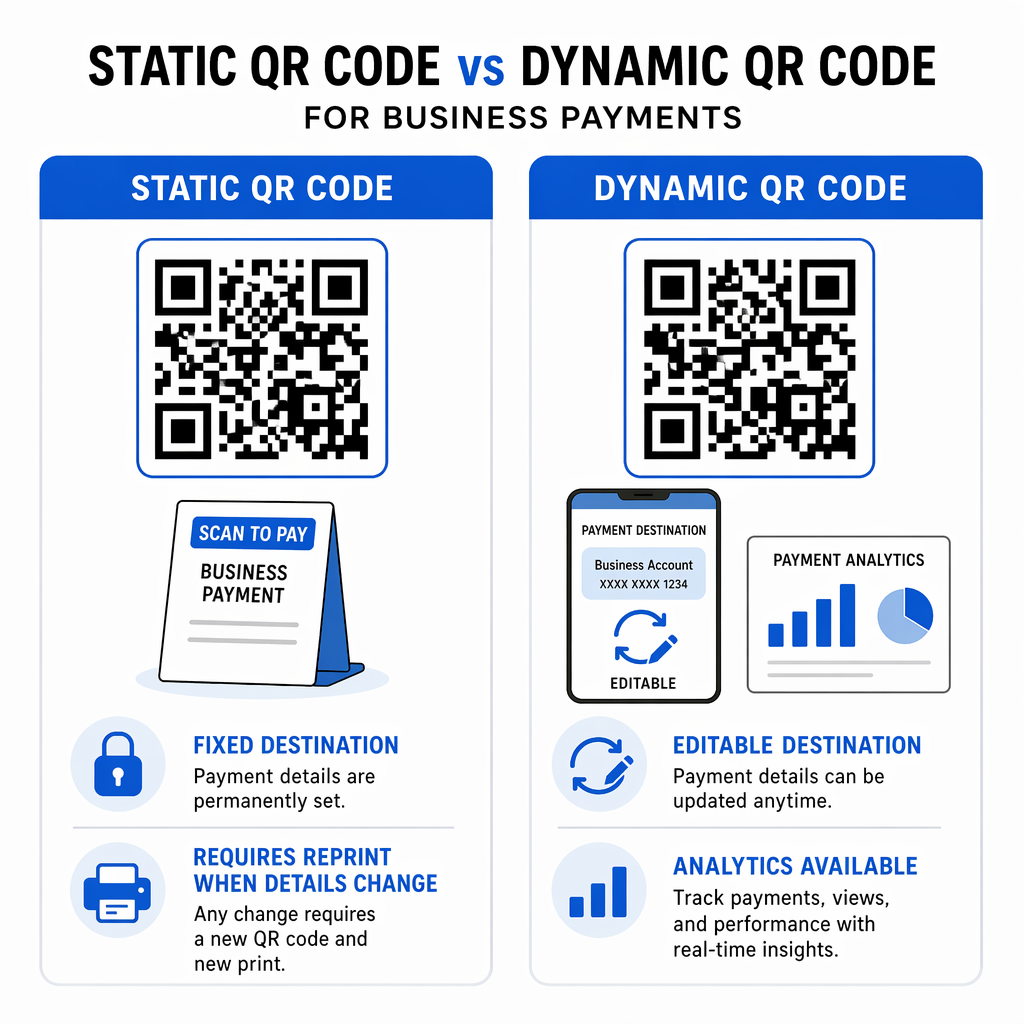
In contrast, a dynamic QR code generator allows you to edit the destination URL at any time without changing the physical code. This flexibility is invaluable if you switch payment processors or want to update a promotion. Furthermore, dynamic codes provide detailed analytics that track scan metrics, including the time of the scan, the device used, and the geographic location. These insights help you understand customer behavior and optimize your payment placements for better engagement.
Streamline Your Payments Today Ready to offer your customers a faster way to pay? Use the PayPal QR Code Generator to create a professional, branded payment touchpoint in minutes.
Essential Security and Compliance Standards
Security is a primary concern for any business handling customer financial data. Modern QR payment systems utilize bank-level encryption and tokenization to protect transaction details. Instead of transmitting sensitive card numbers directly, the system generates unique tokens that expire after the transaction is complete. To maintain the highest level of safety, you should follow a comprehensive PCI-DSS compliance guide to ensure your network and processes meet international security standards.
Beyond technical encryption, you must also be vigilant against physical tampering. Scammers sometimes place fraudulent stickers over legitimate QR codes to redirect payments to their own accounts. You can mitigate security risks by using branded QR codes that include your company logo and colors, which makes it harder for unauthorized parties to swap them unnoticed. Regularly inspecting your physical codes and using real-time analytics to monitor for unusual scan patterns from unexpected locations can further protect your revenue.
Practical Steps to Set Up Your System
Implementing a QR payment system does not require advanced technical skills. The process begins with selecting a reliable platform that supports the payment methods your customers prefer, such as PayPal, Venmo, or Stripe. Once you have your merchant link, you can use a link QR code generator to convert that URL into a scannable image.
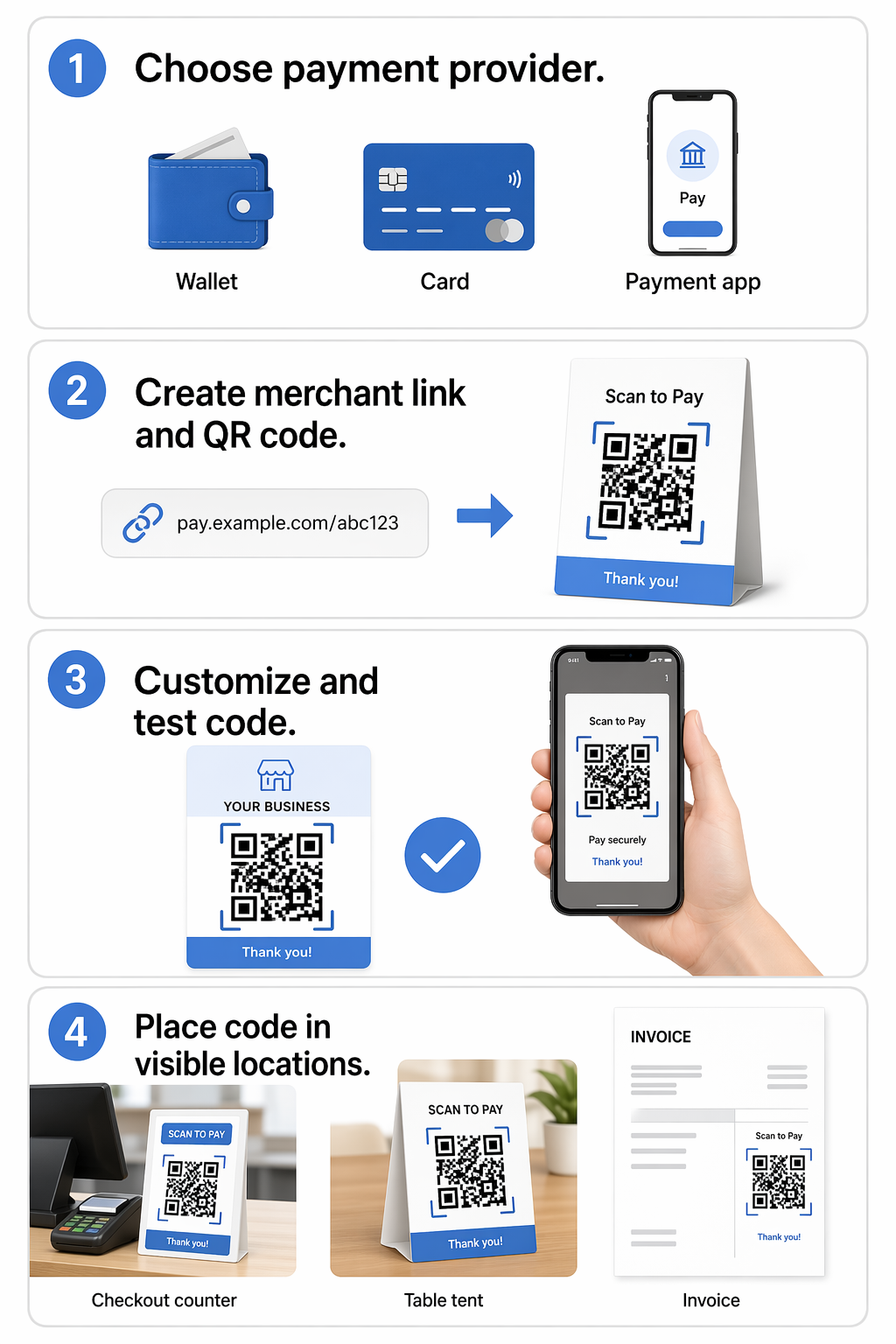
- Select a payment provider and generate your unique merchant or “Pay Me” link.
- Input the link into a professional QR generator to create your code.
- Customize the design by adding your business logo and brand colors to build customer trust.
- Download the code in high-resolution formats like SVG or PDF to ensure it remains scannable at various sizes.
- Test the code with multiple devices and apps to verify it directs users to the correct payment portal.
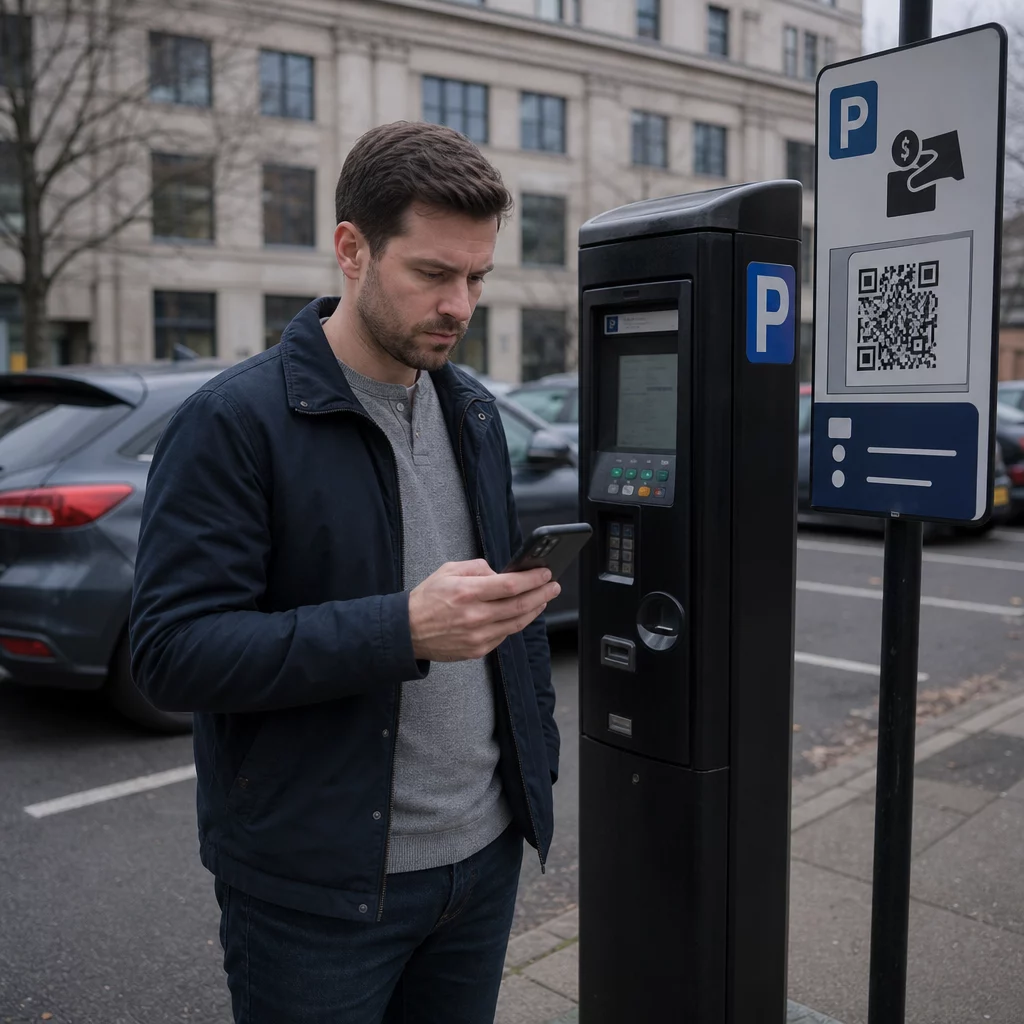
- Place the code in high-visibility areas such as checkout counters, table tents, or digital invoices.
Maximizing Customer Adoption and Accessibility
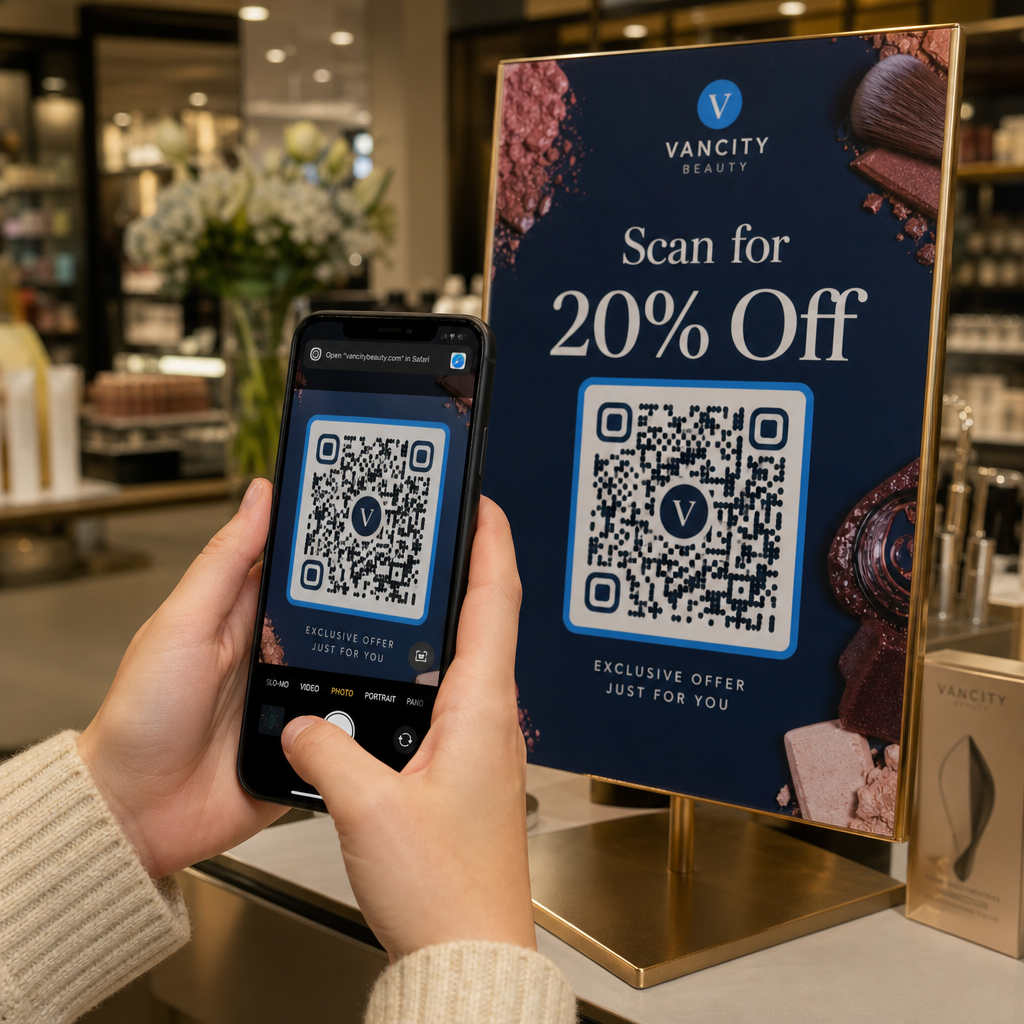
For your QR code system to be successful, it must be easy for every customer to use. Accessibility is key, so you should ensure that your codes are printed with high contrast – such as black patterns on a white background – to make them readable in various lighting conditions. Placing codes at an accessible height and providing clear, step-by-step instructions like “Scan to Pay” helps guide users who may be less familiar with the technology.
You can also boost adoption by integrating your payment codes into broader customer experiences. For example, a restaurant might use a single code that allows a guest to view the menu and pay the bill, reducing wait times and improving table turnover. By offering a seamless, secure, and branded payment method, you modernize your operations and provide the convenience that today’s mobile-savvy consumers demand.
Frequently Asked Questions
No, most modern smartphones can scan QR codes directly through the native camera app. Once scanned, the code will usually prompt the user to open their preferred browser or a supported payment app like PayPal or Venmo.
Yes, if you use dynamic QR codes, you can access a dashboard that shows real-time analytics. This includes data on scan counts, locations, and the types of devices your customers are using to pay.
If you are using a dynamic QR code, you can simply update the link in your generator’s dashboard without needing to reprint the code. If you are using a static code, you will need to generate and print a new QR code.