QR Code Scanner Apps Comparison 2026: Features, Pricing, and Security

The Best QR Code Scanning Apps in 2026: A Complete Comparison

Compare the best QR code scanning apps of 2026 for Android and iOS. Review key features for Pageloot, Google Lens, and TrendMicro to find your ideal scanner.
Updated on April 29, 2026
Table Of Contents

Tired of guessing which QR code app is fast, safe, and actually worth installing? With QR codes now driving payments, marketing, and access control, picking the wrong scanner can mean slow performance, intrusive ads, or even phishing risks. This guide compares the top QR code scanner apps of 2026 so you can pick the right one for personal or business use.

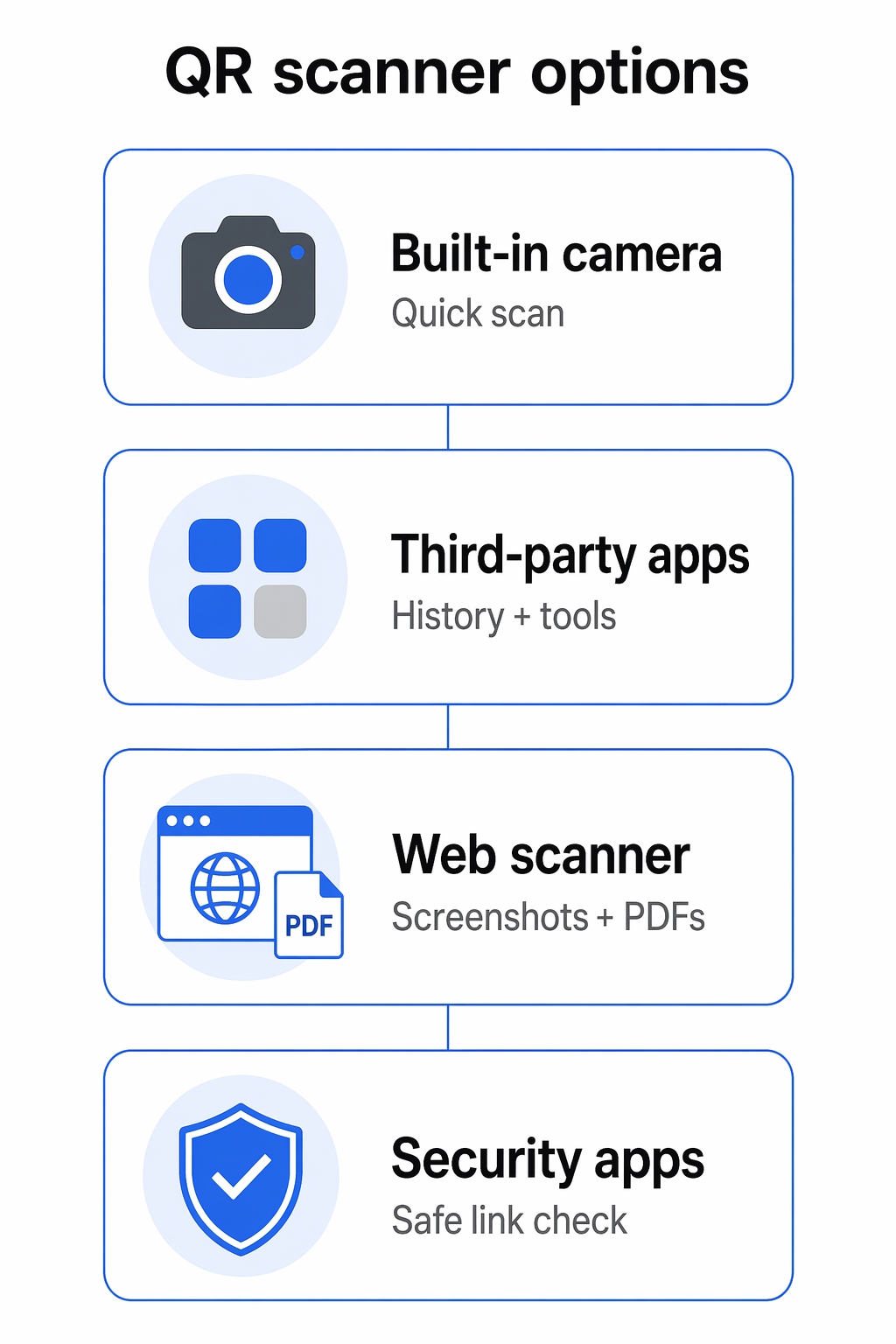
QR code scanning has shifted from convenience to necessity. Built-in phone cameras handle the basics, but dedicated apps add faster decoding, richer features, and protection against malicious links. Here is a quick rundown of the strongest options:

  • Pageloot QR Scanner: Browser-based, supports 25+ code types, and adds business analytics.
  • TrendMicro Safe QR Code Reader: Real-time URL checks and phishing protection.
  • QR & Barcode Scanner by Gamma Play: Fast, versatile, and supports batch scanning.
  • QR Code Reader by TeaCapps (QRbot): Strong scan organization with export options.
  • QR Scanner by Simple Design: Lightweight and clean for Android users.
  • QR Reader for iPhone by TapMedia: Feature-rich, including documents and business cards.
  • QR Code Reader by MixerBox: Safety checks, offline scanning, and AI-assisted generation.
  • Google Lens: Free, ad-free, with OCR, translation, and visual search built in.

Quick Comparison

App Best For Key Feature Drawback
Pageloot QR Scanner Business analytics Real-time scan tracking Account needed for premium
TrendMicro Safe QR Code Reader Security-conscious users Blocks phishing links Limited features beyond security
QR & Barcode Scanner (Gamma Play) Everyday Android use Batch scanning, fast performance Ads in free version
QR Code Reader by TeaCapps Scan organization Export to CSV/Excel Advanced features need Pro
QR Scanner by Simple Design Android simplicity Clean interface No iOS version
QR Reader for iPhone (TapMedia) iOS users Multi-functional (PDF, business cards) Ads may persist after upgrade
QR Code Reader by MixerBox Security and convenience AI-assisted QR generator Pushes premium upgrades
Google Lens All-in-one tool Free, ad-free, multi-platform Privacy concerns

Whether you need security, speed, or analytics, there is an app tailored to your needs. Keep reading for the detailed breakdown of each.

1. Pageloot QR Scanner

Pageloot

Operating System

Pageloot’s free online QR code scanner is a web-based tool that works on any device with a modern browser. iOS, Android, Windows, macOS, or Linux – you scan straight from the browser without downloading an app or using device storage.

Pricing

Creating unlimited static QR codes is free. For dynamic QR codes and real-time analytics, Pageloot offers a 14-day free trial with no credit card required. Paid plans cover larger campaigns and team needs.

Security Features

Static QR codes do not store user data on Pageloot’s servers, while dynamic codes collect anonymized scan statistics and support password protection and fraud prevention through device-identification cookies. The platform is used by businesses across more than 110 countries.

Unique Strengths

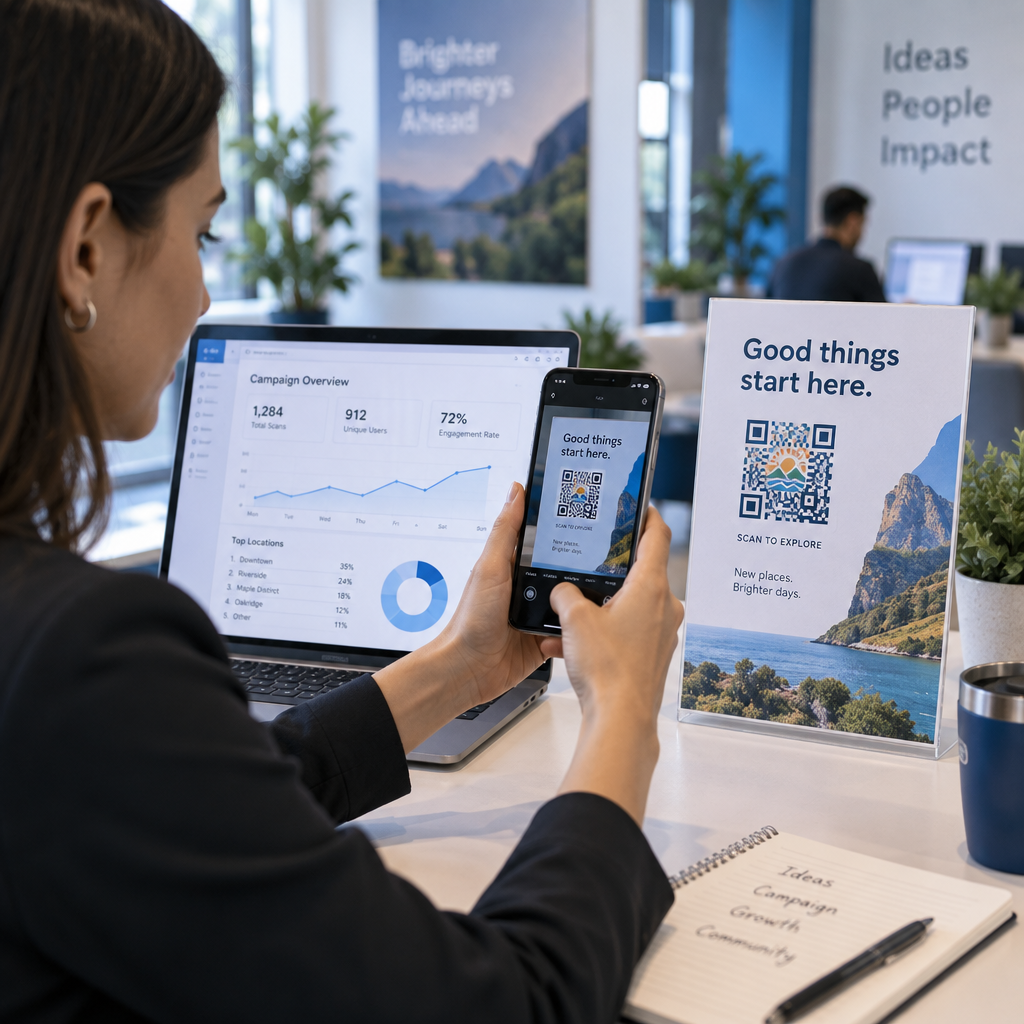
Pageloot lets you host PDFs, images, and videos directly behind a QR code, with support for 25+ QR code types including Wi-Fi access, vCards, and encrypted file sharing. Smart routing can redirect users based on device, location, or time, and a centralized dashboard shows real-time engagement, audience location, and device usage. High-resolution exports in SVG, EPS, and PDF make it print-ready for business cards, flyers, or posters.

Track Every Scan in Real Time Want to see exactly where and when your customers are scanning your materials? Try the Pageloot Dynamic QR Code Generator to create trackable, editable codes with a full performance dashboard.

2. TrendMicro Safe QR Code Reader

TrendMicro

TrendMicro Safe QR Code Reader is the strongest pick if security is your top priority.

Operating System

The app runs on Android (5.0 and newer) and iOS. On Android it is a standalone app called “QR Scanner” with gallery scanning support. On iOS, the scanner ships inside the Trend Micro Mobile Security app as “Secure QR Code Scanner.”

Pricing

Free on both platforms with no in-app purchases.

Security Features

The scanner uses Trend Micro’s Smart Protection Network to check URLs in real time before opening them, blocking unsafe websites, phishing links, and other harmful content while explaining why a link was flagged. It also handles QR content like text, contacts, Wi-Fi, and locations, plus standard barcodes.

Scanning Speed

Decoding is quick, though the security checks add a small delay before a link opens – a worthwhile trade-off for safer browsing.

History Tracking

Scans are logged and you can apply custom labels like “Safe” for quick reference. Re-scanning the same code overwrites the previous label.

Ad Presence

No third-party ads, which keeps the experience clean.

Unique Strengths

You can scan QR codes from saved images and pick which browser opens links. The app has a strong reputation among security-focused users and pairs well with content on spotting fake QR codes before scanning.

3. QR & Barcode Scanner by Gamma Play

QR & Barcode Scanner by Gamma Play is one of the most downloaded QR apps on Google Play, with a 4.8 rating reflecting its consistency.

Operating System

The app runs on Android (7.0+), iOS, Chromebooks, and tablets, with its biggest user base on Android. A “point-to-scan” feature auto-detects codes without manual alignment.

Pricing

Free to download with ads. The PRO version is a one-time $6.49 purchase, and Google Play Pass subscribers can use it at no extra cost.

Scanning Speed

Decoding takes well under a second across QR, Data Matrix, UPC, EAN, and ISBN formats. A built-in flashlight, pinch-to-zoom, and offline scanning round out the core toolkit.

Security Features

Data is encrypted in transit and not shared with third parties. There is no built-in URL safety check, but you can disable auto-opening of links for more control. On Android, the app saves an image of each scan as a visual record.

History Tracking

Every scan is saved automatically. You can organize history or export it as .csv or .txt for outside use.

Ad Presence

The free version shows ads, and some users report misleading buttons that route to third-party sites. Despite that, ratings remain high.

Unique Strengths

“Batch Scan” handles many codes in a row, and “Invert Scan” reads white-on-black designs. The app also doubles as a QR code generator for text, URLs, ISBNs, contacts, and Wi-Fi.

4. QR Code Reader by TeaCapps (QRbot)

TeaCapps offers QR Code Reader on Android and QRbot on iOS – two listings of the same well-rated scanner. QRbot holds a 4.9 rating on the App Store and a 4.6 on Google Play.

Operating System

Android 6.0+ and iOS, including iPad. Android benefits from Chrome Custom Tabs with Google Safe Browsing. iOS adds Apple Watch support, Spotlight search, and iCloud integration. The download is small at about 9 MB.

Pricing

Free with ads. Pro upgrades cost $6.99 (Android) or $3.99 (iOS) for an ad-free experience and advanced features. You can also temporarily unlock Pro features by watching three video ads.

Scanning Speed

Recognition is fast and accurate, supporting QR, Data Matrix, Aztec, UPC, EAN, Code 39, and PDF417 – fully offline.

Security Features

Chrome Custom Tabs with Google Safe Browsing helps shield users from malicious links, and a manual scan-confirmation option lets you review URLs before opening them. The app uses minimal permissions, requesting only the camera.

History Tracking

Unlimited scan history with custom annotations, useful for inventory tracking. History exports to CSV or Excel.

Ad Presence

Bottom-of-screen ads in the free version. Some users find them distracting; others use them to unlock Pro features temporarily.

Unique Strengths

Beyond scanning, QRbot can create and share QR codes from your data. Its Google Play listing also highlights instant data sharing through on-screen QR codes – handy for transferring contacts or text between devices. A Business Scanner Mode posts scanned data to a configurable web server, simplifying inventory and asset tracking.

5. QR Scanner by Simple Design

QR Scanner by Simple Design takes a back-to-basics approach. It holds a 4.5-star rating on Google Play and runs only on Android.

Operating System

Android-only, with a small footprint that prioritizes core scanning over extras. Pinch-to-zoom helps capture small or distant codes – a common fix for QR code reading problems on Android – and you can scan images straight from your gallery.

Pricing

Free with ads. An in-app purchase removes ads.

Scanning Speed

Reliable performance even in low light, with a built-in flashlight toggle. It reads both QR codes and barcodes, including product codes you can use for shopping or lookup. You can also choose your preferred search engine for results.

Security Features

Security is minimal. Scanned URLs open automatically without confirmation, which is a concern for users who want more control over privacy and link handling.

History Tracking

A history log saves past scans so you do not need to rescan to retrieve content.

Ad Presence

Ads appear in the free version. Many users accept them given the price; others remove them via in-app purchase.

Unique Strengths

Lightweight design, gallery scanning, and customizable search engine routing make it a no-frills choice for users who just want to scan and go.

6. QR Reader for iPhone by TapMedia

QR Reader for iPhone by TapMedia is a longtime favorite among iOS users, packing in document scanning, business card recognition, and more alongside QR scanning.

Operating System

iOS only, requiring iOS 15.6 or later and optimized for the latest iOS releases. The download is around 87 MB – larger than most rivals, reflecting the broader feature set. Regular updates keep it aligned with iPhone scanning best practices.

Pricing

Free version with ads. QR Reader PRO is a one-time $2.99 upgrade. A TapMedia PRO Subscription at $4.99/month includes a one-week free trial and access to TapMedia’s other apps. A Database Scanner Subscription is available at $0.99/month for sending scanned data to servers or APIs.

Scanning Speed

Auto-detect scanning recognizes codes the moment you point the camera. It supports QR codes and traditional barcodes for retail, inventory, and everyday use.

Security Features

A website-approval prompt asks you to confirm before opening any scanned link, helping block malicious URLs and phishing attempts. PRO users get an integrated browser and map view to handle scanned content inside the app. The app does collect location data, user/device IDs, and usage information.

History Tracking

Comprehensive scan history with CSV export, useful for business users managing high scan volumes.

Ad Presence

Free-version ads can feel intrusive. Upgrading removes them, though a small number of users report occasional ads after payment. Overall ratings remain very strong.

Unique Strengths

The app scans business cards, documents, NFC tags, and even Sudoku puzzles. A built-in PDF scanner lets you create, preview, and share PDFs from your phone. A Word Scanner reads text in 29 languages including English, Arabic, and Chinese. The Scan & Share feature generates temporary QR codes for contacts, files, photos, and App Store links.

7. QR Code Reader by MixerBox (TurboScan)

MixerBox

QR Code Reader by MixerBox, also branded as TurboScan, has a strong global audience with a 4.7 rating on the App Store and 4.4 on Google Play. It’s available in 16 languages including English, Arabic, Japanese, and Thai.

Operating System

Compatible with iOS 13.0 or later and recent Android versions. It also works on iPads, M-series Macs, and Apple Vision devices, with a small storage footprint.

Pricing

Free to download with in-app advertising. Premium subscriptions start at $0.99 or $1.99 per month, with one-time options ranging from $1.29 to $129.99.

Scanning Speed

Quick decoding even in poor conditions, with a flashlight mode for low light. The app handles a wide range of 1D and 2D codes, including Data Matrix and standard barcodes.

Security Features

An integrated safety check warns users about potentially dangerous links before they open. As MixerBox puts it, “Safety first. Protect yourself against suspicious links.”

History Tracking

All scans are saved automatically into a searchable history for quick retrieval.

Ad Presence

Some reviewers describe the ads as persistent, with frequent prompts to upgrade to premium.

Unique Strengths

An AI-assisted QR generator helps create more visual codes instead of plain black-and-white designs. Offline scanning keeps the app functional without internet, and you can scan QR codes and barcodes from images or screenshots – useful for digital workflows where the code is already on screen.

8. Google Lens

Google Lens

Google Lens does much more than scan QR codes – it is a full visual search tool, with strong ratings on both Google Play and the App Store.

Operating System

Wide compatibility. On Android 9+ it often comes preinstalled and integrates with the camera app. iOS users access it through the Google or Google Photos app. On Chromebooks, Windows, macOS, and Linux, you can right-click an image in Chrome and choose “Search image with Google Lens.”

Pricing

Free, with no subscriptions, in-app purchases, or ads.

Scanning Speed

Lens detects QR codes instantly. For document scanning it averages around 8 seconds to produce editable text – faster than many dedicated scanning apps – and uses noticeably less battery per scan.

Security Features

Google Lens checks scanned URLs against Google’s security database to help block malicious links. It requests minimal permissions, encrypts data in transit, and lets users delete data through their Google account.

History Tracking

Scan history is saved automatically and can be reviewed or deleted in your Google account settings.

Unique Strengths

Lens offers real-time translation in over 100 languages with overlaid text, identifies objects and landmarks, and provides high-accuracy document scanning that corrects for shadows, glare, and creased paper. It integrates with Google Drive, Gmail, and Google Photos so you can copy scanned text to your computer or save it as a searchable PDF, with offline OCR available after downloading on-device models.

Pros and Cons at a Glance

The right scanner depends on whether you care most about ease of use, business features, or security.

A clean interface matters: most users abandon apps that feel cluttered. QR Reader for iPhone by TapMedia and QR Scanner by Simple Design lean into “point-and-shoot” simplicity, while feature-heavy apps can slow down a basic scan.

Performance matters too. Most users will give up on an app that takes more than a second to decode a code, and they spot errors in scanned data quickly. For healthcare, retail, or product packaging, accuracy is non-negotiable.

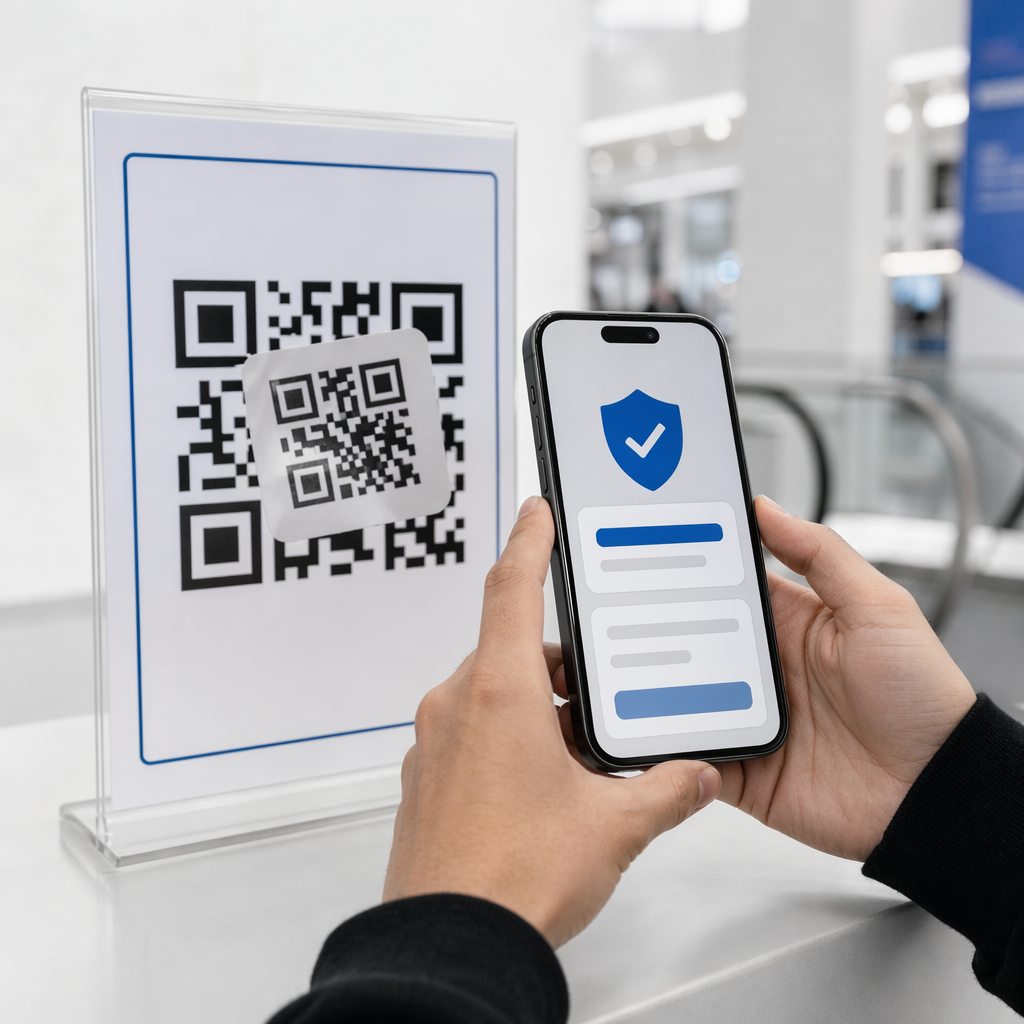
Security is now a leading concern. Many users prefer apps that vet URLs against threat databases before opening them. That extra check can add a fraction of a second and may require permissions some privacy-conscious users would rather not grant.

App Best For Key Advantage Main Drawback
Pageloot QR Scanner Business analytics and branding Comprehensive tracking and 25+ code types Account required for premium features
TrendMicro Safe QR Code Reader Security-conscious users Real-time URL safety checks Limited features beyond security
QR & Barcode Scanner (Gamma Play) Everyday Android use Multiple barcode formats, batch scanning Ad-supported in free version
QR Code Reader (TeaCapps / QRbot) Organization and history tracking CSV/Excel export, business mode Pro upgrade for advanced features
QR Scanner (Simple Design) Android users wanting simplicity Clean interface, gallery scan Android only
QR Reader for iPhone (TapMedia) iOS users Optimized for iPhone, document scan iOS only
QR Code Reader (MixerBox) Security with convenience URL safety checks, offline scanning Frequent premium prompts
Google Lens Visual search and context Free, ad-free, multi-platform Privacy concerns within Google ecosystem

Pricing varies widely. Google Lens is completely free and ad-free. Gamma Play and TeaCapps offer free versions with ads alongside paid upgrades for advanced tools. Businesses that need enterprise reliability and analytics dashboards typically pay $5–$9+ per month for premium plans.

Picking the Right Scanner for You

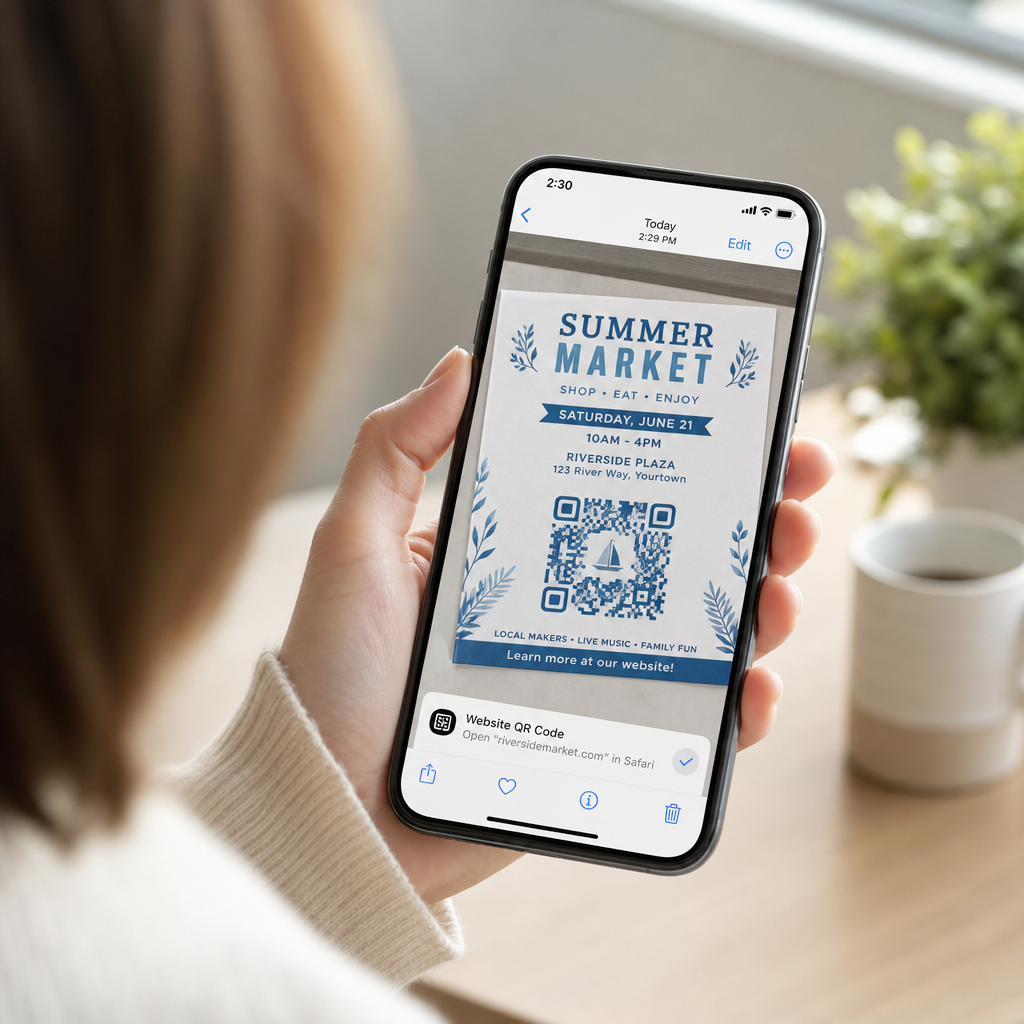
For everyday personal use, your phone’s built-in camera handles the basics with no install required. When you scan in public – on posters, packaging, or restaurant tables – a security-focused option like TrendMicro Safe QR Code Reader adds an important layer of URL verification.

For iOS power users, QR Reader for iPhone by TapMedia and QRbot bring document scanning, exports, and multi-format support. On Android, QR & Barcode Scanner by Gamma Play and QR Code Reader by TeaCapps offer fast scanning and useful organization tools. Google Lens is the strongest free, cross-platform pick when you also want OCR and visual search.

For businesses, the question shifts from scanning to managing the codes themselves – tracking who scans, where, and when, and updating destinations without reprinting.

Build, Manage, and Track Your QR Codes in One Place Ready to turn every scan into measurable insight? Create editable, trackable codes with the Pageloot Dynamic QR Code Generator and start your 14-day free trial today.

Frequently Asked Questions

Do I need a separate app to scan QR codes on iPhone or Android?

For most everyday scans, no. Modern iPhone and Android cameras detect QR codes automatically. A dedicated app is worth installing when you want extra features like URL safety checks, batch scanning, scan history exports, or document and barcode recognition. If you want a no-install option, Pageloot’s browser-based QR code scanner works on any device.

Which QR scanner app is the safest to use?

TrendMicro Safe QR Code Reader and Google Lens both verify scanned URLs against threat databases before opening them, which helps block phishing and malware links. QR Code Reader by TeaCapps (QRbot) and TapMedia’s QR Reader for iPhone also offer manual confirmation prompts so you can review a link before visiting it.

What is the difference between a scanner app and a QR code generator?

A scanner app reads existing QR codes and routes you to the linked content. A generator creates the codes in the first place. Some platforms – like Pageloot – do both, and add dynamic QR codes whose destinations can be edited after printing, plus analytics on scans, locations, devices, and times.

About the author

Siim Kostabi is the Content Lead at Pageloot. He writes about our innovative QR code generator services. With a profound expertise spanning over half a decade on QR codes, Siim is a subject matter expert in the field. He makes significant strides in leveraging QR technology to simplify and augment digital interactions.

Category
Learn more about
Customer scanning payment QR
QR Codes for Payments
Guest scanning Wi-Fi QR
Connect QR Code to WiFi
✅ The #1 Solution for QR Codes

If you need to create QR Codes online, you can Make a QR Code right here for free!
Pageloot is the #1 Go-To Solution to create and scan QR Codes.

Trusted by over 20 000 brands to get more sales, reviews & followers.

Client logos
Trusted by top brands
Rated 4.8 out of 5

4.86 / 5 stars rating

Hugo Laurent
Hugo Laurent
Restaurant owner
The most easy and reliable QR code Generator ever. PDF files can be uploaded instantly. Our restaurant menus are now digital.
Lucas Jansen
Lucas Jansen
Real estate developer
This is an excellent tool and the QR codes take you to just where you want. We only use the location QR code but there are so many useful features.
Emma Moretti
Emma Moretti
Retail products
Easy to use and quick. It works great and creates a perfect images, so employees can download my vCard.
Hugo Laurent
Hugo Laurent
Restaurant owner
The most easy and reliable QR code Generator ever. PDF files can be uploaded instantly. Our restaurant menus are now digital.
Lucas Jansen
Lucas Jansen
Real estate developer
This is an excellent tool and the QR codes take you to just where you want. We only use the location QR code but there are so many useful features.
Emma Moretti
Emma Moretti
Retail products
Easy to use and quick. It works great and creates a perfect images, so employees can download my vCard.
See More QR Codes
QR Codes on Food Packaging
Turn anything into a digital experience in less than 3 minutes.

Free 14-day trial.

No credit card required.

Get 30% off your first purchase

Use the code:

Share your MP3 files

Sign up to create PDF QR codes

Upload and display everything you need:

  • Audio files
  • Podcasts
  • Music

14-day free trial with sign-up.
QR codes expire after trial.

sign up to create an audio mp3 QR code

Get more scans with frames

Sign up to add more frames to your QR codes

Call-to-action frames help your customers interact with the QR Code easily. Try them out!

14-day free trial with sign-up.
QR codes expire after trial.

Sign up to add more frames to your QR codes

Add more style with shapes

Signup to create more shapes

QR Codes don’t have to be square. Try switching it up to fit your brand’s image.

14-day free trial with sign-up.
QR codes expire after trial.

Signup to create more shapes

Add a logo to your QR Code

Sign up to add your logo to QR codes

Make your QR code stand out by adding your logo and brand to it.

14-day free trial with sign-up.
QR codes expire after trial.

Sign up to add your logo to QR codes

Smart App Store redirects

Sign up to create an app store QR code

Add your App links to our smart App Store QR Code. The users are redirected based on their device.

14-day free trial with sign-up.
QR codes expire after trial.

Sign up to create an app store QR code

Upload an image to a QR Code

Sign up to create image QR codes

Share your images easily. Change any image dynamically within seconds.

14-day free trial with sign-up.
QR codes expire after trial.

Sign up to create image QR codes

Share your PDF files

Sign up to create PDF QR codes

Upload and display everything you need:

  • Menus & price lists
  • Instructions
  • Any documents

14-day free trial with sign-up.
QR codes expire after trial.

Sign up to create PDF QR codes

Edit later without printing

Sign up to edit your QR codes without printing again

Dynamic QR Codes let you change the contents of your QR Code without having to print new ones.

14-day free trial with sign-up.
QR codes expire after trial.

Sign up to edit your QR codes without printing again

When? Where? Track your QR Code scans

Sign up to track your QR codes

Discover which of your QR Codes receive the most scans and what excites your clients the most.

14-day free trial with sign-up.
QR codes expire after trial.

Sign up to track your QR codes

Print ready files available

Sign up to create vector QR codes like PDF and SVG

.EPS, .PDF, .SVG

Want to download your QR Codes in HD resolution? Get vector or pixel formats that are ready to be printed.

14-day free trial with sign-up.
QR codes expire after trial.

Sign up to create vector QR codes like PDF and SVG

Please wait. Your QR Code is loading... loading...

Make it your own

Sign up to save your QR code for later

Get more scans by creating awesome QR Codes with different colors, logos and call-to-action frames.

14-day free trial with sign-up.
QR codes expire after trial.

Sign up to save your QR code for later