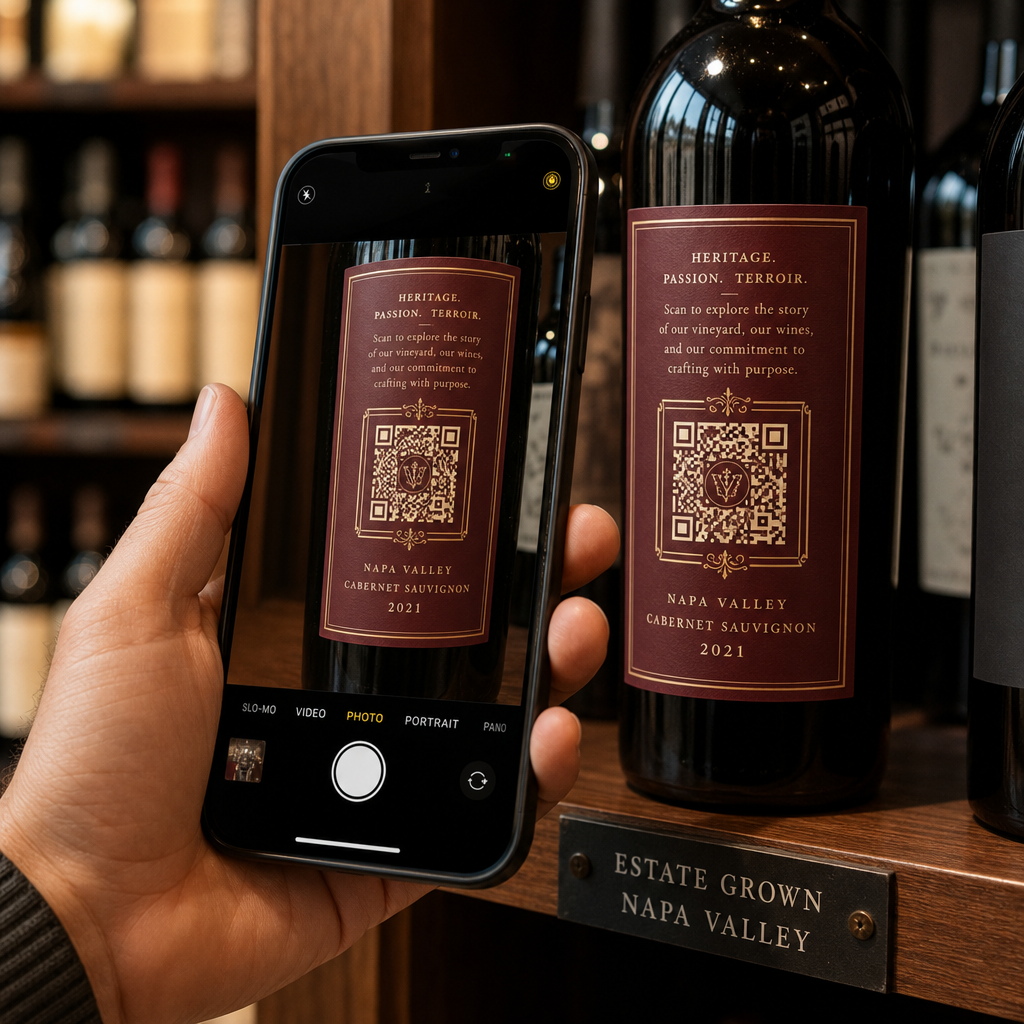
Are you struggling to fit mandatory disclosures and your brand story onto a limited wine label? Physical label space is tight, and cluttered packaging damages shelf appeal while risking compliance oversights. Placing QR codes on your wine labels lets you share complete ingredient lists, tasting notes, and marketing content digitally without overcrowding your physical design.
Navigating TTB Compliance and Digital Disclosures
Understanding regulatory boundaries is essential before adding digital codes to your packaging. In the United States, the Alcohol and Tobacco Tax and Trade Bureau (TTB) regulates all wine labeling and advertising practices.
Federal rules state that mandatory labeling statements – such as brand name, alcohol content, health warning statements, net contents, bottler address, and sulfite declarations – cannot be satisfied solely through a QR code. All required elements must physically appear on the bottle label.
However, incorporating a QR code into your packaging offers significant regulatory flexibility:
- No New COLA Required: TTB guidelines consider adding, deleting, or updating a QR code on a label to be an allowable revision. You do not need to apply for a new Certificate of Label Approval (COLA) as long as no other mandatory physical label elements are changed.
- Advertising Compliance: TTB treats content accessed via a QR code on a bottle as an extension of your advertising. Linked landing pages must comply with TTB advertising standards, avoiding misleading health claims or prohibited statements.
- Voluntary Disclosures: You can use QR codes to display voluntary nutrient statements, calories, and full ingredient lists. Under TTB rulings, voluntary Serving Facts statements must be accurate and supported by laboratory analysis or standard calculation methods.
Update Your Digital Wine Labels Instantly Need to edit your linked wine details or tasting notes without reprinting physical labels? Use the Dynamic QR Code Generator to keep your digital landing pages updated in real time.
Enhancing Customer Engagement Through Smart Content
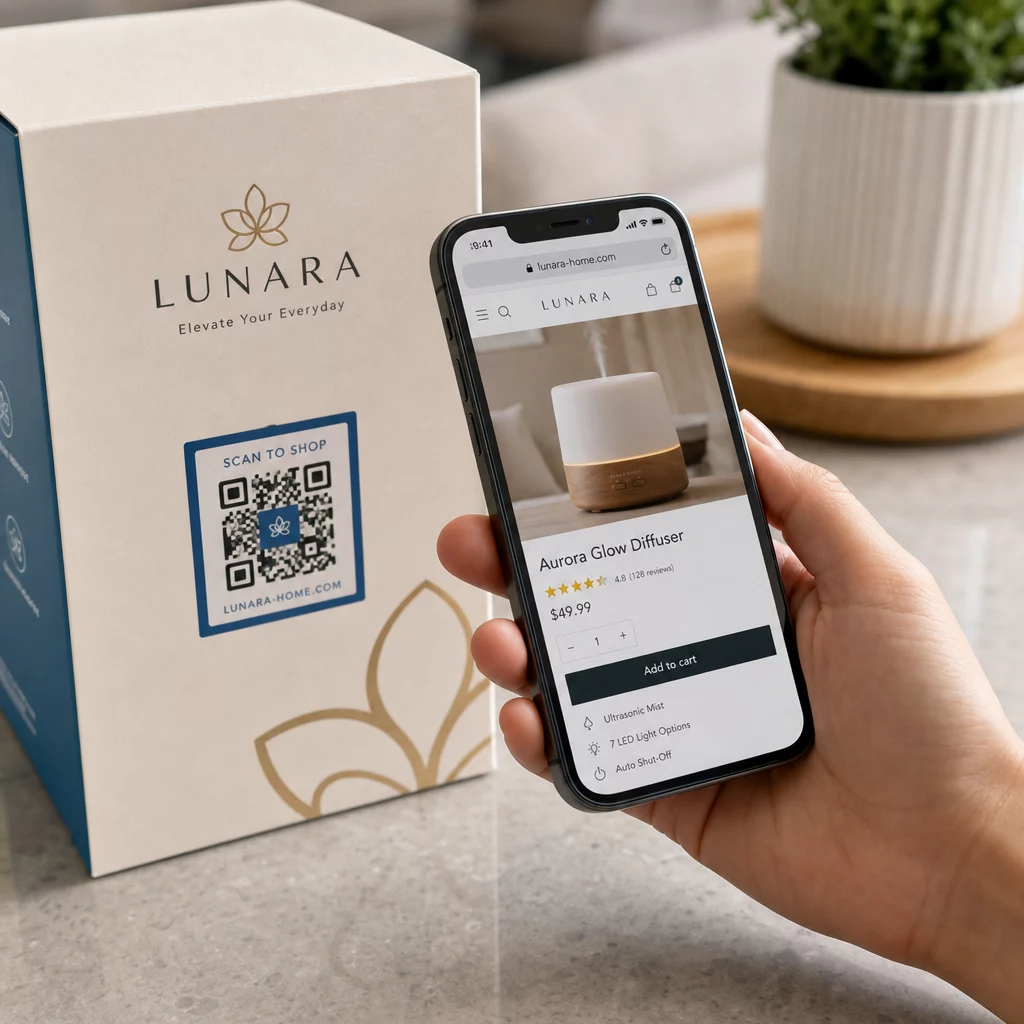
A QR code should deliver immediate value to the consumer rather than simply directing them to a generic website homepage. When shoppers scan a bottle at a retail store or dining table, they expect specific, easily accessible information.
To maximize scan rates when you make QR codes for product labels, focus on mobile-optimized landing pages that load within three seconds and require no user login. Effective destination content includes:
- Tasting Notes and Serving Tips: Provide ideal serving temperatures, aging potential, and chef-recommended food pairings.
- Vineyard Origins and Sustainability: Share videos of the harvest, soil characteristics, or sustainable farming certifications.
- Direct-to-Consumer (DTC) Sales: Direct consumers to join your wine club, reorder their favorite vintage, or locate nearby retail distributors.
- Clear Call to Action (CTA): Place a short phrase adjacent to the code (e.g., “Scan for Food Pairings”) so consumers understand the benefit of scanning.
Design and Print Specifications for Glass Bottles
Printing QR codes on curved, reflective glass bottles introduces unique physical challenges. Following strict printing standards ensures your codes scan reliably across various smartphone devices and lighting conditions.
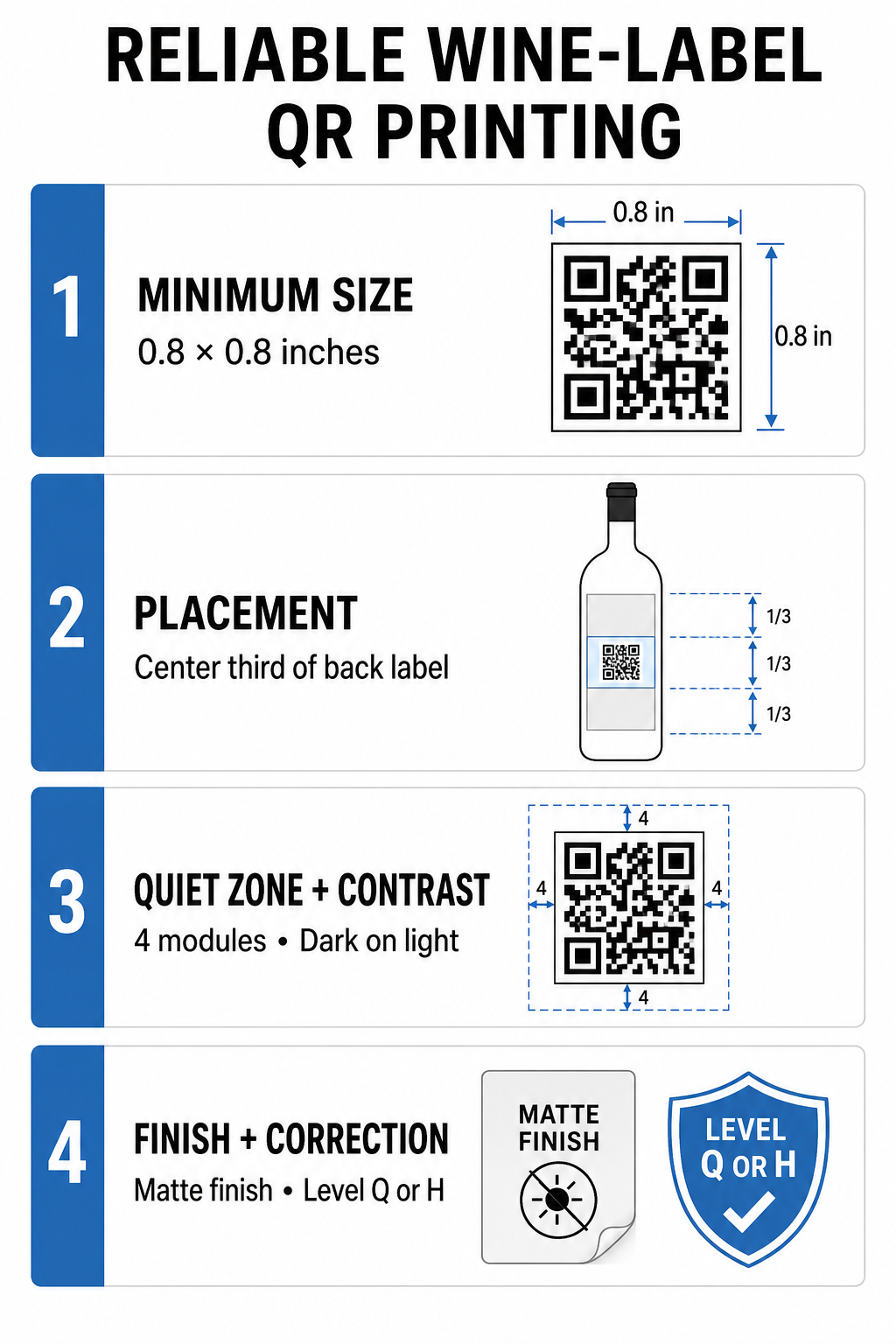
| Design Factor | Technical Standard | Practical Purpose |
|---|---|---|
| Minimum Size | 0.8 x 0.8 in (2 x 2 cm) | Prevents module blurring; see our QR code size guide |
| Label Placement | Center third of back label | Minimizes image warping caused by bottle curvature |
| Quiet Zone | At least 4 modules wide | Keeps surrounding text or graphics from interfering with camera detection |
| Color Contrast | Dark modules on light background | Ensures camera sensors distinguish pattern elements reliably |
| Surface Finish | Matte paper or dull varnish | Eliminates reflective glare common on glass surfaces |
| Error Correction | Level Q (25%) or Level H (30%) | Allows codes to scan even if scratched or moisture-damaged |
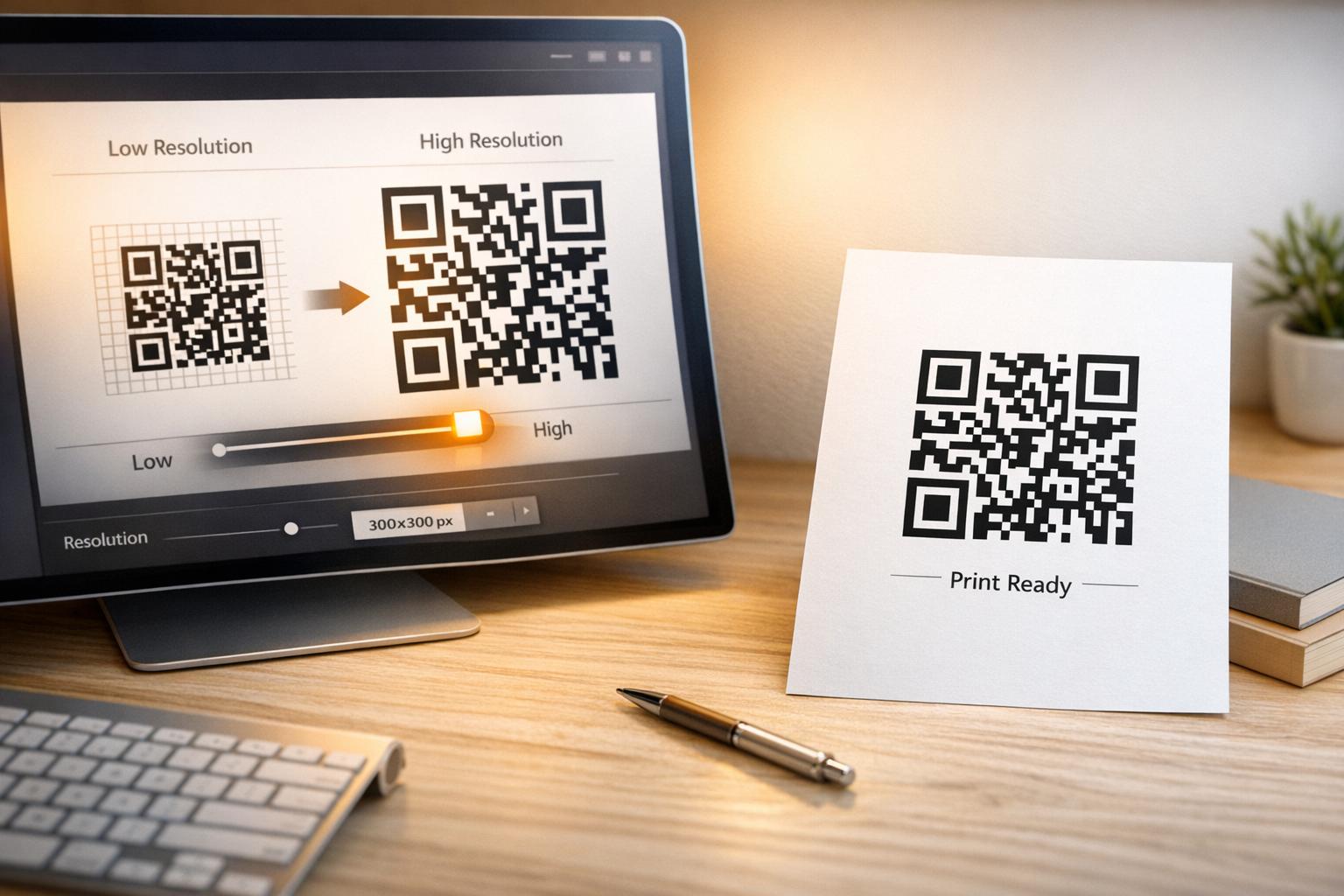
Always export your code design in vector formats (.SVG, .EPS, or high-resolution .PDF) before sending artwork to your printer. Reviewing how printing techniques impact QR code scannability helps you select the best substrate and ink combinations for wet or cold cellar environments. For detailed instructions on physical application, explore our guide on how to print a QR code on a label.
Data Privacy and Scan Analytics
When using tracking QR codes to evaluate marketing campaigns, you must balance analytics collection with consumer privacy rights. Dynamic codes allow you to measure total scans, unique engagement, scan locations, and device operating systems in real time.
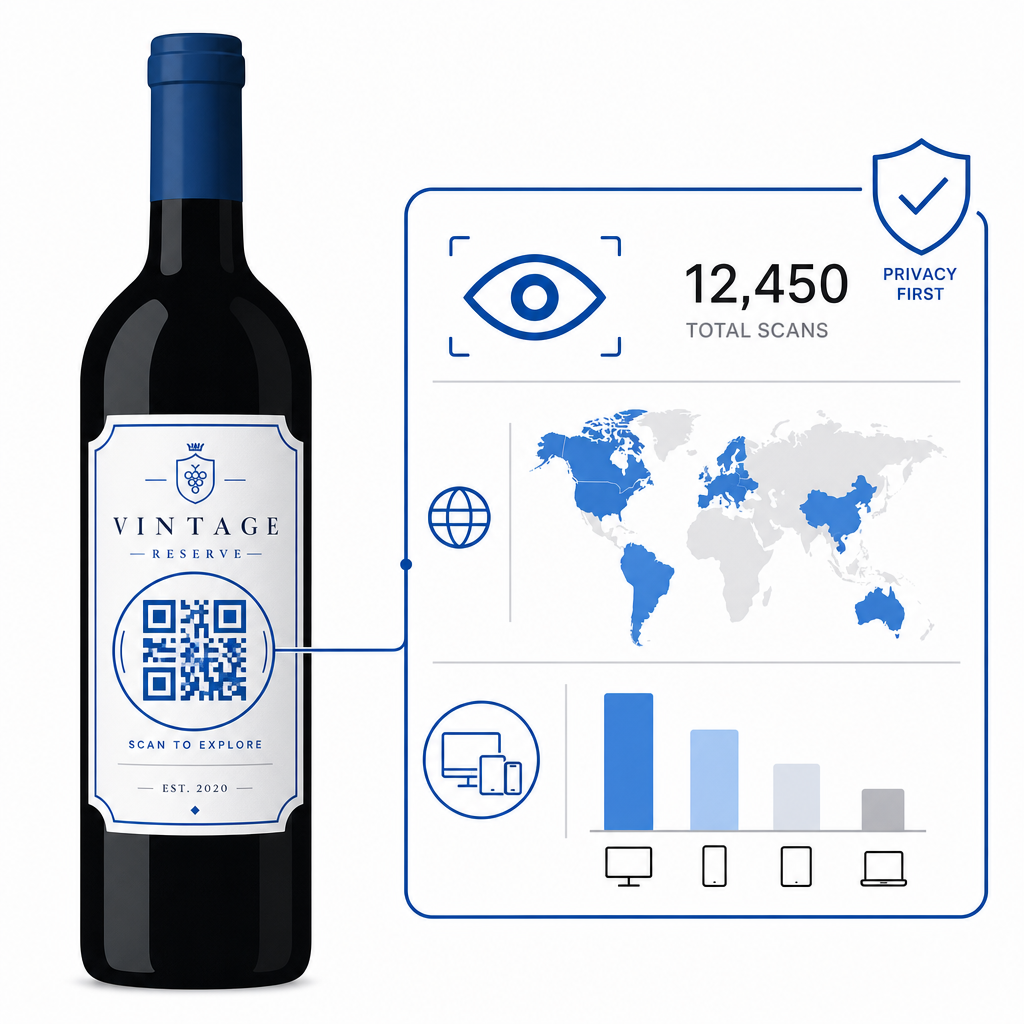
To maintain trust and remain compliant with state and international privacy regulations:
- Apply Data Minimization: Gather only essential metrics needed for performance measurement, avoiding unnecessary collection of personal data.
- Anonymize IP Addresses: Ensure tracking platforms aggregate location data at the city or regional level rather than recording precise personal addresses.
- Provide Transparent Notices: Include a clear privacy policy link on your landing page outlining what information is collected. Review GDPR compliance in QR code analytics to establish compliant tracking workflows.
Upgrading Your Wine Label Strategy
Combining compliant physical labels with dynamic digital destinations allows your winery to satisfy regulatory requirements, build brand transparency, and measure consumer interest effectively. Ready to upgrade your wine packaging? Create high-resolution, trackable labels using the Pageloot QR Code Generator today.
Frequently Asked Questions
No. TTB guidelines permit adding, updating, or deleting a QR code on an existing wine label as an allowable revision without filing a new COLA, provided no mandatory physical statements are altered.
No. TTB regulations state that all mandatory information – such as alcohol content, health warnings, net contents, and sulfite declarations – must physically appear on the container label.
The minimum recommended print size is 0.8 x 0.8 inches (2 x 2 cm). Place the code on the flat center portion of the label to prevent curvature distortion when applied to round bottles.