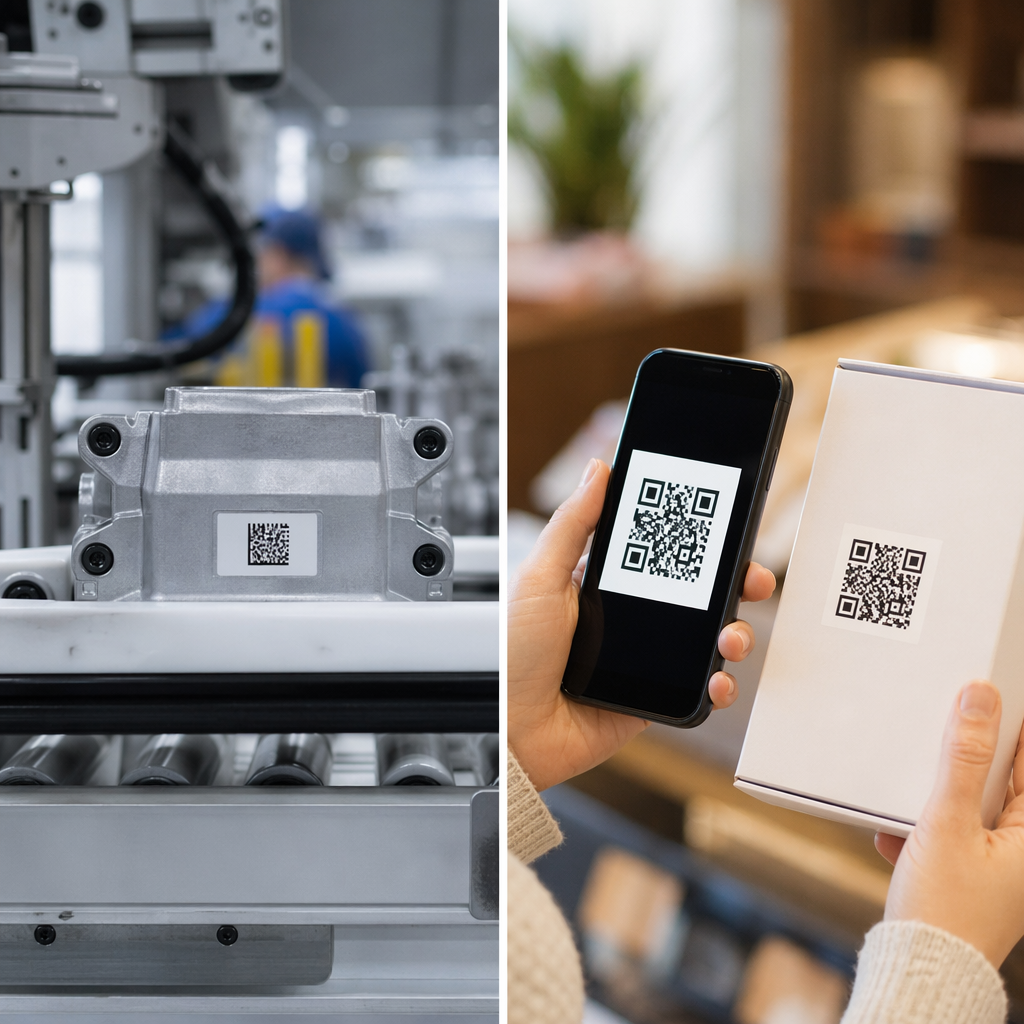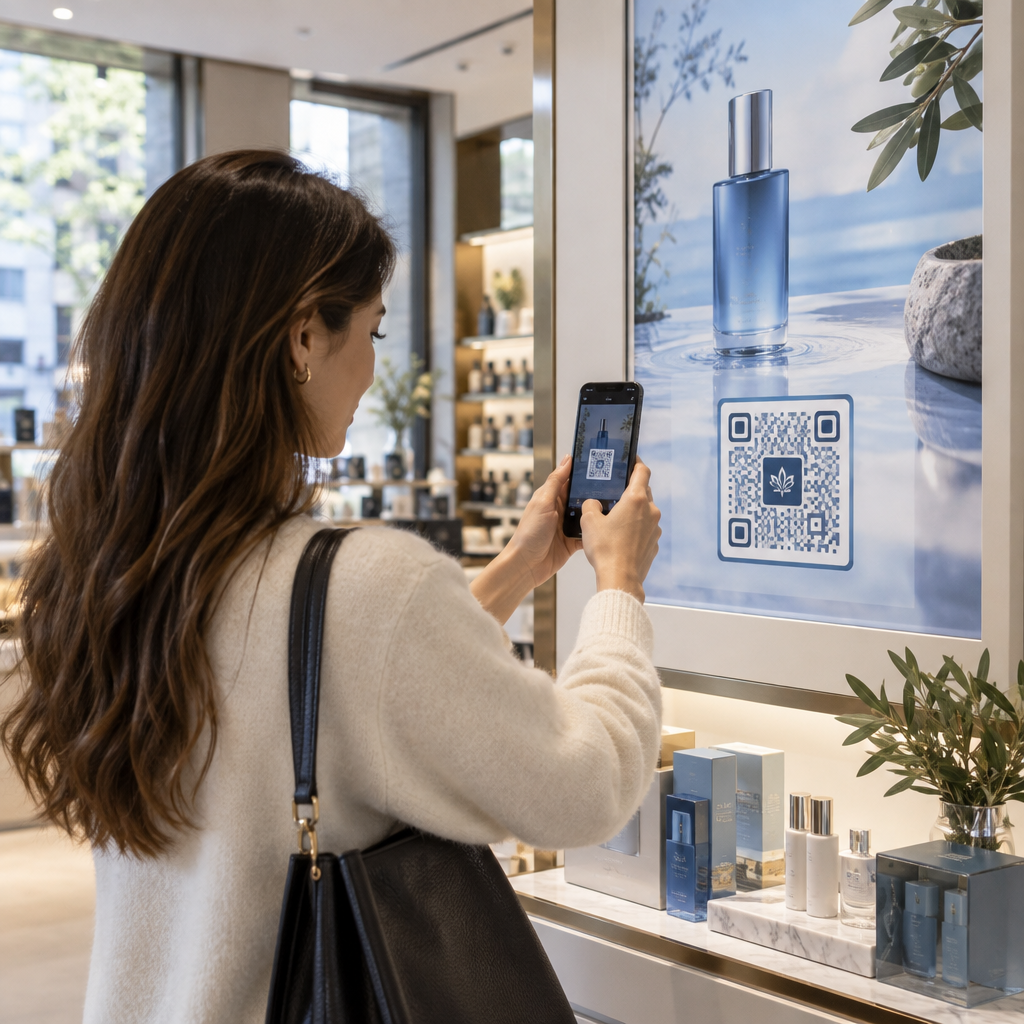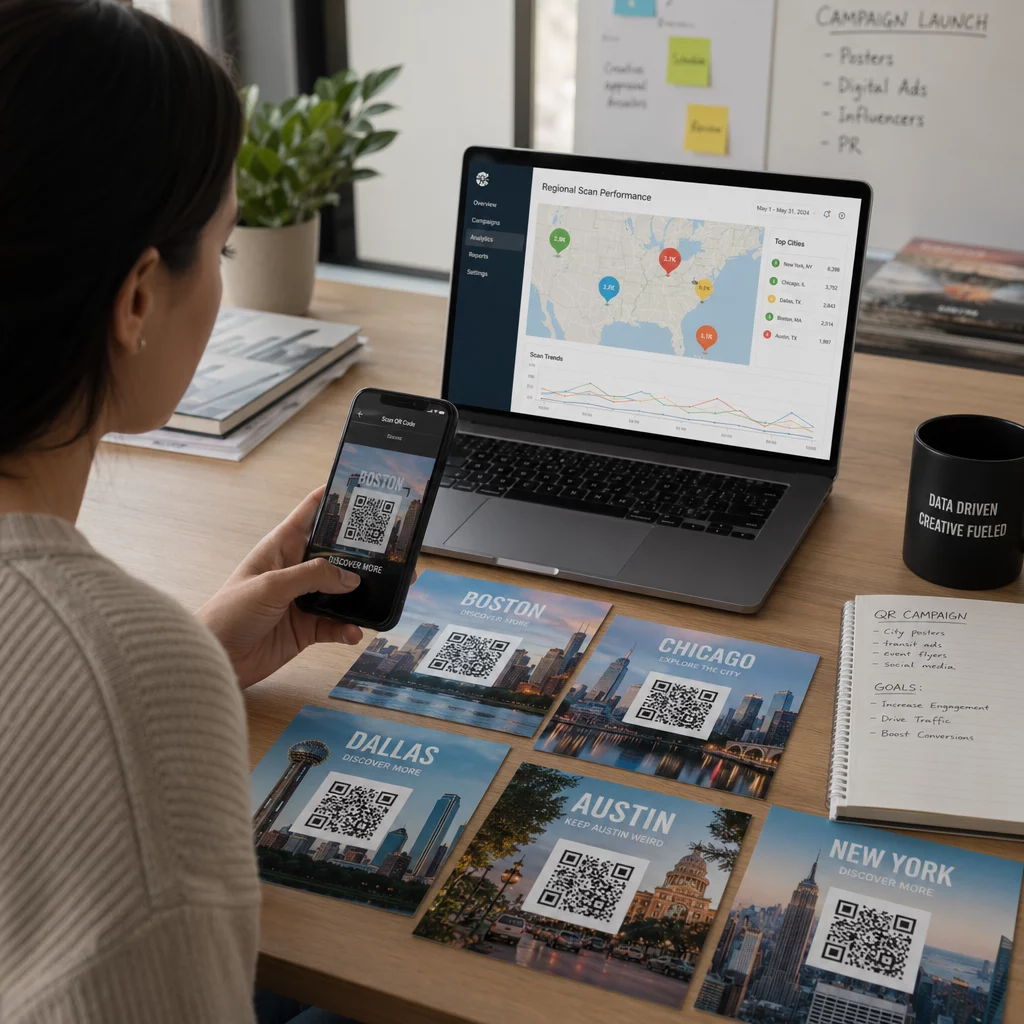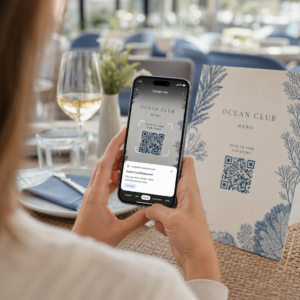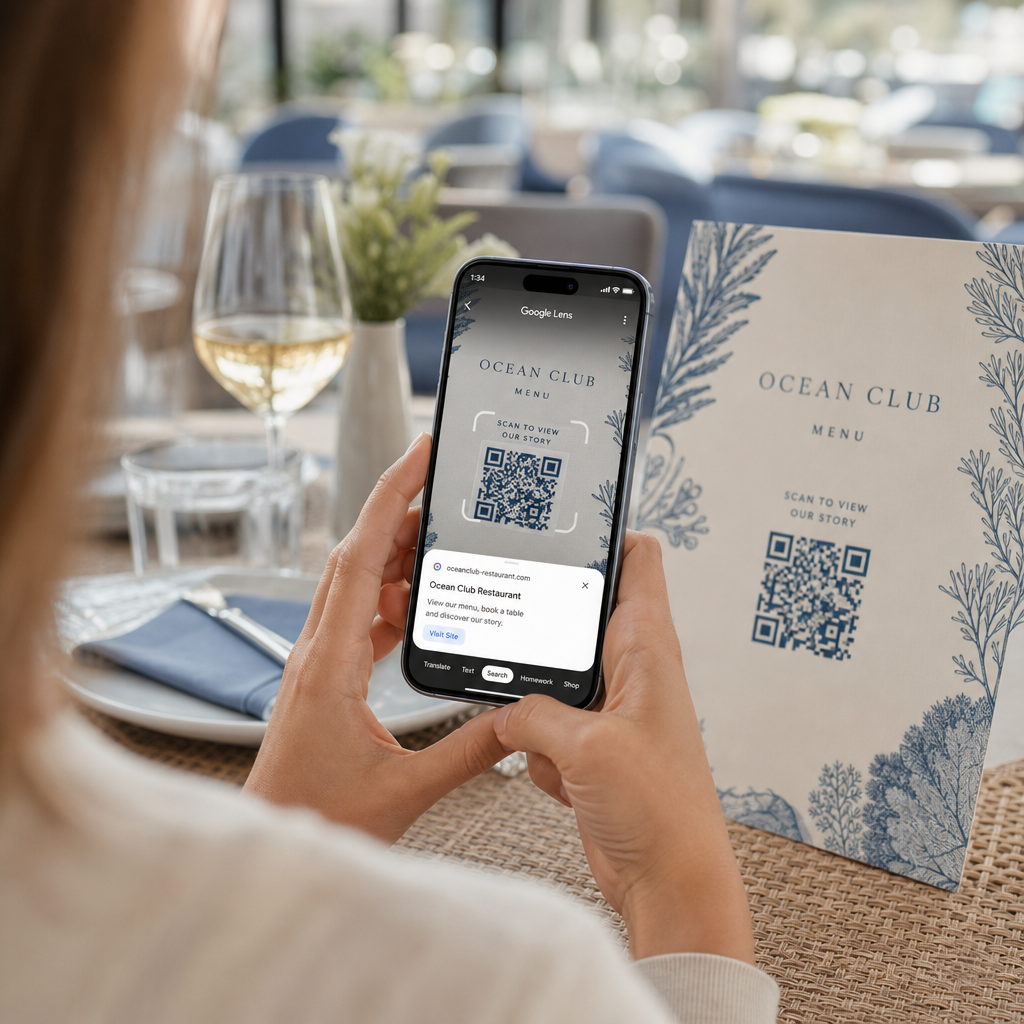
Vai jums ir grūtības atvērt digitālo ēdienkarti vai vietni, jo tālrunis nenolasa QR kodu? Nespēja ātri skenēt kodus rada nevajadzīgu kavēšanos un vilšanos, ja jums ir nepieciešama tūlītēja piekļuve informācijai. Iemācoties lietot Google Lens, varat viegli skenēt fiziskus kodus un saglabātus attēlus, izmantojot savu viedtālruni.
Kā skenēt tiešraides QR kodus, izmantojot lietotni Google
Google Lens izmanto vizuālās atpazīšanas programmatūru, lai analizētu QR koda vizuālo rakstu. Tā pārveido tumšo un gaišo kvadrātu izkārtojumu lasāmos digitālajos datos, piemēram, tīmekļa saitēs vai kontaktinformācijā. Lielākajā daļā Android ierīču Google Lens ir tieši integrēta sistēmā, savukārt iOS ierīcēs tā ir pieejama, izmantojot standarta lietotni Google.
Lai skenētu fizisku QR kodu, kas atrodas jūsu priekšā:
- Atveriet lietotni Google vai atrodiet Google meklēšanas joslas logrīku tālruņa sākuma ekrānā.
- Pieskarieties ikonai Lens kas atrodas meklēšanas joslas labajā pusē.
- Atlasiet kameras opciju ja ierīce lūdz piešķirt kameras atļaujas.
- Virziet kameras rāmi uz mērķa QR kodu, turot kvadrātu centrā ekrānā.
- Pieskarieties uznirstošajai saitei kas pārklāj kodu, lai atvērtu saistīto tīmekļa lapu vai dokumentu.
Ja izmantojat Android viedtālruni, bieži vien varat skenēt kodus tieši primārajā kameras lietotnē, neatverot atsevišķu rīku. Atveriet kameras iestatījumu izvēlni un ieslēdziet Google Lens ieteikumus. Kad tas ir iespējots, jūsu standarta kamera automātiski nosaka QR kodus, tiklīdz tie nonāk kameras kadrā. Detalizētus ierīcei specifiskus konfigurācijas norādījumus lasiet mūsu pilnajā rokasgrāmatā par kā skenēt QR kodu Android ierīcē.
Kā skenēt QR kodu no saglabāta fotoattēla vai ekrānuzņēmuma
Jums nav nepieciešama otra ierīce, lai skenētu QR kodu, kas tiek saņemts pa e-pastu, īsziņu vai sociālajos medijos. Google Lens var analizēt saglabātos attēlu failus tieši no jūsu fotoattēlu galerijas, nolasot attēla failā saglabāto pikseļu matricu.
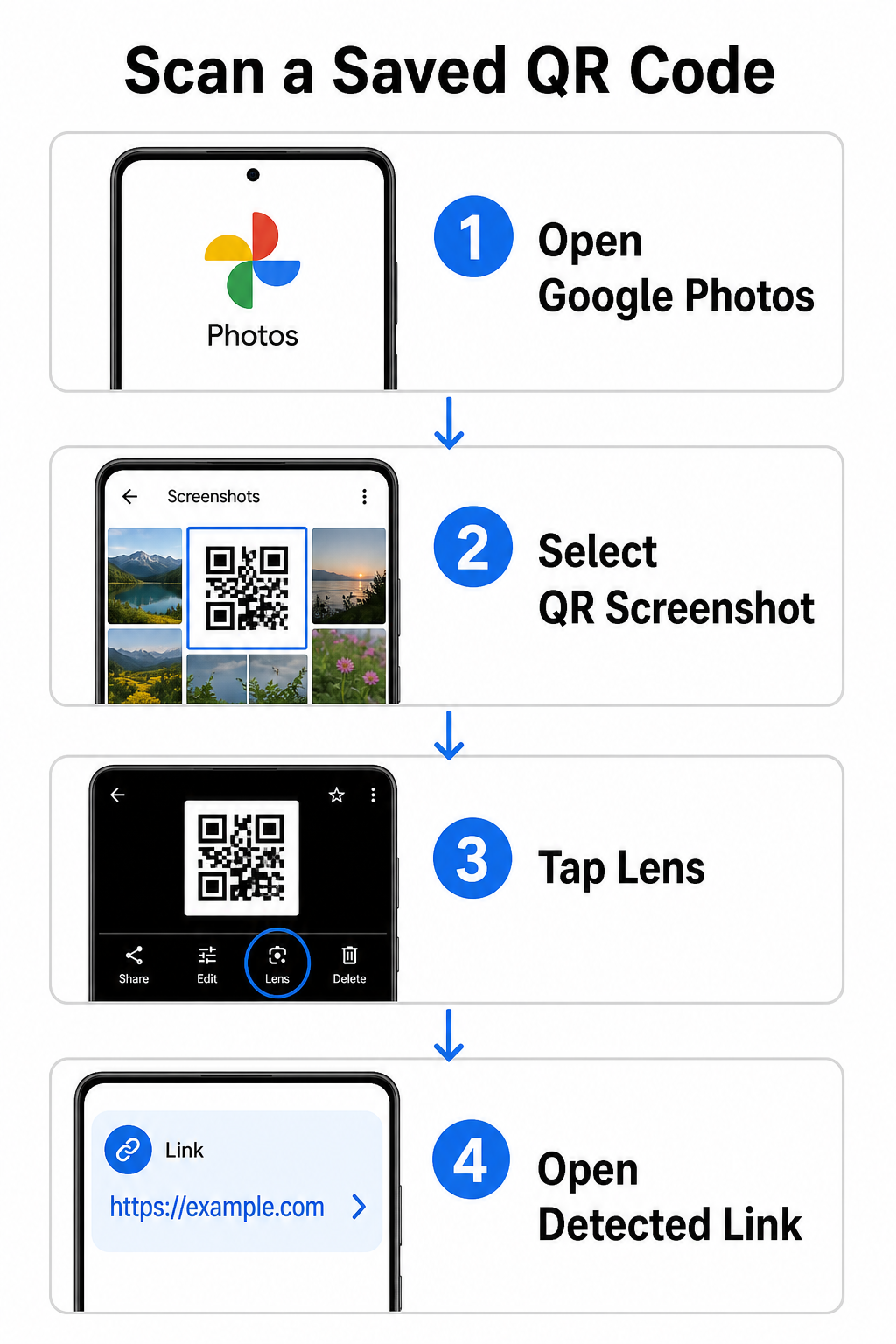
Lai dekodētu QR kodu no saglabāta attēla Android ierīcē:
- Atveriet lietotni Google Photos viedtālrunī.
- Izvēlieties fotoattēlu vai ekrānuzņēmumu, kas satur mērķa QR kodu.
- Pieskarieties ikonai Lens izvietota apakšējā izvēlnes joslā.
- Pieskarieties atklātajai saitei redzamai virs QR koda, lai atvērtu tīmekļa lapu.
iPhone tālrunī atveriet galveno Google lietotni, pieskarieties Lens kameras ikonai meklēšanas joslā un izvēlieties Pogu fotoattēli lai izvēlētos attēlu no jūsu kameras ruļļa. Papildu metodēm dažādās mobilajās platformās skatiet mūsu visaptverošo pamācību par QR kodu skenēšanu ar viedtālruņiem.
Skenējiet QR kodus tieši savā pārlūkprogrammā Nepieciešams atšifrēt saglabātu attēlu vai izmantot kameru, neatverot Google Lens? Izmantojiet Tiešsaistes QR kodu skeneri lai nekavējoties apskatītu kodēto saturu no jebkura tīmekļa pārlūka.
Bieži sastopamu Google Lens skenēšanas problēmu novēršana
Kad Google Lens neizdodas atpazīt kodu, parasti vainīgi ir vides faktori vai netīras aparatūras komponentes. Kameras sensori paļaujas uz augstu vizuālo kontrastu starp melnajiem datu moduļiem un baltajām fona telpām. Traipi, slikts apgaismojums vai nepareizs attālums aizmiglo šo moduļu malas, padarot kodu nesalasāmu optiskajai programmatūrai.
Lai ātri atrisinātu skenēšanas kļūmes, veiciet šādas darbības:
- Noslaukiet kameras objektīvu ar tīru drānu, lai novērstu traipus, kas aizsedz datu moduļus.
- Uzlabojiet apkārtējo apgaismojumu ap fiziskajām zīmēm, lai vizuālie sensori varētu apstrādāt augsta kontrasta modeļus.
- Pielāgojiet lasīšanas attālumu aptuveni no 8 līdz 12 collām, lai nodrošinātu pareizu kameras autofokusu.
- Pārbaudiet fizisko virsmu vai nav bojājumu, locījumu vai atspīdumu, kas kropļo kvadrāta formu.
Ja Google Lens joprojām nekonstatē kodu, pārbaudiet savas ierīces kameras iestatījumus, lai pārliecinātos, ka Google Lens ieteikumi joprojām ir aktīvi. Ja problēmas saglabājas, specializētu skenēšanas utilītu izpēte var atjaunot skenēšanas iespējas. Salīdziniet uzticamas alternatīvas mūsu detalizētajā apskatā par labākajām QR kodu skenēšanas lietotnēm.
Drošības uzturēšana, skenējot QR kodus
Tā kā QR kodi var automātiski novirzīt mobilo pārlūkprogrammu uz ārējām tīmekļa vietnēm, pamata drošības pasākumu ievērošana pasargā jūsu personīgo ierīci no maldinošām saitēm. Uz publiskām zīmēm izdrukātiem fiziskiem QR kodiem trūkst iebūvētu drošības sertifikātu, kas nozīmē, ka ļaunprātīgi aktieri reizēm var uzlikt ļaunprātīgas uzlīmes virs oriģinālajām zīmēm.
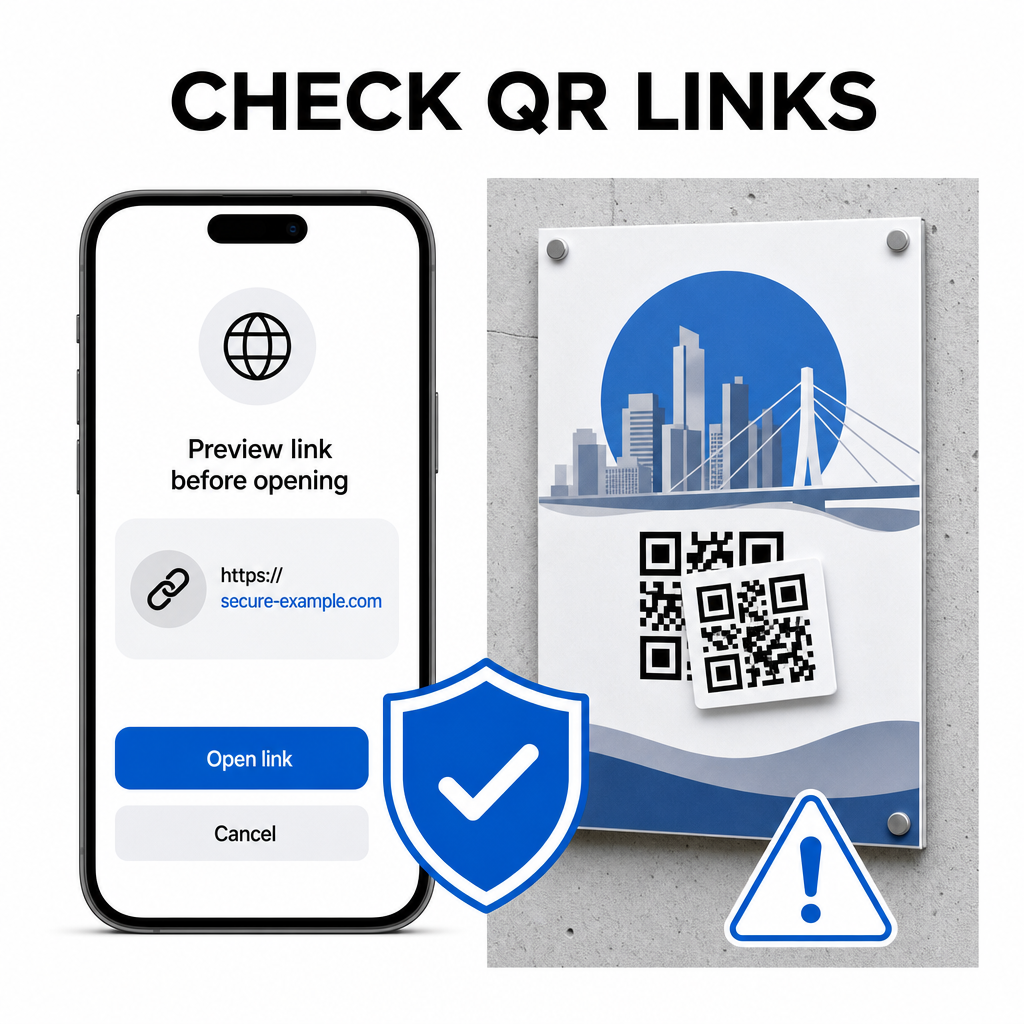
Ievērojiet šos praktiskos drošības ieradumus, skenējot kodus:
- Pārbaudiet priekšskatījuma URL pakalpojumā Google Lens pirms pieskaršanās, lai pārbaudītu, vai tīmekļa adrese atbilst gaidītajai vietnei.
- Pārbaudiet, vai nav fizisku bojājumu uz drukātām zīmēm, piemēram, uzlīmi, kas uzlikta virs oriģinālā koda.
- Izvairieties ievadīt sensitīvus akreditācijas datus piemēram, pieteikšanās vai bankas datus lapās, kas atvērtas, izmantojot negaidītus kodus.
- Droši lejupielādējiet mobilās lietotnes tieši apmeklējot oficiālos lietotņu veikalus, nevis izmantojot iegultas saites.
Galamērķa saišu pārbaude pirms mijiedarbības ar tīmekļa lapām nodrošina jūsu personas datu aizsardzību. Lai iegūtu plašākus padomus par kameras noteikšanas iestatījumiem un labāko drošības praksi, izpētiet mūsu pilnīgo ceļvedi par kā skenēt QR kodus.
Ātra un droša QR kodu skenēšana
Pārvaldot Google Lens, ēdienkartes, maksājumu portālu un reklāmas saišu iegūšana ir vienkārša jebkurā viedtālrunī. Kameras tīrība, pareiza fokusa attāluma uzturēšana un priekšskatījuma saišu pārbaude pirms to pieskaršanās nodrošina vienmērīgu skenēšanas pieredzi. Ja jums ātri jāatšifrē kods, nepaļaujoties uz lietotni, izmantojiet bezmaksas tiešsaistes QR skeneri lai nekavējoties apskatītu kodētās saites no jebkuras tīmekļa pārlūkprogrammas.
Biežāk uzdotie jautājumi
Nē, lielākajai daļai moderno Android ierīču Google Lens funkcijas ir iebūvētas tieši noklusējuma Google meklēšanas joslā, Google asistentā vai vietējās kameras lietotnes iestatījumos.
Google Lens skenē attēlu failus, piemēram, JPEG vai PNG. Lai skenētu PDF failu, uzņemiet ekrānšāviņu ar QR kodu dokumentā un atveriet šo ekrānšāviņu lietotnē Google Lens vai tiešsaistes lasītājā.
Nekavējoties aizveriet pārlūkprogrammas cilni, neievadot nekādu informāciju. Pārbaudiet, vai fiziskajam QR kodam nav uzlīme, kas uzlīmēta pāri, vai arī jūsu kamera nav nepareizi nolasījusi blakus esošo kodu.