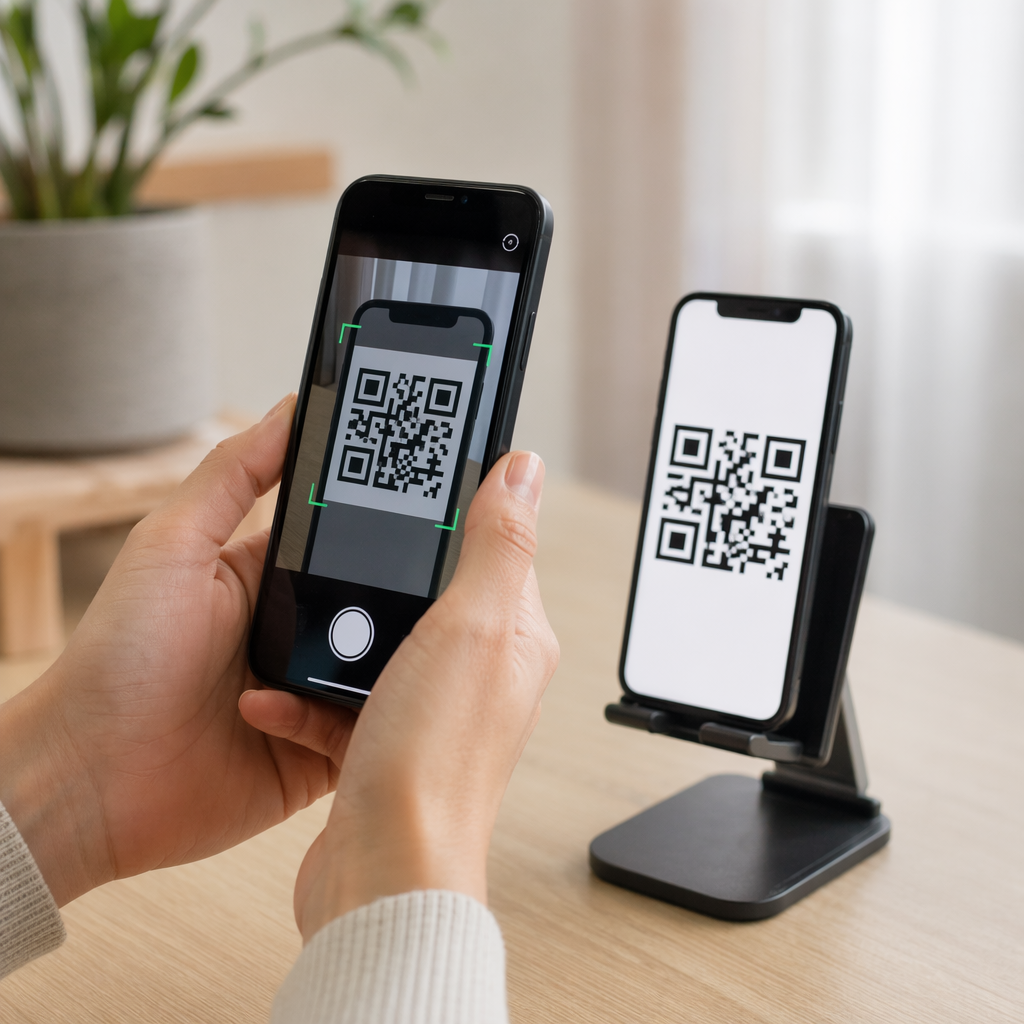
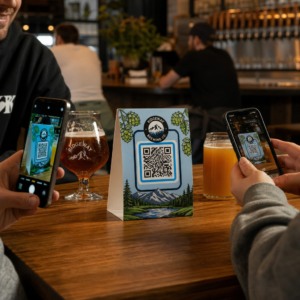
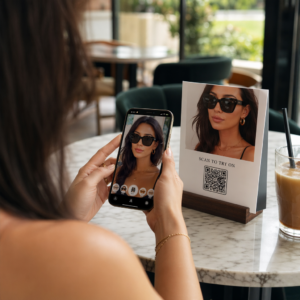
Vai vēlaties, lai cilvēki atrastu jūsu Twitter/X profilu, neievadot nevienu rakstzīmi? Manuāla kontu meklēšana rada berzi, kas jums maksā sekotājus. Šajā lapā ir precīzi parādīts, kā izveidot QR kodu jūsu Twitter/X profilam, tvītam vai kontam un efektīvi to izmantot drukātajos un digitālajos saskares punktos.
Ko patiesībā dara Twitter/X QR kods
Twitter/X QR kods ir skenējams attēls, kas kodē publisku `x.com` vai `twitter.com` URL. Kad kāds to skenē ar savu tālruņa kameru, tas tieši atver saistīto X resursu – profilu, ziņu, pavedienu, meklēšanas rezultātu vai pat konkrētu tēmturi lapu – X lietotnē vai mobilajā pārlūkprogrammā. Pāradresācija darbojas automātiski starp `twitter.com` un `x.com` domēniem, tāpēc jums nav jāuztraucas par to, kuru URL versiju izmantojat. Svarīgi ir tas, lai URL būtu publisks un pareizs pirms tā kodēšanas.
Jūs varat izveidot QR kodu jebkuram no šiem X galamērķiem:
- Jūsu X profils (piemēram, `x.com/yourusername`)
- Konkrēta ziņa vai tvīts
- Meklēšanas vaicājums vai tēmtura lapa
- Saraksts vai kopiena
- Telpa (Space) vai pavediens
Kā iegūt pareizo X URL
Pirms QR koda ģenerēšanas jums ir nepieciešams pareizais URL jebkuram X galamērķim, uz kuru vēlaties izveidot saiti.
Jūsu profilam: Atveriet savu X profila lapu pārlūkprogrammā un nokopējiet URL tieši no adreses joslas. Tas atbildīs formātam `x.com/yourusername`.
Konkrētai ziņai: Atveriet ziņu X, pēc tam pieskarieties vai noklikšķiniet uz kopīgošanas ikonas (bultiņas ikona zem ziņas) un atlasiet Kopēt saiti. Tas kopē ziņas tiešo URL – nevis ziņas tekstu – uz jūsu starpliktuvi. URL izskatīsies apmēram šādi: `x.com/yourusername/status/1234567890`.
Tēmturim vai meklēšanai: Veiciet meklēšanu vai pieskarieties tēmturim X, pēc tam nokopējiet iegūto URL no pārlūkprogrammas adreses joslas.
Kad jums ir pareizais URL, esat gatavs ģenerēt QR kodu.
Kā izveidot QR kodu Twitter/X
variants: Saites QR kods vienam profilam vai ziņai
Ātrākā metode, lai izveidotu saiti uz vienu konkrētu X galamērķi, ir izmantot saites QR koda ģenerators. Process ir vienkāršs:
- Kopējiet sava X profila URL vai ziņas URL, kā aprakstīts iepriekš
- Atveriet Pageloot QR kodu ģenerators un atlasiet Saite vai URL veidu
- Ielīmējiet sava X URL URL laukā
- Pielāgojiet dizainu – pievienojiet savu logotipu, pielāgojiet krāsas un izvēlieties rāmja stilu
- Pārbaudiet kodu, to skenējot pirms lejupielādes
- Lejupielādējiet failu drukāšanai gatavā formātā (SVG, PDF vai EPS) un izvietojiet to
Izveidojiet savu Twitter/X QR kodu tagad Ģenerējiet pielāgojamu QR kodu, kas saistīts ar jūsu X profilu, dažu sekunžu laikā ar Pageloot QR kodu ģenerators. Bezmaksas 14 dienu izmēģinājums. Nav nepieciešama kredītkarte.
iespēja: Sociālo mediju QR kods vairākām platformām
Ja vēlaties saistīt ar X kopā ar citām sociālajām platformām – Instagram, Facebook, LinkedIn un citām – Pageloot sociālo mediju QR kodu rīks ļauj apvienot visus jūsu profil
- Copy the public profile link from each social platform separately, including your X URL
- Add each link to the landing page builder inside Pageloot’s tool
- Customize the landing page with a headline, description, background color, and banner styles
- Design the QR code itself with your brand colors and logo
- Save, test, and download the code
You can add as many social profiles as you need, and the landing page updates dynamically without reprinting the code. This approach works particularly well for business cards, product packaging, and event materials where space is limited but you want to offer multiple follow options in a single scan.
Use Dynamic QR Codes for Ongoing Campaigns
If you’re placing your Twitter/X QR code on printed materials – posters, flyers, merchandise, or packaging – dinamiskie QR kodi are the smarter choice over static ones.
Dinamisks QR kods pats par sevi glabā īsu novirzīšanas URL. Faktiskais galamērķis (jūsu X profils vai ziņas URL) atrodas Pageloot serveros un to var mainīt jebkurā laikā, nemainot izdrukāto kodu. Tas nozīmē, ka varat labot bojātu vai novecojušu X saiti pēc drukāšanas, neko nepārprintējot, īslaicīgi novirzīt to pašu kodu uz konkrētu tvītu kampaņas laikā un pēc tam novirzīt to atpakaļ uz savu profilu, un piekļūt pilnai skenēšanas analīzei, ieskaitot kopējo skenējumu skaitu, unikālos skenējumus, laika zīmogus, ierīču tipus, operētājsistēmas un ģeogrāfiskās atrašanās vietas.

Ikvienam, kas vada notiekošas sociālās kampaņas, spēja atjaunināt QR kodu galamērķus bez atkārtotas drukāšanas ir ievērojama praktiska priekšrocība. Jūs aizsargājat savu drukas investīciju, vienlaikus saglabājot savu auditoriju vērstu uz aktuālu, atbilstošu saturu.
Izsekojiet katru skenējumu no jūsu X kampaņas Precīzi redziet, kad un kur cilvēki skenē jūsu Twitter/X QR kodus ar Pageloot iebūvēto analītikas informācijas paneli. Izmantojiet Saites QR koda ģenerators lai sāktu darbu.
Dizaina vadlīnijas uzticamai skenēšanai
Slikti izstrādāts QR kods neskenēsies, neatkarīgi no tā, cik labs ir jūsu X saturs. Ievērojiet šīs vadlīnijas, lai nodrošinātu, ka jūsu kods darbojas katru reizi.
Izmērs un skenēšanas attālums: Izdrukājiet savu QR kodu vismaz 0,8 × 0,8 collas (2 × 2 cm) tuvās distances skenēšanai. Materiāliem, kas tiek skatīti no attāluma – plakātiem vai izkārtnēm – izmantojiet 10:1 likumu: kodam jābūt vismaz vienai desmitdaļai no paredzētā skenēšanas attāluma. Kods, kas paredzēts skenēšanai no 10 pēdu attāluma, jābūt vismaz 1 pēdu platam.
Klusā zona: Atstājiet skaidru baltu apmali vismaz 4 moduļu platumā visās QR koda pusēs. Šī tukšā apmale ir nepieciešama, lai skeneri noteiktu, kur kods sākas un beidzas. Iegriešana šajā zonā izraisa skenēšanas kļūmes.
Kontrasts: Saglabājiet tumšus moduļus uz gaiša fona. Izvairieties no šī apgriešanas (gaišs uz tumša) vai krāsu izmantošanas, kas ievērojami samazina kontrastu. Zemāks kontrasts nozīmē lēnāku un mazāk uzticamu skenēšanu.
Logotipa izvietojums: Ja pievienojat logotipu, saglabājiet to centrā un ierobežojiet to līdz ne vairāk kā 20–30% no kopējās QR koda platības. Nekad neaizsedziet trīs stūra meklētāja modeļus (kvadrātveida “acis”) vai laika joslas, jo tās ir būtiskas, lai skeneris pareizi orientētu kodu.
Kļūdu labošana: QR kodi izmanto Reed–Solomon kļūdu labošanu, kas pievieno liekus datus, lai daļēji aizsegts kods joprojām varētu tikt atšifrēts. Ir četri līmeņi: L (atjauno ~7% bojātu datu), M (~15%), Q (~25%) un H (~30%). Ja pievienojat logotipu vai novietojat kodu uz teksturētas virsmas, izmantojiet līmeni Q vai H lai kompensētu zaudēto platību. Ņemiet vērā, ka augstāki kļūdu labošanas līmeņi nedaudz palielina koda vizuālo blīvumu, jo vairāk moduļu ir veltīti liekumiem.
Kur izmantot savu Twitter/X QR kodu
Twitter/X QR kodi darbojas visur, kur jūsu auditorija sastopas ar fiziskiem materiāliem:
- Vizītkartes – ļaujiet jauniem kontaktiem nekavējoties sekot jums, nevis meklēt vēlāk
- Pasākumu izkārtnes un nozīmītes – virziet tiešraides konferences dalībniekus uz jūsu reāllaika ziņu atspoguļojumu
- Produktu iepakojums – saite uz ziņu, kas paziņo par produkta laišanu tirgū vai akciju
- Drukātā reklāma – savienojiet žurnāla vai avīzes reklāmu ar tvītu vai kampaņas tēmturi
- Veikalu displeji – aiciniet klientus sekot jūsu kontam vai apskatīt pašreizējo reklāmas ziņu
- Prezentāciju slaidi – ļaujiet auditorijai skenēt, lai sekotu jums pēc sarunas
Maziem uzņēmumiem, kas paļaujas uz gājēju plūsmu un drukātiem materiāliem, QR koda savienošana pārī ar skaidru aicinājumu uz darbību novērš visas berzes no sekošanas procesa. Uzziniet vairāk par to, kā mazie uzņēmumi izmanto QR kodus lai veicinātu digitālo iesaisti no fiziskām atrašanās vietām.

Skaidra aicinājuma uz darbību pievienošana
QR kods bez konteksta tiek ignorēts. Vienmēr pasakiet cilvēkiem, ko viņi iegūs, kad skenēs. Konkrēti aicinājumi konsekventi pārspēj neskaidrus. Piemēram:
- “Skenējiet, lai sekotu mums X, lai saņemtu ikdienas atjauninājumus”
- “Skenējiet, lai redzētu šīs nedēļas piedāvājumus X”
- “Skenējiet, lai pievienotos sarunai – mēs tiešraidē tvītojam par pasākumu”
Novietojiet instrukcijas tekstu tieši virs vai zem QR koda, fonta izmērā, kas ir pietiekami liels, lai to varētu lasīt skenēšanas attālumā. Mērķis ir dot cilvēkiem iemeslu rīkoties, pirms viņi pat paceļ savu tālruni. Lai dziļāk aplūkotu efektīvu aicinājumu rakstīšanu un kampaņu strukturēšanu, skatiet pilnu ceļvedi par labākā prakse QR kodiem sociālo mediju kampaņās.
Statiskā pret dinamisko Twitter/X QR kodu salīdzināšana
| FUNKCIJA | Statiskais QR kods | Dinamiskais QR kods |
|---|---|---|
| Galamērķis rediģējams pēc drukāšanas | Nē | Jā |
| Skenēšanas analītika | Nē | Jā |
| Pārvirzīt starp X URL adresēm bez atkārtotas drukāšanas | Nē | Jā |
| Zīmola veidošana un pielāgošana | Ierobežots | Pilns |
| Labākais priekš | Vienreizēja lietošana, vienkāršas saites | Kampaņas, pastāvīgi materiāli |
Jebkuram drukātam materiālam, kura kalpošanas laiks ir ilgāks par vienu kampaņu, dinamiskais ir labāks ieguldījums. Jūs izvairāties no atkārtotas drukāšanas izmaksām, kad saturs mainās, un iegūstat skenēšanas datus, kas nepieciešami, lai novērtētu, kas patiešām darbojas.
X savienošana ar citām sociālajām platformām
Ja Twitter/X ir viena no vairākām platformām, ko reklamējat, jums nav nepieciešams atsevišķs QR kods katrai no tām. Pageloot sociālo mediju QR koda rīks izveido vienu kodu, kas atver zīmola galveno lapu ar saitēm uz visiem jūsu profiliem. Tas ir īpaši noderīgi, ja jūs arī vadāt Instagram QR kods vai Facebook QR kods kampaņas paralēli – viens kods var apkalpot visus trīs, nevis aizpildīt jūsu materiālus ar vairākiem kodiem. Lai plašāk aplūkotu, kā QR kodi darbojas dažādās platformās un lietošanas gadījumos, skatiet QR kodi sociālo mediju pārskatam.
Cilvēku nokļūšana no fiziska saskares punkta uz jūsu X profilu ir divu sekunžu mijiedarbība, ja jūsu QR kods ir pareizi iestatīts. Izmantojiet dinamisku kodu, lai jūs varētu atjaunināt galamērķi bez atkārtotas drukāšanas, ievērojiet dizaina vadlīnijas, lai tas katru reizi uzticami skenētu, un vienmēr savienojiet to pārī ar skaidru aicinājumu uz darbību, lai cilvēki precīzi zinātu, kāpēc viņi skenē.
Sāciet darbu ar Pageloot Izveidojiet zīmolu, izsekojamu QR kodu jūsu Twitter/X profilam vai jebkurai sociālo mediju saitei. Izmantojiet Pageloot QR kodu ģenerators – bezmaksas 14 dienu izmēģinājuma versija, nav nepieciešama kredītkarte.
Biežāk uzdotie jautājumi
Jā. Atveriet ziņu X, pieskarieties kopīgošanas ikonai un atlasiet “Kopēt saiti”, lai iegūtu tiešo ziņas URL. Ielīmējiet šo URL Pageloot saišu QR kodu ģeneratorā, lai izveidotu kodu, kas atver šo konkrēto ziņu, kad tas tiek skenēts.
Ja jūs izmantojāt statisku QR kodu, tas vairs nedarbosies, jo kodētais URL vairs neatbilst jūsu profilam. Ja jūs izmantojāt dinamisku QR kodu, jūs varat atjaunināt galamērķa URL savā Pageloot informācijas panelī, nepieskaroties izdrukātajam kodam – nav nepieciešama atkārtota drukāšana.
Ne obligāti. Pageloot sociālo mediju QR kodu rīks ļauj jums pievienot vairākas profila saites – ieskaitot X, Instagram, Facebook un citus – uz vienu galveno lapu, visi pieejami no viena skenēta koda. Tas saglabā jūsu drukātos materiālus tīrus, vienlaikus dodot cilvēkiem piekļuvi visiem jūsu profiliem uzreiz.