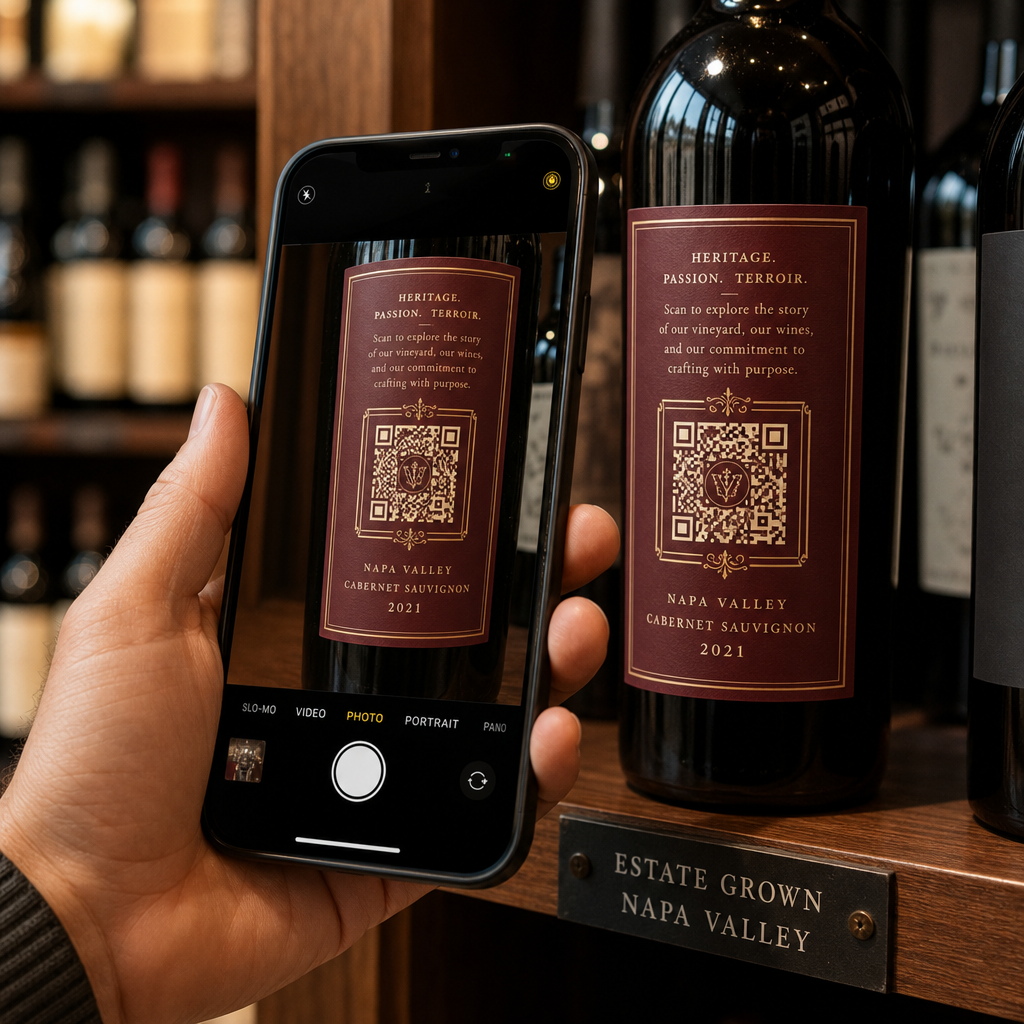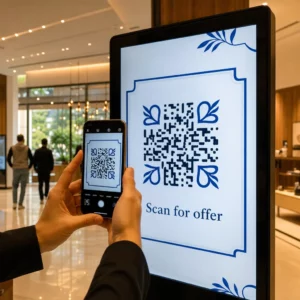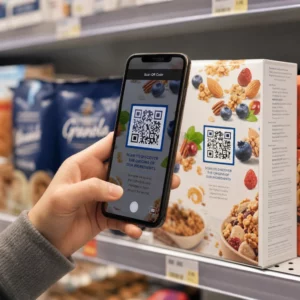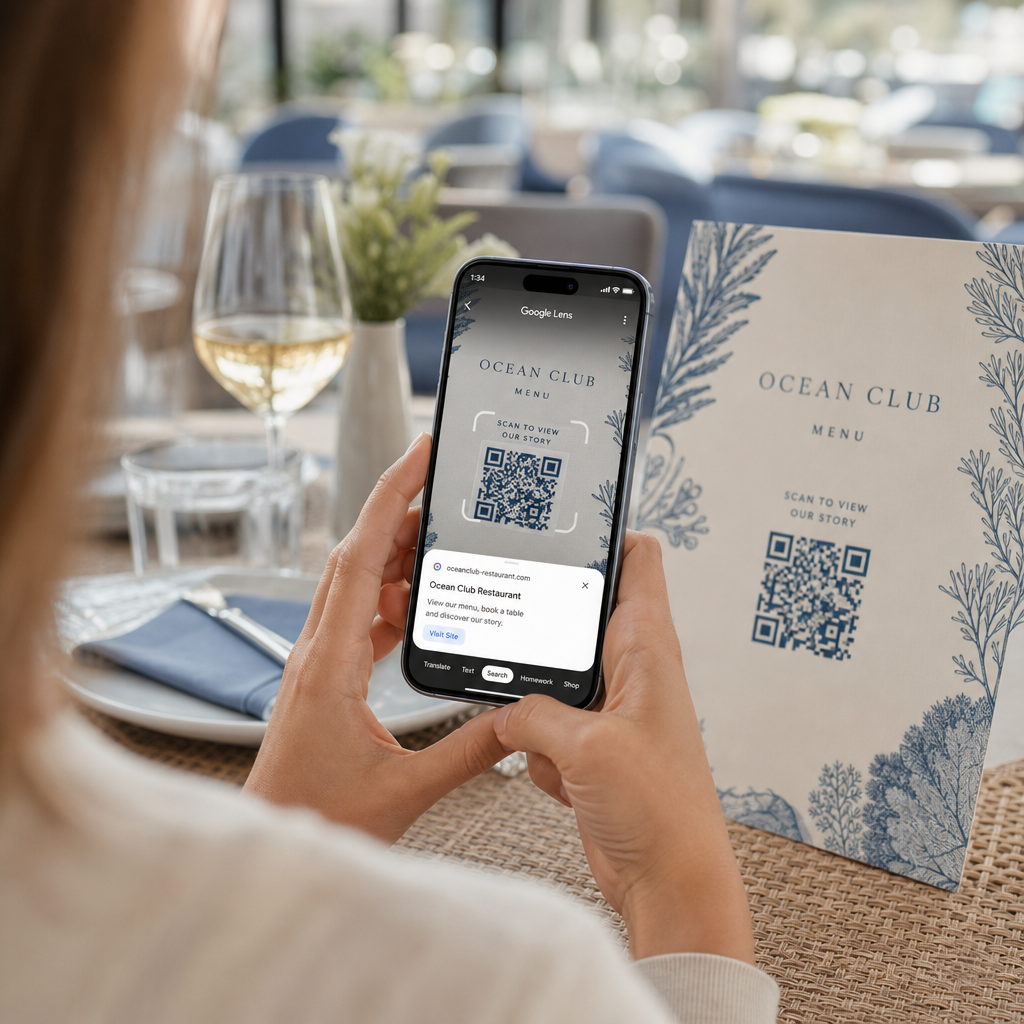
Mučite se da otvorite digitalni meni ili veb-sajt jer vaš telefon ne može da pročita QR kod? Neuspešno brzo skeniranje kodova izaziva nepotrebna kašnjenja i frustracije kada vam je potreban trenutan pristup informacijama. Učenje korišćenja Google Lens-a omogućava vam da bez napora skenirate fizičke kodove i sačuvane slike pomoću pametnog telefona.
Kako skenirati QR kodove uživo pomoću Google aplikacije
Google Lens koristi softver za vizuelno prepoznavanje za analizu vizuelnog obrasca QR koda. On pretvara raspored tamnih i svetlih kvadrata u čitljive digitalne podatke, kao što su veb linkovi ili kontakt informacije. Na većini Android uređaja, Google Lens je direktno integrisan u sistem, dok je na iOS uređajima dostupan putem standardne Google aplikacije.
Da biste skenirali fizički QR kod ispred vas:
- Otvorite Google aplikaciju ili pronađite vidžet Google trake za pretragu na početnom ekranu vašeg telefona.
- Dodirnite ikonu Lens koja se nalazi na desnoj strani trake za pretragu.
- Izaberite opciju kamere ako vas uređaj zatraži da dodelite dozvole za kameru.
- Uperite kadar kamere na ciljani QR kod, držeći kvadrat centriranim na ekranu.
- Dodirnite iskačući link koji prekriva kod da biste otvorili povezanu veb stranicu ili dokument.
Ako koristite Android pametni telefon, često možete skenirati kodove direktno unutar vaše primarne aplikacije kamere bez otvaranja zasebnog alata. Pristupite meniju podešavanja kamere i uključite Sugestije Google Lens-a. Jednom kada je omogućeno, vaša standardna kamera automatski detektuje QR kodove kad god uđu u kadar. Za detaljna uputstva za konfiguraciju specifičnu za uređaj, pročitajte naš kompletan vodič o tome kako skenirati QR kod na Androidu.
Kako skenirati QR kod sa sačuvane fotografije ili snimka ekrana
Ne treba vam drugi uređaj za skeniranje QR koda koji stiže putem e-pošte, tekstualne poruke ili društvenih medija. Google Lens može analizirati sačuvane slikovne datoteke direktno iz vaše galerije fotografija čitajući matriks piksela sačuvan u slikovnoj datoteci.
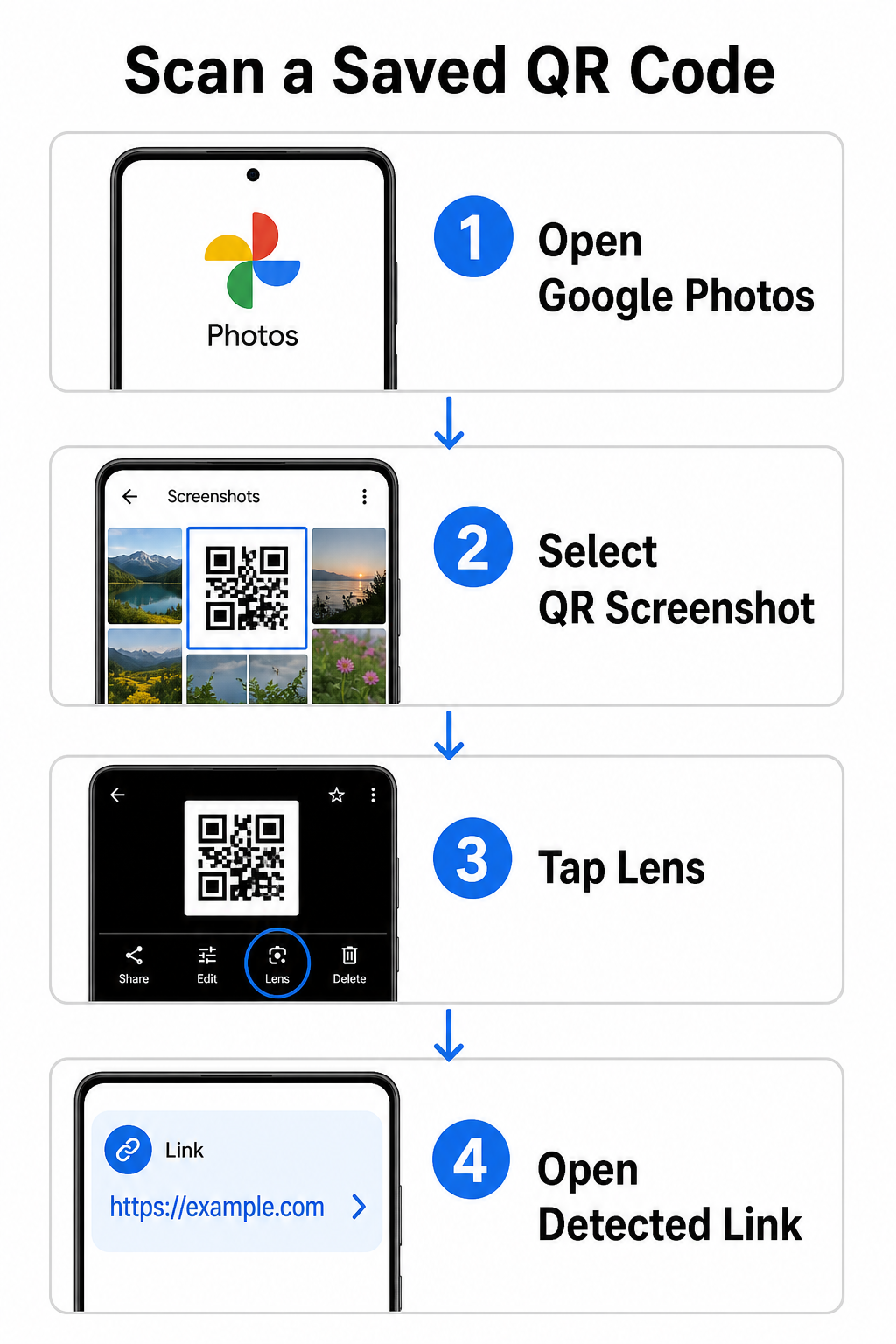
Da biste dekodirali QR kod sa sačuvane slike na Android uređaju:
- Otvorite aplikaciju Google Photos na vašem pametnom telefonu.
- Izaberite fotografiju ili snimak ekrana koji sadrži ciljni QR kod.
- Dodirnite ikonu Lens pozicioniranu duž donje trake menija.
- Dodirnite detektovanu vezu prikazanu iznad QR koda da biste otvorili veb stranicu.
Na iPhone-u, otvorite glavnu Google aplikaciju, dodirnite ikonu kamere Lens unutar trake za pretragu, i odaberite dugme Fotografije da biste izabrali sliku iz vaše galerije. Za dodatne metode na različitim mobilnim platformama, pogledajte naš sveobuhvatan vodič o skeniranju QR kodova pametnim telefonima.
Skenirajte QR kodove direktno u vašem pretraživaču Treba da dekodirate sačuvanu sliku ili da koristite kameru bez otvaranja Google Lensa? Koristite Online skener QR kodova za trenutni pregled kodiranog sadržaja iz bilo kog veb pregledača.
Rešavanje uobičajenih problema sa skeniranjem pomoću Google Lensa
Kada Google Lens ne uspe da prepozna kod, obično su odgovorni faktori okoline ili prljave hardverske komponente. Senzori kamere se oslanjaju na visok vizuelni kontrast između crnih modula podataka i belih pozadina. Mrlje, loše osvetljenje ili neodgovarajuća udaljenost zamućuju ivice ovih modula, čineći kod nečitljivim za optički softver.
Da biste brzo rešili probleme sa skeniranjem, sledite ove korake:
- Obrišite sočivo kamere čistom krpom kako biste uklonili mrlje koje zaklanjaju module podataka.
- Poboljšajte ambijentalno osvetljenje oko fizičkih oznaka kako bi vizuelni senzori mogli da obrade visokokontrastne obrasce.
- Podesite razdaljinu čitanja na otprilike 8 do 12 inča kako biste omogućili pravilno autofokusiranje kamere.
- Pregledajte fizičku površinu zbog oštećenja, nabora ili odsjaja koji izobličuju kvadratni oblik.
Ako Google Lens i dalje ne detektuje kod, proverite podešavanja kamere vašeg uređaja kako biste potvrdili da su sugestije Google Lensa i dalje aktivne. Ako problemi potraju, istraživanje namenskih alata za skeniranje može vratiti mogućnosti skeniranja. Uporedite pouzdane alternative u našem detaljnom pregledu najboljih aplikacija za skeniranje QR kodova.
Održavanje sigurnosti prilikom skeniranja QR kodova
Pošto QR kodovi mogu automatski da usmere mobilne pretraživače na eksterne veb-odredišta, primena osnovnih bezbednosnih mera štiti vaš lični uređaj od obmanjujućih veza. Fizički QR kodovi odštampani na javnim natpisima nemaju ugrađene bezbednosne sertifikate, što znači da zlonamerni akteri povremeno mogu da postave zlonamerne nalepnice preko originalnih natpisa.
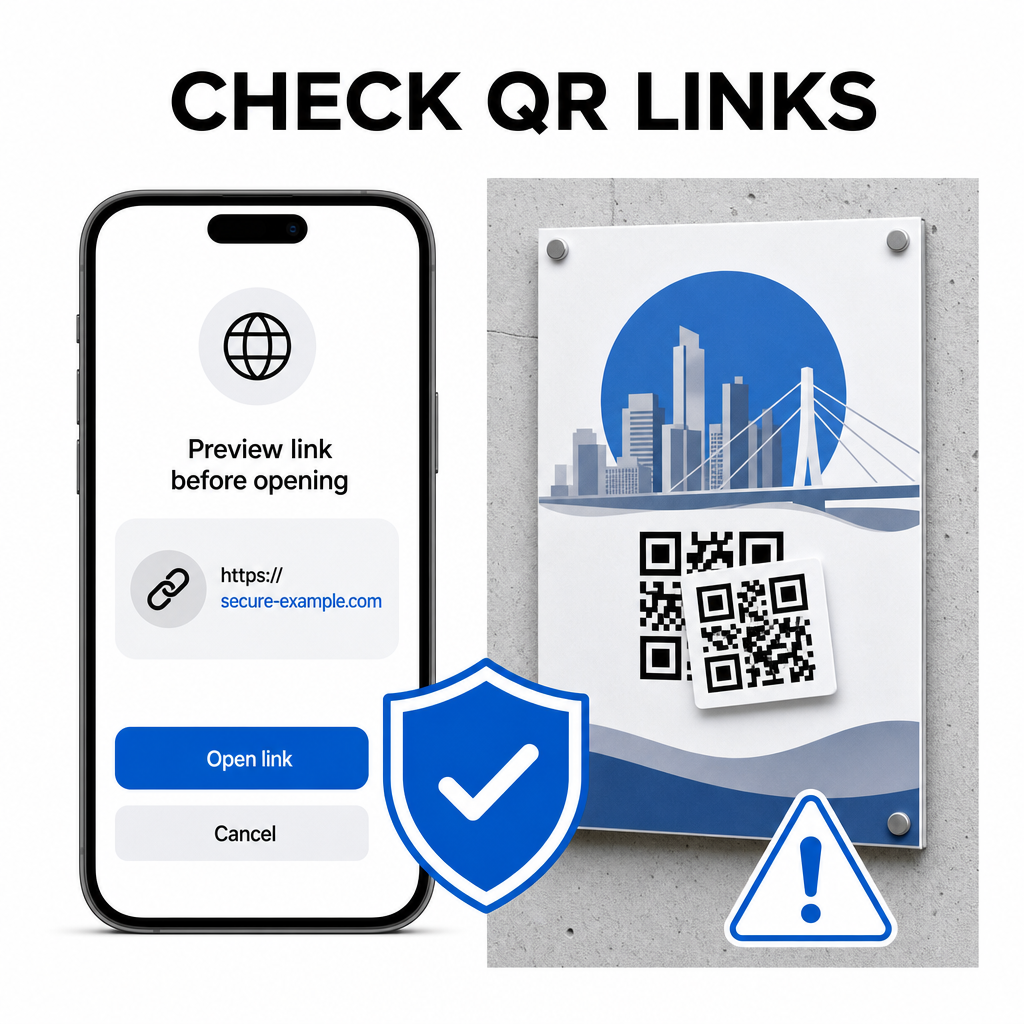
Pridržavajte se ovih praktičnih bezbednosnih navika prilikom skeniranja kodova:
- Proverite URL adresu u pregledu u Google Lens-u pre nego što dodirnete da biste potvrdili da se veb-adresa podudara sa očekivanim sajtom.
- Proverite fizičku manipulaciju na odštampanim natpisima, kao što je nalepnica postavljena preko originalnog koda.
- Izbegavajte unošenje osetljivih podataka poput prijava ili bankovnih detalja na stranicama do kojih ste došli preko neočekivanih kodova.
- Bezbedno preuzimajte mobilne aplikacije direktnim posetama zvaničnim prodavnicama aplikacija umesto korišćenja ugrađenih veza.
Proveravanje odredišnih veza pre interakcije sa veb-stranicama osigurava da vaši lični podaci ostanu zaštićeni. Za šire savete o podešavanjima detekcije kamere i najboljim bezbednosnim praksama, istražite naš kompletan vodič o како скенирати КР кодове.
Brzo i bezbedno skeniranje QR kodova
Savladavanje Google Lens-a čini preuzimanje menija, portala za plaćanje i promotivnih veza jednostavnim na bilo kom pametnom telefonu. Održavanje čiste kamere, održavanje pravilne žižne daljine i proveravanje veza za pregled pre nego što ih dodirnete, obezbeđuje glatko iskustvo skeniranja. Ako treba brzo da dešifrujete kod bez oslanjanja na aplikaciju, koristite besplatan onlajn QR skener da biste odmah pregledali kodirane veze iz bilo kog veb-pregledača.
Često postavljana pitanja
Ne, većina modernih Android uređaja ima funkcije Google Lensa ugrađene direktno u podrazumevanu traku za pretragu Google, Google Asistenta ili podešavanja matične aplikacije Kamere.
Google Lens skenira slikovne datoteke poput JPEG-ova ili PNG-ova. Da biste skenirali PDF, napravite snimak ekrana QR koda unutar dokumenta i otvorite taj snimak ekrana u Google Lens-u ili online čitaču.
Odmah zatvorite karticu pretraživača bez unosa ikakvih informacija. Proverite da li fizički QR kod ima nalepljenu nalepnicu preko sebe ili da li je vaša kamera pogrešno pročitala susedni kod.