
QR Code Generator for Marketing & Business
No tech or design skills needed.
Easily create a QR code, manage and track your QR code statistics.
Trusted by 20,000+ companies in 110 countries







What you get in the QR code generator program
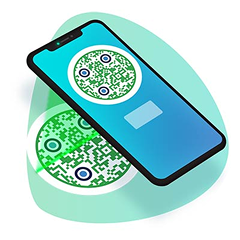
A QR code generator turns a web link, a PDF, a menu, a contact card, a social media page or a WiFi password into a code that any phone camera can scan. Pageloot is an online QR code creator for businesses, marketers, designers and anyone who wants to share information without typing a long address.
To make a code now, open the free QR code generator. Choose a type, enter your content, add your logo and colors, and download the code. Making and downloading a static code is free.
If you print the code, a dynamic code lets you change where it points later and see when, where and on which device it was scanned. These two features need a Pageloot account, and you can start with a 14-day free trial. Dynamic codes are editable, trackable, and ready for print and digital campaigns.
You do not need design or programming skills. Codes you make work with the camera app on current iPhone and Android phones.
Create your own QR codes
- Add your own logo or brand symbol
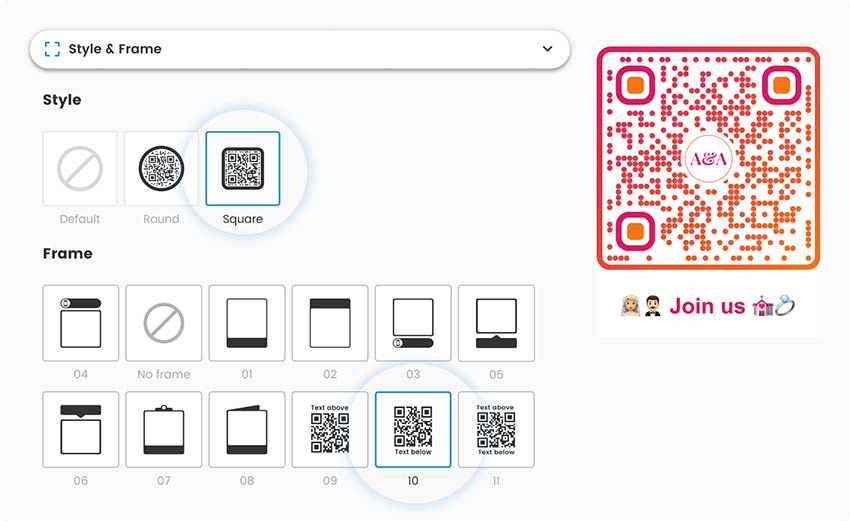
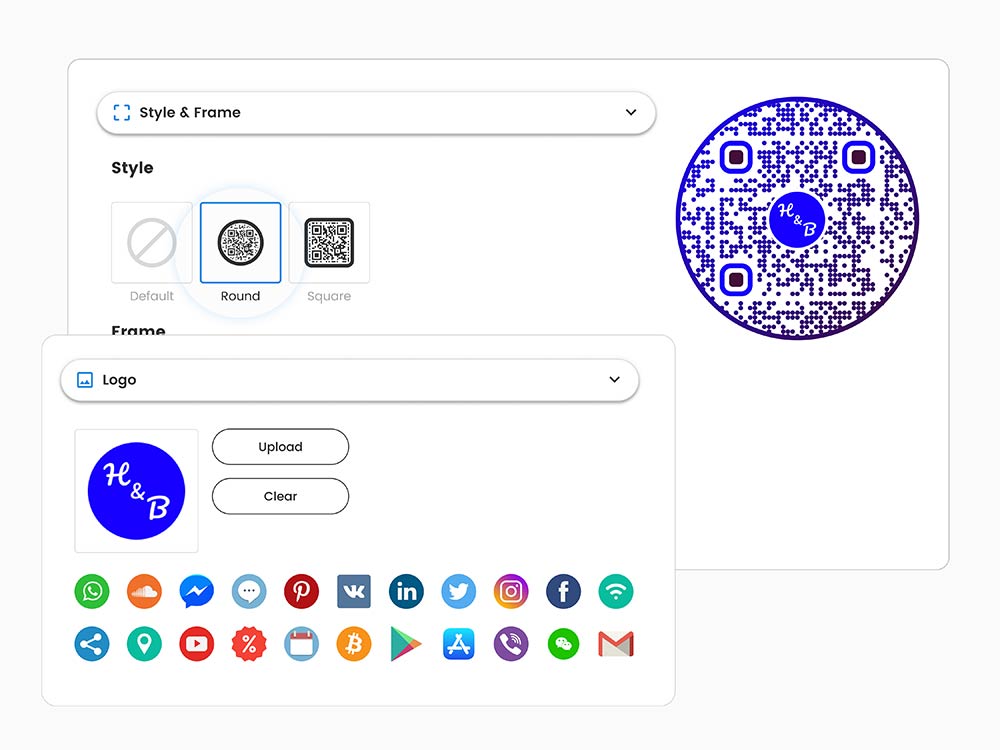
- Change the colors, corner shapes and patterns
- Apply custom frames and a short call to action, such as “Scan me”
- Download PNG, SVG or PDF files that are sharp enough for printing
- Manage your dynamic codes in one dashboard
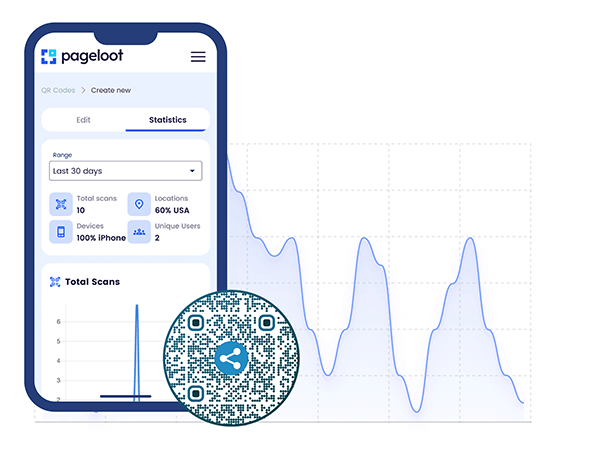
- Track scans, scan locations and devices with a dynamic code (14-day free trial)
See the plans and what each one includes: QR code generator price
How to create a QR code?
Making a QR code with our platform usually takes about a minute.
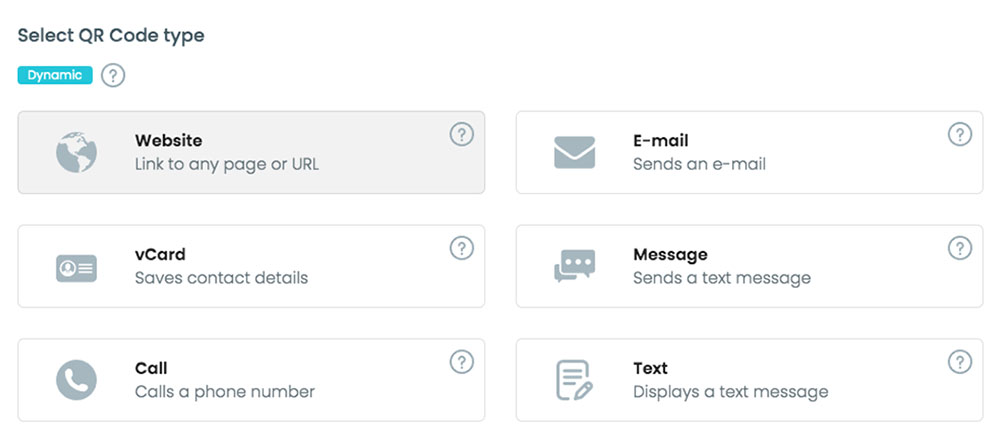
Choose what you want your QR code to open:
- A website link
- A social media profile
- A vCard contact that saves to the phone
- An email or SMS
- A file such as a PDF, document, image or video
- A location on a map
- WiFi access
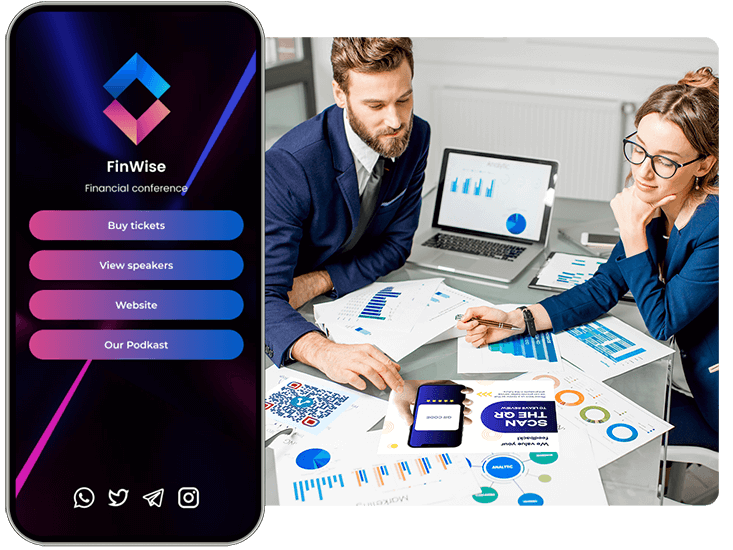
- Several links on one page, and more
Choose shapes, colors, a frame and your logo. A QR code has built-in error correction, so it stays readable with a logo inside. Keep a dark code on a light background.
Step 3: Generate and test
Your QR code appears as soon as you enter the content. Scan it with your phone camera, or with the QR code scanner, before you print or publish it.
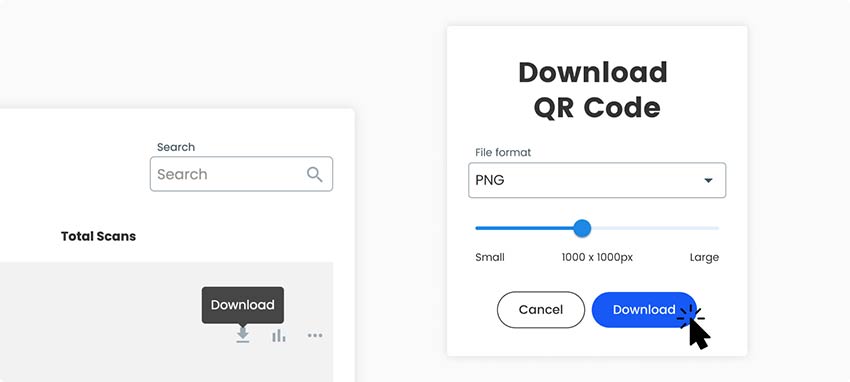
Download the code as a PNG for screens and documents, or as SVG or PDF for sharp printing at any size. EPS and bulk print exports come with paid plans.
You do not need an app to make or scan a code.
Match your brand with logos, colors, and design options.
Change the destination of a dynamic code anytime, without reprinting.
Keep all your dynamic QR codes in one dashboard.
See when, where and on which device your codes were scanned.
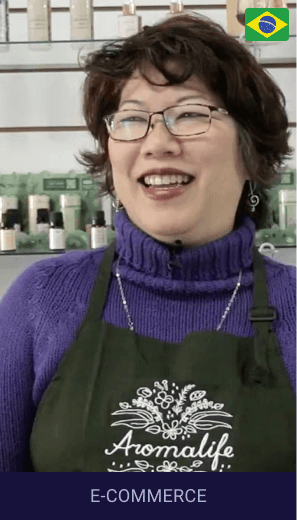
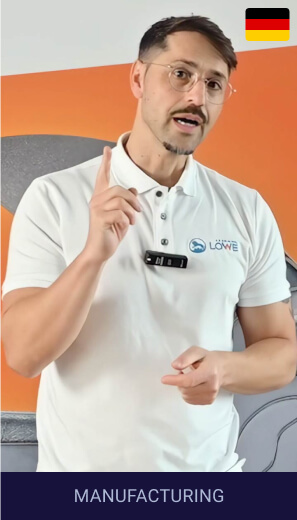
Hear from our clients


Create your first QR code in seconds - for free
Choose a QR code type



Free 14-day trial.
Dynamic codes, scan stats and edit-later.

Where to place QR codes
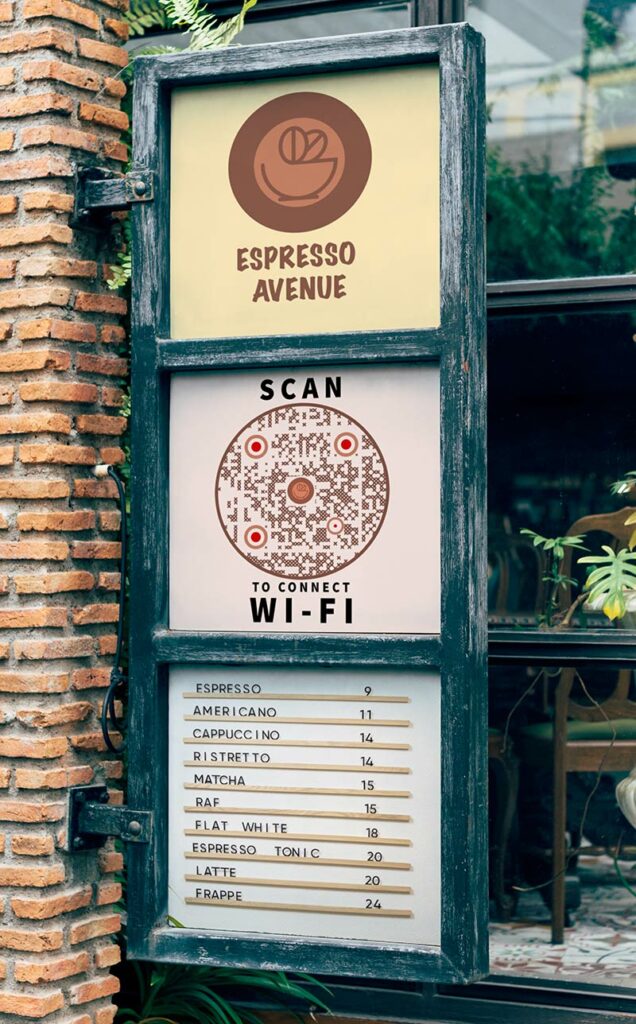
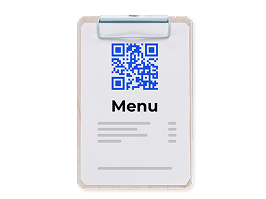
QR codes can be used on posters, flyers, products, business cards, menus, and much more.
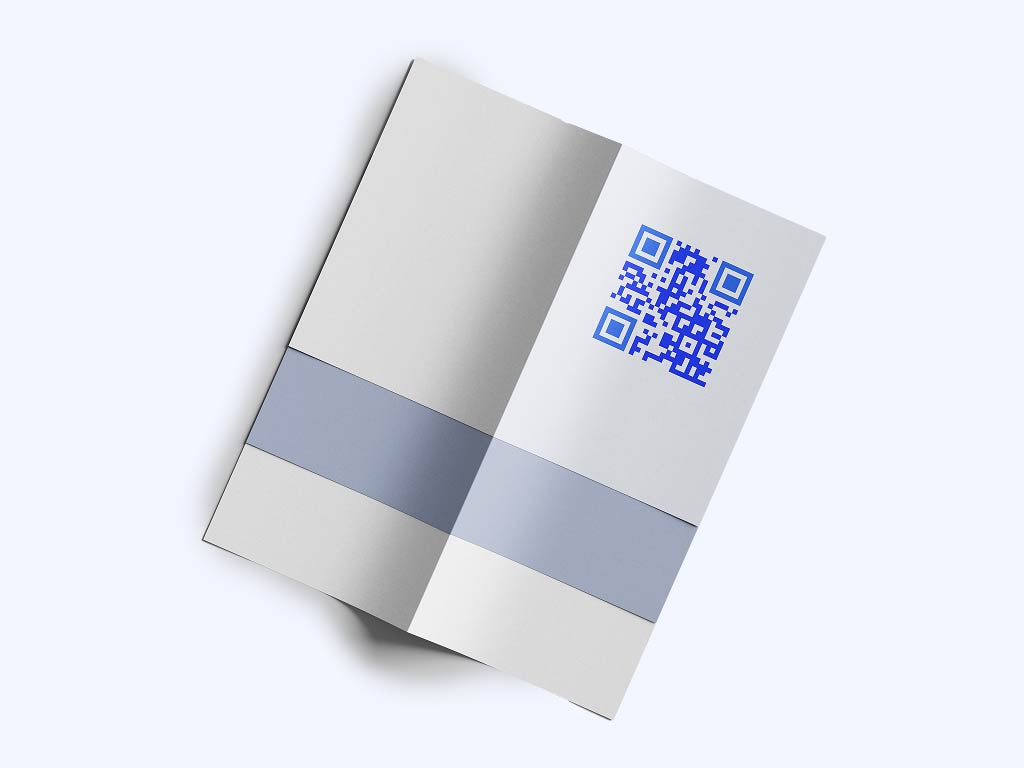
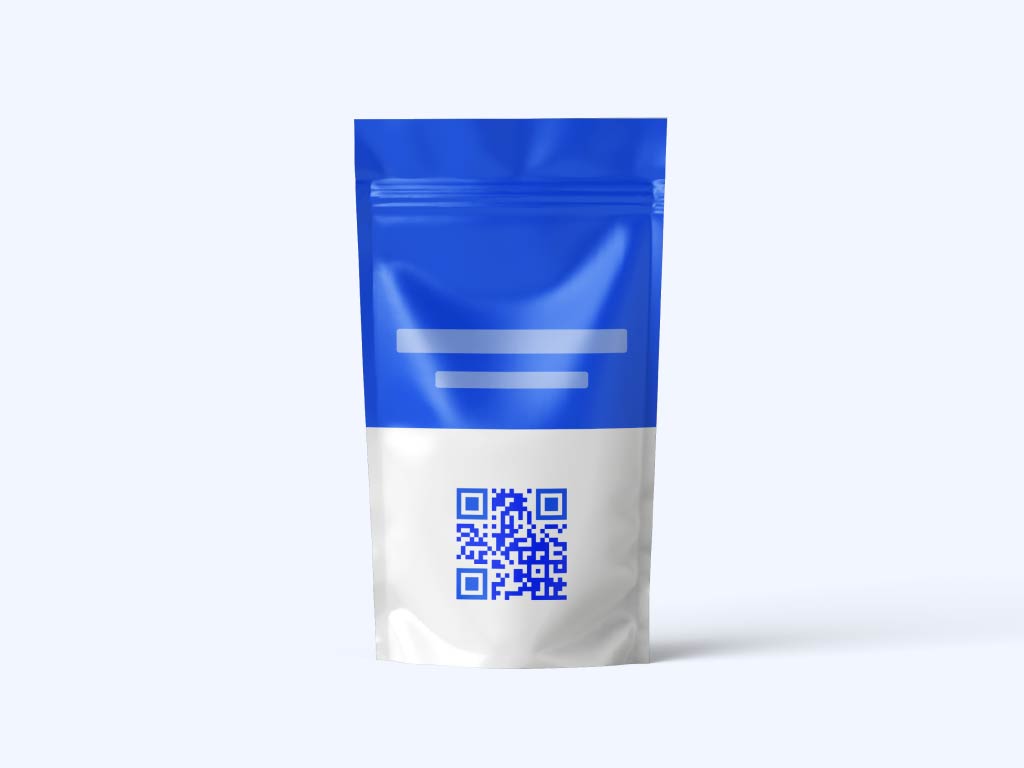
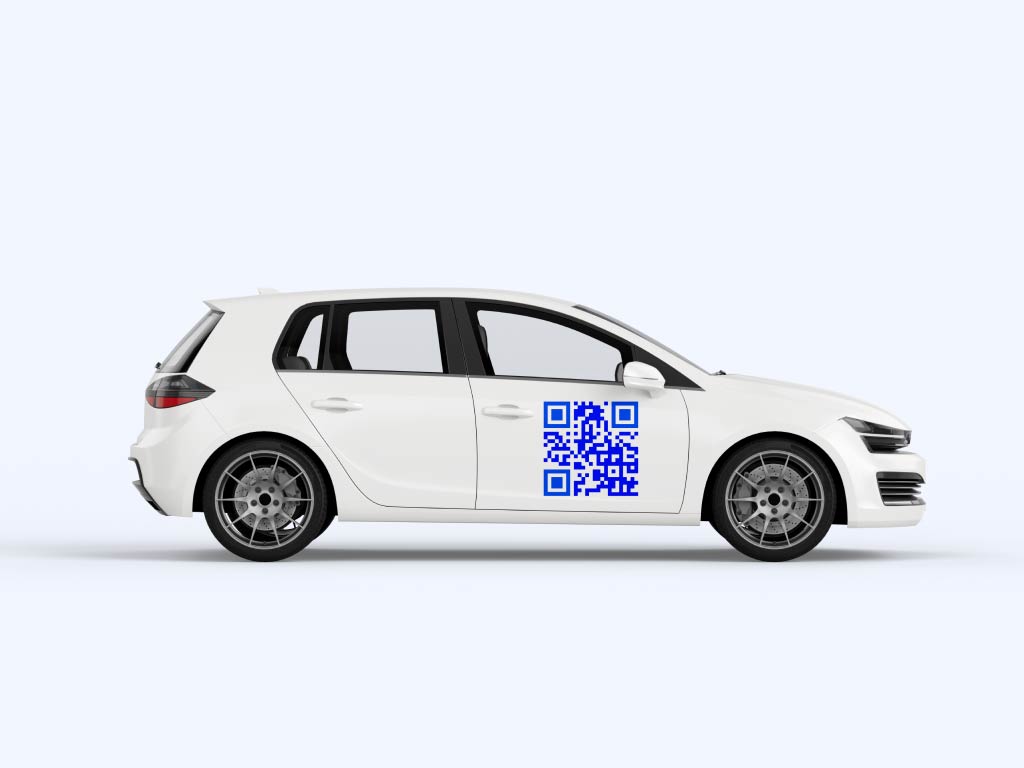
Smart QR solutions for any business, any industry
Ready-made QR codes for marketing, e-commerce, all products and services.
 Agencies
Marketing & Design
 E-commerce
 E-commerce
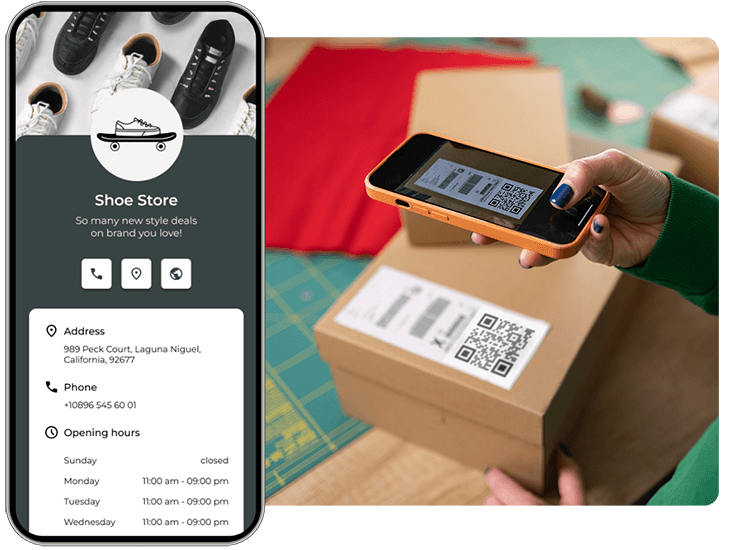
 Manufacturing
 Manufacturing
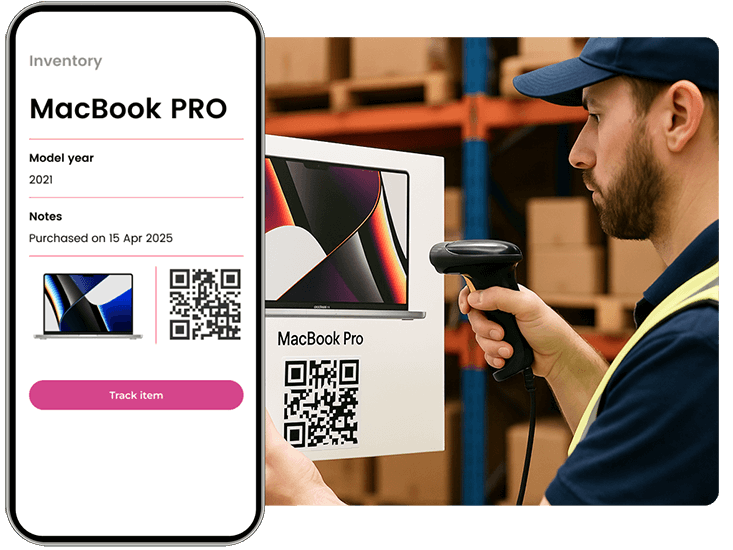
 Services
 Services
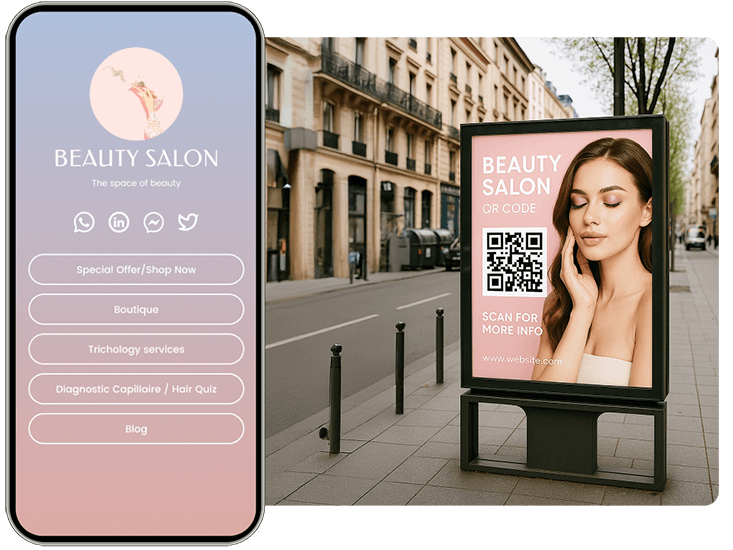
 Education
 Education
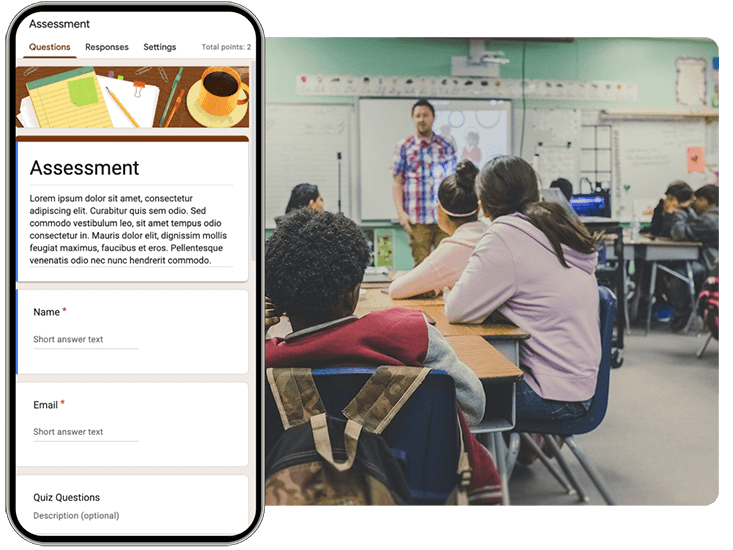
 Healthcare
 Healthcare
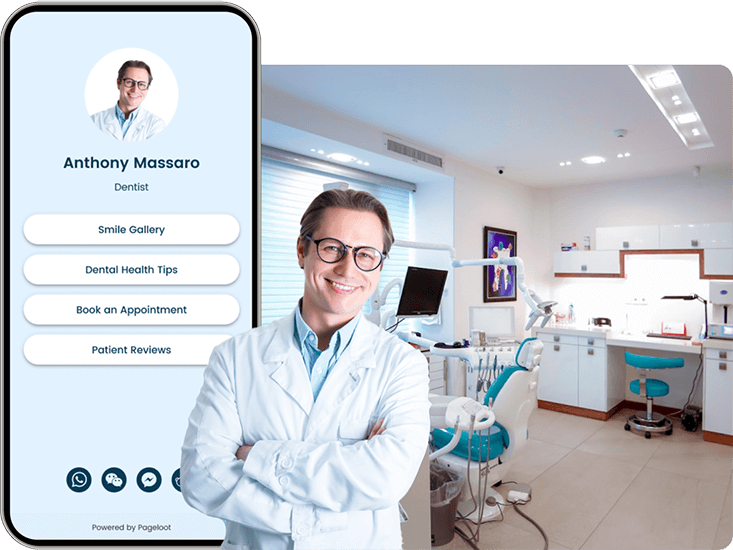
Benefits of using a QR code generator platform
Using our QR code generator tool gives you far more value than a standard black-and-white barcode.
Change the color, shapes, frame and logo so the code looks like your brand and not like a plain black-and-white square.
Print-ready files
Download PNG, SVG or PDF. SVG and PDF are vector files, so they stay sharp on banners, packaging and large outdoor ads.
Test before you print
Scan every code with two phones before it goes to print. Make the code at least 2 x 2 cm (0.8 in), larger if people scan from far away.
With a dynamic code you can change what the code opens without reprinting. A static code cannot be changed.
Works everywhere
Use codes on posters, flyers, menus, products, business cards and packaging. People scan with the phone camera they already have.
Plans from EUR 7 per month
The Starter plan costs EUR 7 per month, billed yearly. Compare all plans on the pricing page.
What makes Pageloot different?
Pageloot makes QR codes you can edit after printing and track after printing, not only create.
Upload files directly
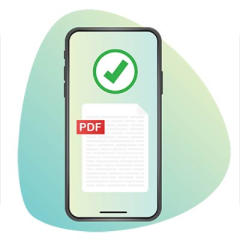
Turn any file into a QR code. Easily share files like PDFs, images, or documents. Just scan to download—perfect for print materials, packaging, and more.
Share all your links
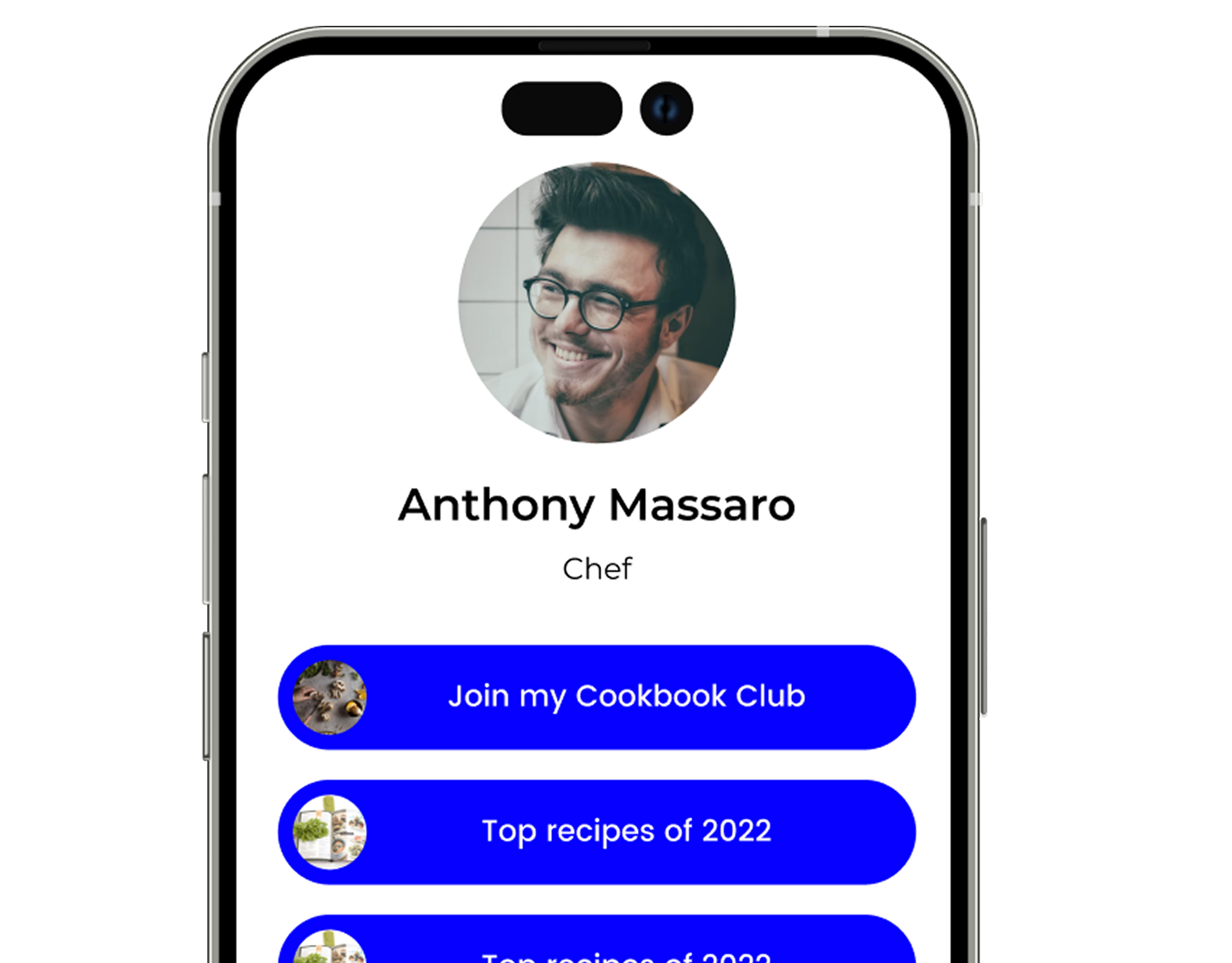
Social media platforms often allow only one link in your bio, limiting how much content you can share. A QR page with a list of links helps solve this by directing followers to multiple destinations with a single tap.
Ready-made solutions
Print QR Templates are professionally designed, ready-to-use templates. They allow businesses to create and print QR codes for your marketing materials, signage, packaging, and more. We make it easy for customers to scan and engage with your brand.
See Your Data
Dynamic codes show you how many people scanned, and when, where and on which device. Use this to see which poster, flyer or package brings people in, and to change what you offer.
No design skills needed
Templates let you add colors, a logo and a style to a code, so it looks like your brand and not like a plain black-and-white square.
Free 14-day trial.
Plans have a 30-day money-back guarantee.
Frequently asked questions

A QR code is a square code that a phone camera reads. It opens a website, file, contact card or other content, so nobody has to type an address. Use it when you want to connect print or a screen to something online.
Yes. On the free QR code generator you can make a static code, add your logo and colors, and download it as PNG, SVG or PDF. Editing a code after printing and scan stats need a Pageloot account. You can start with a 14-day free trial.
A static code holds its content directly and cannot be changed after you make it. A dynamic code points to a short link you control, so you can change the destination after printing and see scan stats such as when, where and on which device it was scanned. Choose static for content that will not change. Choose dynamic if you may change the destination or want to measure scans.
Use a QR code on marketing material, product packaging, business cards, menus, event signs, flyers and posters, anywhere you want to send people from print or a screen to something online.
Static QR codes never expire. Dynamic codes on monthly or yearly plans go inactive when the plan ends. The lifetime deal keeps them active. Scans are unlimited. Check the pricing page for details.
No. Scans are unlimited on free QR codes and on paid codes made in the app. See the pricing page for plan details.
You can make as many static codes as you need on the free generator page, without an account. An email address may be asked for before you download.
Dynamic codes start with a 14-day free trial. The Starter plan costs EUR 7 per month, billed yearly. Higher plans include more dynamic codes and more features. See the pricing page for the current list.
Yes. A dynamic code can open a page with several links, or send people to different places depending on their country or language, using smart link options in the app.
Open the QR code generator, select a QR code type, enter your content, customize the design and download the code. Test it with your phone before you print it.
Only if it is a dynamic code. A dynamic code lets you change the destination after printing. A static code cannot be edited.
Not directly. A printed static code cannot be changed. Create a new dynamic code and use that one from now on.
Yes. You can change the colors, patterns and shapes, add a frame with a short call to action, and upload your logo.
Upload your logo in the design step of the generator. A PNG with a transparent background or an SVG file gives the sharpest result. Keep the logo small and test the code after adding it.
Bulk print exports, which download several codes at once, are listed on the paid plans. See the pricing page for which plans include it. For custom integrations, contact support.
Links, PDFs, images, videos, audio files, WiFi details, events, locations, vCard contacts, social media pages and more. Each type has its own page on this site.
Check these first: the link is correct and the page is online, the code has strong contrast (dark on light), the printed size is at least 2 x 2 cm (0.8 in), and the code is not stretched or cropped. If the code is dynamic, check that your plan is active. You can test it with the QR code scanner.
Making a code is the first step. With a Pageloot account you can edit the destination, see scan stats and keep all your codes in one place. Start with a free 14-day trial, or compare the plans.










