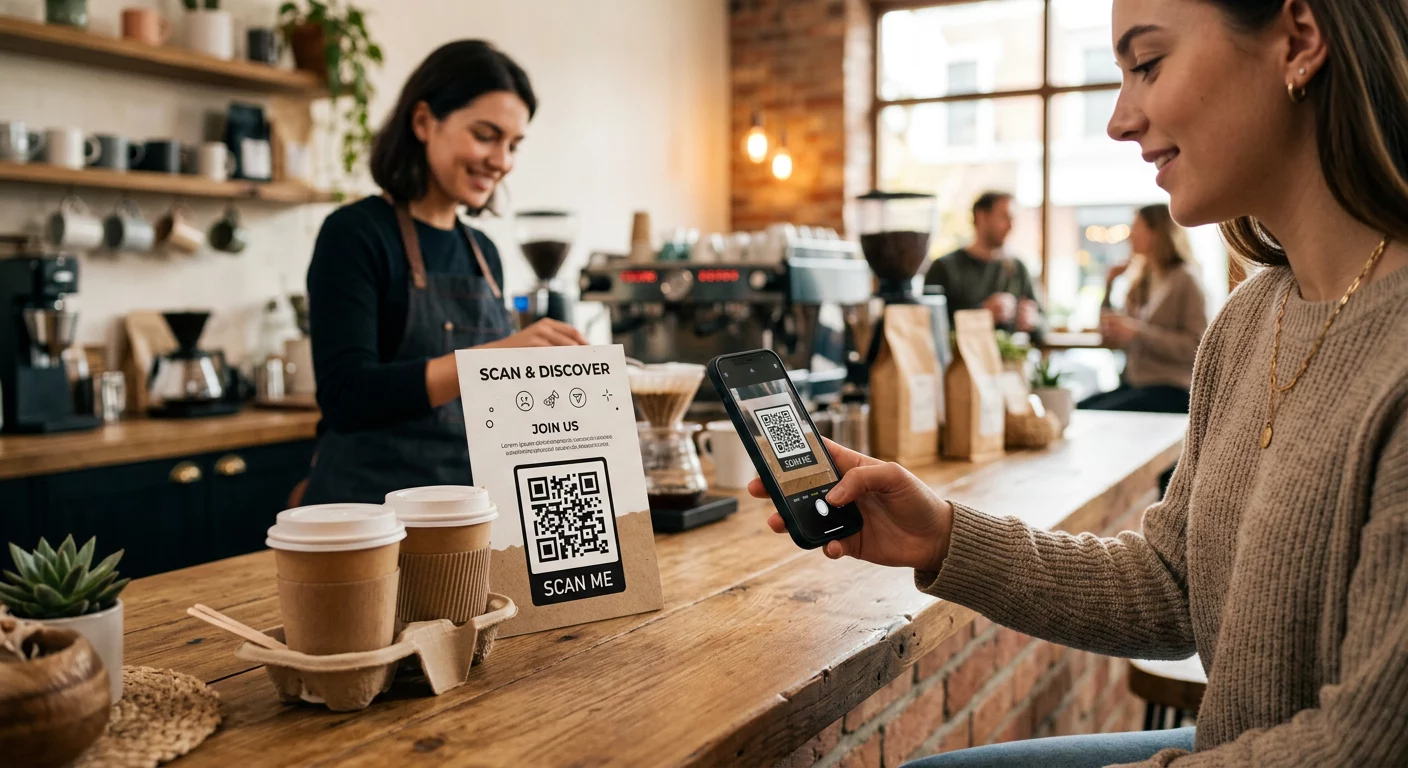
Are you struggling to bridge the gap between your physical advertisements and digital sales? When a printed flyer fails to spark action, your business misses out on valuable customer data and revenue. This checklist provides a step-by-step roadmap for creating QR code campaigns that convert passive viewers into loyal customers.
Define Your Campaign Objectives
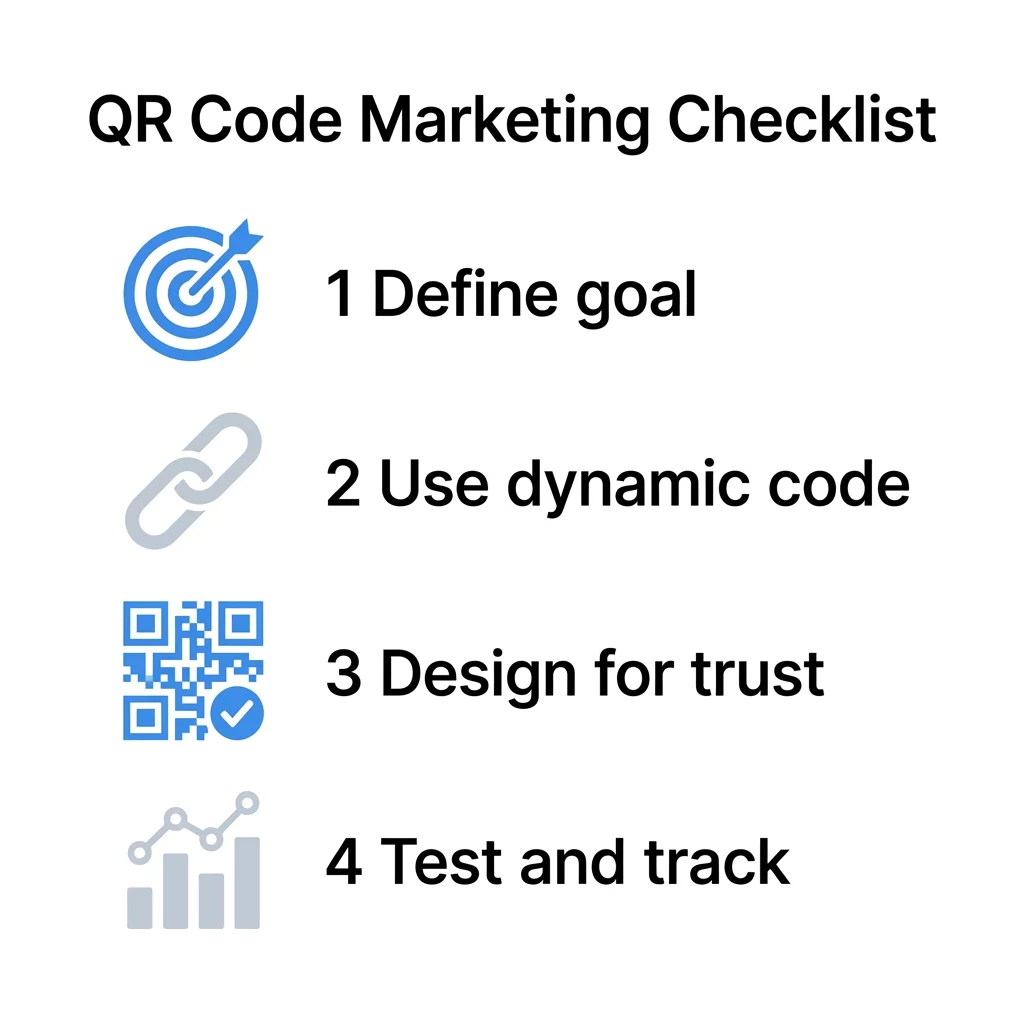
Before you generate a code, you must identify exactly what action you want your customers to take. A clear goal prevents confusion and ensures that your digital content provides immediate value to the person scanning. Many small businesses find success by focusing on high-value interactions. If your goal is to boost immediate revenue, you might use a coupon QR code generator to offer an instant discount at the register. For businesses focused on local SEO and reputation, a Google Review QR code generator can simplify the feedback process, allowing customers to share their experiences in seconds.
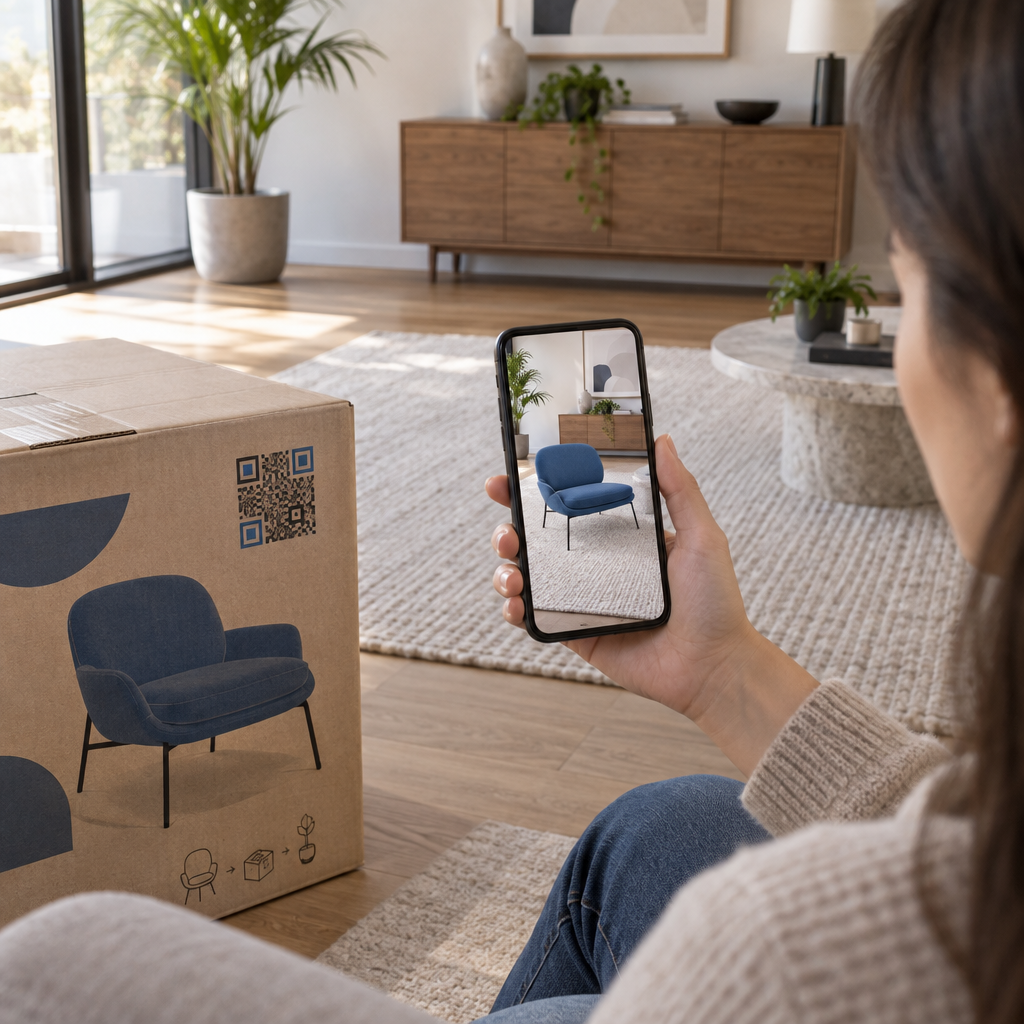
Other common objectives include building your marketing list or providing detailed product specifications. You can implement a Google Form QR code generator to collect newsletter signups or customer feedback effortlessly. In the hospitality and service sectors, adding QR codes to flyers or brochures allows you to replace bulky paper materials with digital menus, assembly guides, or virtual property tours that are much easier for customers to carry and share.
Select the Right QR Code Technology
Small businesses must choose between static and dynamic codes, and this decision significantly impacts your ability to manage long-term campaigns. Static codes are permanent; once they are printed, the destination link cannot be changed. This makes them suitable for unchanging information, such as a Wi-Fi password. However, for most marketing purposes, the static versus dynamic QR codes debate favors dynamic options because they offer flexibility and tracking.
Dynamic codes function via a short redirect URL, which allows you to update the destination content without reprinting your flyers or packaging. This technology is a significant cost-saver; for example, Marriott Aruba reportedly saved over $150,000 in printing costs by using dynamic systems. Because the code itself contains less data, the pattern remains simple and scannable even at smaller sizes or from longer distances.
Improve your campaign flexibility: Use our dynamic QR code generator to create editable codes that allow you to update your links and track scans in real-time.
Design for Scannability and Trust
A generic black-and-white box may work, but it rarely inspires trust or high engagement. To maximize your results, you should aim for a professional look that aligns with your brand. High contrast is the foundation of readability. Scanners typically require a contrast ratio of at least 4:1 to distinguish the code from its background. A dark pattern on a light background is always the safest choice, as inverted designs often fail on older smartphone models.
Branding your code can increase scan rates by making the interaction feel more legitimate. You can add your logo to the center of the code, covering up to 30% of the area without interfering with functionality. Surrounding the code with a clear “quiet zone” – a blank border at least four modules wide – helps the camera focus on the pattern. Finally, always include a call-to-action (CTA). Phrases like “Scan for 20% Off” or “View the Menu” provide the necessary incentive for a customer to take out their phone. Following these QR code readability guidelines ensures that your design choices do not compromise the technical performance of the campaign.
Optimize Placement and Sizing
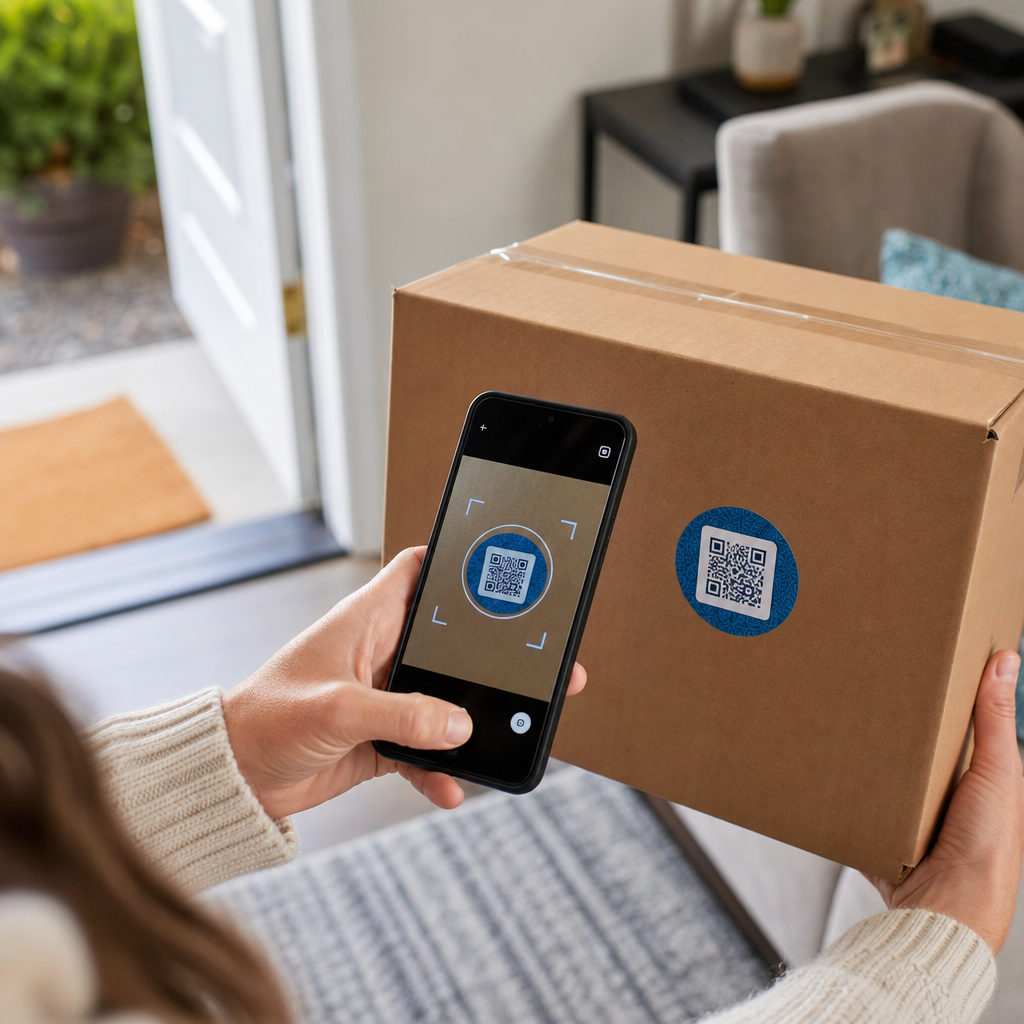
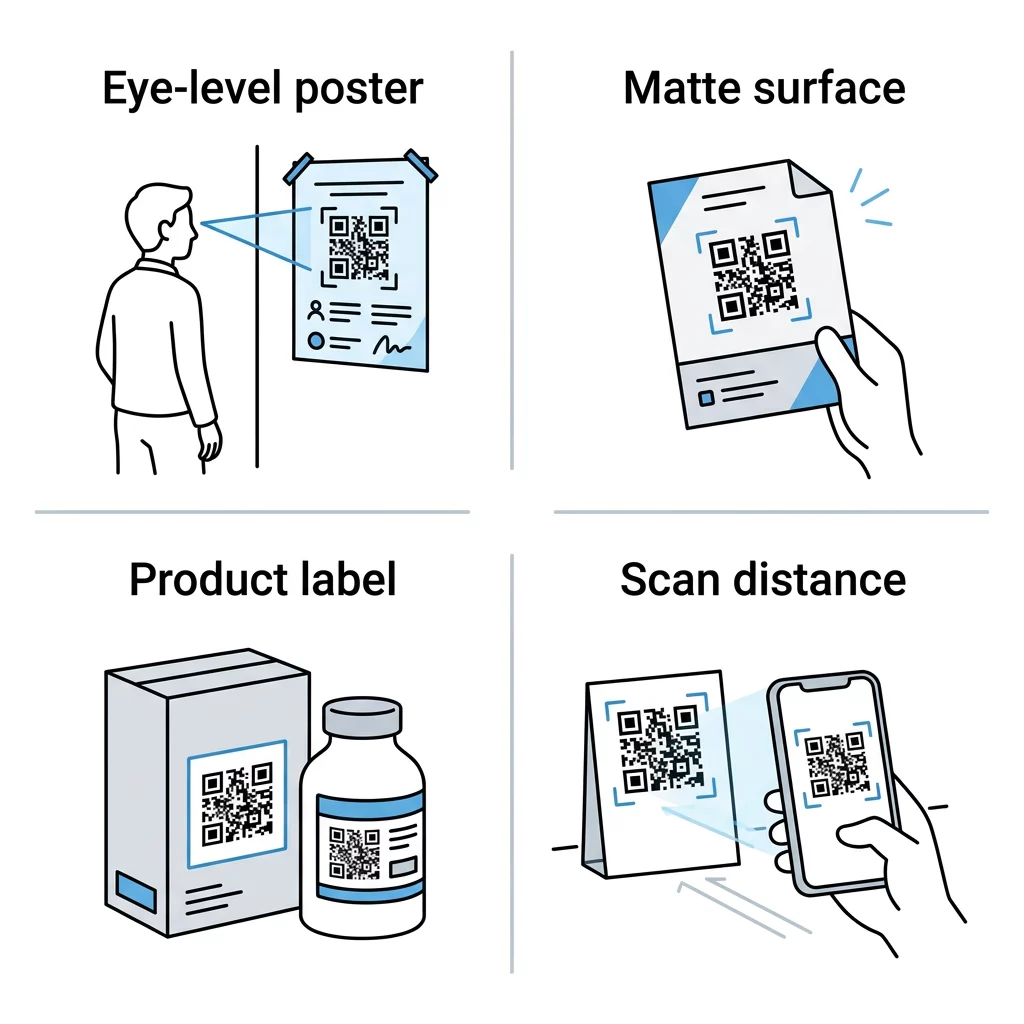
Where you place your QR code is just as important as the content it links to. You must account for the physical environment and the natural behavior of your customers. A common rule of thumb is the 10:1 ratio: the code should be one inch wide for every ten inches of scanning distance. For items like business cards or product labels that are scanned from close range, the minimum recommended size is 0.8 x 0.8 inches.
When planning your QR code placement in marketing, target eye-level areas between 3.5 and 5.5 feet high. Avoid placing codes on curved or highly reflective surfaces, like glossy bottles or windows with heavy glare, as these can distort the pattern and prevent a successful scan. Matte finishes are generally preferred for print materials. Furthermore, the destination is vital. If the scan takes too long to load or points to a desktop-only site, users will quickly lose interest. Adhering to mobile landing page best practices – such as keeping load times under three seconds and using touch-friendly buttons – is essential for conversion.
Test and Troubleshoot Before Printing
Technical errors are the primary reason why a QR code is not working after a campaign launch. Before committing to a large print run, you must conduct real-world tests. Use multiple devices, including both modern iPhones and older Android models, to ensure the code decodes correctly across different hardware.
Testing should also happen in the actual environment where the code will live. Check the scannability under the specific lighting of your storefront or restaurant. If the link is broken or the destination is wrong, a dynamic code allows you to fix the error instantly. This stage of the checklist ensures that you don’t waste your marketing budget on unscannable materials that frustrate your audience.
Monitor Performance and ROI
The final step in your marketing checklist is to analyze the data generated by your scans. Unlike traditional print ads, QR codes provide measurable insights that help you understand your return on investment. By tracking QR code scans, you can see which locations, times, and materials are driving the most engagement.
A comprehensive system for tracking QR codes allows you to see total versus unique scans and geographic data. This information enables you to pivot your strategy in real-time. For instance, if a poster in one location is getting zero scans while another is performing well, you can investigate the placement or lighting and make immediate adjustments to improve your results.
Measure your marketing success: Start your campaign with our online QR code maker to gain access to a centralized dashboard where you can manage and analyze every scan.
FAQ
For marketing materials held in the hand, the minimum size should be 0.8 x 0.8 inches (2 x 2 cm). If the code is meant to be scanned from a distance, such as on a window or poster, use the 10:1 rule to ensure it is large enough for a smartphone camera to detect.
You can only change the destination link if you used a dynamic QR code. Static codes have the data hard-coded into the pattern, meaning you would have to reprint all your materials to update the link. Dynamic codes use a redirect server, allowing for instant updates.
While you can use brand colors, you must maintain a high contrast ratio. Dark foreground colors on a light background are the most reliable. Always avoid low-contrast combinations like yellow on white, as scanners will struggle to read the modules in varying light conditions. Successful marketing requires bridging the physical and digital worlds through intentional design and strategic tracking. By following this checklist, small businesses can ensure every scan leads to a meaningful customer interaction. Ready to start your next campaign? Use the Pageloot tools to build, brand, and measure your QR codes today.