How can your organization ensure that physical information is accessible to individuals who cannot see it? For millions of visually impaired people, printed signs and labels are silent barriers to independence. Audio-linked QR codes solve this by turning static text into spoken descriptions, fostering inclusion through digital content.
Understanding Voice-Activated and Audio-Linked QR Codes
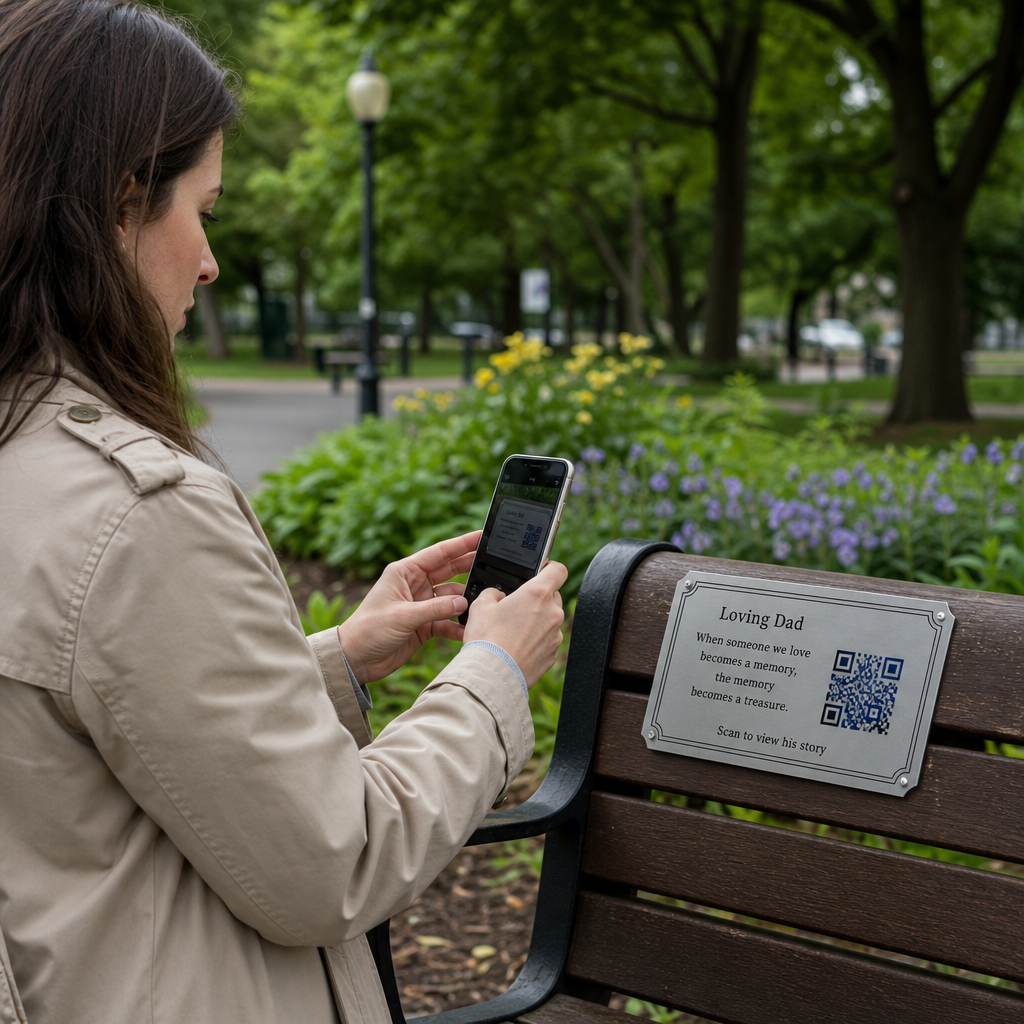
Voice-activated QR codes act as digital gateways that connect physical objects to audio content or voice-responsive interfaces. When you scan these codes using a smartphone, the device triggers the information to be read aloud via an audio file or the phone’s built-in assistive technology. This system is highly effective because it leverages the screen readers most visually impaired users already utilize, such as Apple’s VoiceOver or Android’s TalkBack.
In many cases, these codes are “audio-linked,” meaning they point directly to an MP3 file or a landing page optimized for text-to-speech. For a person with low vision, a standard QR code might be difficult to locate without help. However, when you pair these codes with tactile markers, they provide immediate, hands-free access to information that was previously inaccessible in a print-only format.
Why Audio Accessibility Matters for Your Organization
Prioritizing inclusive design is a practical step toward better customer service and legal readiness. In the United States, approximately 7 million people live with vision loss, and research indicates that 9 out of 10 visually impaired individuals struggle to access information on standard product packaging. Implementing audio alternatives helps bridge this informational divide.
Beyond basic access, these tools offer several organizational benefits:
- Promoting Independence: Users can navigate public buildings, identify product ingredients, or follow complex instructions without needing a sighted guide.
- Regulatory Alignment: Providing audio alternatives helps your organization meet ADA compliance standards and aligns with WCAG 2.1 AA guidelines for non-text content.
- Enhanced Safety: Audio-linked codes are vital in high-stakes environments like healthcare, where clear, spoken dosage instructions can prevent medical errors.
- Universal Utility: Spoken content also assists individuals with dyslexia, limited English proficiency, or temporary disabilities that make reading difficult.
Create Accessible Experiences Today You can transform any voice recording or spoken guide into an accessible digital touchpoint. Use an MP3 QR Code Generator to host your audio files and create codes that speak directly to your audience.
Implementation Strategies for Inclusive QR Codes
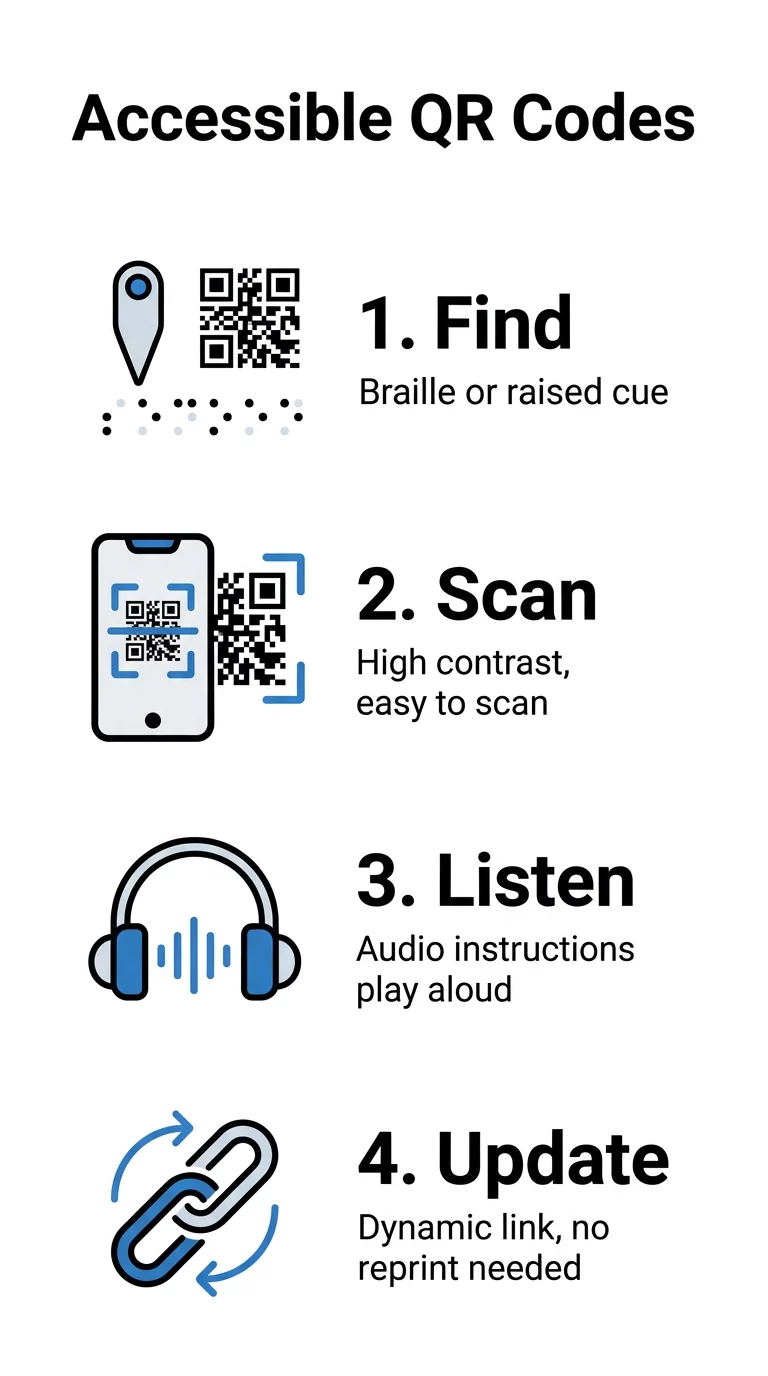
For a QR code to be truly accessible, you must look beyond the digital link and consider the physical experience of the user. Success depends on how easily a user can find, scan, and understand the code in a real-world environment.
Tactile Cues and Braille Placement
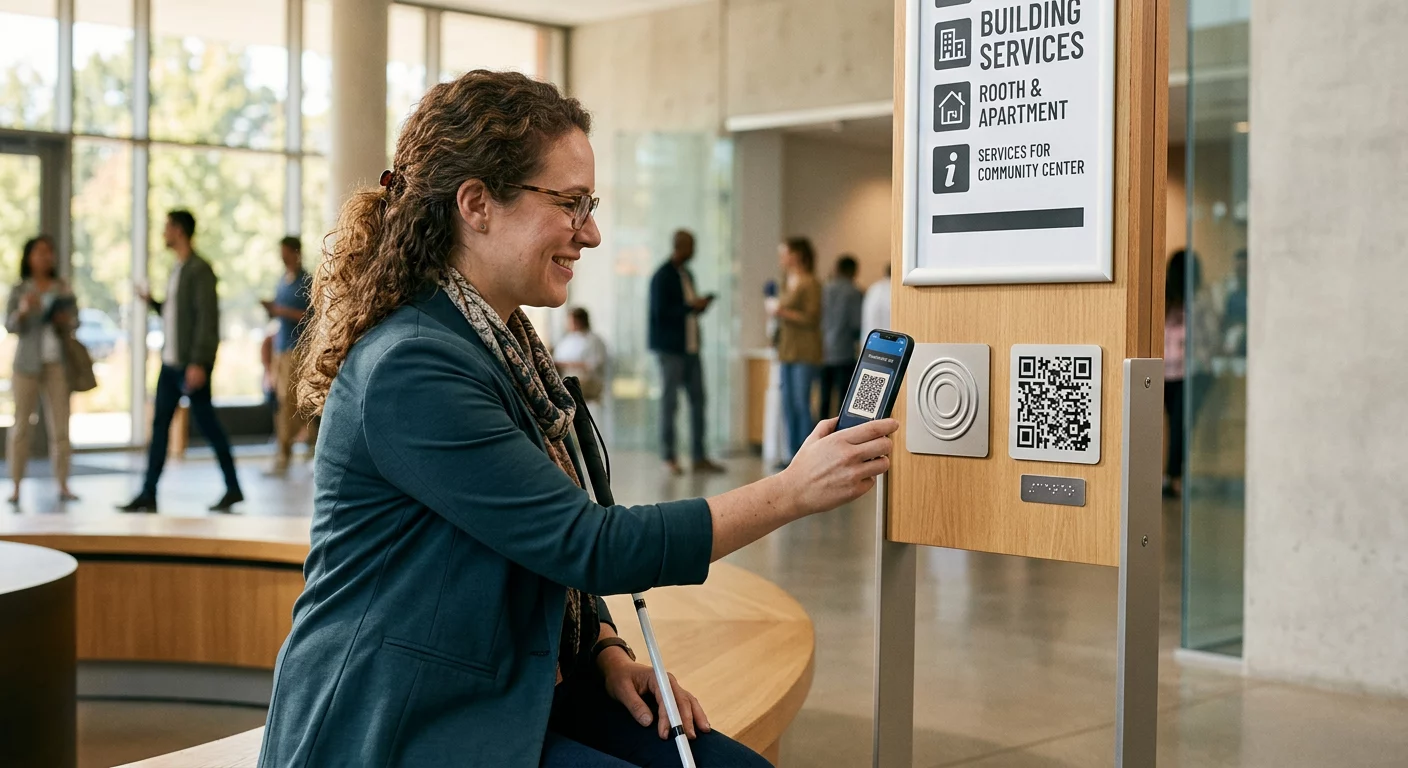
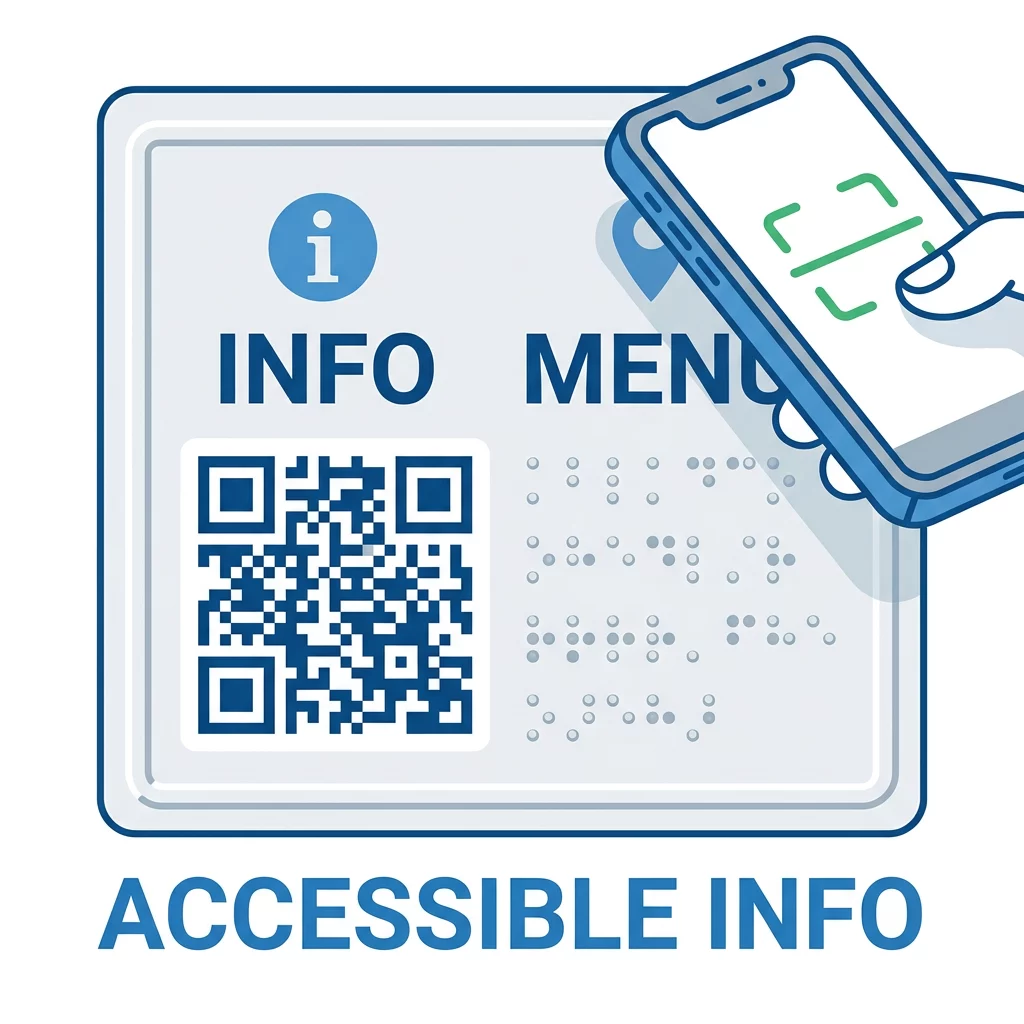
A user with total blindness cannot scan what they cannot find. You should always include a tactile indicator, such as a raised border or a Braille label, next to the QR code. These markers act like a physical signpost, telling the user exactly where to position their smartphone camera. Many organizations use “Braille-on-print” labels to provide context, such as “Scan here for medication details,” before the user even interacts with the digital content.
Visual Clarity and Contrast
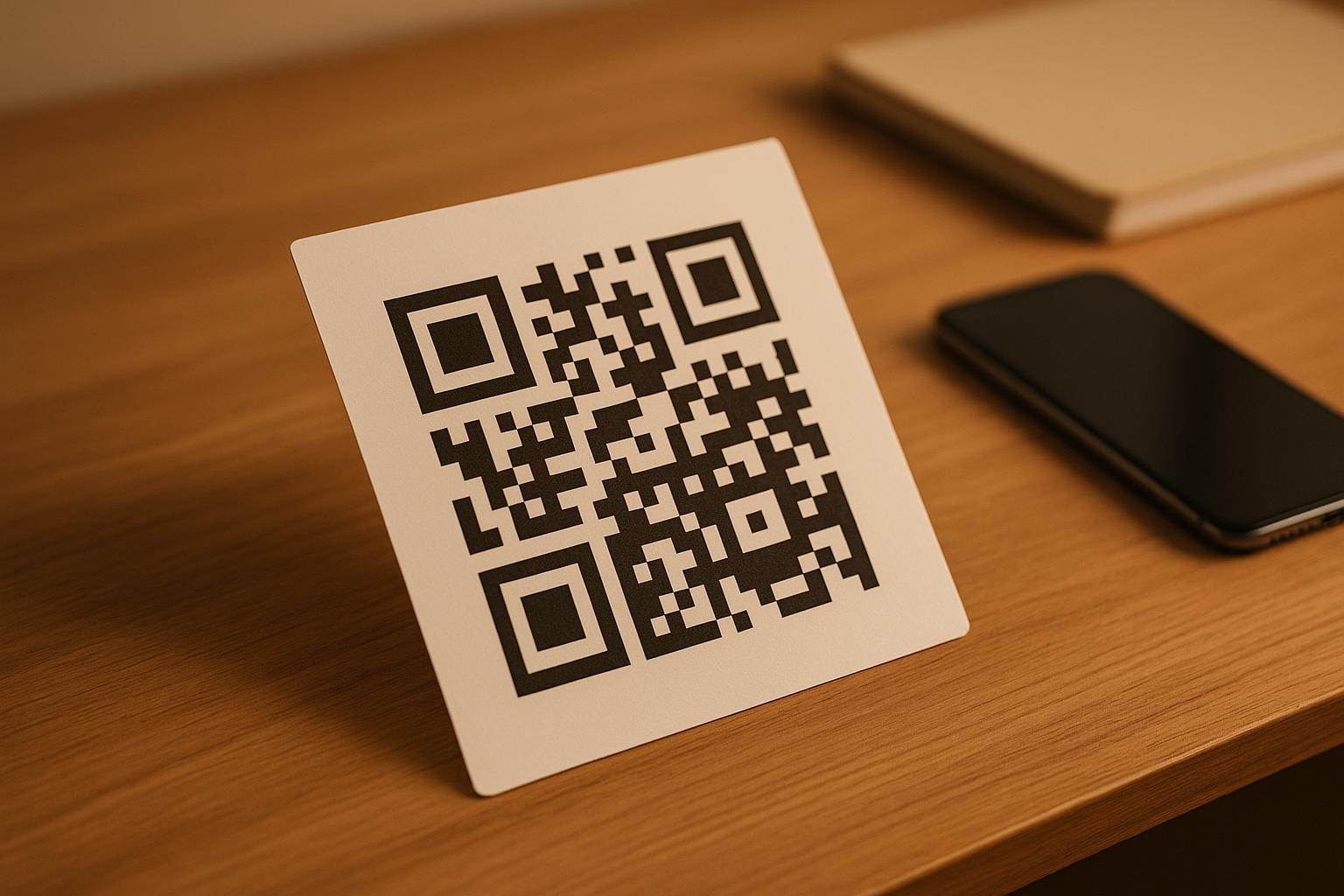
Visual readability remains essential for the millions of users with low vision. You should follow QR code color contrast best practices by using dark foreground patterns on light backgrounds. Aiming for a contrast ratio of at least 4.5:1 ensures the code remains scannable under harsh overhead lights or in dim environments. Furthermore, following established best practices for QR code readability ensures the data density is low enough for older smartphone cameras to process quickly.
Managing Content with Dynamic Links
Accessibility requirements are rarely static. By using Link QR Code Generator tools to create dynamic codes, you can update the destination URL or the linked audio file without reprinting your physical signage. This is particularly useful for information that changes frequently, such as daily cafeteria menus, digital files from the cloud, or evolving event schedules.
Best Practices for Physical Placement
The location of your QR code is just as important as the content it contains. If a code is placed too high or in a corner with significant glare, it becomes a barrier rather than a tool.
| Feature | Guideline for Accessibility |
|---|---|
| Placement Height | Position codes at “eye-level” (3.5 to 5.5 feet) for standing users to ensure reachability. |
| Minimum Size | Use a size of at least 2 x 2 inches (5 x 5 cm) to help the camera focus easily. |
| Quiet Zone | Maintain a clear border around the code at least four times the width of a single module. |
| Surface Finish | Choose matte substrates to prevent glare and reflections from obscuring the patterns. |
When placing codes in public spaces, consistency is key. Following QR code usability best practices suggests placing codes in predictable spots, such as near door handles or at the base of museum pedestals, so users know where to expect them.
Real-World Success in Audio Accessibility
Various sectors are demonstrating how audio-linked codes improve outcomes. In the healthcare industry, the UVM Medical Center implemented QR-linked audio for medication instructions. This initiative recorded 73 scans within a three-month period and contributed to a reduction in patient readmissions by ensuring patients understood their post-care routines.
In the retail and cultural sectors, brands like Kellogg’s have used similar technology on packaging to provide allergen alerts. Museums often use these codes to replace shared, handheld audio devices, allowing visitors to hear narrations through their own headphones. This approach is even extending to accessible payment systems, where audio prompts guide users through secure transactions.
FAQ
Users locate codes through tactile cues. Organizations should place a raised frame, a specific textured sticker, or Braille text (“Scan for Audio”) immediately adjacent to the code to provide a physical reference point.
No, you can use a standard QR code generator that supports URLs or MP3 files. The “voice” functionality is handled either by the user’s smartphone screen reader or by the audio file that automatically plays when the destination page opens.
Both have distinct uses. QR codes are more common and can be scanned from a distance, which is helpful for wayfinding. NFC requires very close proximity but does not require the user to “aim” a camera, making it ideal for small, handheld objects. By integrating audio-linked QR codes into your infrastructure, you create a more inclusive environment where information is accessible to everyone. Start by reviewing your current signage and identifying where a spoken description could replace a silent barrier. For the best results, always combine your high-contrast designs with tactile markers and dynamic content that can be updated as your organization grows.