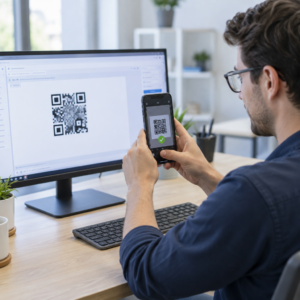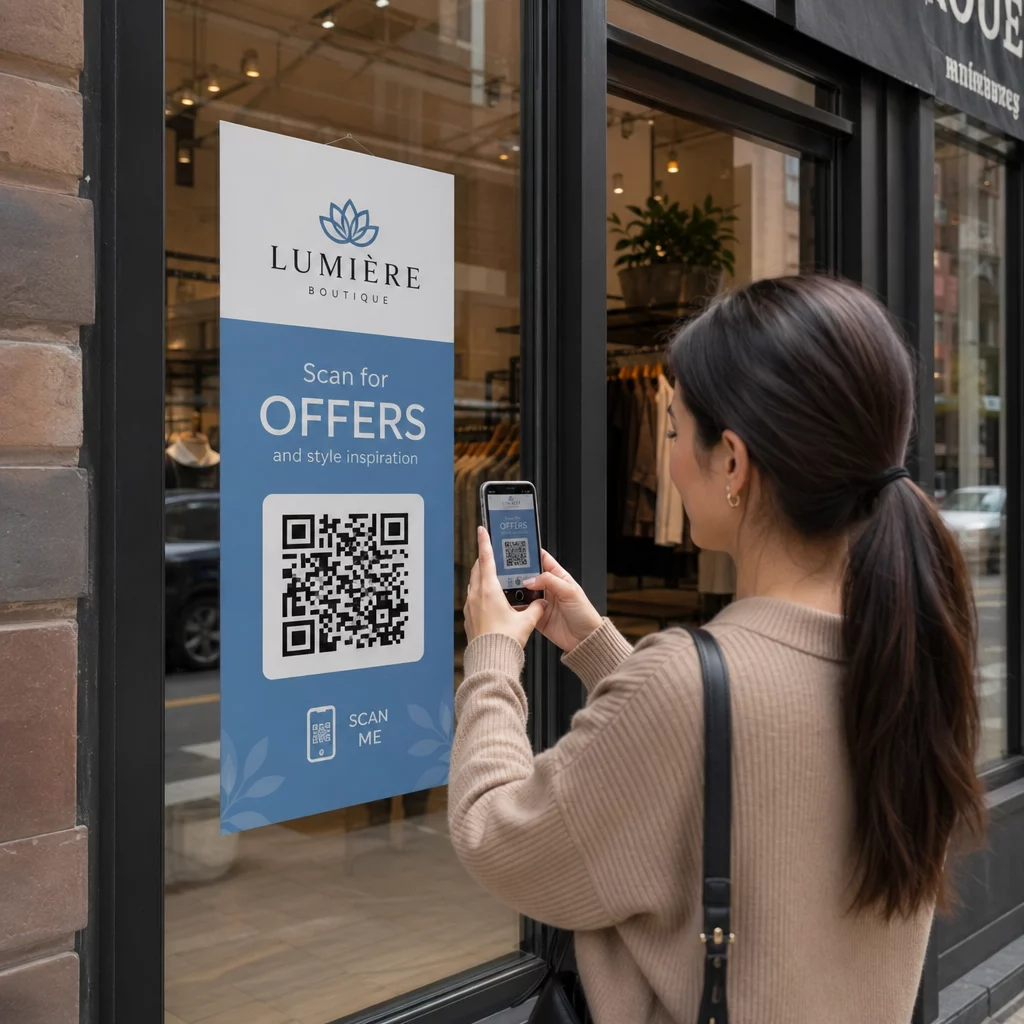
Are your physical signs and banners failing to drive digital engagement? Static displays give potential customers no immediate way to take action, meaning missed leads and forgotten brand impressions. Adding a customized QR code transforms any sign into an interactive touchpoint that connects people directly to your digital content.
Choosing the Right Sign for Your Business
Selecting the right signage format depends on your environment and the action you want customers to take. Banners work well for large-scale events, trade shows, and storefront promotions because they offer high visibility from a distance. For smaller local campaigns or political promotions, yard signs with QR codes are durable and cost-effective. For versatile, smaller-scale applications like window displays or product labels, QR codes on stickers let you turn any smooth surface into a digital gateway.
Here are a few common use cases by industry:
- Retail: Storefront banners linking shoppers to seasonal discounts or loyalty programs
- Hospitality: Lobby signs directing guests to digital maps, check-in forms, or menus
- Healthcare: Outdoor signs linking patients directly to appointment booking portals
- Real estate: Sign riders that give potential buyers instant access to virtual tours or property details
- Events: Registration booth displays that share schedules, speaker bios, or contact info with a single scan
Banners and Posters for Large Displays
Large-format displays need specific design considerations to stay effective. When designing QR codes on posters, position the code at eye level and away from folds or seams. For trade show banners, placing the code prominently at standing height ensures attendees can scan it without stooping or reaching.
Yard Signs and Stickers for Local Reach
Local businesses frequently use yard signs to promote events or real estate listings. QR code stickers are a flexible complement – they can be applied to existing smooth surfaces like windows, packaging, or countertops to add a digital layer without reprinting full signage.
QR Code Types to Use on Physical Signage
The content type you encode determines how your audience interacts with your brand. Pageloot supports 25+ QR code types, so you can match the right format to each sign. Common choices for physical displays include:
- Google Maps QR code: Ideal for yard signs and storefronts, letting customers navigate to your location with one scan
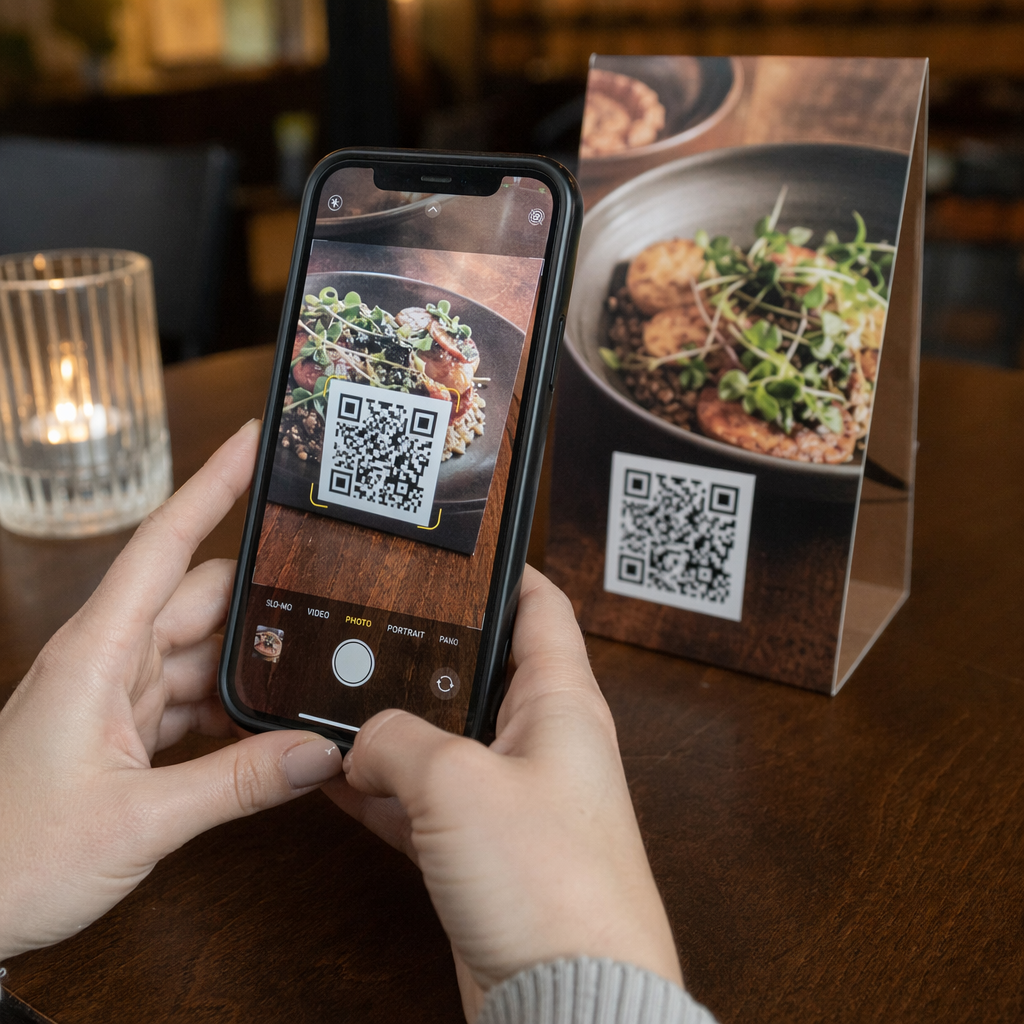
- Menu QR code: Perfect for restaurants, food trucks, or event catering displays
- Google Review QR code: Place on checkout counter signs so customers can leave feedback before they walk out the door
- WiFi QR code: Ideal for hospitality or office lobby signs, letting guests connect to your network without typing a password
- vCard QR code: Useful at networking events and trade show booths for sharing contact information instantly
- Link QR code: A flexible all-purpose option for directing users to any URL – landing pages, forms, videos, or promotions
Track Which Signs Are Driving Results Want to see which banners generate the most scans? Use the Dynamic QR Code Generator to update destinations instantly and monitor real-time scan analytics without reprinting your signs.
Design Guidelines for Maximum Scannability
A code that looks great but fails to scan is a wasted print run. Follow these technical standards to ensure your signage performs reliably:
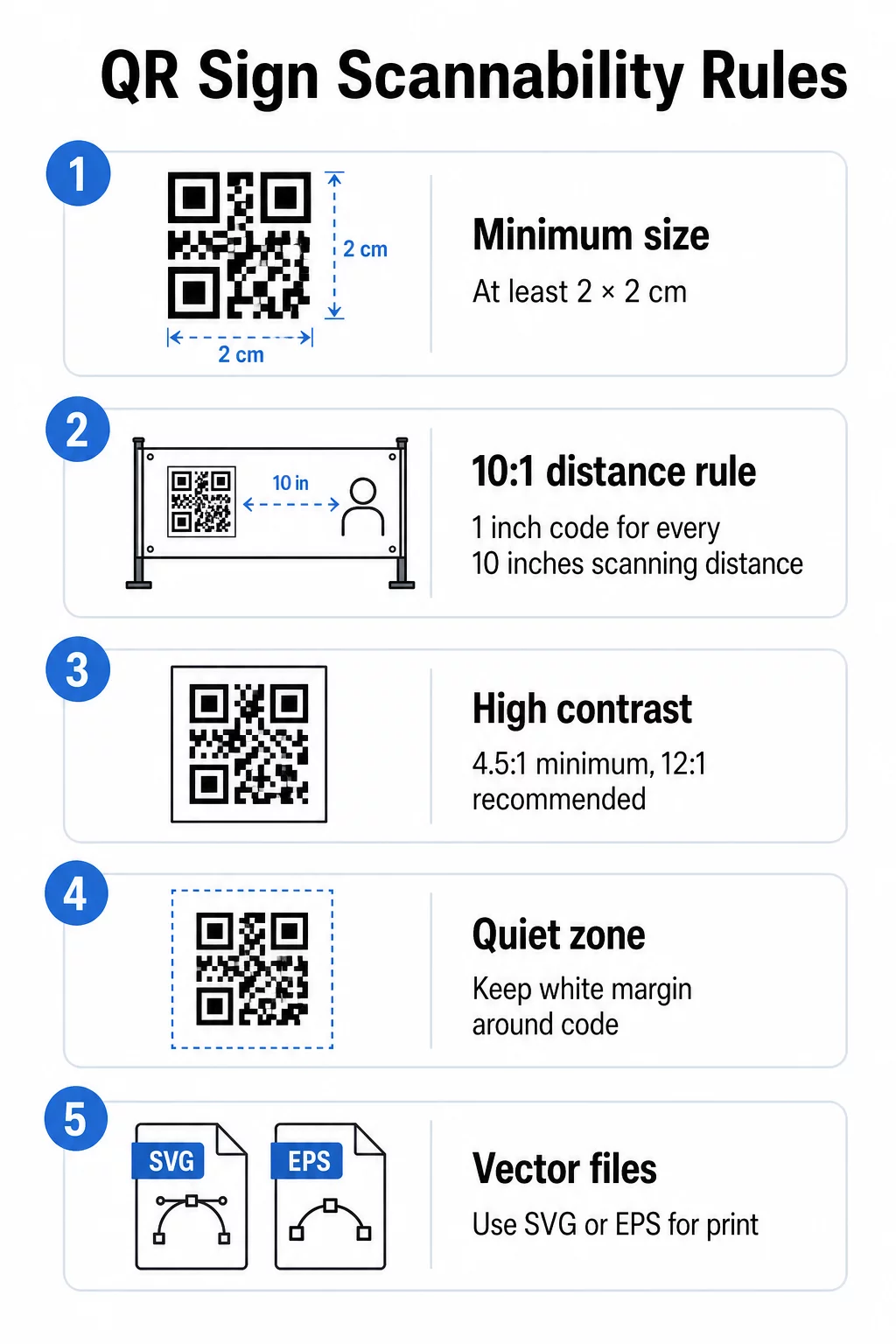
- Minimum size: At least 2 × 2 cm (0.8 × 0.8 inches) for arm’s-length scanning; scale up proportionally for signs read from a distance
- Distance ratio: For banners, follow a 10:1 rule – make the code 1 inch wide for every 10 inches of expected scanning distance
- Color contrast: A minimum ratio of 4.5:1 between the code and its background is required; 12:1 is recommended for outdoor or low-light settings
- Quiet zone: Preserve the white border surrounding the code – scanners rely on it to identify the pattern boundary
- File format: Export in vector formats like SVG or EPS for print to prevent pixelation on large banners; see the full QR code sizing guidance for format-specific recommendations
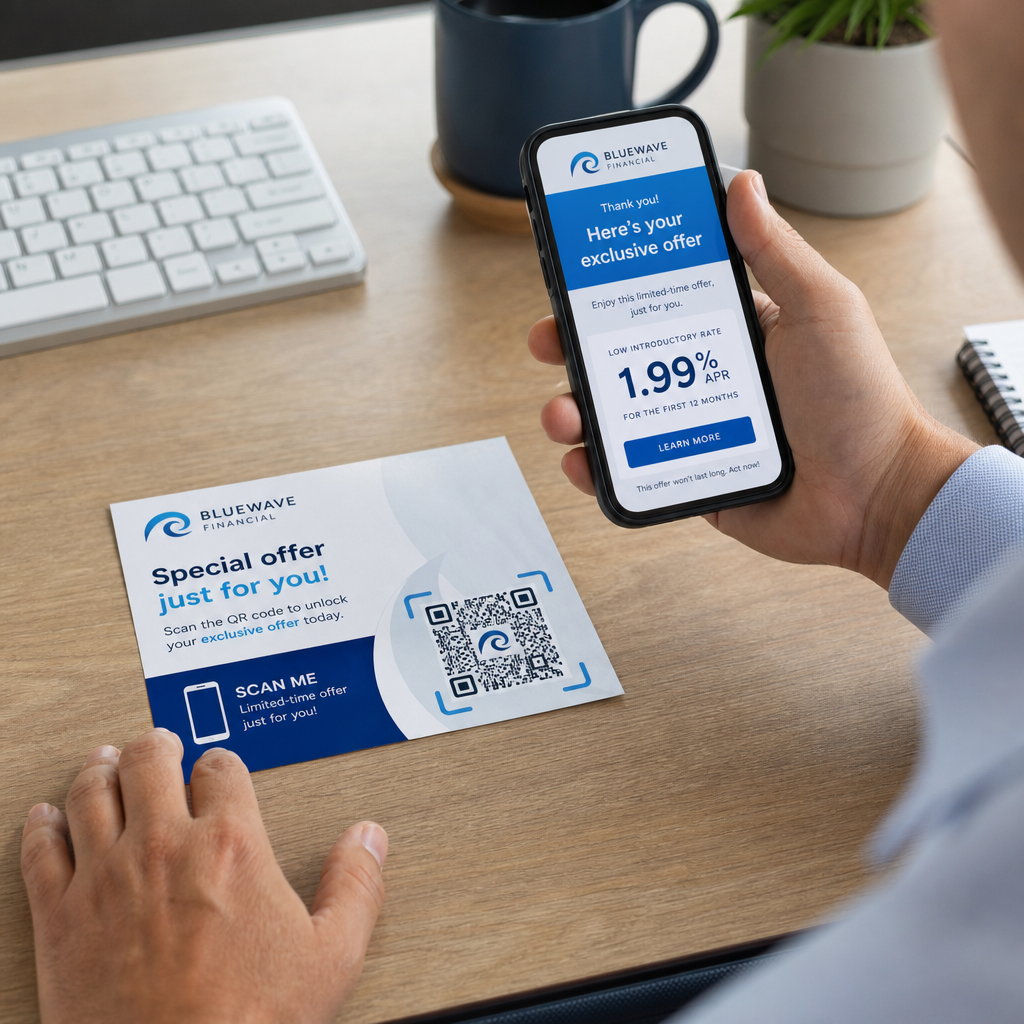
For branding, a QR code generator with logo lets you place your company icon in the center of the code so the sign aligns with your identity and signals trust to the scanner. Keep the logo centered and limit it to no more than 30% of the code area – going beyond that risks blocking enough modules to cause scan failures. Pageloot also publishes detailed guidance on adding logos to QR codes without compromising scannability if you want to go deeper on this.
Strategic Placement and Environment
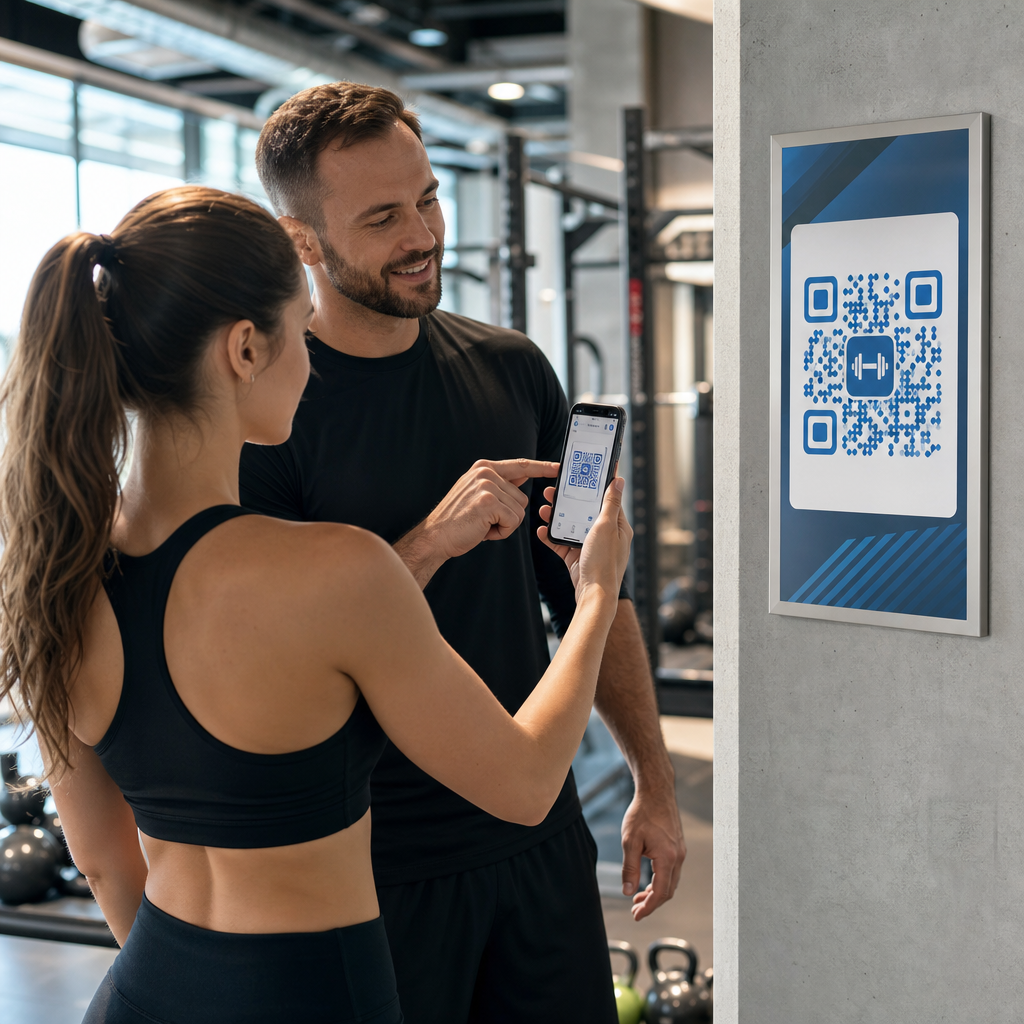
Where you position your sign has a direct impact on scan rates. High-traffic areas at eye level – typically between 3.5 and 5.5 feet from the ground – consistently outperform codes placed too high or too low. Review the complete QR code placement guide for environment-specific recommendations.
A few placement rules that apply to most sign types:
- Avoid positioning codes behind glass surfaces prone to glare
- Do not mount codes on curved surfaces that distort the module pattern
- Use weather-resistant materials for outdoor signs – fading or peeling can make the pattern unreadable even if the damage looks minor
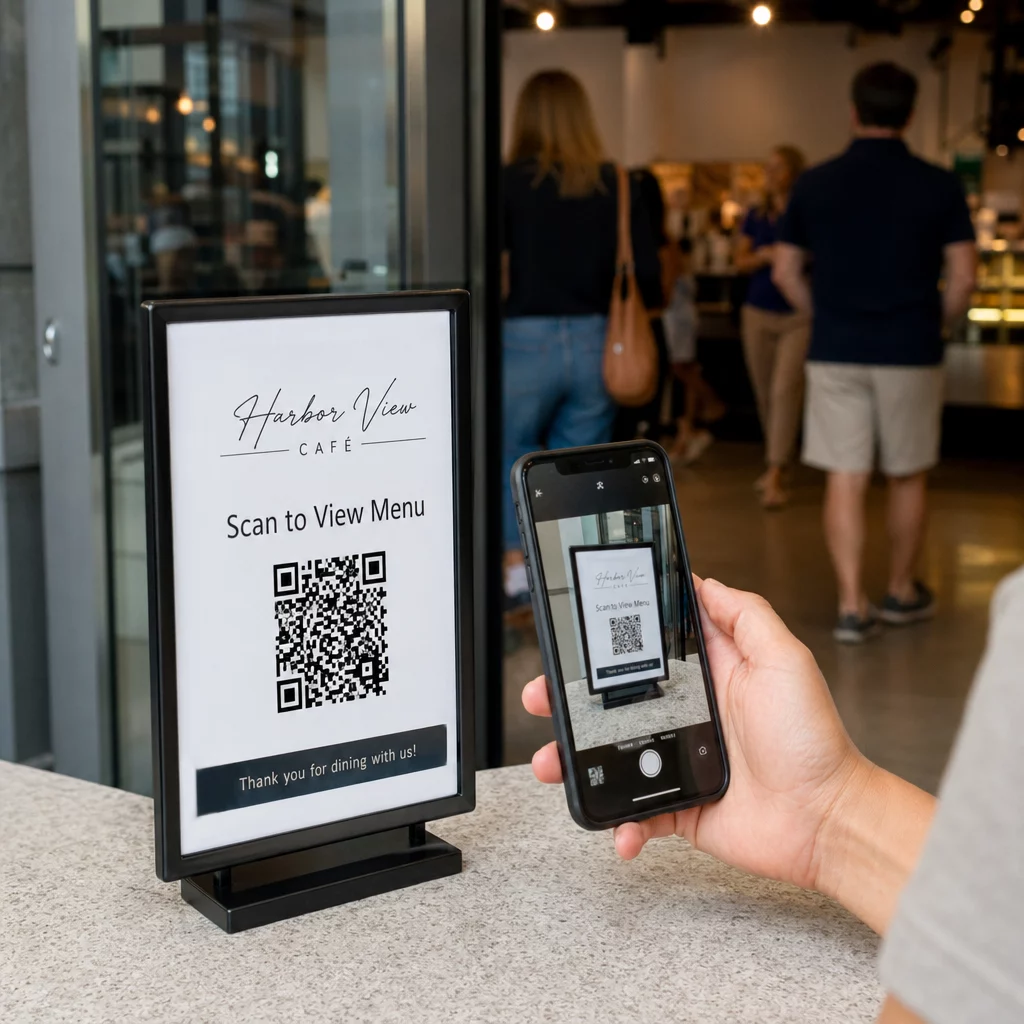
- Always include a clear call-to-action next to the code, such as “Scan for 20% Off” or “Scan to View Menu,” to give users a reason to engage
For campaigns that change over time – seasonal promotions, rotating event schedules, or A/B testing different landing pages – use dynamic vs. static QR codes to understand which option fits your needs. Dynamic codes let you update the destination URL after printing, so you never have to reprint a banner just because a link changed.
Create Your First Sign-Ready QR Code Ready to put a professional QR code on your next banner or display? Use the QR Code Generator to create, customize, and download a print-ready code in minutes.
Frequently Asked Questions
For banners viewed from a distance, follow the 10:1 rule: make the code 1 inch wide for every 10 inches of expected scanning distance. For signs meant for arm’s-length scanning, a minimum of 0.8 × 0.8 inches (2 × 2 cm) is required for reliable performance.
Yes, if you use a dynamic QR code. These codes point to a short redirect URL that you can update at any time from your dashboard, so you can change the destination without reprinting the sign.
The most common causes are insufficient color contrast, surface glare, or a code that is too small for the scanning distance. Make sure the foreground is significantly darker than the background, preserve the quiet zone border around the code, and check that the code size matches the expected viewing distance.