Ingin pendengar mencari podcast anda tanpa menaip satu aksara pun? Apabila penonton anda perlu mencari rancangan secara manual, kebanyakan mereka tidak akan peduli. Panduan ini merangkumi dengan tepat cara membuat kod QR untuk promosi podcast, tempat meletakkannya, dan cara mendapatkan hasil maksimum daripada setiap imbasan.
Mengapa Podcaster Memerlukan Kod QR
Podcasting telah menjadi medium arus perdana. Dianggarkan 158 juta orang di A.S. mendengar podcast setiap bulan, dan lebih 70% pendengar menghabiskan kebanyakan atau semua setiap episod. Tahap penglibatan itu jarang berlaku, tetapi hanya jika anda boleh membuat orang menekan main pada mulanya.
Cabaran adalah kebolehdapatan. Seseorang melihat risalah anda, kad perniagaan anda, atau pembungkusan produk anda dan mempunyai minat yang tulen – tetapi tiada laluan tanpa geseran dari saat itu ke kandungan audio anda. Kod QR menyelesaikan jurang itu. Satu imbasan membawa pendengar terus ke rancangan, episod, atau halaman platform podcast anda tanpa sebarang carian manual.
Syarikat seperti Sephora, eBay, dan Microsoft sudah menggunakan podcast berjenama untuk mencapai khalayak baharu. Kod QR menjadikan usaha tersebut boleh diukur dan lebih mudah diakses oleh pendengar di dunia nyata.
Apa Sebenarnya Fungsi Kod QR Podcast
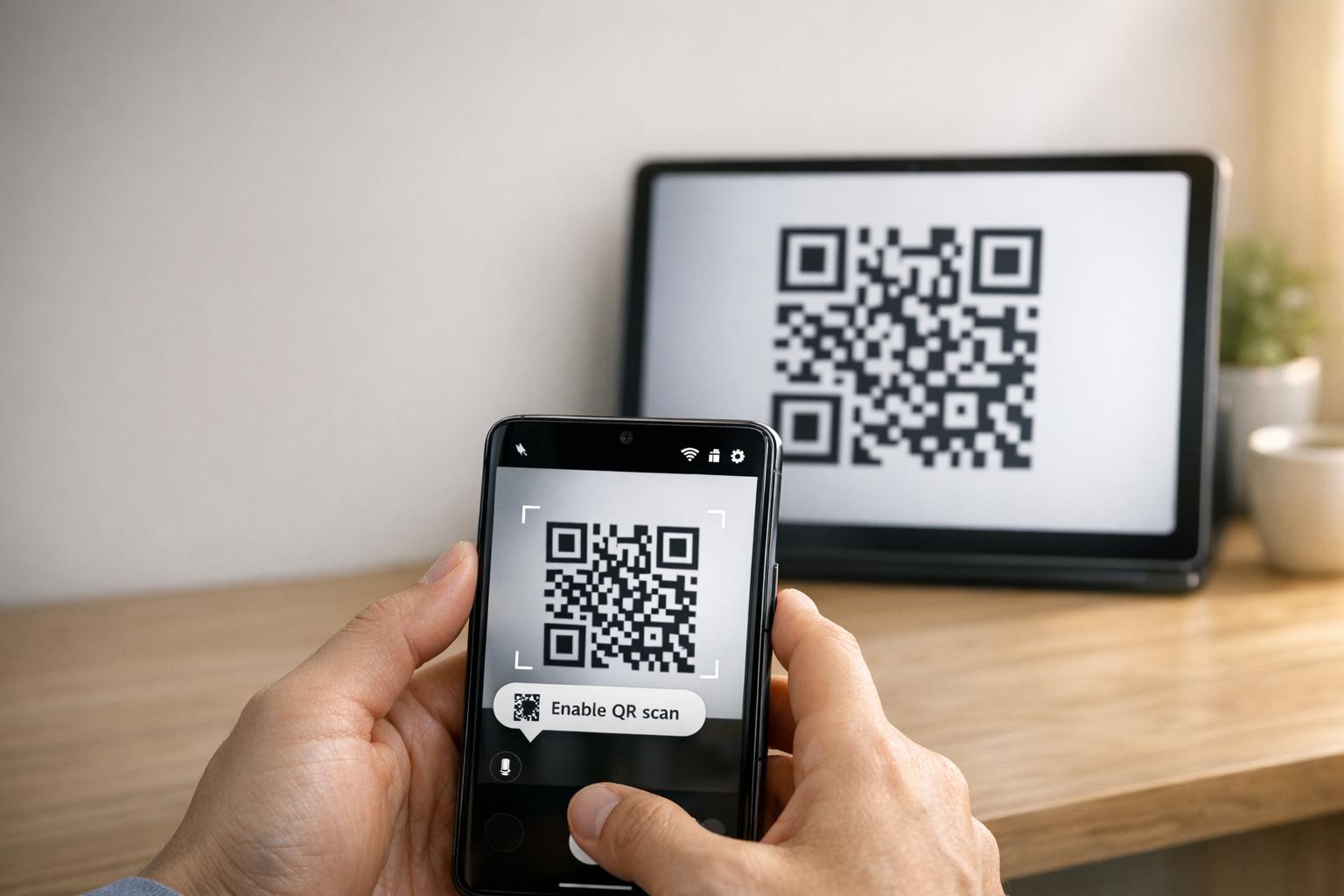
Kod QR podcast ialah kod dua dimensi yang mengekod destinasi – biasanya pautan ke platform penstriman, halaman pengehosan podcast, atau fail audio – dan membukanya secara automatik apabila diimbas dengan kamera telefon pintar.
Bergantung pada apa yang anda pautkan, pendengar boleh dihantar ke:
- Halaman episod tertentu dengan pemain terbenam
- Halaman rancangan anda di Apple Podcasts, Spotify, atau platform lain
- Halaman pendaratan universal yang membolehkan pendengar memilih aplikasi pilihan mereka
- Fail MP3 yang dihoskan yang dimainkan terus pada peranti mereka
Yang Penjana kod QR MP3 dari Pageloot mengendalikan fail audio secara langsung, manakala yang Penjana Kod QR Pautan berfungsi dengan baik untuk URL platform penstriman. Jika podcast anda di Spotify, yang Kod Spotify dengan penjana kod QR membolehkan anda memautkan ke episod, senarai main, atau profil artis tertentu secara langsung.
Mula Menghantar Pendengar Terus ke Podcast Anda Cipta kod QR berjenama, boleh dijejak untuk rancangan atau episod anda menggunakan Penjana Kod QR. Percubaan percuma 14 hari, tiada kad kredit diperlukan.
Faedah Kod QR untuk Promosi Podcast

Akses Segera Tanpa Langkah Tambahan
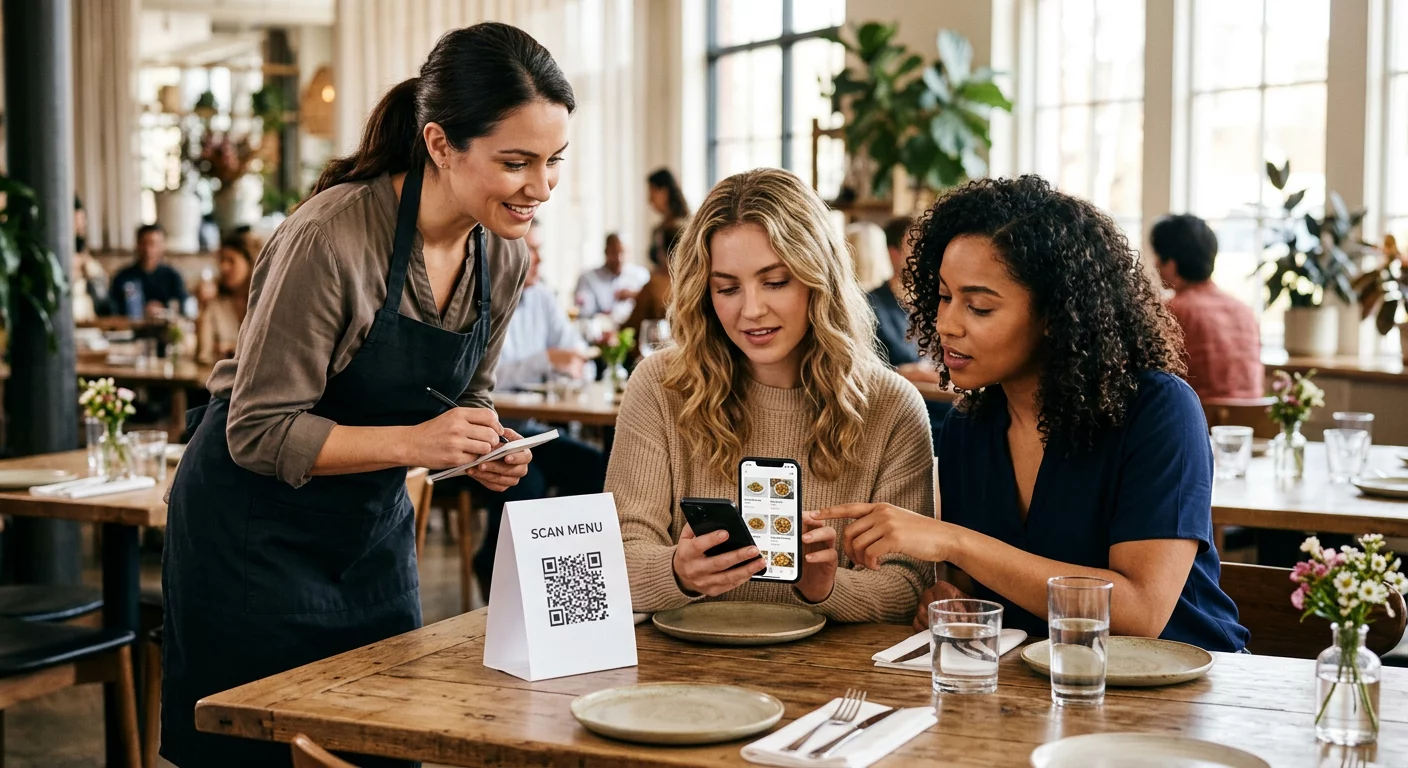
Apabila kod QR berada pada iklan bercetak, kad perniagaan, atau paparan kedai, pendengar beralih daripada melihatnya kepada mendengar audio anda dalam beberapa saat. Tiada bar carian, tiada navigasi aplikasi, tiada menaip. Laluan tanpa geseran itu penting kerana setiap langkah tambahan kehilangan pendengar berpotensi.
Kod Dinamik Membolehkan Anda Mengemas Kini Tanpa Mencetak Semula
Salah satu kelebihan paling praktikal menggunakan kod QR dinamik ialah anda boleh menukar destinasi selepas kod tersebut telah dicetak. Jika anda memautkan ke episod yang salah, menukar platform pengehosan, atau ingin mengarahkan pendengar ke musim baharu, anda mengemas kini pautan dalam papan pemuka anda – dan kod bercetak kekal sama.
Ini melindungi sebarang pelaburan dalam bahan pemasaran bercetak dan menjadikannya mudah untuk menggunakan semula bahan merentasi kempen.
Penjejakan Imbasan dan Analitik
Kod QR memberi anda data sebenar tentang prestasi pemasaran podcast anda. Anda boleh melihat bila imbasan berlaku, dari mana ia datang secara geografi, dan penempatan mana yang menjana penglibatan paling banyak. Maklumat itu membolehkan anda membandingkan saluran, mengenal pasti bahan bercetak mana yang berfungsi, dan membuat keputusan termaklum untuk kempen masa depan.
Penyesuaian Membina Pengiktirafan Jenama
Kod QR adalah satu-satunya jenis kod bar yang menyokong penyesuaian visual. Anda boleh menambah warna jenama podcast anda, logo, dan latar belakang yang sesuai dengan identiti rancangan anda. Kod yang direka dengan baik lebih cenderung untuk diimbas kerana ia kelihatan sengaja dan boleh dipercayai berbanding generik.
Toleransi Ralat untuk Persekitaran Cetakan
Kod QR termasuk pembetulan ralat terbina dalam yang membolehkan ia kekal boleh diimbas walaupun sebahagian daripada kod rosak, tersembunyi, atau haus. Ini amat berguna untuk bahan bercetak yang banyak dikendalikan, seperti beg membeli-belah atau program acara.
Cara Mencipta Kod QR Podcast

Langkah 1 – Dapatkan Pautan Podcast Anda
Pendekatan terbaik adalah menggunakan pautan yang berfungsi merentasi peranti dan aplikasi. Pilihan termasuk:
- URL episod langsung daripada penyedia pengehosan anda (kebanyakan hos menjana halaman episod kendiri dengan pemain terbenam)
- URL Spotify, Apple Podcasts, atau platform lain rancangan anda
- Pautan pintar universal yang menghalakan pendengar ke aplikasi pilihan mereka secara automatik
Jika podcast anda berada di Spotify, pelajari cara membuat kod QR Spotify yang memautkan ke episod, album atau senarai main tertentu.
Langkah 2 – Pilih Jenis Kod QR yang Betul
- Menggunakan Penjana kod QR MP3 jika anda ingin memuat naik fail audio secara langsung dan membiarkan pendengar memainkannya dari halaman pendaratan berjenama
- Menggunakan Penjana Kod QR Pautan jika anda memautkan ke URL platform penstriman atau halaman pengehosan podcast
- Menggunakan Kod Spotify dengan penjana kod QR untuk kandungan khusus Spotify
Langkah 3 – Sesuaikan Kod
Tambah logo podcast anda, laraskan warna agar sepadan dengan jenama anda, dan konfigurasikan halaman pendaratan jika anda menggunakan kod QR audio. Halaman kod QR audio Pageloot menyokong tajuk, imej muka depan, warna jenama, dan skrin alu-aluan sebelum pemain dimuatkan.
Kekalkan kontras tinggi – gunakan corak gelap pada latar belakang cerah. Elakkan skema warna terbalik, yang lebih sukar dibaca oleh kamera.
Langkah 4 – Muat Turun dalam Format yang Betul
Untuk kegunaan cetakan, sentiasa simpan kod QR anda sebagai fail vektor SVG, EPS, atau PDF. Format ini berskala tanpa pikselasi, jadi kod anda kekal jelas sama ada ia muncul pada kad perniagaan atau papan iklan. Format JPEG dan PNG boleh menjadi kabur apabila dibesarkan, yang mengurangkan kebolehsanan.
Langkah 5 – Uji Sebelum Mengedar
Imbas kod anda yang telah siap dengan pelbagai peranti – model telefon yang berbeza dan kedua-dua iOS serta Android – sebelum menghantarnya untuk dicetak. Uji laluan penuh dari imbasan hingga main balik audio. Kod QR dinamik membolehkan anda membetulkan pautan yang rosak atau salah selepas itu, tetapi menguji terlebih dahulu mengelakkan masalah sepenuhnya.
Di Mana Menggunakan Kod QR Podcast
Bahan Pemasaran Bercetak
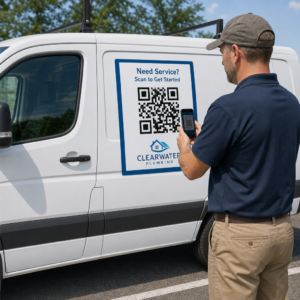
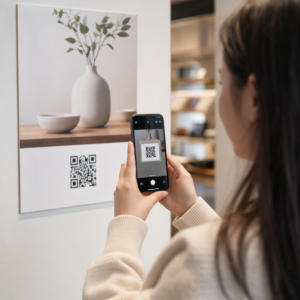
Iklan bercetak, poster, risalah, sepanduk, dan papan iklan adalah penempatan yang kuat untuk kod QR podcast kerana ia menjangkau orang yang pegun atau mempunyai masa untuk mengimbas. Letakkan kod di kawasan yang mempunyai keterlihatan tinggi dengan ruang putih yang mencukupi di sekelilingnya. Elakkan latar belakang yang sibuk atau bercorak yang mengganggu pengimbasan.

Untuk panduan saiz, kod QR anda hendaklah sekurang-kurangnya 0.8 × 0.8 inci untuk bahan jarak dekat seperti kad perniagaan atau pembungkusan. Penempatan yang lebih besar seperti poster hendaklah berskala secara proporsional – kira-kira 1 inci lebar kod setiap 10 inci jarak imbasan yang dijangka. Untuk panduan saiz terperinci merentasi permukaan yang berbeza, lihat saiz kod QR untuk bahan cetakan yang berbeza.
Laman Web dan Media Sosial Anda
Jika seseorang sudah melawat laman web atau profil sosial anda, kod QR memberi mereka laluan segera ke kandungan audio anda tanpa perlu mencari melalui navigasi. Ini amat berkesan apabila disematkan berhampiran ringkasan episod podcast atau di bar sisi yang kekal kelihatan di seluruh halaman.
Paparan Dalam Kedai dan Pembungkusan
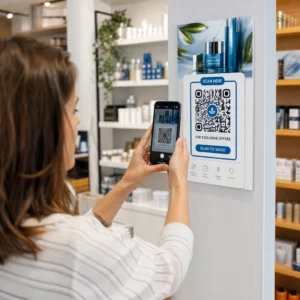
Jika anda mempunyai kehadiran runcit fizikal, kod QR pada label kedai, paparan rak, atau beg membeli-belah memperkenalkan pelanggan kepada podcast anda pada saat mereka sudah terlibat dengan jenama anda. Ramai pelanggan yang membeli-belah secara peribadi tidak menyedari kandungan dalam talian jenama – kod QR yang diletakkan dengan baik merapatkan jurang itu.
Surat Berita E-mel dan Iklan Digital
Memasukkan kod QR dalam e-mel atau iklan digital mungkin kelihatan berlebihan kerana saluran tersebut sudah menyokong pautan yang boleh diklik, tetapi kod QR dalam tandatangan e-mel atau surat berita PDF memberi penerima cara mudah untuk mengimbas dan mendengar pada peranti mudah alih secara berasingan daripada skrin yang mereka baca.
Jadikan Kod QR Anda Boleh Dijejak Gunakan a Kod QR Dinamik supaya anda boleh mengemas kini pautan podcast anda, menjejaki jumlah imbasan mengikut penempatan, dan mengukur saluran pemasaran mana yang mendorong pendengaran terbanyak.
Amalan Terbaik Kod QR Podcast

Tulis Seruan Tindakan yang Spesifik
Setiap kod QR memerlukan CTA yang memberitahu penonton dengan tepat apa yang akan berlaku apabila mereka mengimbas. Kod yang samar-samar akan diabaikan. Contoh CTA yang berkesan untuk promosi podcast:
- “Imbas untuk mendengar episod minggu ini”
- “Imbas untuk temu bual penuh”
- “Dengar pandangan industri terkini – imbas untuk main”
CTA hendaklah bersebelahan dengan kod QR, bukan tersembunyi dalam teks sekeliling. Untuk panduan lanjut tentang menulis CTA dan meletakkan kod dengan berkesan, lihat panduan muktamad penempatan kod QR dalam pemasaran.
Pastikan Pengalaman Halaman Pendaratan Mesra Mudah Alih
Apabila seseorang mengimbas menggunakan telefon, mereka sepatutnya sampai ke halaman yang memuatkan dengan cepat dan memainkan audio tanpa halangan yang tidak perlu. Jika anda menggunakan kod QR audio dengan halaman pendaratan, pastikan reka bentuknya bersih dan butang main jelas kelihatan. Jika anda memautkan ke platform penstriman, pastikan pautan dibuka dalam aplikasi platform tersebut dan bukannya halaman pelayar mudah alih yang perlahan.
Ikuti Piawaian Reka Bentuk dan Kebolehbacaan
- Kekalkan kontras tinggi antara kod QR dan latar belakangnya
- Tinggalkan zon senyap yang jelas (margin kosong) di sekeliling kod pada semua sisi supaya pengimbas dapat membezakannya daripada elemen sekeliling
- Elakkan meletakkan kod pada permukaan melengkung, memantul, atau bertekstur jika boleh
- Gunakan tahap pembetulan ralat tertinggi (H) apabila menambah tindihan logo pada kod
Untuk pecahan lengkap keperluan reka bentuk, lawati amalan terbaik untuk kebolehbacaan kod QR.
Gunakan Satu Kod Setiap Konteks Penempatan
Daripada satu kod tunggal yang memautkan ke seluruh rancangan anda, pertimbangkan untuk mencipta kod QR yang berbeza untuk episod atau kempen yang berbeza. Kod dinamik menjadikan ini mudah diurus – anda boleh mengemas kini destinasi setiap kod secara bebas dan membandingkan data imbasan merentasi penempatan untuk memahami apa yang menarik minat khalayak yang berbeza.
Pautkan ke Titik Masuk Universal Apabila Boleh
Tidak semua pendengar anda menggunakan aplikasi podcast yang sama. Memautkan ke halaman rancangan universal – yang menghalakan pengguna ke platform pilihan mereka atau menyertakan pemain terbenam – memastikan tiada pendengar dikecualikan kerana mereka tidak menggunakan aplikasi tertentu.
Soalan lazim
Pendekatan yang paling berkesan adalah dengan menggunakan pautan yang berfungsi tanpa mengira aplikasi mana yang disukai pendengar. Ini bermakna sama ada halaman episod atau rancangan hos podcast anda (yang biasanya menyertakan pemain terbenam dan pautan ke aplikasi utama), perkhidmatan pautan pintar universal, atau URL Spotify/Apple Podcasts jika khalayak anda terutamanya menggunakan satu platform. Elakkan pautan dalam khusus aplikasi yang hanya dibuka dengan betul dalam satu aplikasi.
Ya, jika anda mencipta kod QR dinamik. Kod dinamik menyimpan URL ubah hala pendek dalam corak kod, dan anda boleh mengemas kini destinasi akhir dari papan pemuka anda pada bila-bila masa tanpa mencetak semula. Ini bermakna anda boleh menghalakan kod bercetak yang sama ke episod baharu setiap minggu, atau membaiki pautan rosak selepas bahan-bahan telah diedarkan.
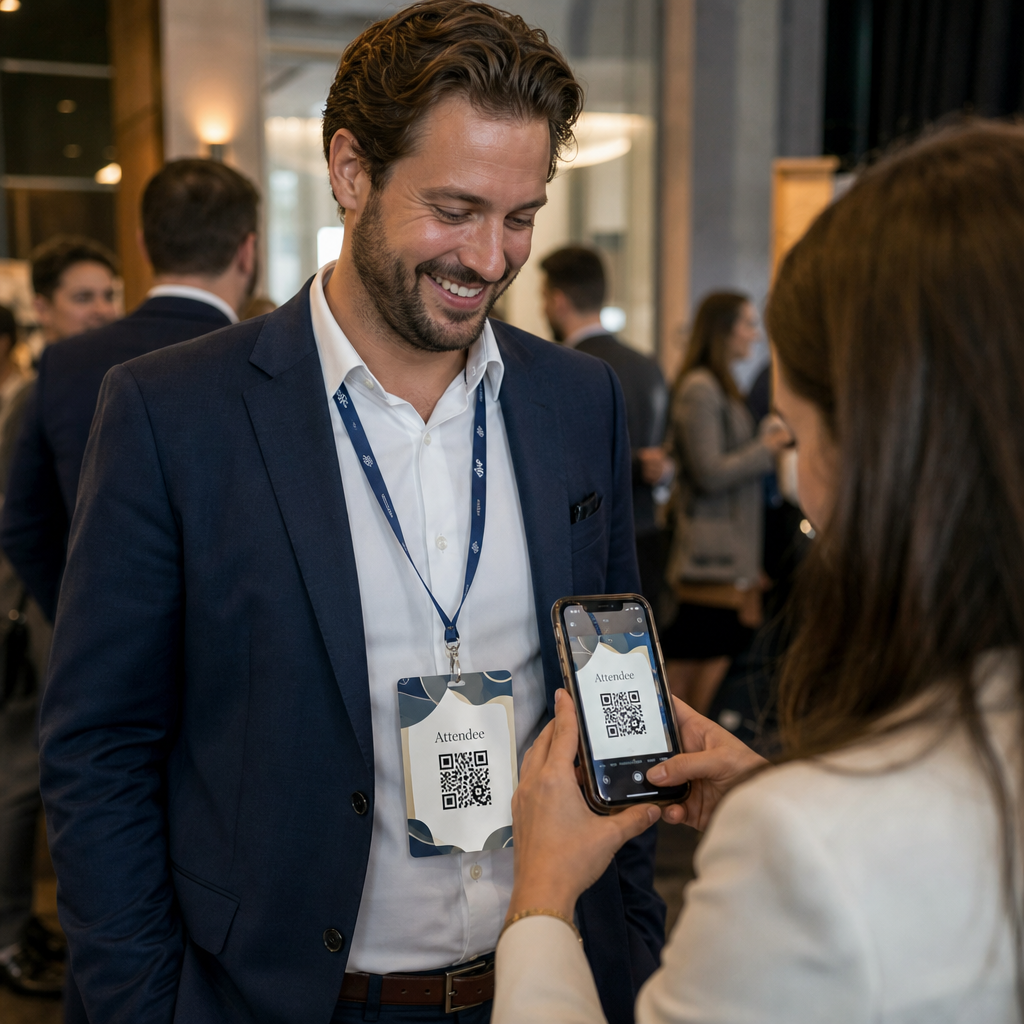
Untuk kebanyakan bahan bercetak, minimum 0.8 × 0.8 inci adalah disyorkan. Kad perniagaan, lencana acara, dan pembungkusan yang akan diimbas pada jarak lengan hendaklah memenuhi atau melebihi minimum tersebut. Poster dan sepanduk yang bertujuan untuk diimbas dari jarak yang lebih jauh perlu bersaiz lebih besar secara berkadaran – kira-kira 1 inci lebar untuk setiap 10 inci jarak imbasan. Sentiasa gunakan format vektor seperti SVG atau EPS untuk cetakan supaya kod kekal tajam pada sebarang saiz.