Chcete, aby poslucháči našli váš podcast bez zadania jediného znaku? Keď si vaše publikum musí reláciu vyhľadať ručne, väčšina z nich sa s tým nebude obťažovať. Táto príručka presne popisuje, ako vytvoriť QR kódy na propagáciu podcastov, kam ich umiestniť a ako získať maximum z každého skenovania.
Prečo podcasteri potrebujú QR kódy
Podcasty sa stali mainstreamovým médiom. Odhaduje sa, že 158 miliónov ľudí v USA počúva podcasty každý mesiac a viac ako 70% poslucháčov dokončí väčšinu alebo celú každú epizódu. Takáto úroveň angažovanosti je zriedkavá, ale len ak dokážete ľudí vôbec prinútiť stlačiť tlačidlo prehrávania.
Výzvou je objaviteľnosť. Niekto uvidí váš leták, vizitku alebo obal produktu a má skutočný záujem – ale neexistuje žiadna bezproblémová cesta od tohto momentu k vášmu zvukovému obsahu. QR kódy túto medzeru riešia. Jediné skenovanie zavedie poslucháča priamo k vašej relácii, epizóde alebo stránke podcastovej platformy bez akéhokoľvek manuálneho vyhľadávania.
Spoločnosti ako Sephora, eBay a Microsoft už používajú značkové podcasty na oslovenie nového publika. QR kódy robia tieto snahy merateľnými a prístupnejšími pre poslucháčov v reálnom svete.
Čo vlastne robí QR kód podcastu
QR kód podcastu je dvojrozmerný kód, ktorý kóduje cieľ – typicky odkaz na streamovaciu platformu, stránku hostingu podcastu alebo zvukový súbor – a automaticky ho otvorí po naskenovaní fotoaparátom smartfónu.
V závislosti od toho, na čo odkazujete, môžu byť poslucháči presmerovaní na:
- Stránka konkrétnej epizódy s vloženým prehrávačom
- Stránka vašej relácie na Apple Podcasts, Spotify alebo inej platforme
- Univerzálna vstupná stránka, ktorá umožňuje poslucháčom vybrať si preferovanú aplikáciu
- Hostovaný súbor MP3, ktorý sa prehráva priamo na ich zariadení
Ten MP3 QR kód generátor z Pageloot spracováva zvukové súbory priamo, zatiaľ čo Generátor QR kódov pre odkazy funguje dobre pre URL adresy streamovacích platforiem. Ak je váš podcast na Spotify, tak QR kód Spotify: generátor vám umožňuje priamo odkazovať na konkrétnu epizódu, zoznam skladieb alebo profil interpreta.
Začnite posielať poslucháčov priamo k vášmu podcastu Vytvorte si značkový, sledovateľný QR kód pre svoju reláciu alebo epizódu pomocou Generátor QR kódov. Bezplatná 14-dňová skúšobná verzia, nie je potrebná kreditná karta.
Výhody QR kódov pre propagáciu podcastov

Okamžitý prístup bez ďalších krokov
Keď je QR kód na tlačenej reklame, vizitke alebo výklade obchodu, poslucháči prejdú od jeho videnia k počúvaniu vášho zvuku v priebehu sekúnd. Neexistujú žiadne vyhľadávacie lišty, žiadna navigácia v aplikácii, žiadne písanie. Táto bezproblémová cesta je dôležitá, pretože každý ďalší krok stráca potenciálnych poslucháčov.
Dynamické kódy vám umožňujú aktualizovať bez opätovnej tlače
Jednou z najpraktickejších výhod používania dynamické QR kódy je, že môžete zmeniť cieľ po tom, čo bol kód už vytlačený. Ak odkazujete na nesprávnu epizódu, prepnete hostingové platformy alebo chcete nasmerovať poslucháčov na novú sezónu, aktualizujete odkaz na svojom paneli – a vytlačený kód zostane rovnaký.
Tým sa chráni akákoľvek investícia do tlačených marketingových materiálov a zjednodušuje sa opätovné použitie materiálov v rámci kampaní.
Sledovanie skenov a analýza
QR kódy vám poskytujú skutočné údaje o tom, ako funguje váš podcastový marketing. Môžete vidieť, kedy dochádza k skenovaniu, odkiaľ geograficky pochádzajú a ktoré umiestnenia generujú najväčšiu angažovanosť. Tieto informácie vám umožňujú porovnávať kanály, identifikovať, ktoré tlačené materiály fungujú, a robiť informované rozhodnutia pre budúce kampane.
Prispôsobenie buduje rozpoznateľnosť značky
QR kódy sú jediným typom čiarového kódu, ktorý podporuje vizuálne prispôsobenie. Môžete pridať farby značky vášho podcastu, logo a pozadie, ktoré zodpovedá identite vašej relácie. Dobre navrhnutý kód je pravdepodobnejšie naskenovaný, pretože vyzerá zámerne a dôveryhodne, a nie genericky.
Tolerancia chýb pre tlačové prostredia
QR kódy obsahujú vstavanú korekciu chýb, ktorá im umožňuje zostať skenovateľnými, aj keď je časť kódu poškodená, zakrytá alebo opotrebovaná. To je obzvlášť užitočné pre tlačové materiály, ktoré sú často manipulované, ako sú nákupné tašky alebo programy podujatí.
Ako vytvoriť QR kód pre podcast

Krok 1 – Získajte odkaz na váš podcast
Najlepší prístup je použiť odkaz, ktorý funguje naprieč zariadeniami a aplikáciami. Možnosti zahŕňajú:
- Priama URL adresa epizódy od vášho poskytovateľa hostingu (väčšina hostiteľov generuje samostatnú stránku epizódy s vloženým prehrávačom)
- URL adresa vašej relácie na Spotify, Apple Podcasts alebo inej platforme
- Univerzálny inteligentný odkaz, ktorý automaticky presmeruje poslucháčov na ich preferovanú aplikáciu
Ak je váš podcast na Spotify, naučte sa, ako vytvoriť QR kód Spotify ktorý odkazuje na konkrétnu epizódu, album alebo playlist.
Krok 2 – Vyberte správny typ QR kódu
- Použi MP3 QR kód generátor ak chcete nahrať zvukový súbor priamo a nechať poslucháčov prehrať ho z brandovanej vstupnej stránky
- Použi Generátor QR kódov pre odkazy ak odkazujete na URL adresu streamovacej platformy alebo stránku hostingu podcastov
- Použi QR kód Spotify: generátor pre obsah špecifický pre Spotify
Krok 3 – Prispôsobte kód
Pridajte logo vášho podcastu, upravte farby tak, aby zodpovedali vašej značke, a nakonfigurujte vstupnú stránku, ak používate zvukový QR kód. Stránky zvukových QR kódov Pageloot podporujú názov, obrázok obalu, farby značky a uvítaciu obrazovku pred načítaním prehrávača.
Udržujte vysoký kontrast – používajte tmavé vzory na svetlom pozadí. Vyhnite sa invertovaným farebným schémam, ktoré sú pre kamery ťažšie čitateľné.
Krok 4 – Stiahnite si v správnom formáte
Pre tlač vždy uložte svoj QR kód ako vektorový súbor SVG, EPS alebo PDF. Tieto formáty sa škálujú bez pixelizácie, takže váš kód zostane ostrý, či už sa objaví na vizitke alebo na bilborde. Formáty JPEG a PNG sa môžu pri zväčšení rozmazať, čo znižuje skenovateľnosť.
Krok 5 – Testujte pred distribúciou
Naskenujte svoj hotový kód viacerými zariadeniami – rôznymi modelmi telefónov a systémami iOS aj Android – predtým, ako ho pošlete do tlače. Otestujte celú cestu od skenovania po prehrávanie zvuku. Dynamické QR kódy vám umožňujú opraviť nefunkčný alebo nesprávny odkaz dodatočne, ale testovanie vopred úplne predchádza problému.
Kde použiť QR kódy pre podcasty
Tlačené marketingové materiály
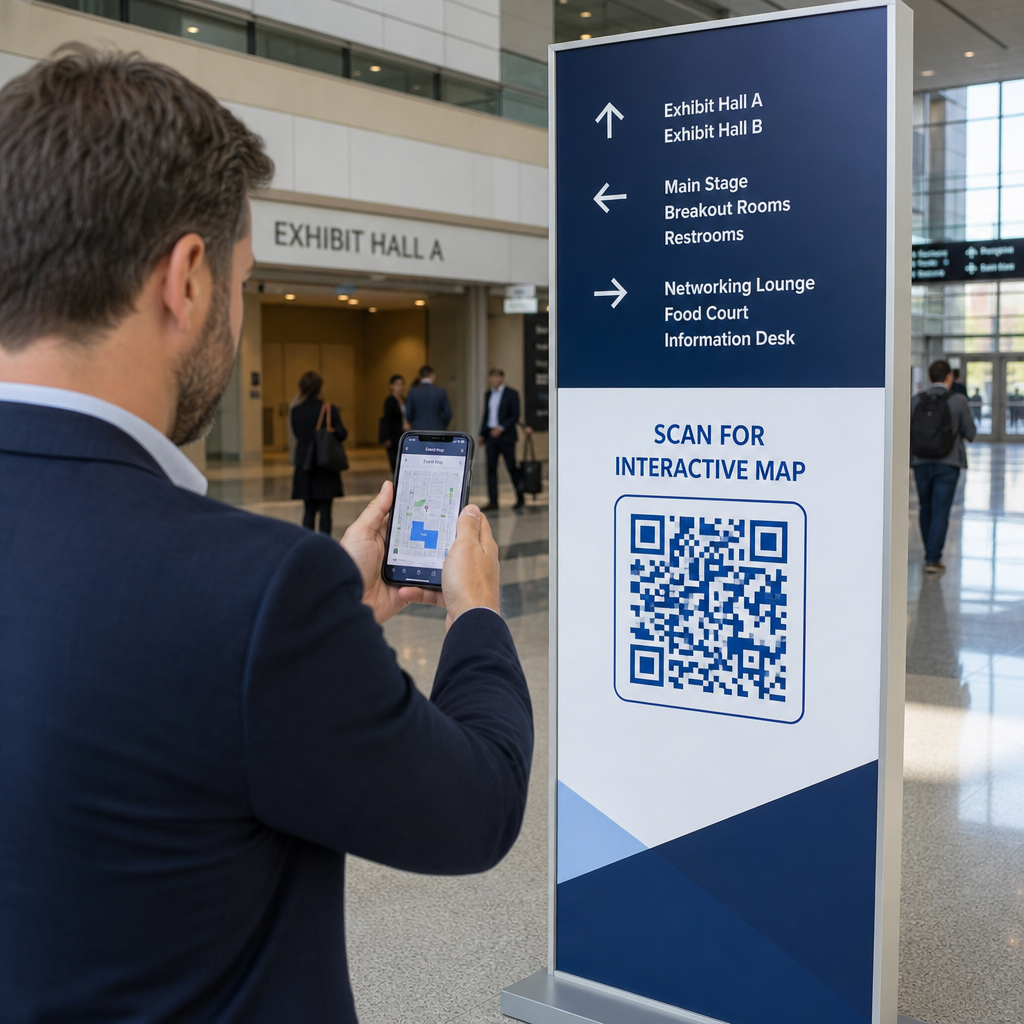
Tlačené reklamy, plagáty, letáky, bannery a bilbordy sú silnými umiestneniami pre QR kódy podcastov, pretože oslovujú ľudí, ktorí sú v pokoji alebo majú chvíľu na skenovanie. Umiestnite kód na dobre viditeľné miesto s dostatočným bielym priestorom okolo neho. Vyhnite sa rušným alebo vzorovaným pozadiam, ktoré narúšajú skenovanie.

Pre usmernenie ohľadom veľkosti by mal byť váš QR kód minimálne 0,8 × 0,8 palca pre materiály na blízko, ako sú vizitky alebo obaly. Väčšie umiestnenia, ako sú plagáty, by sa mali proporcionálne zväčšiť – približne 1 palec šírky kódu na každých 10 palcov očakávanej vzdialenosti skenovania. Podrobné usmernenia k veľkosti pre rôzne povrchy nájdete na dimenzovaní QR kódu pre rôzne tlačové materiály.
Vaša webová stránka a sociálne siete
Ak niekto už navštevuje vašu webovú stránku alebo sociálne profily, QR kód mu poskytne okamžitú cestu k vášmu zvukovému obsahu bez toho, aby musel hľadať v navigácii. Toto je obzvlášť účinné, keď je vložený blízko súhrnu epizódy podcastu alebo v bočnom paneli, ktorý zostáva viditeľný na celej stránke.
Predajné displeje a obaly
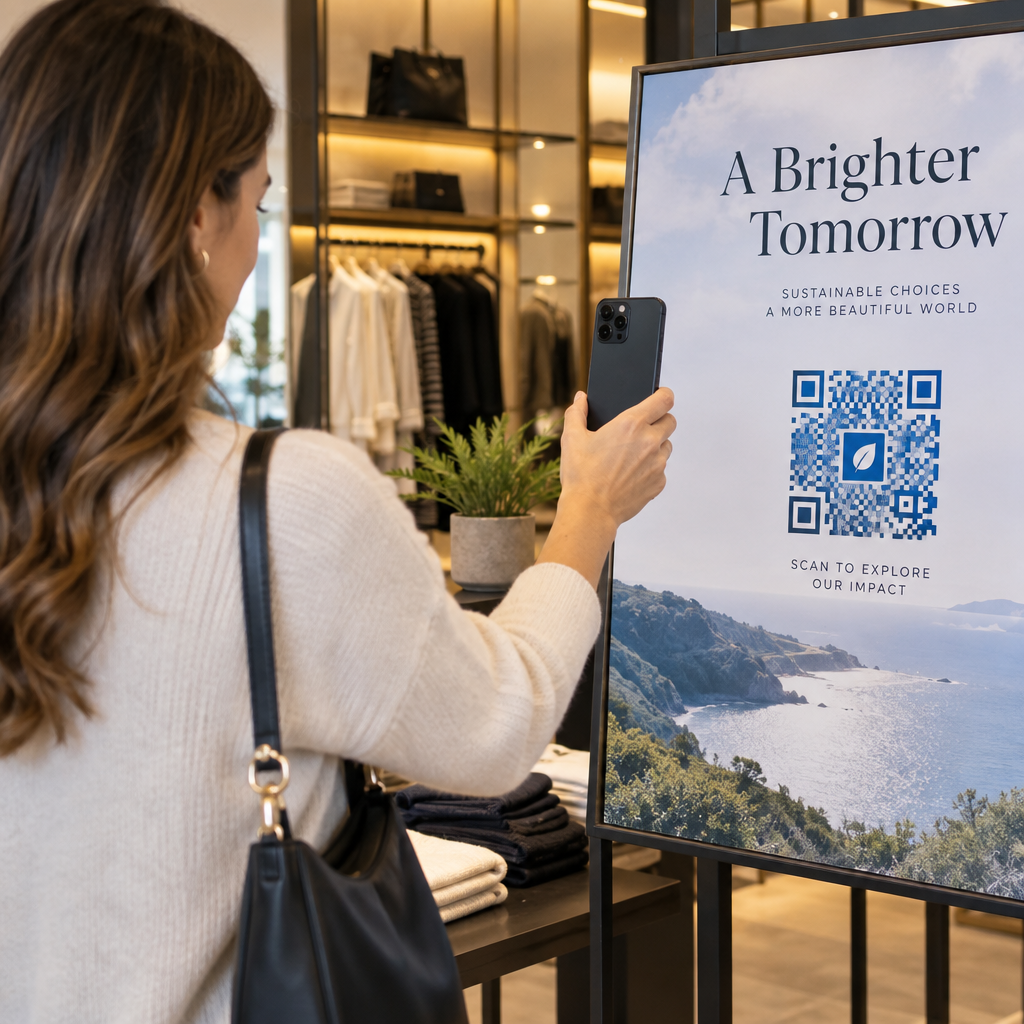
Ak máte fyzickú maloobchodnú prítomnosť, QR kódy na štítkoch obchodov, regálových displejoch alebo nákupných taškách predstavia zákazníkom váš podcast v momente, keď sú už zapojení do vašej značky. Mnohí zákazníci, ktorí nakupujú osobne, si neuvedomujú online obsah značky – dobre umiestnený QR kód túto medzeru prekonáva.
E-mailové bulletiny a digitálne reklamy
Zahrnutie QR kódu do e-mailu alebo digitálnej reklamy sa môže zdať nadbytočné, keďže tieto kanály už podporujú klikateľné odkazy, ale QR kódy v e-mailových podpisoch alebo PDF bulletinoch poskytujú príjemcom jednoduchý spôsob, ako skenovať a počúvať na mobilnom zariadení oddelene od obrazovky, na ktorej čítajú.
Urobte svoj QR kód sledovateľným Použite a Dynamický QR kód aby ste mohli aktualizovať odkaz na váš podcast, sledovať objem skenovania podľa umiestnenia a merať, ktoré marketingové kanály prinášajú najviac poslucháčov.
Osvedčené postupy pre QR kódy podcastov

Napíšte špecifickú výzvu na akciu
Každý QR kód potrebuje výzvu na akciu (CTA), ktorá publiku presne povie, čo sa stane, keď ho naskenujú. Nejasné kódy sú ignorované. Príklady efektívnych CTA pre propagáciu podcastov:
- “Naskenujte a vypočujte si epizódu tohto týždňa”
- “Naskenujte pre celý rozhovor”
- “Vypočujte si najnovšie poznatky z odvetvia – naskenujte a prehrajte”
Výzva na akciu (CTA) by mala byť bezprostredne vedľa QR kódu, nie pochovaná v okolitom texte. Pre viac pokynov k písaniu CTA a efektívnemu umiestňovaniu kódov, pozrite si kompletný sprievodca umiestnením QR kódu v marketingu.
Udržujte cieľovú stránku prispôsobenú pre mobilné zariadenia
Keď niekto skenuje telefónom, mal by sa dostať na stránku, ktorá sa rýchlo načíta a prehráva zvuk bez zbytočných prekážok. Ak používate zvukový QR kód s cieľovou stránkou, udržujte dizajn čistý a uistite sa, že tlačidlo prehrávania je výrazné. Ak odkazujete na streamovaciu platformu, uistite sa, že sa odkaz otvorí v aplikácii platformy, a nie na pomalej stránke mobilného prehliadača.
Dodržujte štandardy dizajnu a čitateľnosti
- Udržujte vysoký kontrast medzi QR kódom a jeho pozadím
- Okolo kódu na všetkých stranách ponechajte jasnú tichú zónu (prázdny okraj), aby ho skenery mohli odlíšiť od okolitých prvkov
- Vyhnite sa umiestňovaniu kódov na zakrivené, reflexné alebo textúrované povrchy, kde je to možné
- Pri pridávaní prekrytia loga na kód použite najvyššiu úroveň korekcie chýb (H)
Pre úplný rozpis požiadaviek na dizajn navštívte osvedčených postupov pre čitateľnosť QR kódov.
Použite jeden kód pre každý kontext umiestnenia
Namiesto jedného kódu, ktorý odkazuje na celú vašu reláciu, zvážte vytvorenie rôznych QR kódov pre rôzne epizódy alebo kampane. Dynamické kódy to robia zvládnuteľným – môžete nezávisle aktualizovať cieľ každého kódu a porovnávať údaje o skenovaní naprieč umiestneniami, aby ste pochopili, čo rezonuje s rôznymi publikami.
Odkaz na univerzálny vstupný bod, keď je to možné
Nie všetci vaši poslucháči používajú rovnakú podcastovú aplikáciu. Odkaz na univerzálnu stránku relácie – takú, ktorá presmeruje používateľov na ich preferovanú platformu alebo obsahuje vložený prehrávač – zaisťuje, že žiadny poslucháč nebude vylúčený, pretože nepoužíva konkrétnu aplikáciu.
Často kladené otázky
Najefektívnejším prístupom je použiť odkaz, ktorý funguje bez ohľadu na to, ktorú aplikáciu poslucháč preferuje. To znamená buď stránku epizódy alebo relácie vášho podcastového hostiteľa (ktorá zvyčajne obsahuje vložený prehrávač a odkazy na hlavné aplikácie), službu univerzálneho inteligentného odkazu, alebo URL adresu Spotify/Apple Podcasts, ak vaše publikum primárne používa jednu platformu. Vyhnite sa hlbokým odkazom špecifickým pre aplikácie, ktoré sa správne otvárajú iba v jednej aplikácii.
Áno, ak vytvoríte dynamický QR kód. Dynamické kódy ukladajú krátku presmerovaciu URL adresu vo vzore kódu a konečný cieľ môžete kedykoľvek aktualizovať z vášho ovládacieho panela bez opätovnej tlače. To znamená, že ten istý vytlačený kód môžete nasmerovať na novú epizódu každý týždeň, alebo opraviť nefunkčný odkaz potom, čo materiály už boli distribuované.
Pre väčšinu tlačených materiálov sa odporúča minimálna veľkosť 0,8 × 0,8 palca. Vizitky, odznaky na podujatia a obaly, ktoré sa budú skenovať z dĺžky paže, by mali spĺňať alebo prekračovať toto minimum. Plagáty a bannery určené na skenovanie z väčšej vzdialenosti musia byť proporcionálne väčšie – približne 1 palec na šírku na každých 10 palcov skenovacej vzdialenosti. Pre tlač vždy používajte vektorový formát ako SVG alebo EPS, aby kód zostal ostrý v akejkoľvek veľkosti.