Vuoi che gli ascoltatori trovino il tuo podcast senza digitare un singolo carattere? Quando il tuo pubblico deve cercare manualmente uno show, la maggior parte di loro non si darà la pena. Questa guida copre esattamente come creare codici QR per la promozione dei podcast, dove posizionarli e come ottenere il massimo da ogni scansione.
Perché i Podcaster Hanno Bisogno dei Codici QR
Il podcasting è diventato un mezzo mainstream. Si stima che 158 milioni di persone negli Stati Uniti ascoltino podcast ogni mese, e oltre il 70% degli ascoltatori finisce la maggior parte o tutti gli episodi. Questo livello di coinvolgimento è raro, ma solo se riesci a far sì che le persone premano play in primo luogo.
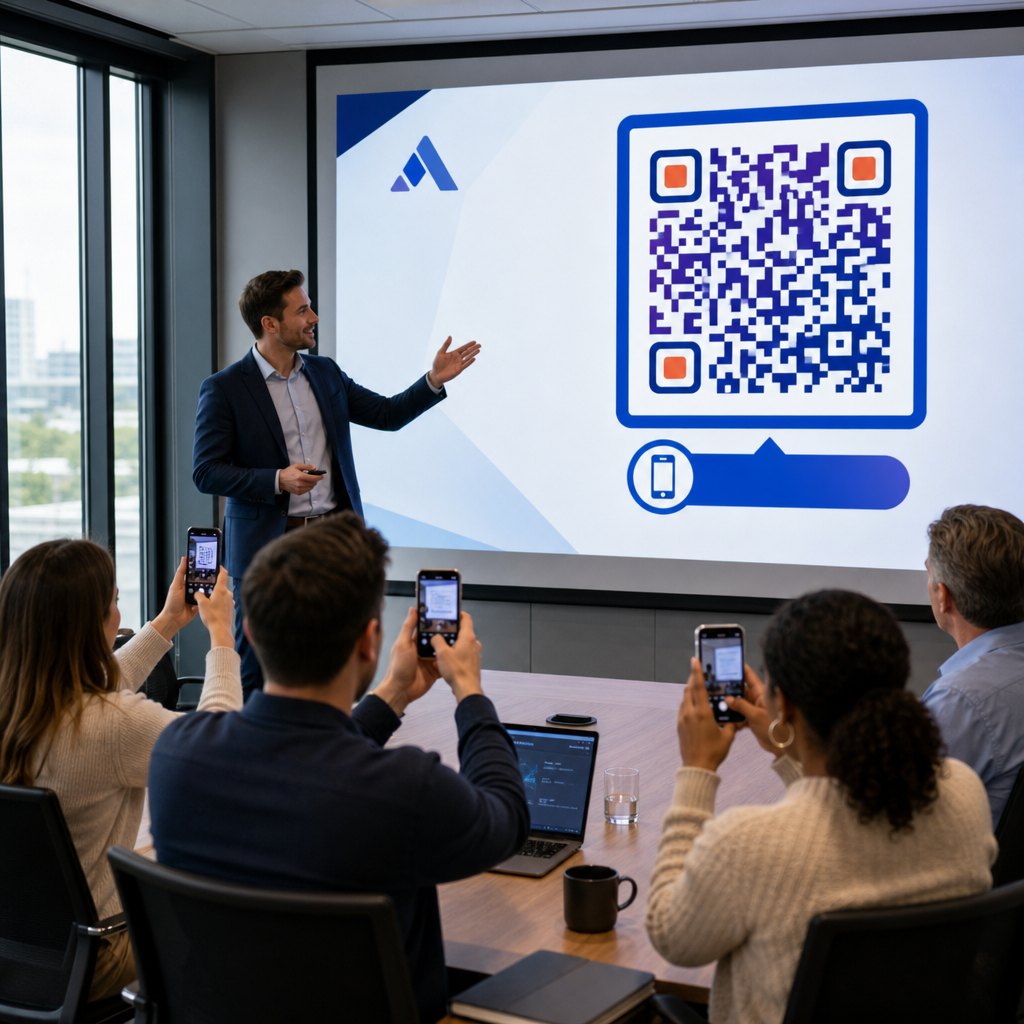
La sfida è la scopribilità. Qualcuno vede il tuo volantino, il tuo biglietto da visita o la confezione del tuo prodotto e ha un interesse genuino – ma non esiste un percorso senza attriti da quel momento al tuo contenuto audio. I codici QR risolvono questa lacuna. Una singola scansione porta un ascoltatore direttamente al tuo show, episodio o pagina della piattaforma podcast senza alcuna ricerca manuale.
Aziende come Sephora, eBay e Microsoft utilizzano già podcast brandizzati per raggiungere nuovi pubblici. I codici QR rendono questi sforzi misurabili e più accessibili agli ascoltatori nel mondo reale.
Cosa Fa Effettivamente un Codice QR per Podcast
Un codice QR per podcast è un codice bidimensionale che codifica una destinazione – tipicamente un link a una piattaforma di streaming, una pagina di hosting di podcast o un file audio – e lo apre automaticamente quando scansionato con la fotocamera di uno smartphone.
A seconda di cosa colleghi, gli ascoltatori possono essere indirizzati a:
- Una pagina di un episodio specifico con un lettore incorporato
- La pagina del tuo show su Apple Podcasts, Spotify o un'altra piattaforma
- Una landing page universale che permette agli ascoltatori di scegliere la loro app preferita
- Un file MP3 ospitato che viene riprodotto direttamente sul loro dispositivo
Il sito Generatore di QR code MP3 di Pageloot gestisce direttamente i file audio, mentre il Generatore di codici QR per link funziona bene per gli URL delle piattaforme di streaming. Se il tuo podcast è su Spotify, il Generatore di QR code Spotify ti permette di collegarti direttamente a un episodio specifico, a una playlist o a un profilo artista.
Inizia a Inviare gli Ascoltatori Direttamente al Tuo Podcast Crea un codice QR personalizzato e tracciabile per il tuo show o episodio usando il Generatore di codici QR. Prova gratuita di 14 giorni, nessuna carta di credito richiesta.
Vantaggi dei codici QR per la promozione di podcast

Accesso istantaneo senza passaggi aggiuntivi
Quando un codice QR si trova su un annuncio stampato, un biglietto da visita o una vetrina di negozio, gli ascoltatori passano dal vederlo all'ascoltare il tuo audio in pochi secondi. Non ci sono barre di ricerca, nessuna navigazione nell'app, nessuna digitazione. Questo percorso senza attriti è importante perché ogni passaggio aggiuntivo fa perdere potenziali ascoltatori.
I codici dinamici ti permettono di aggiornare senza ristampare
Uno dei vantaggi più pratici dell'utilizzo i codici QR dinamici è che puoi cambiare la destinazione dopo che il codice è già stato stampato. Se colleghi all'episodio sbagliato, cambi piattaforma di hosting o vuoi indirizzare gli ascoltatori a una nuova stagione, aggiorni il link nella tua dashboard – e il codice stampato rimane lo stesso.
Questo protegge qualsiasi investimento in materiali di marketing stampati e rende semplice riutilizzare i materiali in diverse campagne.
Tracciamento delle scansioni e analisi
I codici QR ti forniscono dati reali su come si comporta il marketing del tuo podcast. Puoi vedere quando avvengono le scansioni, da dove provengono geograficamente e quali posizionamenti generano il maggior coinvolgimento. Queste informazioni ti permettono di confrontare i canali, identificare quali materiali stampati funzionano e prendere decisioni informate per le campagne future.
La personalizzazione costruisce il riconoscimento del marchio
I codici QR sono l'unico tipo di codice a barre che supporta la personalizzazione visiva. Puoi aggiungere i colori del marchio del tuo podcast, un logo e uno sfondo che si adatti all'identità del tuo show. Un codice ben progettato ha maggiori probabilità di essere scansionato perché appare intenzionale e affidabile piuttosto che generico.
Tolleranza agli errori per ambienti di stampa
I codici QR includono una correzione degli errori integrata che permette loro di rimanere scansionabili anche se parte del codice è danneggiata, oscurata o usurata. Questo è particolarmente utile per i materiali stampati che subiscono un'intensa manipolazione, come borse della spesa o programmi di eventi.
Come creare un codice QR per podcast

Passo 1 – Ottieni il link del tuo podcast
L'approccio migliore è utilizzare un link che funzioni su tutti i dispositivi e le app. Le opzioni includono:
- Un URL di episodio diretto dal tuo provider di hosting (la maggior parte degli host genera una pagina di episodio autonoma con un lettore incorporato)
- L'URL di Spotify, Apple Podcasts o di altre piattaforme del tuo show
- Un link smart universale che indirizza automaticamente gli ascoltatori alla loro app preferita
Se il tuo podcast è su Spotify, scopri come creare un codice QR di Spotify che si collega a un episodio, album o playlist specifico.
Passo 2 – Scegli il tipo di codice QR giusto
- Utilizzare il Generatore di QR code MP3 se vuoi caricare un file audio direttamente e far sì che gli ascoltatori lo riproducano da una landing page personalizzata
- Utilizzare il Generatore di codici QR per link se ti stai collegando a un URL di una piattaforma di streaming o a una pagina di hosting di podcast
- Utilizzare il Generatore di QR code Spotify per contenuti specifici di Spotify
Passo 3 – Personalizza il codice
Aggiungi il logo del tuo podcast, regola i colori per abbinarli al tuo brand e configura la landing page se stai utilizzando un codice QR audio. Le pagine dei codici QR audio di Pageloot supportano un titolo, un'immagine di copertina, i colori del brand e una schermata di benvenuto prima del caricamento del lettore.
Mantieni un contrasto elevato – usa motivi scuri su uno sfondo chiaro. Evita schemi di colori invertiti, che sono più difficili da leggere per le fotocamere.
Passo 4 – Scarica nel formato giusto
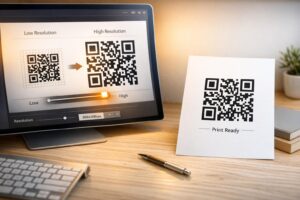
Per l'uso di stampa, salva sempre il tuo codice QR come file vettoriale SVG, EPS o PDF. Questi formati si scalano senza pixelazione, quindi il tuo codice rimane nitido sia che appaia su un biglietto da visita o su un cartellone pubblicitario. I formati JPEG e PNG possono diventare sfocati se ingranditi, il che riduce la scansionabilità.
Passaggio 5 – Testa prima di distribuire
Scansiona il tuo codice finito con più dispositivi – diversi modelli di telefono e sia iOS che Android – prima di inviarlo in stampa. Testa il percorso completo dalla scansione alla riproduzione audio. I codici QR dinamici ti permettono di correggere un link rotto o sbagliato dopo il fatto, ma testare prima evita completamente il problema.
Dove usare i codici QR per podcast
Materiali di marketing stampati
Annunci stampati, poster, volantini, striscioni e cartelloni pubblicitari sono posizionamenti efficaci per i codici QR dei podcast perché raggiungono persone che sono ferme o hanno un momento per scansionare. Posiziona il codice in un'area ad alta visibilità con uno spazio bianco adeguato intorno. Evita sfondi troppo carichi o a fantasia che interferiscono con la scansione.

Per indicazioni sulle dimensioni, il tuo codice QR dovrebbe essere di almeno 0,8 × 0,8 pollici per materiali a distanza ravvicinata come biglietti da visita o imballaggi. Posizionamenti più grandi come i poster dovrebbero scalare proporzionalmente – circa 1 pollice di larghezza del codice per ogni 10 pollici di distanza di scansione prevista. Per indicazioni dettagliate sulle dimensioni su diverse superfici, vedi dimensionamento del codice QR per diversi materiali di stampa.
Il tuo sito web e i social media
Se qualcuno sta già visitando il tuo sito web o i tuoi profili social, un codice QR offre loro un percorso immediato verso i tuoi contenuti audio senza dover cercare nella navigazione. Questo è particolarmente efficace quando incorporato vicino a un riassunto di un episodio di podcast o in una barra laterale che rimane visibile in tutta la pagina.
Espositori in negozio e imballaggi
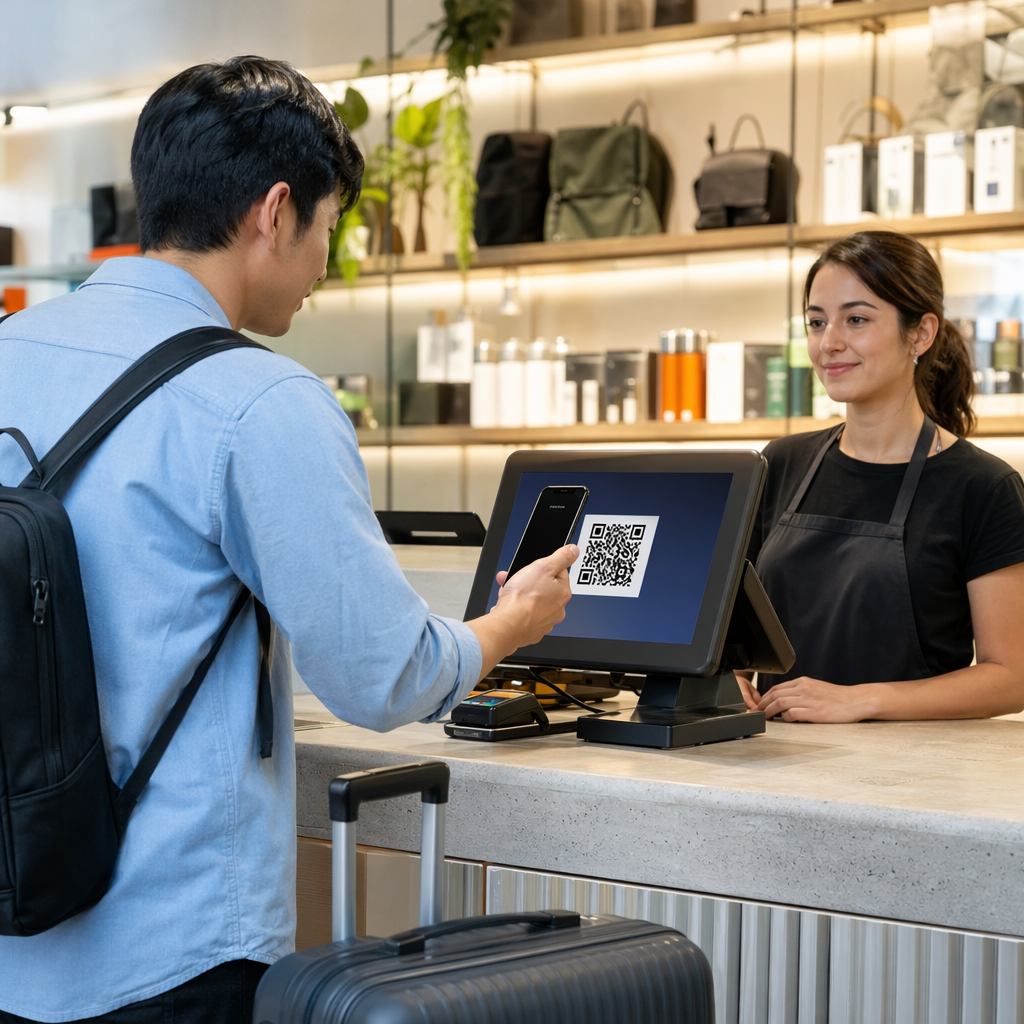
Se hai una presenza fisica al dettaglio, i codici QR su etichette dei negozi, espositori sugli scaffali o borse della spesa introducono i clienti al tuo podcast in un momento in cui sono già coinvolti con il tuo marchio. Molti clienti che fanno acquisti di persona non sono a conoscenza dei contenuti online di un marchio – un codice QR ben posizionato colma questa lacuna.
Newsletter via email e annunci digitali
Includere un codice QR in un'email o in un annuncio digitale può sembrare ridondante poiché questi canali supportano già link cliccabili, ma i codici QR nelle firme email o nelle newsletter PDF offrono ai destinatari un modo semplice per scansionare e ascoltare su un dispositivo mobile separatamente dallo schermo su cui stanno leggendo.
Rendi il tuo codice QR tracciabile Usare un Codice QR dinamico in modo da poter aggiornare il link del tuo podcast, tracciare il volume di scansioni per posizionamento e misurare quali canali di marketing generano il maggior numero di ascolti.
Migliori pratiche per i codici QR dei podcast

Scrivi una Call-to-Action Specifica
Ogni codice QR necessita di una CTA che indichi al pubblico esattamente cosa succederà quando scansionerà. I codici vaghi vengono ignorati. Esempi di CTA efficaci per la promozione di podcast:
- “Scansiona per ascoltare l'episodio di questa settimana”
- “Scansiona per l'intervista completa”
- “Ascolta le ultime intuizioni del settore – scansiona per riprodurre”
La CTA dovrebbe essere immediatamente adiacente al codice QR, non nascosta nel testo circostante. Per maggiori indicazioni su come scrivere CTA e posizionare i codici in modo efficace, vedi il guida definitiva al posizionamento dei codici QR nel marketing.
Mantieni l'Esperienza della Pagina di Destinazione Mobile-Friendly
Quando qualcuno scansiona con un telefono, dovrebbe raggiungere una pagina che si carica rapidamente e riproduce l'audio senza barriere inutili. Se utilizzi un codice QR audio con una pagina di destinazione, mantieni il design pulito e assicurati che il pulsante di riproduzione sia ben visibile. Se colleghi a una piattaforma di streaming, assicurati che il link si apra nell'app della piattaforma anziché in una lenta pagina del browser mobile.
Segui gli Standard di Design e Leggibilità
- Mantieni un contrasto elevato tra il codice QR e il suo sfondo
- Lascia una chiara zona di silenzio (margine vuoto) attorno al codice su tutti i lati in modo che gli scanner possano distinguerlo dagli elementi circostanti
- Evita di posizionare i codici su superfici curve, riflettenti o texturizzate, ove possibile
- Usa il livello di correzione degli errori più alto (H) quando aggiungi una sovrapposizione di logo al codice
Per una ripartizione completa dei requisiti di design, visita le migliori pratiche per la leggibilità dei codici QR.
Usa un Codice Per Contesto di Posizionamento
Piuttosto che un singolo codice che si collega all'intero tuo show, considera di creare diversi codici QR per episodi o campagne diverse. I codici dinamici rendono questo gestibile – puoi aggiornare la destinazione di ogni codice in modo indipendente e confrontare i dati di scansione tra i posizionamenti per capire cosa risuona con diversi pubblici.
Collega a un punto di ingresso universale quando possibile
Non tutti i tuoi ascoltatori usano la stessa app per podcast. Collegarsi a una pagina dello show universale – una che indirizza gli utenti alla loro piattaforma preferita o include un lettore incorporato – assicura che nessun ascoltatore sia escluso perché non usa un'app specifica.
Domande frequenti
L'approccio più efficace è usare un link che funzioni indipendentemente dall'app che un ascoltatore preferisce. Ciò significa o la pagina dell'episodio o dello show del tuo host di podcast (che tipicamente include un lettore incorporato e link alle principali app), un servizio di smart link universale, o un URL di Spotify/Apple Podcasts se il tuo pubblico usa principalmente una piattaforma. Evita i deep link specifici per app che si aprono correttamente solo in una singola app.
Sì, se crei un codice QR dinamico. I codici dinamici memorizzano un URL di reindirizzamento breve nel modello del codice e puoi aggiornare la destinazione finale dalla tua dashboard in qualsiasi momento senza ristampare. Ciò significa che puoi puntare lo stesso codice stampato a un nuovo episodio ogni settimana, o correggere un link interrotto dopo che i materiali sono già stati distribuiti.
Per la maggior parte dei materiali stampati, si raccomanda un minimo di 0,8 × 0,8 pollici. Biglietti da visita, badge per eventi e imballaggi che verranno scansionati a distanza di braccio dovrebbero soddisfare o superare tale minimo. Poster e striscioni destinati a essere scansionati da più lontano devono essere proporzionalmente più grandi – circa 1 pollice di larghezza per ogni 10 pollici di distanza di scansione. Usa sempre un formato vettoriale come SVG o EPS per la stampa in modo che il codice rimanga nitido a qualsiasi dimensione.