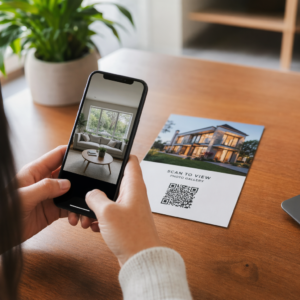
Kas soovite, et kuulajad leiaksid teie taskuhäälingusaate ilma ühtegi märki sisestamata? Kui teie publik peab saadet käsitsi otsima, ei viitsi enamik neist seda teha. See juhend käsitleb täpselt, kuidas luua QR-koode taskuhäälingusaate reklaamimiseks, kuhu need paigutada ja kuidas igast skaneeringust maksimumi võtta.
Miks taskuhäälingusaate tegijad vajavad QR-koode
Taskuhäälingust on saanud peavoolumeedium. Hinnanguliselt kuulab USA-s iga kuu taskuhäälingusaateid 158 miljonit inimest ja üle 70% kuulajatest lõpetab enamiku või kõik episoodid. Selline kaasatuse tase on haruldane, kuid ainult siis, kui suudate inimesi üldse esitama panna.
Väljakutse on leitavus. Keegi näeb teie flaierit, visiitkaarti või toote pakendit ja tunneb siirast huvi – kuid puudub hõõrdumatu tee sellest hetkest teie helisisuni. QR-koodid lahendavad selle lünga. Üks skaneering viib kuulaja otse teie saatesse, episoodi või taskuhäälingusaate platvormi lehele ilma käsitsi otsimiseta.
Ettevõtted nagu Sephora, eBay ja Microsoft kasutavad juba bränditud taskuhäälingusaateid uute kuulajaskondade kaasamiseks. QR-koodid muudavad need jõupingutused mõõdetavaks ja reaalses maailmas kuulajatele kättesaadavamaks.
Mida taskuhäälingusaate QR-kood tegelikult teeb
Taskuhäälingusaate QR-kood on kahemõõtmeline kood, mis kodeerib sihtkoha – tavaliselt lingi voogedastusplatvormile, taskuhäälingusaate majutamise lehele või helifailile – ja avab selle automaatselt nutitelefoni kaameraga skaneerimisel.
Sõltuvalt sellest, millele lingite, võidakse kuulajad saata:
- Konkreetsele episoodilehele koos manustatud pleieriga
- Teie saate lehele Apple Podcastsis, Spotifys või mõnel muul platvormil
- Universaalsele sihtlehele, mis laseb kuulajatel valida oma eelistatud rakenduse
- Majutatud MP3-failile, mis mängib otse nende seadmes
See MP3 QR-koodi generaator Pagelootist käsitleb helifaile otse, samas kui Lingi QR-koodi generaator töötab hästi voogedastusplatvormi URL-ide jaoks. Kui teie taskuhäälingusaade on Spotifys, siis Spotify QR-koodi generaator võimaldab teil linkida otse konkreetsele episoodile, esitusloendile või artisti profiilile.
Alustage kuulajate otse oma taskuhäälingusaatesse saatmist Loo oma saate või episoodi jaoks bränditud, jälgitav QR-kood, kasutades QR-koodi generaator. Tasuta 14-päevane prooviperiood, krediitkaarti pole vaja.
QR-koodide eelised podcasti reklaamimisel

Kohene juurdepääs ilma lisasammudeta
Kui QR-kood on trükitud reklaamil, visiitkaardil või poe väljapanekul, jõuavad kuulajad selle nägemisest teie heli kuulmiseni sekunditega. Puuduvad otsinguribad, rakenduses navigeerimine ega trükkimine. See hõõrdumatu tee on oluline, sest iga lisasamm kaotab potentsiaalseid kuulajaid.
Dünaamilised koodid võimaldavad teil värskendada ilma uuesti printimata
Üks praktilisemaid eeliseid, mida pakub dünaamilised QR-koodid on see, et saate sihtkohta muuta pärast seda, kui kood on juba prinditud. Kui lingite vale episoodi, vahetate hostimisplatvormi või soovite suunata kuulajaid uuele hooajale, värskendate linki oma juhtpaneelil – ja prinditud kood jääb samaks.
See kaitseb kõiki investeeringuid trükitud turundusmaterjalidesse ja muudab materjalide taaskasutamise kampaaniate vahel lihtsaks.
Skannimise jälgimine ja analüütika
QR-koodid annavad teile reaalajas andmeid selle kohta, kuidas teie podcasti turundus toimib. Näete, millal skaneerimised toimuvad, kust need geograafiliselt pärinevad ja millised paigutused tekitavad kõige rohkem kaasatust. See teave võimaldab teil võrrelda kanaleid, tuvastada, millised trükitud materjalid töötavad, ja teha teadlikke otsuseid tulevaste kampaaniate jaoks.
Kohandamine loob brändituvastuse
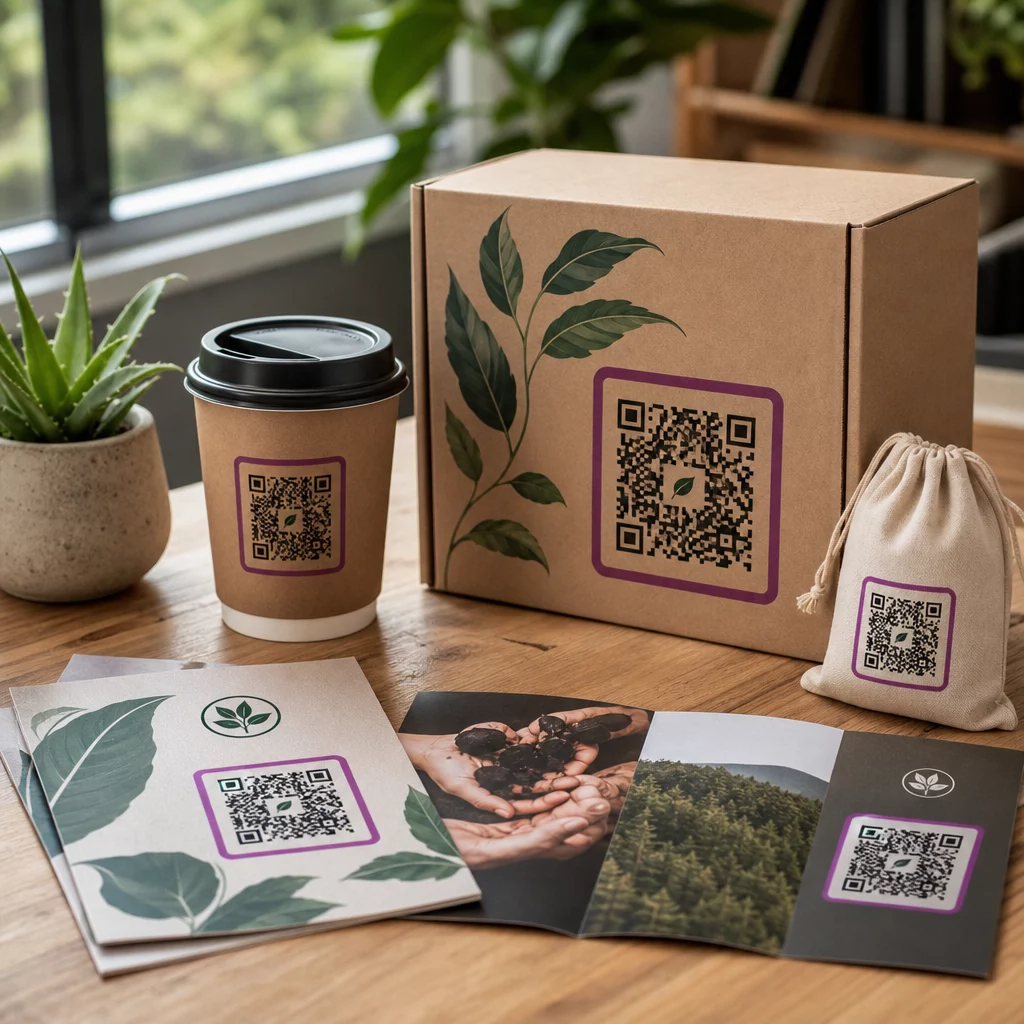
QR-koodid on ainus vöötkoodi tüüp, mis toetab visuaalset kohandamist. Saate lisada oma podcasti brändivärvid, logo ja tausta, mis sobib teie saate identiteediga. Hästi kujundatud koodi skaneeritakse tõenäolisemalt, sest see näeb välja tahtlik ja usaldusväärne, mitte üldine.
Veataluvus trükikeskkondade jaoks
QR-koodid sisaldavad sisseehitatud veaparandust, mis võimaldab neil jääda skaneeritavaks isegi siis, kui osa koodist on kahjustatud, varjatud või kulunud. See on eriti kasulik trükimaterjalide puhul, mis saavad palju käitlemist, näiteks ostukotid või ürituste programmid.
Kuidas luua podcasti QR-kood

1. samm – Hangi oma podcasti link
Parim lähenemine on kasutada linki, mis töötab erinevates seadmetes ja rakendustes. Valikud hõlmavad:
- Otsene episoodi URL sinu majutusteenuse pakkujalt (enamik majutusteenuse pakkujaid genereerib eraldiseisva episoodilehe sisseehitatud pleieriga)
- Sinu saate Spotify, Apple Podcastsi või muu platvormi URL
- Universaalne nutikas link, mis suunab kuulajad automaatselt nende eelistatud rakendusse
Kui sinu podcast asub Spotifys, õpi, kuidas luua Spotify QR-kood mis lingib konkreetsele episoodile, albumile või esitusloendile.
2. samm – Vali õige QR-koodi tüüp
- Kasuta MP3 QR-koodi generaator kui soovid otse üles laadida helifaili ja lasta kuulajatel seda mängida bränditud maandumislehelt
- Kasuta Lingi QR-koodi generaator kui lingid voogedastusplatvormi URL-ile või podcasti majutuse lehele
- Kasuta Spotify QR-koodi generaator Spotify-spetsiifilise sisu jaoks
3. samm – Kohanda koodi
Lisa oma podcasti logo, kohanda värve oma brändiga sobivaks ja konfigureeri maandumisleht, kui kasutad heli QR-koodi. Pagelooti heli QR-koodi lehed toetavad pealkirja, kaanepilti, brändivärve ja tervitusekraani enne pleieri laadimist.
Hoia kontrastsus kõrge – kasuta tumedaid mustreid heledal taustal. Väldi pööratud värviskeeme, mida on kaameratel raskem lugeda.
4. samm – Laadi alla õiges formaadis
Printimiseks salvestage oma QR-kood alati SVG-, EPS- või PDF-vektorfailina. Need vormingud skaleeruvad pikseldamata, nii et teie kood jääb teravaks, olenemata sellest, kas see ilmub visiitkaardil või reklaamtahvlil. JPEG- ja PNG-vormingud võivad suurendamisel häguseks muutuda, mis vähendab skaneeritavust.
5. samm – Testige enne levitamist
Skaneerige oma valmis koodi mitme seadmega – erinevate telefonimudelitega ning nii iOS-i kui ka Androidiga – enne printimisse saatmist. Testige kogu teekonda skaneerimisest heli taasesituseni. Dünaamilised QR-koodid võimaldavad teil katkise või vale lingi hiljem parandada, kuid eelnev testimine väldib probleemi täielikult.
Kus kasutada podcasti QR-koode
Trükitud turundusmaterjalid
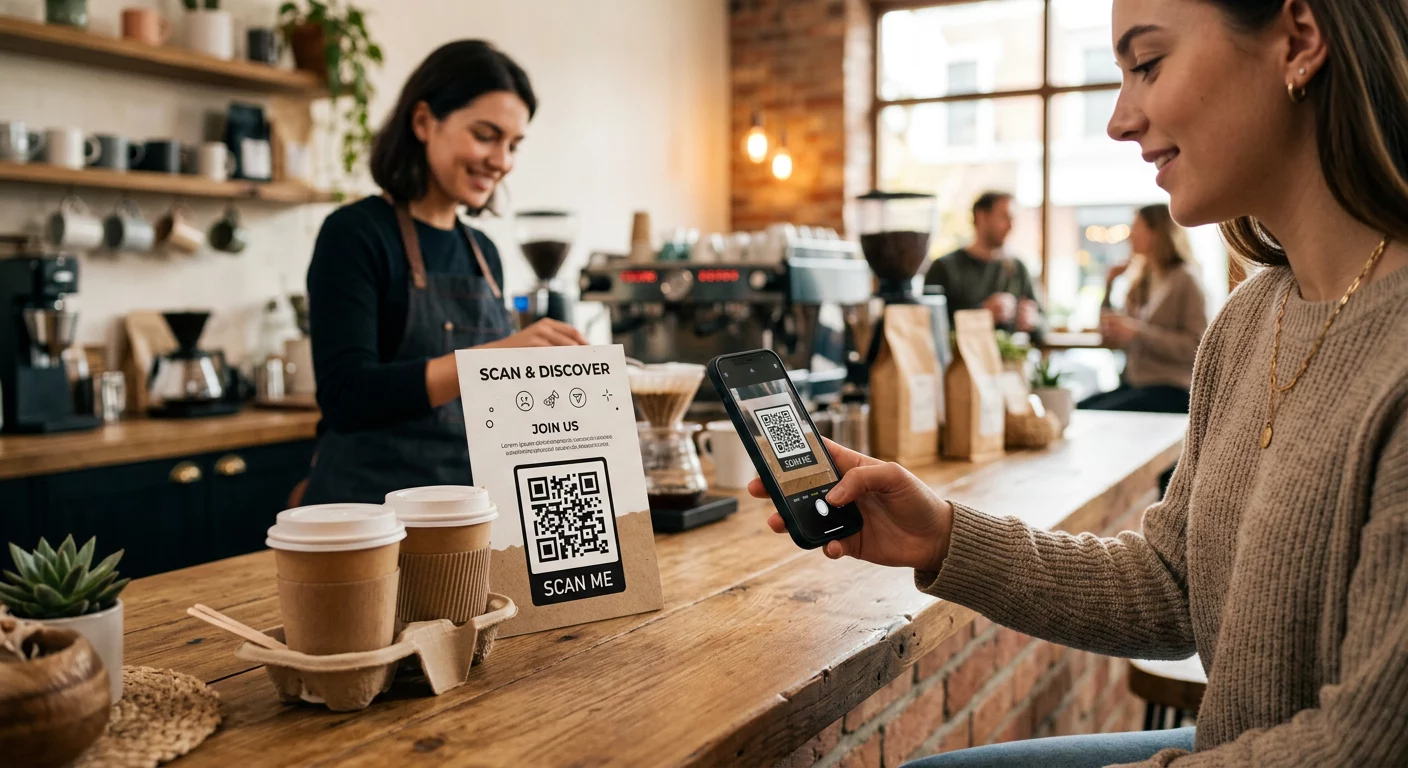
Trükitud reklaamid, plakatid, flaierid, bännerid ja reklaamtahvlid on head kohad podcasti QR-koodide jaoks, sest need jõuavad inimesteni, kes on paigal või kellel on hetk aega skaneerida. Asetage kood hästi nähtavasse kohta, mille ümber on piisavalt vaba ruumi. Vältige hõivatud või mustrilisi taustu, mis segavad skaneerimist.

Suuruse juhiste kohaselt peaks teie QR-kood olema vähemalt 0,8 × 0,8 tolli lähimaterjalide, näiteks visiitkaartide või pakendite puhul. Suuremad paigutused, nagu plakatid, peaksid proportsionaalselt suurenema – umbes 1 toll koodi laiust iga 10 tolli oodatava skaneerimiskauguse kohta. Üksikasjalike suuruse juhiste saamiseks erinevatel pindadel vaadake QR-koodi suuruse määramine erinevatele trükimaterjalidele.
Teie veebisait ja sotsiaalmeedia
Kui keegi külastab juba teie veebisaiti või sotsiaalprofiile, annab QR-kood neile kohese tee teie helisisu juurde, ilma et nad peaksid navigeerimisest läbi otsima. See on eriti tõhus, kui see on manustatud podcasti episoodi kokkuvõtte lähedale või külgribale, mis jääb kogu lehel nähtavaks.
Poeekraanid ja pakendid
Kui teil on füüsiline jaemüügipunkt, tutvustavad QR-koodid poe siltidel, riiuliekraanidel või ostukottidel kliente teie podcastiga hetkel, mil nad on juba teie brändiga seotud. Paljud kliendid, kes ostlevad isiklikult, ei ole teadlikud brändi veebisisust – hästi paigutatud QR-kood ületab selle lünga.
E-posti uudiskirjad ja digitaalsed reklaamid
QR-koodi lisamine e-kirja või digitaalsesse reklaami võib tunduda üleliigne, kuna need kanalid toetavad juba klikitavaid linke, kuid QR-koodid e-posti allkirjades või PDF-uudiskirjades annavad saajatele lihtsa viisi skaneerida ja kuulata mobiilseadmest eraldi ekraanist, millelt nad loevad.
Muutke oma QR-kood jälgitavaks Kasuta Dünaamiline QR-kood et saaksite oma podcasti linki värskendada, jälgida skaneerimismahtu paigutuse järgi ja mõõta, millised turunduskanalid toovad kõige rohkem kuulamisi.
Podcasti QR-koodi parimad tavad

Kirjutage spetsiifiline üleskutse tegevusele
Iga QR-kood vajab üleskutset tegevusele (CTA), mis ütleb publikule täpselt, mis juhtub, kui nad skaneerivad. Ebamäärased koodid ignoreeritakse. Näited tõhusatest CTA-dest podcasti reklaamimiseks:
- “Skaneeri, et kuulata selle nädala episoodi”
- “Skaneeri täieliku intervjuu jaoks”
- “Kuula uusimaid valdkonna teadmisi – skaneeri, et mängida”
CTA peaks asuma kohe QR-koodi kõrval, mitte olema peidetud ümbritsevasse teksti. Lisateavet CTA-de kirjutamise ja koodide tõhusa paigutamise kohta leiate siit: ülim juhend QR-koodi paigutamiseks turunduses.
Hoidke maandumiskogemus mobiilisõbralikuna
Kui keegi skaneerib telefoniga, peaks ta jõudma lehele, mis laadib kiiresti ja esitab heli ilma tarbetute takistusteta. Kui kasutate heliga QR-koodi koos maandumislehega, hoidke disain puhas ja veenduge, et esitusnupp oleks silmapaistev. Kui lingite voogedastusplatvormile, veenduge, et link avaneks platvormi rakenduses, mitte aeglasel mobiilibrauseri lehel.
Järgige disaini- ja loetavusstandardeid
- Säilitage kõrge kontrast QR-koodi ja selle tausta vahel
- Jätke koodi ümber igast küljest selge vaikne tsoon (tühi veeris), et skannerid saaksid seda ümbritsevatest elementidest eristada
- Vältige koodide paigutamist kumera, peegeldava või tekstuuriga pindadele, kus see on võimalik
- Kasutage kõrgeimat veaparandustaset (H), kui lisate koodile logo ülekatte
Disaininõuete täieliku ülevaate saamiseks külastage: QR-koodi loetavuse parimaid tavasid.
Kasutage ühte koodi paigutuse konteksti kohta
Selle asemel, et kasutada ühte koodi, mis lingib kogu teie saatele, kaaluge erinevate QR-koodide loomist erinevate episoodide või kampaaniate jaoks. Dünaamilised koodid muudavad selle hallatavaks – saate iga koodi sihtkohta iseseisvalt värskendada ja võrrelda skaneerimisandmeid erinevate paigutuste vahel, et mõista, mis erinevatele publikutele meeldib.
Lingi võimalusel universaalsele sisenemispunktile
Kõik teie kuulajad ei kasuta sama taskuhäälingurakendust. Lingi loomine universaalsele saate lehele – mis suunab kasutajad nende eelistatud platvormile või sisaldab manustatud mängijat – tagab, et ükski kuulaja ei jää välja, kuna nad ei kasuta konkreetset rakendust.
Korduma kippuvad küsimused
Kõige tõhusam lähenemine on kasutada linki, mis töötab olenemata sellest, millist rakendust kuulaja eelistab. See tähendab kas teie taskuhäälingusaate hosti episoodi- või saate lehte (mis tavaliselt sisaldab manustatud mängijat ja linke suurematele rakendustele), universaalset nutilingi teenust või Spotify/Apple Podcastsi URL-i, kui teie publik kasutab peamiselt ühte platvormi. Vältige rakenduspõhiseid süvalinke, mis avanevad õigesti ainult ühes rakenduses.
Jah, kui loote dünaamilise QR-koodi. Dünaamilised koodid salvestavad koodimustrisse lühikese ümbersuunamise URL-i ja saate lõppsihtkohta oma juhtpaneelilt igal ajal värskendada ilma uuesti printimata. See tähendab, et saate suunata sama prinditud koodi igal nädalal uuele episoodile või parandada katkise lingi pärast seda, kui materjalid on juba välja saadetud.
Enamiku trükimaterjalide puhul on soovitatav minimaalselt 0,8 × 0,8 tolli. Visiitkaardid, ürituste märgid ja pakendid, mida skannitakse käeulatusest, peaksid vastama või ületama seda miinimumi. Plakatid ja bännerid, mida on kavas skannida kaugemalt, peavad olema proportsionaalselt suuremad – umbes 1 toll lai iga 10 tolli skannimiskauguse kohta. Kasutage printimiseks alati vektormingit nagu SVG või EPS, et kood jääks igas suuruses teravaks.