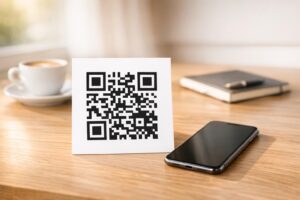
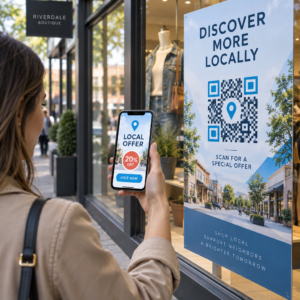
Искате слушателите да намират вашия подкаст, без да въвеждат нито един знак? Когато вашата аудитория трябва да търси предаване ръчно, повечето от тях няма да си направят труда. Това ръководство обхваща точно как да създавате QR кодове за промоция на подкасти, къде да ги поставяте и как да извлечете максимума от всяко сканиране.
Защо подкастърите се нуждаят от QR кодове
Подкастингът се превърна в масова медия. Приблизително 158 милиона души в САЩ слушат подкасти всеки месец, а над 70% от слушателите завършват по-голямата част или целия епизод. Това ниво на ангажираност е рядко, но само ако успеете да накарате хората да натиснат бутона за възпроизвеждане на първо място.
Предизвикателството е откриваемостта. Някой вижда вашия флаер, визитка или опаковка на продукт и проявява истински интерес – но няма безпроблемен път от този момент до вашето аудио съдържание. QR кодовете решават тази празнина. Едно сканиране отвежда слушателя директно до вашето предаване, епизод или страница на подкаст платформа, без никакво ръчно търсене.
Компании като Sephora, eBay и Microsoft вече използват брандирани подкасти, за да достигнат до нови аудитории. QR кодовете правят тези усилия измерими и по-достъпни за слушателите в реалния свят.
Какво всъщност прави QR кодът за подкаст
QR кодът за подкаст е двуизмерен код, който кодира дестинация – обикновено връзка към стрийминг платформа, страница за хостинг на подкаст или аудио файл – и я отваря автоматично при сканиране с камера на смартфон.
В зависимост от това към какво препращате, слушателите могат да бъдат изпратени до:
- Страница на конкретен епизод с вграден плейър
- Страницата на вашето предаване в Apple Podcasts, Spotify или друга платформа
- Универсална целева страница, която позволява на слушателите да изберат предпочитаното от тях приложение
- Хостван MP3 файл, който се възпроизвежда директно на тяхното устройство
На QR код за MP3 от Pageloot обработва аудио файлове директно, докато Генератор на QR кодове за връзки работи добре за URL адреси на стрийминг платформи. Ако вашият подкаст е в Spotify, QR код за Spotify ви позволява да свържете директно към конкретен епизод, плейлист или профил на изпълнител.
Започнете да изпращате слушатели директно към вашия подкаст Създайте брандиран, проследим QR код за вашето предаване или епизод, използвайки Генератор на QR кодове. Безплатен 14-дневен пробен период, не е необходима кредитна карта.
Предимства на QR кодовете за популяризиране на подкасти

Незабавен достъп без допълнителни стъпки
Когато QR код е върху печатна реклама, визитка или дисплей в магазин, слушателите преминават от виждане до чуване на вашето аудио за секунди. Няма ленти за търсене, навигация в приложения, писане. Този път без триене е важен, защото всяка допълнителна стъпка губи потенциални слушатели.
Динамичните кодове ви позволяват да актуализирате без препечатване
Едно от най-практичните предимства на използването на динамични QR кодове е, че можете да промените дестинацията, след като кодът вече е отпечатан. Ако свържете към грешен епизод, смените хостинг платформата или искате да насочите слушателите към нов сезон, актуализирате връзката в таблото си за управление – и отпечатаният код остава същият.
Това защитава всяка инвестиция в печатни маркетингови материали и улеснява пренасочването на материали в различни кампании.
Проследяване на сканирания и анализи
QR кодовете ви дават реални данни за това как се представя маркетингът на вашия подкаст. Можете да видите кога се случват сканирания, откъде идват географски и кои разположения генерират най-голям ангажимент. Тази информация ви позволява да сравнявате канали, да идентифицирате кои печатни материали работят и да вземате информирани решения за бъдещи кампании.
Персонализирането изгражда разпознаваемост на марката
QR кодовете са единственият тип баркод, който поддържа визуално персонализиране. Можете да добавите цветовете на марката на вашия подкаст, лого и фон, който отговаря на идентичността на вашето предаване. Добре проектираният код е по-вероятно да бъде сканиран, защото изглежда целенасочен и надежден, а не общ.
Толерантност към грешки за печатни среди
QR кодовете включват вградена корекция на грешки, която им позволява да останат сканируеми, дори ако част от кода е повредена, скрита или износена. Това е особено полезно за печатни материали, които се използват интензивно, като пазарски чанти или програми за събития.
Как да създадете QR код за подкаст

Стъпка 1 – Вземете връзката към вашия подкаст
Най-добрият подход е да използвате връзка, която работи на различни устройства и приложения. Опциите включват:
- Директен URL адрес на епизод от вашия хостинг доставчик (повечето хостове генерират самостоятелна страница на епизод с вграден плейър)
- URL адресът на вашето предаване в Spotify, Apple Podcasts или друга платформа
- Универсална интелигентна връзка, която автоматично насочва слушателите към предпочитаното от тях приложение
Ако вашият подкаст е в Spotify, научете как да създадете Spotify QR код който води към конкретен епизод, албум или плейлист.
Стъпка 2 – Изберете правилния тип QR код
- Използвай QR код за MP3 ако искате да качите аудио файл директно и слушателите да го възпроизвеждат от брандирана целева страница
- Използвай Генератор на QR кодове за връзки ако свързвате към URL адрес на стрийминг платформа или страница за хостинг на подкасти
- Използвай QR код за Spotify за съдържание, специфично за Spotify
Стъпка 3 – Персонализирайте кода
Добавете логото на вашия подкаст, коригирайте цветовете, за да съответстват на вашата марка, и конфигурирайте целевата страница, ако използвате аудио QR код. Страниците с аудио QR кодове на Pageloot поддържат заглавие, изображение на корицата, цветове на марката и начален екран преди зареждането на плейъра.
Поддържайте висок контраст – използвайте тъмни шарки на светъл фон. Избягвайте инвертирани цветови схеми, които са по-трудни за разчитане от камерите.
Стъпка 4 – Изтеглете в правилния формат
За печат винаги запазвайте своя QR код като векторен файл SVG, EPS или PDF. Тези формати се мащабират без пикселизация, така че кодът ви остава ясен, независимо дали се появява на визитка или билборд. Форматите JPEG и PNG могат да станат размазани при уголемяване, което намалява възможността за сканиране.
Стъпка 5 – Тествайте преди разпространение
Сканирайте готовия си код с множество устройства – различни модели телефони и както iOS, така и Android – преди да го изпратите за печат. Тествайте целия път от сканиране до възпроизвеждане на аудио. Динамичните QR кодове ви позволяват да поправите счупена или грешна връзка след факта, но тестването първо избягва проблема изцяло.
Къде да използвате QR кодове за подкасти
Печатни маркетингови материали
Печатни реклами, плакати, флаери, банери и билбордове са силни места за QR кодове за подкасти, защото достигат до хора, които са неподвижни или имат момент да сканират. Поставете кода на място с висока видимост с достатъчно бяло пространство около него. Избягвайте натоварени или шарени фонове, които пречат на сканирането.

За насоки относно размера, вашият QR код трябва да бъде поне 0.8 × 0.8 инча за материали от близко разстояние като визитки или опаковки. По-големи разположения като плакати трябва да се мащабират пропорционално – приблизително 1 инч ширина на кода на всеки 10 инча очаквано разстояние за сканиране. За подробни насоки относно размера за различни повърхности, вижте оразмеряване на QR код за различни печатни материали.
Вашият уебсайт и социални медии
Ако някой вече посещава вашия уебсайт или социални профили, QR кодът му дава незабавен път към вашето аудио съдържание, без да се налага да търси в навигацията. Това е особено ефективно, когато е вградено близо до резюме на подкаст епизод или в странична лента, която остава видима през цялата страница.
Дисплеи в магазина и опаковки
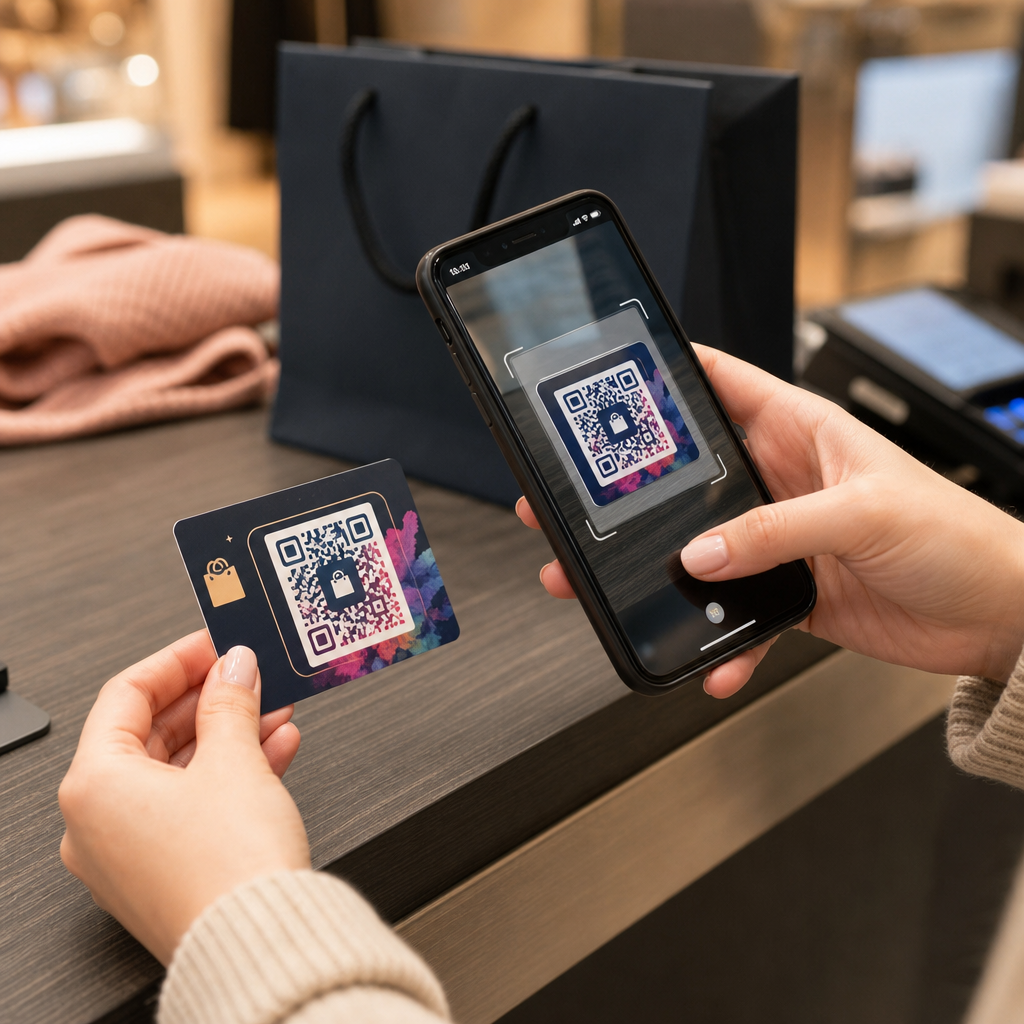
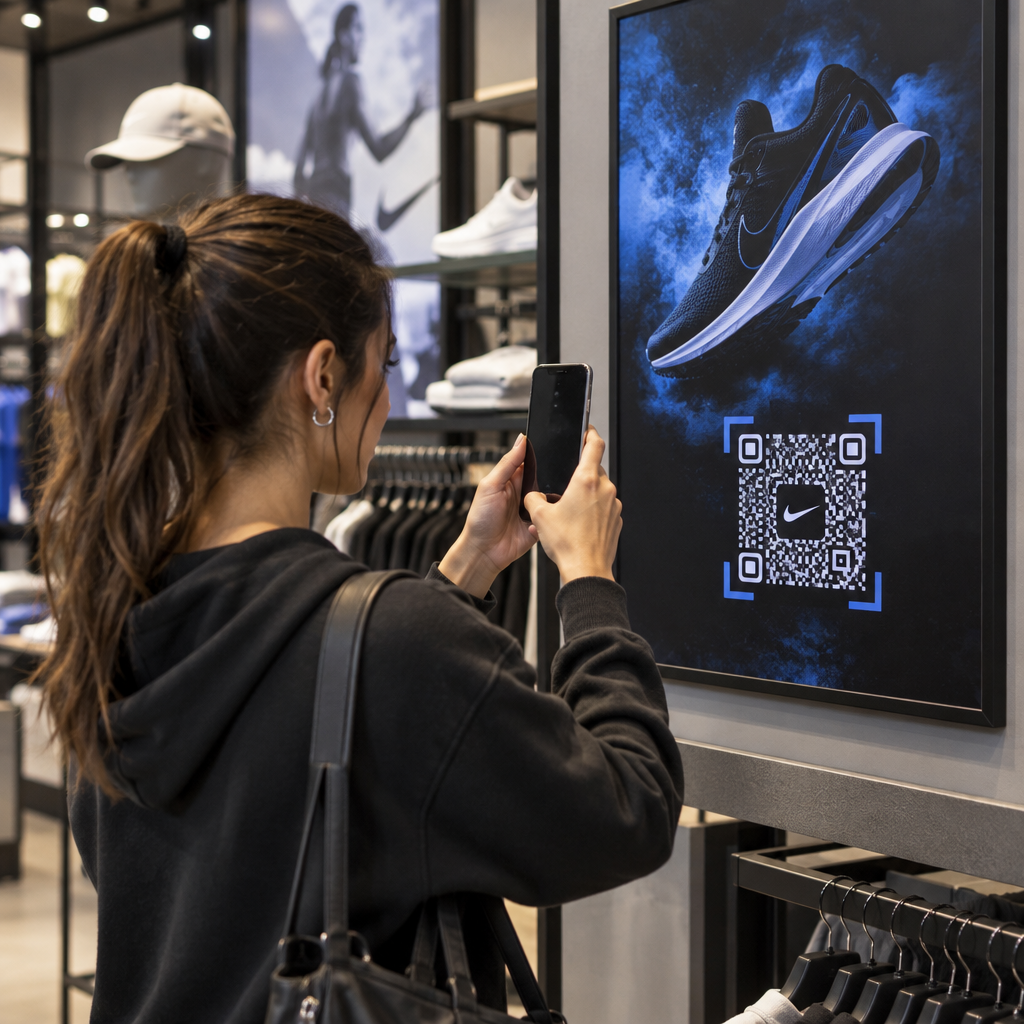
Ако имате физическо търговско присъствие, QR кодовете на етикети в магазина, рафтови дисплеи или пазарски чанти запознават клиентите с вашия подкаст в момент, когато те вече са ангажирани с вашата марка. Много клиенти, които пазаруват лично, не знаят за онлайн съдържанието на дадена марка – добре поставен QR код преодолява тази празнина.
Имейл бюлетини и дигитални реклами
Включването на QR код в имейл или дигитална реклама може да изглежда излишно, тъй като тези канали вече поддържат кликаеми връзки, но QR кодовете в имейл подписи или PDF бюлетини дават на получателите лесен начин да сканират и слушат на мобилно устройство отделно от екрана, на който четат.
Направете своя QR код проследим Използвай Динамичен QR код така че да можете да актуализирате връзката към подкаста си, да проследявате обема на сканиранията по разположение и да измервате кои маркетингови канали водят до най-много слушания.
Най-добри практики за QR кодове за подкасти

Напишете конкретен призив за действие
Всеки QR код се нуждае от призив за действие (CTA), който казва на аудиторията какво точно ще се случи, когато сканират. Неясните кодове се игнорират. Примери за ефективни призиви за действие за популяризиране на подкасти:
- “Сканирайте, за да слушате епизода от тази седмица”
- “Сканирайте за цялото интервю”
- “Чуйте последните прозрения от индустрията – сканирайте, за да пуснете”
Призивът за действие трябва да е непосредствено до QR кода, а не скрит в околния текст. За повече насоки относно писането на призиви за действие и ефективното поставяне на кодове, вижте пълно ръководство за поставяне на QR кодове в маркетинга.
Поддържайте целевата страница удобна за мобилни устройства
Когато някой сканира от телефон, той трябва да достигне до страница, която се зарежда бързо и възпроизвежда аудио без излишни пречки. Ако използвате аудио QR код с целева страница, поддържайте дизайна изчистен и се уверете, че бутонът за възпроизвеждане е видим. Ако свързвате към стрийминг платформа, уверете се, че връзката се отваря в приложението на платформата, а не в бавна страница на мобилен браузър.
Следвайте стандартите за дизайн и четливост
- Поддържайте висок контраст между QR кода и неговия фон
- Оставете ясна тиха зона (празно поле) около кода от всички страни, така че скенерите да могат да го различат от околните елементи
- Избягвайте поставянето на кодове върху извити, отразяващи или текстурирани повърхности, когато е възможно
- Използвайте най-високото ниво на корекция на грешки (H), когато добавяте наслагване на лого към кода
За пълна разбивка на изискванията за дизайн, посетете най-добрите практики за четливост на QR кодовете.
Използвайте един код за всеки контекст на поставяне
Вместо един код, който води към цялото ви предаване, помислете за създаване на различни QR кодове за различни епизоди или кампании. Динамичните кодове правят това управляемо – можете да актуализирате дестинацията на всеки код независимо и да сравнявате данните от сканирането между различните места, за да разберете какво резонира с различните аудитории.
Връзка към универсална входна точка, когато е възможно
Не всички ваши слушатели използват едно и също приложение за подкасти. Свързването към универсална страница на предаването – такава, която насочва потребителите към предпочитаната от тях платформа или включва вграден плейър – гарантира, че никой слушател не е изключен, защото не използва конкретно приложение.
Често задавани въпроси
Най-ефективният подход е да използвате връзка, която работи независимо от това кое приложение предпочита слушателят. Това означава или страницата на епизода или предаването на вашия подкаст хост (която обикновено включва вграден плейър и връзки към основни приложения), услуга за универсални интелигентни връзки, или URL адрес на Spotify/Apple Podcasts, ако вашата аудитория използва предимно една платформа. Избягвайте специфични за приложението дълбоки връзки, които се отварят правилно само в едно приложение.
Да, ако създадете динамичен QR код. Динамичните кодове съхраняват кратък URL адрес за пренасочване в модела на кода и можете да актуализирате крайната дестинация от вашето табло за управление по всяко време, без да препечатвате. Това означава, че можете да насочвате един и същ отпечатан код към нов епизод всяка седмица или да поправите счупена връзка, след като материалите вече са раздадени.
За повечето печатни материали се препоръчва минимум 0,8 × 0,8 инча. Визитки, баджове за събития и опаковки, които ще бъдат сканирани от разстояние на ръка, трябва да отговарят или надвишават този минимум. Плакати и банери, предназначени за сканиране от по-голямо разстояние, трябва да бъдат пропорционално по-големи – приблизително 1 инч ширина за всеки 10 инча разстояние за сканиране. Винаги използвайте векторен формат като SVG или EPS за печат, така че кодът да остане ясен при всякакъв размер.