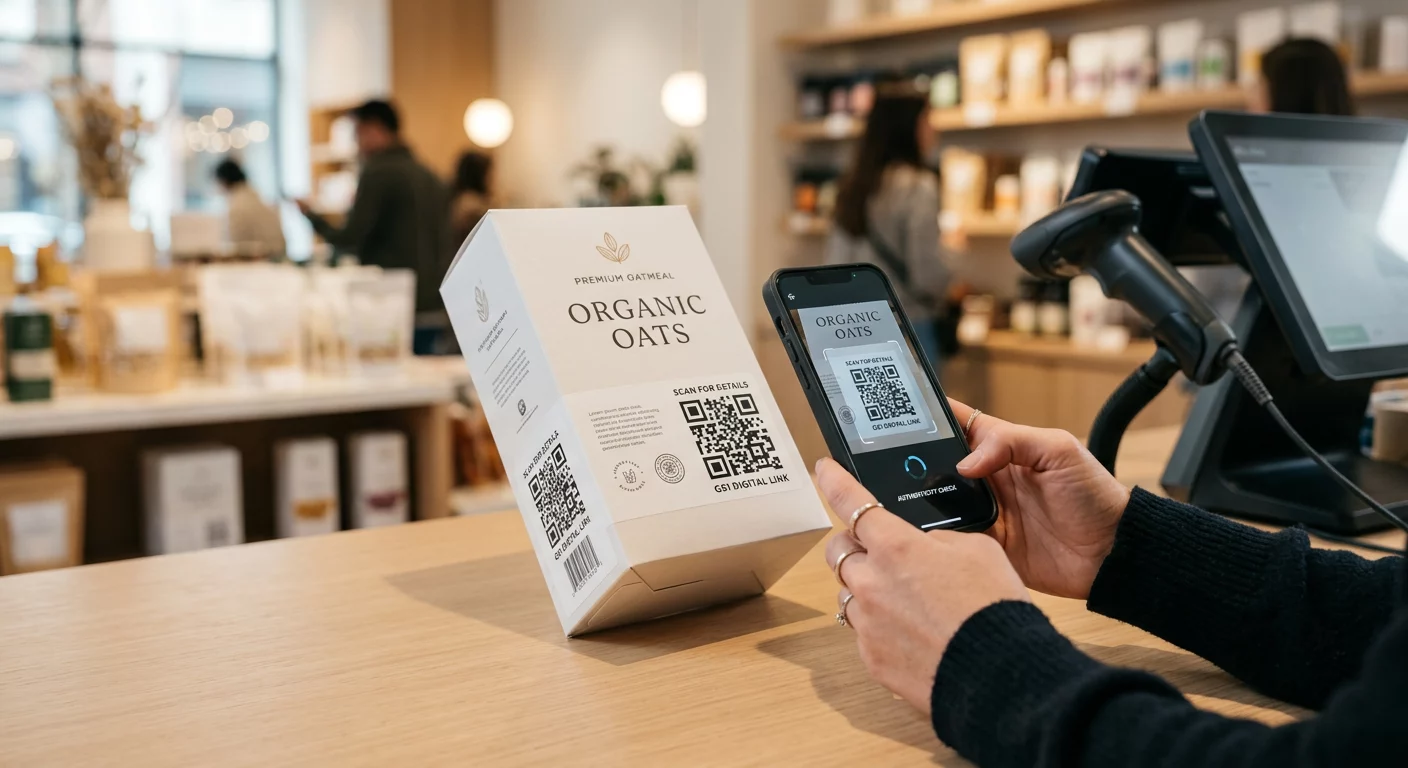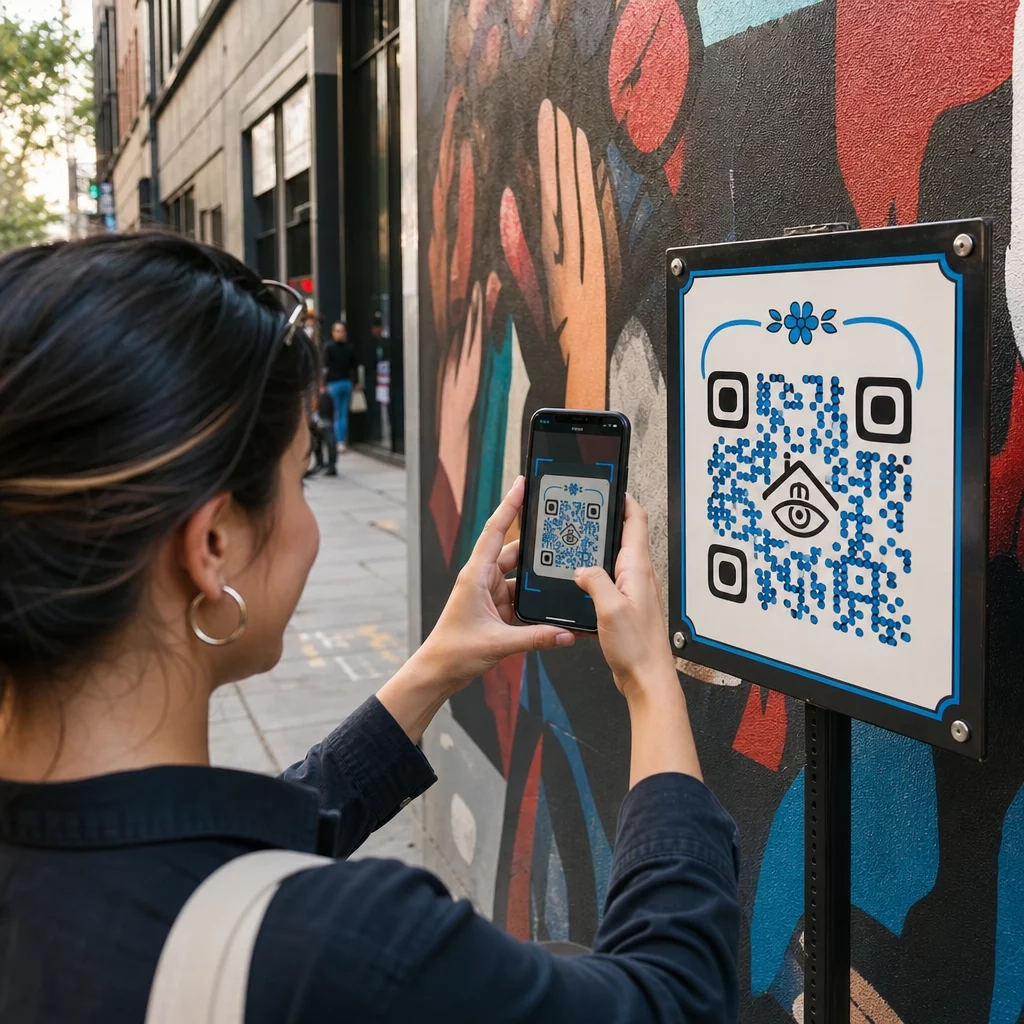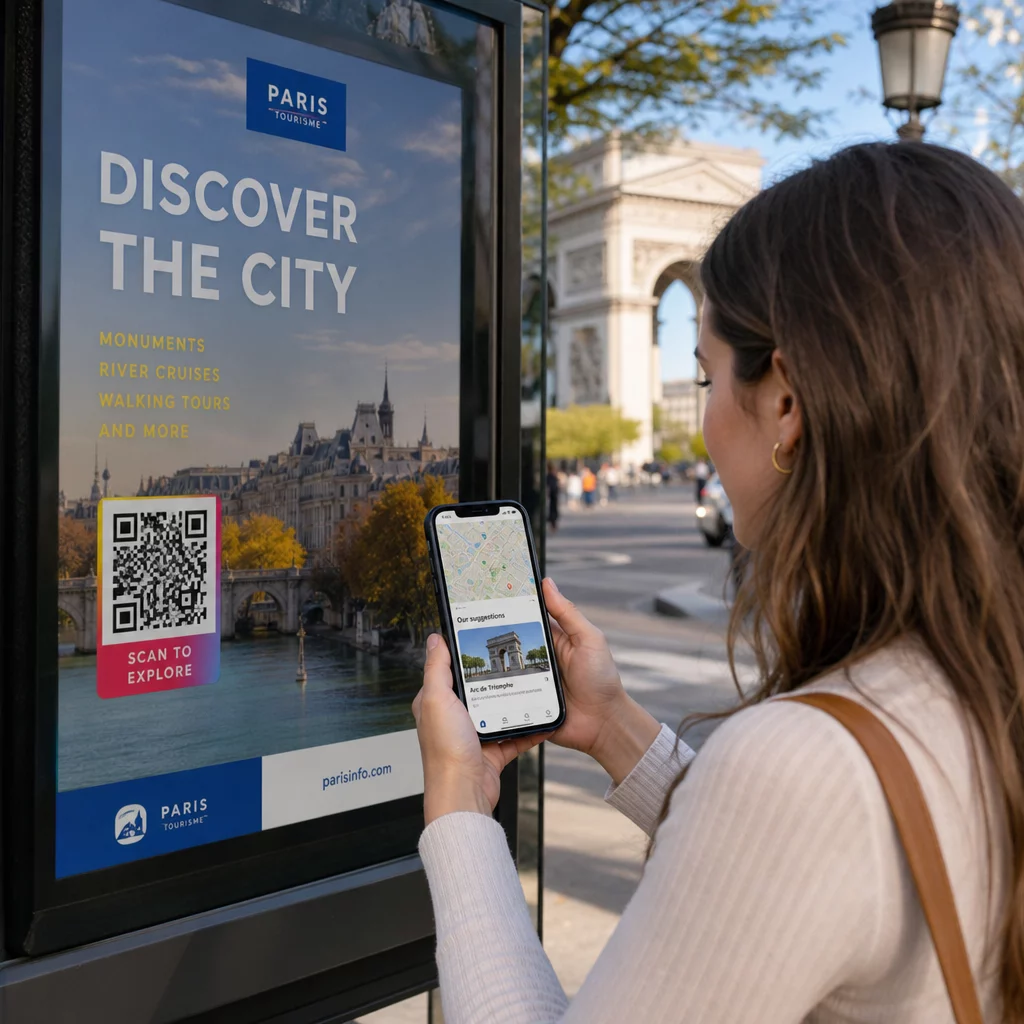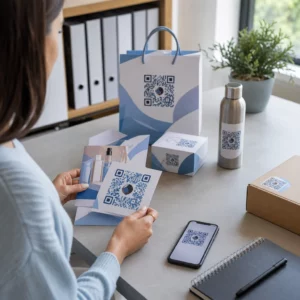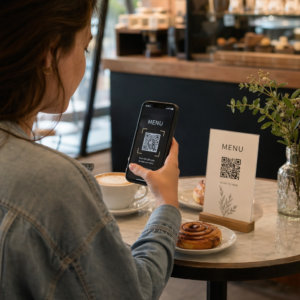

Adakah borang pengambilan pesakit kertas, daftar masuk yang tertunda, dan ulasan pesakit yang tiada menyebabkan kesesakan dalam amalan pergigian anda? Memproses kerja kertas manual membazirkan jam kerja kakitangan, meningkatkan kelewatan bilik menunggu, dan mengecewakan pesakit yang datang. Mengintegrasikan kod QR yang boleh diimbas ke dalam pejabat anda menyelaraskan komunikasi harian, mempercepatkan pengambilan digital, dan membina reputasi dalam talian anda.
Modenkan Aliran Kerja Pengambilan Pesakit dan Daftar Masuk Digital
Paket pendaftaran kertas memerlukan kemasukan data manual, menghasilkan kekacauan fizikal, dan meningkatkan masa menunggu di kaunter hadapan. Memaparkan kod pengambilan yang boleh diimbas di kawasan resepsi anda membolehkan pesakit melengkapkan kemas kini sejarah perubatan, perjanjian persetujuan, dan butiran pendaftaran pada telefon pintar mereka sendiri sebelum memasuki bilik rawatan.
Menggunakan a Cara buat QR code untuk Google Form atau menukar dokumen pendaftaran dengan Cara buat QR code untuk dokumen PDF membolehkan pasukan anda menukar borang kertas menjadi titik kemasukan digital. Pesakit mengimbas kod pada papan tanda kaunter, melengkapkan medan yang diperlukan, dan menyerahkan respons mereka terus ke sistem rekod digital anda.
Apabila melaksanakan borang pengambilan digital, anda mesti mengekalkan amalan keselamatan data yang ketat:
- Elakkan pengekodan data kesihatan: Jangan sekali-kali menyimpan Maklumat Kesihatan Terlindung (PHI) – seperti nama pesakit, sejarah perubatan, atau maklumat hubungan – secara langsung dalam corak kod QR statik.
- Gunakan destinasi yang disulitkan: Pastikan semua halaman web yang dipautkan menggunakan protokol HTTPS yang selamat untuk melindungi data semasa penghantaran.
- Sahkan pematuhan platform: Hoskan borang pengambilan pada sistem selamat yang mengekalkan pangkalan data yang disulitkan dan menawarkan Perjanjian Rakan Niaga Perniagaan (BAA) yang ditandatangani.
- Memerlukan pengesahan: Pastikan akses kepada portal pesakit sedia ada atau dokumen sensitif memerlukan kelayakan log masuk pengguna yang selamat.
Naik Taraf Aliran Kerja Amalan Pergigian Anda Hari Ini Selaraskan daftar masuk pesakit dan kurangkan kerja kertas kaunter hadapan menggunakan alat digital yang boleh disesuaikan. Mula membina aliran kerja yang boleh dijejaki dengan Penjana Kod QR hari ini.
Kumpul Ulasan Google Asli Semasa Pembayaran
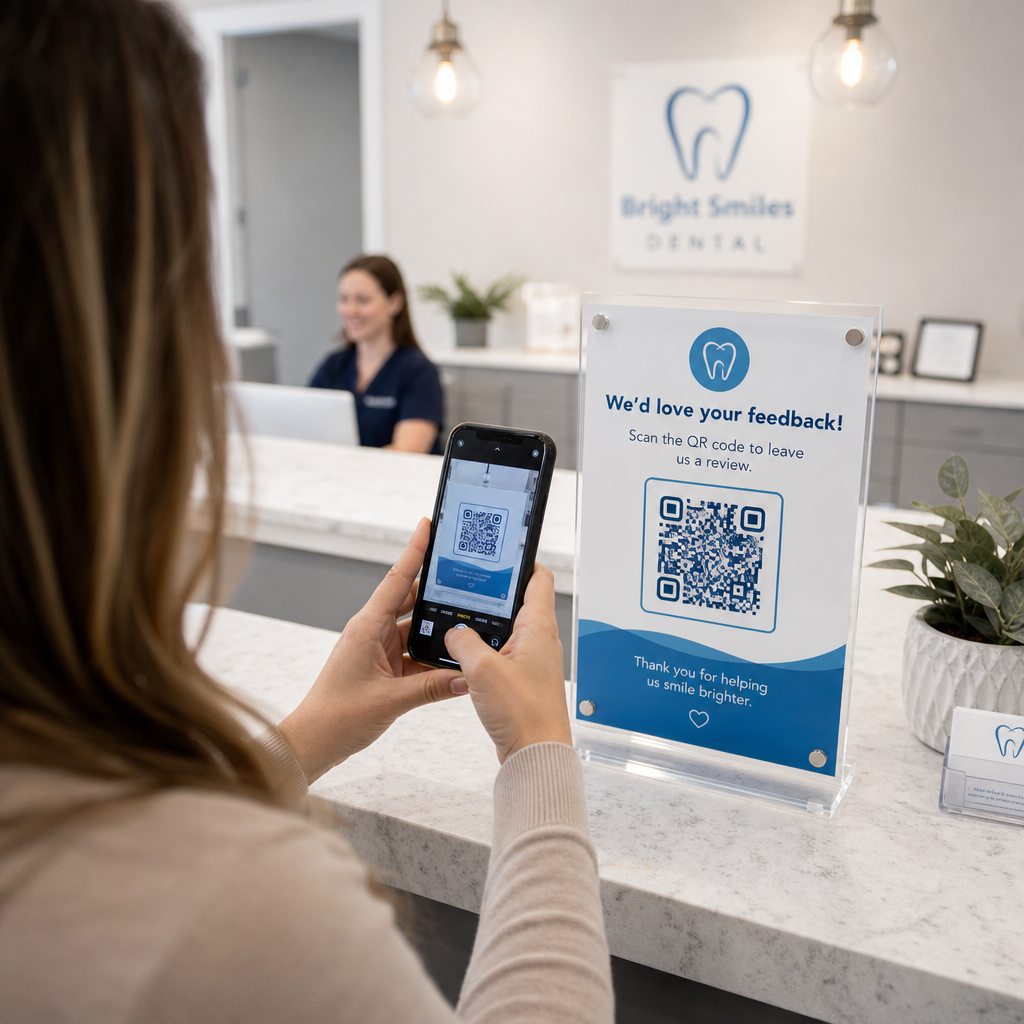
Ulasan positif dalam talian membina kepercayaan dengan bakal pesakit dan meningkatkan kedudukan carian tempatan anda. Walau bagaimanapun, meminta pesakit untuk mencari amalan anda secara manual dalam talian selepas temu janji sering menyebabkan kadar respons yang rendah. Meletakkan papan tanda ulasan khusus di meja penyambut tetamu anda atau pada helaian ringkasan selepas rawatan memberikan pesakit yang berpuas hati laluan imbasan tunggal segera untuk meninggalkan maklum balas.
Menggunakan yang khusus Cara buat QR Google review mengarahkan peranti mudah alih pesakit terus ke halaman penyerahan ulasan Google Business amalan anda. Menggabungkan kod yang boleh diimbas ke dalam strategi yang lebih luas untuk kod QR maklum balas pelanggan mencipta sistem automatik untuk meningkatkan keterlihatan dalam talian.
Untuk melindungi profil perniagaan anda daripada penalti enjin carian, patuhi garis panduan platform dengan ketat:
- Elakkan penyaringan ulasan: Berikan setiap pesakit akses yang sama untuk meninggalkan maklum balas dan bukannya menyaring pengalaman positif.
- Larang insentif ulasan: Jangan sekali-kali menawarkan diskaun, kad hadiah, produk kebersihan mulut percuma, atau penyertaan cabutan bertuah sebagai pertukaran untuk menulis ulasan.
- Kumpul ulasan pada peranti peribadi: Galakkan pesakit untuk mengimbas papan tanda menggunakan telefon mudah alih mereka sendiri dan bukannya mengumpul ulasan pada kiosk atau tablet milik pejabat.
Tingkatkan Komunikasi Selepas Rawatan dan Maklumat Pesakit
Arahan selepas rawatan yang jelas mengurangkan panggilan susulan kecemasan dan memastikan pemulihan yang betul selepas prosedur pembedahan atau restoratif. Helaian penjagaan selepas pembedahan yang dicetak sering tersalah letak oleh pesakit. Menambah pautan yang boleh diimbas ke panduan arahan digital, tutorial video, atau dokumen yang boleh dimuat turun memastikan langkah pemulihan penting boleh diakses pada peranti mudah alih pesakit.
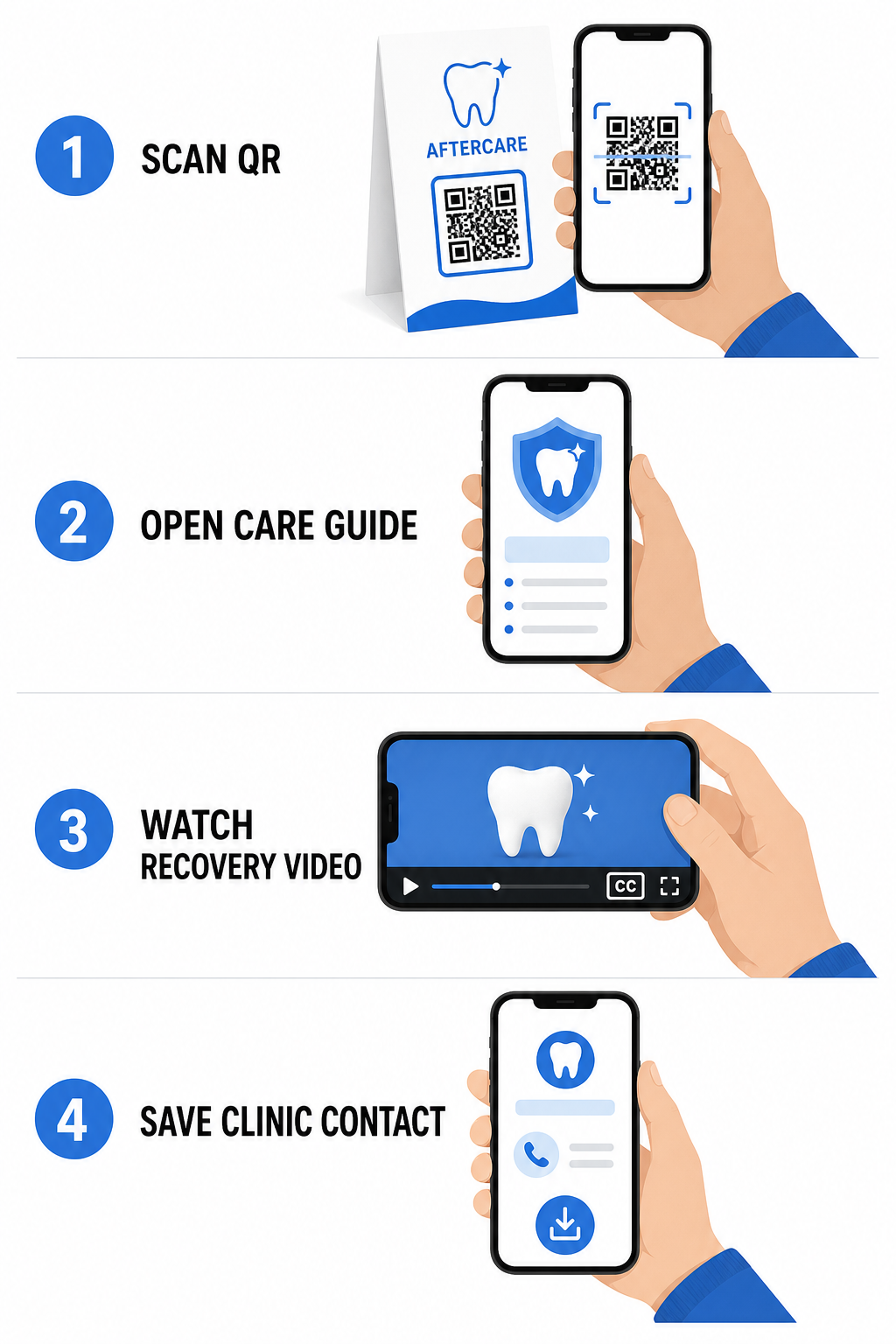
Dengan memanfaatkan alat yang direka untuk kod QR hospital dan penjagaan kesihatan, amalan anda boleh menyediakan akses segera kepada sumber pendidikan, garis panduan penjagaan, dan kenalan klinik:
- Sediakan helaian arahan selepas pembedahan: Pautkan ringkasan temu janji ke panduan penjagaan yang boleh dimuat turun yang dicipta melalui Cara buat QR code untuk dokumen PDF.
- Kongsi klip video pendidikan: Arahkan pesakit ke video arahan yang menunjukkan cara memberus gigi yang betul, memflos dengan pendakap gigi, atau menjaga penjajaran gigi yang jelas.
- Berikan akses Wi-Fi sambutan: Paparkan kod Wi-Fi di meja ruang menunggu supaya pesakit boleh menyambung ke internet tetamu dengan selamat tanpa perlu menaip kata laluan yang rumit.
- Edarkan kad perniagaan digital: Tambah kod hubungan pada kad peringatan janji temu supaya pesakit boleh menyimpan nombor telefon pejabat dan e-mel anda terus ke kenalan mudah alih mereka.
Strategi Pemasaran Dinamik dan Penjenamaan Amalan
Kempen pemasaran untuk amalan pergigian memerlukan fleksibiliti, pengenalan visual yang jelas, dan penjejakan prestasi yang boleh diukur. Menyesuaikan kod boleh imbas anda membantu mengekalkan penjenamaan amalan merentasi mel cetak, risalah komuniti, dan iklan tempatan.
Menggunakan a QR code with logo membolehkan anda membenamkan logo klinik pergigian anda ke tengah kod, mengukuhkan pengiktirafan jenama sambil mengekalkan kebolehimbasan. Gabungkan penjenamaan visual tersuai dengan strategi anda yang lebih luas untuk kod QR perniagaan kecil untuk memacu pemerolehan pesakit merentasi titik sentuhan fizikal.
Apabila memilih teknologi untuk pemasaran cetakan, fahami perbezaan fungsi antara kod QR statik lwn dinamik:
| CIRI | Kod QR Statik | Kod QR Dinamik |
|---|---|---|
| Kandungan Boleh Diedit | Tetap; tidak boleh diubah selepas dicetak | Destinasi pautan boleh diedit sepenuhnya pada bila-bila masa |
| Penjejakan Imbasan | Tiada penjejakan imbasan atau analitik tersedia | Memantau kekerapan imbasan, lokasi, dan masa |
| Corak Data | Corak padat untuk alamat laman web yang lebih panjang | Corak yang bersih dan ringkas menggunakan URL pengalihan pendek |
| Kegunaan Pergigian Utama | Kata laluan log masuk Wi-Fi tetap, maklumat hubungan standard | Risalah promosi, tawaran bermusim, penjejakan iklan cetak |
Kod dinamik adalah penting untuk pengiklanan cetak kerana anda boleh mengalihkan kempen – seperti menukar promosi pemutihan gigi kepada kempen penjajaran gigi yang jelas – tanpa mencetak semula bahan fizikal.
Jejaki Kempen Pemasaran Pergigian Anda dalam Masa Nyata Kemas kini destinasi pautan selepas cetakan dan pantau jumlah imbasan pesakit menggunakan teknologi dinamik. Bina bahan kempen berjenama anda dengan QR code with logo.
Peraturan Penting untuk Pematuhan, Kebolehcapaian, dan Kebolehimbasan
Reka bentuk, penempatan dan pematuhan yang betul memastikan bahan boleh imbas anda memberikan pengalaman yang lancar dan mudah diakses untuk setiap pesakit.
Ikuti garis panduan yang ditetapkan ini untuk kebolehimbasan visual dan penempatan fizikal:
- Kekalkan kontras: Cetak modul QR gelap di atas latar belakang cerah dan seragam. Reka bentuk gelap atas putih memberikan kebolehpercayaan imbasan tertinggi.
- Sediakan zon senyap: Tinggalkan sempadan yang jelas sekurang-kurangnya 4 modul ruang kosong tidak bercetak di sekeliling keempat-empat sisi corak kod.
- Perhatikan saiz minimum: Cetak kod jarak dekat (seperti paparan kaunter atau kad perniagaan) pada saiz minimum 2 x 2 cm (0.8 x 0.8 inci).
- Gunakan peraturan jarak: Ikuti nisbah pengimbasan 10:1. Untuk setiap 10 cm jarak antara kamera pengguna dan tanda, tingkatkan lebar kod sebanyak 1 cm.
- Pastikan penempatan strategik: Letakkan papan tanda bilik menunggu pada paras mata di permukaan rata, bebas silau, tidak memantul, mengikut garis panduan penempatan kod QR.
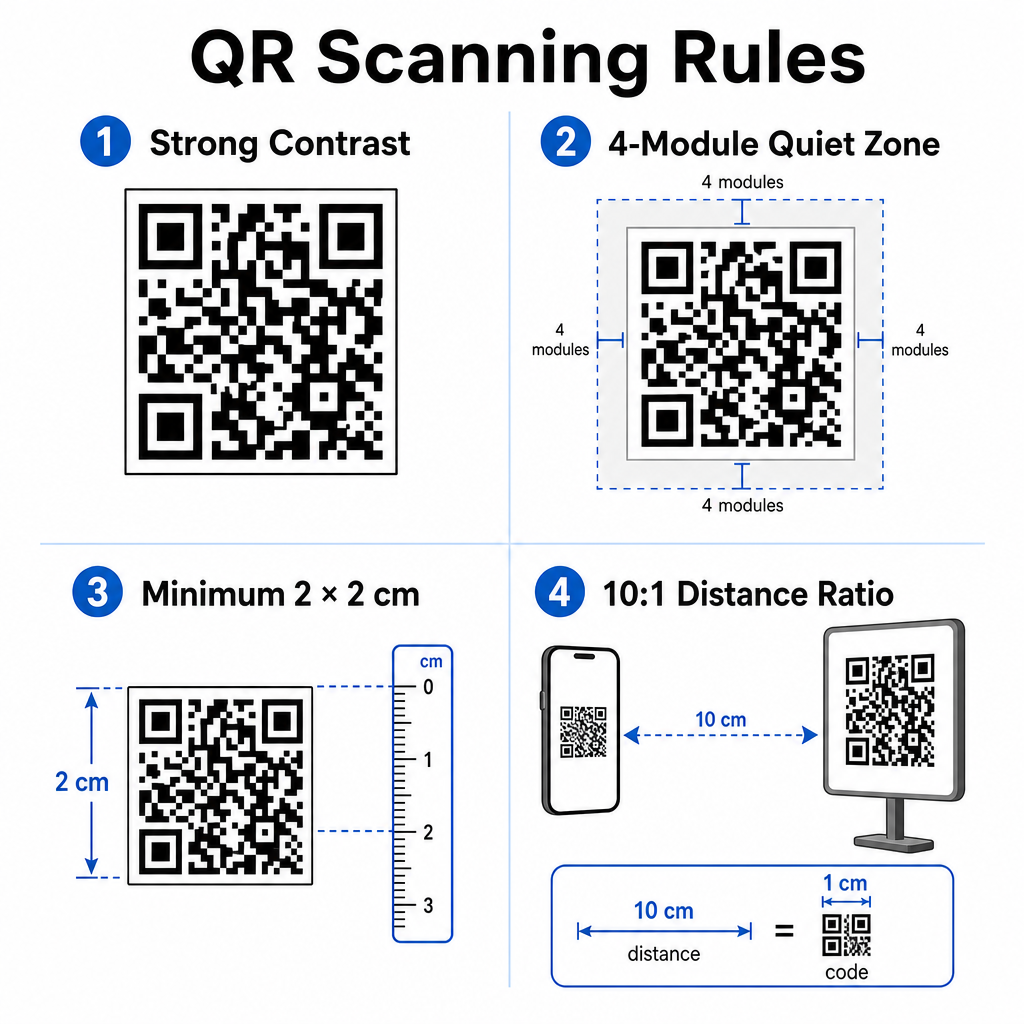
Untuk mematuhi piawaian kebolehcapaian digital (peraturan ADA), pastikan titik sentuhan QR anda menampung semua pesakit:
- Sediakan alternatif teks: Sentiasa cetak URL pendek atau alternatif teks biasa bersebelahan dengan kod untuk pesakit yang tidak dapat mengimbas.
- Optimumkan kebolehcapaian borang digital: Pastikan borang pengambilan destinasi mempunyai label medan borang yang jelas, keserasian pembaca skrin, status fokus yang kelihatan, dan navigasi mesra papan kekunci.
- Sertakan kapsyen video: Sertakan kapsyen tertutup dan transkrip pada semua pautan arahan video yang diakses melalui titik imbasan.
Rujuk garis panduan terperinci mengenai perkongsian data kesihatan yang selamat untuk memastikan saluran komunikasi digital anda mematuhi piawaian privasi.
Mengintegrasikan kod yang boleh diimbas di seluruh amalan pergigian anda mengurangkan pentadbiran meja depan secara manual, mempercepatkan daftar masuk pesakit, meningkatkan ulasan dalam talian yang sahih, dan memastikan arahan selepas rawatan mudah diakses. Dengan memilih pautan dinamik, mengekalkan piawaian kebolehcapaian ADA, dan menjamin pemindahan data pesakit, anda membina persekitaran penjagaan yang moden dan cekap. Mula mencipta titik sentuh pejabat anda yang boleh disesuaikan dan selamat dengan Penjana Kod Pageloot QR hari ini.
Soalan lazim
Ya, dengan syarat tiada Maklumat Kesihatan Terlindung (PHI) yang dibenamkan secara langsung ke dalam grafik kod QR itu sendiri. Kod tersebut mesti menghalakan pengguna ke halaman web HTTPS yang selamat yang dihoskan pada platform yang mematuhi HIPAA yang menggunakan penyulitan data, pengesahan pengguna, dan Perjanjian Rakan Niaga (BAA) yang ditandatangani.
Tidak. Google secara jelas melarang tawaran pembayaran, diskaun, kad hadiah, atau perkhidmatan percuma sebagai balasan untuk ulasan pelanggan. Anda juga mesti mengelak daripada menyekat ulasan, memastikan semua pesakit mempunyai akses terbuka untuk meninggalkan maklum balas yang tidak berat sebelah.
Untuk pengimbasan jarak dekat di kaunter penerimaan tetamu atau dulang rawatan, cetak kod pada saiz minimum 2 x 2 cm (0.8 x 0.8 inci). Untuk papan tanda yang bertujuan untuk diimbas dari jarak yang lebih jauh, tingkatkan saiz mengikut nisbah jarak ke saiz 10:1.