Möchten Sie, dass Hörer Ihren Podcast finden, ohne ein einziges Zeichen einzugeben? Wenn Ihr Publikum eine Sendung manuell suchen muss, werden sich die meisten nicht die Mühe machen. Dieser Leitfaden behandelt genau, wie man QR-Codes für die Podcast-Werbung erstellt, wo man sie platziert und wie man das Beste aus jedem Scan herausholt.
Warum Podcaster QR-Codes brauchen
Podcasting ist zu einem Mainstream-Medium geworden. Schätzungsweise 158 Millionen Menschen in den USA hören jeden Monat Podcasts, und über 70 % der Hörer beenden die meisten oder alle Episoden. Dieses Maß an Engagement ist selten, aber nur, wenn man die Leute überhaupt dazu bringt, auf "Play" zu drücken.
Die Herausforderung ist die Auffindbarkeit. Jemand sieht Ihren Flyer, Ihre Visitenkarte oder Ihre Produktverpackung und hat echtes Interesse – aber es gibt keinen reibungslosen Weg von diesem Moment zu Ihrem Audioinhalt. QR-Codes schließen diese Lücke. Ein einziger Scan führt einen Hörer direkt zu Ihrer Sendung, Episode oder Podcast-Plattformseite, ohne manuelle Suche.
Unternehmen wie Sephora, eBay und Microsoft nutzen bereits Marken-Podcasts, um neue Zielgruppen zu erreichen. QR-Codes machen diese Bemühungen messbar und für Hörer in der realen Welt zugänglicher.
Was ein Podcast-QR-Code tatsächlich bewirkt
Ein Podcast-QR-Code ist ein zweidimensionaler Code, der ein Ziel – typischerweise einen Link zu einer Streaming-Plattform, einer Podcast-Hosting-Seite oder einer Audiodatei – verschlüsselt und dieses beim Scannen mit einer Smartphone-Kamera automatisch öffnet.
Je nachdem, worauf Sie verlinken, können Hörer weitergeleitet werden zu:
- Einer spezifischen Episodenseite mit einem eingebetteten Player
- Der Seite Ihrer Sendung auf Apple Podcasts, Spotify oder einer anderen Plattform
- Einer universellen Landingpage, die es Hörern ermöglicht, ihre bevorzugte App zu wählen
- Einer gehosteten MP3-Datei, die direkt auf ihrem Gerät abgespielt wird
Die MP3 QR-Code Generator von Pageloot verarbeitet Audiodateien direkt, während der Link QR-Code-Generator funktioniert gut für Streaming-Plattform-URLs. Wenn Ihr Podcast auf Spotify ist, ermöglicht der Spotify QR-Code Generator es Ihnen, direkt zu einer bestimmten Episode, Playlist oder einem Künstlerprofil zu verlinken.
Beginnen Sie, Hörer direkt zu Ihrem Podcast zu senden Erstellen Sie einen gebrandeten, verfolgbaren QR-Code für Ihre Sendung oder Episode mit dem QR-Code-Generator. Kostenlose 14-Tage-Testversion, keine Kreditkarte erforderlich.
Vorteile von QR-Codes für die Podcast-Promotion

Sofortiger Zugriff ohne zusätzliche Schritte
Wenn ein QR-Code auf einer gedruckten Anzeige, einer Visitenkarte oder einer Ladenpräsentation ist, gelangen Hörer in Sekundenschnelle vom Sehen zum Hören Ihres Audios. Es gibt keine Suchleisten, keine App-Navigation, kein Tippen. Dieser reibungslose Weg ist wichtig, da jeder zusätzliche Schritt potenzielle Hörer verliert.
Dynamische Codes ermöglichen Updates ohne Neudruck
Einer der praktischsten Vorteile der Verwendung von dynamische QR-Codes ist, dass Sie das Ziel ändern können, nachdem der Code bereits gedruckt wurde. Wenn Sie auf die falsche Episode verlinken, die Hosting-Plattform wechseln oder Hörer auf eine neue Staffel aufmerksam machen möchten, aktualisieren Sie den Link in Ihrem Dashboard – und der gedruckte Code bleibt derselbe.
Dies schützt Investitionen in gedruckte Marketingmaterialien und macht es einfach, Materialien kampagnenübergreifend wiederzuverwenden.
Scan-Tracking und Analysen
QR-Codes liefern Ihnen echte Daten darüber, wie Ihr Podcast-Marketing funktioniert. Sie können sehen, wann Scans erfolgen, woher sie geografisch kommen und welche Platzierungen das meiste Engagement erzeugen. Diese Informationen ermöglichen es Ihnen, Kanäle zu vergleichen, zu identifizieren, welche gedruckten Materialien funktionieren, und fundierte Entscheidungen für zukünftige Kampagnen zu treffen.
Anpassung schafft Markenbekanntheit
QR-Codes sind die einzige Art von Barcode, die visuelle Anpassung unterstützt. Sie können die Markenfarben Ihres Podcasts, ein Logo und einen Hintergrund hinzufügen, der zur Identität Ihrer Sendung passt. Ein gut gestalteter Code wird eher gescannt, weil er beabsichtigt und vertrauenswürdig aussieht, anstatt generisch.
Fehlertoleranz für Druckumgebungen
QR-Codes verfügen über eine integrierte Fehlerkorrektur, die es ihnen ermöglicht, scanbar zu bleiben, selbst wenn Teile des Codes beschädigt, verdeckt oder abgenutzt sind. Dies ist besonders nützlich für Druckmaterialien, die stark beansprucht werden, wie Einkaufstaschen oder Veranstaltungsprogramme.
So erstellen Sie einen Podcast-QR-Code

Schritt 1 – Holen Sie sich Ihren Podcast-Link
Der beste Ansatz ist die Verwendung eines Links, der geräte- und appübergreifend funktioniert. Optionen umfassen:
- Eine direkte Episoden-URL von Ihrem Hosting-Anbieter (die meisten Hosts generieren eine eigenständige Episodenseite mit einem eingebetteten Player)
- Die Spotify-, Apple Podcasts- oder andere Plattform-URL Ihrer Show
- Ein universeller Smart-Link, der Hörer automatisch zu ihrer bevorzugten App leitet
Wenn Ihr Podcast auf Spotify ist, erfahren Sie, wie Sie einen Spotify QR-Code erstellen der zu einer bestimmten Episode, einem Album oder einer Playlist führt.
Schritt 2 – Wählen Sie den richtigen QR-Code-Typ
- Verwenden Sie die MP3 QR-Code Generator wenn Sie eine Audiodatei direkt hochladen und Hörer sie von einer gebrandeten Landingpage abspielen lassen möchten
- Verwenden Sie die Link QR-Code-Generator wenn Sie auf eine Streaming-Plattform-URL oder Podcast-Hosting-Seite verlinken
- Verwenden Sie die Spotify QR-Code Generator für Spotify-spezifische Inhalte
Schritt 3 – Passen Sie den Code an
Fügen Sie das Logo Ihres Podcasts hinzu, passen Sie die Farben an Ihre Marke an und konfigurieren Sie die Landingpage, wenn Sie einen Audio-QR-Code verwenden. Die Audio-QR-Code-Seiten von Pageloot unterstützen einen Titel, ein Coverbild, Markenfarben und einen Begrüßungsbildschirm, bevor der Player geladen wird.
Halten Sie den Kontrast hoch – verwenden Sie dunkle Muster auf hellem Hintergrund. Vermeiden Sie invertierte Farbschemata, die für Kameras schwerer zu lesen sind.
Schritt 4 – Im richtigen Format herunterladen
Für den Druck speichern Sie Ihren QR-Code immer als SVG-, EPS- oder PDF-Vektordatei. Diese Formate skalieren ohne Pixelbildung, sodass Ihr Code gestochen scharf bleibt, egal ob er auf einer Visitenkarte oder einer Plakatwand erscheint. JPEG- und PNG-Formate können beim Vergrößern unscharf werden, was die Scannbarkeit verringert.
Schritt 5 – Testen vor der Verteilung
Scannen Sie Ihren fertigen Code mit mehreren Geräten – verschiedenen Telefonmodellen und sowohl iOS als auch Android – bevor Sie ihn zum Drucken senden. Testen Sie den gesamten Pfad vom Scan bis zur Audiowiedergabe. Dynamische QR-Codes ermöglichen es Ihnen, einen defekten oder falschen Link nachträglich zu korrigieren, aber ein vorheriger Test vermeidet das Problem gänzlich.
Wo Podcast-QR-Codes verwendet werden können
Gedruckte Marketingmaterialien
Gedruckte Anzeigen, Plakate, Flyer, Banner und Plakatwände sind gute Platzierungen für Podcast-QR-Codes, da sie Menschen erreichen, die stationär sind oder einen Moment Zeit zum Scannen haben. Platzieren Sie den Code in einem gut sichtbaren Bereich mit ausreichend Weißraum darum herum. Vermeiden Sie unruhige oder gemusterte Hintergründe, die das Scannen beeinträchtigen.

Als Größenrichtlinie sollte Ihr QR-Code für Materialien im Nahbereich wie Visitenkarten oder Verpackungen mindestens 0,8 × 0,8 Zoll groß sein. Größere Platzierungen wie Plakate sollten proportional skaliert werden – etwa 1 Zoll Codebreite pro 10 Zoll erwarteter Scan-Entfernung. Für detaillierte Größenrichtlinien für verschiedene Oberflächen, siehe QR-Code-Größen für verschiedene Druckmaterialien.
Ihre Website und soziale Medien
Wenn jemand bereits Ihre Website oder sozialen Profile besucht, bietet ein QR-Code einen sofortigen Pfad zu Ihren Audioinhalten, ohne dass er sich durch die Navigation suchen muss. Dies ist besonders effektiv, wenn er in der Nähe einer Podcast-Episodenzusammenfassung oder in einer Seitenleiste eingebettet ist, die auf der gesamten Seite sichtbar bleibt.
Ladendisplays und Verpackungen
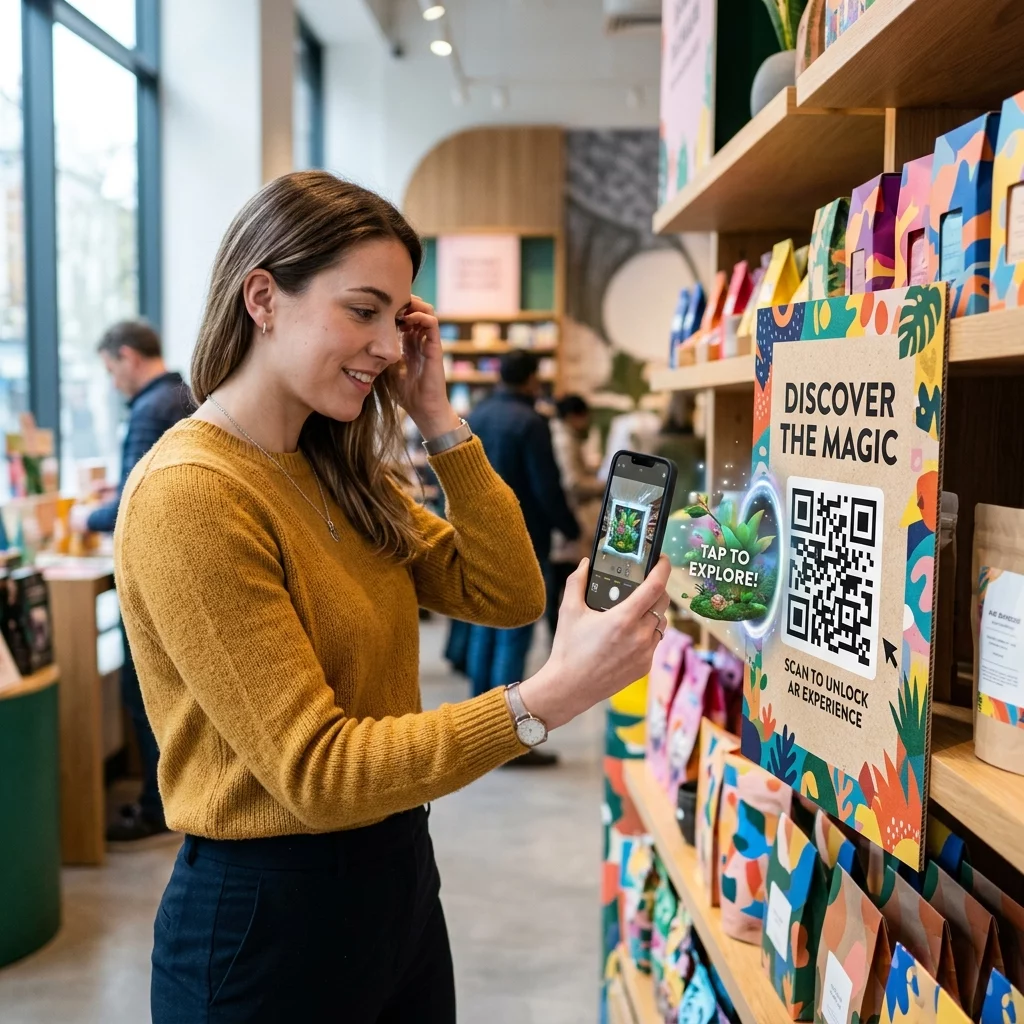
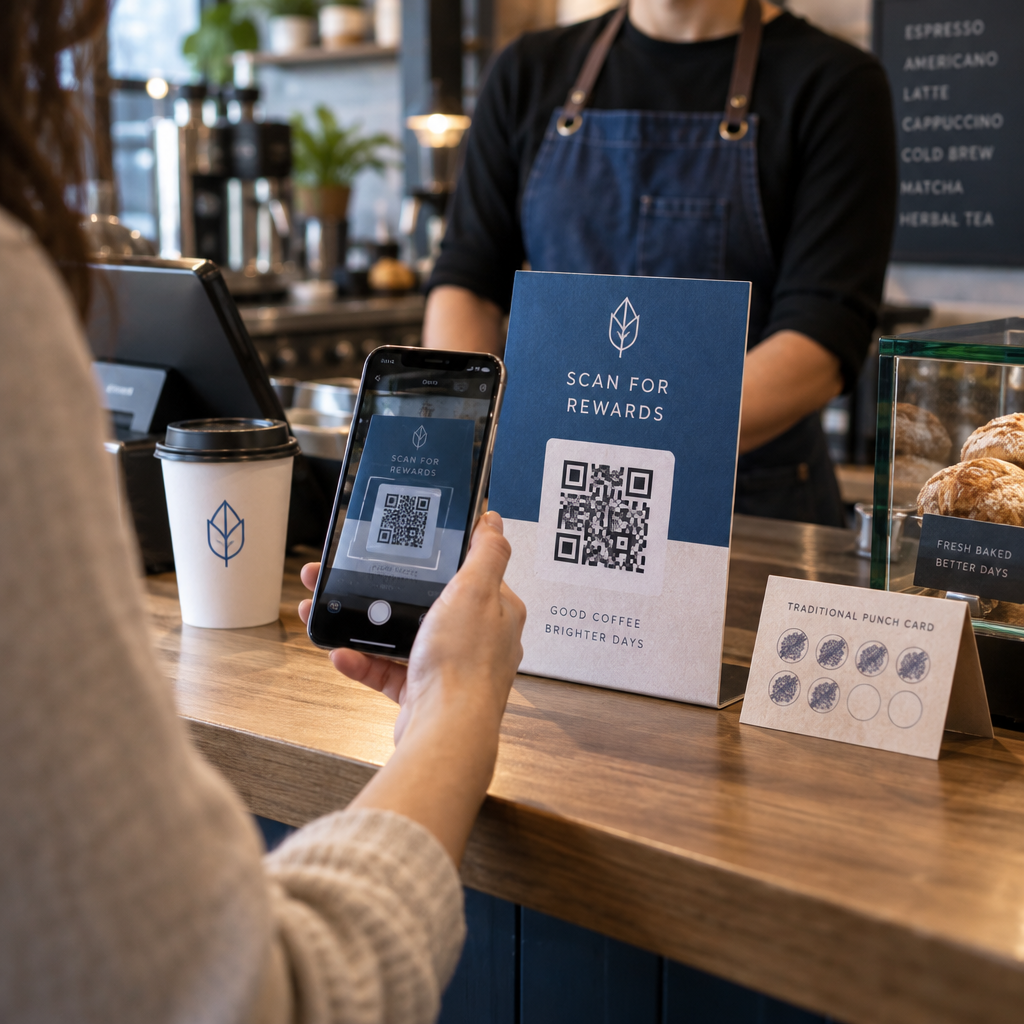
Wenn Sie eine physische Einzelhandelspräsenz haben, führen QR-Codes auf Ladenetiketten, Regaldisplays oder Einkaufstaschen Kunden in einem Moment zu Ihrem Podcast, in dem sie bereits mit Ihrer Marke interagieren. Viele Kunden, die persönlich einkaufen, sind sich der Online-Inhalte einer Marke nicht bewusst – ein gut platzierter QR-Code schließt diese Lücke.
E-Mail-Newsletter und digitale Anzeigen
Das Einfügen eines QR-Codes in eine E-Mail oder digitale Anzeige mag überflüssig erscheinen, da diese Kanäle bereits anklickbare Links unterstützen, aber QR-Codes in E-Mail-Signaturen oder PDF-Newslettern bieten den Empfängern eine einfache Möglichkeit, auf einem mobilen Gerät zu scannen und zuzuhören, getrennt von dem Bildschirm, auf dem sie lesen.
Machen Sie Ihren QR-Code nachverfolgbar Verwenden Sie eine Dynamischer QR-Code damit Sie Ihren Podcast-Link aktualisieren, das Scan-Volumen nach Platzierung verfolgen und messen können, welche Marketingkanäle die meisten Zuhörer generieren.
Best Practices für Podcast-QR-Codes

Schreiben Sie einen spezifischen Call-to-Action
Jeder QR-Code benötigt einen CTA, der dem Publikum genau sagt, was passiert, wenn sie ihn scannen. Vage Codes werden ignoriert. Beispiele für effektive CTAs zur Podcast-Promotion:
- “Scannen Sie, um die Episode dieser Woche anzuhören”
- “Scannen Sie für das vollständige Interview”
- “Hören Sie die neuesten Branchenkenntnisse – zum Abspielen scannen”
Der CTA sollte sich unmittelbar neben dem QR-Code befinden und nicht in umgebendem Text versteckt sein. Weitere Anleitungen zum Schreiben von CTAs und zum effektiven Platzieren von Codes finden Sie unter ultimativer Leitfaden zur Platzierung von QR-Codes im Marketing.
Halten Sie das Landing-Erlebnis mobilfreundlich
Wenn jemand mit einem Telefon scannt, sollte er eine Seite erreichen, die schnell lädt und Audio ohne unnötige Barrieren abspielt. Wenn Sie einen Audio-QR-Code mit einer Landingpage verwenden, halten Sie das Design sauber und stellen Sie sicher, dass der Wiedergabebutton prominent platziert ist. Wenn Sie auf eine Streaming-Plattform verlinken, stellen Sie sicher, dass der Link in der App der Plattform und nicht auf einer langsamen mobilen Browserseite geöffnet wird.
Beachten Sie Design- und Lesbarkeitsstandards
- Sorgen Sie für einen hohen Kontrast zwischen dem QR-Code und seinem Hintergrund
- Lassen Sie eine klare Ruhezone (leerer Rand) um den Code auf allen Seiten, damit Scanner ihn von umgebenden Elementen unterscheiden können
- Vermeiden Sie es, Codes nach Möglichkeit auf gekrümmten, reflektierenden oder strukturierten Oberflächen zu platzieren
- Verwenden Sie die höchste Fehlerkorrekturstufe (H), wenn Sie ein Logo-Overlay zum Code hinzufügen
Für eine vollständige Aufschlüsselung der Designanforderungen besuchen Sie Best Practices für die Lesbarkeit von QR-Codes.
Verwenden Sie einen Code pro Platzierungskontext
Anstatt eines einzelnen Codes, der auf Ihre gesamte Show verlinkt, sollten Sie in Betracht ziehen, verschiedene QR-Codes für verschiedene Episoden oder Kampagnen zu erstellen. Dynamische Codes machen dies überschaubar – Sie können das Ziel jedes Codes unabhängig aktualisieren und Scandaten über verschiedene Platzierungen hinweg vergleichen, um zu verstehen, was bei verschiedenen Zielgruppen ankommt.
Wenn möglich, auf einen universellen Einstiegspunkt verlinken
Nicht alle Ihre Hörer verwenden dieselbe Podcast-App. Das Verlinken auf eine universelle Show-Seite – eine, die Benutzer zu ihrer bevorzugten Plattform leitet oder einen eingebetteten Player enthält – stellt sicher, dass kein Hörer ausgeschlossen wird, weil er keine bestimmte App verwendet.
Häufig gestellte Fragen
Der effektivste Ansatz ist die Verwendung eines Links, der unabhängig davon funktioniert, welche App ein Hörer bevorzugt. Das bedeutet entweder die Episoden- oder Show-Seite Ihres Podcast-Hosts (die typischerweise einen eingebetteten Player und Links zu wichtigen Apps enthält), einen universellen Smart-Link-Dienst oder eine Spotify-/Apple Podcasts-URL, wenn Ihr Publikum hauptsächlich eine Plattform nutzt. Vermeiden Sie app-spezifische Deep Links, die nur in einer einzigen App korrekt geöffnet werden.
Ja, wenn Sie einen dynamischen QR-Code erstellen. Dynamische Codes speichern eine kurze Weiterleitungs-URL im Codemuster, und Sie können das endgültige Ziel jederzeit von Ihrem Dashboard aus aktualisieren, ohne neu drucken zu müssen. Das bedeutet, Sie können denselben gedruckten Code jede Woche auf eine neue Episode verweisen oder einen defekten Link beheben, nachdem Materialien bereits verteilt wurden.
Für die meisten Druckmaterialien wird ein Minimum von 0,8 × 0,8 Zoll empfohlen. Visitenkarten, Event-Badges und Verpackungen, die aus Armlänge gescannt werden, sollten dieses Minimum erfüllen oder überschreiten. Poster und Banner, die aus größerer Entfernung gescannt werden sollen, müssen proportional größer sein – etwa 1 Zoll Breite für alle 10 Zoll Scan-Abstand. Verwenden Sie für den Druck immer ein Vektorformat wie SVG oder EPS, damit der Code in jeder Größe scharf bleibt.