Θέλετε οι ακροατές να βρίσκουν το podcast σας χωρίς να πληκτρολογήσουν ούτε έναν χαρακτήρα; Όταν το κοινό σας πρέπει να ψάξει χειροκίνητα για μια εκπομπή, οι περισσότεροι δεν θα μπουν στον κόπο. Αυτός ο οδηγός καλύπτει ακριβώς πώς να δημιουργήσετε κωδικούς QR για την προώθηση podcast, πού να τους τοποθετήσετε και πώς να αξιοποιήσετε στο έπακρο κάθε σάρωση.
Γιατί οι Podcasters Χρειάζονται Κωδικούς QR
Το podcasting έχει γίνει ένα κυρίαρχο μέσο. Υπολογίζεται ότι 158 εκατομμύρια άνθρωποι στις ΗΠΑ ακούν podcast κάθε μήνα, και πάνω από το 70% των ακροατών ολοκληρώνουν το μεγαλύτερο μέρος ή ολόκληρο κάθε επεισόδιο. Αυτό το επίπεδο αφοσίωσης είναι σπάνιο, αλλά μόνο αν μπορείτε να κάνετε τους ανθρώπους να πατήσουν το play εξαρχής.
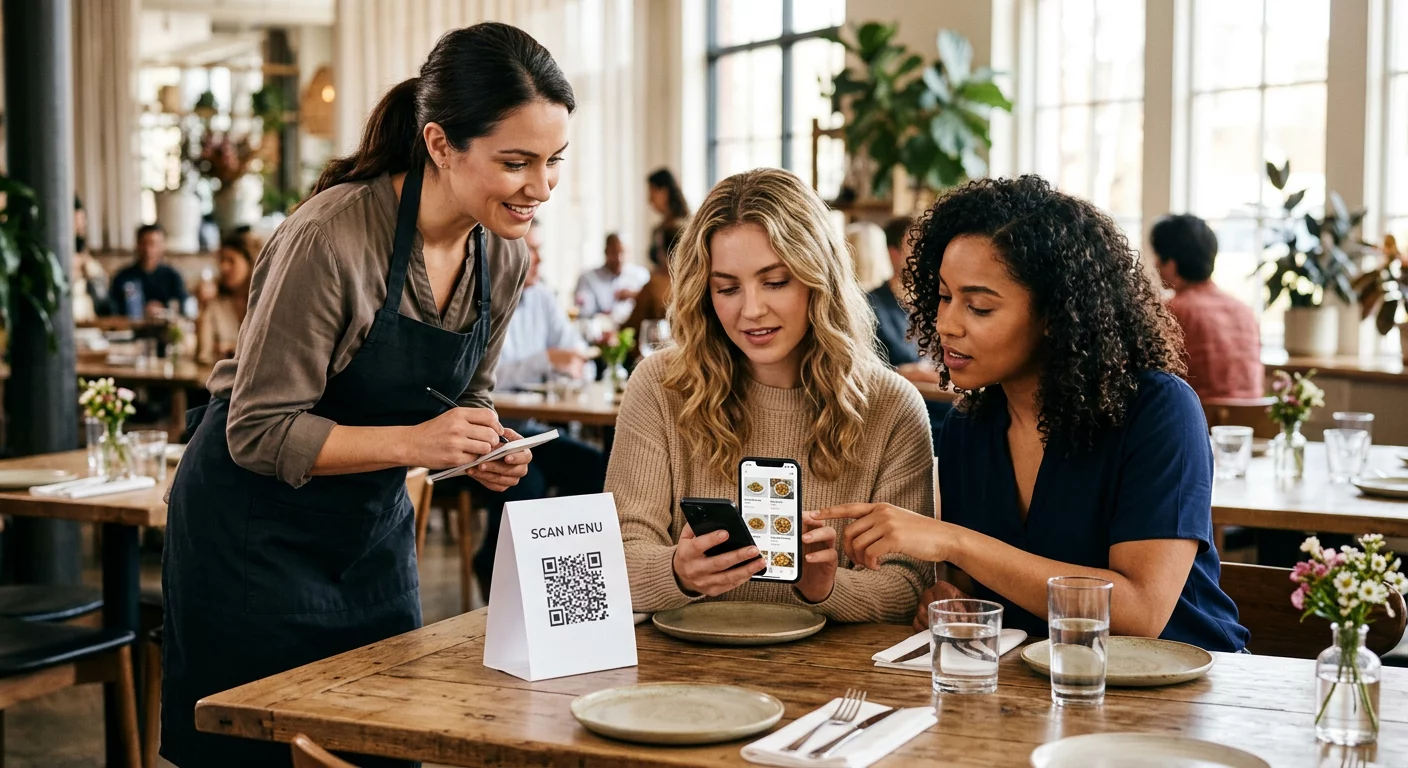
Η πρόκληση είναι η ανακαλυψιμότητα. Κάποιος βλέπει το φυλλάδιό σας, την επαγγελματική σας κάρτα ή τη συσκευασία του προϊόντος σας και έχει γνήσιο ενδιαφέρον – αλλά δεν υπάρχει ομαλή διαδρομή από εκείνη τη στιγμή προς το ηχητικό σας περιεχόμενο. Οι κωδικοί QR λύνουν αυτό το κενό. Μια απλή σάρωση οδηγεί έναν ακροατή απευθείας στην εκπομπή, το επεισόδιο ή τη σελίδα της πλατφόρμας podcast σας χωρίς καμία χειροκίνητη αναζήτηση.
Εταιρείες όπως η Sephora, το eBay και η Microsoft χρησιμοποιούν ήδη επώνυμα podcast για να προσεγγίσουν νέα κοινά. Οι κωδικοί QR καθιστούν αυτές τις προσπάθειες μετρήσιμες και πιο προσβάσιμες στους ακροατές στον πραγματικό κόσμο.
Τι Κάνει Πραγματικά Ένας Κωδικός QR Podcast
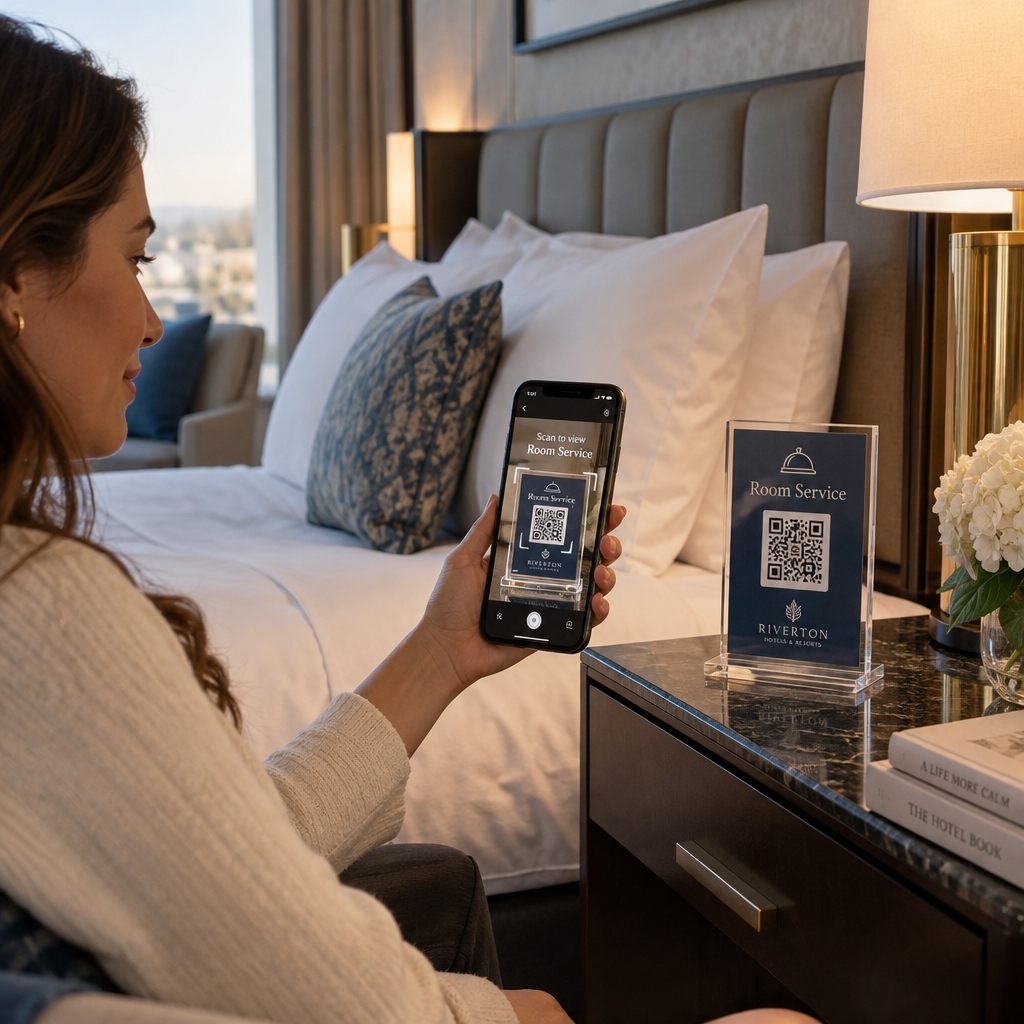
Ένας κωδικός QR podcast είναι ένας δισδιάστατος κωδικός που κωδικοποιεί έναν προορισμό – συνήθως έναν σύνδεσμο προς μια πλατφόρμα streaming, μια σελίδα φιλοξενίας podcast ή ένα αρχείο ήχου – και τον ανοίγει αυτόματα όταν σαρωθεί με την κάμερα ενός smartphone.
Ανάλογα με το πού συνδέεστε, οι ακροατές μπορούν να σταλούν σε:
- Μια συγκεκριμένη σελίδα επεισοδίου με ενσωματωμένο player
- Τη σελίδα της εκπομπής σας στο Apple Podcasts, το Spotify ή άλλη πλατφόρμα
- Μια καθολική σελίδα προορισμού που επιτρέπει στους ακροατές να επιλέξουν την προτιμώμενη εφαρμογή τους
- Ένα φιλοξενούμενο αρχείο MP3 που παίζει απευθείας στη συσκευή τους
ο Δημιουργία QR code για MP3 από το Pageloot χειρίζεται απευθείας αρχεία ήχου, ενώ το Γεννήτρια Κωδικών QR Συνδέσμων λειτουργεί καλά για URL πλατφορμών streaming. Αν το podcast σας είναι στο Spotify, το Δημιουργία QR code για Spotify σας επιτρέπει να συνδέεστε απευθείας με ένα συγκεκριμένο επεισόδιο, playlist ή προφίλ καλλιτέχνη.
Ξεκινήστε να Στέλνετε Ακροατές Απευθείας στο Podcast σας Δημιουργήστε έναν επώνυμο, ανιχνεύσιμο κωδικό QR για την εκπομπή ή το επεισόδιό σας χρησιμοποιώντας το Γεννήτρια Κωδικών QR. Δωρεάν δοκιμή 14 ημερών, δεν απαιτείται πιστωτική κάρτα.
Οφέλη των κωδικών QR για την προώθηση podcast

Άμεση πρόσβαση χωρίς επιπλέον βήματα
Όταν ένας κωδικός QR βρίσκεται σε μια έντυπη διαφήμιση, μια επαγγελματική κάρτα ή μια βιτρίνα καταστήματος, οι ακροατές περνούν από την όραση στην ακρόαση του ήχου σας μέσα σε δευτερόλεπτα. Δεν υπάρχουν γραμμές αναζήτησης, πλοήγηση εφαρμογών, πληκτρολόγηση. Αυτή η ανεμπόδιστη διαδρομή έχει σημασία γιατί κάθε επιπλέον βήμα χάνει πιθανούς ακροατές.
Δυναμικοί κωδικοί που σας επιτρέπουν να ενημερώνετε χωρίς επανεκτύπωση
Ένα από τα πιο πρακτικά πλεονεκτήματα της χρήσης δυναμικοί κωδικοί QR είναι ότι μπορείτε να αλλάξετε τον προορισμό αφού ο κωδικός έχει ήδη εκτυπωθεί. Εάν συνδέεστε με λάθος επεισόδιο, αλλάζετε πλατφόρμες φιλοξενίας ή θέλετε να κατευθύνετε τους ακροατές σε μια νέα σεζόν, ενημερώνετε τον σύνδεσμο στον πίνακα ελέγχου σας – και ο εκτυπωμένος κωδικός παραμένει ο ίδιος.
Αυτό προστατεύει κάθε επένδυση σε έντυπα υλικά μάρκετινγκ και καθιστά απλή την επαναχρησιμοποίηση υλικών σε διάφορες καμπάνιες.
Παρακολούθηση σάρωσης και αναλύσεις
Οι κωδικοί QR σας δίνουν πραγματικά δεδομένα για το πώς αποδίδει το μάρκετινγκ του podcast σας. Μπορείτε να δείτε πότε γίνονται σαρώσεις, από πού προέρχονται γεωγραφικά και ποιες τοποθετήσεις δημιουργούν τη μεγαλύτερη αφοσίωση. Αυτές οι πληροφορίες σας επιτρέπουν να συγκρίνετε κανάλια, να εντοπίσετε ποια έντυπα υλικά λειτουργούν και να λάβετε τεκμηριωμένες αποφάσεις για μελλοντικές καμπάνιες.
Η προσαρμογή χτίζει την αναγνώριση της επωνυμίας
Οι κωδικοί QR είναι ο μόνος τύπος γραμμωτού κώδικα που υποστηρίζει οπτική προσαρμογή. Μπορείτε να προσθέσετε τα χρώματα της επωνυμίας του podcast σας, ένα λογότυπο και ένα φόντο που ταιριάζει στην ταυτότητα της εκπομπής σας. Ένας καλά σχεδιασμένος κωδικός είναι πιο πιθανό να σαρωθεί επειδή φαίνεται σκόπιμος και αξιόπιστος παρά γενικός.
Ανοχή σφαλμάτων για περιβάλλοντα εκτύπωσης
Οι κωδικοί QR περιλαμβάνουν ενσωματωμένη διόρθωση σφαλμάτων που τους επιτρέπει να παραμένουν σαρώσιμοι ακόμα και αν μέρος του κωδικού είναι κατεστραμμένο, ασαφές ή φθαρμένο. Αυτό είναι ιδιαίτερα χρήσιμο για έντυπα υλικά που υφίστανται έντονη χρήση, όπως τσάντες αγορών ή προγράμματα εκδηλώσεων.
Πώς να δημιουργήσετε έναν κωδικό QR για podcast

Βήμα 1 – Αποκτήστε τον Σύνδεσμο του Podcast σας
Η καλύτερη προσέγγιση είναι να χρησιμοποιήσετε έναν σύνδεσμο που λειτουργεί σε όλες τις συσκευές και εφαρμογές. Οι επιλογές περιλαμβάνουν:
- Μια απευθείας διεύθυνση URL επεισοδίου από τον πάροχο φιλοξενίας σας (οι περισσότεροι πάροχοι δημιουργούν μια αυτόνομη σελίδα επεισοδίου με ενσωματωμένο πρόγραμμα αναπαραγωγής)
- Το Spotify της εκπομπής σας, Apple Podcasts, ή άλλη διεύθυνση URL πλατφόρμας
- Ένας καθολικός έξυπνος σύνδεσμος που κατευθύνει αυτόματα τους ακροατές στην προτιμώμενη εφαρμογή τους
Εάν το podcast σας βρίσκεται στο Spotify, μάθετε πώς να δημιουργήσετε έναν κωδικό QR Spotify που συνδέεται με ένα συγκεκριμένο επεισόδιο, άλμπουμ ή λίστα αναπαραγωγής.
Βήμα 2 – Επιλέξτε τον Σωστό Τύπο Κωδικού QR
- Χρησιμοποιήστε το Δημιουργία QR code για MP3 εάν θέλετε να ανεβάσετε ένα αρχείο ήχου απευθείας και να το αναπαράγουν οι ακροατές από μια επώνυμη σελίδα προορισμού
- Χρησιμοποιήστε το Γεννήτρια Κωδικών QR Συνδέσμων εάν συνδέεστε με μια διεύθυνση URL πλατφόρμας streaming ή μια σελίδα φιλοξενίας podcast
- Χρησιμοποιήστε το Δημιουργία QR code για Spotify για περιεχόμενο ειδικά για το Spotify
Βήμα 3 – Προσαρμόστε τον Κωδικό
Προσθέστε το λογότυπο του podcast σας, προσαρμόστε τα χρώματα ώστε να ταιριάζουν με την επωνυμία σας, και διαμορφώστε τη σελίδα προορισμού εάν χρησιμοποιείτε κωδικό QR ήχου. Οι σελίδες κωδικών QR ήχου του Pageloot υποστηρίζουν τίτλο, εικόνα εξωφύλλου, χρώματα επωνυμίας και οθόνη καλωσορίσματος πριν φορτώσει το πρόγραμμα αναπαραγωγής.
Διατηρήστε υψηλή αντίθεση – χρησιμοποιήστε σκούρα μοτίβα σε ανοιχτόχρωμο φόντο. Αποφύγετε τα ανεστραμμένα χρωματικά σχήματα, τα οποία είναι πιο δύσκολο να διαβαστούν από τις κάμερες.
Βήμα 4 – Λήψη στη Σωστή Μορφή
Για χρήση εκτύπωσης, αποθηκεύετε πάντα τον κωδικό QR σας ως αρχείο διανυσματικής γραφικής παράστασης SVG, EPS ή PDF. Αυτές οι μορφές κλιμακώνονται χωρίς εικονοστοιχεία, οπότε ο κωδικός σας παραμένει ευκρινής είτε εμφανίζεται σε μια επαγγελματική κάρτα είτε σε μια διαφημιστική πινακίδα. Οι μορφές JPEG και PNG μπορεί να γίνουν θολές όταν μεγεθύνονται, γεγονός που μειώνει τη δυνατότητα σάρωσης.
Βήμα 5 – Δοκιμάστε πριν τη διανομή
Σαρώστε τον ολοκληρωμένο κωδικό σας με πολλές συσκευές – διαφορετικά μοντέλα τηλεφώνων και τόσο iOS όσο και Android – πριν τον στείλετε για εκτύπωση. Δοκιμάστε την πλήρη διαδρομή από τη σάρωση έως την αναπαραγωγή ήχου. Οι δυναμικοί κωδικοί QR σάς επιτρέπουν να διορθώσετε έναν χαλασμένο ή λανθασμένο σύνδεσμο εκ των υστέρων, αλλά η δοκιμή εκ των προτέρων αποφεύγει εντελώς το πρόβλημα.
Πού να χρησιμοποιήσετε Κωδικούς QR Podcast
Έντυπα Υλικά Μάρκετινγκ
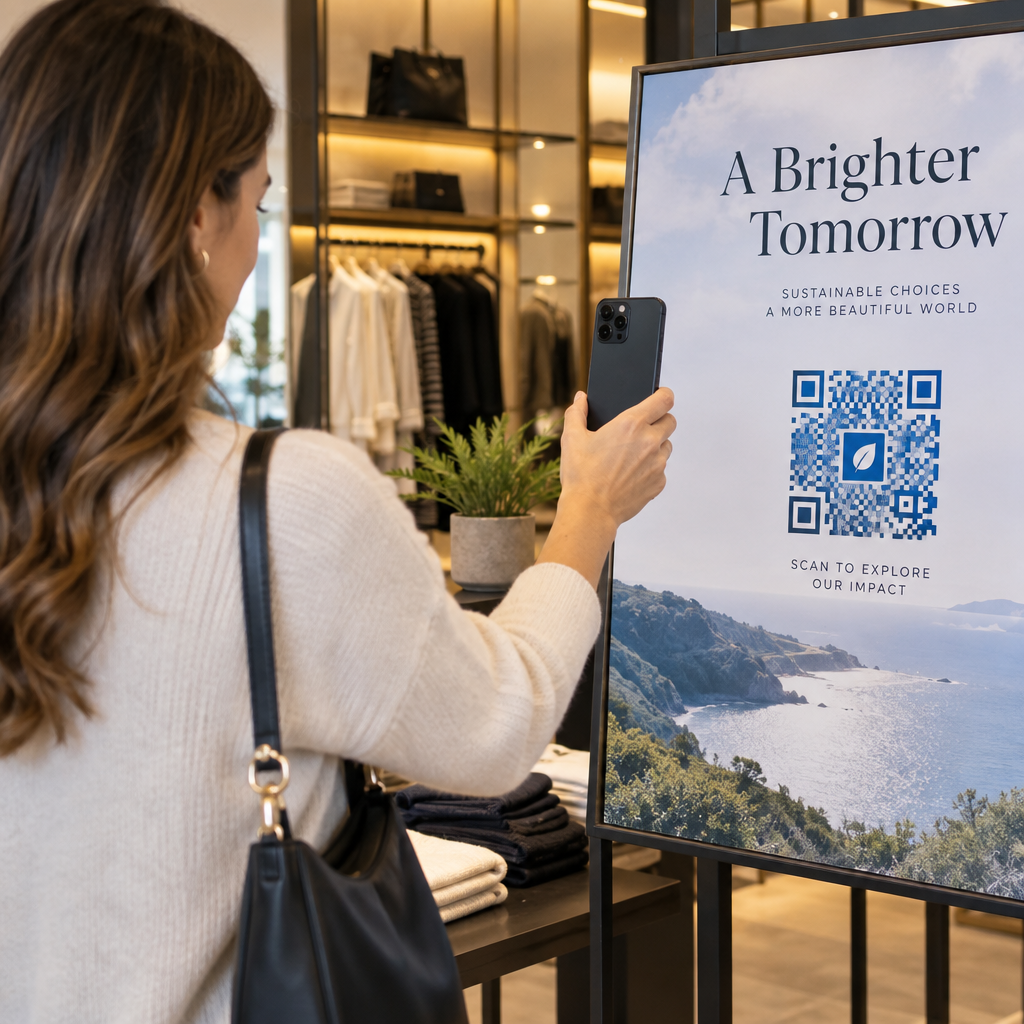
Οι έντυπες διαφημίσεις, οι αφίσες, τα φυλλάδια, τα πανό και οι διαφημιστικές πινακίδες είναι ισχυρές τοποθετήσεις για κωδικούς QR podcast επειδή προσεγγίζουν άτομα που είναι ακίνητα ή έχουν μια στιγμή να σαρώσουν. Τοποθετήστε τον κωδικό σε μια περιοχή υψηλής ορατότητας με επαρκή λευκό χώρο γύρω του. Αποφύγετε τα πολυσύχναστα ή με σχέδια φόντα που παρεμβαίνουν στη σάρωση.

Για οδηγίες μεγέθους, ο κωδικός QR σας θα πρέπει να είναι τουλάχιστον 0,8 × 0,8 ίντσες για υλικά μικρής απόστασης, όπως επαγγελματικές κάρτες ή συσκευασίες. Μεγαλύτερες τοποθετήσεις, όπως αφίσες, θα πρέπει να κλιμακώνονται αναλογικά – περίπου 1 ίντσα πλάτους κωδικού ανά 10 ίντσες αναμενόμενης απόστασης σάρωσης. Για λεπτομερείς οδηγίες μεγέθους σε διαφορετικές επιφάνειες, δείτε το μέγεθος του κωδικού QR για διαφορετικά υλικά εκτύπωσης.
Ο Ιστότοπός σας και τα Κοινωνικά Δίκτυα
Εάν κάποιος επισκέπτεται ήδη τον ιστότοπό σας ή τα κοινωνικά σας προφίλ, ένας κωδικός QR του δίνει μια άμεση διαδρομή προς το ηχητικό σας περιεχόμενο χωρίς να ψάχνει στην πλοήγηση. Αυτό είναι ιδιαίτερα αποτελεσματικό όταν είναι ενσωματωμένο κοντά σε μια περίληψη επεισοδίου podcast ή σε μια πλαϊνή γραμμή που παραμένει ορατή σε όλη τη σελίδα.
Ενδοκαταστηματικές Οθόνες και Συσκευασίες
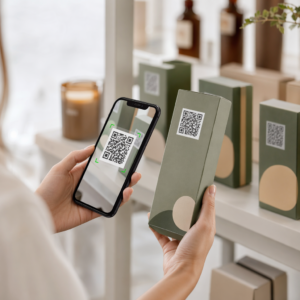
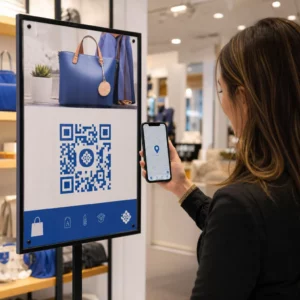
Εάν έχετε φυσική παρουσία λιανικής, οι κωδικοί QR σε ετικέτες καταστημάτων, οθόνες ραφιών ή τσάντες αγορών εισάγουν τους πελάτες στο podcast σας τη στιγμή που είναι ήδη αφοσιωμένοι στην επωνυμία σας. Πολλοί πελάτες που ψωνίζουν αυτοπροσώπως αγνοούν το διαδικτυακό περιεχόμενο μιας επωνυμίας – ένας καλά τοποθετημένος κωδικός QR γεφυρώνει αυτό το κενό.
Ενημερωτικά Δελτία Email και Ψηφιακές Διαφημίσεις
Η συμπερίληψη ενός κωδικού QR σε ένα email ή μια ψηφιακή διαφήμιση μπορεί να φαίνεται περιττή, καθώς αυτά τα κανάλια υποστηρίζουν ήδη συνδέσμους με δυνατότητα κλικ, αλλά οι κωδικοί QR σε υπογραφές email ή ενημερωτικά δελτία PDF δίνουν στους παραλήπτες έναν εύκολο τρόπο να σαρώσουν και να ακούσουν σε μια κινητή συσκευή ξεχωριστά από την οθόνη στην οποία διαβάζουν.
Κάντε τον Κωδικό QR σας Ανιχνεύσιμο Χρησιμοποίησε ένα Δυναμικός κωδικός QR ώστε να μπορείτε να ενημερώσετε τον σύνδεσμο του podcast σας, να παρακολουθείτε τον όγκο σάρωσης ανά τοποθέτηση, και να μετράτε ποια κανάλια μάρκετινγκ οδηγούν στις περισσότερες ακροάσεις.
Βέλτιστες Πρακτικές Κωδικών QR Podcast

Γράψτε μια Συγκεκριμένη Παρότρυνση για Δράση
Κάθε κωδικός QR χρειάζεται μια παρότρυνση για δράση (CTA) που να λέει στο κοινό τι ακριβώς θα συμβεί όταν τον σκανάρουν. Οι ασαφείς κωδικοί αγνοούνται. Παραδείγματα αποτελεσματικών CTAs για την προώθηση podcast:
- “Σαρώστε για να ακούσετε το επεισόδιο αυτής της εβδομάδας”
- “Σαρώστε για την πλήρη συνέντευξη”
- “Ακούστε τις τελευταίες πληροφορίες του κλάδου – σαρώστε για αναπαραγωγή”
Η παρότρυνση για δράση (CTA) πρέπει να βρίσκεται αμέσως δίπλα στον κωδικό QR, όχι θαμμένη στο περιβάλλον κείμενο. Για περισσότερες οδηγίες σχετικά με τη σύνταξη CTAs και την αποτελεσματική τοποθέτηση κωδικών, δείτε το ο απόλυτος οδηγός για την τοποθέτηση κωδικών QR στο μάρκετινγκ.
Διατηρήστε την Εμπειρία της Σελίδας Προορισμού Φιλική προς Κινητά
Όταν κάποιος σαρώνει από ένα τηλέφωνο, θα πρέπει να φτάνει σε μια σελίδα που φορτώνει γρήγορα και αναπαράγει ήχο χωρίς περιττά εμπόδια. Εάν χρησιμοποιείτε έναν κωδικό QR ήχου με μια σελίδα προορισμού, διατηρήστε τον σχεδιασμό καθαρό και βεβαιωθείτε ότι το κουμπί αναπαραγωγής είναι εμφανές. Εάν συνδέεστε με μια πλατφόρμα ροής, βεβαιωθείτε ότι ο σύνδεσμος ανοίγει στην εφαρμογή της πλατφόρμας και όχι σε μια αργή σελίδα προγράμματος περιήγησης για κινητά.
Ακολουθήστε τα Πρότυπα Σχεδιασμού και Αναγνωσιμότητας
- Διατηρήστε υψηλή αντίθεση μεταξύ του κωδικού QR και του φόντου του
- Αφήστε μια καθαρή ήσυχη ζώνη (κενό περιθώριο) γύρω από τον κωδικό από όλες τις πλευρές, ώστε οι σαρωτές να μπορούν να τον διακρίνουν από τα γύρω στοιχεία
- Αποφύγετε την τοποθέτηση κωδικών σε καμπύλες, ανακλαστικές ή ανάγλυφες επιφάνειες όπου είναι δυνατόν
- Χρησιμοποιήστε το υψηλότερο επίπεδο διόρθωσης σφαλμάτων (H) όταν προσθέτετε μια επικάλυψη λογότυπου στον κωδικό
Για μια πλήρη ανάλυση των απαιτήσεων σχεδιασμού, επισκεφθείτε το βέλτιστες πρακτικές για την αναγνωσιμότητα των κωδικών QR.
Χρησιμοποιήστε Έναν Κωδικό ανά Πλαίσιο Τοποθέτησης
Αντί για έναν ενιαίο κωδικό που συνδέεται με ολόκληρη την εκπομπή σας, εξετάστε το ενδεχόμενο να δημιουργήσετε διαφορετικούς κωδικούς QR για διαφορετικά επεισόδια ή καμπάνιες. Οι δυναμικοί κωδικοί το καθιστούν διαχειρίσιμο – μπορείτε να ενημερώνετε τον προορισμό κάθε κωδικού ανεξάρτητα και να συγκρίνετε δεδομένα σάρωσης σε διαφορετικές τοποθετήσεις για να κατανοήσετε τι απηχεί σε διαφορετικά κοινά.
Σύνδεσμος σε ένα Καθολικό Σημείο Εισόδου Όταν είναι δυνατόν
Δεν χρησιμοποιούν όλοι οι ακροατές σας την ίδια εφαρμογή podcast. Η σύνδεση σε μια καθολική σελίδα εκπομπής – μια που κατευθύνει τους χρήστες στην προτιμώμενη πλατφόρμα τους ή περιλαμβάνει ενσωματωμένο πρόγραμμα αναπαραγωγής – διασφαλίζει ότι κανένας ακροατής δεν αποκλείεται επειδή δεν χρησιμοποιεί μια συγκεκριμένη εφαρμογή.
Συχνές ερωτήσεις
Η πιο αποτελεσματική προσέγγιση είναι να χρησιμοποιήσετε έναν σύνδεσμο που λειτουργεί ανεξάρτητα από την εφαρμογή που προτιμά ένας ακροατής. Αυτό σημαίνει είτε τη σελίδα επεισοδίου ή εκπομπής του παρόχου podcast σας (η οποία συνήθως περιλαμβάνει ενσωματωμένο πρόγραμμα αναπαραγωγής και συνδέσμους προς μεγάλες εφαρμογές), μια καθολική υπηρεσία έξυπνων συνδέσμων, ή μια διεύθυνση URL Spotify/Apple Podcasts εάν το κοινό σας χρησιμοποιεί κυρίως μία πλατφόρμα. Αποφύγετε τους ειδικούς για εφαρμογές βαθιούς συνδέσμους που ανοίγουν σωστά μόνο σε μία εφαρμογή.
Ναι, αν δημιουργήσετε έναν δυναμικό κωδικό QR. Οι δυναμικοί κωδικοί αποθηκεύουν μια σύντομη διεύθυνση URL ανακατεύθυνσης στο μοτίβο του κώδικα και μπορείτε να ενημερώσετε τον τελικό προορισμό από τον πίνακα ελέγχου σας ανά πάσα στιγμή χωρίς επανεκτύπωση. Αυτό σημαίνει ότι μπορείτε να κατευθύνετε τον ίδιο εκτυπωμένο κωδικό σε ένα νέο επεισόδιο κάθε εβδομάδα ή να διορθώσετε έναν χαλασμένο σύνδεσμο αφού έχουν ήδη διανεμηθεί τα υλικά.
Για τα περισσότερα έντυπα υλικά, συνιστάται ένα ελάχιστο μέγεθος 0,8 × 0,8 ίντσες. Οι επαγγελματικές κάρτες, τα σήματα εκδηλώσεων και οι συσκευασίες που θα σαρωθούν από απόσταση χεριού πρέπει να πληρούν ή να υπερβαίνουν αυτό το ελάχιστο. Οι αφίσες και τα πανό που προορίζονται να σαρωθούν από μεγαλύτερη απόσταση πρέπει να είναι αναλογικά μεγαλύτερα – περίπου 1 ίντσα πλάτος για κάθε 10 ίντσες απόστασης σάρωσης. Χρησιμοποιείτε πάντα μια διανυσματική μορφή όπως SVG ή EPS για εκτύπωση, ώστε ο κώδικας να παραμένει ευκρινής σε οποιοδήποτε μέγεθος.