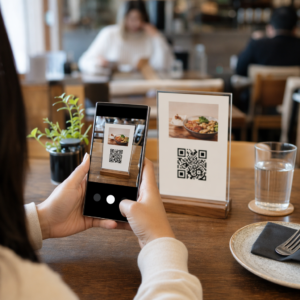
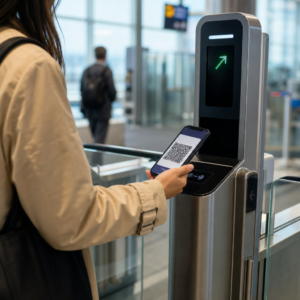
Vill du att lyssnare ska hitta din podcast utan att skriva ett enda tecken? När din publik måste leta upp en show manuellt, kommer de flesta inte att bry sig. Den här guiden täcker exakt hur man skapar QR-koder för podcastmarknadsföring, var man placerar dem och hur man får ut det mesta av varje skanning.
Varför podcasters behöver QR-koder
Podcasting har blivit ett mainstream-medium. Uppskattningsvis 158 miljoner människor i USA lyssnar på podcasts varje månad, och över 70% av lyssnarna lyssnar klart på det mesta eller hela varje avsnitt. Den nivån av engagemang är sällsynt, men bara om du kan få folk att trycka på play från första början.
Utmaningen är upptäckbarhet. Någon ser din flyer, ditt visitkort eller din produktförpackning och har ett genuint intresse – men det finns ingen friktionsfri väg från det ögonblicket till ditt ljudinnehåll. QR-koder löser den luckan. En enda skanning tar en lyssnare direkt till din show, ditt avsnitt eller din podcastplattformssida utan någon manuell sökning.
Företag som Sephora, eBay och Microsoft använder redan varumärkespodcasts för att nå nya målgrupper. QR-koder gör dessa ansträngningar mätbara och mer tillgängliga för lyssnare i den verkliga världen.
Vad en podcast-QR-kod faktiskt gör
En podcast-QR-kod är en tvådimensionell kod som kodar en destination – vanligtvis en länk till en streamingplattform, en podcast-värdsida eller en ljudfil – och öppnar den automatiskt när den skannas med en smartphonekamera.
Beroende på vad du länkar till kan lyssnare skickas till:
- En specifik avsnittssida med en inbäddad spelare
- Din shows sida på Apple Podcasts, Spotify eller en annan plattform
- En universell landningssida som låter lyssnare välja sin föredragna app
- En hostad MP3-fil som spelas direkt på deras enhet
De QR-kodgenerator för MP3 från Pageloot hanterar ljudfiler direkt, medan Länk QR-kodgenerator fungerar bra för streamingplattforms-URL:er. Om din podcast finns på Spotify, QR-kodgenerator för Spotify låter dig länka direkt till ett specifikt avsnitt, en spellista eller en artistprofil.
Börja skicka lyssnare direkt till din podcast Skapa en varumärkt, spårbar QR-kod för din show eller ditt avsnitt med hjälp av QR-kodgenerator. Gratis 14-dagars provperiod, inget kreditkort krävs.
Fördelar med QR-koder för podcastmarknadsföring

Omedelbar åtkomst utan extra steg
När en QR-kod finns på en tryckt annons, ett visitkort eller en butiksdisplay, går lyssnare från att se den till att höra ditt ljud på några sekunder. Det finns inga sökfält, ingen appnavigering, ingen inmatning. Den friktionsfria vägen är viktig eftersom varje extra steg förlorar potentiella lyssnare.
Dynamiska koder låter dig uppdatera utan att trycka om
En av de mest praktiska fördelarna med att använda dynamiska QR-koder är att du kan ändra destinationen efter att koden redan har tryckts. Om du länkar till fel avsnitt, byter värdplattform eller vill hänvisa lyssnare till en ny säsong, uppdaterar du länken i din kontrollpanel – och den tryckta koden förblir densamma.
Detta skyddar alla investeringar i tryckt marknadsföringsmaterial och gör det enkelt att återanvända material i olika kampanjer.
Skanningsspårning och analys
QR-koder ger dig verklig data om hur din podcastmarknadsföring presterar. Du kan se när skanningar sker, var de kommer ifrån geografiskt och vilka placeringar som genererar mest engagemang. Den informationen låter dig jämföra kanaler, identifiera vilket tryckt material som fungerar och fatta välgrundade beslut för framtida kampanjer.
Anpassning bygger varumärkeskännedom
QR-koder är den enda typen av streckkod som stöder visuell anpassning. Du kan lägga till din podcasts varumärkesfärger, en logotyp och en bakgrund som passar din shows identitet. En välutformad kod är mer benägen att skannas eftersom den ser avsiktlig och pålitlig ut snarare än generisk.
Feltolerans för tryckta miljöer
QR-koder inkluderar inbyggd felkorrigering som gör att de förblir skanningsbara även om en del av koden är skadad, skymd eller sliten. Detta är särskilt användbart för tryckt material som utsätts för hård hantering, som shoppingkassar eller evenemangsprogram.
Hur man skapar en podcast-QR-kod

Steg 1 – Hämta din podcastlänk
Det bästa tillvägagångssättet är att använda en länk som fungerar över olika enheter och appar. Alternativ inkluderar:
- En direkt episod-URL från din värdleverantör (de flesta värdar genererar en fristående episodesida med en inbäddad spelare)
- Din shows Spotify-, Apple Podcasts- eller annan plattforms-URL
- En universell smart länk som automatiskt dirigerar lyssnare till deras föredragna app
Om din podcast finns på Spotify, lär dig hur du skapar en Spotify QR-kod som länkar till ett specifikt avsnitt, album eller spellista.
Steg 2 – Välj rätt typ av QR-kod
- Använd QR-kodgenerator för MP3 om du vill ladda upp en ljudfil direkt och låta lyssnare spela den från en varumärkesanpassad landningssida
- Använd Länk QR-kodgenerator om du länkar till en streamingplattforms-URL eller en podcastvärdsida
- Använd QR-kodgenerator för Spotify för Spotify-specifikt innehåll
Steg 3 – Anpassa koden
Lägg till din podcasts logotyp, justera färger för att matcha ditt varumärke och konfigurera landningssidan om du använder en ljud-QR-kod. Pageloots ljud-QR-kodssidor stöder en titel, omslagsbild, varumärkesfärger och en välkomstskärm innan spelaren laddas.
Håll kontrasten hög – använd mörka mönster på en ljus bakgrund. Undvik inverterade färgscheman, som är svårare för kameror att läsa.
Steg 4 – Ladda ner i rätt format
För utskrift, spara alltid din QR-kod som en SVG-, EPS- eller PDF-vektorfil. Dessa format skalas utan pixelering, så din kod förblir skarp oavsett om den visas på ett visitkort eller en reklamskylt. JPEG- och PNG-format kan bli suddiga när de förstoras, vilket minskar skanningsbarheten.
Steg 5 – Testa innan distribution
Skanna din färdiga kod med flera enheter – olika telefonmodeller och både iOS och Android – innan du skickar den till tryck. Testa hela vägen från skanning till ljuduppspelning. Dynamiska QR-koder låter dig fixa en trasig eller felaktig länk i efterhand, men att testa först undviker problemet helt.
Var man kan använda podcast-QR-koder
Tryckt marknadsföringsmaterial
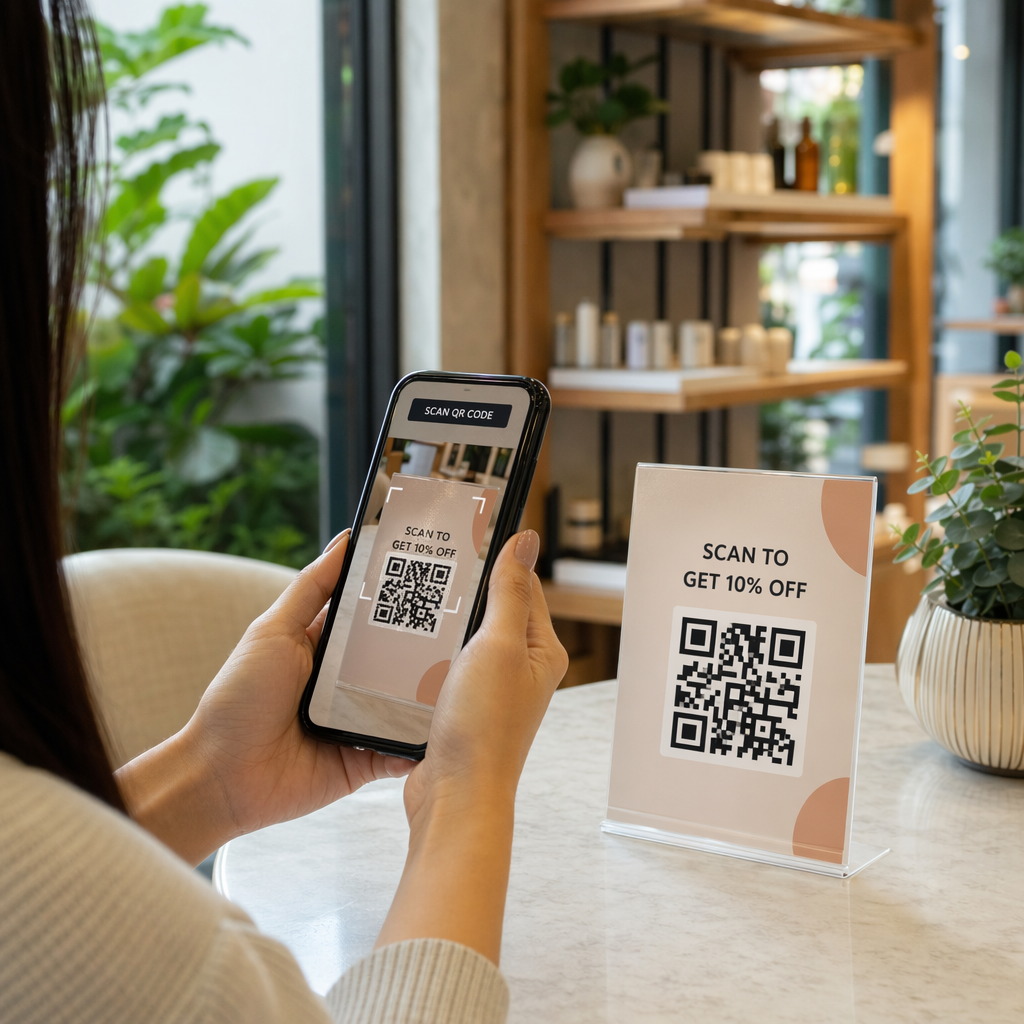
Tryckta annonser, affischer, flygblad, banderoller och reklamskyltar är starka placeringar för podcast-QR-koder eftersom de når människor som är stillastående eller har en stund att skanna. Placera koden i ett väl synligt område med tillräckligt vitt utrymme runt den. Undvik upptagna eller mönstrade bakgrunder som stör skanningen.

För storleksvägledning bör din QR-kod vara minst 0,8 × 0,8 tum för material på nära håll som visitkort eller förpackningar. Större placeringar som affischer bör skalas upp proportionellt – ungefär 1 tum kodbredd per 10 tum förväntat skanningsavstånd. För detaljerad storleksvägledning över olika ytor, se QR-kodstorlek för olika tryckmaterial.
Din webbplats och sociala medier
Om någon redan besöker din webbplats eller sociala profiler, ger en QR-kod dem en omedelbar väg till ditt ljudinnehåll utan att behöva leta igenom navigeringen. Detta är särskilt effektivt när den är inbäddad nära en sammanfattning av ett podcastavsnitt eller i en sidofält som förblir synlig över hela sidan.
Butiksdisplayer och förpackningar
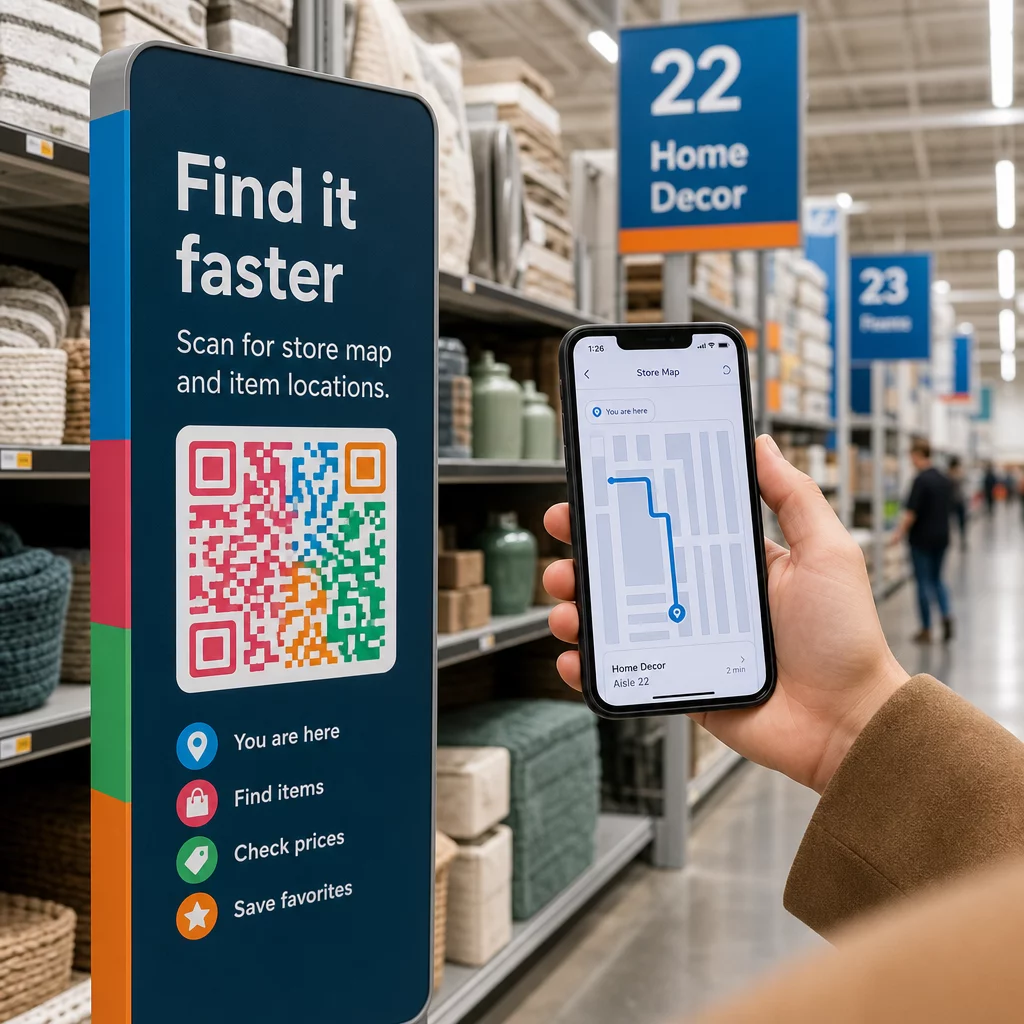
Om du har en fysisk butiksnärvaro, introducerar QR-koder på butiksetiketter, hyllskyltar eller shoppingkassar kunder till din podcast i ett ögonblick då de redan är engagerade i ditt varumärke. Många kunder som handlar fysiskt är omedvetna om ett varumärkes onlineinnehåll – en välplacerad QR-kod överbryggar den klyftan.
E-postnyhetsbrev och digitala annonser
Att inkludera en QR-kod i ett e-postmeddelande eller en digital annons kan verka överflödigt eftersom dessa kanaler redan stöder klickbara länkar, men QR-koder i e-postsignaturer eller PDF-nyhetsbrev ger mottagarna ett enkelt sätt att skanna och lyssna på en mobil enhet separat från skärmen de läser på.
Gör din QR-kod spårbar Använda en Dynamisk QR-kod så att du kan uppdatera din podcastlänk, spåra skanningsvolym per placering och mäta vilka marknadsföringskanaler som driver flest lyssningar.
Bästa praxis för podcast-QR-koder

Skriv en specifik uppmaning till handling
Varje QR-kod behöver en uppmaning till handling (CTA) som berättar för publiken exakt vad som kommer att hända när de skannar. Vaga koder ignoreras. Exempel på effektiva CTA:er för podcastmarknadsföring:
- “Skanna för att lyssna på veckans avsnitt”
- “Skanna för hela intervjun”
- “Hör de senaste branschinsikterna – skanna för att spela”
Uppmaningen till handling (CTA) bör vara omedelbart intill QR-koden, inte begravd i omgivande text. För mer vägledning om att skriva CTA:er och placera koder effektivt, se ultimat guide för placering av QR-koder inom marknadsföring.
Håll landningsupplevelsen mobilvänlig
När någon skannar med en telefon bör de komma till en sida som laddar snabbt och spelar upp ljud utan onödiga hinder. Om du använder en ljud-QR-kod med en landningssida, håll designen ren och se till att uppspelningsknappen är framträdande. Om du länkar till en streamingplattform, se till att länken öppnas i plattformens app snarare än en långsam mobil webbläsarsida.
Följ design- och läsbarhetsstandarder
- Bibehåll hög kontrast mellan QR-koden och dess bakgrund
- Lämna en tydlig tyst zon (tom marginal) runt koden på alla sidor så att skannrar kan skilja den från omgivande element
- Undvik att placera koder på böjda, reflekterande eller texturerade ytor där det är möjligt
- Använd den högsta felkorrigeringsnivån (H) när du lägger till en logotypöverlagring på koden
För en fullständig genomgång av designkrav, besök bästa praxis för läsbarhet av QR-koder.
Använd en kod per placeringskontext
Istället för en enda kod som länkar till hela din show, överväg att skapa olika QR-koder för olika avsnitt eller kampanjer. Dynamiska koder gör detta hanterbart – du kan uppdatera varje kods destination oberoende och jämföra skanningsdata över placeringar för att förstå vad som resonerar med olika målgrupper.
Länka till en universell ingångspunkt när det är möjligt
Alla dina lyssnare använder inte samma podcastapp. Att länka till en universell programsida – en som dirigerar användare till deras föredragna plattform eller inkluderar en inbäddad spelare – säkerställer att ingen lyssnare utesluts för att de inte använder en specifik app.
Vanliga frågor
Det mest effektiva tillvägagångssättet är att använda en länk som fungerar oavsett vilken app en lyssnare föredrar. Det betyder antingen din poddvärds avsnitts- eller programsida (som vanligtvis inkluderar en inbäddad spelare och länkar till stora appar), en universell smart länk-tjänst, eller en Spotify/Apple Podcasts URL om din publik primärt använder en plattform. Undvik appspecifika djuplänkar som bara öppnas korrekt i en enda app.
Ja, om du skapar en dynamisk QR-kod. Dynamiska koder lagrar en kort omdirigerings-URL i kodmönstret, och du kan uppdatera den slutliga destinationen från din kontrollpanel när som helst utan att skriva ut igen. Detta innebär att du kan peka samma utskrivna kod till ett nytt avsnitt varje vecka, eller åtgärda en trasig länk efter att material redan har skickats ut.
För de flesta tryckta material rekommenderas ett minimum av 0,8 × 0,8 tum. Visitkort, evenemangsbrickor och förpackningar som ska skannas på armlängds avstånd bör uppfylla eller överträffa detta minimum. Affischer och banderoller avsedda att skannas från längre avstånd måste vara proportionellt större – ungefär 1 tum bred för varje 10 tums skanningsavstånd. Använd alltid ett vektorformat som SVG eller EPS för tryck så att koden förblir skarp i alla storlekar.