Penjana Kod QR Kad Perniagaan

pratonton kod qr
Bingkai

Gaya

Tiada bentuk
Bulat
Petak

Bingkai

Tiada bingkai
01
02
03
04
05
06
07
08
09
10
11

Teks di atas

7/30

Warna latar belakang

Warna teks di atas

pratonton kod qr
1100
Kualiti rendah
1100 x 1100 piksel
Kualiti tinggi

Pratetap Reka Bentuk

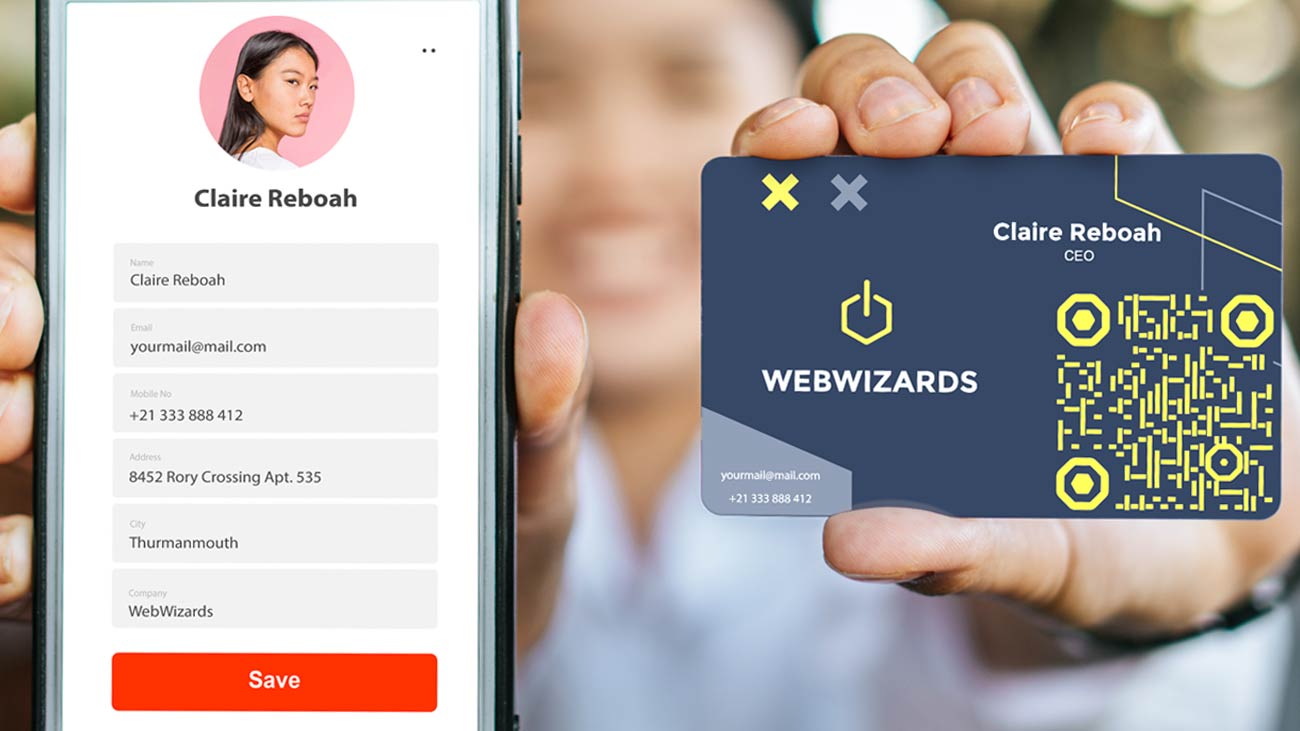
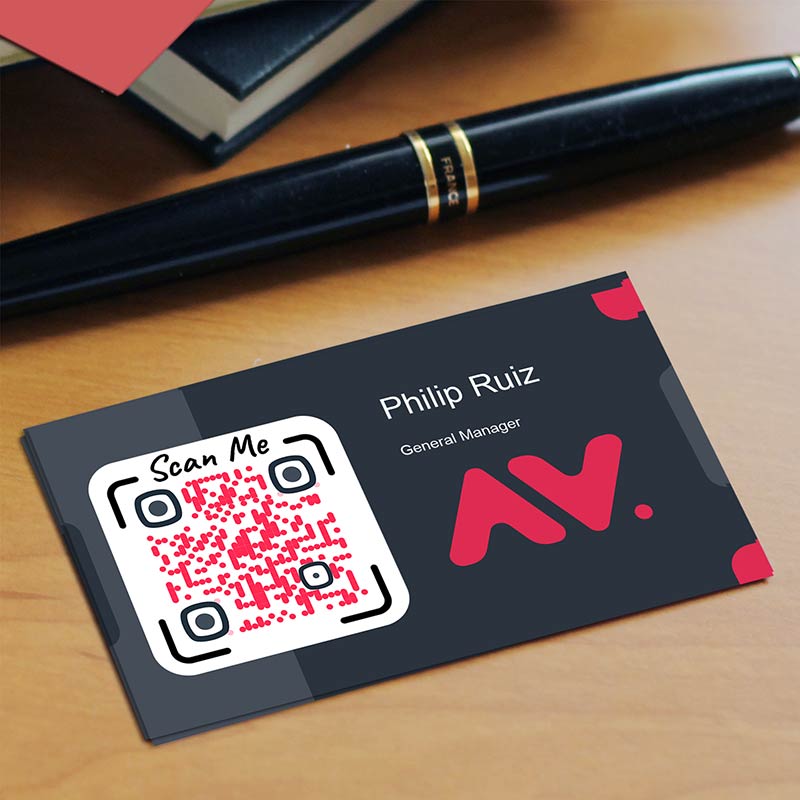
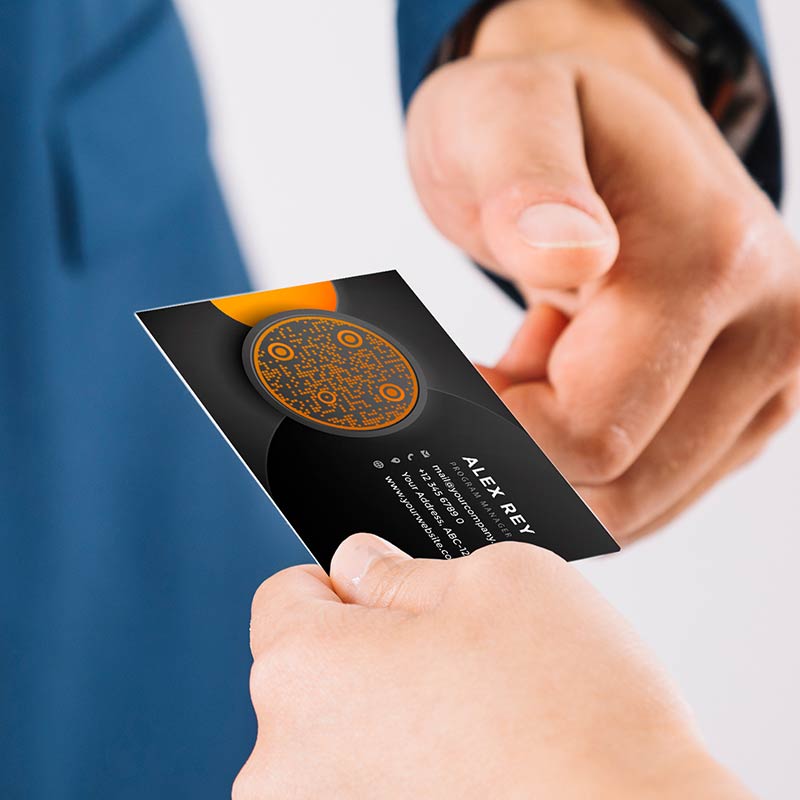
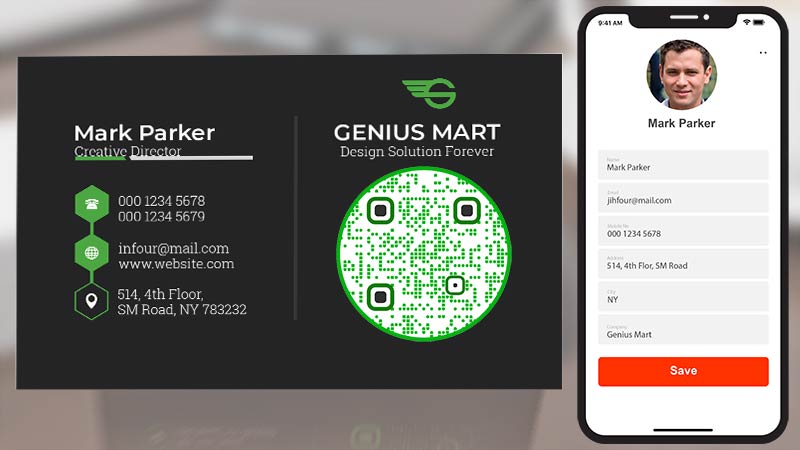
Create a QR code for a business card: examples

Ketik pada imej untuk mengezum masuk

Apakah kad perniagaan kod QR?

A QR code business card is a business card with a QR code printed on it. When someone scans the code with their phone camera, they get your details without typing anything. You may also see it called a QR business card, a business card with QR code, a QR code visiting card or a name card QR code. People who search for scan code business cards or QR business cards mean the same thing.

The generator on this page makes a vCard QR code. A vCard is the standard file format for a contact. Enter your name, job title, company, phone, email and website, and the code holds all of it. When a phone scans the code, it shows your details and offers to save you as a new contact. The exact wording depends on the phone.

A QR business card can also open a page instead, such as your website, portfolio or digital business card. For that, choose the Link option at the top of the generator and paste your address. The section below explains which of the two fits your card.

Cara membuat kod QR untuk kad perniagaan

Bagaimanakah kad perniagaan kod QR berfungsi?

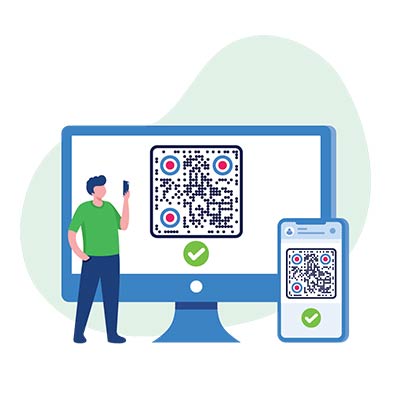
Imbasan kod QR dari skrin komputer
Buat

Enter your details in the generator on this page and choose colors and a shape. Then download the static code as a PNG for free. Print-ready SVG, PDF and EPS files come with a free 14-day Pageloot trial.

Orang melihat Kod QR pada telefon mereka
Cetak

Add the file to your card design, or send it to your designer or printer. Make the code at least 1 inch (2.5 cm) wide.

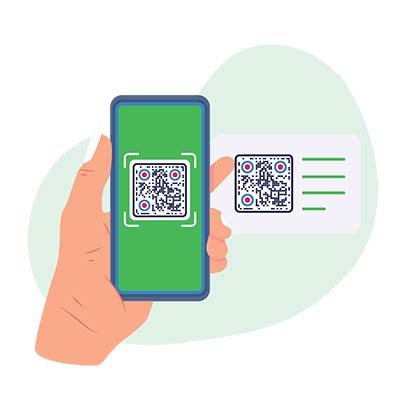
Сlient mengimbas kod QR perniagaan daripada kad kertas
Imbas

Your contact points their phone camera at the code. A vCard code shows your details with an option to save them. A link code opens your page.

Beg wang berhampiran jam tangan dan syiling emas
Follow up

Your details are now in their phone, not in a drawer. With a dynamic code you can also see how many people scanned your card, and when and where.

Bagaimana untuk membuat kod QR untuk kad perniagaan?

Tambah data

Gunakan penjana kod QR kad perniagaan percuma pada halaman ini. Masukkan maklumat yang diperlukan dalam medan kosong, seperti nama anda, jawatan kerja, nama syarikat, nombor telefon, alamat e-mel dan tapak web.
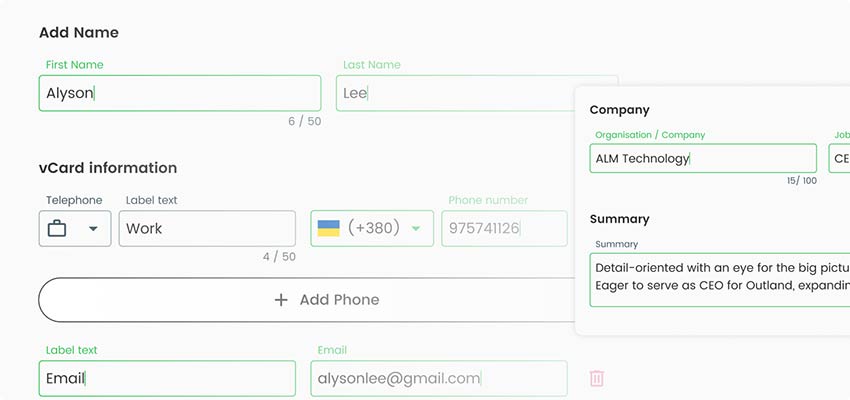
Tangkapan skrin kad perniagaan kod qr dengan input maklumat yang diperlukan
Tambah reka bentuk

Sesuaikan kad perniagaan dengan reka bentuk kod QR. Anda boleh memilih pilihan seperti memilih templat kad perniagaan kod QR atau memuat naik reka bentuk anda, melaraskan warna, menambah imej atau logo dan memilih bentuk dan saiz kod QR.
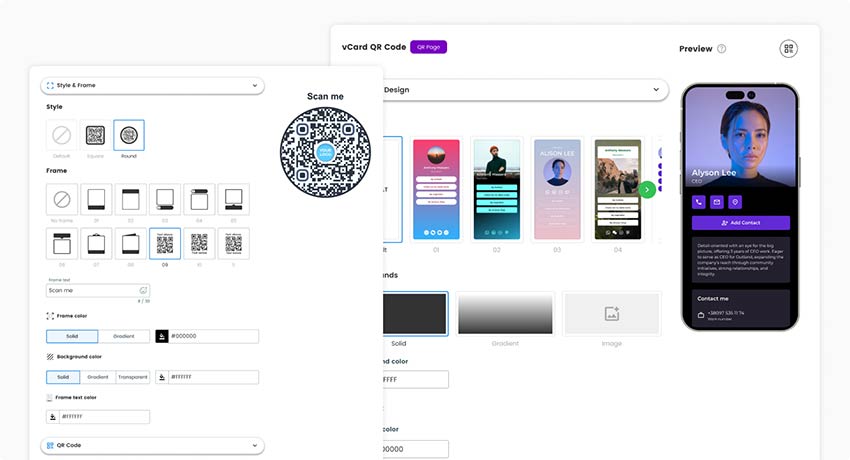
Tangkapan skrin tetingkap reka bentuk dalam Penjana kod QR kad perniagaan
Sahkan data

Semak sama ada semua yang anda masukkan adalah betul.
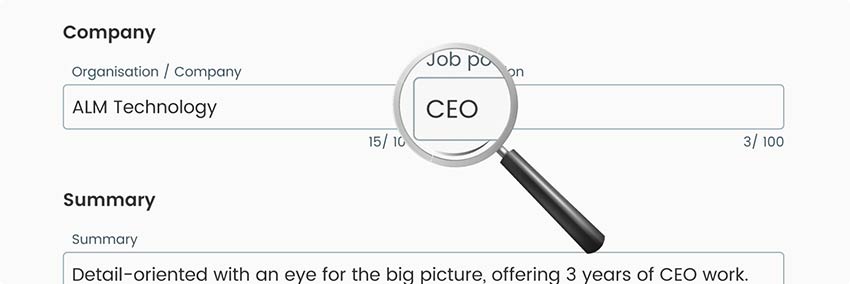
Tangkapan skrin yang menunjukkan maklumat kod QR kad perniagaan sedang disemak semula
Tambah gaya

Klik butang "Simpan" untuk membuat kod QR untuk kad perniagaan..
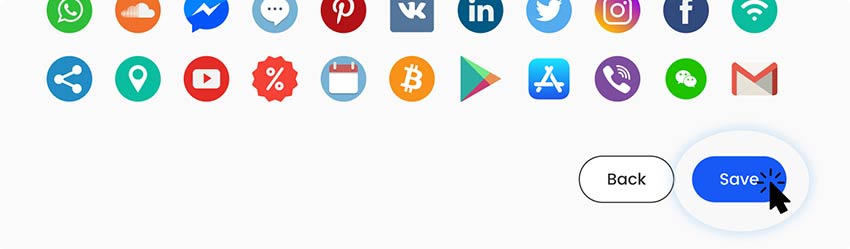
Tangkapan skrin butang Simpan dalam Penjana Kod QR Kad Perniagaan
Muat turun

Muat turun kod QR atau dapatkan pautan untuk berkongsi dalam talian.
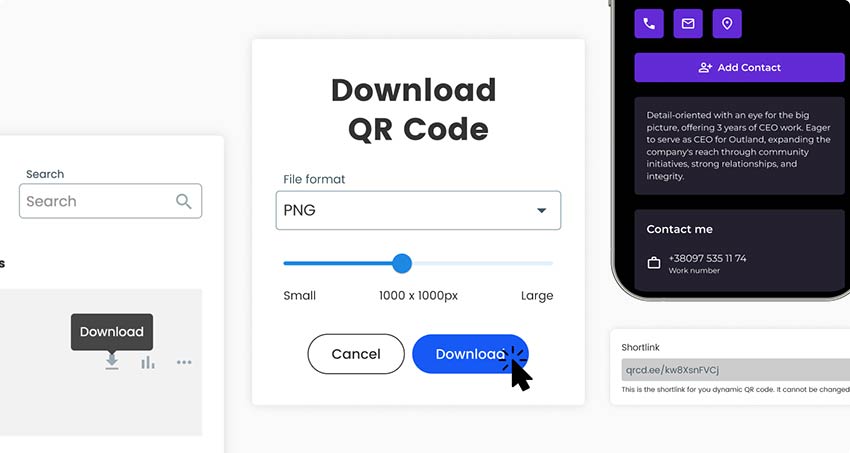
Tangkapan skrin tetingkap muat turun Kod QR kad perniagaan
Congratulations!

Mengapa saya memerlukan kod QR untuk kad perniagaan?

Mengapa saya memerlukan kad perniagaan kod QR

A paper card has little room and goes out of date. A QR code adds as much detail as the other person wants without crowding the card. It also saves them from typing your name, number and email by hand, which is where mistakes happen.

Three things matter most. Your contact lands in their phone in a few seconds, so you are easy to find later. The card stays clean: name, title and one code. And with a dynamic code you can change the page it opens without printing new cards, and see how many people scan it.

A QR code does not replace the card. Some people want paper and some will not scan. Keep your name and one way to reach you as plain text on the card.

Soalan lazim

Design your code in the generator, then download the static code as a PNG for free. PNG works in most online card editors. For print, the free 14-day Pageloot trial adds SVG, PDF and EPS files. Place it in your design tool or your printer’s online editor, or send the file to your designer. Make a vCard code at least 1 inch (2.5 cm) wide with a white border, and put it on the back or in a clear corner. Print one proof and scan it before you order the full run.

You can design the code here and download the static code as a PNG for free. The free 14-day Pageloot trial adds print-ready SVG, PDF and EPS files, editing after printing and scan statistics. To keep a dynamic code active after the trial you need a plan, and the Starter plan is EUR 7 per month, billed yearly. Keep a plan active for as long as a dynamic code is printed. Code NEW30 takes 30% off your first purchase.

Yes, if it gives the reader something useful, such as saving your contact or opening your portfolio. Put it on the back so your name stays clean on the front. Skip it if it would crowd the card. Keep your name and phone number as plain text too.

Yes, with a dynamic code. It shows when, where and on which device each scan happened. A plain vCard code cannot be tracked, because the phone reads your details straight from the code and never visits a page. Tick Track scans in the generator to start the free 14-day trial.

A vCard code holds your details in the pattern, so anyone who scans it can read them. Only include what you are happy to give to anyone who gets your card, such as a work phone and work email. Leave out a home address. A link code only exposes the page it opens, and you can edit or remove that page.

Yes. The static code is free to make and download as a PNG, with your logo and colors. The free 14-day Pageloot trial adds print-ready SVG, PDF and EPS files, editing after printing and scan statistics. After the trial you need a plan (Starter is EUR 7 per month, billed yearly) to keep a dynamic code active.

Open your phone camera and point it at the code from about 4 to 12 inches (10 to 30 cm). Hold still for a second, then tap the banner that appears. No app is needed on iPhone or most Android phones. If nothing happens on iPhone, check that Settings > Camera > Scan QR Codes is on. On Android, try Google Lens.

At least 1 x 1 inch (2.5 cm) for a vCard code with name, company, phone, email and website. A short link code can go down to 0.8 x 0.8 inch (2 cm). Leave a white border of about 2 mm around it and keep it away from the trimmed edge.

Ikon soalan lazim
Lebih banyak soalan?

Hubungi kami dan kami dengan senang hati akan membantu!

Dipercayai oleh jenama terkenal
Dinilai 4.8 daripada 5

Penilaian 4.86 / 5 bintang

Hugo Laurent
Hugo Laurent
★★★★★
Pemilik restoran
Penjana kod QR yang paling mudah dan boleh dipercayai. Fail PDF boleh dimuat naik serta-merta. Menu restoran kami kini digital.
Lucas Jansen
Lucas Jansen
★★★★★
Pemaju hartanah
Ini adalah alat yang sangat baik dan kod QR membawa anda ke tempat yang anda mahukan. Kami hanya menggunakan kod QR lokasi tetapi terdapat banyak ciri berguna.
Emma Moretti
Emma Moretti
★★★★★
Produk runcit
Mudah digunakan dan cepat. Ia berfungsi hebat dan mencipta imej yang sempurna, jadi pekerja boleh memuat turun vCard saya.
Hugo Laurent
Hugo Laurent
★★★★★
Pemilik restoran
Penjana kod QR yang paling mudah dan boleh dipercayai. Fail PDF boleh dimuat naik serta-merta. Menu restoran kami kini digital.
Lucas Jansen
Lucas Jansen
★★★★★
Pemaju hartanah
Ini adalah alat yang sangat baik dan kod QR membawa anda ke tempat yang anda mahukan. Kami hanya menggunakan kod QR lokasi tetapi terdapat banyak ciri berguna.
Emma Moretti
Emma Moretti
★★★★★
Produk runcit
Mudah digunakan dan cepat. Ia berfungsi hebat dan mencipta imej yang sempurna, jadi pekerja boleh memuat turun vCard saya.
Cipta kod QR kad perniagaan

Percubaan 14 hari percuma. Tiada kad kredit diperlukan.

Pratonton papan pemuka penjana kod QR

Where to use a QR code on a business card: examples

Ketik pada imej untuk mengezum masuk

Contoh profil dalam talian dengan kad perniagaan Kod QR

A designer or consultant can link the code to a portfolio, case studies or a booking page. A dynamic link code lets you swap in your newest project without reprinting the card.

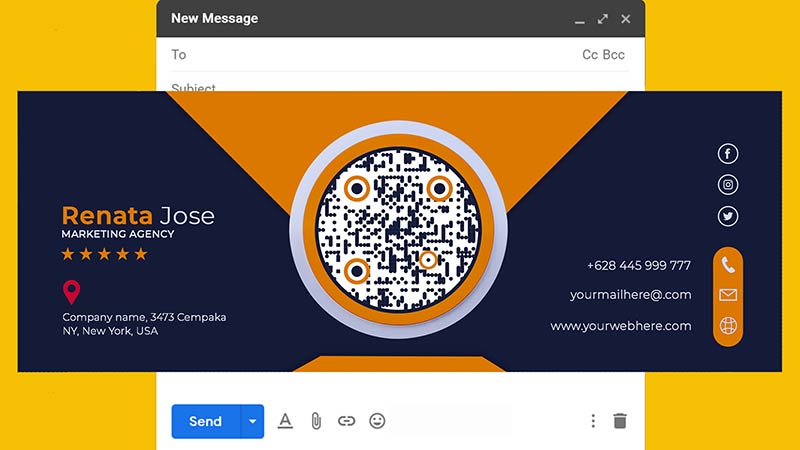
Contoh e-mel dengan Kod QR

A plumber, hairdresser or electrician can link the code to a booking form or a Google reviews page. A card can sit in a wallet for months, so the code has to work later. Use a dynamic code if the booking page might move.

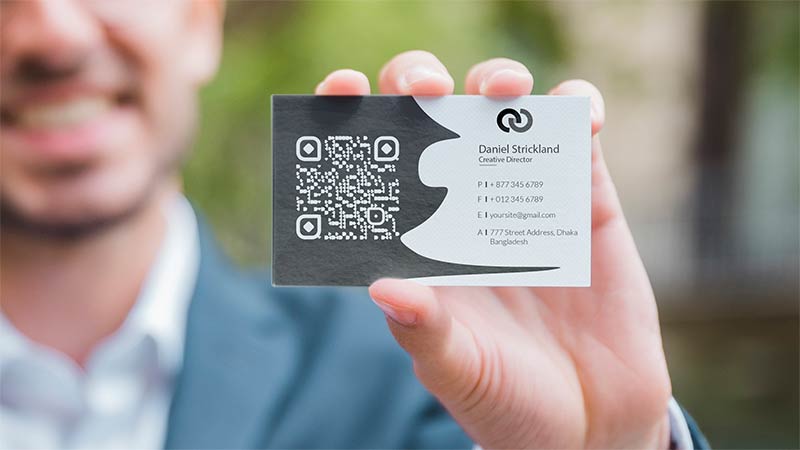
Seorang lelaki dalam sut menunjukkan kad perniagaannya

At a booth you hand out many cards. A vCard code lets people save you to their phone on the spot. Or link to a landing page with a product demo or sign-up form. A dynamic link code shows which events bring the most scans.

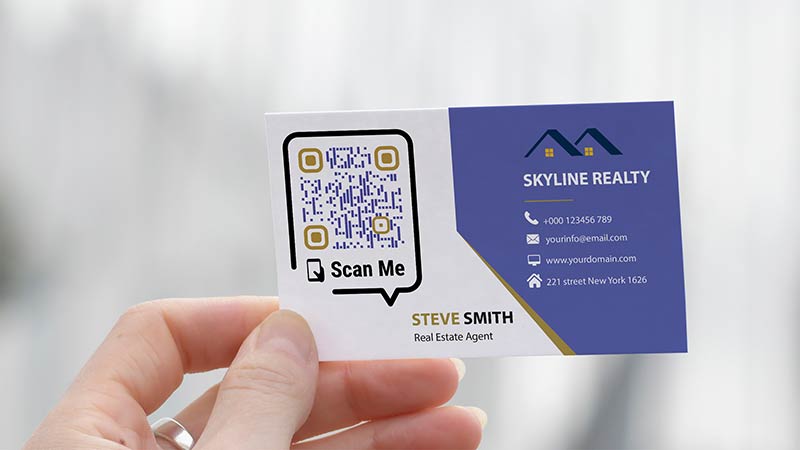
Imej kad perniagaan dengan kod QR

Agents often print two codes: a vCard on the card so buyers save the number, and a link code on flyers that opens current listings.

vCard or link: which digital business card QR code to use

QR code on a business card not working? Check these first

The code is too small or too dense

Measure the printed code. If a vCard code is under 1 inch (2.5 cm) wide, make it bigger or remove fields such as the street address. If the code must stay small, use a link code instead. A short web address makes a simple pattern that scans well at 0.8 inch (2 cm).

Seorang lelaki duduk dan mengkaji statistik
Seorang lelaki duduk dan menyunting reka bentuknya
Low contrast, glare or a fancy finish

A code that scans on screen but not on paper usually has pale colors, glossy glare, foil or textured stock. Use a dark code on a light background with a white border. To test, reprint in black on white. Always scan a printed proof with two different phones before you order the full run.

The phone shows text or the wrong action

A vCard code should offer to add a contact. If the phone shows plain text, the scanner app may not read vCards, so try the built-in camera first. In the generator, open Tunjukkan Lagi, switch the vCard version to 3.0, which more phones accept, and print another test.

Imej seseorang yang mengimbas kod QR
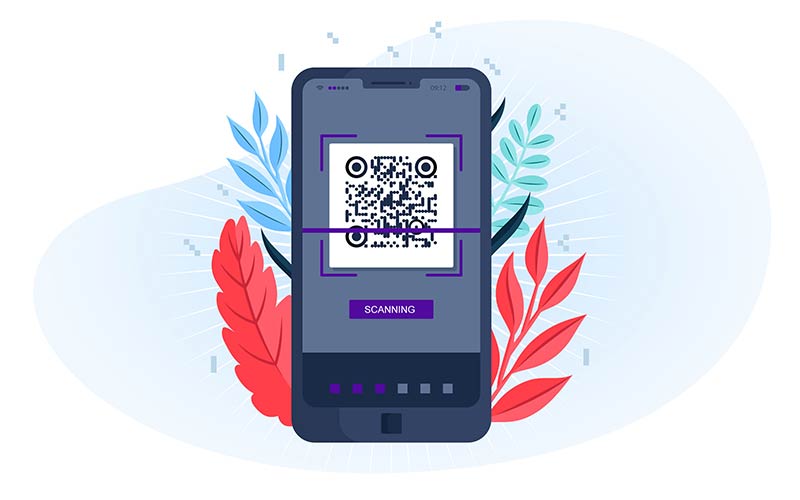
Imej telefon yang memaparkan Kod QR kad perniagaan
The link opens an error page

A link code only works while its page exists. Before printing, open the address in a phone browser without logging in. If your site address changes later, a dynamic code lets you point the same printed code to the new page. A static code needs a reprint.

Cipta kod QR kad perniagaan

Percubaan 14 hari percuma. Tiada kad kredit diperlukan.

Gaya kod QR yang berbeza dicipta

QR code size and placement on a business card

Carta syiling emas menunjukkan arah aliran menurun
Saiz minimum

A vCard code with name, company, phone, email and website needs at least 1 x 1 inch (2.5 cm). A short link code works down to 0.8 x 0.8 inch (2 cm). On a standard 3.5 x 2 inch card, 1 inch is half the card height. Smaller than that, the dots print too fine for many phone cameras.

Seseorang memanjat graf biru-hijau
White border

Keep a plain white border around the code, at least as wide as four of its small squares. On a 1 inch code that is about 2 mm (0.08 inch). Keep text, lines and photo edges out of the border.

Seorang lelaki profesional dalam sut menumpukan perhatian pada komputer ribanya dan mempunyai gear di latar belakang
Where to put it

The back of the card is best. Your name and title stay clean on the front and the code gets room. Keep it inside the printer’s safe area, usually 2 to 3 mm (0.1 inch) from the trimmed edge, and away from folds and rounded corners.

Seorang mekanik mengendalikan telefon dengan sepana
Kontras dan warna

Dark on light scans best, and black on white is safest. Dark blue or dark green also work. Avoid light colors and white codes on black, because some older scanners cannot read inverted codes.

Seorang lelaki bergerak ke arah gol
Paper and finish

Matte or uncoated paper is the safest. Glossy paper can reflect light into the camera. Do not put foil, embossing or spot gloss over the code, and avoid thick textured stock. These break up the dots.

Seorang lelaki bekerja pada komputer riba dengan komputer riba lain di belakangnya memaparkan Kod QR
Logo in the code

A logo in the center is fine on a link code. On a small, dense vCard code, skip it or keep it very small. The logo covers part of the pattern, and the code has little spare room to lose.

GL-06

Topik berkaitan kad perniagaan

Manusia meneliti maklumat orang lain
Kod QR untukvCard

Dapatkan 30% daripada pembelian pertama anda

Gunakan kod:

Kongsi fail MP3 anda

Daftar untuk membuat kod QR PDF

Muat naik dan paparkan semua yang anda perlukan:

  • Fail audio
  • Podcast
  • Muzik

Percubaan percuma 14 hari dengan pendaftaran.
Kod QR tamat tempoh selepas percubaan.

mendaftar untuk mencipta kod QR mp3 audio

Dapatkan lebih banyak imbasan dengan bingkai

Daftar untuk menambah lebih banyak bingkai pada kod QR anda

Bingkai seruan tindak membantu pelanggan anda berinteraksi dengan Kod QR dengan mudah. Cuba mereka keluar!

Percubaan percuma 14 hari dengan pendaftaran.
Kod QR tamat tempoh selepas percubaan.

Daftar untuk menambah lebih banyak bingkai pada kod QR anda

Tambah lebih gaya dengan bentuk

Daftar untuk membuat lebih banyak bentuk

Kod QR tidak semestinya segi empat sama. Cuba tukar supaya sesuai dengan imej jenama anda.

Percubaan percuma 14 hari dengan pendaftaran.
Kod QR tamat tempoh selepas percubaan.

Daftar untuk membuat lebih banyak bentuk

Tambah logo pada Kod QR anda

Daftar untuk menambahkan logo anda pada kod QR

Jadikan kod QR anda menonjol dengan menambahkan logo dan jenama anda padanya.

Percubaan percuma 14 hari dengan pendaftaran.
Kod QR tamat tempoh selepas percubaan.

Daftar untuk menambahkan logo anda pada kod QR

Pengalihan hala Kedai Aplikasi Pintar

Daftar untuk membuat kod QR kedai aplikasi

Tambahkan pautan Apl anda ke Kod QR App Store pintar kami. Pengguna diubah hala berdasarkan peranti mereka.

Percubaan percuma 14 hari dengan pendaftaran.
Kod QR tamat tempoh selepas percubaan.

Daftar untuk membuat kod QR kedai aplikasi

Muat naik imej ke Kod QR

Daftar untuk membuat kod QR imej

Kongsi imej anda dengan mudah. Tukar mana-mana imej secara dinamik dalam beberapa saat.

Percubaan percuma 14 hari dengan pendaftaran.
Kod QR tamat tempoh selepas percubaan.

Daftar untuk membuat kod QR imej

Kongsi fail PDF anda

Daftar untuk membuat kod QR PDF

Muat naik dan paparkan semua yang anda perlukan:

  • Menu & senarai harga
  • Arahan
  • Sebarang dokumen

Percubaan percuma 14 hari dengan pendaftaran.
Kod QR tamat tempoh selepas percubaan.

Daftar untuk membuat kod QR PDF

Edit kemudian tanpa mencetak

Daftar untuk mengedit kod QR anda tanpa mencetak lagi

Kod QR Dinamik membolehkan anda menukar kandungan Kod QR anda tanpa perlu mencetak yang baharu.

Percubaan percuma 14 hari dengan pendaftaran.
Kod QR tamat tempoh selepas percubaan.

Daftar untuk mengedit kod QR anda tanpa mencetak lagi

Bila? Di mana? Jejaki imbasan Kod QR anda

Daftar untuk menjejaki kod QR anda

Temui Kod QR anda yang paling banyak menerima imbasan dan perkara yang paling menggembirakan pelanggan anda.

Percubaan percuma 14 hari dengan pendaftaran.
Kod QR tamat tempoh selepas percubaan.

Daftar untuk menjejaki kod QR anda

Fail sedia cetak tersedia

Daftar untuk membuat kod QR vektor seperti PDF dan SVG

.EPS, .PDF, .SVG

Ingin memuat turun Kod QR anda dalam resolusi HD? Dapatkan format vektor atau piksel yang sedia untuk dicetak.

Percubaan percuma 14 hari dengan pendaftaran.
Kod QR tamat tempoh selepas percubaan.

Daftar untuk membuat kod QR vektor seperti PDF dan SVG

Sila tunggu. Kod QR anda ialah memuatkan... memuatkan...

Jadikan ia milik anda

Daftar untuk menyimpan kod QR anda untuk kemudian

Dapatkan lebih banyak imbasan dengan mencipta Kod QR yang hebat dengan warna, logo dan bingkai seruan tindak yang berbeza.

Percubaan percuma 14 hari dengan pendaftaran.
Kod QR tamat tempoh selepas percubaan.

Daftar untuk menyimpan kod QR anda untuk kemudian