Ingin pendengar menemukan podcast Anda tanpa mengetik satu karakter pun? Ketika audiens Anda harus mencari acara secara manual, sebagian besar dari mereka tidak akan repot. Panduan ini membahas secara tepat cara membuat kode QR untuk promosi podcast, tempat menempatkannya, dan cara mendapatkan hasil maksimal dari setiap pemindaian.
Mengapa Podcaster Membutuhkan Kode QR
Podcasting telah menjadi media arus utama. Diperkirakan 158 juta orang di A.S. mendengarkan podcast setiap bulan, dan lebih dari 70% pendengar menyelesaikan sebagian besar atau seluruh setiap episode. Tingkat keterlibatan seperti itu jarang terjadi, tetapi hanya jika Anda bisa membuat orang menekan tombol putar sejak awal.
Tantangannya adalah kemudahan ditemukan. Seseorang melihat pamflet Anda, kartu nama Anda, atau kemasan produk Anda dan memiliki minat yang tulus – tetapi tidak ada jalur tanpa hambatan dari momen itu ke konten audio Anda. Kode QR mengatasi celah itu. Satu pemindaian membawa pendengar langsung ke acara Anda, episode, atau halaman platform podcast tanpa pencarian manual apa pun.
Perusahaan seperti Sephora, eBay, dan Microsoft sudah menggunakan podcast bermerek untuk menjangkau audiens baru. Kode QR membuat upaya tersebut terukur dan lebih mudah diakses oleh pendengar di dunia nyata.
Apa Sebenarnya Fungsi Kode QR Podcast
Kode QR podcast adalah kode dua dimensi yang mengkodekan tujuan – biasanya tautan ke platform streaming, halaman hosting podcast, atau file audio – dan membukanya secara otomatis saat dipindai dengan kamera smartphone.
Tergantung pada apa yang Anda tautkan, pendengar dapat dikirim ke:
- Halaman episode tertentu dengan pemutar tertanam
- Halaman acara Anda di Apple Podcasts, Spotify, atau platform lain
- Halaman arahan universal yang memungkinkan pendengar memilih aplikasi pilihan mereka
- File MP3 yang di-host yang diputar langsung di perangkat mereka
Itu Generator QR Code MP3 dari Pageloot menangani file audio secara langsung, sementara Generator Kode QR Tautan berfungsi baik untuk URL platform streaming. Jika podcast Anda ada di Spotify, maka Generator QR Code Spotify memungkinkan Anda menautkan langsung ke episode, daftar putar, atau profil artis tertentu.
Mulai Kirim Pendengar Langsung ke Podcast Anda Buat kode QR bermerek dan dapat dilacak untuk acara atau episode Anda menggunakan Generator Kode QR. Uji coba gratis 14 hari, tidak perlu kartu kredit.
Manfaat Kode QR untuk Promosi Podcast

Akses Instan Tanpa Langkah Tambahan
Ketika kode QR ada di iklan cetak, kartu nama, atau pajangan toko, pendengar beralih dari melihatnya menjadi mendengarkan audio Anda dalam hitungan detik. Tidak ada bilah pencarian, tidak ada navigasi aplikasi, tidak ada pengetikan. Jalur tanpa gesekan itu penting karena setiap langkah tambahan menghilangkan potensi pendengar.
Kode Dinamis Memungkinkan Anda Memperbarui Tanpa Mencetak Ulang
Salah satu keuntungan paling praktis dari menggunakan kode QR dinamis adalah Anda dapat mengubah tujuan setelah kode tersebut dicetak. Jika Anda menautkan ke episode yang salah, beralih platform hosting, atau ingin mengarahkan pendengar ke musim baru, Anda memperbarui tautan di dasbor Anda – dan kode yang dicetak tetap sama.
Ini melindungi investasi apa pun dalam materi pemasaran cetak dan membuatnya mudah untuk menggunakan kembali materi di berbagai kampanye.
Pelacakan Pindai dan Analitik
Kode QR memberi Anda data nyata tentang kinerja pemasaran podcast Anda. Anda dapat melihat kapan pemindaian terjadi, dari mana asalnya secara geografis, dan penempatan mana yang menghasilkan keterlibatan paling banyak. Informasi tersebut memungkinkan Anda membandingkan saluran, mengidentifikasi materi cetak mana yang berfungsi, dan membuat keputusan yang tepat untuk kampanye mendatang.
Kustomisasi Membangun Pengenalan Merek
Kode QR adalah satu-satunya jenis kode batang yang mendukung kustomisasi visual. Anda dapat menambahkan warna merek podcast Anda, logo, dan latar belakang yang sesuai dengan identitas acara Anda. Kode yang dirancang dengan baik lebih mungkin dipindai karena terlihat disengaja dan dapat dipercaya daripada generik.
Toleransi Kesalahan untuk Lingkungan Cetak
Kode QR menyertakan koreksi kesalahan bawaan yang memungkinkan mereka tetap dapat dipindai meskipun sebagian kode rusak, terhalang, atau usang. Ini sangat berguna untuk materi cetak yang sering ditangani, seperti tas belanja atau program acara.
Cara Membuat Kode QR Podcast

Langkah 1 – Dapatkan Tautan Podcast Anda
Pendekatan terbaik adalah menggunakan tautan yang berfungsi di berbagai perangkat dan aplikasi. Pilihannya meliputi:
- URL episode langsung dari penyedia hosting Anda (kebanyakan host menghasilkan halaman episode mandiri dengan pemutar tersemat)
- URL Spotify, Apple Podcasts, atau platform lain acara Anda
- Tautan pintar universal yang secara otomatis mengarahkan pendengar ke aplikasi pilihan mereka
Jika podcast Anda ada di Spotify, pelajari cara membuat kode QR Spotify yang menautkan ke episode, album, atau daftar putar tertentu.
Langkah 2 – Pilih Jenis Kode QR yang Tepat
- Menggunakan Generator QR Code MP3 jika Anda ingin mengunggah file audio secara langsung dan meminta pendengar memutarnya dari halaman arahan bermerek
- Menggunakan Generator Kode QR Tautan jika Anda menautkan ke URL platform streaming atau halaman hosting podcast
- Menggunakan Generator QR Code Spotify untuk konten khusus Spotify
Langkah 3 – Sesuaikan Kode
Tambahkan logo podcast Anda, sesuaikan warna agar sesuai dengan merek Anda, dan konfigurasikan halaman arahan jika Anda menggunakan kode QR audio. Halaman kode QR audio Pageloot mendukung judul, gambar sampul, warna merek, dan layar selamat datang sebelum pemutar dimuat.
Jaga kontras tetap tinggi – gunakan pola gelap pada latar belakang terang. Hindari skema warna terbalik, yang lebih sulit dibaca oleh kamera.
Langkah 4 – Unduh dalam Format yang Tepat
Untuk penggunaan cetak, selalu simpan kode QR Anda sebagai file vektor SVG, EPS, atau PDF. Format ini dapat diskalakan tanpa pikselasi, sehingga kode Anda tetap tajam baik saat muncul di kartu nama maupun papan reklame. Format JPEG dan PNG dapat menjadi buram saat diperbesar, yang mengurangi kemampuan pindai.
Langkah 5 – Uji Sebelum Didistribusikan
Pindai kode Anda yang sudah jadi dengan beberapa perangkat – model ponsel yang berbeda dan baik iOS maupun Android – sebelum mengirimkannya untuk dicetak. Uji jalur lengkap dari pemindaian hingga pemutaran audio. Kode QR dinamis memungkinkan Anda memperbaiki tautan yang rusak atau salah setelahnya, tetapi pengujian terlebih dahulu sepenuhnya menghindari masalah.
Di Mana Menggunakan Kode QR Podcast
Materi Pemasaran Cetak
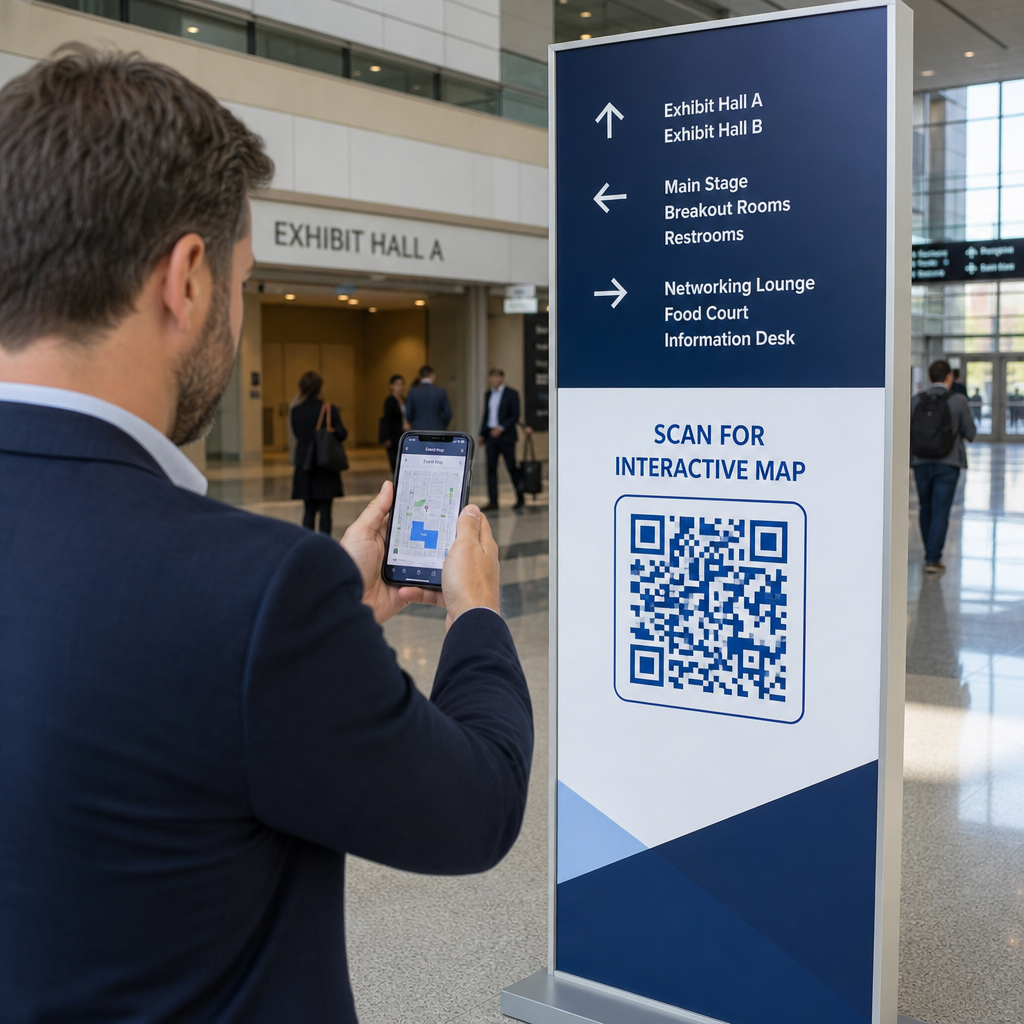
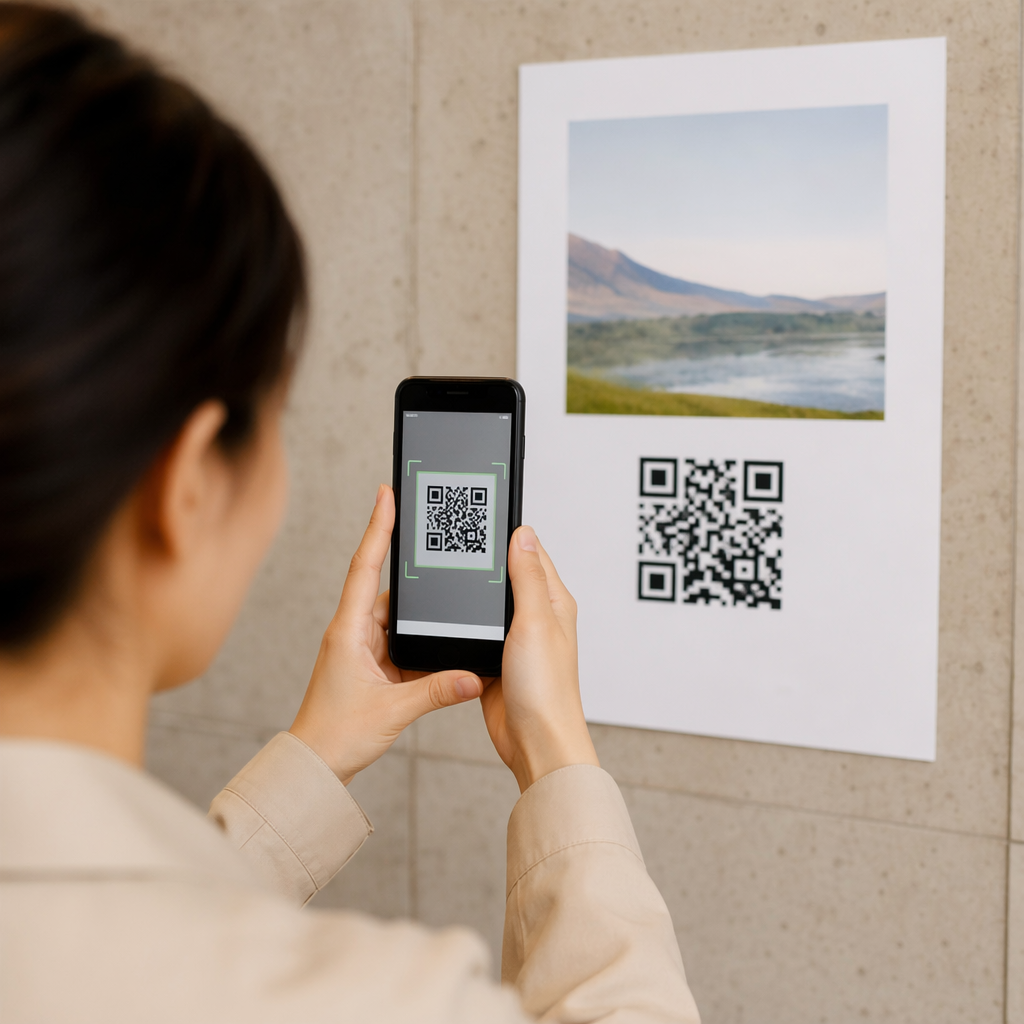
Iklan cetak, poster, pamflet, spanduk, dan papan reklame adalah penempatan yang kuat untuk kode QR podcast karena menjangkau orang-orang yang diam atau memiliki waktu untuk memindai. Tempatkan kode di area yang sangat terlihat dengan ruang putih yang cukup di sekitarnya. Hindari latar belakang yang ramai atau berpola yang mengganggu pemindaian.

Untuk panduan ukuran, kode QR Anda harus berukuran setidaknya 0,8 × 0,8 inci untuk materi jarak dekat seperti kartu nama atau kemasan. Penempatan yang lebih besar seperti poster harus diskalakan secara proporsional – kira-kira lebar kode 1 inci per 10 inci jarak pemindaian yang diharapkan. Untuk panduan ukuran terperinci di berbagai permukaan, lihat ukuran kode QR untuk berbagai bahan cetak.
Situs Web dan Media Sosial Anda
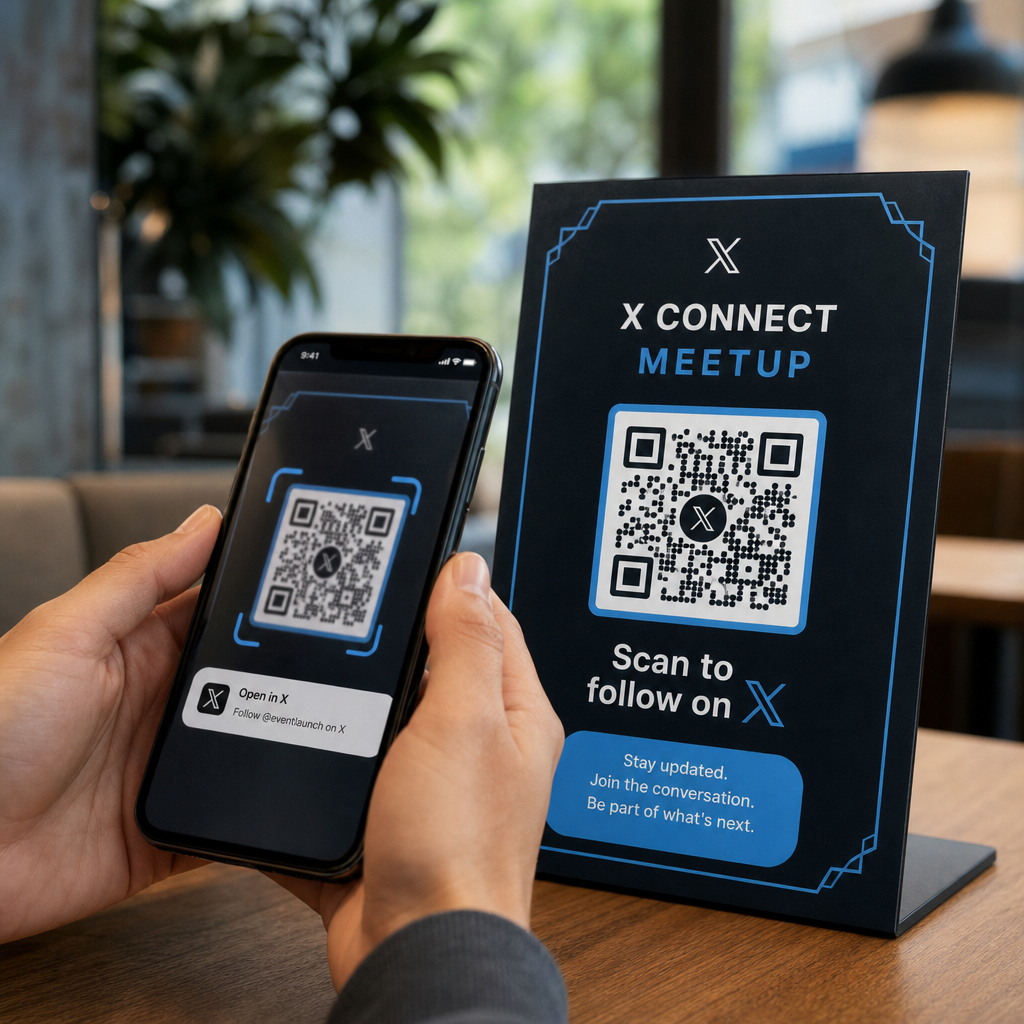
Jika seseorang sudah mengunjungi situs web atau profil sosial Anda, kode QR memberi mereka jalur langsung ke konten audio Anda tanpa harus mencari-cari di navigasi. Ini sangat efektif saat disematkan di dekat ringkasan episode podcast atau di bilah sisi yang tetap terlihat di seluruh halaman.
Pajangan di Toko dan Kemasan
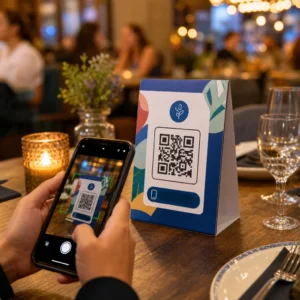
Jika Anda memiliki kehadiran ritel fisik, kode QR pada label toko, pajangan rak, atau tas belanja memperkenalkan pelanggan ke podcast Anda pada saat mereka sudah terlibat dengan merek Anda. Banyak pelanggan yang berbelanja secara langsung tidak menyadari konten online suatu merek – kode QR yang ditempatkan dengan baik menjembatani kesenjangan itu.
Buletin Email dan Iklan Digital
Menyertakan kode QR dalam email atau iklan digital mungkin tampak berlebihan karena saluran tersebut sudah mendukung tautan yang dapat diklik, tetapi kode QR dalam tanda tangan email atau buletin PDF memberi penerima cara mudah untuk memindai dan mendengarkan di perangkat seluler secara terpisah dari layar yang mereka baca.
Jadikan Kode QR Anda Dapat Dilacak Gunakan Kode QR dinamis sehingga Anda dapat memperbarui tautan podcast Anda, melacak volume pemindaian berdasarkan penempatan, dan mengukur saluran pemasaran mana yang menghasilkan pendengar terbanyak.
Praktik Terbaik Kode QR Podcast

Tulis Ajakan Bertindak yang Spesifik
Setiap kode QR membutuhkan CTA yang memberi tahu audiens dengan tepat apa yang akan terjadi saat mereka memindai. Kode yang tidak jelas akan diabaikan. Contoh CTA yang efektif untuk promosi podcast:
- “Pindai untuk mendengarkan episode minggu ini”
- “Pindai untuk wawancara lengkap”
- “Dengarkan wawasan industri terbaru – pindai untuk memutar”
CTA harus segera berdekatan dengan kode QR, tidak terkubur dalam teks di sekitarnya. Untuk panduan lebih lanjut tentang menulis CTA dan menempatkan kode secara efektif, lihat panduan utama penempatan kode QR dalam pemasaran.
Jaga Pengalaman Halaman Tujuan Ramah Seluler
Ketika seseorang memindai di ponsel, mereka harus mencapai halaman yang memuat dengan cepat dan memutar audio tanpa hambatan yang tidak perlu. Jika Anda menggunakan kode QR audio dengan halaman tujuan, jaga desain tetap bersih dan pastikan tombol putar menonjol. Jika Anda menautkan ke platform streaming, pastikan tautan terbuka di aplikasi platform tersebut daripada halaman browser seluler yang lambat.
Ikuti Standar Desain dan Keterbacaan
- Pertahankan kontras tinggi antara kode QR dan latar belakangnya
- Sisakan zona tenang yang jelas (margin kosong) di sekitar kode di semua sisi agar pemindai dapat membedakannya dari elemen di sekitarnya
- Hindari menempatkan kode pada permukaan melengkung, reflektif, atau bertekstur jika memungkinkan
- Gunakan tingkat koreksi kesalahan tertinggi (H) saat menambahkan overlay logo ke kode
Untuk rincian lengkap persyaratan desain, kunjungi praktik terbaik untuk keterbacaan kode QR.
Gunakan Satu Kode Per Konteks Penempatan
Daripada satu kode yang menautkan ke seluruh acara Anda, pertimbangkan untuk membuat kode QR yang berbeda untuk episode atau kampanye yang berbeda. Kode dinamis membuat ini mudah dikelola – Anda dapat memperbarui tujuan setiap kode secara independen dan membandingkan data pemindaian di berbagai penempatan untuk memahami apa yang menarik bagi audiens yang berbeda.
Tautkan ke Titik Masuk Universal Bila Memungkinkan
Tidak semua pendengar Anda menggunakan aplikasi podcast yang sama. Menautkan ke halaman acara universal – yang mengarahkan pengguna ke platform pilihan mereka atau menyertakan pemutar tersemat – memastikan bahwa tidak ada pendengar yang dikecualikan karena mereka tidak menggunakan aplikasi tertentu.
Pertanyaan yang Sering Diajukan
Pendekatan yang paling efektif adalah menggunakan tautan yang berfungsi terlepas dari aplikasi mana yang disukai pendengar. Itu berarti halaman episode atau acara host podcast Anda (yang biasanya menyertakan pemutar tersemat dan tautan ke aplikasi utama), layanan tautan pintar universal, atau URL Spotify/Apple Podcasts jika audiens Anda terutama menggunakan satu platform. Hindari tautan dalam khusus aplikasi yang hanya terbuka dengan benar di satu aplikasi.
Ya, jika Anda membuat kode QR dinamis. Kode dinamis menyimpan URL pengalihan singkat dalam pola kode, dan Anda dapat memperbarui tujuan akhir dari dasbor Anda kapan saja tanpa mencetak ulang. Ini berarti Anda dapat mengarahkan kode cetak yang sama ke episode baru setiap minggu, atau memperbaiki tautan yang rusak setelah materi sudah disebarkan.
Untuk sebagian besar materi cetak, direkomendasikan ukuran minimum 0,8 × 0,8 inci. Kartu nama, lencana acara, dan kemasan yang akan dipindai dari jarak dekat harus memenuhi atau melebihi minimum tersebut. Poster dan spanduk yang dimaksudkan untuk dipindai dari jarak yang lebih jauh perlu diperbesar secara proporsional – kira-kira lebar 1 inci untuk setiap 10 inci jarak pemindaian. Selalu gunakan format vektor seperti SVG atau EPS untuk cetak agar kode tetap tajam pada ukuran berapa pun.