Want listeners to find your podcast without typing a single character? When your audience has to hunt down a show manually, most of them won’t bother. This guide covers exactly how to create QR codes for podcast promotion, where to place them, and how to get the most out of every scan.
Why Podcasters Need QR Codes
Podcasting has become a mainstream medium. An estimated 158 million people in the U.S. listen to podcasts each month, and over 70% of listeners finish most or all of each episode. That level of engagement is rare, but only if you can get people to press play in the first place.
The challenge is discoverability. Someone sees your flyer, your business card, or your product packaging and has genuine interest – but there is no frictionless path from that moment to your audio content. QR codes solve that gap. A single scan takes a listener directly to your show, episode, or podcast platform page without any manual searching.
Companies like Sephora, eBay, and Microsoft already use branded podcasts to reach new audiences. QR codes make those efforts measurable and more accessible to listeners in the real world.
What a Podcast QR Code Actually Does
A podcast QR code is a two-dimensional code that encodes a destination – typically a link to a streaming platform, a podcast hosting page, or an audio file – and opens it automatically when scanned with a smartphone camera.
Depending on what you link to, listeners can be sent to:
- A specific episode page with an embedded player
- Your show’s page on Apple Podcasts, Spotify, or another platform
- A universal landing page that lets listeners choose their preferred app
- A hosted MP3 file that plays directly on their device
El Generador de códigos QR MP3 from Pageloot handles audio files directly, while the Generador de códigos QR de enlace works well for streaming platform URLs. If your podcast is on Spotify, the Generador de códigos QR de Spotify lets you link to a specific episode, playlist, or artist profile directly.
Start Sending Listeners Directly to Your Podcast Create a branded, trackable QR code for your show or episode using the Generador de códigos QR. Free 14-day trial, no credit card required.
Benefits of QR Codes for Podcast Promotion

Instant Access Without Extra Steps
When a QR code is on a printed ad, a business card, or a store display, listeners go from seeing it to hearing your audio in seconds. There are no search bars, no app navigation, no typing. That frictionless path matters because every extra step loses potential listeners.
Dynamic Codes Let You Update Without Reprinting
One of the most practical advantages of using códigos QR dinámicos is that you can change the destination after the code has already been printed. If you link to the wrong episode, switch hosting platforms, or want to point listeners to a new season, you update the link in your dashboard – and the printed code stays the same.
This protects any investment in printed marketing materials and makes it straightforward to repurpose materials across campaigns.
Scan Tracking and Analytics
QR codes give you real data on how your podcast marketing performs. You can see when scans happen, where they come from geographically, and which placements generate the most engagement. That information lets you compare channels, identify which printed materials are working, and make informed decisions for future campaigns.
Customization Builds Brand Recognition
QR codes are the only type of barcode that supports visual customization. You can add your podcast’s brand colors, a logo, and a background that fits your show’s identity. A well-designed code is more likely to get scanned because it looks intentional and trustworthy rather than generic.
Error Tolerance for Print Environments
QR codes include built-in error correction that allows them to remain scannable even if part of the code is damaged, obscured, or worn. This is particularly useful for print materials that see heavy handling, like shopping bags or event programs.
How to Create a Podcast QR Code

Step 1 – Get Your Podcast Link
The best approach is to use a link that works across devices and apps. Options include:
- A direct episode URL from your hosting provider (most hosts generate a standalone episode page with an embedded player)
- Your show’s Spotify, Apple Podcasts, or other platform URL
- A universal smart link that routes listeners to their preferred app automatically
If your podcast lives on Spotify, learn how to create a Spotify QR code that links to a specific episode, album, or playlist.
Step 2 – Choose the Right QR Code Type
- Use el Generador de códigos QR MP3 if you want to upload an audio file directly and have listeners play it from a branded landing page
- Use el Generador de códigos QR de enlace if you are linking to a streaming platform URL or podcast hosting page
- Use el Generador de códigos QR de Spotify for Spotify-specific content
Step 3 – Customize the Code
Add your podcast’s logo, adjust colors to match your brand, and configure the landing page if you are using an audio QR code. Pageloot’s audio QR code pages support a title, cover image, brand colors, and a welcome screen before the player loads.
Keep contrast high – use dark patterns on a light background. Avoid inverted color schemes, which are harder for cameras to read.
Step 4 – Download in the Right Format
For print use, always save your QR code as an SVG, EPS, or PDF vector file. These formats scale without pixelation, so your code remains crisp whether it appears on a business card or a billboard. JPEG and PNG formats can become blurry when enlarged, which reduces scannability.
Step 5 – Test Before Distributing
Scan your finished code with multiple devices – different phone models and both iOS and Android – before sending it to print. Test the full path from scan to audio playback. Dynamic QR codes let you fix a broken or wrong link after the fact, but testing first avoids the problem entirely.
Where to Use Podcast QR Codes
Printed Marketing Materials
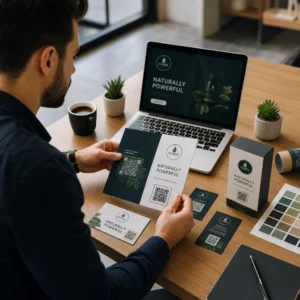
Printed ads, posters, flyers, banners, and billboards are strong placements for podcast QR codes because they reach people who are stationary or have a moment to scan. Place the code in a high-visibility area with adequate white space around it. Avoid busy or patterned backgrounds that interfere with scanning.

For size guidance, your QR code should be at least 0.8 × 0.8 inches for close-range materials like business cards or packaging. Larger placements like posters should scale up proportionally – roughly 1 inch of code width per 10 inches of expected scanning distance. For detailed sizing guidance across different surfaces, see dimensionamiento de códigos QR para diferentes materiales de impresión.
Your Website and Social Media
If someone is already visiting your website or social profiles, a QR code gives them an immediate path to your audio content without hunting through navigation. This is especially effective when embedded near a podcast episode summary or in a sidebar that stays visible throughout the page.
In-Store Displays and Packaging
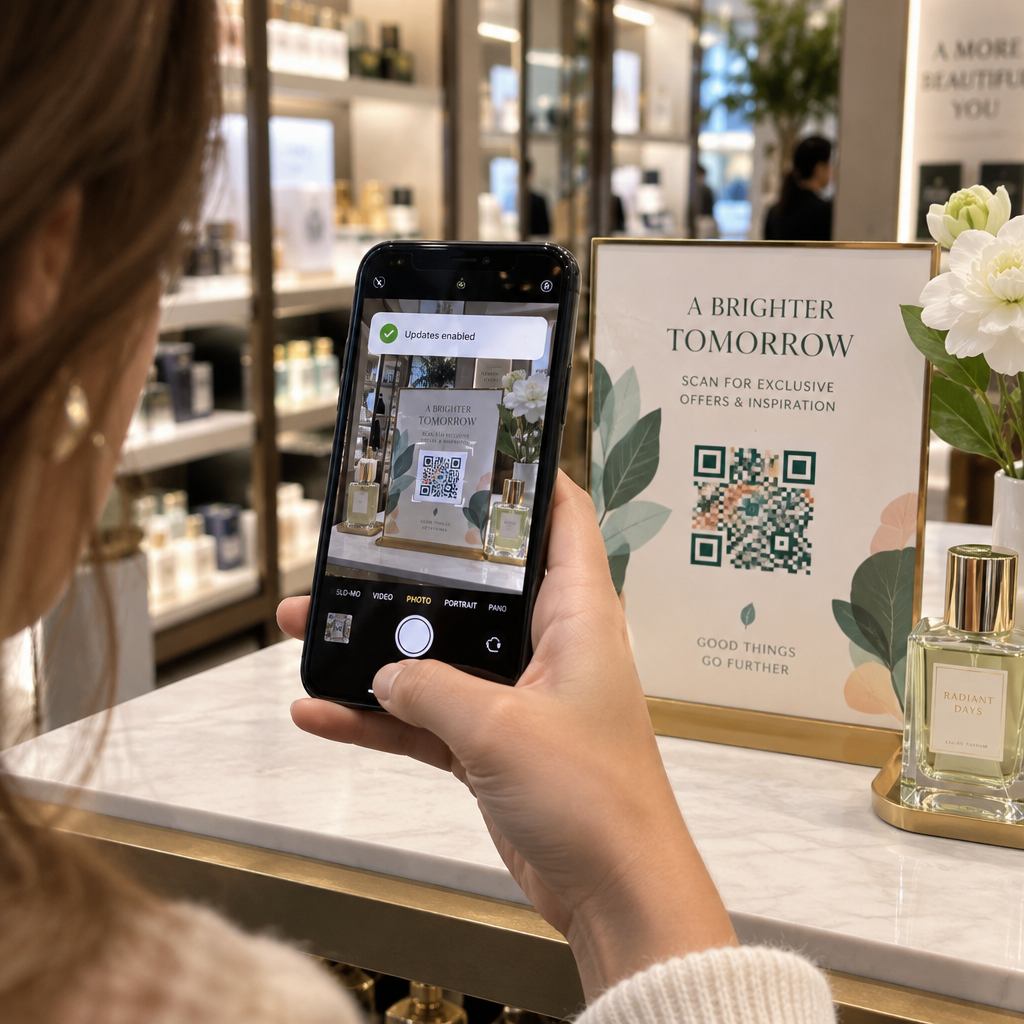
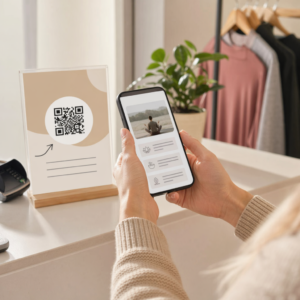
If you have a physical retail presence, QR codes on store labels, shelf displays, or shopping bags introduce customers to your podcast at a moment when they are already engaged with your brand. Many customers who shop in person are unaware of a brand’s online content – a well-placed QR code bridges that gap.
Email Newsletters and Digital Ads
Including a QR code in an email or digital ad may seem redundant since those channels already support clickable links, but QR codes in email signatures or PDF newsletters give recipients an easy way to scan and listen on a mobile device separately from the screen they are reading on.
Make Your QR Code Trackable Utilice un Código QR dinámico so you can update your podcast link, track scan volume by placement, and measure which marketing channels drive the most listens.
Podcast QR Code Best Practices

Write a Specific Call-to-Action
Every QR code needs a CTA that tells the audience exactly what will happen when they scan. Vague codes get ignored. Examples of effective CTAs for podcast promotion:
- “Scan to listen to this week’s episode”
- “Scan for the full interview”
- “Hear the latest industry insights – scan to play”
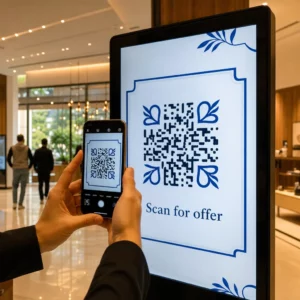
The CTA should be immediately adjacent to the QR code, not buried in surrounding copy. For more guidance on writing CTAs and placing codes effectively, see the guía definitiva para la colocación de códigos QR en marketing.
Keep the Landing Experience Mobile-Friendly
When someone scans on a phone, they should reach a page that loads quickly and plays audio without unnecessary barriers. If you use an audio QR code with a landing page, keep the design clean and ensure the play button is prominent. If you link to a streaming platform, make sure the link opens in the platform’s app rather than a slow mobile browser page.
Follow Design and Readability Standards
- Maintain high contrast between the QR code and its background
- Leave a clear quiet zone (empty margin) around the code on all sides so scanners can distinguish it from surrounding elements
- Avoid placing codes on curved, reflective, or textured surfaces where possible
- Use the highest error correction level (H) when adding a logo overlay to the code
For a full breakdown of design requirements, visit las mejores prácticas para la legibilidad de los códigos QR.
Use One Code Per Placement Context
Rather than a single code that links to your entire show, consider creating different QR codes for different episodes or campaigns. Dynamic codes make this manageable – you can update each code’s destination independently and compare scan data across placements to understand what resonates with different audiences.
Link to a Universal Entry Point When Possible
Not all of your listeners use the same podcast app. Linking to a universal show page – one that routes users to their preferred platform or includes an embedded player – ensures that no listener is excluded because they don’t use a specific app.
Preguntas Frecuentes
The most effective approach is to use a link that works regardless of which app a listener prefers. That means either your podcast host’s episode or show page (which typically includes an embedded player and links to major apps), a universal smart link service, or a Spotify/Apple Podcasts URL if your audience primarily uses one platform. Avoid app-specific deep links that only open correctly in a single app.
Yes, if you create a dynamic QR code. Dynamic codes store a short redirect URL in the code pattern, and you can update the final destination from your dashboard at any time without reprinting. This means you can point the same printed code to a new episode each week, or fix a broken link after materials have already gone out.
For most printed materials, a minimum of 0.8 × 0.8 inches is recommended. Business cards, event badges, and packaging that will be scanned at arm’s length should meet or exceed that minimum. Posters and banners intended to be scanned from further away need to be proportionally larger – roughly 1 inch wide for every 10 inches of scanning distance. Always use a vector format like SVG or EPS for print so the code remains sharp at any size.