Haluatko, että kuuntelijat löytävät podcastisi kirjoittamatta yhtään merkkiä? Kun yleisösi joutuu etsimään ohjelmaa manuaalisesti, useimmat heistä eivät vaivaudu. Tämä opas käsittelee tarkalleen, miten luoda QR-koodeja podcastin mainostamiseen, minne ne sijoitetaan ja miten saat kaiken irti jokaisesta skannauksesta.
Miksi podcastaajat tarvitsevat QR-koodeja
Podcastauksesta on tullut valtavirran media. Arviolta 158 miljoonaa ihmistä Yhdysvalloissa kuuntelee podcasteja kuukausittain, ja yli 70 % kuuntelijoista kuuntelee suurimman osan tai kaikki jaksot loppuun. Tällainen sitoutumisen taso on harvinaista, mutta vain jos saat ihmiset painamaan toistonappia ylipäätään.
Haasteena on löydettävyys. Joku näkee lentolehtisesi, käyntikorttisi tai tuotepakkauksesi ja on aidosti kiinnostunut – mutta siitä hetkestä ei ole kitkatonta polkua äänisisältöösi. QR-koodit ratkaisevat tämän aukon. Yksi skannaus vie kuuntelijan suoraan ohjelmaasi, jaksoosi tai podcast-alustan sivulle ilman manuaalista etsintää.
Yritykset kuten Sephora, eBay ja Microsoft käyttävät jo brändättyjä podcasteja tavoittaakseen uusia yleisöjä. QR-koodit tekevät näistä ponnisteluista mitattavampia ja helpommin saavutettavia kuuntelijoille todellisessa maailmassa.
Mitä podcastin QR-koodi todella tekee
Podcastin QR-koodi on kaksiulotteinen koodi, joka koodaa kohteen – tyypillisesti linkin suoratoistoalustalle, podcastin isännöintisivulle tai äänitiedostoon – ja avaa sen automaattisesti, kun se skannataan älypuhelimen kameralla.
Riippuen siitä, mihin linkität, kuuntelijat voidaan ohjata:
- Tietylle jakson sivulle, jossa on upotettu soitin
- Ohjelmasi sivulle Apple Podcastsissa, Spotifyssa tai muulla alustalla
- Yleiselle aloitussivulle, joka antaa kuuntelijoiden valita haluamansa sovelluksen
- Isännöityyn MP3-tiedostoon, joka toistetaan suoraan heidän laitteellaan
Se MP3 QR-koodi generaattori Pagelootista käsittelee äänitiedostoja suoraan, kun taas Linkki QR-koodigeneraattori toimii hyvin suoratoistoalustojen URL-osoitteiden kanssa. Jos podcastisi on Spotifyssa, Spotify QR-koodi generaattori antaa sinun linkittää suoraan tiettyyn jaksoon, soittolistaan tai artistiprofiiliin.
Aloita kuuntelijoiden ohjaaminen suoraan podcastiisi Luo brändätty, seurattava QR-koodi ohjelmallesi tai jaksollesi käyttämällä QR-koodigeneraattori. Ilmainen 14 päivän kokeilu, luottokorttia ei vaadita.
QR-koodien edut podcastien mainostamisessa

Välitön pääsy ilman lisätoimia
Kun QR-koodi on painetussa mainoksessa, käyntikortissa tai myymälän esillepanossa, kuuntelijat siirtyvät sen näkemisestä äänesi kuulemiseen sekunneissa. Ei hakupalkkeja, ei sovelluksen navigointia, ei kirjoittamista. Tämä kitkaton polku on tärkeä, koska jokainen ylimääräinen askel menettää potentiaalisia kuuntelijoita.
Dynaamiset koodit mahdollistavat päivityksen ilman uudelleenpainatusta
Yksi käytännöllisimmistä eduista käyttää dynaamiset QR-koodit on se, että voit muuttaa kohdetta sen jälkeen, kun koodi on jo painettu. Jos linkität väärään jaksoon, vaihdat isännöintialustaa tai haluat ohjata kuuntelijat uudelle kaudelle, päivität linkin hallintapaneelissasi – ja painettu koodi pysyy samana.
Tämä suojaa kaikkia painettuihin markkinointimateriaaleihin tehtyjä investointeja ja tekee materiaalien uudelleenkäytöstä eri kampanjoissa suoraviivaista.
Skannausten seuranta ja analytiikka
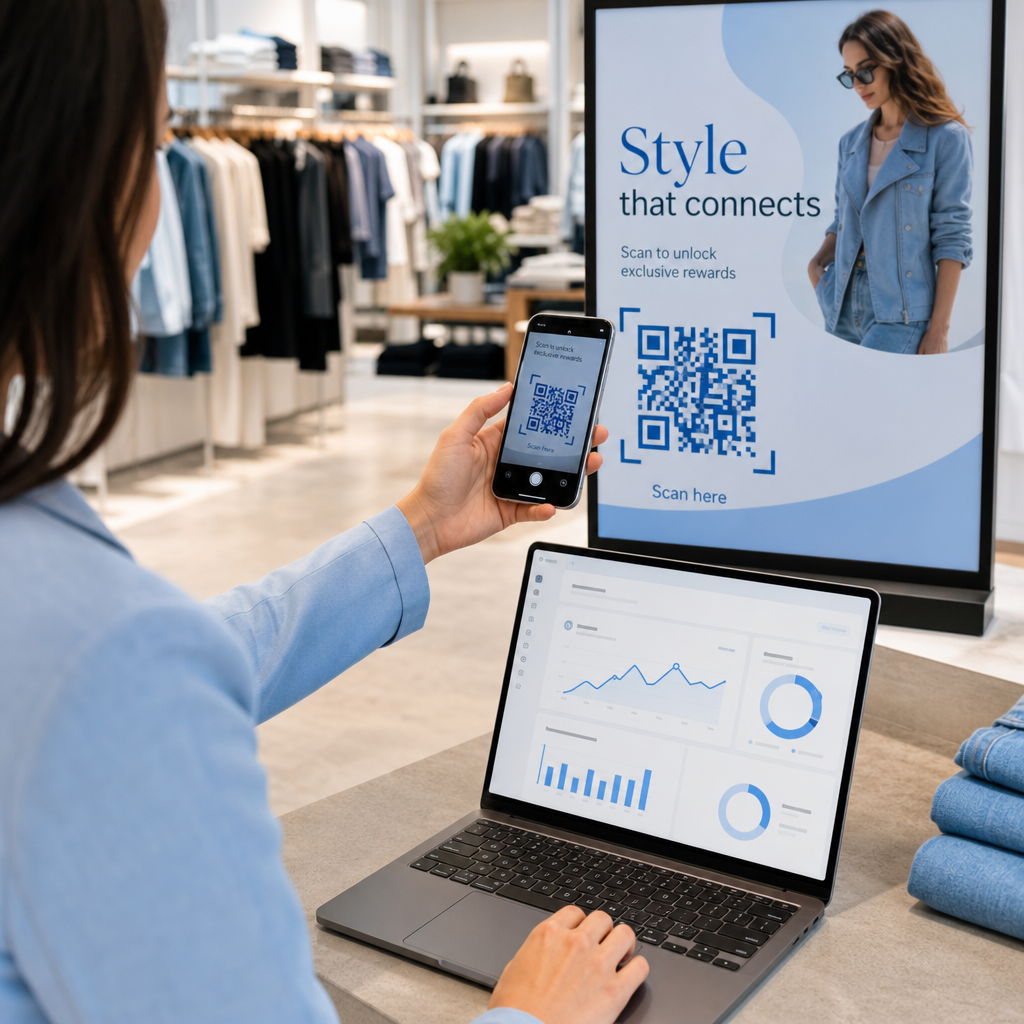
QR-koodit antavat sinulle todellista tietoa podcast-markkinointisi suorituskyvystä. Voit nähdä, milloin skannauksia tapahtuu, mistä ne tulevat maantieteellisesti ja mitkä sijoittelut tuottavat eniten sitoutumista. Nämä tiedot antavat sinun vertailla kanavia, tunnistaa mitkä painetut materiaalit toimivat ja tehdä tietoon perustuvia päätöksiä tulevia kampanjoita varten.
Mukauttaminen rakentaa brändin tunnettuutta
QR-koodit ovat ainoa viivakoodityyppi, joka tukee visuaalista mukauttamista. Voit lisätä podcastisi brändivärit, logon ja taustan, joka sopii ohjelmasi identiteettiin. Hyvin suunniteltu koodi skannataan todennäköisemmin, koska se näyttää tarkoitukselliselta ja luotettavalta geneerisen sijaan.
Virheensietokyky painoympäristöissä
QR-koodeissa on sisäänrakennettu virheenkorjaus, jonka ansiosta ne pysyvät skannattavina, vaikka osa koodista olisi vaurioitunut, peittynyt tai kulunut. Tämä on erityisen hyödyllistä painomateriaaleille, jotka joutuvat kovaan käyttöön, kuten ostoskasseille tai tapahtumaohjelmille.
Miten luoda podcastin QR-koodi

Vaihe 1 – Hanki podcast-linkkisi
Paras tapa on käyttää linkkiä, joka toimii eri laitteilla ja sovelluksissa. Vaihtoehtoja ovat:
- Suora jakson URL-osoite isännöintipalvelustasi (useimmat isännöintipalvelut luovat erillisen jakson sivun upotetulla soittimella)
- Ohjelmasi Spotify-, Apple Podcasts- tai muun alustan URL-osoite
- Yleinen älylinkki, joka ohjaa kuuntelijat automaattisesti heidän suosikkisovellukseensa
Jos podcastisi on Spotifyssa, opi luomaan Spotify QR-koodi joka linkittää tiettyyn jaksoon, albumiin tai soittolistaan.
Vaihe 2 – Valitse oikea QR-koodityyppi
- Käytä MP3 QR-koodi generaattori jos haluat ladata äänitiedoston suoraan ja antaa kuuntelijoiden toistaa sen brändätyltä laskeutumissivulta
- Käytä Linkki QR-koodigeneraattori jos linkität suoratoistoalustan URL-osoitteeseen tai podcastin isännöintisivulle
- Käytä Spotify QR-koodi generaattori Spotify-kohtaiselle sisällölle
Vaihe 3 – Mukauta koodia
Lisää podcastisi logo, säädä värit vastaamaan brändiäsi ja määritä laskeutumissivu, jos käytät ääni-QR-koodia. Pagelootin ääni-QR-koodisivut tukevat otsikkoa, kansikuvaa, brändivärejä ja tervetulonäyttöä ennen soittimen latautumista.
Pidä kontrasti korkeana – käytä tummia kuvioita vaalealla taustalla. Vältä käänteisiä värimaailmoja, joita kameroiden on vaikeampi lukea.
Vaihe 4 – Lataa oikeassa muodossa
Tulostuskäyttöön tallenna QR-koodisi aina SVG-, EPS- tai PDF-vektoritiedostona. Nämä tiedostomuodot skaalautuvat ilman pikselöitymistä, joten koodisi pysyy terävänä riippumatta siitä, näkyykö se käyntikortissa vai mainostaulussa. JPEG- ja PNG-muodot voivat muuttua sumeiksi suurennettaessa, mikä heikentää skannattavuutta.
Vaihe 5 – Testaa ennen jakelua
Skannaa valmis koodisi useilla laitteilla – eri puhelinmalleilla ja sekä iOS- että Android-käyttöjärjestelmillä – ennen kuin lähetät sen painoon. Testaa koko polku skannauksesta äänentoistoon. Dynaamiset QR-koodit mahdollistavat rikkinäisen tai väärän linkin korjaamisen jälkikäteen, mutta testaaminen ensin välttää ongelman kokonaan.
Missä podcastin QR-koodeja voi käyttää
Painetut markkinointimateriaalit
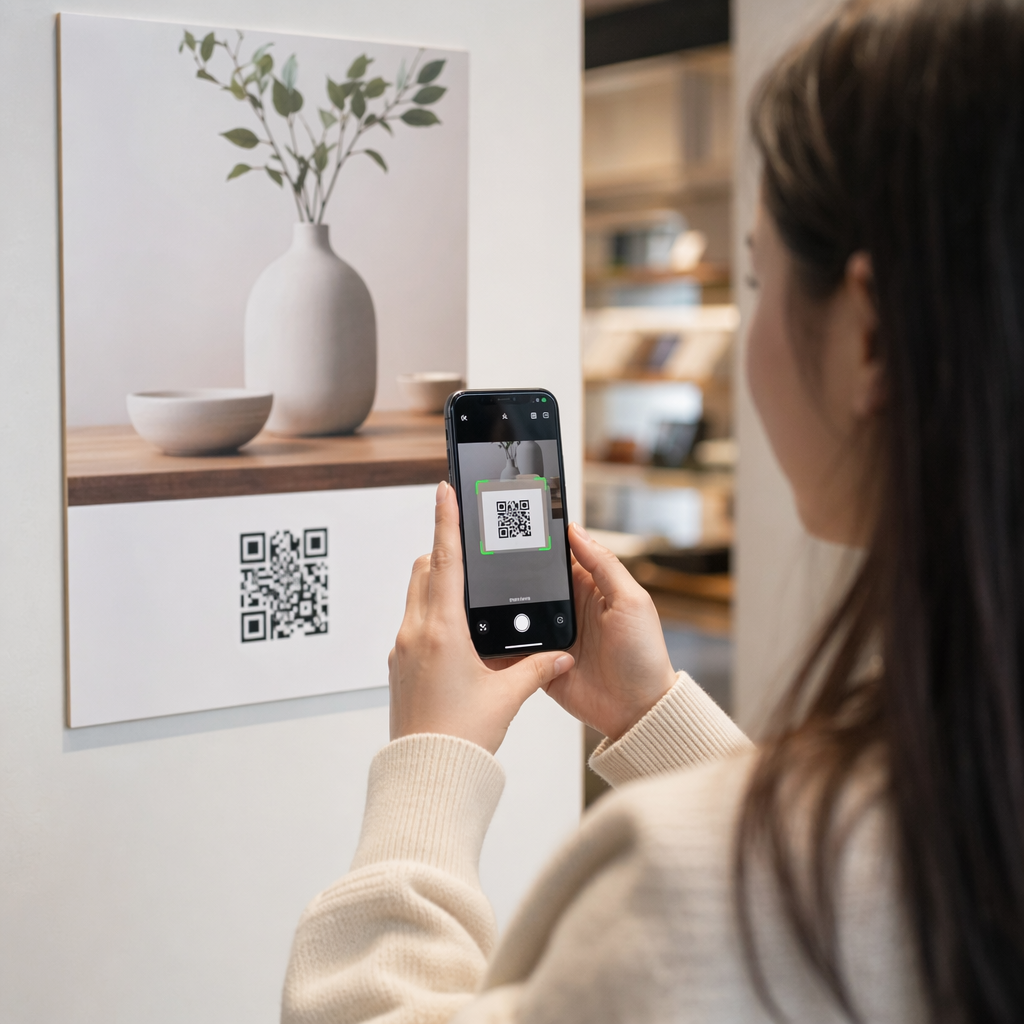
Painetut mainokset, julisteet, esitteet, banderollit ja mainostaulut ovat hyviä paikkoja podcastin QR-koodeille, koska ne tavoittavat ihmisiä, jotka ovat paikallaan tai joilla on hetki aikaa skannata. Sijoita koodi hyvin näkyvälle alueelle riittävällä valkoisella tilalla sen ympärillä. Vältä kiireisiä tai kuvioituja taustoja, jotka häiritsevät skannausta.

Kokosuosituksena QR-koodisi tulisi olla vähintään 0,8 × 0,8 tuumaa lähimateriaaleissa, kuten käyntikorteissa tai pakkauksissa. Suuremmat sijoitukset, kuten julisteet, tulisi skaalata suhteellisesti – noin 1 tuuma koodin leveyttä 10 tuumaa kohti odotettua skannausetäisyyttä. Yksityiskohtaiset kokosuositukset eri pinnoille, katso QR-koodin koon määrittäminen eri painomateriaaleille.
Verkkosivustosi ja sosiaalinen media
Jos joku vierailee jo verkkosivustollasi tai sosiaalisen median profiileissasi, QR-koodi antaa heille välittömän pääsyn äänisisältöösi ilman navigoinnin selaamista. Tämä on erityisen tehokasta, kun se on upotettu podcast-jakson yhteenvedon lähelle tai sivupalkkiin, joka pysyy näkyvissä koko sivun ajan.
Myymälänäytöt ja pakkaukset
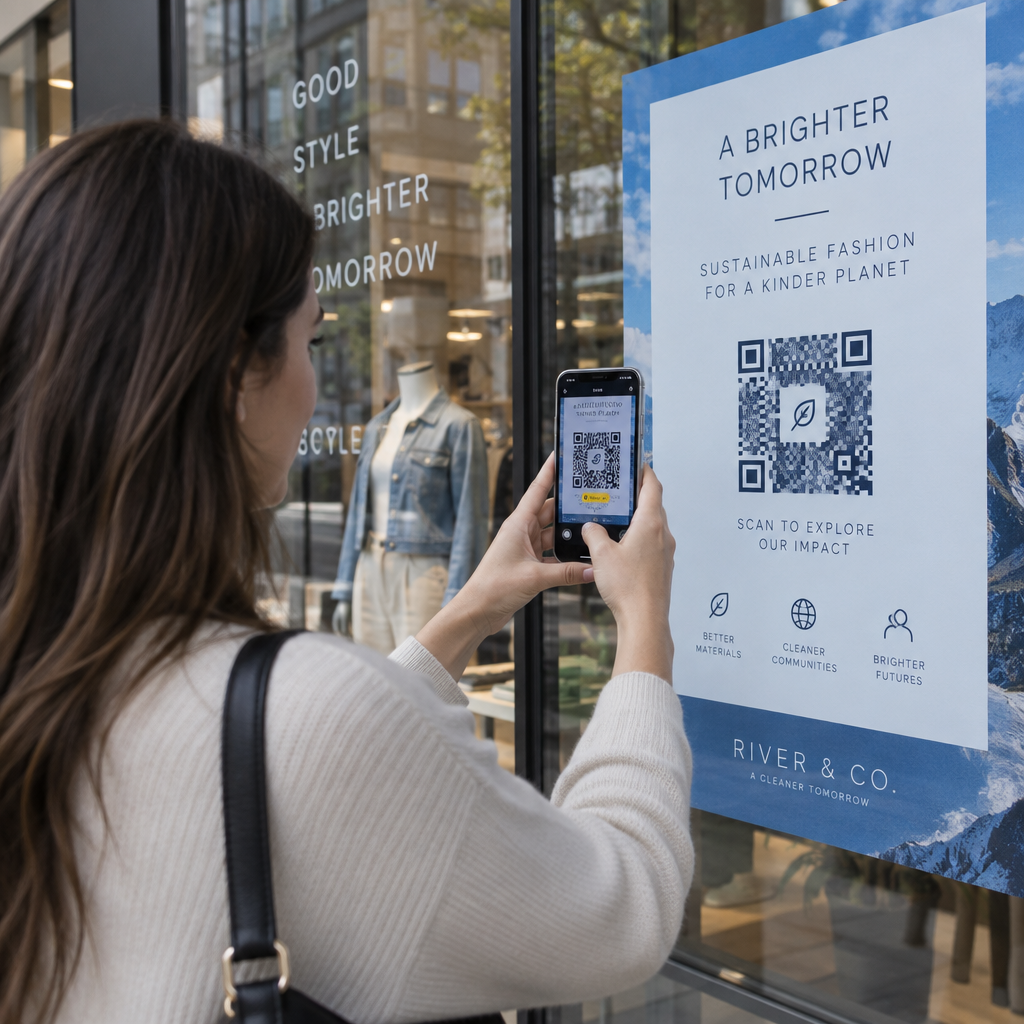
Jos sinulla on fyysinen vähittäiskaupan läsnäolo, QR-koodit myymäläetiketeissä, hyllynäytöissä tai ostoskasseissa esittelevät asiakkaille podcastisi hetkellä, jolloin he ovat jo sitoutuneet brändiisi. Monet asiakkaat, jotka tekevät ostoksia henkilökohtaisesti, eivät ole tietoisia brändin verkkosisällöstä – hyvin sijoitettu QR-koodi kuromalla umpeen tämän aukon.
Sähköpostiuutiskirjeet ja digitaaliset mainokset
QR-koodin sisällyttäminen sähköpostiin tai digitaaliseen mainokseen saattaa tuntua tarpeettomalta, koska nämä kanavat tukevat jo klikattavia linkkejä, mutta QR-koodit sähköpostin allekirjoituksissa tai PDF-uutiskirjeissä antavat vastaanottajille helpon tavan skannata ja kuunnella mobiililaitteella erillään näytöstä, jota he lukevat.
Tee QR-koodistasi seurattava Käytä Dynaaminen QR-koodi jotta voit päivittää podcast-linkkisi, seurata skannausmääriä sijoittelun mukaan ja mitata, mitkä markkinointikanavat tuottavat eniten kuunteluja.
Podcastin QR-koodin parhaat käytännöt

Kirjoita tarkka toimintakehote
Jokainen QR-koodi tarvitsee toimintakehotteen, joka kertoo yleisölle tarkalleen, mitä tapahtuu, kun he skannaavat sen. Epämääräiset koodit jätetään huomiotta. Esimerkkejä tehokkaista toimintakehotteista podcastin mainostamiseen:
- “Skannaa kuunnellaksesi tämän viikon jakson”
- “Skannaa koko haastattelu”
- “Kuule uusimmat alan oivallukset – skannaa toistaaksesi”
Toimintakehotteen tulee olla välittömästi QR-koodin vieressä, ei piilotettuna ympäröivään tekstiin. Lisätietoja toimintakehotteiden kirjoittamisesta ja koodien tehokkaasta sijoittelusta, katso lopullinen opas QR-koodien sijoitteluun markkinoinnissa.
Pidä laskeutumiskokemus mobiiliystävällisenä
Kun joku skannaa puhelimella, hänen tulisi päästä sivulle, joka latautuu nopeasti ja toistaa ääntä ilman tarpeettomia esteitä. Jos käytät ääni-QR-koodia laskeutumissivun kanssa, pidä muotoilu selkeänä ja varmista, että toistopainike on näkyvä. Jos linkität suoratoistoalustalle, varmista, että linkki avautuu alustan sovelluksessa hitaan mobiiliselainsivun sijaan.
Noudata suunnittelu- ja luettavuusstandardeja
- Säilytä korkea kontrasti QR-koodin ja sen taustan välillä
- Jätä selkeä hiljainen alue (tyhjä marginaali) koodin ympärille kaikille sivuille, jotta skannerit voivat erottaa sen ympäröivistä elementeistä
- Vältä koodien sijoittamista kaareville, heijastaville tai kuvioiduille pinnoille mahdollisuuksien mukaan
- Käytä korkeinta virheenkorjaustasoa (H), kun lisäät logopeitteen koodiin
Täydellisen erittelyn suunnitteluvaatimuksista löydät osoitteesta parhaita käytäntöjä QR-koodin luettavuudelle.
Käytä yhtä koodia sijoituskontekstia kohden
Sen sijaan, että käyttäisit yhtä koodia, joka linkittää koko ohjelmaasi, harkitse eri QR-koodien luomista eri jaksoille tai kampanjoille. Dynaamiset koodit tekevät tästä hallittavaa – voit päivittää kunkin koodin kohdetta itsenäisesti ja vertailla skannaustietoja eri sijoittelujen välillä ymmärtääksesi, mikä resonoi eri yleisöjen kanssa.
Linkitä yleiseen sisääntulopisteeseen aina kun mahdollista
Kaikki kuuntelijasi eivät käytä samaa podcast-sovellusta. Linkittäminen yleiselle ohjelmasivulle – joka ohjaa käyttäjät heidän suosikkialustalleen tai sisältää upotetun soittimen – varmistaa, ettei kukaan kuuntelija jää ulkopuolelle, koska he eivät käytä tiettyä sovellusta.
Usein kysytyt kysymykset
Tehokkain lähestymistapa on käyttää linkkiä, joka toimii riippumatta siitä, mitä sovellusta kuuntelija suosii. Tämä tarkoittaa joko podcast-isäntäsi jakso- tai ohjelmasivua (joka tyypillisesti sisältää upotetun soittimen ja linkkejä tärkeimpiin sovelluksiin), yleistä älylinkkipalvelua tai Spotify/Apple Podcasts -URL-osoitetta, jos yleisösi käyttää pääasiassa yhtä alustaa. Vältä sovelluskohtaisia syvälinkkejä, jotka avautuvat oikein vain yhdessä sovelluksessa.
Kyllä, jos luot dynaamisen QR-koodin. Dynaamiset koodit tallentavat lyhyen uudelleenohjaus-URL-osoitteen koodikuvioon, ja voit päivittää lopullisen kohteen hallintapaneelista milloin tahansa ilman uudelleenpainatusta. Tämä tarkoittaa, että voit ohjata saman painetun koodin uuteen jaksoon joka viikko tai korjata rikkinäisen linkin sen jälkeen, kun materiaalit on jo jaettu.
Useimmille painetuille materiaaleille suositellaan vähintään 0,8 × 0,8 tuuman kokoa. Käyntikorttien, tapahtumapassien ja pakkausten, jotka skannataan käsivarren etäisyydeltä, tulisi täyttää tai ylittää tämä minimi. Julisteiden ja banderollien, jotka on tarkoitettu skannattavaksi kauempaa, on oltava suhteellisesti suurempia – noin 1 tuuma leveä jokaista 10 tuuman skannausetäisyyttä kohden. Käytä aina vektorimuotoa, kuten SVG tai EPS, tulostukseen, jotta koodi pysyy terävänä missä tahansa koossa.