Vrei ca ascultătorii să-ți găsească podcastul fără să tasteze niciun caracter? Când publicul tău trebuie să caute manual un show, majoritatea nu se vor deranja. Acest ghid acoperă exact cum să creezi coduri QR pentru promovarea podcasturilor, unde să le plasezi și cum să obții maximum din fiecare scanare.
De ce podcasterii au nevoie de coduri QR
Podcastingul a devenit un mediu mainstream. Aproximativ 158 de milioane de oameni din S.U.A. ascultă podcasturi în fiecare lună, iar peste 70% dintre ascultători termină majoritatea sau toate episoadele. Acest nivel de implicare este rar, dar numai dacă poți convinge oamenii să apese play în primul rând.
Provocarea este descoperirea. Cineva îți vede flyerul, cartea de vizită sau ambalajul produsului și are un interes autentic – dar nu există o cale fără fricțiuni de la acel moment la conținutul tău audio. Codurile QR rezolvă acest decalaj. O singură scanare duce un ascultător direct la emisiunea, episodul sau pagina platformei tale de podcast, fără nicio căutare manuală.
Companii precum Sephora, eBay și Microsoft folosesc deja podcasturi de brand pentru a ajunge la noi audiențe. Codurile QR fac aceste eforturi măsurabile și mai accesibile ascultătorilor din lumea reală.
Ce face de fapt un cod QR pentru podcast
Un cod QR pentru podcast este un cod bidimensional care codifică o destinație – de obicei un link către o platformă de streaming, o pagină de găzduire a podcastului sau un fișier audio – și o deschide automat atunci când este scanat cu camera unui smartphone.
În funcție de ce legi, ascultătorii pot fi trimiși la:
- O pagină de episod specifică cu un player încorporat
- Pagina emisiunii tale pe Apple Podcasts, Spotify sau o altă platformă
- O pagină de destinație universală care permite ascultătorilor să-și aleagă aplicația preferată
- Un fișier MP3 găzduit care se redă direct pe dispozitivul lor
Cel Generator cod QR MP3 de la Pageloot gestionează fișierele audio direct, în timp ce Generator de coduri QR pentru linkuri funcționează bine pentru URL-urile platformelor de streaming. Dacă podcastul tău este pe Spotify, Generator cod QR Spotify îți permite să te legi direct la un episod specific, o listă de redare sau un profil de artist.
Începe să trimiți ascultători direct la podcastul tău Creați un cod QR personalizat, urmăribil pentru emisiunea sau episodul dvs. folosind Generator de coduri QR. Încercare gratuită de 14 zile, nu este necesar un card de credit.
Beneficiile codurilor QR pentru promovarea podcasturilor

Acces instantaneu fără pași suplimentari
Când un cod QR se află pe o reclamă tipărită, o carte de vizită sau un afișaj de magazin, ascultătorii trec de la a-l vedea la a-ți auzi sunetul în câteva secunde. Nu există bare de căutare, navigare prin aplicații, tastare. Această cale fără fricțiuni contează, deoarece fiecare pas suplimentar pierde potențiali ascultători.
Coduri dinamice vă permit să actualizați fără a retipări
Unul dintre cele mai practice avantaje ale utilizării codurile QR dinamice este că puteți schimba destinația după ce codul a fost deja tipărit. Dacă faceți legătura către episodul greșit, schimbați platformele de găzduire sau doriți să direcționați ascultătorii către un nou sezon, actualizați linkul în tabloul de bord – iar codul tipărit rămâne același.
Acest lucru protejează orice investiție în materiale de marketing tipărite și facilitează reutilizarea materialelor în diverse campanii.
Urmărirea scanărilor și analize
Codurile QR vă oferă date reale despre performanța marketingului podcastului dvs. Puteți vedea când au loc scanările, de unde provin geografic și ce plasamente generează cel mai mult angajament. Aceste informații vă permit să comparați canalele, să identificați ce materiale tipărite funcționează și să luați decizii informate pentru campaniile viitoare.
Personalizarea construiește recunoașterea mărcii
Codurile QR sunt singurul tip de cod de bare care acceptă personalizarea vizuală. Puteți adăuga culorile mărcii podcastului dvs., un logo și un fundal care se potrivește identității emisiunii dvs. Un cod bine conceput este mai probabil să fie scanat, deoarece arată intenționat și demn de încredere, mai degrabă decât generic.
Toleranță la erori pentru medii de imprimare
Codurile QR includ corecție de erori încorporată care le permite să rămână scanabile chiar dacă o parte a codului este deteriorată, obturată sau uzată. Acest lucru este util în special pentru materialele tipărite care sunt manipulate intens, cum ar fi pungile de cumpărături sau programele de evenimente.
Cum să creați un cod QR pentru podcast

Pasul 1 – Obțineți Linkul Podcastului Dvs.
Cea mai bună abordare este să utilizați un link care funcționează pe toate dispozitivele și aplicațiile. Opțiunile includ:
- Un URL direct al episodului de la furnizorul dvs. de găzduire (majoritatea gazdelor generează o pagină de episod independentă cu un player încorporat)
- URL-ul Spotify, Apple Podcasts sau al altei platforme a emisiunii dvs.
- Un link inteligent universal care direcționează automat ascultătorii către aplicația lor preferată
Dacă podcastul dvs. este pe Spotify, aflați cum să creați un cod QR Spotify care face legătura către un episod, album sau playlist specific.
Pasul 2 – Alegeți Tipul Corect de Cod QR
- Folosește Generator cod QR MP3 dacă doriți să încărcați un fișier audio direct și să-l faceți disponibil ascultătorilor de pe o pagină de destinație personalizată
- Folosește Generator de coduri QR pentru linkuri dacă faceți legătura către un URL de platformă de streaming sau o pagină de găzduire a podcastului
- Folosește Generator cod QR Spotify pentru conținut specific Spotify
Pasul 3 – Personalizați Codul
Adăugați logo-ul podcastului dvs., ajustați culorile pentru a se potrivi cu brandul dvs. și configurați pagina de destinație dacă utilizați un cod QR audio. Paginile de cod QR audio Pageloot suportă un titlu, o imagine de copertă, culori de brand și un ecran de bun venit înainte ca playerul să se încarce.
Păstrați contrastul ridicat – utilizați modele întunecate pe un fundal deschis. Evitați schemele de culori inversate, care sunt mai greu de citit pentru camere.
Pasul 4 – Descărcați în Formatul Corect
Pentru utilizare la imprimare, salvează întotdeauna codul tău QR ca fișier vectorial SVG, EPS sau PDF. Aceste formate se scalează fără pixelare, astfel încât codul tău rămâne clar, indiferent dacă apare pe o carte de vizită sau pe un panou publicitar. Formatele JPEG și PNG pot deveni neclare când sunt mărite, ceea ce reduce scanabilitatea.
Pasul 5 – Testează înainte de distribuire
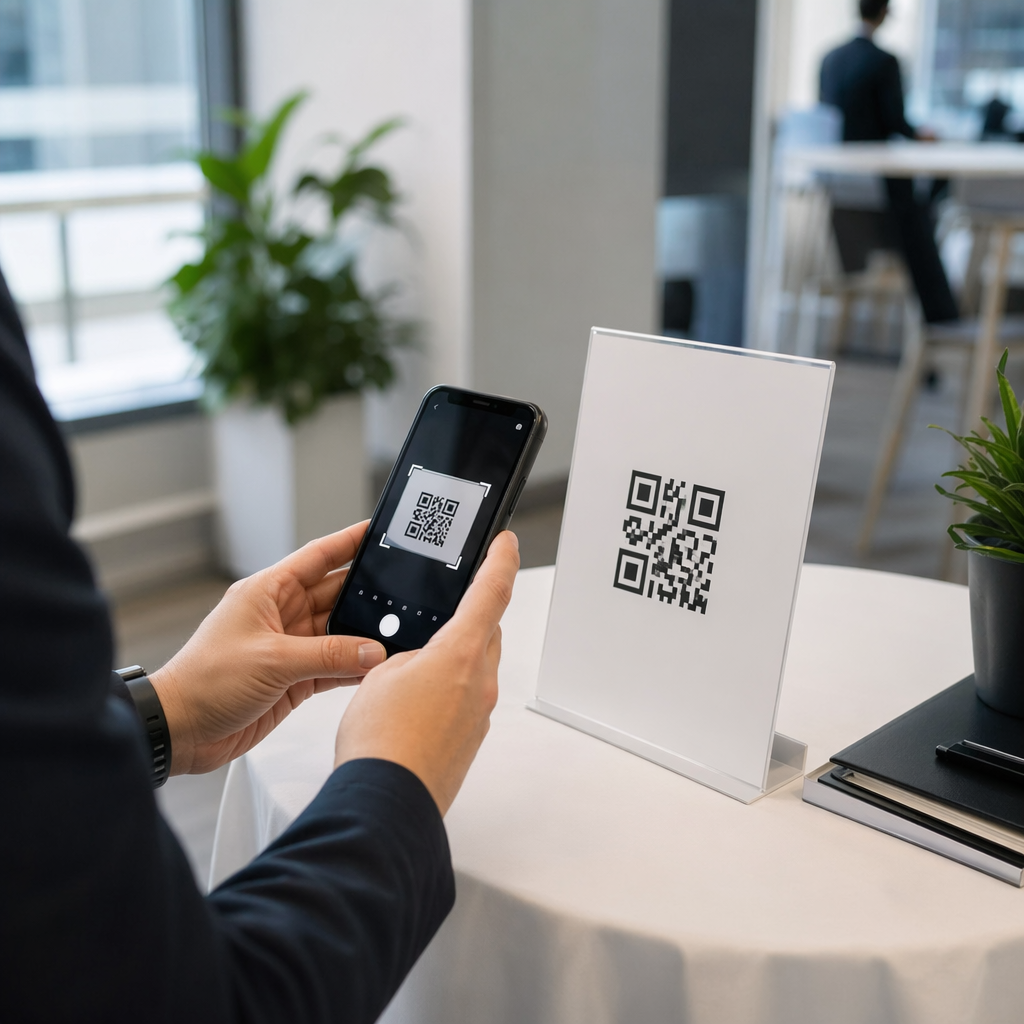
Scanează codul tău finalizat cu mai multe dispozitive – diferite modele de telefon și atât iOS, cât și Android – înainte de a-l trimite la imprimare. Testează întregul traseu de la scanare la redarea audio. Codurile QR dinamice îți permit să repari un link rupt sau greșit ulterior, dar testarea prealabilă evită problema în totalitate.
Unde să folosești codurile QR pentru podcasturi
Materiale de marketing tipărite
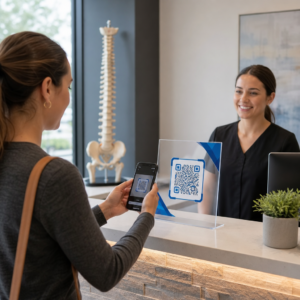
Anunțurile tipărite, posterele, fluturașii, bannerele și panourile publicitare sunt locuri puternice pentru codurile QR de podcast, deoarece ajung la oameni care sunt staționari sau au un moment să scaneze. Plasează codul într-o zonă cu vizibilitate ridicată, cu spațiu alb adecvat în jurul său. Evită fundalurile aglomerate sau cu modele care interferează cu scanarea.

Pentru ghidaj de dimensiune, codul tău QR ar trebui să aibă cel puțin 0,8 × 0,8 inchi pentru materiale de proximitate, cum ar fi cărțile de vizită sau ambalajele. Plasările mai mari, cum ar fi posterele, ar trebui să se scaleze proporțional – aproximativ 1 inch lățime a codului la fiecare 10 inchi de distanță de scanare așteptată. Pentru ghidaj detaliat privind dimensiunile pe diferite suprafețe, vezi dimensionarea codurilor QR pentru diferite materiale de imprimare.
Site-ul tău web și rețelele sociale
Dacă cineva îți vizitează deja site-ul web sau profilurile sociale, un cod QR îi oferă o cale imediată către conținutul tău audio fără a căuta prin navigație. Acest lucru este deosebit de eficient atunci când este încorporat lângă un rezumat al episodului de podcast sau într-o bară laterală care rămâne vizibilă pe toată pagina.
Afișaje în magazin și ambalaje
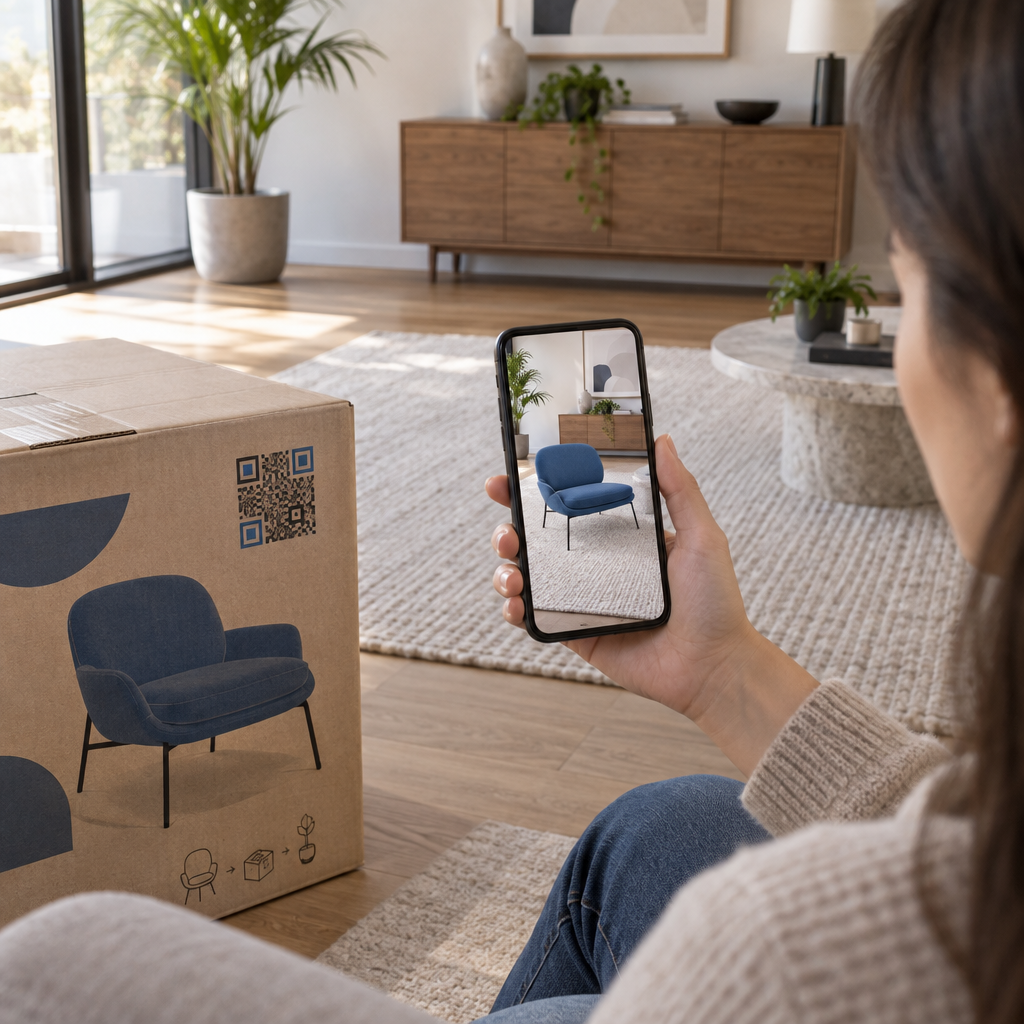
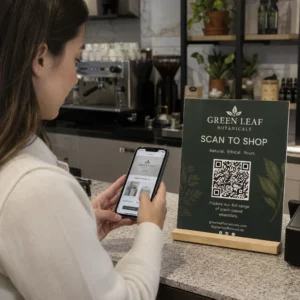
Dacă ai o prezență fizică în retail, codurile QR de pe etichetele magazinelor, afișajele de raft sau pungile de cumpărături introduc clienții în podcastul tău într-un moment în care aceștia sunt deja angajați cu brandul tău. Mulți clienți care cumpără personal nu sunt conștienți de conținutul online al unui brand – un cod QR bine plasat reduce acest decalaj.
Buletine informative prin e-mail și reclame digitale
Includerea unui cod QR într-un e-mail sau o reclamă digitală poate părea redundantă, deoarece acele canale acceptă deja linkuri pe care se poate face clic, dar codurile QR din semnăturile de e-mail sau buletinele informative PDF oferă destinatarilor o modalitate ușoară de a scana și asculta pe un dispozitiv mobil separat de ecranul pe care citesc.
Fă-ți codul QR urmăribil Folosește o Cod QR dinamic astfel încât să poți actualiza linkul podcastului tău, să urmărești volumul de scanări în funcție de plasare și să măsori ce canale de marketing generează cele mai multe ascultări.
Cele mai bune practici pentru codurile QR de podcast

Scrie un apel la acțiune specific
Fiecare cod QR are nevoie de un CTA care să spună publicului exact ce se va întâmpla când scanează. Codurile vagi sunt ignorate. Exemple de CTA-uri eficiente pentru promovarea podcasturilor:
- “Scanează pentru a asculta episodul din această săptămână”
- “Scanează pentru interviul complet”
- “Află cele mai recente informații din industrie – scanează pentru a reda”
CTA-ul ar trebui să fie imediat adiacent codului QR, nu îngropat în textul înconjurător. Pentru mai multe îndrumări despre scrierea CTA-urilor și plasarea eficientă a codurilor, vezi ghidul suprem pentru plasarea codurilor QR în marketing.
Păstrează experiența paginii de destinație optimizată pentru mobil
Când cineva scanează de pe un telefon, ar trebui să ajungă la o pagină care se încarcă rapid și redă audio fără bariere inutile. Dacă folosești un cod QR audio cu o pagină de destinație, păstrează designul curat și asigură-te că butonul de redare este proeminent. Dacă faci legătura către o platformă de streaming, asigură-te că linkul se deschide în aplicația platformei, mai degrabă decât într-o pagină lentă de browser mobil.
Respectă standardele de design și lizibilitate
- Menține un contrast ridicat între codul QR și fundalul său
- Lasă o zonă liniștită clară (margine goală) în jurul codului pe toate părțile, astfel încât scanerele să-l poată distinge de elementele înconjurătoare
- Evită plasarea codurilor pe suprafețe curbate, reflectorizante sau texturate, acolo unde este posibil
- Folosește cel mai înalt nivel de corecție a erorilor (H) atunci când adaugi o suprapunere de logo pe cod
Pentru o defalcare completă a cerințelor de design, vizitează cele mai bune practici pentru lizibilitatea codurilor QR.
Folosește un singur cod per context de plasare
În loc de un singur cod care face legătura către întregul tău spectacol, ia în considerare crearea de coduri QR diferite pentru episoade sau campanii diferite. Codurile dinamice fac acest lucru gestionabil – poți actualiza destinația fiecărui cod independent și poți compara datele de scanare între plasări pentru a înțelege ce rezonează cu diferite audiențe.
Link către un punct de intrare universal, atunci când este posibil
Nu toți ascultătorii tăi folosesc aceeași aplicație de podcast. Crearea unui link către o pagină universală a emisiunii – una care direcționează utilizatorii către platforma lor preferată sau include un player încorporat – asigură că niciun ascultător nu este exclus pentru că nu folosește o anumită aplicație.
Întrebări frecvente
Cea mai eficientă abordare este să folosești un link care funcționează indiferent de aplicația pe care o preferă un ascultător. Aceasta înseamnă fie pagina episodului sau a emisiunii gazdei podcastului tău (care include de obicei un player încorporat și linkuri către aplicațiile majore), un serviciu universal de linkuri inteligente, fie un URL Spotify/Apple Podcasts dacă publicul tău folosește în principal o singură platformă. Evită linkurile profunde specifice aplicațiilor care se deschid corect doar într-o singură aplicație.
Da, dacă creați un cod QR dinamic. Codurile dinamice stochează o scurtă adresă URL de redirecționare în modelul codului, și puteți actualiza destinația finală din tabloul de bord în orice moment, fără a fi nevoie să reimprimați. Aceasta înseamnă că puteți direcționa același cod imprimat către un nou episod în fiecare săptămână, sau puteți remedia un link rupt după ce materialele au fost deja distribuite.
Pentru majoritatea materialelor tipărite, se recomandă un minim de 0,8 × 0,8 inchi. Cărțile de vizită, ecusoanele de eveniment și ambalajele care vor fi scanate de la distanța brațului ar trebui să respecte sau să depășească acest minim. Posterele și bannerele destinate a fi scanate de la o distanță mai mare trebuie să fie proporțional mai mari – aproximativ 1 inch lățime pentru fiecare 10 inchi de distanță de scanare. Folosește întotdeauna un format vectorial precum SVG sau EPS pentru imprimare, astfel încât codul să rămână clar la orice dimensiune.