Paste a link to your video and get a video QR code that opens it on any phone. Add your logo and colors, then download it as PNG, SVG or PDF. Free, no signup needed to download.
Video QR
Seret PDF ke sini, atau klik untuk memilih
0 / 2048
0 / 2048
0 / 2048
Bingkai
Gaya
Bingkai
10
/ 30
8
/ 30
Warna bingkai
Warna latar belakang
Warna teks di atas
Teks di bawah warna
Reka bentuk Kod QR
Badan
Warna badan
Tepi
Jenis bingkai
Warna bingkai tepi
Jenis bola
Warna bola tepi
Tambah Logo
Dipercayai oleh 20,000+ syarikat di 110 negara
Apakah kod QR video?
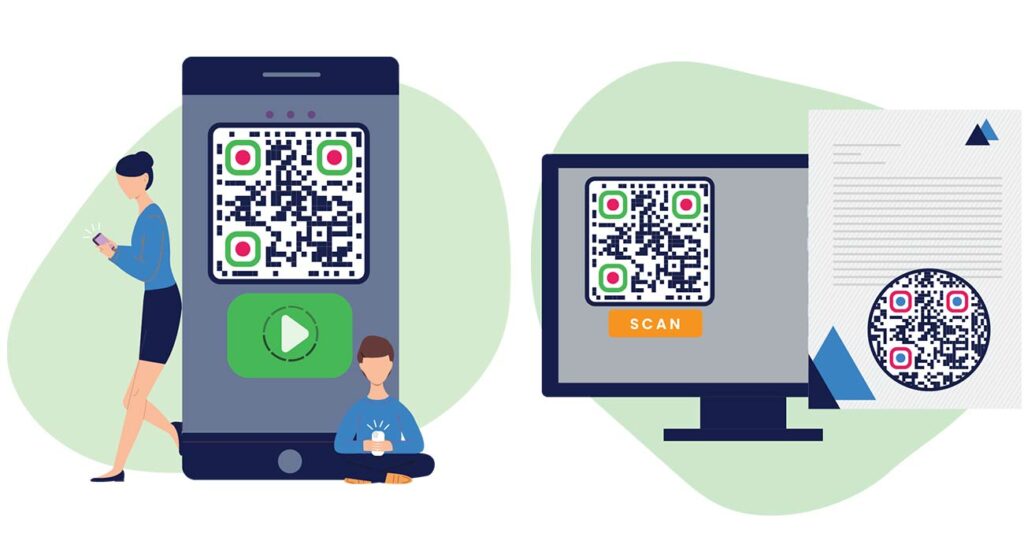
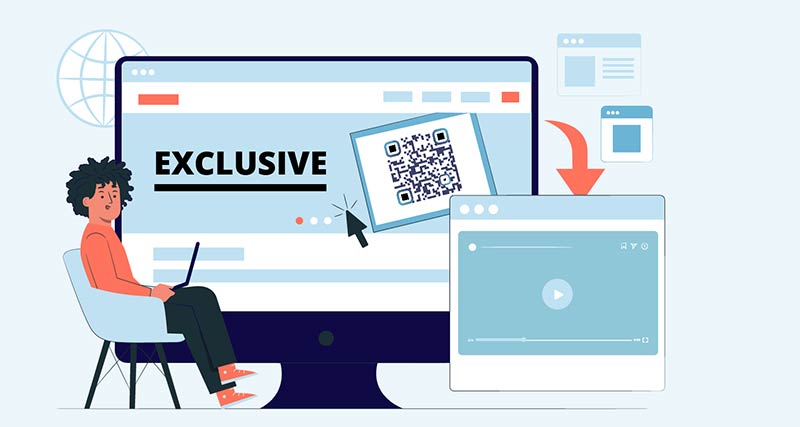
A video QR code is a QR code that contains the link to a video. When someone scans it with a phone camera, the video opens in the YouTube or Vimeo app, in the Google Drive viewer or in the browser, depending on where you host it.
The video itself is not inside the code. A QR code holds about 3 KB of data at most, and even a short clip is thousands of times bigger. So an MP4 to QR code always works the same way: you put the file on a host, and the code holds its link.
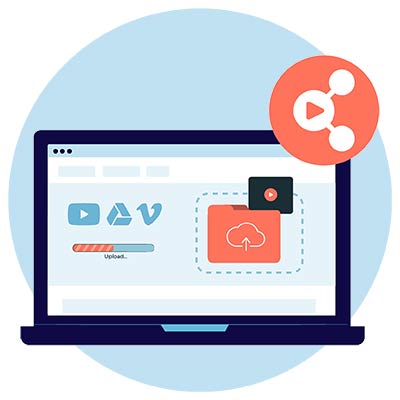
Put the video where people can stream it: YouTube, Vimeo, Google Drive, Dropbox or your own website.
Salinan
Copy the share link and check that anyone with the link can watch it.
Buat
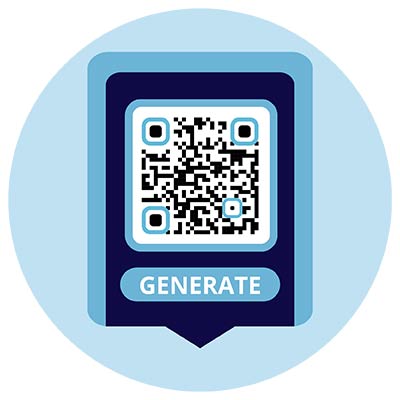
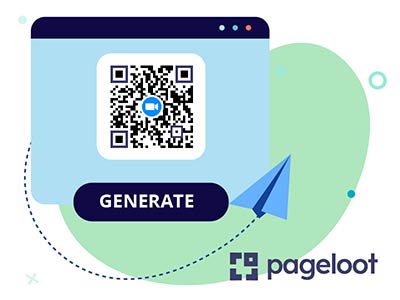
Paste the link into the generator on this page. The code holds the link and nothing else.
Imbas
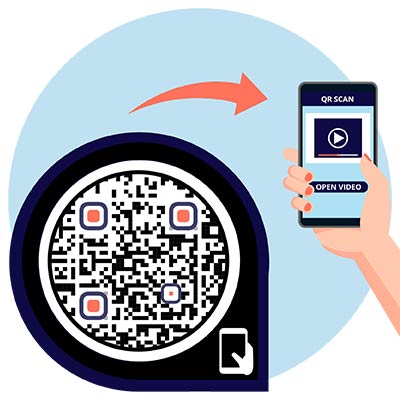
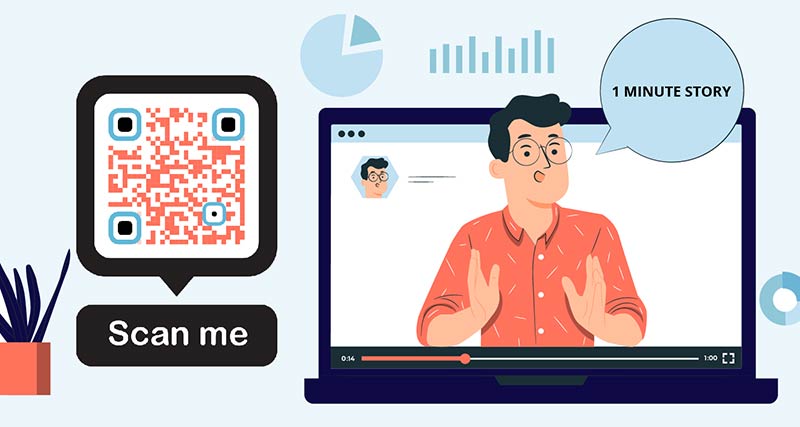
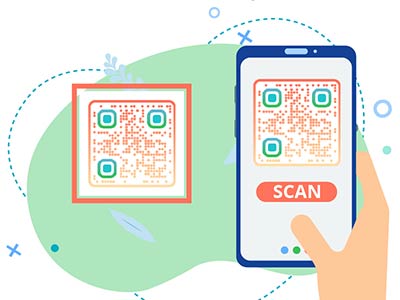
A phone camera reads the code and opens the video. No special app is needed.
Bagaimana untuk membuat video kod QR?
Muat naik
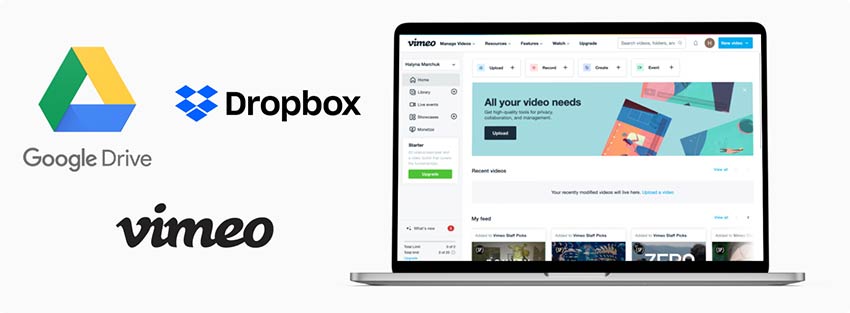
Gunakan Google Drive atau Dropbox untuk memuat naik video anda dan menyimpan pautan 'Kongsi' ke video yang dipilih. Anda juga boleh memuat naik video anda ke mana-mana platform video lain seperti Vimeo dan menyalin pautan kepadanya.
Tambah pautan
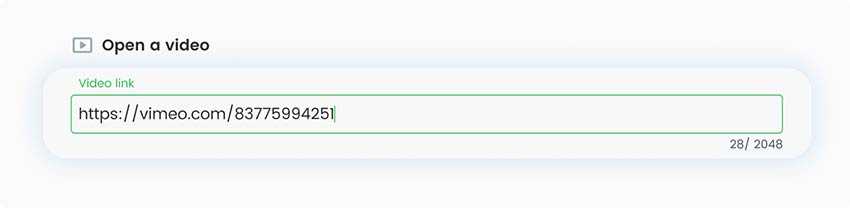
Pergi ke penjana kod QR Pageloot untuk video dan tambahkan pautan anda ke dalam medan URL.
Tambah gaya
Tambahkan elemen penjenamaan seperti ikon atau logo dan edit kod QR anda dengan menukar latar belakang atau warna kod.
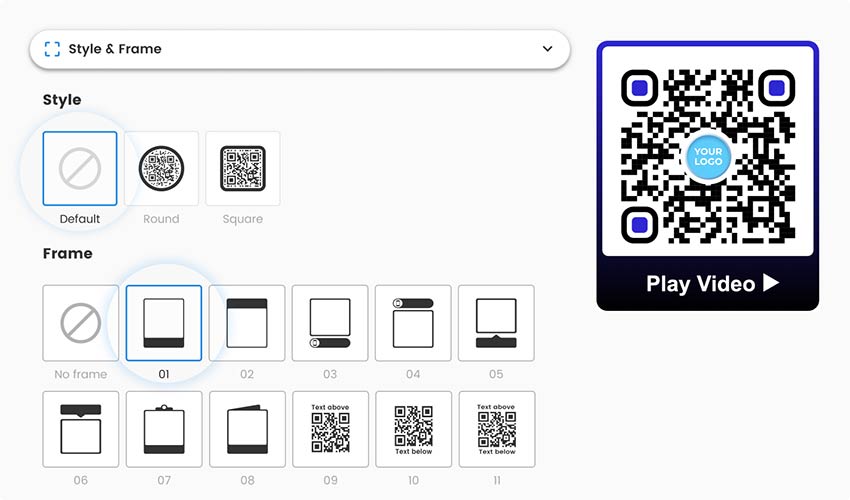
Ciri tambahan
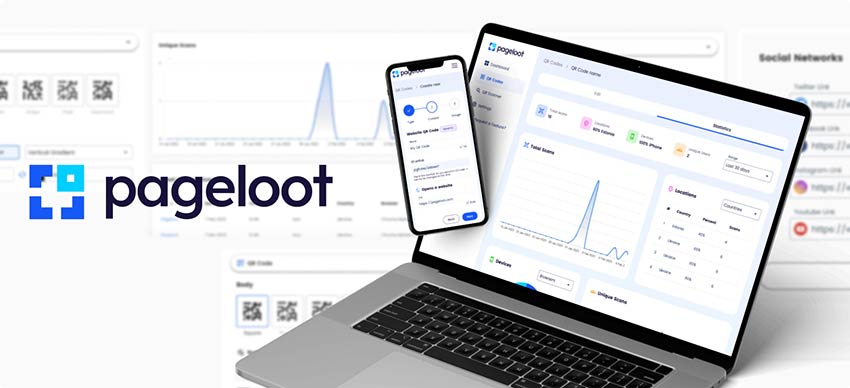
Jika anda pelanggan premium Pageloot, anda boleh menggunakan ciri tambahan seperti penjejakan imbasan dan perpustakaan reka bentuk.
Muat turun
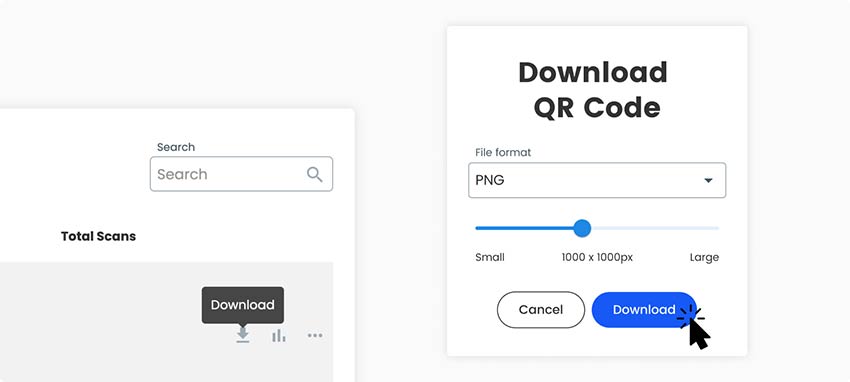
Apabila selesai dengan penyesuaian, pilih format dan kualiti yang anda mahukan kod QR anda dan klik butang 'Muat turun kod QR' hijau di sebelah kanan halaman, dan simpan ke komputer riba anda.
Semua selesai!
Mengapa saya memerlukan kod QR untuk video?
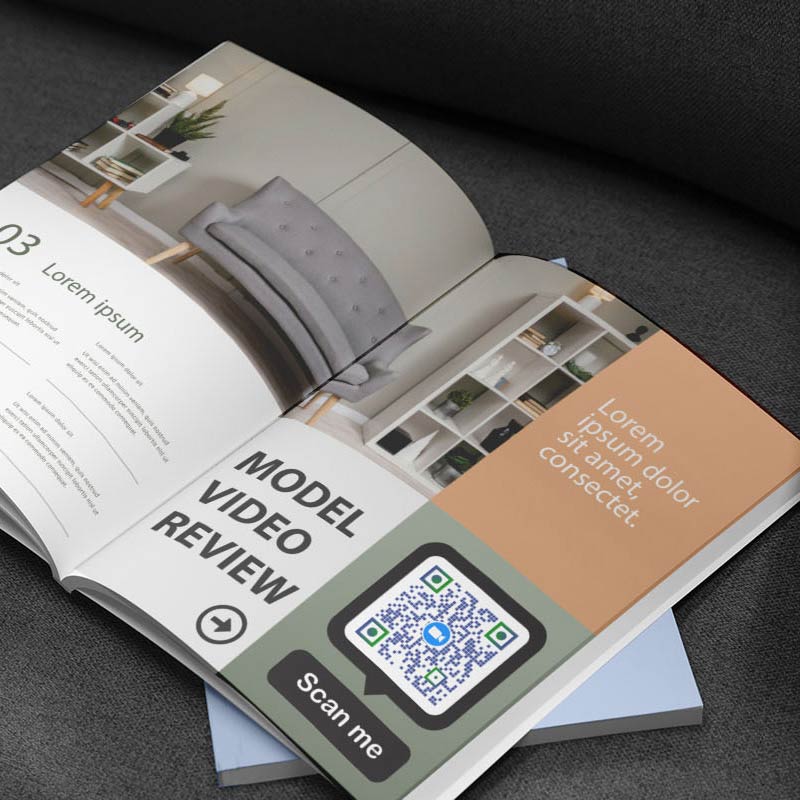
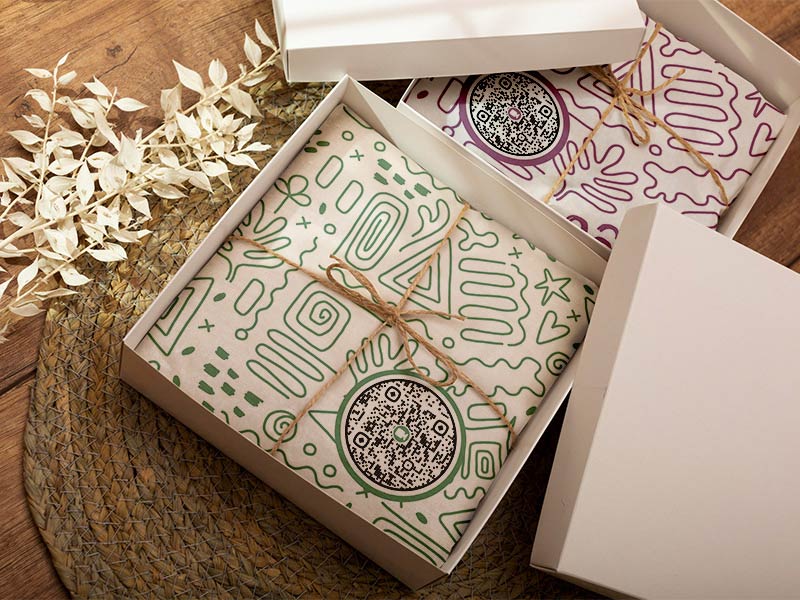
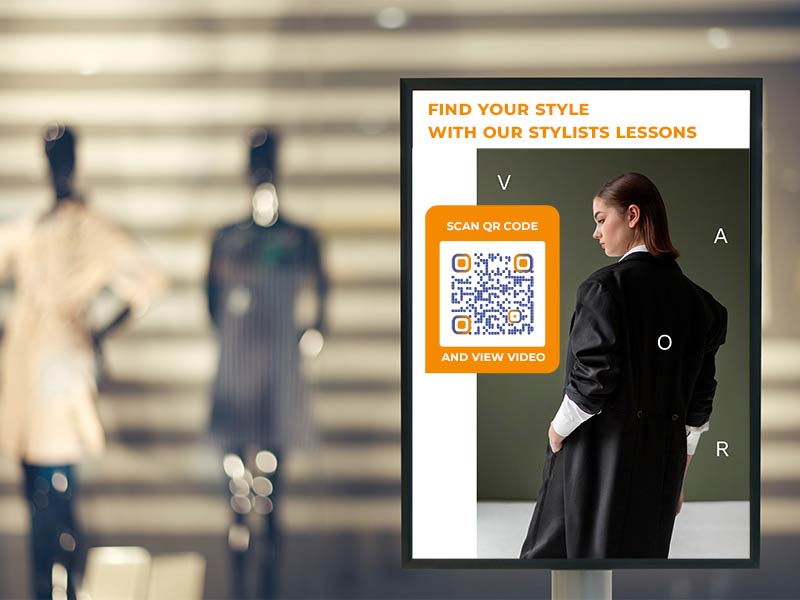
Paper cannot play a video. A code on a poster, a package, a business card or a magazine page turns it into a one-scan route to a product demo, a tutorial or a story. Nobody types a long video link.
Static or dynamic? A static code is enough if the video link stays the same. Some video hosts let you replace a video and keep the link, others do not. Choose a dynamic code if you will swap the video, for example for a new campaign, or if you want to see how many people scan it, and when, where and on which device. With a dynamic code you change the destination in your Pageloot account and the printed code follows. Tick Edit kemudian atau Imbasan jejak di atas untuk memulakan percubaan percuma selama 14 hari.
Link to a hosted video or use a video file?
A link to a hosted video (best for most people). YouTube, Vimeo, Google Drive and Dropbox store the video, stream it and adapt the quality to the viewer’s connection. This works on every phone. For YouTube-only options such as a start time or a channel code, see our penjana kod QR YouTube.
A direct link to a video file. If the file is on your own website, for example https://yourwebsite.com/video.mp4, the phone plays it in the browser. You pay for the traffic, and the whole file is sent to each viewer, so keep it small.
Uploading the file to Pageloot. Pageloot’s file upload is listed for PDFs, images and audio, so for video use one of the two links above.
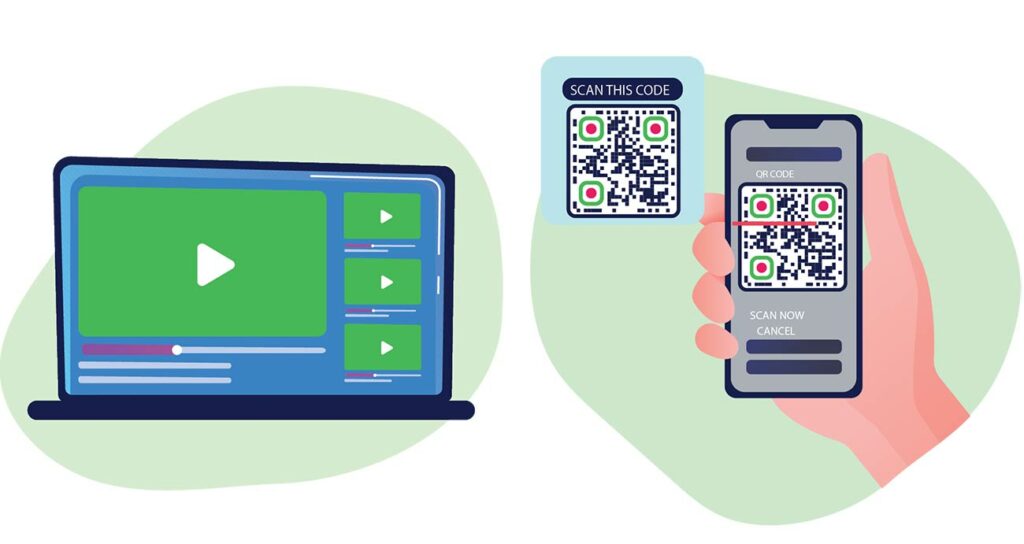
Open your phone’s camera and point it at the code. Tap the link that appears. The video opens in the YouTube or Vimeo app or in your browser, depending on where it is hosted.
The generator on this page is free, and you can download PNG, SVG or PDF without an account. A dynamic code, with scan tracking and the option to change the video later, needs a Pageloot account with a 14-day free trial.
No. A QR code holds about 3 KB of data at most, far less than a video. The code holds a link, and the video sits on a host such as YouTube, Vimeo, Google Drive or your own website.
Put the video on a host and copy its share link. Paste the link into the generator on this page, add your logo or colors, and download the code. Check that anyone with the link can watch the video.
Not with a static code. A dynamic Pageloot code shows how many people scanned it, and when, where and on which device. Tick Track scans above to start a free 14-day trial.
With a static code, no. The code holds the old link. With a dynamic code you change the destination in your Pageloot account and the printed code follows.
For most people, YouTube or Vimeo. They stream the video and adapt the quality to each viewer. Google Drive and Dropbox work too if the link is set to anyone with the link. Host the file yourself only if you can keep it small.
Upload the MP4 to a host or to your website, copy the direct link, which ends in .mp4, and paste it into the generator. The phone plays the file in the browser. Keep the file small, because the whole file is sent to each viewer.
Lebih banyak soalan?
Hubungi kami dan kami dengan senang hati akan membantu!
Penjana kod QR yang paling mudah dan boleh dipercayai. Fail PDF boleh dimuat naik serta-merta. Menu restoran kami kini digital.
Lucas Jansen
★★★★★
Pemaju hartanah
Ini adalah alat yang sangat baik dan kod QR membawa anda ke tempat yang anda mahukan. Kami hanya menggunakan kod QR lokasi tetapi terdapat banyak ciri berguna.
Emma Moretti
★★★★★
Produk runcit
Mudah digunakan dan cepat. Ia berfungsi hebat dan mencipta imej yang sempurna, jadi pekerja boleh memuat turun vCard saya.
Hugo Laurent
★★★★★
Pemilik restoran
Penjana kod QR yang paling mudah dan boleh dipercayai. Fail PDF boleh dimuat naik serta-merta. Menu restoran kami kini digital.
Lucas Jansen
★★★★★
Pemaju hartanah
Ini adalah alat yang sangat baik dan kod QR membawa anda ke tempat yang anda mahukan. Kami hanya menggunakan kod QR lokasi tetapi terdapat banyak ciri berguna.
Emma Moretti
★★★★★
Produk runcit
Mudah digunakan dan cepat. Ia berfungsi hebat dan mencipta imej yang sempurna, jadi pekerja boleh memuat turun vCard saya.
Cipta Kod QR Video Dalam Talian
Percubaan 14 hari percuma. Tiada kad kredit diperlukan.
Print a code next to the setup step people get stuck on and link it to a short how-to video. Add one on the box for the product demo. A dynamic code lets you replace the video when the product changes.
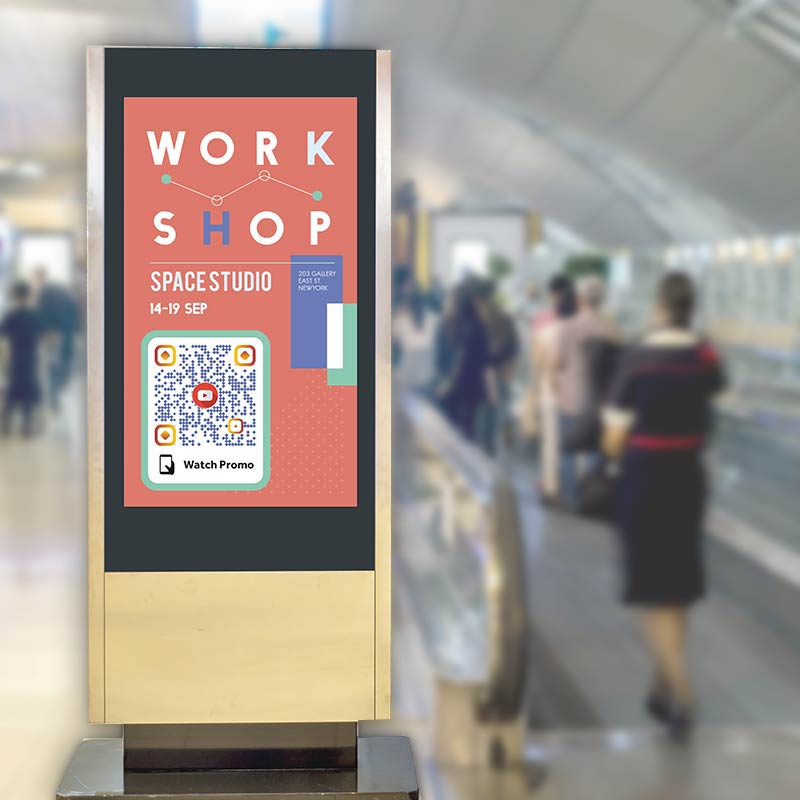
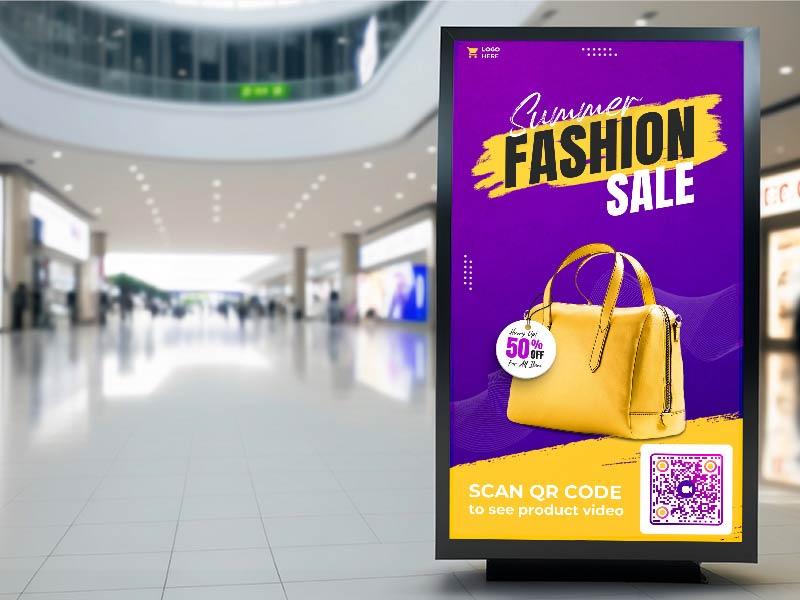
Add a code with a call to action such as “Scan to watch” to a print ad or a menu board. Print it at least 2 x 2 cm (0.8 in), and larger on posters read from a distance.
Show a code on a banner or a screen to share highlights, a speaker session or a behind-the-scenes clip. Keep it on screen long enough for people to find their phones.
Teachers can put a code on a worksheet that links to a lesson. A candidate can add a code to a resume that links to a short intro video. An agent can put a walkthrough video code on a yard sign or a listing flyer.
Where to host the video for your QR code
YouTube Set the video to Public or Unlisted. A Private video only opens for accounts you invited, so everyone else sees an error.
Vimeo Check the privacy setting so that anyone with the link can watch. Open the link in a private browser window to test it.
Google Drive Click Share and set General access to Anyone with the link. A new upload can take a few minutes to process before it plays.
Dropbox Create a shared link. A link ending in dl=0 opens a preview in the browser. A link ending in dl=1 starts a download instead.
Video QR code not working? Check these first
People are asked to sign in or request access
The video is private or shared only with certain accounts. Change the sharing setting to Anyone with the link (Drive, Dropbox, Vimeo) or Unlisted (YouTube), then open the link in a private browser window to check.
The video does not play on the phone
A direct file in an unusual format, such as AVI or WMV, may not play in a phone browser. Convert it to MP4 with H.264 video and AAC audio, or upload it to YouTube or Vimeo, which convert it for you.
The video is slow or keeps stopping
Large self-hosted files load slowly on mobile data. Compress the video to 720p or 1080p, shorten it, or move it to a video host that adapts the quality to the connection.
The link no longer works
If you delete or move the video, or upload a new version under a new link, the old code opens an error. A static code then needs a new code and a reprint. A dynamic code only needs a new destination in your account.
Cipta Kod QR Video Dalam Talian
Percubaan 14 hari percuma. Tiada kad kredit diperlukan.
MP4 with H.264 video and AAC audio plays on iPhone and Android. Other formats such as AVI or WMV may not play in a phone browser. Hosts like YouTube and Vimeo convert the file for you.
Keep it short
People scan on the move. Aim for under two minutes, and put a longer version behind a link in the description.
720p or 1080p is enough
A phone screen is small, so higher resolution adds file size without adding anything people can see.
Mind the file size
A self-hosted file of more than about 50 MB loads slowly on mobile data. File size matters most when you host the video yourself.
Add captions
Many people scan in a shop, on a train or at an event with the sound off. Captions or text on screen keep the message.
Vertical or wide
A vertical video fills a phone held upright. A wide video makes people turn the phone. Pick the shape that matches where the code is printed.