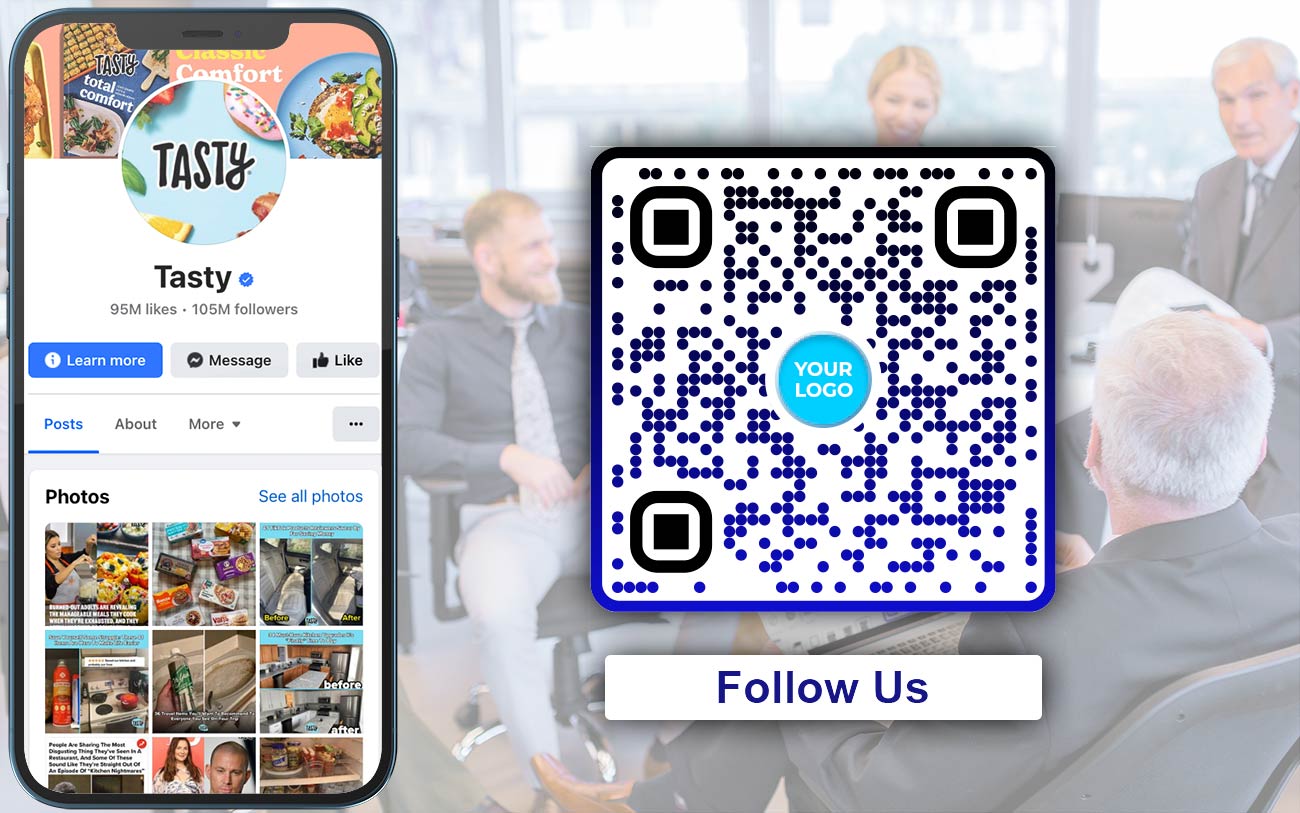
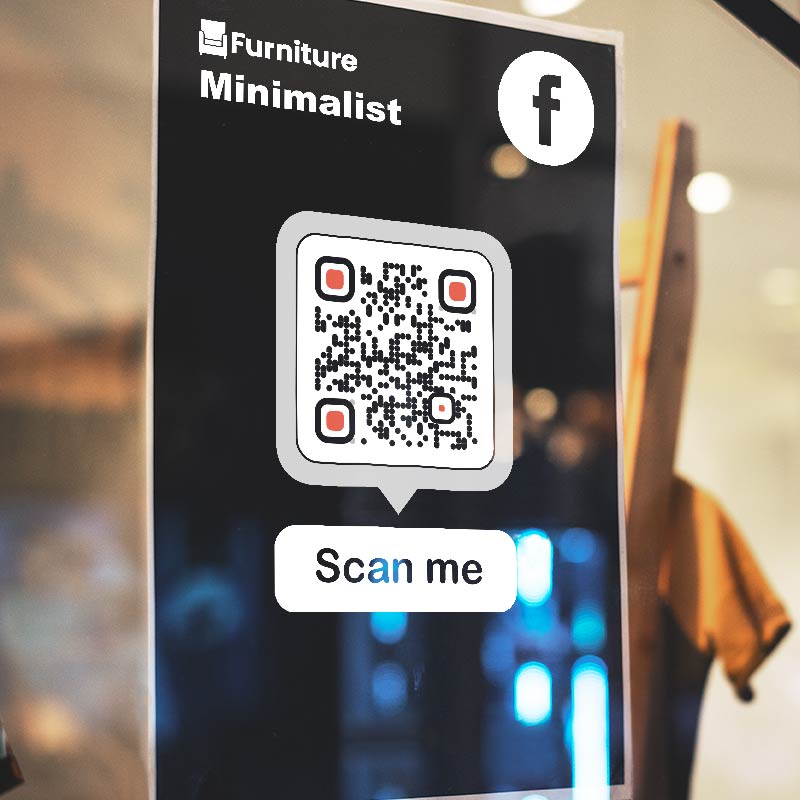
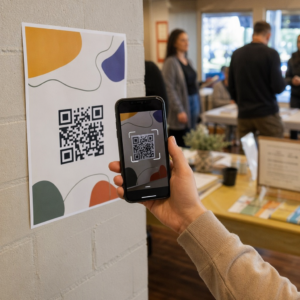
Make a Facebook QR code that opens your Page, group, event, post or Marketplace listing on any phone. Paste the Facebook link, add your logo and colors, and download the code as PNG, SVG or PDF. Free, no signup needed to download.
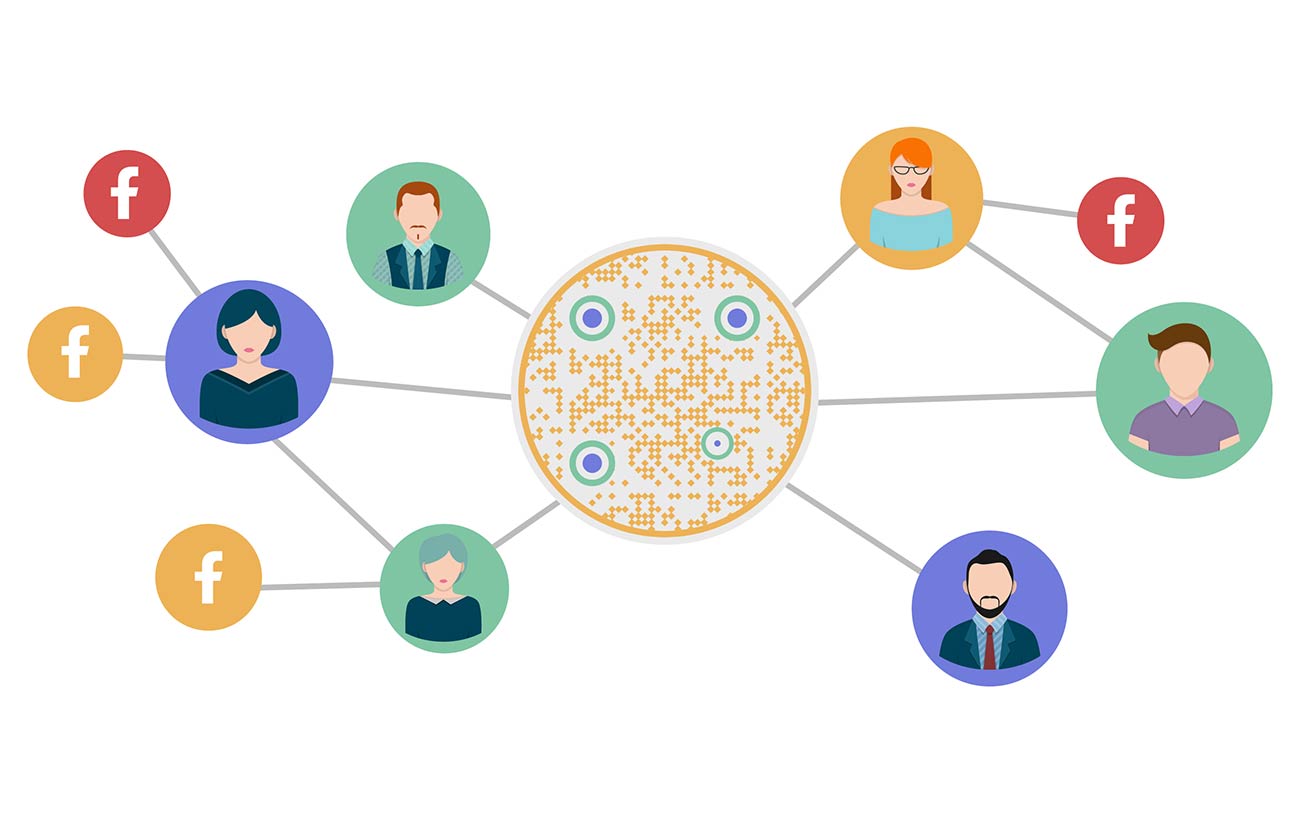
A Facebook QR code is a QR code that contains a Facebook link. When someone scans it with the phone camera, Facebook opens that exact destination: your Page, a group, an event, a post, a Marketplace listing or a profile. The visitor taps once. Nobody has to search for your name or type a web address.
The code holds the link, not the Page itself. The same generator makes a QR code for Facebook page links, a QR code for Facebook group links and a code for any other public Facebook link. Any iPhone or Android camera can read it, and no app is needed to scan.
Facebook’s own QR code. Facebook’s Help Center describes a QR code for groups: admins can share one from the group’s Share menu. For a Page, profile, event or post, the reliable way is to copy its link and turn it into a code here. That also gives you your logo, your colors and print-ready files.
Bagaimanakah kod QR Facebook berfungsi?
Salinan
Copy the link of your Page, group, event or post from Facebook. The sections below show where to find it on a phone and on a computer.
Buat
Paste the link into the generator at the top of this page. Add your logo, colors and a frame such as “Scan to follow us”, then download PNG, SVG or PDF.
Imbas
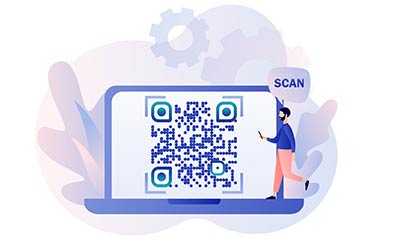
A visitor points the phone camera at the code and taps the link that appears. If the Facebook app is installed, the link usually opens there. If not, it opens in the browser.
Follow or join
They land on the page you linked. From there they can tap Follow on a Page, Join on a group or Going on an event.
How to make a QR code for a Facebook page
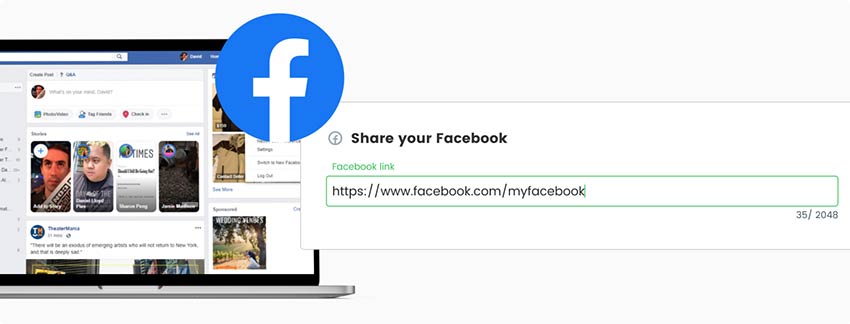
Tambahkan pautan anda
Gunakan alat percuma itu pada halaman ini. Berikan URL profil atau halaman Facebook anda yang ingin anda kaitkan dengan kod QR. Pastikan URL adalah tepat dan lengkap.
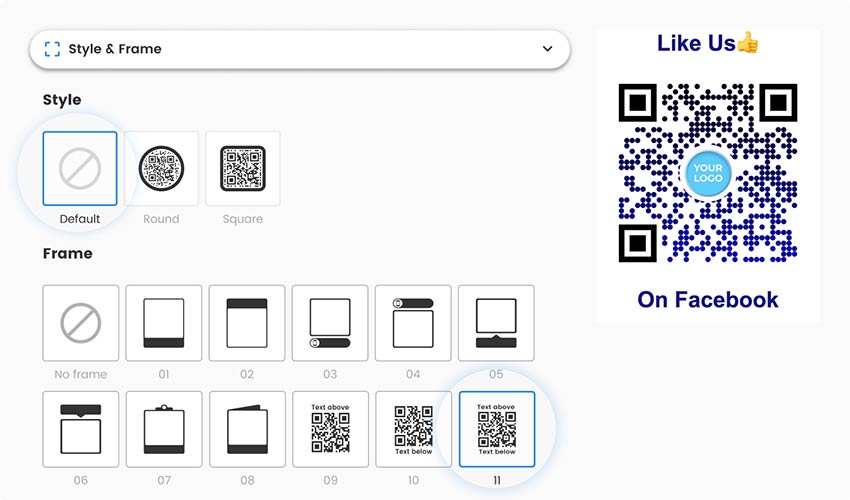
Tambah gaya
Sesuaikan mengikut keutamaan anda atau biarkan ia dengan reka bentuk lalai. Anda boleh memilih daripada pelbagai elemen reka bentuk, seperti warna dan corak.
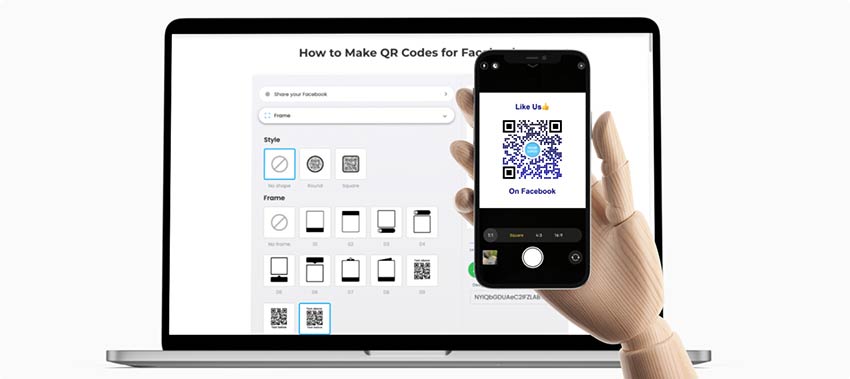
Uji ia
Sebelum memuktamadkan kod QR anda, adalah penting untuk mengujinya untuk memastikan ia dipaut dengan betul ke kumpulan atau halaman Facebook anda.
Simpanlah
Setelah anda berpuas hati dengan reka bentuk dan ujian, klik pada butang "Muat turun" untuk mencipta kod QR Facebook anda. Pageloot akan memberikan anda fail imej kod QR.
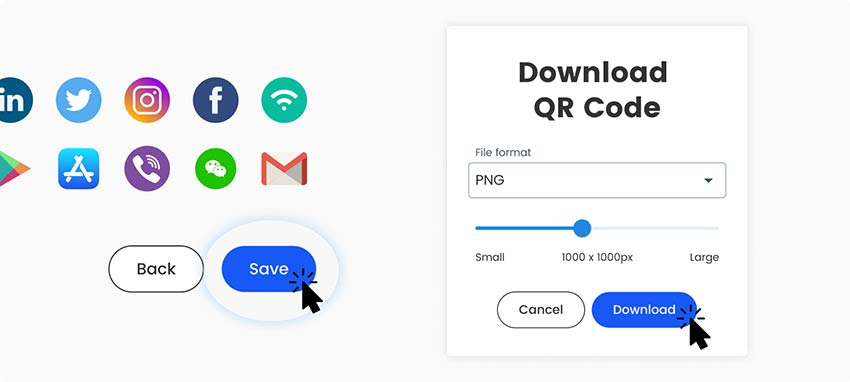
Muat turun
Hasilkan imej kod QR Facebook dan gunakannya dalam pelbagai saluran komunikasi profesional. Anda boleh memasukkannya ke dalam kad perniagaan digital anda, tapak web, tandatangan e-mel atau sebarang bahan pemasaran yang anda gunakan.
Semua selesai!
Which Facebook link goes into the QR code?
Each kind of Facebook content has its own link. Use the one that matches what you want people to do.
Halaman: facebook.com/yourpagename. Best for follows, messages and recommendations. Anyone can open it.
Messenger chat with your Page: m.me/yourpagename opens a message thread with the Page.
Group: facebook.com/groups/ followed by the group name or number. In a private group, visitors see the group name and a Join button.
Event: facebook.com/events/ followed by a number. Visitors can tap Interested or Going.
Post: the link to one post, such as a menu or an announcement. It stops working if the post is deleted.
Marketplace listing: facebook.com/marketplace/item/ followed by a number. Facebook may ask visitors to log in, and the link ends when the listing is removed.
Personal profile: facebook.com/username. What strangers see depends on your privacy settings. For a business, use a Page.
How to copy the Facebook link on phone and desktop
On a computer. Open the Page, group, event or post in your browser and copy the address from the address bar. A Page with a username looks like facebook.com/yourpagename. If the address contains profile.php?id=, copy all of it, because the number identifies the page.
In the Facebook app on iPhone or Android. The app has no address bar, so use its link option:
Page or profile: tap the three dots below the cover photo and choose Copy link.
Group or event: tap Share, then Copy link.
Post: tap Share under the post, then Copy link.
Marketplace listing: tap Share on the listing, then Copy link.
Menu names change from time to time. If you can’t find Copy link, open the same item in a mobile browser and copy the address from the address bar. Paste the link into the generator exactly as you copied it, then scan the finished code to check that it opens the right place. This QR code generator for Facebook page links works the same for every link type above.
To generate a QR code for Facebook, copy your Page’s link (facebook.com/yourpagename), paste it into the generator at the top of this page, add your logo or colors, and download the code.
Facebook’s Help Center describes a QR code for groups you admin: open the group and use the Share button. For a Page, profile, event or post, copy the link and make a code with this generator. You also get your logo, colors and print-ready files.
Group admins can use the Share menu in the group. Anyone else can tap Share, then Copy link, and paste the link here. People who scan land on the group. In a private group they need to join or be approved before they see posts.
Yes. Any Facebook link works. Copy the link from the item (see the steps above), paste it into the generator and download the code. Posts and Marketplace listings stop working when they are deleted or sold.
Facebook decides what logged-out visitors can see. It may ask for a login on groups, profiles and Marketplace listings. Public Page links usually open without one. The QR code itself does not add a login step.
Yes. This page is a free Facebook page QR code generator. The code can carry your own logo, such as your brand mark or the Facebook icon, plus colors and a frame, and you download it as PNG, SVG or PDF. Edit later and Track scans need a Pageloot account, and you can start with a free 14-day trial.
Maybe not. If you change the Page username, the old link may stop working, and then a static code would point nowhere. A dynamic code lets you change the destination to the new link without reprinting.
Yes, with a dynamic Pageloot code. It shows scans over time and where and on which device they happened. A static code does not give you detailed scan statistics. Tick Track scans above to start a free 14-day trial.
Lebih banyak soalan?
Hubungi kami dan kami dengan senang hati akan membantu!
Penjana kod QR yang paling mudah dan boleh dipercayai. Fail PDF boleh dimuat naik serta-merta. Menu restoran kami kini digital.
Lucas Jansen
★★★★★
Pemaju hartanah
Ini adalah alat yang sangat baik dan kod QR membawa anda ke tempat yang anda mahukan. Kami hanya menggunakan kod QR lokasi tetapi terdapat banyak ciri berguna.

Emma Moretti
★★★★★
Produk runcit
Mudah digunakan dan cepat. Ia berfungsi hebat dan mencipta imej yang sempurna, jadi pekerja boleh memuat turun vCard saya.
Hugo Laurent
★★★★★
Pemilik restoran
Penjana kod QR yang paling mudah dan boleh dipercayai. Fail PDF boleh dimuat naik serta-merta. Menu restoran kami kini digital.
Lucas Jansen
★★★★★
Pemaju hartanah
Ini adalah alat yang sangat baik dan kod QR membawa anda ke tempat yang anda mahukan. Kami hanya menggunakan kod QR lokasi tetapi terdapat banyak ciri berguna.
Emma Moretti
★★★★★
Produk runcit
Mudah digunakan dan cepat. Ia berfungsi hebat dan mencipta imej yang sempurna, jadi pekerja boleh memuat turun vCard saya.
Tingkatkan penglibatan Facebook dengan kod QR
Percubaan 14 hari percuma. Tiada kad kredit diperlukan.
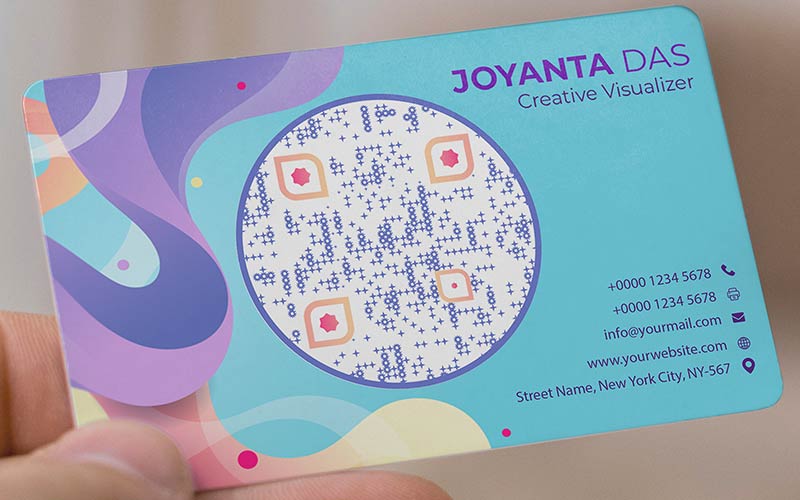
Put a small code on the back of a business card or at the bottom of a receipt, with the line “Scan to follow us on Facebook”. Link to your Page, or to m.me/yourpagename if you want customers to message you. Keep it at least 2 cm (0.8 in) wide.
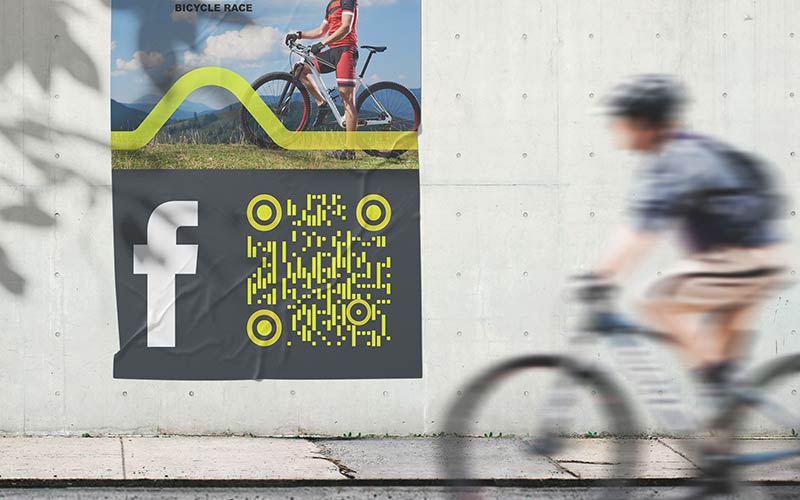
Link the code to your Facebook event. People see the date and place and can tap Going or Interested. When the event is over, a dynamic code lets you point the same poster to your Page or to the next event.
Put a sticker on the door or a sign by the till: “Scan to follow us for new arrivals and sales”. To collect recommendations, open the Reviews tab on your Page, copy that address and make a second code for the counter. Ask in person, once, with one short line.
Print the code on table tents and the menu with a line like “Scan for the weekly special”. Link to your Page and post the week’s menu there. Guests who follow the Page may see your next post in their feed, which brings them back.
Facebook QR code not working? Check these first
It opens a login screen Facebook may ask people who are not logged in to log in or sign up, most often for Marketplace listings, groups and profiles. People who use the Facebook app are usually logged in and go straight through. Public Page links are the most reliable. Test with a private browser window.
The group is private In a private group, people who scan see the group name and a Join or Request to join button, not the posts. If the group is hidden, the link may not open for people who are not members. Link to your public Page if you want everyone to see something.
The post was deleted A link to a deleted post, or to a post whose privacy was changed, shows a message that the content isn't available. Link to your Page or event instead of a single post, or use a dynamic code so you can switch to a new link.
The Page name changed If you change a Page's username, the old facebook.com/oldname link may stop working. Make a new code with the new link and replace the printed ones. A dynamic code avoids this, because you only change the destination. Also check that the link was pasted in full.
Best practices for Facebook QR codes
Size and placement
Print it at least 2 x 2 cm (0.8 in), and bigger on posters. Use a dark code on a light background with a white border, and put it at hand height. See the panduan saiz kod QR for distances.
Test while logged out
Scan a test print with an iPhone and an Android phone. Then open the same link in a private browser window to see what a person without a Facebook login sees.
Say what happens
Add a short call to action in the frame: “Scan to follow us”, “Scan to RSVP” or “Scan to join the group”. People scan more when they know what they get.
Link to a public Page
For a business, use a Page, not a personal profile. Profile privacy settings decide what strangers can see, while a Page stays public and does not depend on one person’s account.
Tingkatkan penglibatan Facebook dengan kod QR
Percubaan 14 hari percuma. Tiada kad kredit diperlukan.
If the code points to your Page and you will keep the Page name, a free static code is enough. It works as long as the Facebook link works. There is nothing to maintain and nothing to pay.
Dynamic for events and offers
A printed event code is useless once the event is over. With a dynamic code you change the destination in your Pageloot account, for example to the next event or to your Page, and the printed code follows. Tick Edit kemudian in the generator above to start a free 14-day trial.
Dynamic if the link may change
Renaming a Page, deleting a post or selling a Marketplace item breaks the old link. A dynamic code lets you point the printed code to a new link instead of reprinting. It works while your paid plan is active.
See your scans
A dynamic code shows how many people scanned, plus when, where and on which device. Use it to compare the window sticker with the table tent. Tick Imbasan jejak di atas untuk memulakan percubaan percuma selama 14 hari.
Logo dan warna anda
Add a frame with a call to action, change colors and shapes, and upload your logo. Keep a dark code on a light background so it scans reliably.
Fail sedia cetak
Muat turun PNG untuk skrin dan dokumen, atau SVG dan PDF untuk cetakan tajam dalam sebarang saiz.