רוצים שמאזינים ימצאו את הפודקאסט שלכם בלי להקליד תו אחד? כשהקהל שלכם צריך לחפש תוכנית ידנית, רובם לא יטרחו. מדריך זה מכסה בדיוק איך ליצור קודי QR לקידום פודקאסטים, היכן למקם אותם, ואיך להפיק את המרב מכל סריקה.
למה פודקאסטרים צריכים קודי QR
פודקאסטינג הפך למדיום מיינסטרים. כ-158 מיליון אנשים בארה"ב מאזינים לפודקאסטים מדי חודש, ולמעלה מ-70% מהמאזינים מסיימים את רוב או את כל הפרק. רמת מעורבות כזו נדירה, אבל רק אם אתם מצליחים לגרום לאנשים ללחוץ על 'פליי' מלכתחילה.
האתגר הוא גילוי. מישהו רואה את הפלייר שלכם, כרטיס הביקור שלכם, או אריזת המוצר שלכם ויש לו עניין אמיתי – אבל אין נתיב חלק מאותו רגע לתוכן האודיו שלכם. קודי QR פותרים את הפער הזה. סריקה אחת לוקחת מאזין ישירות לתוכנית שלכם, לפרק, או לדף פלטפורמת הפודקאסטים ללא כל חיפוש ידני.
חברות כמו Sephora, eBay ו-Microsoft כבר משתמשות בפודקאסטים ממותגים כדי להגיע לקהלים חדשים. קודי QR הופכים את המאמצים הללו למדידים ונגישים יותר למאזינים בעולם האמיתי.
מה קוד QR של פודקאסט באמת עושה
קוד QR של פודקאסט הוא קוד דו-ממדי שמקודד יעד – בדרך כלל קישור לפלטפורמת סטרימינג, דף אירוח פודקאסטים, או קובץ אודיו – ופותח אותו אוטומטית כאשר הוא נסרק עם מצלמת סמארטפון.
בהתאם למה שאתם מקשרים אליו, מאזינים יכולים להישלח ל:
- דף פרק ספציפי עם נגן מוטבע
- דף התוכנית שלכם ב-Apple Podcasts, Spotify, או פלטפורמה אחרת
- דף נחיתה אוניברסלי שמאפשר למאזינים לבחור את האפליקציה המועדפת עליהם
- קובץ MP3 מתארח שמתנגן ישירות במכשיר שלהם
ה ברקוד לשיר מקובץ MP3 מ-Pageloot מטפל בקבצי אודיו ישירות, בעוד ה- מחולל קודי QR לקישורים עובד היטב עבור כתובות URL של פלטפורמות סטרימינג. אם הפודקאסט שלכם נמצא בספוטיפיי, ה- ברקוד ספוטיפיי: מחולל קוד QR מאפשר לכם לקשר לפרק ספציפי, פלייליסט, או פרופיל אמן ישירות.
התחילו לשלוח מאזינים ישירות לפודקאסט שלכם צור קוד QR ממותג וניתן למעקב עבור התוכנית או הפרק שלך באמצעות ה- מחולל קודי QR. ניסיון חינם למשך 14 יום, ללא צורך בכרטיס אשראי.
יתרונות קודי QR לקידום פודקאסטים

גישה מיידית ללא צעדים נוספים
כאשר קוד QR נמצא על מודעה מודפסת, כרטיס ביקור או תצוגת חנות, מאזינים עוברים מלראות אותו לשמוע את האודיו שלך תוך שניות. אין סרגלי חיפוש, אין ניווט באפליקציה, אין הקלדה. הנתיב נטול החיכוך הזה חשוב מכיוון שכל צעד נוסף מאבד מאזינים פוטנציאליים.
קודים דינמיים מאפשרים לך לעדכן ללא הדפסה מחדש
אחד היתרונות המעשיים ביותר בשימוש ב- קודי QR דינמיים הוא שאתה יכול לשנות את היעד לאחר שהקוד כבר הודפס. אם אתה מקשר לפרק הלא נכון, מחליף פלטפורמות אירוח, או רוצה להפנות מאזינים לעונה חדשה, אתה מעדכן את הקישור בלוח המחוונים שלך – והקוד המודפס נשאר זהה.
זה מגן על כל השקעה בחומרי שיווק מודפסים והופך את השימוש החוזר בחומרים לקל ופשוט בין קמפיינים שונים.
מעקב סריקות ואנליטיקה
קודי QR מספקים לך נתונים אמיתיים על ביצועי שיווק הפודקאסט שלך. אתה יכול לראות מתי מתבצעות סריקות, מאיפה הן מגיעות גיאוגרפית, ואילו מיקומים מייצרים את מירב המעורבות. מידע זה מאפשר לך להשוות ערוצים, לזהות אילו חומרים מודפסים עובדים, ולקבל החלטות מושכלות עבור קמפיינים עתידיים.
התאמה אישית בונה זיהוי מותג
קודי QR הם סוג הברקוד היחיד התומך בהתאמה אישית ויזואלית. אתה יכול להוסיף את צבעי המותג של הפודקאסט שלך, לוגו, ורקע שמתאים לזהות התוכנית שלך. קוד מעוצב היטב נוטה יותר להיסרק מכיוון שהוא נראה מכוון ואמין ולא גנרי.
סבילות לשגיאות בסביבות הדפסה
קודי QR כוללים תיקון שגיאות מובנה המאפשר להם להישאר ניתנים לסריקה גם אם חלק מהקוד פגום, מוסתר או בלוי. זה שימושי במיוחד עבור חומרי הדפסה שרואים טיפול רב, כמו שקיות קניות או תוכניות אירועים.
איך ליצור קוד QR לפודקאסט

שלב 1 – קבל את קישור הפודקאסט שלך
הגישה הטובה ביותר היא להשתמש בקישור שעובד בכל המכשירים והאפליקציות. האפשרויות כוללות:
- כתובת URL ישירה של פרק מספק האירוח שלך (רוב ספקי האירוח יוצרים דף פרק עצמאי עם נגן מוטמע)
- כתובת ה-URL של התוכנית שלך בספוטיפיי, Apple Podcasts או פלטפורמה אחרת
- קישור חכם אוניברסלי שמנתב מאזינים לאפליקציה המועדפת עליהם באופן אוטומטי
אם הפודקאסט שלך נמצא בספוטיפיי, למד כיצד ליצור קוד QR של ספוטיפיי שמקשר לפרק, אלבום או פלייליסט ספציפי.
שלב 2 – בחר את סוג קוד ה-QR הנכון
- להשתמש ב ברקוד לשיר מקובץ MP3 אם ברצונך להעלות קובץ שמע ישירות ולאפשר למאזינים לנגן אותו מדף נחיתה ממותג
- להשתמש ב מחולל קודי QR לקישורים אם אתה מקשר לכתובת URL של פלטפורמת סטרימינג או לדף אירוח פודקאסט
- להשתמש ב ברקוד ספוטיפיי: מחולל קוד QR לתוכן ספציפי לספוטיפיי
שלב 3 – התאם אישית את הקוד
הוסף את לוגו הפודקאסט שלך, התאם צבעים כך שיתאימו למותג שלך, וקבע את תצורת דף הנחיתה אם אתה משתמש בקוד QR שמע. דפי קוד ה-QR השמע של Pageloot תומכים בכותרת, תמונת כריכה, צבעי מותג ומסך קבלת פנים לפני טעינת הנגן.
שמור על ניגודיות גבוהה – השתמש בתבניות כהות על רקע בהיר. הימנע מסכימות צבע הפוכות, שקשה יותר למצלמות לקרוא.
שלב 4 – הורד בפורמט הנכון
לשימוש בהדפסה, שמור תמיד את קוד ה-QR שלך כקובץ וקטורי מסוג SVG, EPS או PDF. פורמטים אלה ניתנים להגדלה ללא פיקסלציה, כך שהקוד שלך נשאר חד בין אם הוא מופיע על כרטיס ביקור או על שלט חוצות. פורמטים של JPEG ו-PNG עלולים להיות מטושטשים בהגדלה, מה שמפחית את יכולת הסריקה.
שלב 5 – בדוק לפני הפצה
סרוק את הקוד המוגמר שלך עם מספר מכשירים – דגמי טלפון שונים וגם iOS וגם אנדרואיד – לפני שליחתו להדפסה. בדוק את הנתיב המלא מסריקה ועד השמעת אודיו. קודי QR דינמיים מאפשרים לך לתקן קישור שבור או שגוי בדיעבד, אך בדיקה מוקדמת מונעת את הבעיה לחלוטין.
היכן להשתמש בקודי QR לפודקאסטים
חומרי שיווק מודפסים
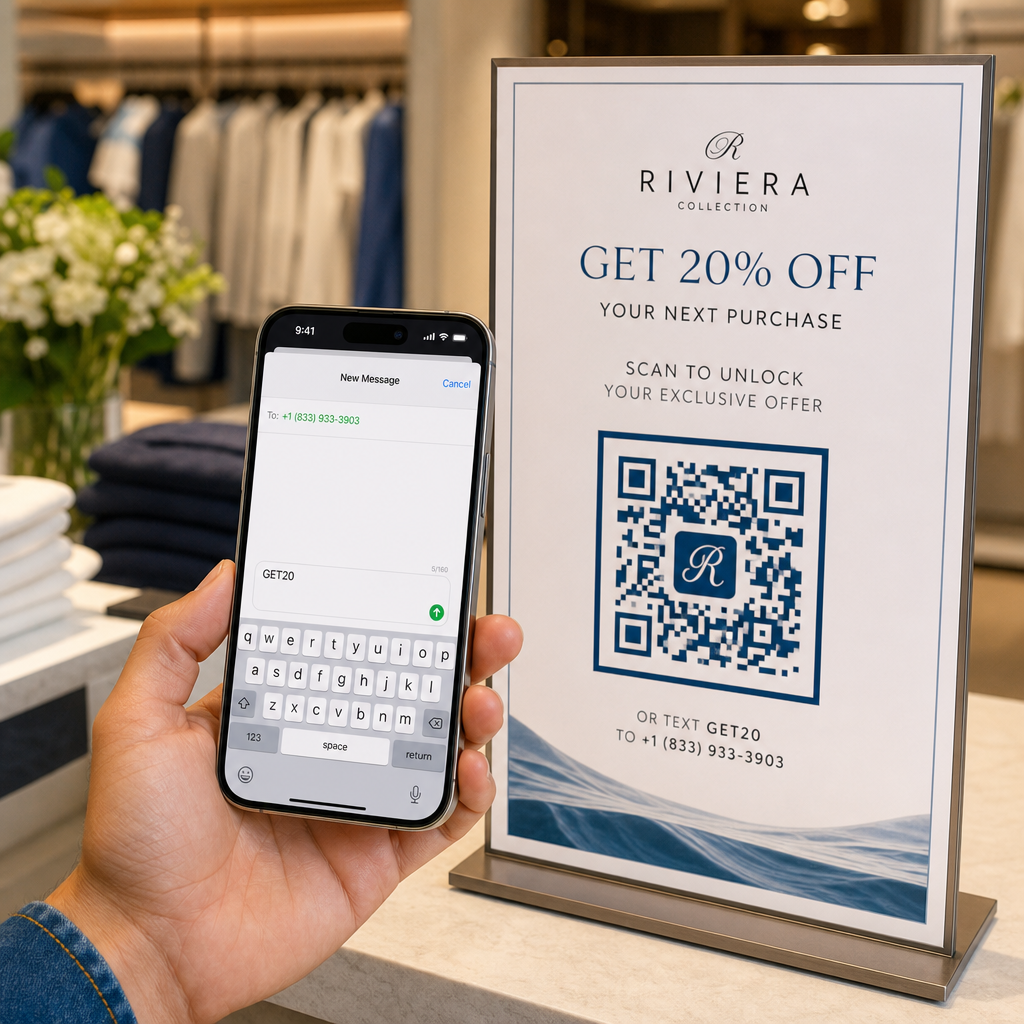
מודעות מודפסות, פוסטרים, פליירים, באנרים ושלטי חוצות הם מיקומים חזקים עבור קודי QR לפודקאסטים מכיוון שהם מגיעים לאנשים נייחים או שיש להם רגע לסרוק. מקם את הקוד באזור בעל נראות גבוהה עם שטח לבן מספק סביבו. הימנע מרקעים עמוסים או בעלי דפוסים המפריעים לסריקה.

להנחיות גודל, קוד ה-QR שלך צריך להיות לפחות 0.8 × 0.8 אינץ' עבור חומרים לטווח קרוב כמו כרטיסי ביקור או אריזות. מיקומים גדולים יותר כמו פוסטרים צריכים להתרחב באופן פרופורציונלי – בערך 1 אינץ' רוחב קוד לכל 10 אינץ' של מרחק סריקה צפוי. להנחיות גודל מפורטות על פני משטחים שונים, ראה גודל קוד QR עבור חומרי הדפסה שונים.
האתר שלך והמדיה החברתית
אם מישהו כבר מבקר באתר שלך או בפרופילים החברתיים שלך, קוד QR מעניק לו נתיב מיידי לתוכן האודיו שלך מבלי לחפש בניווט. זה יעיל במיוחד כאשר הוא מוטמע ליד סיכום פרק פודקאסט או בסרגל צד שנשאר גלוי לאורך כל העמוד.
תצוגות בחנויות ואריזות
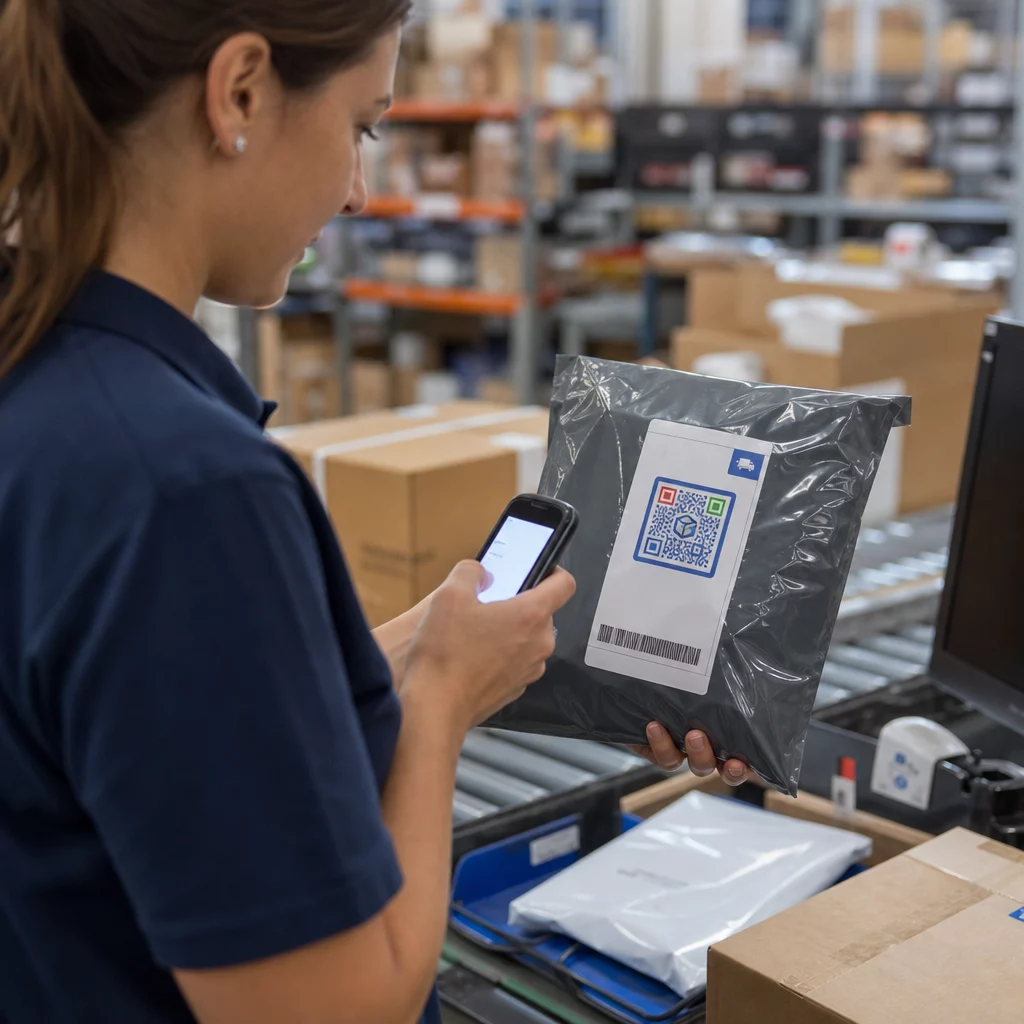
אם יש לך נוכחות קמעונאית פיזית, קודי QR על תוויות חנות, תצוגות מדף או שקיות קניות מציגים ללקוחות את הפודקאסט שלך ברגע שהם כבר מעורבים עם המותג שלך. לקוחות רבים שקונים באופן אישי אינם מודעים לתוכן המקוון של המותג – קוד QR ממוקם היטב מגשר על הפער הזה.
ניוזלטרים במייל ומודעות דיגיטליות
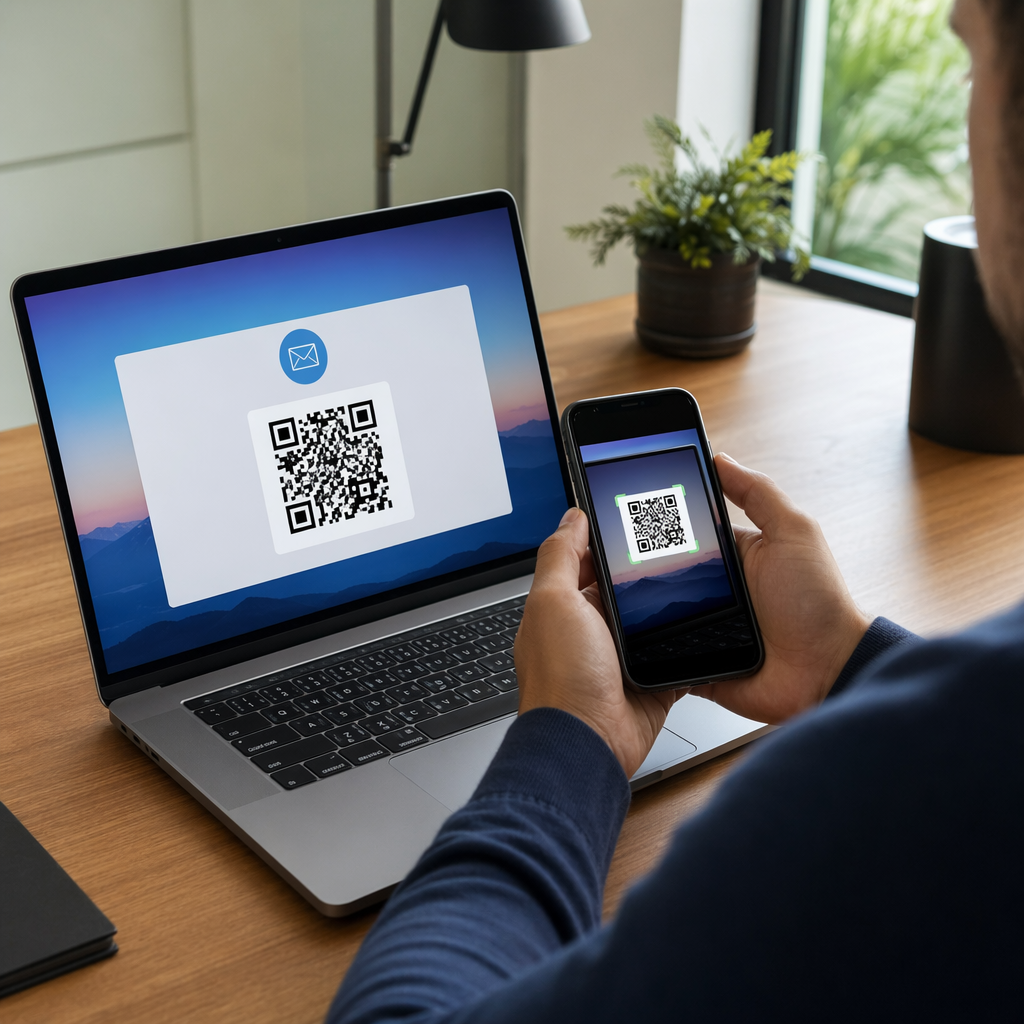
הכללת קוד QR במייל או במודעה דיגיטלית עשויה להיראות מיותרת מכיוון שערוצים אלה כבר תומכים בקישורים לחיצים, אך קודי QR בחתימות מייל או בניוזלטרים בפורמט PDF מעניקים לנמענים דרך קלה לסרוק ולהאזין במכשיר נייד בנפרד מהמסך שהם קוראים בו.
הפוך את קוד ה-QR שלך לניתן למעקב תשתמש ב קוד QR דינמי כך שתוכל לעדכן את קישור הפודקאסט שלך, לעקוב אחר נפח הסריקות לפי מיקום, ולמדוד אילו ערוצי שיווק מניעים את מירב ההאזנות.
שיטות עבודה מומלצות לקודי QR לפודקאסטים

כתוב קריאה לפעולה ספציפית
כל קוד QR זקוק לקריאה לפעולה (CTA) שאומרת לקהל בדיוק מה יקרה כשהם יסרקו. קודים מעורפלים זוכים להתעלמות. דוגמאות לקריאות לפעולה יעילות לקידום פודקאסטים:
- “סרוק כדי להאזין לפרק השבוע”
- “סרוק לראיון המלא”
- “שמע את התובנות האחרונות בתעשייה – סרוק כדי לנגן”
הקריאה לפעולה צריכה להיות צמודה מיד לקוד ה-QR, לא קבורה בטקסט שמסביב. להנחיות נוספות על כתיבת קריאות לפעולה והצבת קודים ביעילות, ראה את ה- מדריך אולטימטיבי למיקום קוד QR בשיווק.
שמור על חווית הנחיתה ידידותית למובייל
כשמישהו סורק בטלפון, הוא צריך להגיע לדף שנטען במהירות ומנגן אודיו ללא חסמים מיותרים. אם אתה משתמש בקוד QR אודיו עם דף נחיתה, שמור על עיצוב נקי וודא שכפתור הנגן בולט. אם אתה מקשר לפלטפורמת סטרימינג, וודא שהקישור נפתח באפליקציה של הפלטפורמה ולא בדף דפדפן איטי במובייל.
פעל לפי תקני עיצוב וקריאות
- שמור על ניגודיות גבוהה בין קוד ה-QR לרקע שלו
- השאר אזור שקט ברור (שוליים ריקים) סביב הקוד מכל הצדדים כדי שהסורקים יוכלו להבחין בו מאלמנטים סביבתיים
- הימנע מהצבת קודים על משטחים מעוקלים, מחזירי אור או בעלי טקסטורה במידת האפשר
- השתמש ברמת תיקון השגיאות הגבוהה ביותר (H) בעת הוספת שכבת לוגו לקוד
לפירוט מלא של דרישות העיצוב, בקר ב- שיטות עבודה מומלצות לקריאות קודי QR.
השתמש בקוד אחד לכל הקשר מיקום
במקום קוד יחיד המקשר לכל התוכנית שלך, שקול ליצור קודי QR שונים לפרקים או קמפיינים שונים. קודים דינמיים הופכים זאת לניתן לניהול – תוכל לעדכן את היעד של כל קוד באופן עצמאי ולהשוות נתוני סריקה בין מיקומים כדי להבין מה מהדהד בקרב קהלים שונים.
קישור לנקודת כניסה אוניברסלית כשניתן
לא כל המאזינים שלך משתמשים באותה אפליקציית פודקאסט. קישור לדף תוכנית אוניברסלי – כזה שמנתב משתמשים לפלטפורמה המועדפת עליהם או כולל נגן מוטבע – מבטיח שאף מאזין לא יישאר בחוץ מכיוון שאינו משתמש באפליקציה ספציפית.
שאלות נפוצות
הגישה היעילה ביותר היא להשתמש בקישור שעובד ללא קשר לאיזו אפליקציה המאזין מעדיף. זה אומר או דף הפרק או התוכנית של מארח הפודקאסט שלך (שבדרך כלל כולל נגן מוטבע וקישורים לאפליקציות מרכזיות), שירות קישורים חכמים אוניברסלי, או כתובת URL של Spotify/Apple Podcasts אם הקהל שלך משתמש בעיקר בפלטפורמה אחת. הימנע מקישורים עמוקים ספציפיים לאפליקציה שנפתחים נכון רק באפליקציה אחת.
כן, אם תיצור קוד QR דינמי. קודים דינמיים מאחסנים כתובת URL קצרה להפניה מחדש בתבנית הקוד, ותוכל לעדכן את היעד הסופי מלוח המחוונים שלך בכל עת ללא הדפסה מחדש. משמעות הדבר היא שתוכל להפנות את אותו קוד מודפס לפרק חדש בכל שבוע, או לתקן קישור שבור לאחר שהחומרים כבר יצאו.
עבור רוב חומרי הדפוס, מומלץ מינימום של 0.8 × 0.8 אינץ'. כרטיסי ביקור, תגי אירועים ואריזות שיסרקו ממרחק זרוע צריכים לעמוד במינימום זה או לעלות עליו. פוסטרים ובאנרים המיועדים לסריקה ממרחק רב יותר צריכים להיות גדולים יותר באופן פרופורציונלי – בערך 1 אינץ' רוחב לכל 10 אינץ' של מרחק סריקה. השתמש תמיד בפורמט וקטורי כמו SVG או EPS להדפסה כדי שהקוד יישאר חד בכל גודל.