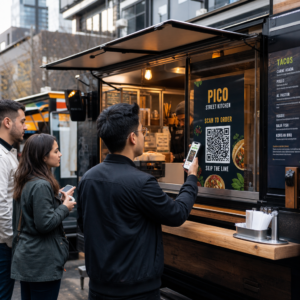
Azt szeretné, hogy a hallgatók egyetlen karakter beírása nélkül is megtalálják podcastját? Ha a közönségének manuálisan kell felkutatnia egy műsort, a legtöbbjük nem fogja megtenni. Ez az útmutató pontosan bemutatja, hogyan hozhat létre QR-kódokat a podcast népszerűsítéséhez, hová helyezze el őket, és hogyan hozhatja ki a legtöbbet minden egyes beolvasásból.
Miért van szükségük a podcastereknek QR-kódokra?
A podcasting mainstream médiummá vált. Becslések szerint 158 millió ember hallgat podcastokat az Egyesült Államokban havonta, és a hallgatók több mint 70%-a fejezi be az epizódok többségét vagy egészét. Ez a szintű elkötelezettség ritka, de csak akkor, ha egyáltalán rá tudja venni az embereket a lejátszásra.
A kihívás a felfedezhetőség. Valaki meglátja a szórólapját, névjegykártyáját vagy termékcsomagolását, és őszinte érdeklődést mutat – de nincs súrlódásmentes út attól a pillanattól az audiotartalmához. A QR-kódok áthidalják ezt a rést. Egyetlen beolvasás közvetlenül a műsorához, epizódjához vagy podcast platformjának oldalára viszi a hallgatót, manuális keresés nélkül.
Az olyan cégek, mint a Sephora, az eBay és a Microsoft, már most is márkás podcastokat használnak új közönség elérésére. A QR-kódok mérhetővé és hozzáférhetőbbé teszik ezeket az erőfeszítéseket a hallgatók számára a valós világban.
Mit is csinál valójában egy podcast QR-kód?
Egy podcast QR-kód egy kétdimenziós kód, amely egy célállomást kódol – jellemzően egy streaming platformra, egy podcast tárhely oldalra vagy egy hangfájlra mutató linket –, és automatikusan megnyitja azt, amikor okostelefon kamerájával beolvassák.
Attól függően, hogy mire hivatkozik, a hallgatók a következőkre irányíthatók:
- Egy adott epizódoldal beágyazott lejátszóval
- Műsorának oldala az Apple Podcasts, Spotify vagy más platformon
- Egy univerzális céloldal, amely lehetővé teszi a hallgatók számára, hogy kiválasszák a preferált alkalmazásukat
- Egy tárhelyen lévő MP3 fájl, amely közvetlenül lejátszható az eszközükön
A MP3 QR-kód generátor a Pageloot közvetlenül kezeli a hangfájlokat, míg a Link QR-kód generátor jól működik streaming platform URL-ekhez. Ha a podcastja a Spotify-on van, a Spotify kód és QR kód generátor lehetővé teszi, hogy közvetlenül egy adott epizódra, lejátszási listára vagy előadói profilra hivatkozzon.
Kezdje el közvetlenül a podcastjára irányítani a hallgatókat Hozzon létre márkás, nyomon követhető QR-kódot műsorához vagy epizódjához a QR Kód Generátor. Ingyenes 14 napos próbaidőszak, hitelkártya nem szükséges.
A QR-kódok előnyei a podcast promóciójában

Azonnali hozzáférés extra lépések nélkül
Amikor egy QR-kód nyomtatott hirdetésen, névjegykártyán vagy üzlet kirakatán van, a hallgatók másodpercek alatt eljutnak a látványtól a hanganyag meghallgatásáig. Nincsenek keresősávok, alkalmazásnavigáció, gépelés. Ez a súrlódásmentes út azért fontos, mert minden extra lépés potenciális hallgatókat veszít el.
A dinamikus kódok lehetővé teszik a frissítést újranyomtatás nélkül
Az egyik legpraktikusabb előnye a használatának dinamikus QR kódok az, hogy megváltoztathatja a célállomást, miután a kódot már kinyomtatták. Ha rossz epizódra hivatkozik, tárhelyszolgáltatót vált, vagy új évadra szeretné irányítani a hallgatókat, frissítse a linket az irányítópultján – és a kinyomtatott kód változatlan marad.
Ez megvédi a nyomtatott marketinganyagokba fektetett bármilyen befektetést, és egyszerűvé teszi az anyagok újrahasznosítását a kampányok során.
Beolvasáskövetés és analitika
A QR-kódok valós adatokat szolgáltatnak arról, hogyan teljesít a podcast marketingje. Láthatja, mikor történnek beolvasások, honnan származnak földrajzilag, és mely elhelyezések generálják a legnagyobb elkötelezettséget. Ez az információ lehetővé teszi a csatornák összehasonlítását, azonosítja, mely nyomtatott anyagok működnek, és megalapozott döntéseket hozhat a jövőbeli kampányokhoz.
A testreszabás építi a márkafelismerést
A QR-kódok az egyetlen olyan vonalkódtípus, amely támogatja a vizuális testreszabást. Hozzáadhatja podcastja márkaszíneit, logóját és egy hátteret, amely illeszkedik műsora identitásához. Egy jól megtervezett kódot nagyobb valószínűséggel fognak beolvasni, mert szándékosnak és megbízhatónak tűnik, nem pedig általánosnak.
Hibatűrés nyomtatott környezetekben
A QR-kódok beépített hibajavítást tartalmaznak, amely lehetővé teszi, hogy beolvashatók maradjanak akkor is, ha a kód egy része sérült, eltakart vagy elkopott. Ez különösen hasznos az olyan nyomtatott anyagok esetében, amelyek nagy igénybevételnek vannak kitéve, mint például a bevásárlótáskák vagy rendezvényprogramok.
Hogyan hozzunk létre podcast QR-kódot

1. lépés – Szerezze be podcast linkjét
A legjobb megközelítés egy olyan link használata, amely eszközökön és alkalmazásokon keresztül is működik. Lehetőségek:
- Közvetlen epizód URL a tárhelyszolgáltatójától (a legtöbb tárhelyszolgáltató önálló epizódoldalt generál beágyazott lejátszóval)
- Műsorának Spotify, Apple Podcasts vagy más platform URL-je
- Egy univerzális okoslink, amely automatikusan a hallgatók preferált alkalmazásába irányítja őket
Ha podcastja a Spotify-on található, tanulja meg, hogyan hozhat létre Spotify QR-kódot amely egy adott epizódra, albumra vagy lejátszási listára mutat.
2. lépés – Válassza ki a megfelelő QR-kód típust
- Használja a MP3 QR-kód generátor ha közvetlenül szeretne hangfájlt feltölteni, és azt szeretné, hogy a hallgatók egy márkás céloldalról játsszák le
- Használja a Link QR-kód generátor ha streaming platform URL-re vagy podcast tárhelyoldalra hivatkozik
- Használja a Spotify kód és QR kód generátor Spotify-specifikus tartalomhoz
3. lépés – Testreszabja a kódot
Adja hozzá podcastja logóját, állítsa be a színeket a márkájához illeszkedően, és konfigurálja a céloldalt, ha hang QR-kódot használ. A Pageloot hang QR-kód oldalai támogatják a címet, borítóképet, márkaszíneket és egy üdvözlőképernyőt a lejátszó betöltése előtt.
Tartsa magas kontrasztot – használjon sötét mintákat világos háttéren. Kerülje az invertált színvilágot, mivel azokat nehezebb olvasni a kamerák számára.
4. lépés – Letöltés a megfelelő formátumban
Nyomtatási célokra mindig SVG, EPS vagy PDF vektoros fájlként mentse el QR-kódját. Ezek a formátumok pixelesedés nélkül méretezhetők, így a kód éles marad, akár névjegykártyán, akár óriásplakáton jelenik meg. A JPEG és PNG formátumok nagyításkor elmosódhatnak, ami csökkenti a szkennelhetőséget.
5. lépés – Tesztelés terjesztés előtt
Szkennelje be a kész kódot több eszközzel – különböző telefonmodellekkel, iOS és Android rendszerekkel egyaránt – mielőtt nyomtatásra küldi. Tesztelje a teljes útvonalat a szkenneléstől az audio lejátszásig. A dinamikus QR-kódok lehetővé teszik, hogy utólag javítson egy hibás vagy rossz linket, de a tesztelés először teljesen elkerüli a problémát.
Hol használhatók a podcast QR-kódok
Nyomtatott marketinganyagok
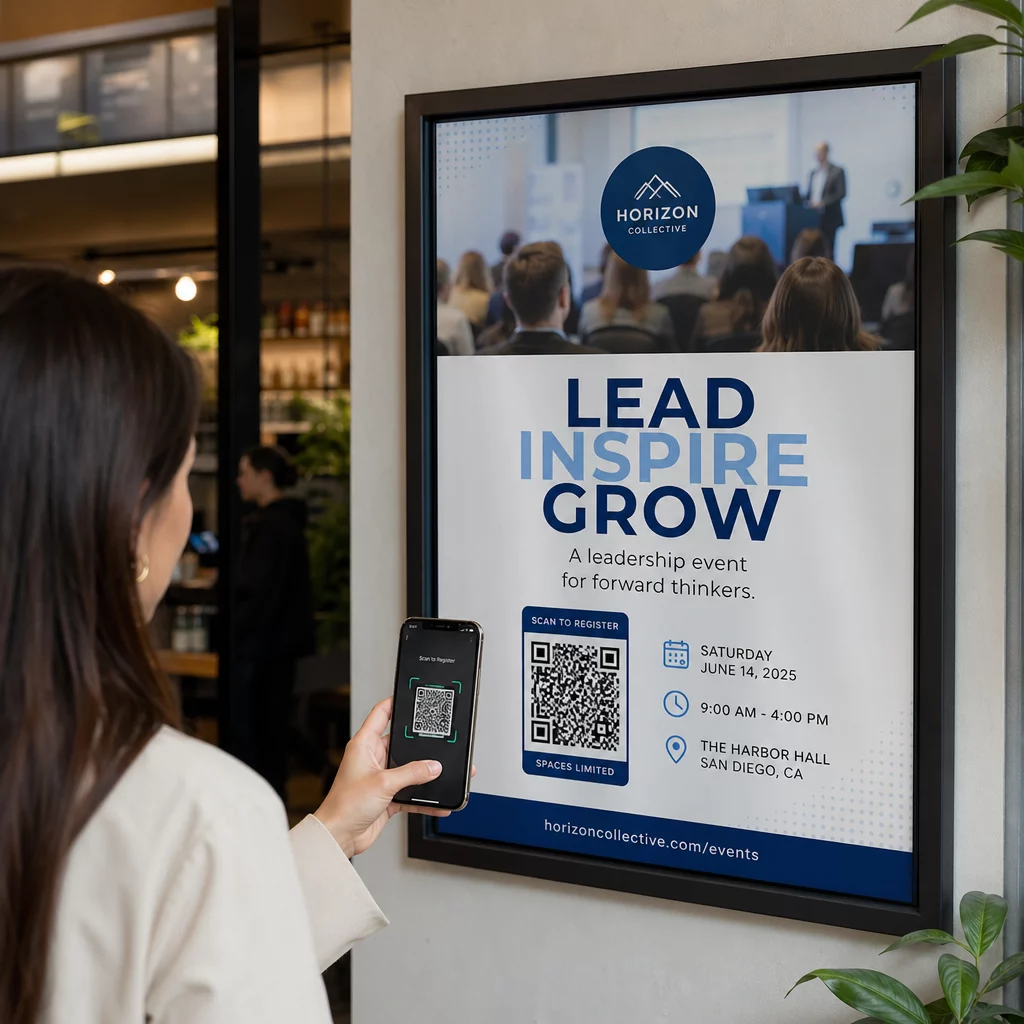
A nyomtatott hirdetések, poszterek, szórólapok, bannerek és óriásplakátok kiváló helyek a podcast QR-kódok számára, mert olyan embereket érnek el, akik álló helyzetben vannak, vagy van egy pillanatuk a szkennelésre. Helyezze a kódot jól látható helyre, megfelelő fehér térrel körülötte. Kerülje a zsúfolt vagy mintás háttereket, amelyek zavarják a szkennelést.

Méret útmutatóként a QR-kódjának legalább 0,8 × 0,8 hüvelyknek kell lennie közeli anyagok, például névjegykártyák vagy csomagolások esetén. Nagyobb elhelyezések, például poszterek, arányosan növekedjenek – nagyjából 1 hüvelyk kód szélesség 10 hüvelyk várható szkennelési távolságonként. Részletes méretezési útmutatóért különböző felületeken lásd QR-kód méretezése különböző nyomtatási anyagokhoz témakörben található..
Weboldala és közösségi média
Ha valaki már látogatja weboldalát vagy közösségi profiljait, egy QR-kód azonnali utat biztosít az audio tartalmához anélkül, hogy a navigációban kellene keresgélnie. Ez különösen hatékony, ha egy podcast epizód összefoglalója közelében vagy egy oldalsávban van beágyazva, amely az egész oldalon látható marad.
Bolti kijelzők és csomagolás
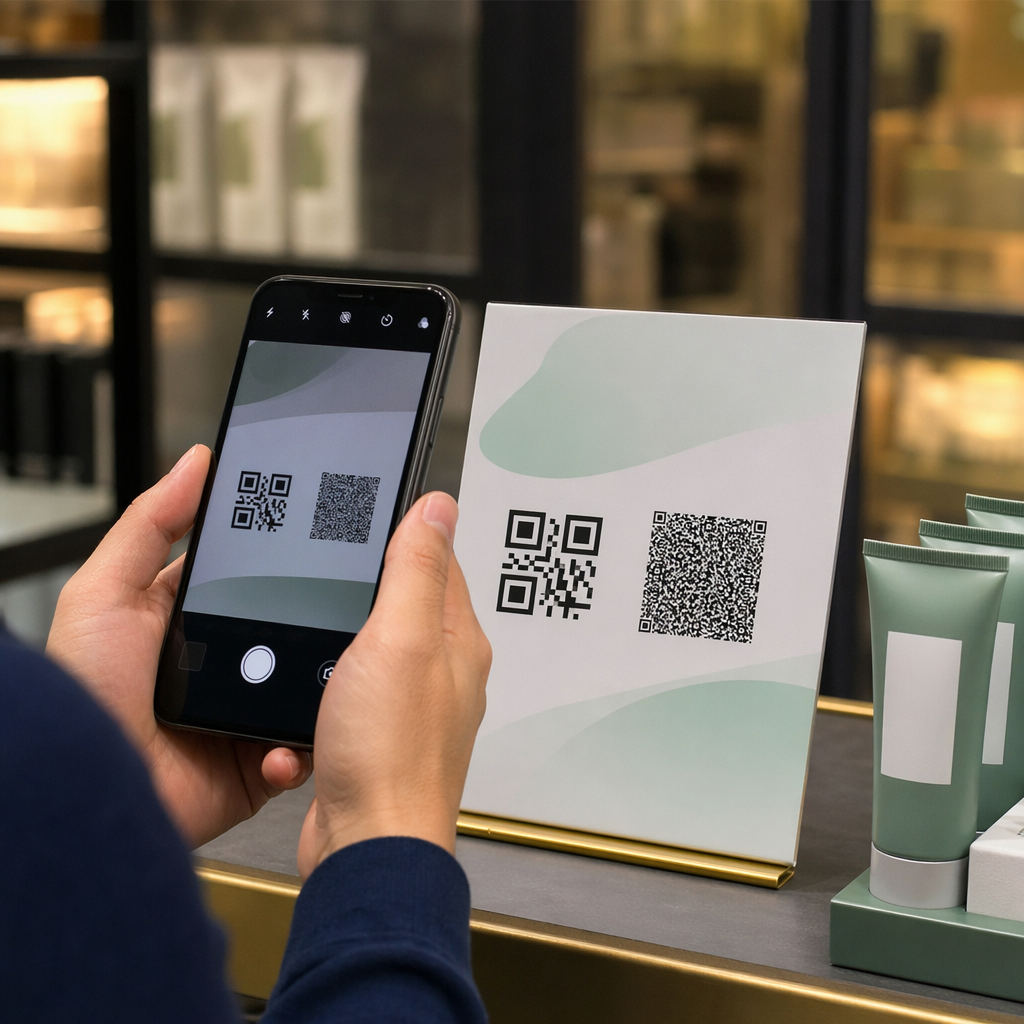
Ha fizikai kiskereskedelmi jelenléttel rendelkezik, a bolti címkéken, polci kijelzőkön vagy bevásárlótáskákon elhelyezett QR-kódok bevezetik a vásárlókat a podcastjába abban a pillanatban, amikor már elkötelezettek a márkája iránt. Sok személyesen vásárló ügyfél nincs tisztában egy márka online tartalmával – egy jól elhelyezett QR-kód áthidalja ezt a rést.
E-mail hírlevelek és digitális hirdetések
Egy QR-kód beillesztése e-mailbe vagy digitális hirdetésbe feleslegesnek tűnhet, mivel ezek a csatornák már támogatják a kattintható linkeket, de az e-mail aláírásokban vagy PDF hírlevelekben található QR-kódok egyszerű módot biztosítanak a címzetteknek, hogy mobil eszközön szkenneljenek és hallgassanak, külön attól a képernyőtől, amelyen olvasnak.
Tegye nyomon követhetővé QR-kódját Használj Dinamikus QR-kód így frissítheti podcast linkjét, nyomon követheti a szkennelési volument elhelyezésenként, és mérheti, mely marketingcsatornák generálják a legtöbb hallgatást.
Podcast QR-kód bevált gyakorlatok

Írjon egy konkrét cselekvésre ösztönzést (CTA-t)
Minden QR-kódhoz szükség van egy CTA-ra, amely pontosan elmondja a közönségnek, mi fog történni, amikor beolvassák. A homályos kódokat figyelmen kívül hagyják. Példák hatékony CTA-kra podcast promócióhoz:
- “Olvassa be, hogy meghallgassa a heti epizódot”
- “Olvassa be a teljes interjúért”
- “Hallgassa meg a legújabb iparági betekintéseket – olvassa be a lejátszáshoz”
A CTA-nak közvetlenül a QR-kód mellett kell lennie, nem pedig a környező szövegbe temetve. További útmutatásért a CTA-k írásához és a kódok hatékony elhelyezéséhez lásd a átfogó útmutató a QR-kód elhelyezéséhez a marketingben.
Tartsa mobilbarátnak a céloldali élményt
Amikor valaki telefonon beolvas, egy olyan oldalra kell jutnia, amely gyorsan betöltődik és felesleges akadályok nélkül játssza le a hangot. Ha hangos QR-kódot használ céloldallal, tartsa tisztán a dizájnt, és gondoskodjon arról, hogy a lejátszás gomb kiemelkedő legyen. Ha streaming platformra hivatkozik, győződjön meg róla, hogy a link a platform alkalmazásában nyílik meg, nem pedig egy lassú mobil böngészőoldalon.
Kövesse a tervezési és olvashatósági szabványokat
- Tartson magas kontrasztot a QR-kód és a háttere között
- Hagyjon egy tiszta csendes zónát (üres margót) a kód körül minden oldalon, hogy a szkennerek meg tudják különböztetni a környező elemekről
- Lehetőség szerint kerülje a kódok elhelyezését ívelt, fényvisszaverő vagy texturált felületeken
- Használja a legmagasabb hibajavítási szintet (H), amikor logóátfedést ad a kódhoz
A tervezési követelmények teljes áttekintéséért látogasson el a a QR-kód olvashatóságára vonatkozó legjobb gyakorlatokat.
Használjon egy kódot elhelyezési kontextusonként
Ahelyett, hogy egyetlen kód linkelne a teljes műsorra, fontolja meg különböző QR-kódok létrehozását különböző epizódokhoz vagy kampányokhoz. A dinamikus kódok ezt kezelhetővé teszik – minden kód célállomását függetlenül frissítheti, és összehasonlíthatja a szkennelési adatokat az elhelyezések között, hogy megértse, mi rezonál a különböző közönségekkel.
Hivatkozás egy univerzális belépési pontra, amikor lehetséges
Nem minden hallgatója használja ugyanazt a podcast alkalmazást. Egy univerzális műsoroldalra mutató hivatkozás – amely a felhasználókat az általuk preferált platformra irányítja, vagy beágyazott lejátszót tartalmaz – biztosítja, hogy egyetlen hallgató se legyen kizárva azért, mert nem használ egy adott alkalmazást.
Gyakori kérdések
A leghatékonyabb megközelítés egy olyan link használata, amely attól függetlenül működik, hogy a hallgató melyik alkalmazást részesíti előnyben. Ez azt jelenti, hogy vagy a podcast házigazdájának epizód- vagy műsoroldala (amely jellemzően beágyazott lejátszót és linkeket tartalmaz a főbb alkalmazásokhoz), egy univerzális okos link szolgáltatás, vagy egy Spotify/Apple Podcasts URL, ha a közönsége elsősorban egy platformot használ. Kerülje az alkalmazásspecifikus mélylinkeket, amelyek csak egyetlen alkalmazásban nyílnak meg helyesen.
Igen, ha dinamikus QR-kódot hoz létre. A dinamikus kódok egy rövid átirányítási URL-t tárolnak a kódmintában, és a végső célállomást bármikor frissítheti a műszerfaláról újranyomtatás nélkül. Ez azt jelenti, hogy ugyanazt a nyomtatott kódot minden héten egy új epizódra irányíthatja, vagy kijavíthat egy hibás linket, miután az anyagok már kikerültek.
A legtöbb nyomtatott anyaghoz legalább 0,8 × 0,8 hüvelyk ajánlott. A névjegykártyáknak, rendezvénybelépőknek és csomagolásoknak, amelyeket karnyújtásnyira fognak szkennelni, meg kell felelniük vagy meg kell haladniuk ezt a minimumot. A távolabbról szkennelendő plakátoknak és bannereknek arányosan nagyobbnak kell lenniük – nagyjából 1 hüvelyk szélesnek minden 10 hüvelyk szkennelési távolságra. Mindig használjon vektoros formátumot, például SVG-t vagy EPS-t nyomtatáshoz, hogy a kód bármilyen méretben éles maradjon.