Želite da slušaoci pronađu vaš podkast bez kucanja ijednog znaka? Kada vaša publika mora ručno da traži emisiju, većina njih se neće potruditi. Ovaj vodič pokriva tačno kako da kreirate QR kodove za promociju podkasta, gde da ih postavite i kako da izvučete maksimum iz svakog skeniranja.
Zašto podkasterima trebaju QR kodovi
Podkasting je postao mejnstrim medij. Procenjuje se da 158 miliona ljudi u SAD-u sluša podkaste svakog meseca, a preko 70% slušalaca završi većinu ili celu svaku epizodu. Taj nivo angažovanja je redak, ali samo ako uspete da naterate ljude da uopšte pritisnu „play“.
Izazov je otkrivanje. Neko vidi vaš flajer, vašu vizitkartu ili pakovanje proizvoda i ima iskreno interesovanje – ali ne postoji put bez trenja od tog trenutka do vašeg audio sadržaja. QR kodovi rešavaju taj jaz. Jedno skeniranje vodi slušaoca direktno do vaše emisije, epizode ili stranice platforme za podkaste bez ikakvog ručnog pretraživanja.
Kompanije poput Sephore, eBay-a i Microsofta već koriste brendirane podkaste kako bi dosegle novu publiku. QR kodovi čine te napore merljivim i pristupačnijim slušaocima u stvarnom svetu.
Šta zapravo radi QR kod za podkast
QR kod za podkast je dvodimenzionalni kod koji kodira odredište – obično link ka platformi za striming, stranici za hostovanje podkasta ili audio fajlu – i automatski ga otvara kada se skenira kamerom pametnog telefona.
U zavisnosti od toga na šta se linkuje, slušaoci mogu biti poslati na:
- Stranicu određene epizode sa ugrađenim plejerom
- Stranicu vaše emisije na Apple Podcasts, Spotify ili drugoj platformi
- Univerzalnu odredišnu stranicu koja omogućava slušaocima da izaberu svoju omiljenu aplikaciju
- Hostovanu MP3 datoteku koja se reprodukuje direktno na njihovom uređaju
Тхе MP3 QR kod generator iz Pageloot-a direktno obrađuje audio datoteke, dok Generator QR kodova za linkove dobro funkcioniše za URL-ove platformi za striming. Ako je vaš podkast na Spotify-u, Spotify QR kod generator omogućava vam da se direktno povežete na određenu epizodu, plejlistu ili profil izvođača.
Počnite da šaljete slušaoce direktno na vaš podkast Kreirajte brendirani QR kod koji se može pratiti za vašu emisiju ili epizodu koristeći Генератор QR kodova. Besplatna proba od 14 dana, kreditna kartica nije potrebna.
Prednosti QR kodova za promociju podkasta

Trenutni pristup bez dodatnih koraka
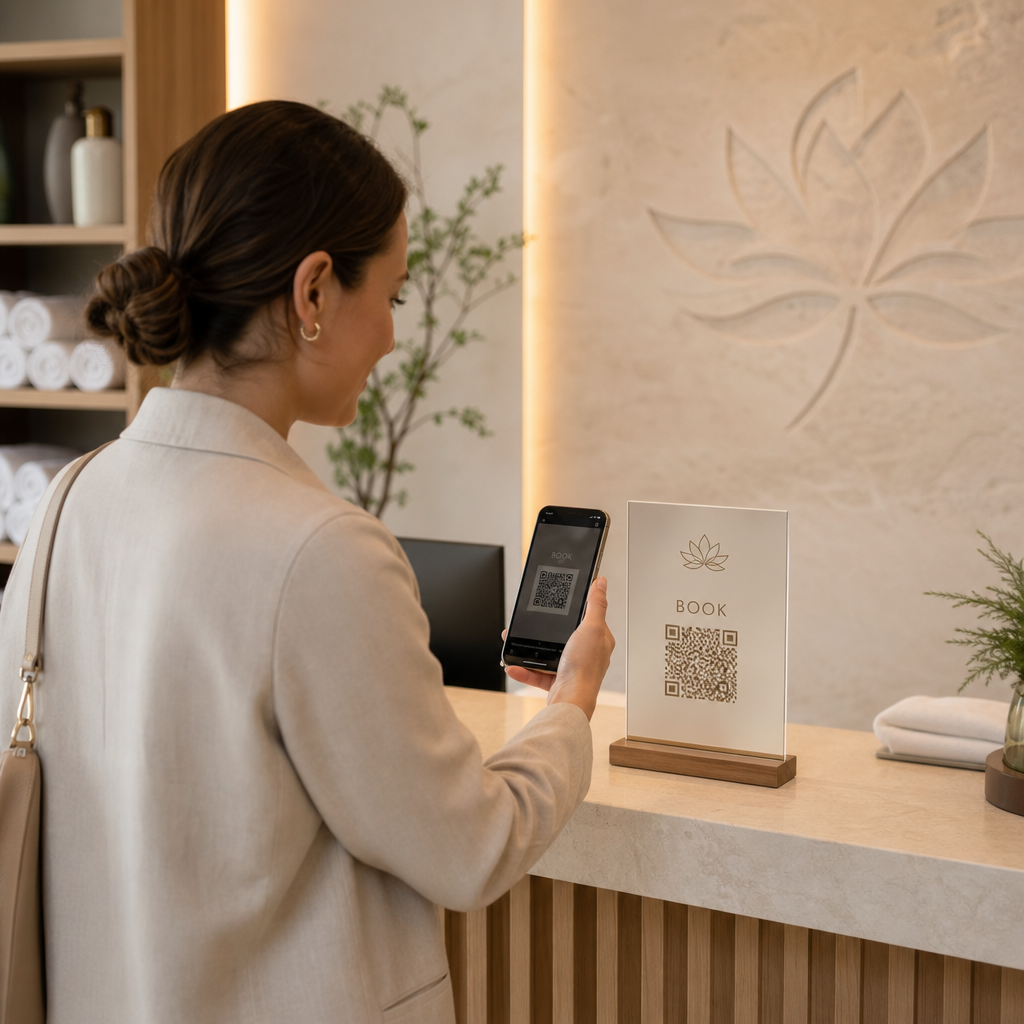
Kada je QR kod na štampanom oglasu, vizit karti ili izlogu prodavnice, slušaoci prelaze od viđenja do slušanja vašeg zvuka za nekoliko sekundi. Nema traka za pretragu, navigacije kroz aplikacije, kucanja. Taj put bez trenja je važan jer svaki dodatni korak gubi potencijalne slušaoce.
Dinamički kodovi omogućavaju ažuriranje bez ponovnog štampanja
Jedna od najpraktičnijih prednosti korišćenja dinamički QR kodovi je to što možete promeniti odredište nakon što je kod već odštampan. Ako povežete pogrešnu epizodu, promenite hosting platformu ili želite da usmerite slušaoce na novu sezonu, ažurirate link na vašoj kontrolnoj tabli – a odštampan kod ostaje isti.
Ovo štiti svaku investiciju u štampane marketinške materijale i olakšava ponovnu upotrebu materijala u različitim kampanjama.
Praćenje skeniranja i analitika
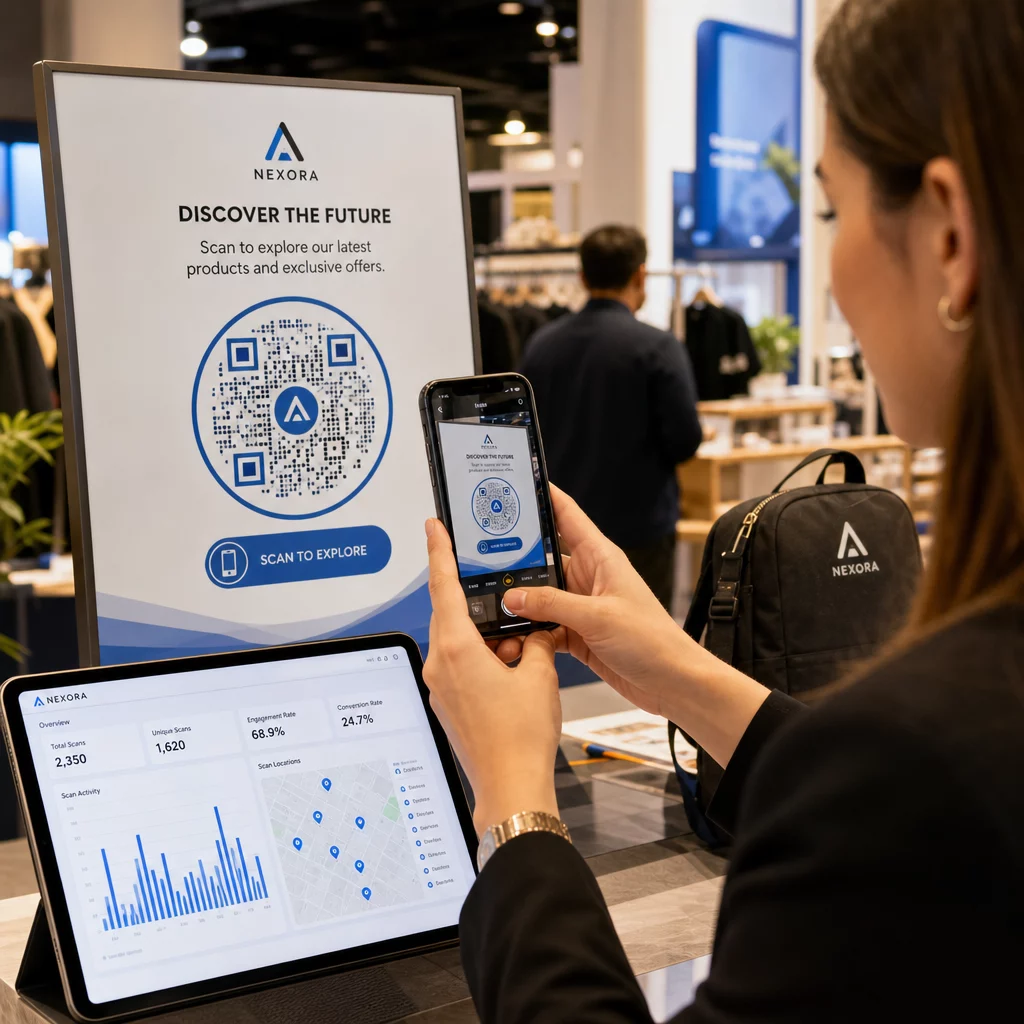
QR kodovi vam daju stvarne podatke o tome kako funkcioniše vaš marketing podkasta. Možete videti kada se skeniranja dešavaju, odakle geografski dolaze i koji plasmani generišu najviše angažovanja. Te informacije vam omogućavaju da uporedite kanale, identifikujete koji štampani materijali funkcionišu i donosite informisane odluke za buduće kampanje.
Prilagođavanje gradi prepoznatljivost brenda
QR kodovi su jedina vrsta bar koda koja podržava vizuelno prilagođavanje. Možete dodati boje brenda vašeg podkasta, logo i pozadinu koja odgovara identitetu vaše emisije. Dobro dizajniran kod će verovatnije biti skeniran jer izgleda namerno i pouzdano, a ne generički.
Tolerancija grešaka za štampana okruženja
QR kodovi uključuju ugrađenu korekciju grešaka koja im omogućava da ostanu skenirani čak i ako je deo koda oštećen, zaklonjen ili istrošen. Ovo je posebno korisno za štampane materijale koji se često koriste, kao što su kese za kupovinu ili programi događaja.
Kako kreirati QR kod za podkast

Korak 1 – Nabavite link za vaš podkast
Najbolji pristup je korišćenje linka koji radi na svim uređajima i aplikacijama. Opcije uključuju:
- Direktan URL epizode od vašeg hosting provajdera (većina hostova generiše samostalnu stranicu epizode sa ugrađenim plejerom)
- URL vaše emisije na Spotify-u, Apple Podcasts-u ili drugoj platformi
- Univerzalni pametni link koji automatski usmerava slušaoce na njihovu željenu aplikaciju
Ako se vaš podkast nalazi na Spotify-u, naučite kako da kreirate Spotify QR kod koji vodi do određene epizode, albuma ili plejliste.
Korak 2 – Izaberite pravi tip QR koda
- Користити MP3 QR kod generator ako želite direktno da otpremite audio datoteku i da je slušaoci reprodukuju sa brendirane odredišne stranice
- Користити Generator QR kodova za linkove ako se povezujete na URL striming platforme ili stranicu za hosting podkasta
- Користити Spotify QR kod generator za sadržaj specifičan za Spotify
Korak 3 – Prilagodite kod
Dodajte logo vašeg podkasta, prilagodite boje da odgovaraju vašem brendu, i konfigurišite odredišnu stranicu ako koristite audio QR kod. Stranice audio QR kodova Pageloot-a podržavaju naslov, naslovnu sliku, boje brenda i ekran dobrodošlice pre nego što se plejer učita.
Održavajte visok kontrast – koristite tamne šare na svetloj pozadini. Izbegavajte invertovane šeme boja, koje su teže za čitanje kamerama.
Korak 4 – Preuzmite u pravom formatu
Za štampu, uvek sačuvajte svoj QR kod kao SVG, EPS ili PDF vektorsku datoteku. Ovi formati se skaliraju bez pikselizacije, tako da vaš kod ostaje jasan bez obzira da li se pojavljuje na vizit karti ili bilbordu. JPEG i PNG formati mogu postati mutni kada se uvećaju, što smanjuje mogućnost skeniranja.
Korak 5 – Testirajte pre distribucije
Skenirajte svoj gotov kod sa više uređaja – različitim modelima telefona i sa iOS i Android operativnim sistemima – pre nego što ga pošaljete na štampu. Testirajte ceo put od skeniranja do reprodukcije zvuka. Dinamički QR kodovi vam omogućavaju da popravite pokvarenu ili pogrešnu vezu naknadno, ali testiranje prvo u potpunosti izbegava problem.
Gde koristiti QR kodove za podkaste
Štampani marketinški materijali
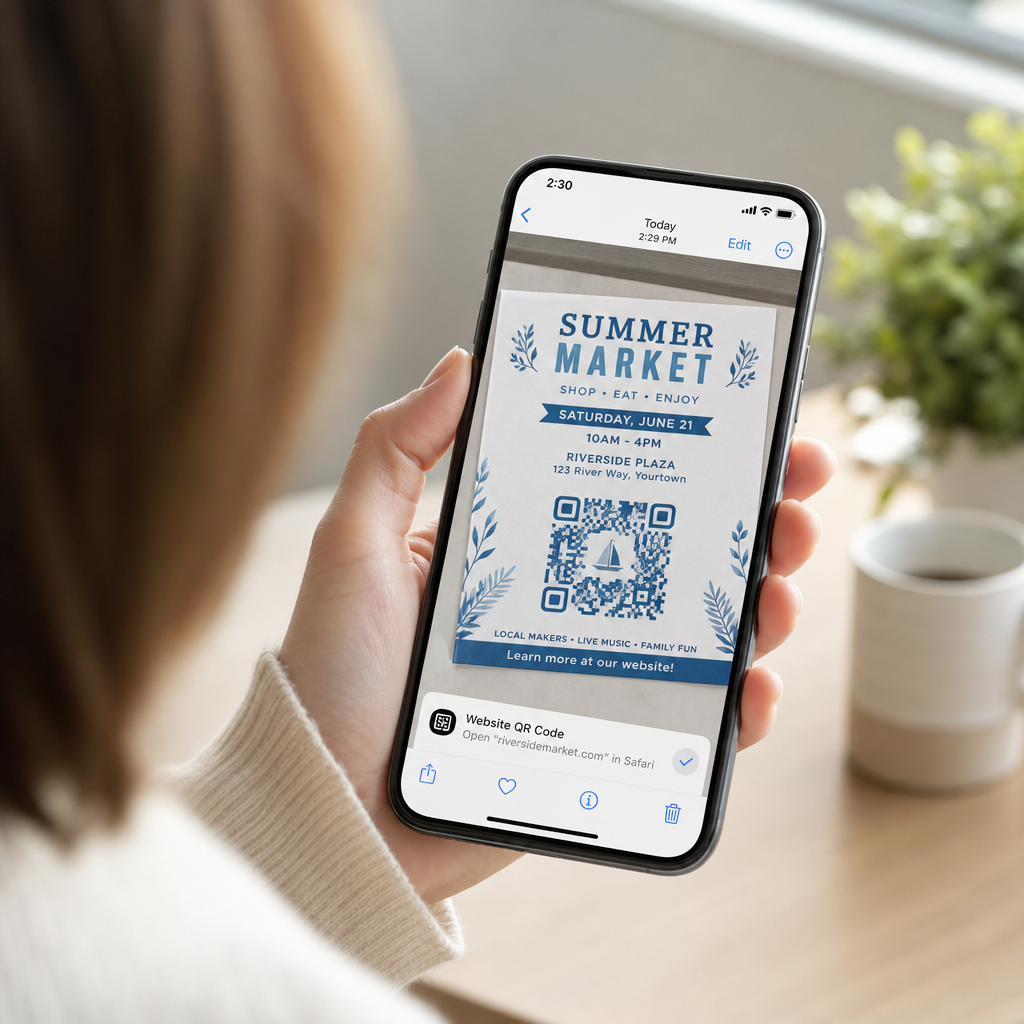
Štampani oglasi, posteri, flajeri, baneri i bilbordi su odlična mesta za QR kodove za podkaste jer dopiru do ljudi koji su stacionarni ili imaju trenutak da skeniraju. Postavite kod na visoko vidljivo mesto sa adekvatnim belim prostorom oko njega. Izbegavajte pretrpane ili šarene pozadine koje ometaju skeniranje.

Za smernice o veličini, vaš QR kod bi trebalo da bude najmanje 0,8 × 0,8 inča za materijale za bliski domet kao što su vizit karte ili pakovanja. Veća mesta kao što su posteri bi trebalo da se proporcionalno skaliraju – otprilike 1 inč širine koda na svakih 10 inča očekivane udaljenosti skeniranja. Za detaljne smernice o veličini na različitim površinama, pogledajte dimenzionisanju QR koda za različite materijale za štampu.
Vaš veb-sajt i društvene mreže
Ako neko već posećuje vaš veb-sajt ili društvene profile, QR kod im pruža direktan put do vašeg audio sadržaja bez pretraživanja navigacije. Ovo je posebno efikasno kada je ugrađen blizu rezimea epizode podkasta ili u bočnoj traci koja ostaje vidljiva tokom cele stranice.
Izlozi u prodavnicama i pakovanja
Ako imate fizičko maloprodajno prisustvo, QR kodovi na etiketama prodavnica, izlozima na policama ili kesama za kupovinu upoznaju kupce sa vašim podkastom u trenutku kada su već angažovani sa vašim brendom. Mnogi kupci koji kupuju lično nisu svesni onlajn sadržaja brenda – dobro postavljen QR kod premošćuje taj jaz.
Bilteni putem e-pošte i digitalni oglasi
Uključivanje QR koda u e-poštu ili digitalni oglas može izgledati suvišno jer ti kanali već podržavaju linkove na koje se može kliknuti, ali QR kodovi u potpisima e-pošte ili PDF biltenima daju primaocima lak način da skeniraju i slušaju na mobilnom uređaju odvojeno od ekrana na kojem čitaju.
Učinite svoj QR kod prativim Користи Динамички КР код tako da možete ažurirati link svog podkasta, pratiti obim skeniranja po mestu postavljanja i meriti koji marketinški kanali donose najviše slušanja.
Najbolje prakse za QR kodove za podkaste

Napišite specifičan poziv na akciju
Svaki QR kod treba poziv na akciju (CTA) koji publici tačno govori šta će se desiti kada ga skeniraju. Nejasni kodovi se ignorišu. Primeri efikasnih CTA za promociju podkasta:
- “Skenirajte da poslušate ovonedeljnu epizodu”
- “Skenirajte za ceo intervju”
- “Čujte najnovije uvide iz industrije – skenirajte za reprodukciju”
Poziv na akciju (CTA) treba da bude odmah pored QR koda, a ne zakopan u okolnom tekstu. Za više smernica o pisanju CTA i efikasnom postavljanju kodova, pogledajte ultimativni vodič za postavljanje QR kodova u marketingu.
Održavajte iskustvo odredišne stranice prilagođenim mobilnim uređajima
Kada neko skenira telefonom, treba da dođe do stranice koja se brzo učitava i reprodukuje zvuk bez nepotrebnih prepreka. Ako koristite audio QR kod sa odredišnom stranicom, održavajte dizajn čistim i osigurajte da je dugme za reprodukciju istaknuto. Ako se povezujete na platformu za striming, uverite se da se veza otvara u aplikaciji platforme, a ne na sporoj stranici mobilnog pretraživača.
Pridržavajte se standarda dizajna i čitljivosti
- Održavajte visok kontrast između QR koda i njegove pozadine
- Ostavite jasnu tihu zonu (praznu marginu) oko koda sa svih strana kako bi skeneri mogli da ga razlikuju od okolnih elemenata
- Izbegavajte postavljanje kodova na zakrivljene, reflektujuće ili teksturirane površine gde god je to moguće
- Koristite najviši nivo korekcije grešaka (H) kada dodajete preklapanje logotipa na kod
Za potpunu analizu zahteva dizajna, posetite najbolje prakse za čitljivost QR kodova.
Koristite jedan kod po kontekstu postavljanja
Umesto jednog koda koji vodi do cele vaše emisije, razmislite o kreiranju različitih QR kodova za različite epizode ili kampanje. Dinamički kodovi to čine lakim za upravljanje – možete nezavisno ažurirati odredište svakog koda i upoređivati podatke o skeniranju na različitim mestima kako biste razumeli šta odjekuje kod različitih publika.
Povežite se na univerzalnu ulaznu tačku kada je to moguće
Ne koriste svi vaši slušaoci istu aplikaciju za podkaste. Povezivanje na univerzalnu stranicu emisije – onu koja usmerava korisnike na njihovu željenu platformu ili uključuje ugrađeni plejer – osigurava da nijedan slušalac nije isključen jer ne koristi određenu aplikaciju.
Često postavljana pitanja
Najefikasniji pristup je korišćenje linka koji radi bez obzira na to koju aplikaciju slušalac preferira. To znači ili stranicu epizode ili emisije vašeg podkast hosta (koja obično uključuje ugrađeni plejer i linkove ka glavnim aplikacijama), univerzalnu uslugu pametnih linkova, ili URL Spotify/Apple Podcasts ako vaša publika prvenstveno koristi jednu platformu. Izbegavajte duboke linkove specifične za aplikaciju koji se ispravno otvaraju samo u jednoj aplikaciji.
Da, ako kreirate dinamički QR kod. Dinamički kodovi čuvaju kratak URL za preusmeravanje u obrascu koda, i možete ažurirati konačno odredište sa vaše kontrolne table u bilo kom trenutku bez ponovnog štampanja. To znači da isti odštampani kod možete usmeriti na novu epizodu svake nedelje, ili popraviti pokvaren link nakon što su materijali već izašli.
Za većinu štampanih materijala preporučuje se minimum od 0,8 × 0,8 inča. Vizit karte, bedževi za događaje i pakovanja koja će se skenirati sa udaljenosti ruke treba da ispunjavaju ili premašuju taj minimum. Posterima i banerima namenjenim za skeniranje sa veće udaljenosti potrebno je da budu proporcionalno veći – otprilike 1 inč širine na svakih 10 inča udaljenosti skeniranja. Uvek koristite vektorski format kao što je SVG ili EPS za štampu kako bi kod ostao oštar pri bilo kojoj veličini.