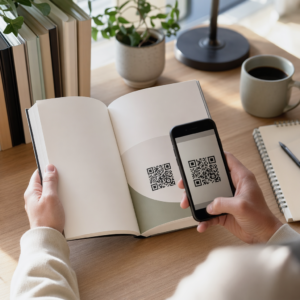
Chcesz, aby słuchacze znaleźli Twój podcast bez wpisywania ani jednego znaku? Kiedy Twoja publiczność musi ręcznie szukać programu, większość z nich nie będzie się tym przejmować. Ten przewodnik dokładnie opisuje, jak tworzyć kody QR do promocji podcastów, gdzie je umieszczać i jak maksymalnie wykorzystać każde skanowanie.
Dlaczego podcasterzy potrzebują kodów QR
Podcasty stały się głównym nurtem mediów. Szacuje się, że 158 milionów ludzi w USA słucha podcastów każdego miesiąca, a ponad 70% słuchaczy kończy większość lub całość każdego odcinka. Taki poziom zaangażowania jest rzadki, ale tylko wtedy, gdy uda Ci się w ogóle skłonić ludzi do naciśnięcia przycisku odtwarzania.
Wyzwaniem jest odkrywalność. Ktoś widzi Twoją ulotkę, wizytówkę lub opakowanie produktu i jest autentycznie zainteresowany – ale nie ma bezproblemowej ścieżki od tego momentu do Twoich treści audio. Kody QR rozwiązują tę lukę. Pojedyncze skanowanie przenosi słuchacza bezpośrednio do Twojego programu, odcinka lub strony platformy podcastowej bez ręcznego wyszukiwania.
Firmy takie jak Sephora, eBay i Microsoft już używają markowych podcastów, aby dotrzeć do nowych odbiorców. Kody QR sprawiają, że te wysiłki są mierzalne i bardziej dostępne dla słuchaczy w świecie rzeczywistym.
Co właściwie robi kod QR podcastu
Kod QR podcastu to dwuwymiarowy kod, który koduje miejsce docelowe – zazwyczaj link do platformy streamingowej, strony hostingowej podcastu lub pliku audio – i otwiera je automatycznie po zeskanowaniu aparatem smartfona.
W zależności od tego, do czego linkujesz, słuchacze mogą zostać przekierowani do:
- Strony konkretnego odcinka z wbudowanym odtwarzaczem
- Strony Twojego programu na Apple Podcasts, Spotify lub innej platformie
- Uniwersalnej strony docelowej, która pozwala słuchaczom wybrać preferowaną aplikację
- Hostowanego pliku MP3, który odtwarza się bezpośrednio na ich urządzeniu
Plik Generator kodów QR do MP3 z Pageloot obsługuje pliki audio bezpośrednio, podczas gdy Generator kodów QR do linków działa dobrze dla adresów URL platform streamingowych. Jeśli Twój podcast jest na Spotify, Generator kodów QR do Spotify pozwala bezpośrednio linkować do konkretnego odcinka, playlisty lub profilu artysty.
Zacznij wysyłać słuchaczy bezpośrednio do Twojego podcastu Stwórz markowy, śledzalny kod QR dla swojego programu lub odcinka, używając Generator kodów QR. Bezpłatny 14-dniowy okres próbny, karta kredytowa nie jest wymagana.
Korzyści z kodów QR dla promocji podcastów

Natychmiastowy dostęp bez dodatkowych kroków
Gdy kod QR znajduje się na drukowanej reklamie, wizytówce lub wystawie sklepowej, słuchacze przechodzą od zobaczenia go do usłyszenia Twojego audio w ciągu kilku sekund. Nie ma pasków wyszukiwania, nawigacji po aplikacji, ani pisania. Ta bezproblemowa ścieżka ma znaczenie, ponieważ każdy dodatkowy krok traci potencjalnych słuchaczy.
Kody dynamiczne pozwalają na aktualizację bez ponownego drukowania
Jedną z najbardziej praktycznych zalet używania dynamiczne kody QR jest to, że możesz zmienić miejsce docelowe po wydrukowaniu kodu. Jeśli połączysz się z niewłaściwym odcinkiem, zmienisz platformę hostingową lub chcesz skierować słuchaczy do nowego sezonu, aktualizujesz link w swoim panelu – a wydrukowany kod pozostaje taki sam.
Chroni to wszelkie inwestycje w drukowane materiały marketingowe i ułatwia ponowne wykorzystanie materiałów w różnych kampaniach.
Śledzenie skanów i analityka
Kody QR dostarczają rzeczywistych danych o tym, jak działa Twój marketing podcastów. Możesz zobaczyć, kiedy skany mają miejsce, skąd pochodzą geograficznie i które miejsca generują największe zaangażowanie. Te informacje pozwalają porównywać kanały, identyfikować, które materiały drukowane działają, i podejmować świadome decyzje dotyczące przyszłych kampanii.
Personalizacja buduje rozpoznawalność marki
Kody QR to jedyny typ kodu kreskowego, który obsługuje wizualną personalizację. Możesz dodać kolory marki swojego podcastu, logo i tło, które pasuje do tożsamości Twojego programu. Dobrze zaprojektowany kod jest bardziej prawdopodobny do zeskanowania, ponieważ wygląda celowo i wiarygodnie, a nie generycznie.
Tolerancja błędów dla środowisk drukowanych
Kody QR zawierają wbudowaną korekcję błędów, która pozwala im pozostać skanowalnymi, nawet jeśli część kodu jest uszkodzona, zasłonięta lub zużyta. Jest to szczególnie przydatne w przypadku materiałów drukowanych, które są intensywnie użytkowane, takich jak torby na zakupy czy programy wydarzeń.
Jak stworzyć kod QR do podcastu

Krok 1 – Zdobądź link do swojego podcastu
Najlepszym podejściem jest użycie linku, który działa na różnych urządzeniach i w różnych aplikacjach. Opcje obejmują:
- Bezpośredni URL odcinka od Twojego dostawcy hostingu (większość hostów generuje samodzielną stronę odcinka z wbudowanym odtwarzaczem)
- URL Twojego programu na Spotify, Apple Podcasts lub innej platformie
- Uniwersalny inteligentny link, który automatycznie kieruje słuchaczy do ich preferowanej aplikacji
Jeśli Twój podcast jest na Spotify, dowiedz się, jak stworzyć kod QR Spotify który prowadzi do konkretnego odcinka, albumu lub playlisty.
Krok 2 – Wybierz odpowiedni typ kodu QR
- Użyj Generator kodów QR do MP3 jeśli chcesz bezpośrednio przesłać plik audio i umożliwić słuchaczom odtwarzanie go z markowej strony docelowej
- Użyj Generator kodów QR do linków jeśli linkujesz do URL platformy streamingowej lub strony hostingu podcastów
- Użyj Generator kodów QR do Spotify dla treści specyficznych dla Spotify
Krok 3 – Dostosuj kod
Dodaj logo swojego podcastu, dostosuj kolory do swojej marki i skonfiguruj stronę docelową, jeśli używasz kodu QR audio. Strony z kodami QR audio Pageloot obsługują tytuł, obraz okładki, kolory marki i ekran powitalny przed załadowaniem odtwarzacza.
Zachowaj wysoki kontrast – używaj ciemnych wzorów na jasnym tle. Unikaj odwróconych schematów kolorów, które są trudniejsze do odczytania przez kamery.
Krok 4 – Pobierz w odpowiednim formacie
Do użytku drukowanego, zawsze zapisuj swój kod QR jako plik wektorowy SVG, EPS lub PDF. Te formaty skalują się bez pikselizacji, dzięki czemu Twój kod pozostaje wyraźny, niezależnie od tego, czy pojawi się na wizytówce, czy na billboardzie. Formaty JPEG i PNG mogą stać się rozmyte po powiększeniu, co zmniejsza możliwość skanowania.
Krok 5 – Testuj przed dystrybucją
Zeskanuj swój gotowy kod za pomocą wielu urządzeń – różnych modeli telefonów oraz zarówno iOS, jak i Android – zanim wyślesz go do druku. Przetestuj pełną ścieżkę od skanowania do odtwarzania dźwięku. Dynamiczne kody QR pozwalają naprawić uszkodzony lub błędny link po fakcie, ale wcześniejsze testowanie całkowicie zapobiega problemowi.
Gdzie używać kodów QR do podcastów
Drukowane materiały marketingowe
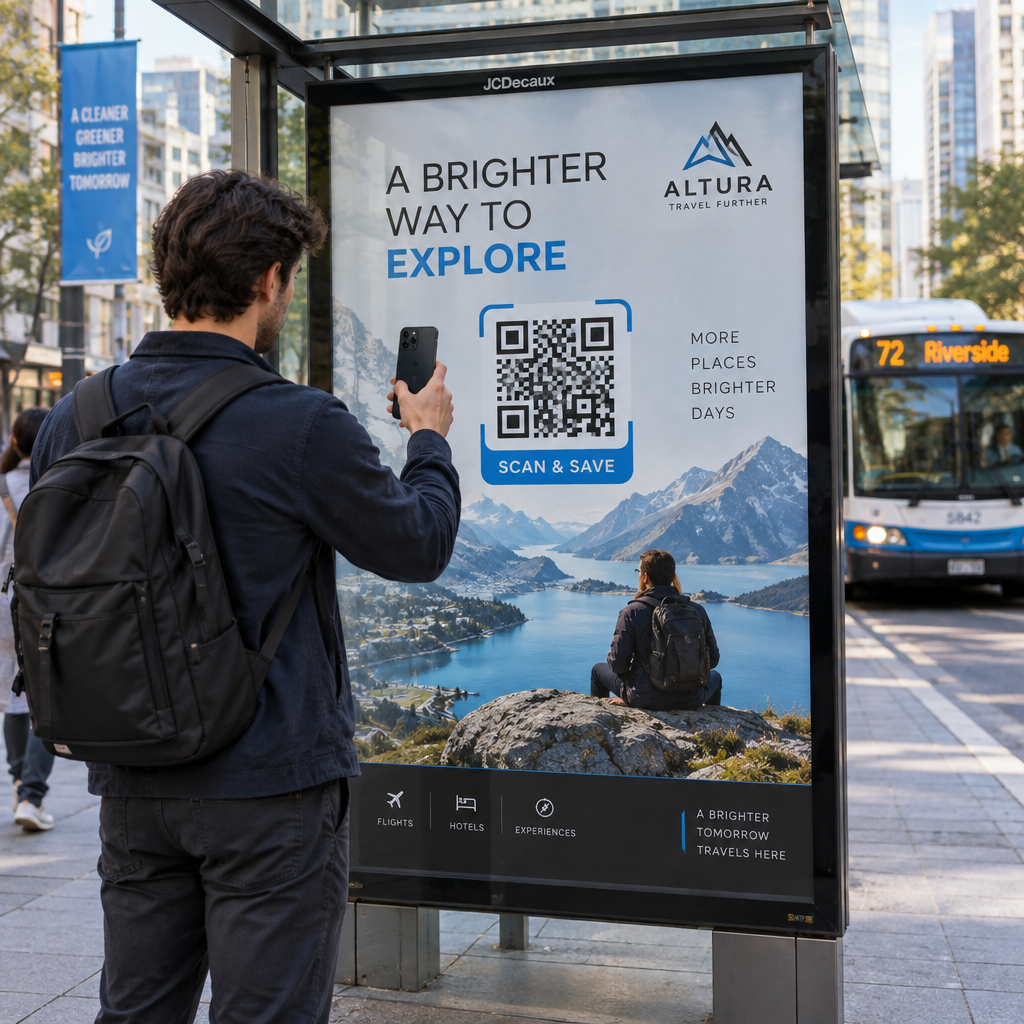
Drukowane reklamy, plakaty, ulotki, banery i billboardy to doskonałe miejsca na kody QR do podcastów, ponieważ docierają do osób, które są nieruchome lub mają chwilę na zeskanowanie. Umieść kod w dobrze widocznym miejscu z odpowiednią ilością białej przestrzeni wokół niego. Unikaj zatłoczonych lub wzorzystych tła, które utrudniają skanowanie.

Wskazówki dotyczące rozmiaru: Twój kod QR powinien mieć co najmniej 0,8 × 0,8 cala dla materiałów bliskiego zasięgu, takich jak wizytówki czy opakowania. Większe umiejscowienia, takie jak plakaty, powinny być skalowane proporcjonalnie – mniej więcej 1 cal szerokości kodu na każde 10 cali oczekiwanej odległości skanowania. Aby uzyskać szczegółowe wskazówki dotyczące rozmiaru na różnych powierzchniach, zobacz rozmiaru kodu QR dla różnych materiałów do druku.
Twoja strona internetowa i media społecznościowe
Jeśli ktoś już odwiedza Twoją stronę internetową lub profile społecznościowe, kod QR zapewnia mu natychmiastową ścieżkę do Twoich treści audio bez konieczności przeszukiwania nawigacji. Jest to szczególnie skuteczne, gdy jest osadzony w pobliżu podsumowania odcinka podcastu lub w pasku bocznym, który pozostaje widoczny na całej stronie.
Wyświetlacze w sklepie i opakowania
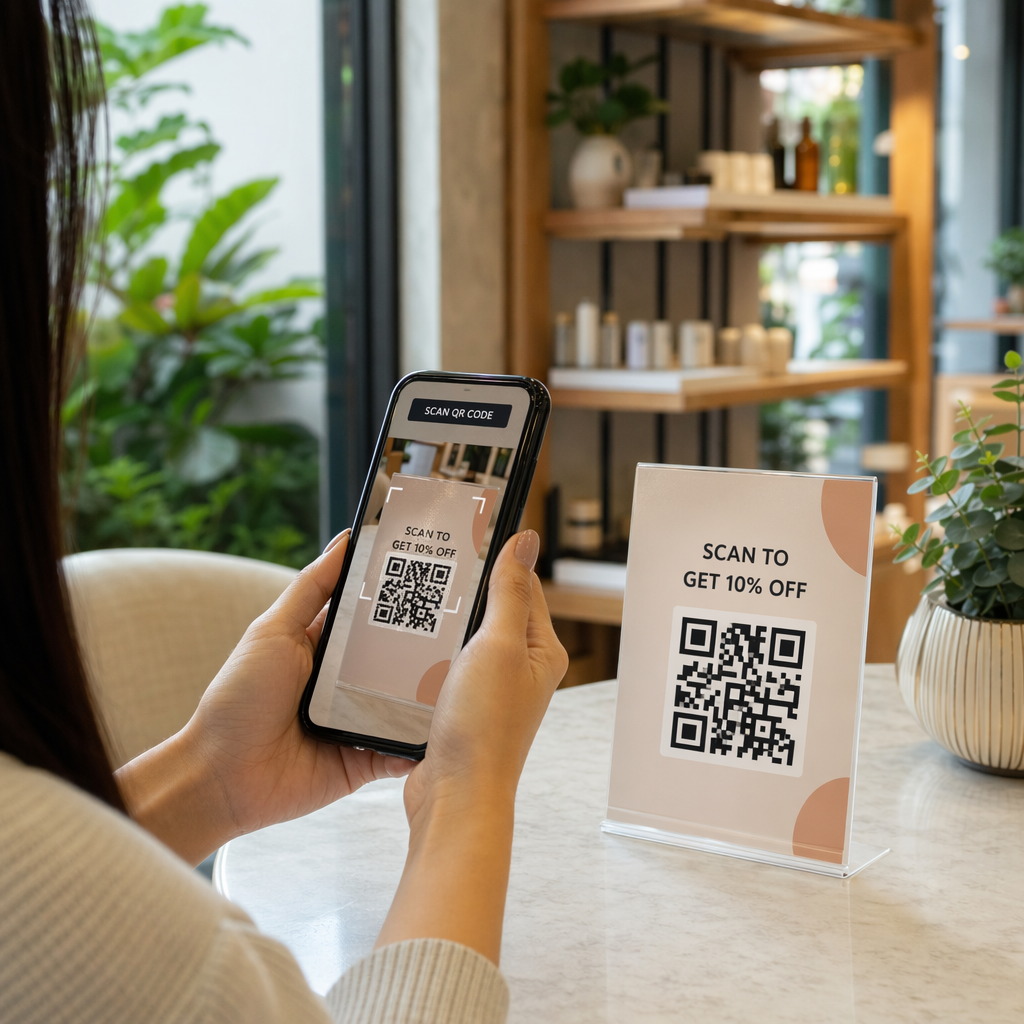
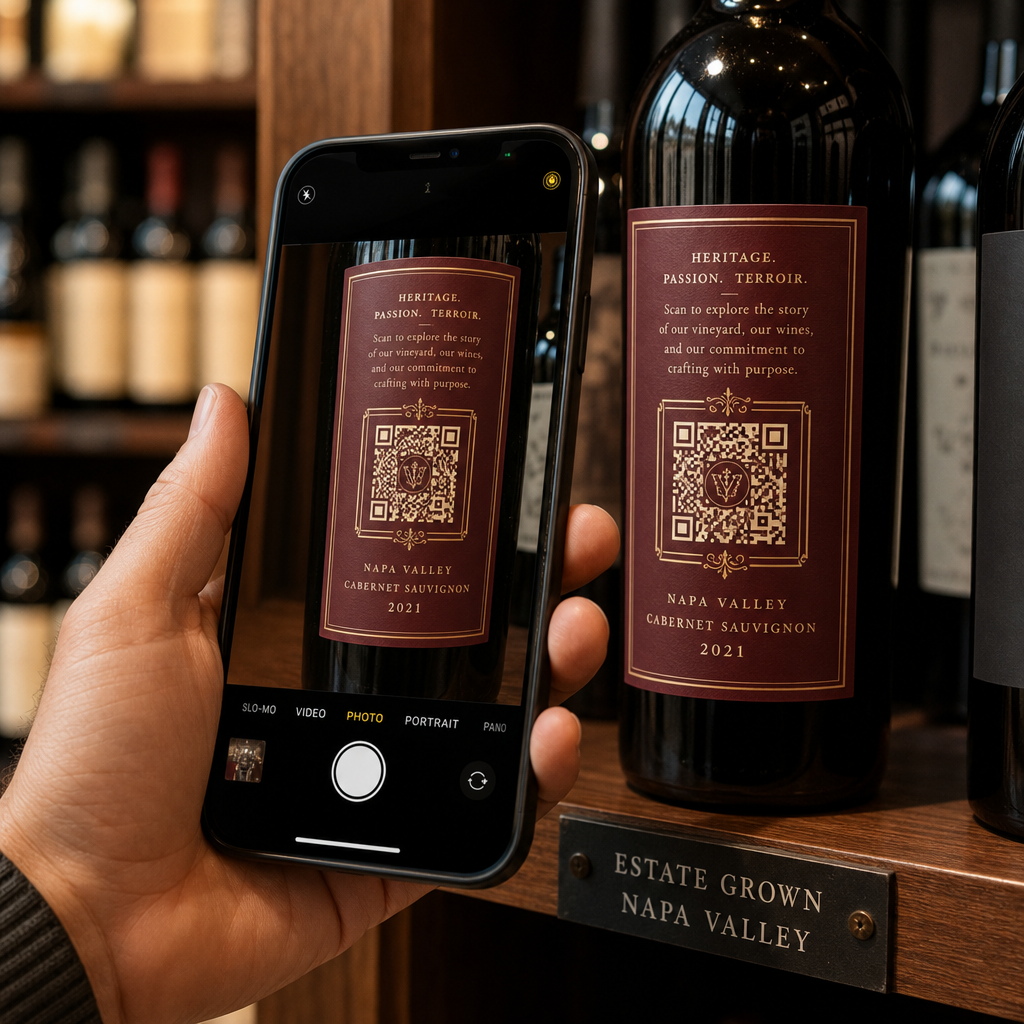
Jeśli masz fizyczną obecność w handlu detalicznym, kody QR na etykietach sklepowych, ekspozytorach półkowych lub torbach na zakupy wprowadzają klientów w świat Twojego podcastu w momencie, gdy są już zaangażowani w Twoją markę. Wielu klientów, którzy robią zakupy osobiście, nie jest świadomych treści online marki – dobrze umieszczony kod QR wypełnia tę lukę.
Newslettery e-mailowe i reklamy cyfrowe
Umieszczenie kodu QR w e-mailu lub reklamie cyfrowej może wydawać się zbędne, ponieważ te kanały już obsługują klikalne linki, ale kody QR w podpisach e-mailowych lub biuletynach PDF dają odbiorcom łatwy sposób na zeskanowanie i słuchanie na urządzeniu mobilnym, niezależnie od ekranu, na którym czytają.
Spraw, aby Twój kod QR był śledzalny Użyj Dynamiczny kod QR abyś mógł aktualizować link do podcastu, śledzić liczbę skanów według miejsca umieszczenia i mierzyć, które kanały marketingowe generują najwięcej odsłuchań.
Najlepsze praktyki dotyczące kodów QR do podcastów

Napisz konkretne wezwanie do działania
Każdy kod QR potrzebuje wezwania do działania (CTA), które dokładnie informuje odbiorców, co się stanie po zeskanowaniu. Niejasne kody są ignorowane. Przykłady skutecznych CTA do promocji podcastów:
- “Zeskanuj, aby posłuchać odcinka z tego tygodnia”
- “Zeskanuj, aby obejrzeć cały wywiad”
- “Posłuchaj najnowszych spostrzeżeń branżowych – zeskanuj, aby odtworzyć”
Wezwanie do działania (CTA) powinno znajdować się bezpośrednio obok kodu QR, a nie być ukryte w otaczającym tekście. Aby uzyskać więcej wskazówek dotyczących pisania CTA i skutecznego umieszczania kodów, zobacz kompletny przewodnik po umieszczaniu kodów QR w marketingu.
Zadbaj o mobilność strony docelowej
Gdy ktoś skanuje kod telefonem, powinien trafić na stronę, która szybko się ładuje i odtwarza dźwięk bez zbędnych przeszkód. Jeśli używasz kodu QR audio ze stroną docelową, zachowaj czysty projekt i upewnij się, że przycisk odtwarzania jest widoczny. Jeśli linkujesz do platformy streamingowej, upewnij się, że link otwiera się w aplikacji platformy, a nie na wolnej stronie przeglądarki mobilnej.
Przestrzegaj standardów projektowania i czytelności
- Zachowaj wysoki kontrast między kodem QR a jego tłem
- Pozostaw wyraźną strefę ciszy (pusty margines) wokół kodu ze wszystkich stron, aby skanery mogły odróżnić go od otaczających elementów
- Unikaj umieszczania kodów na zakrzywionych, odblaskowych lub teksturowanych powierzchniach, jeśli to możliwe
- Użyj najwyższego poziomu korekcji błędów (H) podczas dodawania nakładki z logo do kodu
Aby zapoznać się z pełnym zestawieniem wymagań projektowych, odwiedź najlepszymi praktykami w zakresie czytelności kodów QR.
Użyj jednego kodu na kontekst umieszczenia
Zamiast jednego kodu, który linkuje do całego Twojego programu, rozważ utworzenie różnych kodów QR dla różnych odcinków lub kampanii. Kody dynamiczne ułatwiają to zarządzanie – możesz niezależnie aktualizować miejsce docelowe każdego kodu i porównywać dane skanowania z różnych miejsc, aby zrozumieć, co rezonuje z różnymi odbiorcami.
Link do uniwersalnego punktu wejścia, gdy to możliwe
Nie wszyscy Twoi słuchacze używają tej samej aplikacji podcastowej. Linkowanie do uniwersalnej strony programu – takiej, która kieruje użytkowników do ich preferowanej platformy lub zawiera osadzony odtwarzacz – zapewnia, że żaden słuchacz nie zostanie wykluczony, ponieważ nie używa konkretnej aplikacji.
Najczęściej zadawane pytania
Najskuteczniejszym podejściem jest użycie linku, który działa niezależnie od tego, którą aplikację preferuje słuchacz. Oznacza to albo stronę odcinka lub programu Twojego hosta podcastów (która zazwyczaj zawiera osadzony odtwarzacz i linki do głównych aplikacji), uniwersalną usługę inteligentnych linków, albo adres URL Spotify/Apple Podcasts, jeśli Twoja publiczność używa głównie jednej platformy. Unikaj głębokich linków specyficznych dla aplikacji, które otwierają się poprawnie tylko w jednej aplikacji.
Tak, jeśli utworzysz dynamiczny kod QR. Kody dynamiczne przechowują krótki adres URL przekierowania we wzorze kodu, a Ty możesz zaktualizować ostateczne miejsce docelowe z pulpitu nawigacyjnego w dowolnym momencie bez ponownego drukowania. Oznacza to, że możesz skierować ten sam wydrukowany kod na nowy odcinek co tydzień lub naprawić uszkodzony link po tym, jak materiały zostały już rozpowszechnione.
Dla większości materiałów drukowanych zalecane jest minimum 0,8 × 0,8 cala. Wizytówki, identyfikatory na wydarzenia i opakowania, które będą skanowane z odległości ramienia, powinny spełniać lub przekraczać to minimum. Plakaty i banery przeznaczone do skanowania z większej odległości muszą być proporcjonalnie większe – mniej więcej 1 cal szerokości na każde 10 cali odległości skanowania. Zawsze używaj formatu wektorowego, takiego jak SVG lub EPS, do druku, aby kod pozostał ostry w każdym rozmiarze.