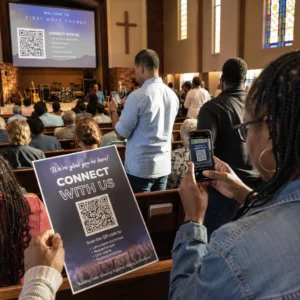
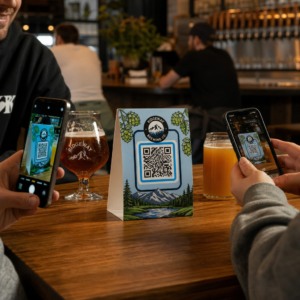
Perlukan cara yang pantas dan boleh diimbas untuk menghubungkan bahan fizikal dengan kandungan digital? Pelekat kod QR mengubah mana-mana permukaan menjadi titik sentuhan interaktif – dan untuk mendapatkannya dengan betul bermakna memahami bahan, pilihan reka bentuk, dan jenis kod yang menentukan sama ada pelanggan benar-benar mengimbasnya.
Apakah Pelekat Kod QR?
Pelekat kod QR ialah label pelekat yang dicetak dengan kod QR yang boleh diimbas. Apabila pelanggan menghalakan kamera telefon pintar ke arahnya, kod tersebut serta-merta mengarahkan mereka ke laman web, menu digital, halaman hubungan, tawaran promosi, atau mana-mana kandungan lain yang telah anda pautkan. Perniagaan menggunakannya pada pembungkusan produk, kedai, kenderaan, meja restoran, papan tanda acara, dan bahan penghantaran – di mana-mana sahaja permukaan fizikal boleh memulakan interaksi digital.
Perbezaan utama yang penting sebelum anda mencetak satu pelekat pun: sama ada kod anda adalah STATIK ATAU DINAMIK.
- A kod QR statik mengekod destinasinya secara kekal. Setelah dicetak, ia tidak boleh diubah, dan ia tidak menjejaki imbasan.
- A kod QR dinamik menunjuk ke URL pengalihan pendek yang boleh anda kemas kini pada bila-bila masa – tanpa mencetak semula. Ia juga merekodkan data imbasan termasuk masa, jumlah, dan lokasi geografi.
Untuk aplikasi pelekat di mana anda akan mencetak dalam jumlah besar atau menjalankan kempen terhad masa, yang Penjana dynamic QR code adalah pilihan praktikal. Mengubah promosi atau mengemas kini URL tidak memerlukan kos apabila pelekat sudah berada di rak atau kenderaan.
Jejaki Setiap Imbasan dari Pelekat Anda Ingin tahu dengan tepat penempatan pelekat mana yang mendorong penglibatan? Gunakan Penjana dynamic QR code untuk mencipta kod yang boleh diedit, boleh dijejak dengan papan pemuka analitik penuh – tiada pencetakan semula diperlukan apabila kandungan anda berubah.
Cara Mencipta Kod QR untuk Pelekat Anda
Untuk mendapatkan kod QR sedia cetak memerlukan tiga langkah:
- Jana kod QR anda. Gunakan a penjana kod QR untuk mencipta kod yang memaut ke kandungan sasaran anda – URL, PDF, menu digital, vCard, atau destinasi lain. Jika anda menjangka untuk mengemas kini destinasi tersebut atau menjejaki prestasi imbasan, cipta kod dinamik.
- Sesuaikan reka bentuk. Tambah logo anda, warna jenama, dan bingkai seruan tindakan untuk menjadikan pelekat mudah dikenali dan berbaloi untuk diimbas. The QR code with logo membolehkan anda membenamkan logo terus di dalam kod, yang meningkatkan pengecaman jenama dan kadar imbasan berbanding kod hitam-putih biasa.
- Muat turun dalam format sedia cetak. Eksport kod anda sebagai SVG, EPS, atau PDF untuk penskalaan vektor, atau sebagai PNG resolusi tinggi jika anda menggabungkannya ke dalam reka bentuk label. Serahkan fail ini kepada pencetak pelekat anda atau gunakannya dengan helaian pelekat boleh cetak di rumah.
Memilih Bahan Pelekat yang Betul
Pilihan bahan secara langsung mempengaruhi sama ada kod QR anda mengimbas dengan andal dalam persekitaran yang dimaksudkan. Pilihan utama yang akan anda temui daripada pencetak pelekat adalah:
- Laminat BOPP atau PET berkilat – sesuai untuk kegunaan dalaman dan luaran, warna terang, tetapi boleh memantulkan cahaya di bawah pencahayaan atas dan menyukarkan pengimbasan pada sudut tertentu.
- Laminat BOPP matte – mengurangkan silau di bawah pencahayaan runcit dan cahaya matahari, menjadikannya pilihan utama untuk pelekat yang akan diimbas di kedai atau di kaunter pembayaran. Banyak jenama dan pereka juga lebih suka rupa yang lebih halus.
- Bahan pelekat jernih – dicetak dengan dakwat putih di belakang warna untuk memastikan reka bentuk kelihatan; berfungsi dengan baik untuk label botol dan pembungkusan di mana anda mahukan penampilan “tanpa label”.
- Vinil dengan laminat – tahan lasak dan tahan cuaca, disyorkan untuk aplikasi luaran, pelekat kenderaan, dan mana-mana permukaan yang terdedah kepada kelembapan atau cahaya UV. Pelekat kod QR vinil bertahan lebih lama dengan ketara berbanding label kertas standard dalam keadaan tersebut.
- Stok label BOPP nipis – cukup fleksibel untuk mengikut permukaan melengkung, menjadikannya pilihan praktikal untuk botol dan pembungkusan produk.
Kemasan matte secara amnya mengimbas lebih cepat dan lebih dipercayai daripada yang berkilat apabila kod akan diimbas di bawah cahaya terang atau langsung. Jika pelekat anda akan berada di luar atau pada kenderaan, utamakan vinil kalis air berbanding bahan berasaskan kertas.
Spesifikasi Saiz dan Reka Bentuk Yang Mempengaruhi Kebolehimbasan
Pelekat kod QR yang tidak mengimbas dengan boleh dipercayai adalah lebih teruk daripada tiada pelekat sama sekali. Sebelum menghantar fail untuk dicetak, sahkan keperluan ini dipenuhi:
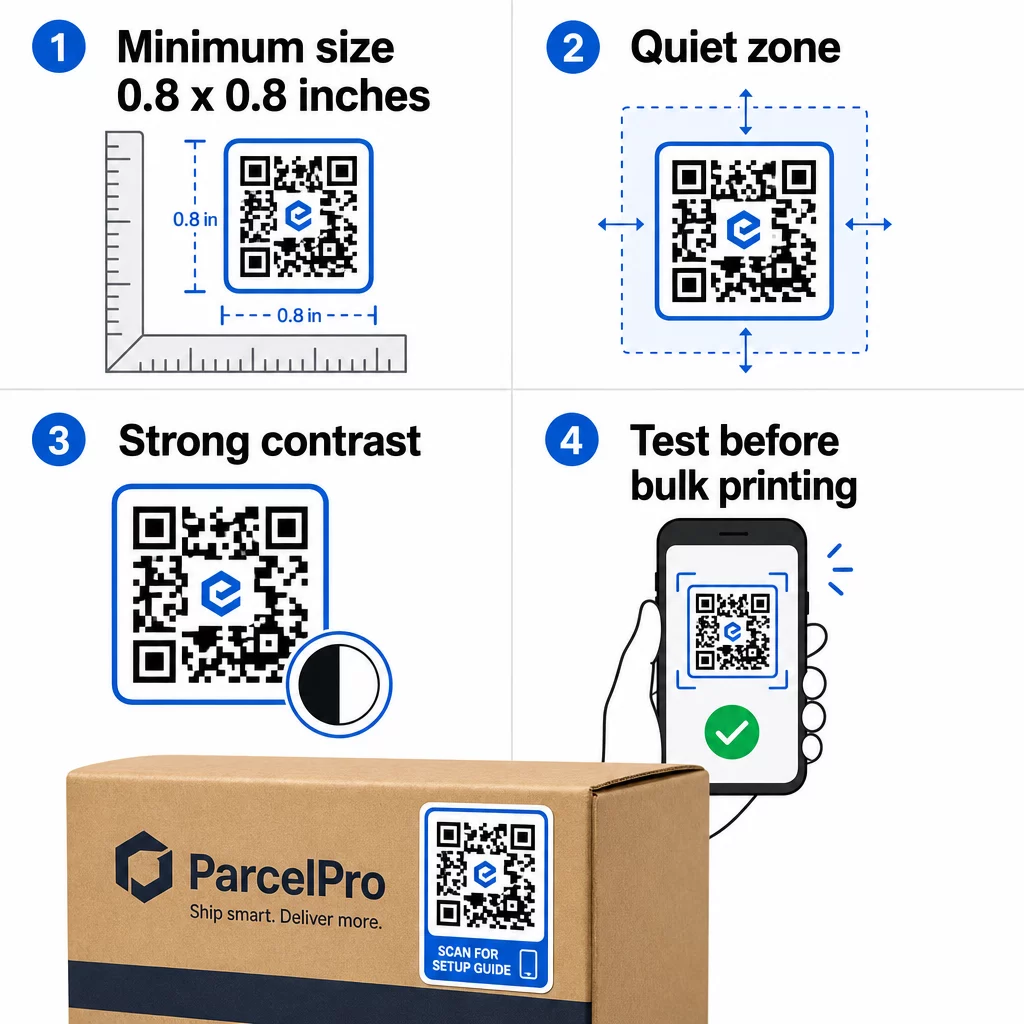
- Saiz minimum: 0.8 × 0.8 inci (2 × 2 cm) untuk URL ringkas. Kod yang lebih besar dengan ketumpatan data yang lebih tinggi perlu diskalakan secara berkadaran.
- Zon senyap: Tinggalkan sekurang-kurangnya empat modul ruang kosong, tidak bercetak di sekeliling keempat-empat sisi kod. Teks, logo, atau sempadan yang diletakkan di dalam margin ini menyebabkan kegagalan imbasan.
- Nisbah kontras: Kekalkan nisbah kontras sekurang-kurangnya 4:1 antara modul gelap dan latar belakang terang. Hitam di atas putih kekal sebagai kombinasi yang paling boleh dipercayai. Elakkan penyongsangan terang-atas-gelap – banyak pengimbas gagal pada skema warna terbalik.
- Tiada gradien pada modul kod: Gradien mencipta tona pertengahan yang sukar dibaca oleh pengimbas. Gunakan warna pejal sahaja.
- Uji sebelum mencetak dalam kuantiti yang banyak: Imbas kod anda dengan pelbagai peranti – telefon yang berbeza, aplikasi kamera yang berbeza – dan uji dalam keadaan pencahayaan di mana pelekat itu akan benar-benar digunakan. Untuk pelekat luar, uji di bawah cahaya matahari. Untuk pelekat rak runcit, uji di bawah pencahayaan pendarfluor.
Untuk pecahan saiz penuh merentasi bahan cetakan yang berbeza, lihat panduan di saiz kod QR untuk bahan cetakan yang berbeza. For contrast and color guidance, amalan terbaik kontras warna kod QR . Untuk panduan kontras dan warna,.
Tempat Menggunakan Pelekat Kod QR
Pelekat kod QR berfungsi merentasi pelbagai aplikasi perniagaan. Berikut adalah penempatan yang paling biasa dan berkesan:
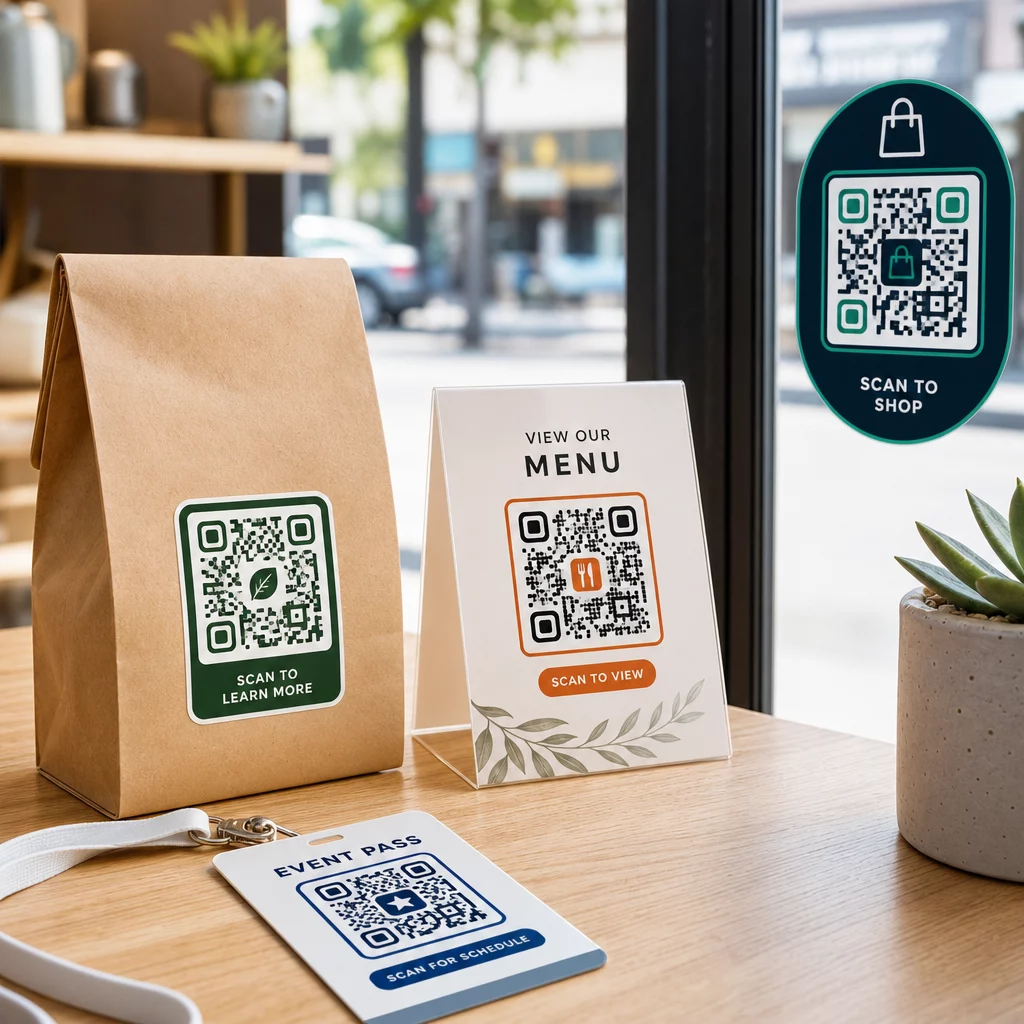
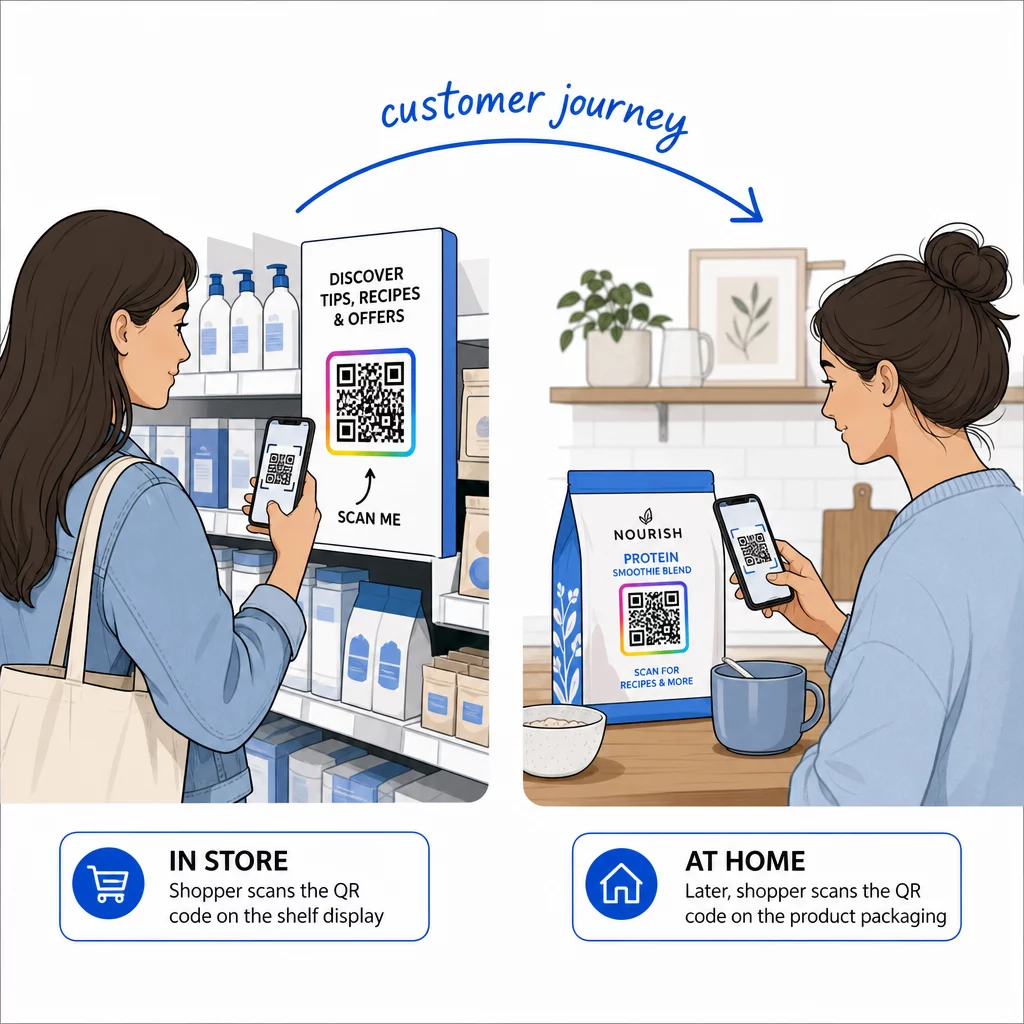
Pembungkusan dan label produk – Pautkan pelanggan kepada arahan produk, butiran ramuan, tutorial video, kod diskaun, atau halaman ulasan. Pelekat berfungsi pada kedua-dua pembungkusan utama (produk itu sendiri) dan pembungkusan sekunder (kotak, sarung). Untuk melihat lebih mendalam tentang kemungkinan, lihat kod QR pada pembungkusan produk dan panduan muktamad untuk kod QR bagi label produk.
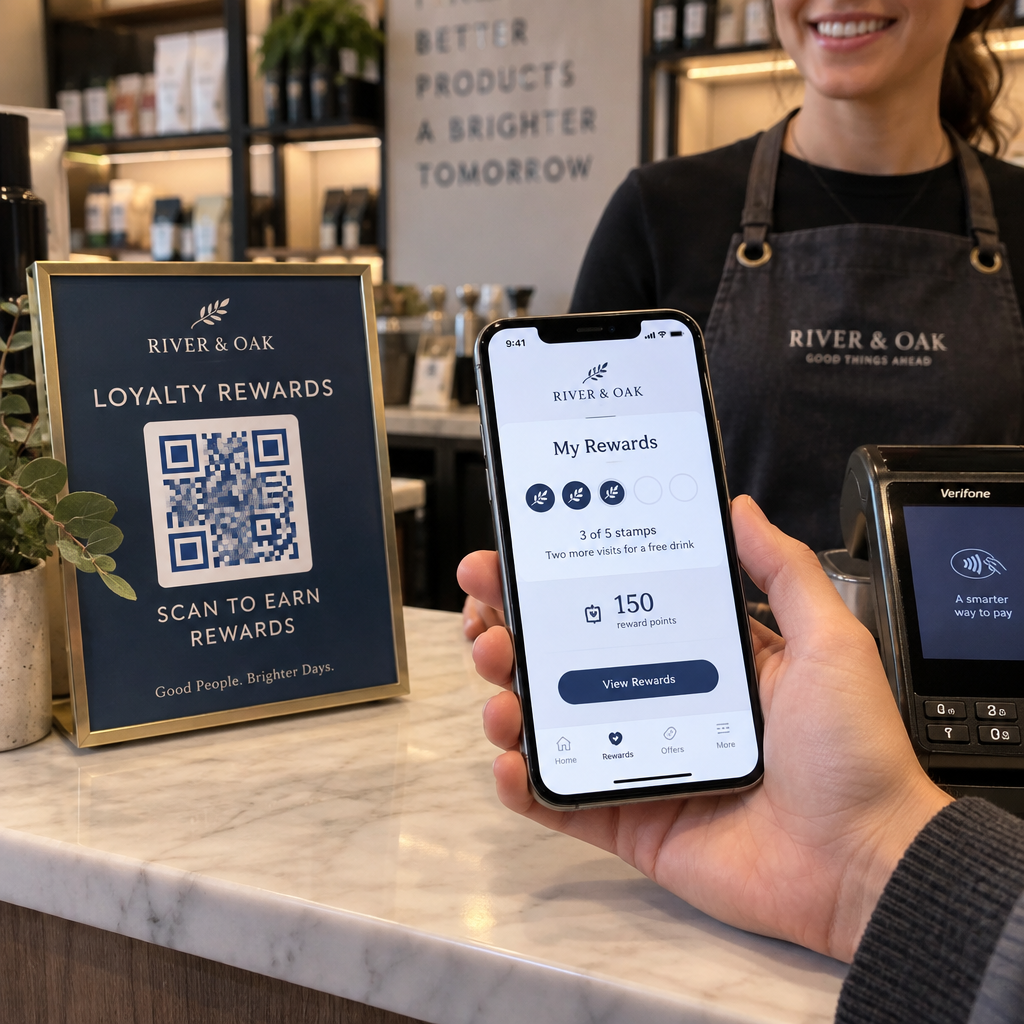
Meja restoran dan hospitaliti – Pelekat kod QR pada meja atau pintu memautkan tetamu kepada menu digital, kata laluan Wi-Fi, atau platform ulasan. Kod dinamik membolehkan anda mengemas kini menu atau promosi tanpa menggantikan setiap pelekat.
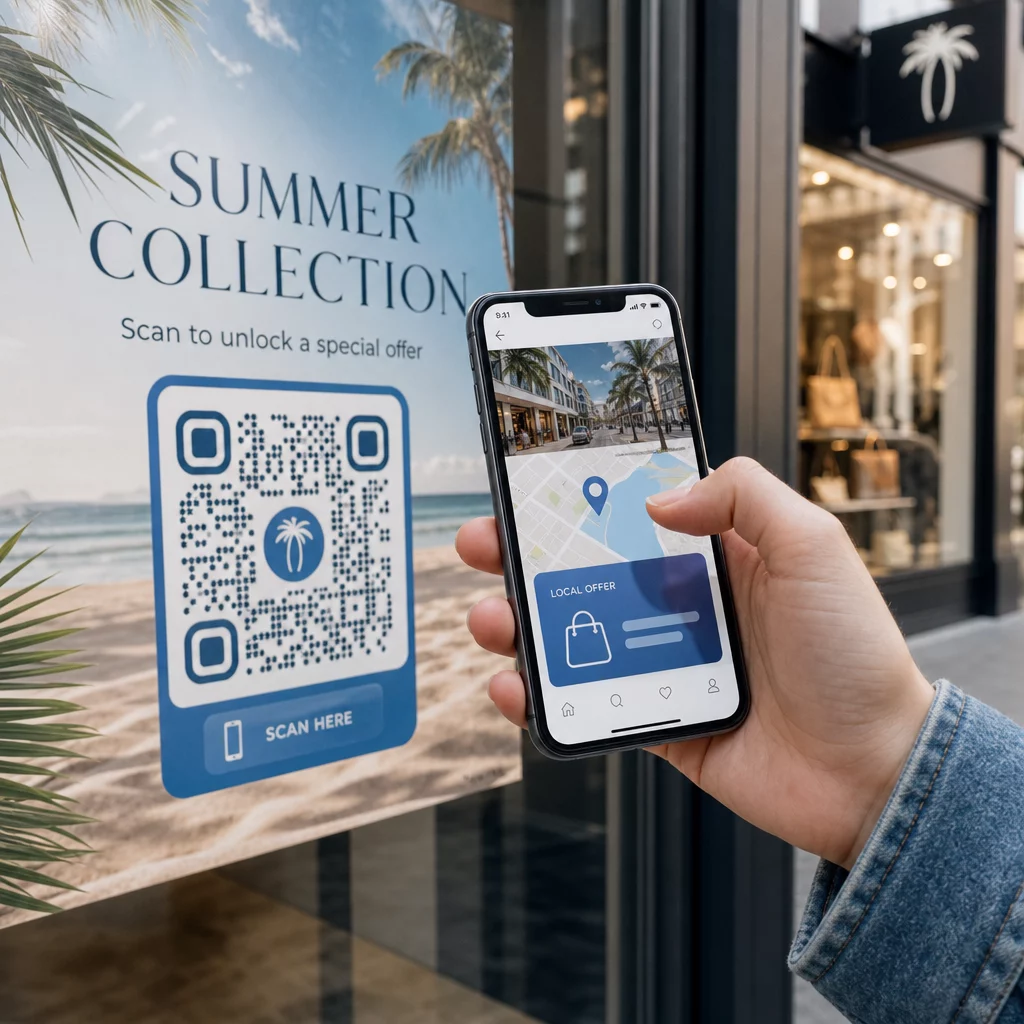
Tingkap dan pintu kedai – Pelekat tingkap yang membawa kod QR adalah cara yang cekap untuk berkongsi waktu perniagaan, promosi, atau pautan media sosial dengan pejalan kaki yang lalu-lalang di luar waktu operasi.
Pelekat kenderaan – Pelekat kod QR pada kenderaan syarikat mengubahnya menjadi iklan bergerak, memautkan sesiapa sahaja yang mengimbasnya ke halaman tempahan, senarai perkhidmatan, atau borang hubungan.
Pembungkusan runcit dan e-dagang – Pelekat pada penghantaran keluar atau kotak produk boleh mendorong pelanggan ke video unboxing, program kesetiaan, atau halaman jualan silang tanpa menambah berat pada pakej.
Papan tanda dan tiket acara – Tambah pelekat QR pada lencana, papan tanda, atau tiket untuk memautkan peserta kepada jadual, aliran daftar masuk, atau sumber pembesar suara.
| Jenis Pelekat | Bahan Terbaik | Kegunaan Biasa |
|---|---|---|
| Pelekat berjenama tersuai | BOPP matte atau berkilat | Pembungkusan produk, promosi |
| Pelekat luar kalis air | Vinil dengan laminat | Pelekat kenderaan, papan tanda luar |
| Pelekat tingkap atau decal | Vinil jernih atau putih | Kedai, tingkap runcit |
| Pelekat label kecil | BOPP nipis | Botol, tag produk, kad perniagaan |
| Pelekat meja restoran | Laminat matte | Pautan menu, pautan halaman ulasan |
Menggunakan Kod QR Dinamik untuk Kempen Pelekat
Untuk sebarang kempen di mana destinasi mungkin berubah – promosi bermusim, kemas kini menu, tawaran bergilir – kod QR dinamik adalah penting. Pelekat itu sendiri tidak berubah; hanya URL destinasi di belakangnya yang berubah. Ini penting apabila anda telah mencetak beribu-ribu pelekat dan URL halaman pendaratan berubah, atau apabila promosi berakhir dan anda ingin mengalihkan pengimbas ke tawaran baharu.
Kod dinamik juga memberikan anda analitik imbasan: jumlah imbasan, masa imbasan, dan data geografi. Ini membolehkan anda menilai penempatan mana yang sebenarnya mendorong penglibatan dan menyesuaikan diri dengan sewajarnya. Pelekat pada pakej produk berfungsi secara berbeza daripada pelekat di tingkap kedai, dan analitik membantu anda melihat perbezaan itu dengan jelas.
Untuk Kod QR pada pembungkusan yang berfungsi untuk kempen runcit, kod dinamik juga membolehkan anda menjalankan ujian A/B dengan mengarahkan kumpulan kod yang berbeza ke halaman pendaratan yang berbeza dan membandingkan hasilnya.
Kemas Kini Kempen Pelekat Anda Tanpa Mencetak Semula Menjalankan promosi masa terhad? The Penjana dynamic QR code membolehkan anda mengalihkan pelekat anda ke URL baharu sebaik sahaja kempen berakhir – tiada pelekat baharu, tiada pembaziran cetakan.
Soalan lazim
Saiz minimum yang boleh dipercayai untuk URL ringkas ialah 0.8 × 0.8 inci (2 × 2 cm). Untuk pelekat yang diletakkan lebih jauh dari pengimbas – pada papan tanda atau pelekat kenderaan – besarkan secara berkadaran. Peraturan umum ialah untuk menjadikan kod itu sekurang-kurangnya satu per sepuluh jarak imbasan. Sentiasa tinggalkan zon senyap yang jelas sekurang-kurangnya empat modul di sekeliling kod pada semua sisi, dan uji saiz akhir pada peranti sebenar sebelum mencetak dalam kuantiti yang banyak.
Tidak jika ia adalah kod QR statik – kod tersebut mengekod destinasinya secara kekal. Walau bagaimanapun, dengan kod QR dinamik, anda boleh menukar URL, fail, atau kandungan yang dipautkan pada bila-bila masa melalui papan pemuka akaun anda tanpa menyentuh pelekat. Ini menjadikan kod dinamik pilihan praktikal untuk sebarang aplikasi di mana URL atau promosi mungkin berubah, termasuk pembungkusan produk, kempen bermusim, dan menu restoran.
Pelekat vinil dengan kemasan lamina adalah pilihan yang paling tahan lama untuk kegunaan luaran. Ia tahan air, pendedahan UV, dan kehausan fizikal jauh lebih baik daripada kertas atau label BOPP standard. Lamina matte mengurangkan silau di bawah cahaya matahari langsung, yang meningkatkan kebolehimbasan. Untuk permukaan seperti kenderaan atau papan tanda luaran, sahkan pencetak anda menawarkan bahan tahan UV yang direka untuk aplikasi luaran jangka panjang.