Are your organization’s login flows truly protected against the rise of sophisticated phishing attacks? Using unmonitored or static codes can leave your digital infrastructure vulnerable to credential theft and unauthorized system access. This guide provides actionable best practices to help IT professionals implement secure, phishing-resistant QR code authentication while maintaining high usability.
Protecting Systems Against Quishing and Fraud
The FBI’s Internet Crime Complaint Center (IC3) has recently warned that fraudulent QR codes are increasingly used to initiate fraud and bypass security layers. This threat, often called “quishing,” occurs when attackers replace legitimate codes with malicious ones to harvest credentials or install malware. Research presented at USENIX Security even highlighted vulnerabilities in real-world deployments where attackers could log into accounts simply by knowing a victim’s phone number or account ID.
To defend against these threats, organizations must move beyond simple visual inspections. You should implement organizational defenses such as email filtering and spam gateways that can detect malicious codes before they reach employees. Training users to recognize signs of tampering – such as stickers placed over original codes – is also vital. Encouraging the use of a secure QR code scanner that allows for URL previews before opening a site can significantly reduce the risk of accidental compromise.
Implementing Phishing-Resistant MFA Standards
Standard multi-factor authentication (MFA) is no longer enough for high-security environments. Federal strategies, such as OMB M-22-09, now require agency systems to provide phishing-resistant authentication options. According to NIST SP 800-63B, achieving the highest level of authenticator assurance (AAL3) requires cryptographic authenticators that use non-exportable private keys.
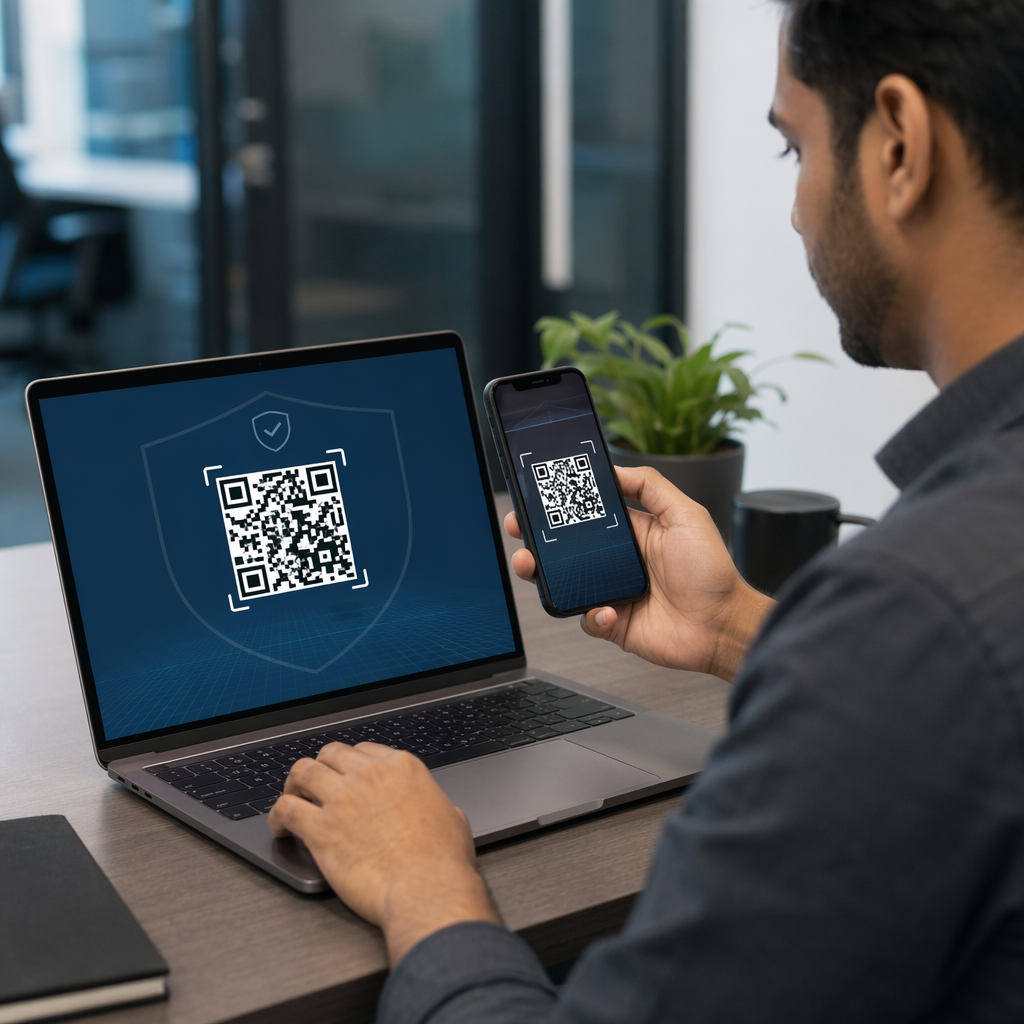
When you transition to these standards, consider how QR codes simplify multi-factor authentication by removing the need for manual code transcription. Instead of typing a six-digit number, a user scans a code that initiates a secure, encrypted handshake. For organizations moving away from traditional credentials, it is helpful to evaluate the speed and security differences of QR codes vs passwords in SSO to ensure the new flow does not introduce login friction.
Secure Your Enterprise Authentication Ready to deploy trackable, secure login flows across your organization? Use the Dynamic QR Code Generator to create manageable codes that support real-time updates and advanced security features.
Technical Best Practices for Secure Codes
Security must be embedded into the generation process itself. Static codes are risky for authentication because their destination is permanent; if the link is compromised, the code becomes a permanent liability. In contrast, dynamic QR codes for access control allow administrators to update destination URLs or revoke access instantly without reprinting any physical materials.
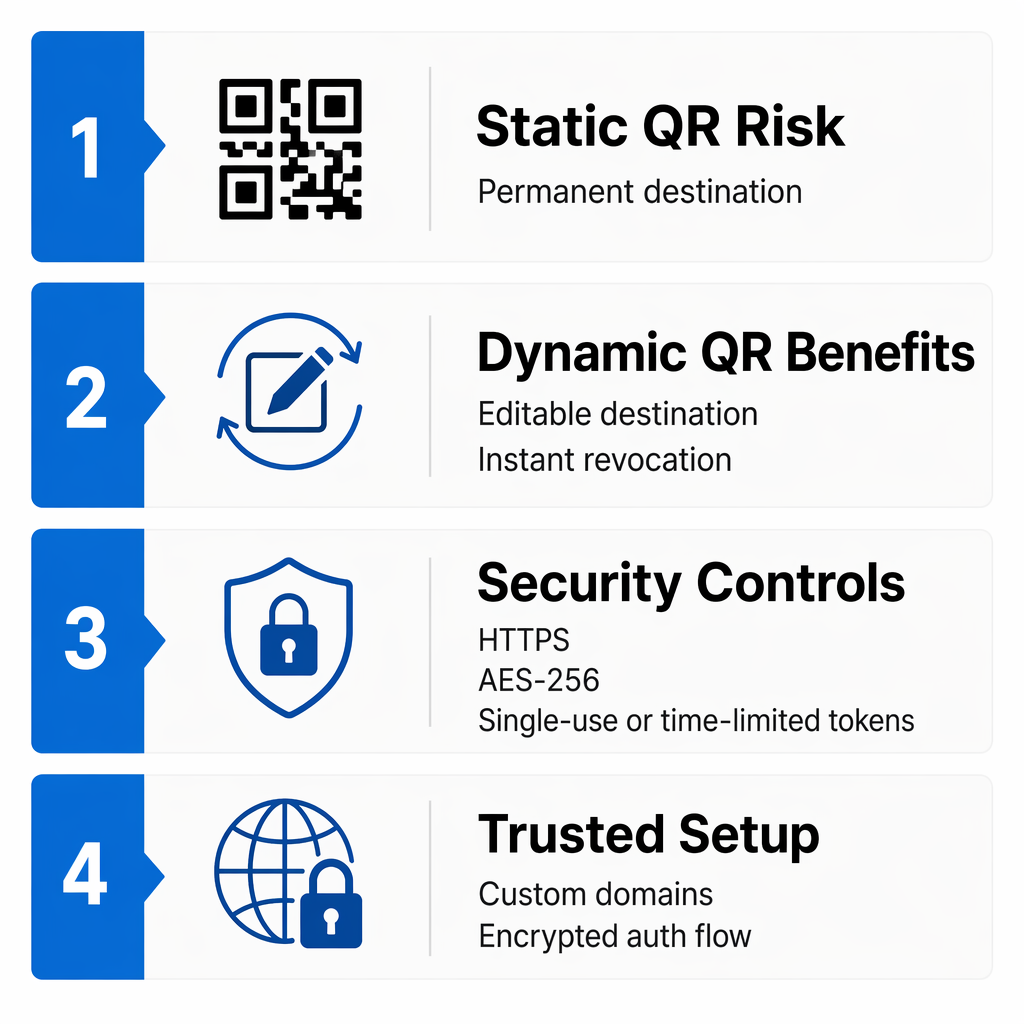
- Ensure all QR codes utilize HTTPS to encrypt data during transmission.
- Apply AES-256 encryption for sensitive data stored within the code.
- Implement time-limited tokens or single-use codes to prevent replay attacks.
- Use custom domains for redirect links to build user trust and ensure brand consistency.
By utilizing encrypted QR codes for authentication platforms, you ensure that even if a code is intercepted, the data remains unreadable without the specific decryption key. This layer of protection is essential for compliance with regulations like GDPR, which demand high standards of data protection.
Optimization for Usability and Scannability
A secure system is only effective if users can actually use it. Following global standards like ISO/IEC 18004 ensures that your codes are scannable across different devices and lighting conditions. For instance, maintaining a high contrast ratio – ideally dark modules on a light background – is the foundation of scannability. Inverted colors often cause scanning failures on older hardware.
Sizing is another critical factor. A standard rule of thumb is a 10:1 ratio: for every 10 inches of scanning distance, the code should be at least 1 inch wide. For close-range authentication, such as on a laptop screen or an ID badge, you should maintain a size of at least 0.8 x 0.8 inches. Following these QR code usability best practices reduces user frustration and prevents the “failed scan” errors that drive users toward less secure workarounds.
Enterprise Management and Monitoring
Large-scale deployments require centralized oversight. You should use a platform that supports role-based access control (RBAC), allowing you to define exactly who can create, edit, or view authentication codes. Healthcare and finance organizations often utilize enterprise QR code solutions with role-based access to maintain strict data silos and audit trails.
Real-time monitoring is your final line of defense. By tracking scan volumes, geographic locations, and device types, you can identify anomalies that suggest a breach. For example, if an authentication code intended for a New York office is scanned from an IP address in another country, your system should trigger an immediate alert. You can find more detailed strategies in our guide on best practices for QR code security in cyber defense.
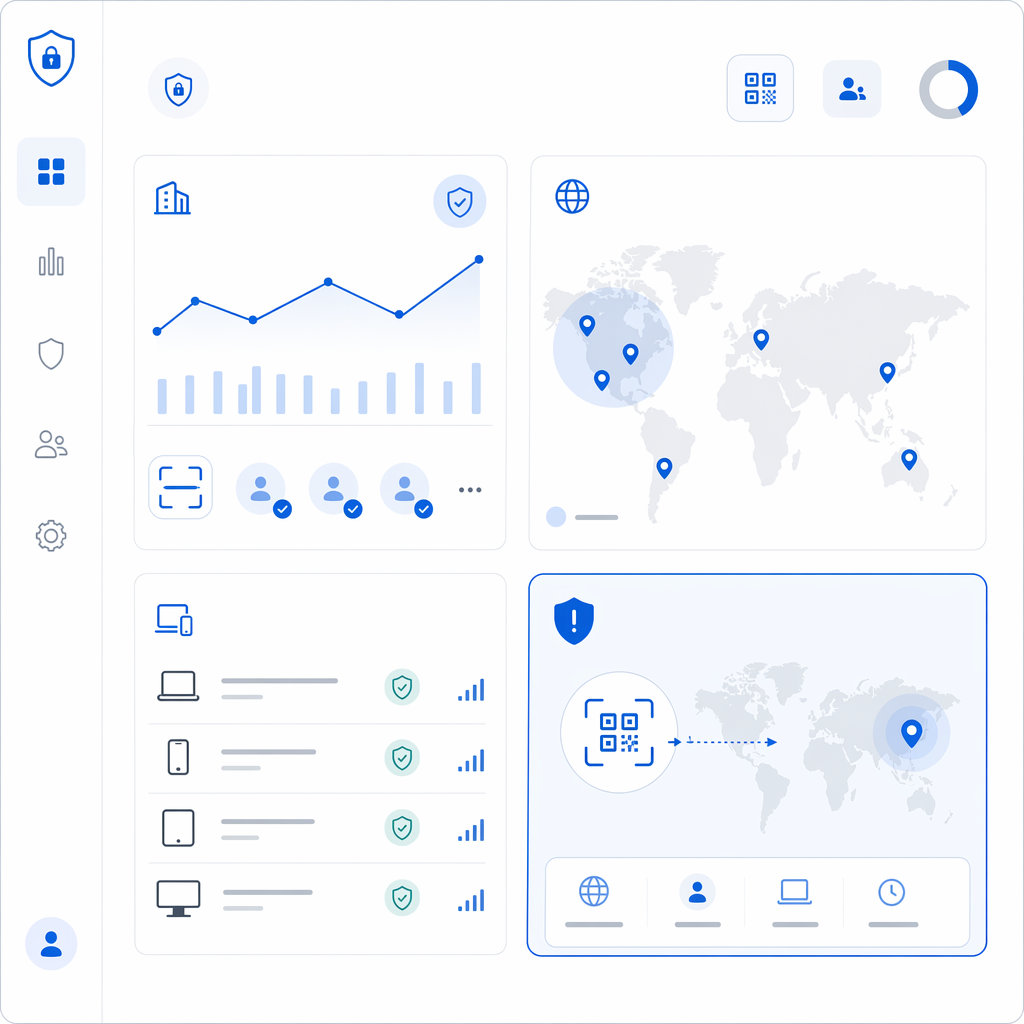
To maintain a secure and efficient environment, regularly audit your enrollment logs for suspicious patterns. Combining robust technical protocols with user education and real-time analytics will help you build an authentication system that is both resilient against modern threats and easy for your team to use.
Frequently Asked Questions
Quishing is QR code-based phishing where attackers use malicious codes to steal credentials. You can prevent it by using dynamic codes that can be disabled remotely, training users to inspect physical codes for tampering, and ensuring all links use HTTPS.
Dynamic codes allow you to change the destination URL or revoke access without reprinting the code. They also support advanced features like password protection, scan tracking, and expiration dates, making them significantly more secure for enterprise use.
For most professional settings, a QR code should be at least 0.8 x 0.8 inches. If the code will be scanned from a distance, follow the 10:1 ratio, meaning a code scanned from 20 inches away should be at least 2 inches wide.