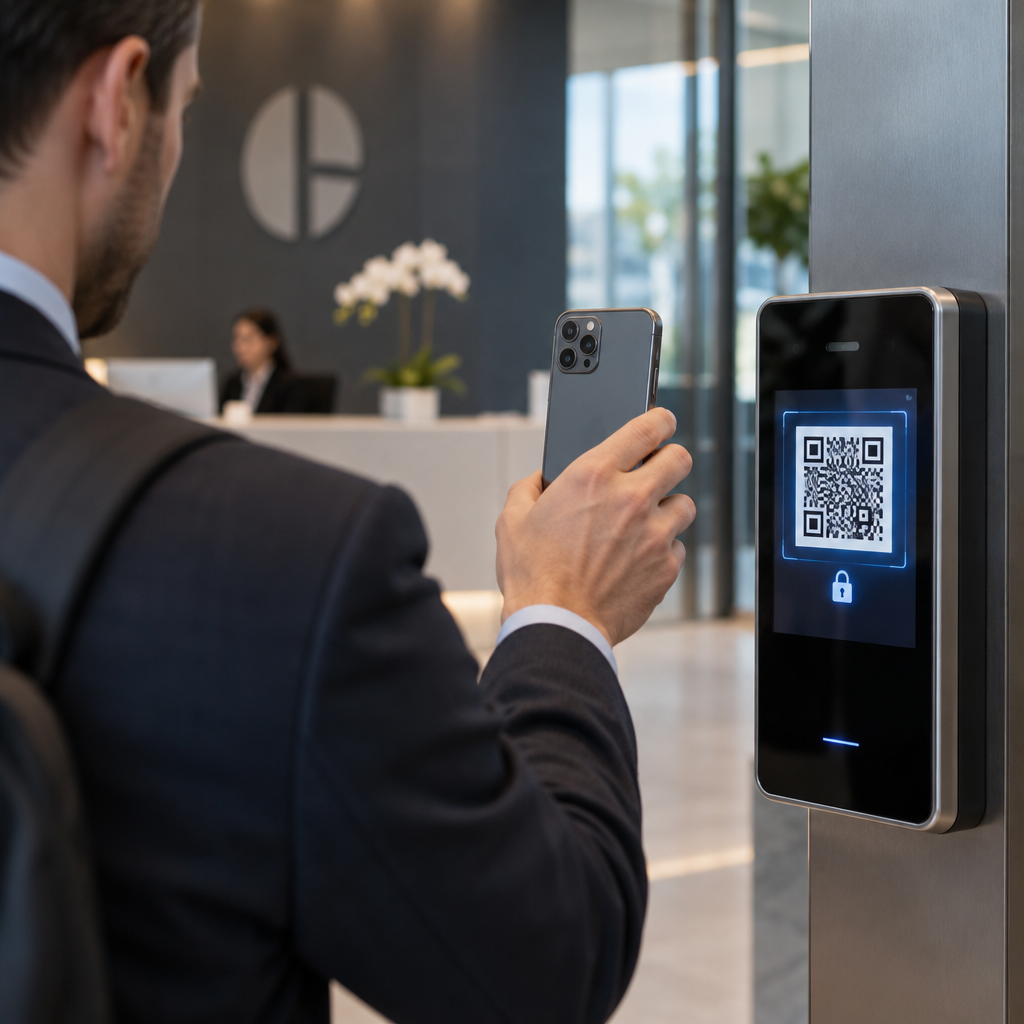
Are unencrypted QR codes leaving your login systems vulnerable to interception and cloning? Static codes allow attackers to manipulate payloads or steal credentials, compromising sensitive workflows. Implementing encrypted QR codes adds cryptographic protection so only authorized scanners can process and validate your access requests.
How QR Code Encryption Protects Sensitive Payloads
Encryption converts standard QR code payloads into scrambled ciphertext that remains unreadable without a dedicated digital key. When an unauthorized user scans the code, they see only indecipherable characters rather than actionable data or plain URLs. Think of the scanning application like a reader requiring a private key to unlock the text; without that key, the scanned data cannot be interpreted or used.
Organizations rely on two primary cryptographic methods to safeguard these payloads:
- Symmetric Encryption: Using algorithms such as AES-256, this approach applies a single shared key for both encrypting and decrypting data. Because symmetric algorithms process payloads quickly and maintain compact data sizes, they fit well within the storage limits of standard QR codes while preserving high cryptographic strength.
- Asymmetric Encryption: Using public-key pairs such as RSA or Elliptic Curve Cryptography (ECC), this approach allows systems to encrypt data with a public key that only a private key can decrypt. Systems frequently use asymmetric cryptography to create digital signatures, verifying payload authenticity and preventing tampering.
Integrating cryptographic safeguards directly into access workflows aligns with best practices for QR code security in cyber defense, ensuring data confidentiality across physical and digital environments.
Mitigating Cloning and Replay Attacks
Authentication systems face constant threats from credential cloning and QR code phishing, often called quishing. In these scenarios, attackers copy legitimate codes or trick users into submitting credentials to fraudulent endpoints. Fixed, static codes present a major vulnerability because an intercepted payload remains valid indefinitely.
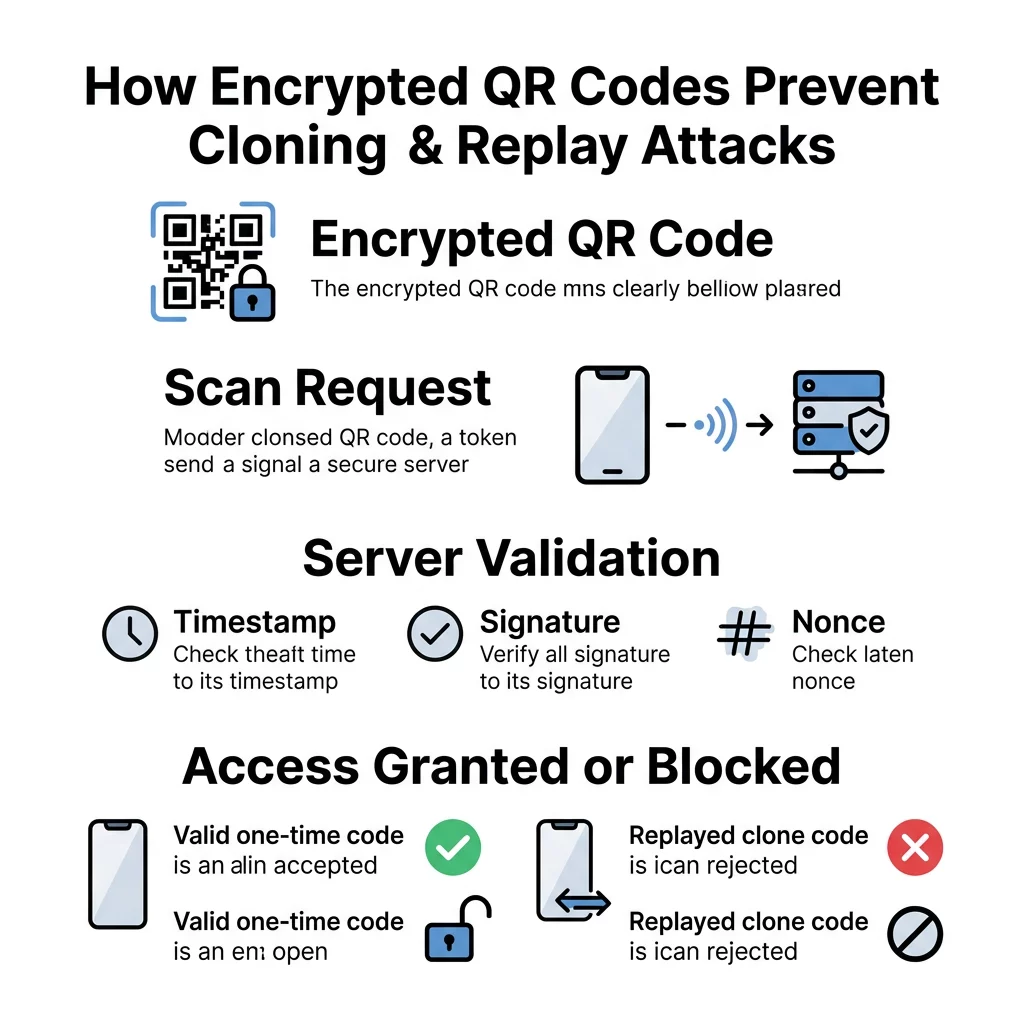
To prevent replay attacks – where a threat actor captures a valid code and attempts to reuse it – systems rely on short-lived tokens and dynamic architectures. Using dynamic QR codes for access control allows organizations to assign short time-to-live (TTL) windows or single-use session tokens to each generated code. Once scanned or expired, the token becomes invalid on the backend server, rendering intercepted images useless.
Monitor Your Authentication Flows in Real Time Want to deploy trackable and revocable credentials across your systems? Use the Dynamic QR Code Generator to create secure codes and maintain granular control over access logs and security configurations.
Architecture and Validation Standards
Building an encrypted authentication architecture requires pairing strong client-side visual standards with backend server validation. Reliable scanning performance depends on adhering to established technical specifications.
- Maintain Visual Standards: Follow ISO/IEC 18004 standards by preserving a clear quiet zone of at least four modules around all edges of the code. Ensure a contrast ratio of at least 3:1 between light and dark modules so camera sensors can resolve encrypted high-density modules quickly.
- Validate on Server Endpoints: Avoid decrypting sensitive authentication data directly on the mobile scanning device. Instead, forward the encrypted payload over TLS to a secure authorization server that decrypts the token, checks nonces, verifies digital signatures, and validates session timestamps.
- Ensure Regulatory Alignment: Industries managing protected personal information must enforce end-to-end payload protection to comply with data privacy frameworks like GDPR, HIPAA, or PCI DSS. Deploying encrypted workflows alongside QR code identity verification in cybersecurity protocols safeguards user records from unencrypted transit.
Similar cryptographic principles also appear when organizations examine how QR codes enhance document authentication to prevent counterfeit physical records.
Operational Guidelines for Enterprise Authentication
Deploying encrypted authentication at scale demands comprehensive key management, custom application controls, and continuous system monitoring.
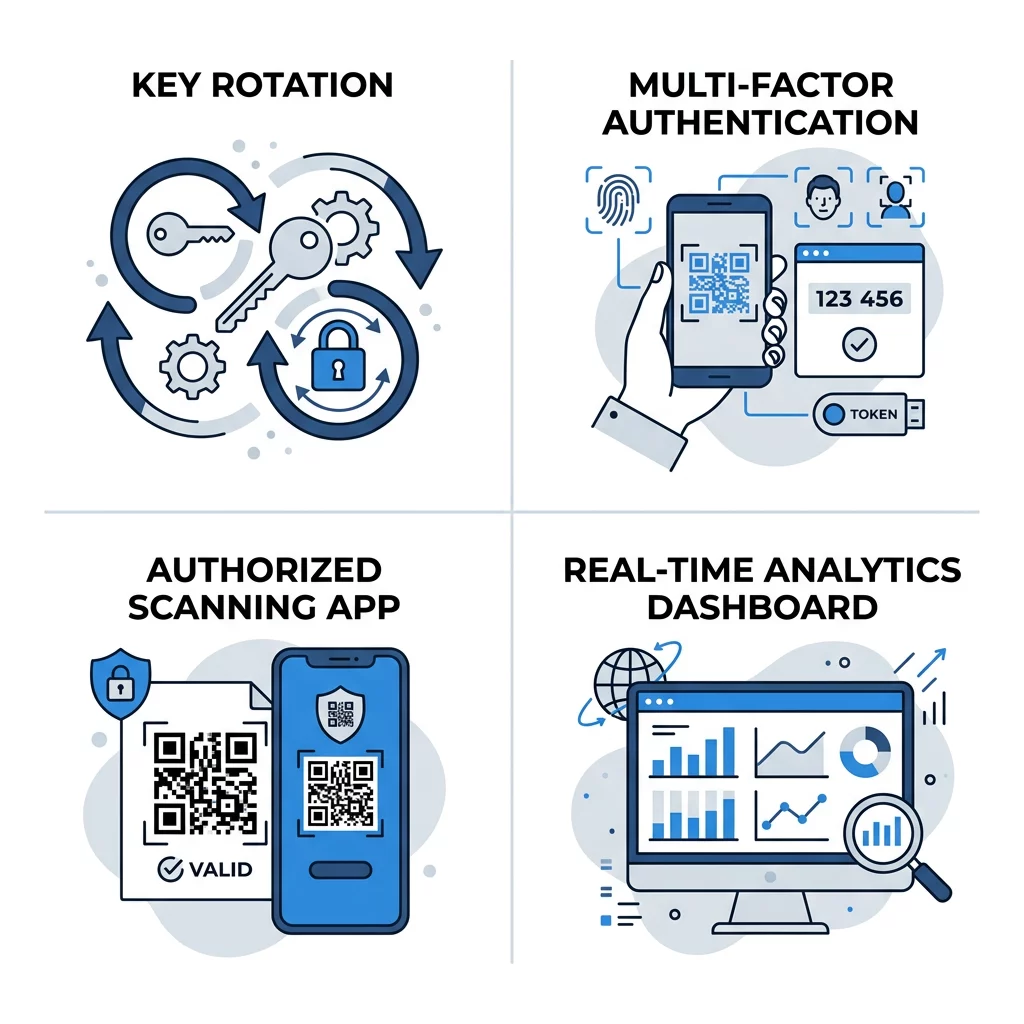
- Enforce Secure Key Management: Store master decryption keys in dedicated Hardware Security Modules (HSMs) or cloud key management services rather than on local devices or plaintext configuration files. Rotate encryption keys on a scheduled basis, such as every 90 days, to minimize exposure if a key is compromised.
- Require Multi-Factor Verification: Pair code scans with a secondary authentication factor, such as biometric verification, device possession checks, or push notifications. Evaluating how QR codes simplify multi-factor authentication shows how mobile devices serve as secure authenticators without requiring users to memorize complex passwords.
- Deploy Dedicated Scanning Applications: Direct personnel to an enterprise-managed QR code scanner or a custom mobile application equipped with the necessary decryption libraries. Consumer camera apps cannot decrypt encrypted payloads, keeping sensitive raw data concealed from unauthorized tools.
- Monitor Real-Time Scan Logs: Track authentication activity across all entry points to detect unusual patterns, such as sudden volume spikes or unexpected geographic locations. Immediate visibility allows security administrators to revoke compromised credentials before unauthorized access occurs.
- Perform Regular System Audits: Conduct routine vulnerability scans and penetration tests to evaluate token handling, payload encryption, and API endpoints. Following established guidelines for testing QR code authentication ensures that your validation rules resist replay and interception attempts.
Adopting encrypted tokens also supports modern single sign-on initiatives, as shown when comparing QR codes vs. passwords in SSO to streamline corporate logins.
Implementing Secure QR Code Infrastructure
Encrypted QR codes bridge physical interactions and digital access control, protecting organizations from credential theft, unauthorized cloning, and data tampering. By combining symmetric or asymmetric encryption with backend server validation and dynamic session tokens, you establish an authentication model that resists modern cyber threats. Start configuring your secure verification workflows by exploring Pageloot’s QR code generator tools to create and manage enterprise-grade assets today.
Frequently Asked Questions
No. While a standard camera or scanner can detect the visual pattern, it only displays a scrambled string of ciphertext. Decryption requires an authorized application equipped with the matching cryptographic key and decryption logic.
A digitally signed QR code verifies payload authenticity and data integrity, proving that the code came from a trusted issuer and was not altered. An encrypted QR code scrambles the payload entirely, ensuring confidentiality so unauthorized parties cannot read the contents.
Static QR codes contain permanent data that cannot be altered or expired after printing, leaving them vulnerable to cloning. Dynamic QR codes allow administrators to set short expiration windows, track scan activity, and instantly revoke permissions from a central dashboard.