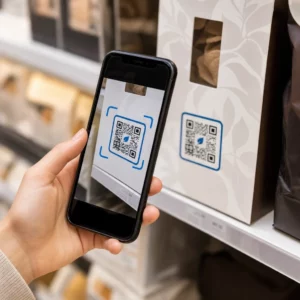
Are your employees frustrated by constant password resets and complex login requirements? This friction often leads to security shortcuts that put your entire network at risk. Discover how QR-code-based authentication replaces static credentials with dynamic, phishing-resistant access to streamline your single sign-on (SSO) strategy.
The Security Gap: Why Dynamic Codes Outperform Static Passwords
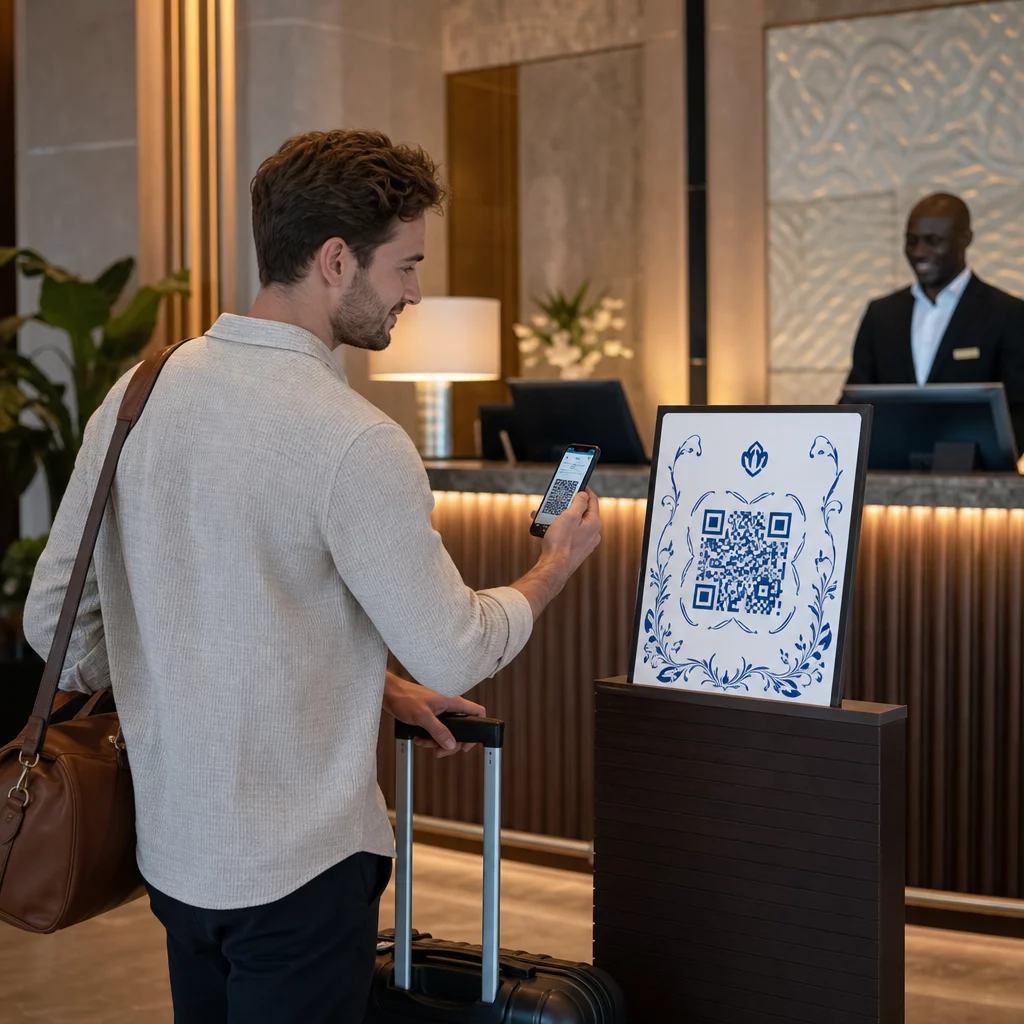
Standard passwords are inherently vulnerable because they are static. Once a password is stolen through a keylogger or a phishing site, an attacker can use it repeatedly until it is changed. Because users often reuse credentials across multiple platforms, a single compromise can lead to a domino effect across your business network. QR-code-based authentication eliminates this risk by using “something you have” – a physical mobile device – and often “something you are,” such as a fingerprint or facial recognition.
When you implement encrypted QR codes for authentication, the system generates a dynamic, time-limited code for every individual session. These codes typically have a short time-to-live (TTL) of 60 to 180 seconds, which makes replay attacks nearly impossible. Since the user never types a secret into a login field, there is no credential for a malicious site to capture. To keep your infrastructure resilient, you should follow established best practices for QR code security in cyber defense, ensuring that codes are generated by a trusted Identity Provider (IdP) and scanned only through verified corporate applications.
Resistance to Phishing and Replay Attacks
Phishing remains a top threat because it relies on human error. An attacker might create a fake login page that looks identical to your SSO portal. If a user types their password, the attacker captures it instantly. With a QR-based flow, there is no typed input. Even if an attacker uses “QRLJacking” – cloning a QR code to trick a user – modern systems mitigate this by validating the device’s physical proximity and checking for short-lived session tokens.
Reducing the Impact of Device Compromise
In a traditional password environment, a compromised workstation allows an attacker persistent access. With QR authentication, the session is tied to a specific pairing between a trusted mobile device and the service. If the session token is short-lived and not reusable, the window of opportunity for an attacker is significantly narrowed compared to a stolen password that might remain active for months.
Usability Benefits of Passwordless Login
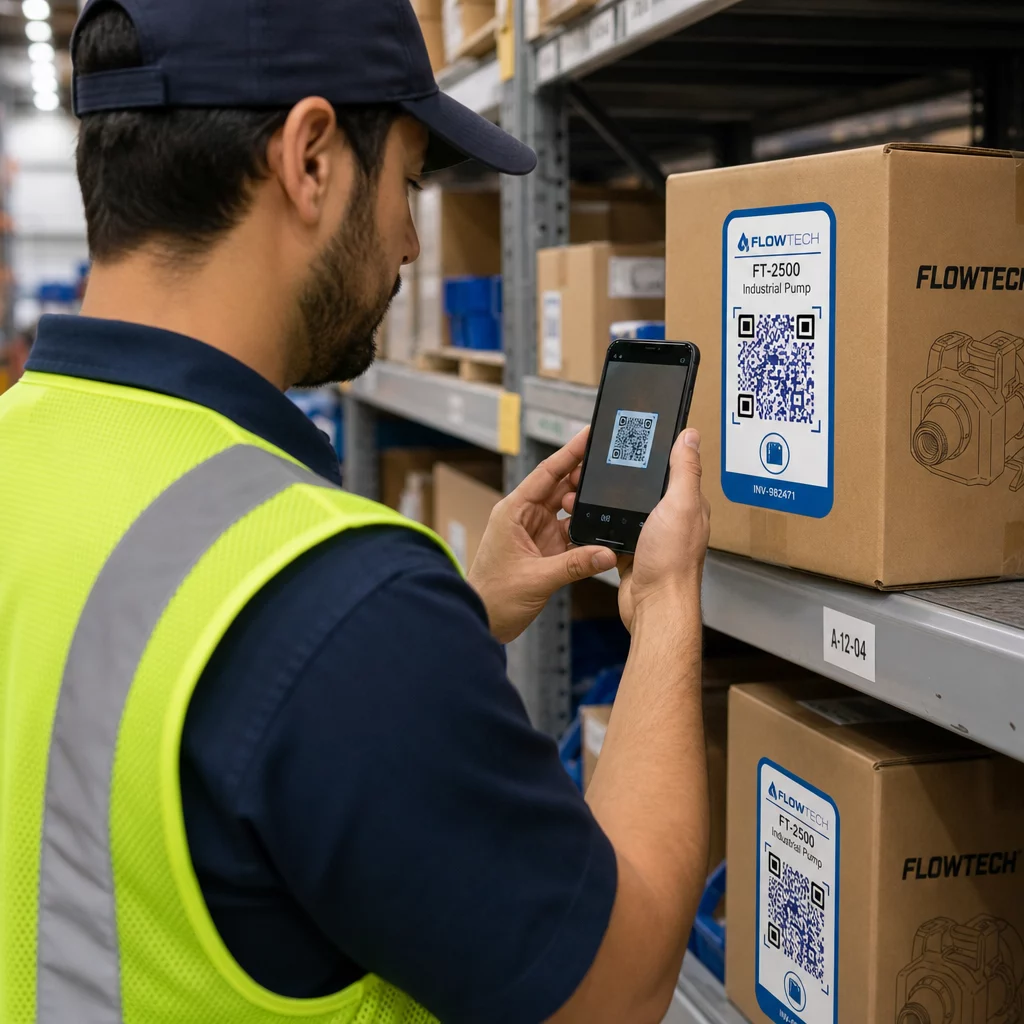
Usability is the primary reason many organizations are moving away from traditional SSO. Typing long, complex passwords on small mobile screens or shared kiosks is slow and error-prone. Research indicates that implementing QR-based logins can cut check-in and authentication times by up to three times. This efficiency is vital for frontline workers who need to access shared devices quickly throughout their shifts.
- Eliminating Password Reset Tickets: Password-related issues account for a massive portion of IT helpdesk volume. Moving to a scan-and-confirm model can reduce reset requests by over 50%, saving an average of $17 per helpdesk ticket.
- Seamless Onboarding: New employees can gain instant app access by scanning a setup code during their first day, removing the need for temporary initial passwords that are often insecurely shared.
- Accessibility and Friction: While passwords require memorization and manual dexterity, a QR scan requires only a functioning camera and a biometric prompt. This makes the login process accessible to a wider range of users while maintaining a high security bar.
Modernize your login experience. Create high-security dynamic QR codes with Pageloot to eliminate password friction and protect your digital access points.
Implementing QR-Based SSO in Your Infrastructure
While traditional SSO relies on a browser redirect where a user enters credentials, the QR-code workflow focuses on device pairing. This process integrates with existing standards like SAML, OAuth 2.0, and OpenID Connect, but changes the delivery mechanism of the credential.
The process begins when the service provider displays a dynamic QR code on the login screen. This code contains a unique, single-use session token. The user then uses a secure QR code scanner or a dedicated corporate mobile app to read the code. The app communicates with the Identity Provider (such as Microsoft Entra or Okta) to confirm the device’s identity and location. Once validated, the IdP issues a session token to the browser, and the user is logged in automatically without ever touching the keyboard.
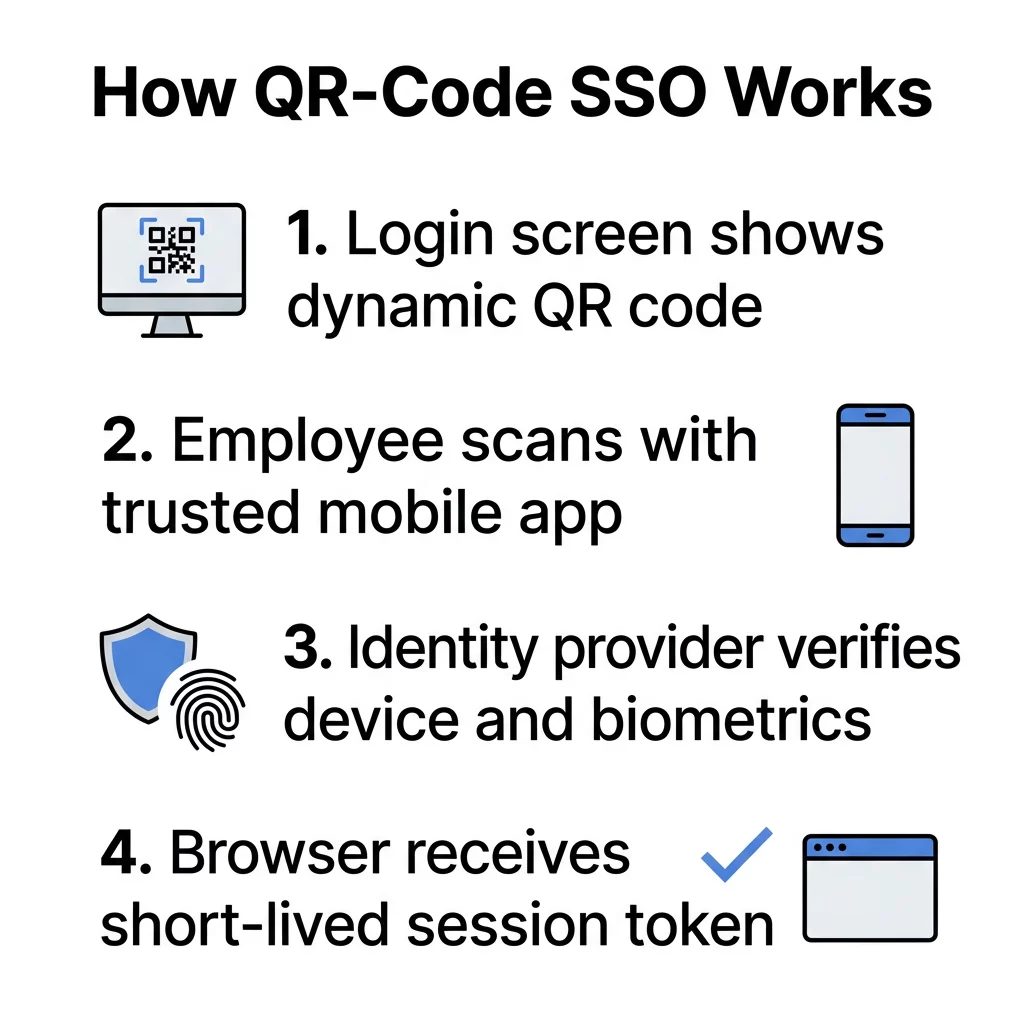
Key Components for Deployment
- Identity Provider (IdP): The central system that manages user identities and issues the authentication tokens.
- Dynamic QR Generator: A tool that creates time-sensitive codes that cannot be reused or easily predicted by attackers.
- Mobile Authenticator App: A trusted application on the user’s phone that handles the decryption and communication with the IdP.
- Short-Lived JWT Tokens: JSON Web Tokens that ensure the session expires quickly if not utilized, preventing hijacking.
Choosing the Right Method for Your Business
Deciding between traditional passwords and QR codes often depends on your specific work environment. For many businesses, a hybrid approach provides the best balance of security and accessibility.
For instance, in the finance or healthcare sectors, encryption secures QR code data to create a detailed audit trail for compliance. This is especially useful for shared kiosks where multiple people use the same hardware. In a remote or “Bring Your Own Device” (BYOD) setting, QR codes act as a seamless multi-factor authentication (MFA) step, securely pairing a personal phone with a corporate laptop.
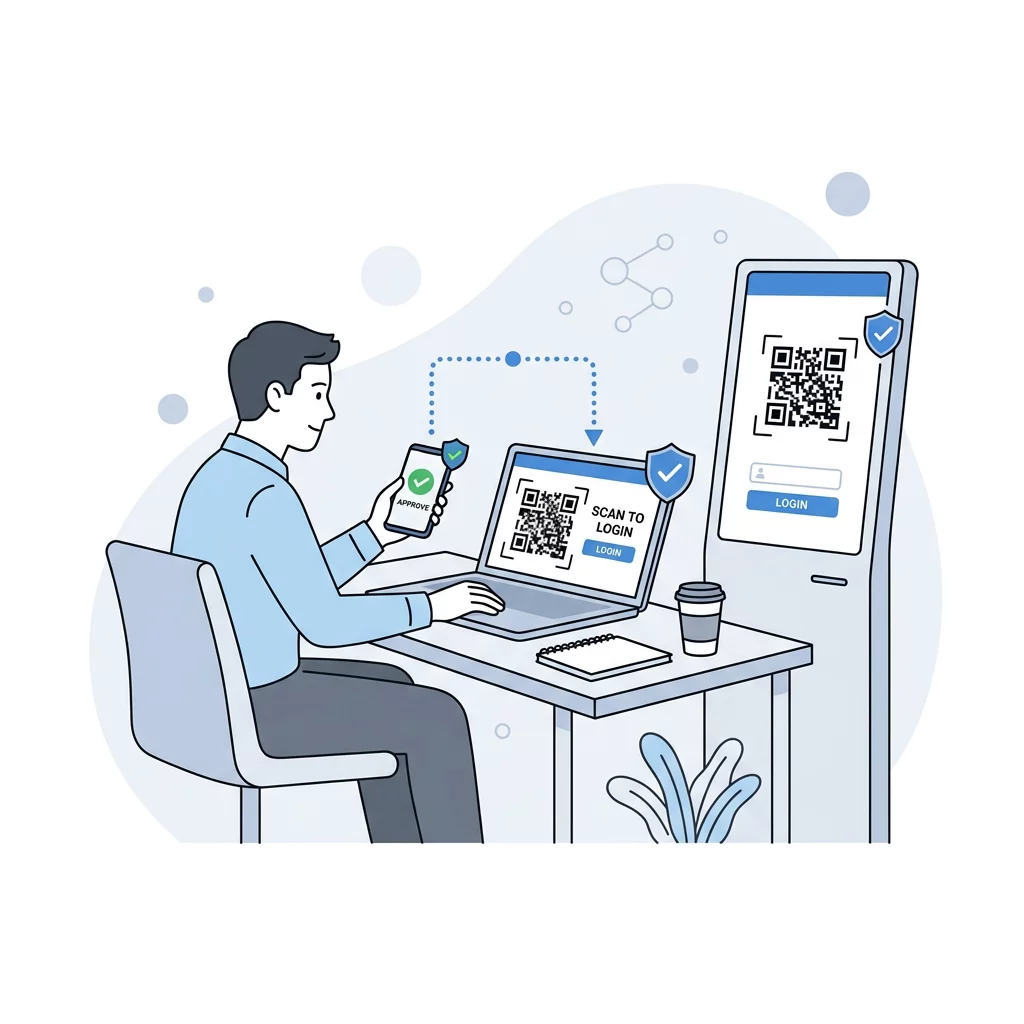
If you are a software developer or IT manager, integrating these tools into your software ecosystem can increase user adoption by removing the “password fatigue” that leads many users to abandon secure platforms. You can start with a link QR code generator to test simple access points before moving to a fully integrated, encrypted SSO solution.
FAQ
In an enterprise environment, yes. QR codes are dynamic and expire quickly, which prevents the most common attacks like credential stuffing and keylogging. When paired with biometrics on a trusted mobile device, they provide a much higher level of assurance than a static password that can be phished or reused across multiple sites.
QR codes do not replace SSO; they serve as a more secure delivery mechanism for it. They work alongside existing protocols like SAML and OpenID Connect to pass credentials between a device and a server. Instead of typing a password to trigger the SSO flow, you scan a code to achieve the same result more quickly and securely.
Most professional SSO implementations require a specific corporate “Authenticator” app or a managed company application. Using a dedicated app ensures that the scan is performed by a trusted device and that the data is handled within a secure, encrypted environment rather than through a generic consumer camera app. Protect your business from credential-based attacks by modernizing your authentication flow. You can begin building a more secure and user-friendly identity infrastructure today by exploring the dynamic QR solutions at Pageloot.